Newton County Quitclaim Deed (Corrective) Form
Last validated September 29, 2026 by our Forms Development TeamFormatted for recording in Newton County, for property anywhere in the county: rural and unincorporated areas as well as Compton, Deer, Hasty, Jasper, Marble Falls, Mount Judea, Parthenon, Pelsor and 3 more.
- 3 documents included
- Immediate PDF download
- Formatting guarantee
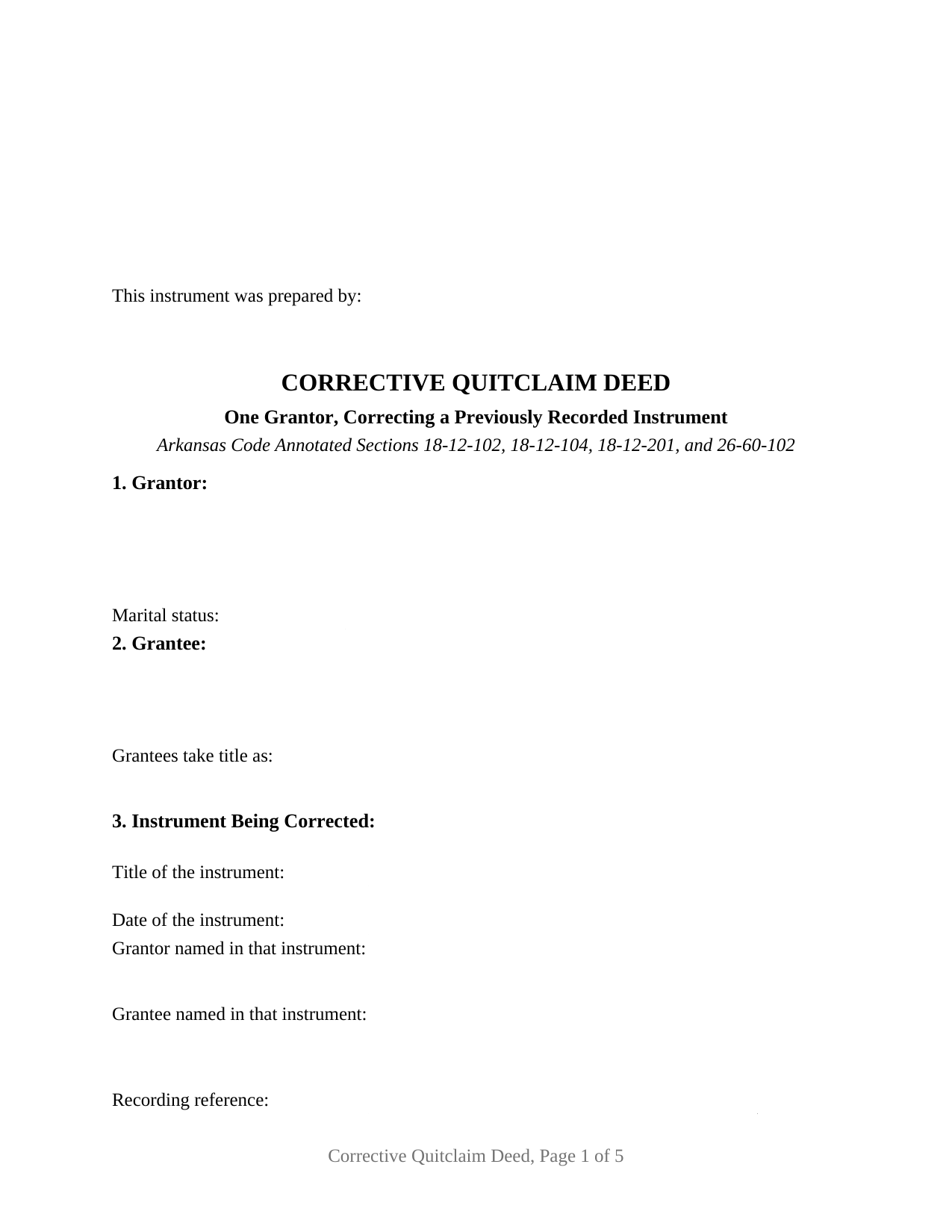
Newton County Quitclaim Deed (Corrective) Form
Fill in the blank Quitclaim Deed (Corrective) form formatted to comply with all Arkansas recording and content requirements.
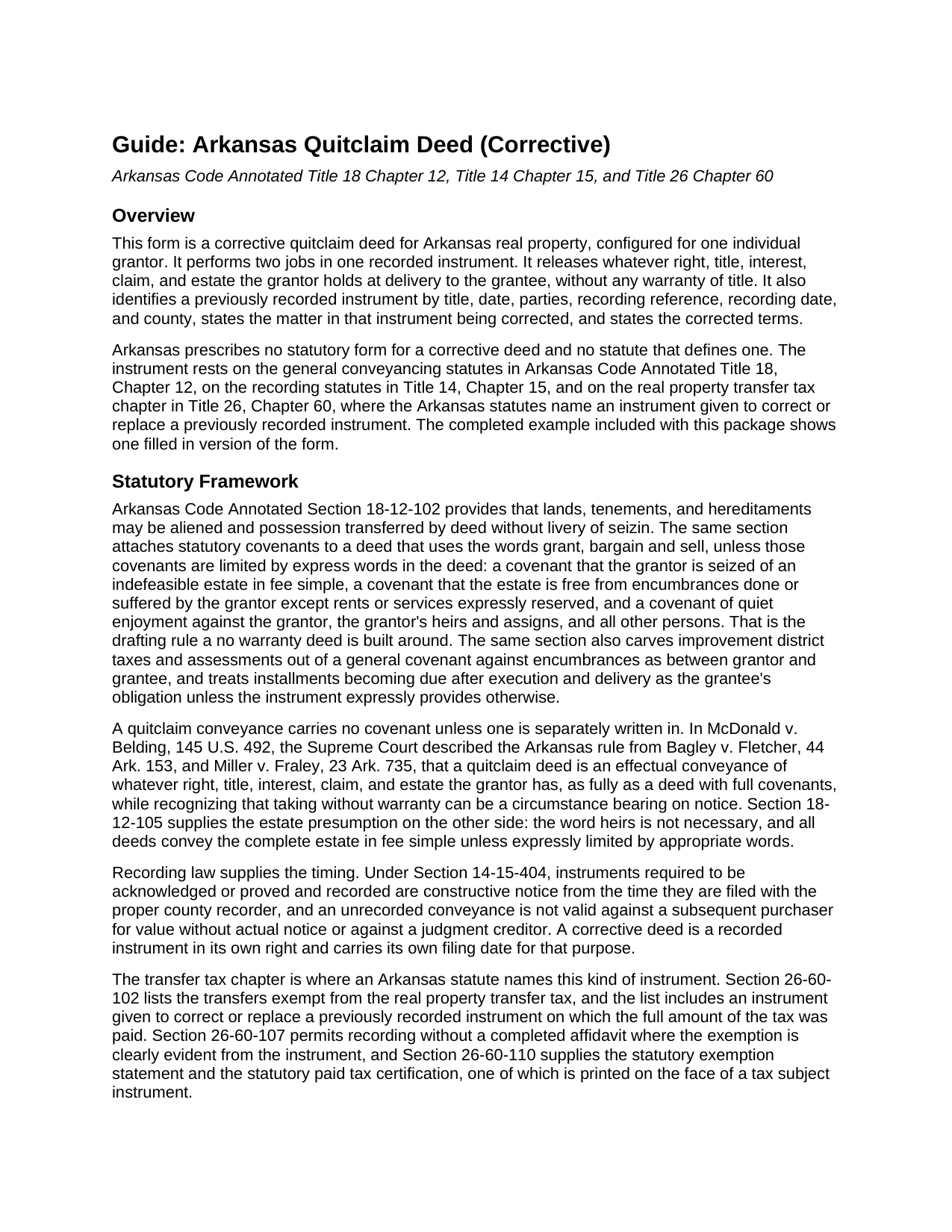
Newton County Quitclaim Deed (Corrective) Guide
Line by line guide explaining every blank on the Quitclaim Deed (Corrective) form.
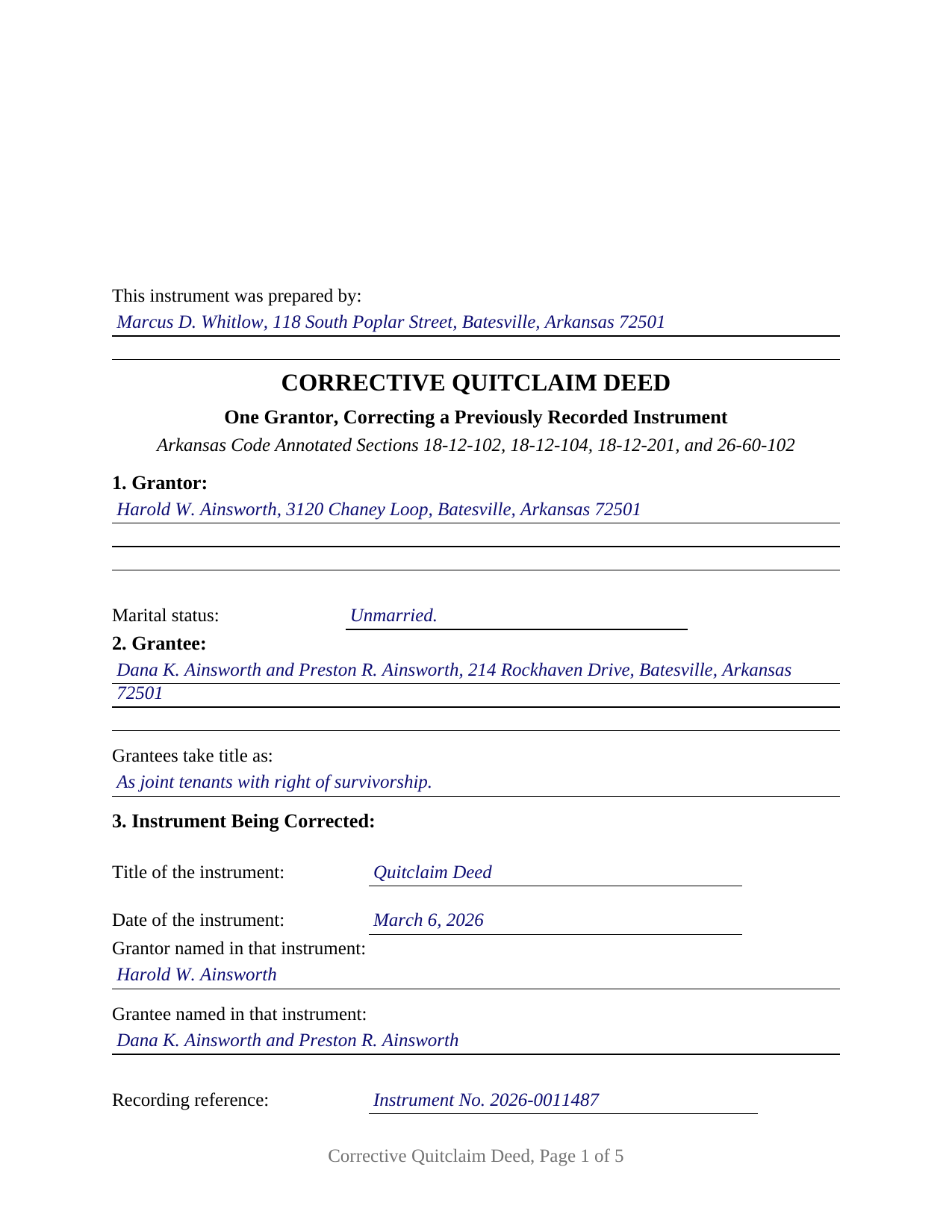
Newton County Completed Example of the Quitclaim Deed (Corrective) Document
Example of a properly completed Arkansas Quitclaim Deed (Corrective) document for reference.
All 3 documents above included • One-time purchase • No recurring fees
Immediate Download • Secure Checkout
Additional Arkansas and Newton County documents included at no extra charge:
Where to Record Your Documents
Newton County Circuit Clerk
Jasper, Arkansas 72641
Hours: 8:30 to 4:30 M-F
Phone: (870) 446-5125
Recording Tips for Newton County:
- Bring your driver's license or state-issued photo ID
- Ensure all signatures are in blue or black ink
- Documents must be on 8.5 x 11 inch white paper
- Double-check legal descriptions match your existing deed
- Verify all names are spelled correctly before recording
Cities and Jurisdictions in Newton County
Properties in any of these areas use Newton County forms:
- Compton
- Deer
- Hasty
- Jasper
- Marble Falls
- Mount Judea
- Parthenon
- Pelsor
- Ponca
- Vendor
- Western Grove
Hours, fees, requirements, and more for Newton County
How do I get my forms?
Forms are available for immediate download after payment. The Newton County forms will be in your account ready to download to your computer. An account is created for you during checkout if you don't have one. Forms are NOT emailed.
Are these forms guaranteed to be recordable in Newton County?
Yes. Our form blanks are guaranteed to meet or exceed the applicable formatting requirements used for recording in Newton County, including margin requirements, font requirements, and other layout standards. This guarantee applies to formatting, not to the legal sufficiency of information entered by the user or the suitability of a form for a particular transaction.
Can I reuse these forms?
Yes. You can reuse the forms for your personal use. For example, if you have multiple properties in Newton County you only need to order once.
What do I need to use these forms?
The forms are PDFs that you fill out on your computer. The free Adobe Acrobat Reader is recommended, and most PDF apps also work. You do NOT enter your property information online - you download the blank forms and complete them privately on your own computer.
Are there any recurring fees?
No. This is a one-time purchase. Nothing to cancel, no memberships, no recurring fees.
How much does it cost to record in Newton County?
Recording fees in Newton County vary. Contact the recorder's office at (870) 446-5125 for current fees.
Questions answered? Let's get started!
Nothing already filed in an Arkansas circuit clerk's office can be edited; the image on the county's roll is the image the county keeps. Fixing what it says takes a second recorded document, and this one is a deed. It names the earlier instrument by its recording reference, sets the wording as recorded beside the wording that was meant, and releases the interest again. The form is configured for one individual grantor and one previously recorded instrument.
The one place Arkansas statutes name this instrument
No Arkansas statute prescribes a corrective deed or defines one. The code notices it in the transfer tax chapter, where Section 26-60-102 exempts an instrument given to correct or replace a previously recorded instrument on which the full tax was paid. One conveyancing rule then shapes the document: Section 14-15-404 dates constructive notice from the moment of filing, so a correction is read as its own transaction, not folded backward into the first.
An affidavit that reaches only certain facts
Arkansas offers a sworn alternative with a narrow reach. Section 18-12-108 covers the identification, marital status, heirship, relation, death, or time of death of a party, the identification of an entity party, or the legal description of the land. Such an affidavit is titled conspicuously as a Scrivener's Affidavit and recites who prepared the original document, every party to it, its recording data, and each error. Its notice runs from its own recording, except that an obvious error carries notice from the original recording, an exception yielding to a bona fide purchaser. That affidavit is filed on its own and is not included here. A change in who takes, or in the form of ownership, belongs to a conveyance.
Defects Arkansas forgives without a new filing
Section 18-12-208 keeps a family of problems from reaching this stage. A recorded instrument is not defeated because the officer left required words out of the certificate, omitted or misused the seal, or failed to state the date; it still gives constructive notice. A valid jurat may even stand in for a certificate of acknowledgment on instruments recorded since April 8, 2013.
One grantor, one certificate, and a section for the old deed
Section 3 is the part no ordinary conveyance carries: the title of the earlier document, its date, the parties it names, its recording reference and date, and the county holding it. Section 4 sits beneath, with the statement as recorded and the corrected statement. The rest is a conveyance. One individual grantor signs above a marital status entry, two disinterested witnesses subscribe under Section 18-12-104, and one notarial certificate follows, because the grantor alone is acknowledged. The grantee block carries a vesting line, which matters more here than usual, since a mis-stated tenancy is among the errors this instrument settles. The records show the pattern: a granting clause naming two people and never saying how they take, a description borrowing a lot number from the tract next door, a spelling at odds with the chain. A deed by two owners, one signed for an entity or an agent, and one carrying a spousal release, sit outside these blocks.
Words that promise nothing, chosen twice
Section 18-12-102 loads three covenants onto a deed resting on the words grant, bargain and sell, absent express limiting words, so a correcting instrument meant to add nothing to the original bargain keeps clear of that phrasing. This one operates by remise, release, and forever quitclaim, and states on its face that no statutory covenant arises and that it does not vacate or replace what it corrects. Both documents stay of record, read together.
Stamps already paid, and the counter
The deed prints both statutory statements from Section 26-60-110 with a line naming the one that fits, so a correction of a fully taxed instrument records under the exemption, while a taxable filing keeps the certification and its signature line for the grantee or agent. Since August 5, 2025 the grantor's photo identification travels with a deed handed across the counter, under Act 752 and its exceptions.
What ships with this form
The download carries the corrective quitclaim deed as a fillable PDF, a completed example worked through an Independence County correction of a tenancy the recorded deed left unstated, and a plain language guide to the blanks, the formalities, and recording. Shoppers reach it looking for a correction deed, a corrective quit claim deed, or a quick claim deed fixing an error. The materials are informational and are not legal advice.
Important: Your property must be located in Newton County to use these forms. Documents should be recorded at the county recording office listed above.
This Quitclaim Deed (Corrective) meets all recording requirements specific to Newton County.
Our Promise
The documents you receive here are guaranteed to meet or exceed the applicable Newton County recording format requirements. If there is a rejection caused by our formatting, we will correct the issue or refund your payment. This guarantee applies to document formatting only and does not extend to information entered by the user, the selection of the form, or the legal effect of the completed document.
Save Time and Money
Get your Newton County Quitclaim Deed (Corrective) form done right the first time with Deeds.com Uniform Conveyancing Blanks. At Deeds.com, we understand that your time and money are valuable resources, and we don't want you to face a penalty fee or rejection imposed by a county recorder for submitting nonstandard documents. We constantly review and update our forms to meet rapidly changing state and county recording requirements for roughly 3,500 counties and local jurisdictions.
4.8 out of 5 - ( 4,832 Reviews )
George W. 5 out of 5 stars
The process was easy and the forms were a very complete package. FAST AND EASY DOWNLOAD
Thank you George.
Lynda D S. 5 out of 5 stars
Sorry, I did not see that I was in the wrong review and just sent a review of a "product" I ordered online. As for Deeds.com I was very happy with the process and speed of getting the forms. I have used this site before. Highly recommend.
We appreciate your business and value your feedback. Thank you. Have a wonderful day!
Kahn B. 4 out of 5 stars
The Quitclaim deed seems pretty simple However I wonder if I can fll out the paper as easily as it looks I appreciate very much the sample and the direction for filling out the deed. Now I am in the process of gathering document to fill out the deed and I think only when after everything done, I may have a clear idea how good the Quitclaim Deed is. I hope I can follow instruction and will successfully done the paperwork. Thank you very much.
Thank you for your feedback. We really appreciate it. Have a great day!
Craig L. 5 out of 5 stars
So far so good. I will let you know after a successful recordation of the deed.
Thank you!
Mallah B. 5 out of 5 stars
I think this company offers a great service that is non-discriminatory and allows me to save time going downtown and hassle dealing with different personalities.
Thank you for your feedback. We really appreciate it. Have a great day!
Edward M. 5 out of 5 stars
Thank you for your excellence form services. I can download all the forms easily. If you have the guide on how to fill out all of those forms, that more helpful for me. I don't know how the use E-Recording? Can you tell me how? If my friends ask me about the legal forms services, I will tell them to use your Website. If I wrote some words wrong, please correct them before display publicly.
Thank you for your feedback. We really appreciate it. Have a great day!
Robert H. 5 out of 5 stars
Easy to use and understand. I am glad to have found this resource.
Your appreciative words mean the world to us. Thank you and we look forward to serving you again!
Kenia B. 5 out of 5 stars
Very convenient and efficient. I will recommend it, definitely.
Thank you!
Edward E. 5 out of 5 stars
Easy to use.
Your feedback is valuable to us and helps us improve. Thank you for sharing your thoughts!
Resa J. 5 out of 5 stars
Seamless. Excellent.
Thank you for your feedback Resa. Have a wonderful day!
Kenneth R. 5 out of 5 stars
Thank you. After searching for the correct forms and instructions on my county website, and finding nothing, I was very pleased with the Pinal County, AZ, acceptable forms and instructions I was able to download at a very reasonable cost from Deeds.com.
Thank you!
Thomas G. 5 out of 5 stars
A few parts are confusing'.Like sending Tax statements to WHO ?/ The rest is simple I hope.Have not tried to record yet
Thank you!
Nancy B. 5 out of 5 stars
Deeds.com is a godsend! Being able to download the pertinent state and county specific forms reassured me of having the correct t forms in which to proceed. The cost was most reasonable. Thanks for this service.
Thank you!
Daniel N. 5 out of 5 stars
Deeds.com provided the document template and instructions I needed, right when I needed them. I was able to navigate through an unfamiliar process with exactly the support I needed at an affordable and fair price. Thank you!
We appreciate your business and value your feedback. Thank you. Have a wonderful day!
CHARLES H. 5 out of 5 stars
Easy to fill-in forms, easy instructions, worth purchasing
Thank you!