Washington County Quitclaim Deed (Married Grantor with Non-Owner Spouse Joinder) Form
Last validated October 20, 2026 by our Forms Development TeamFormatted for recording in Washington County, for property anywhere in the county: rural and unincorporated areas as well as Canehill, Elkins, Elm Springs, Evansville, Farmington, Fayetteville, Goshen, Greenland and 9 more.
- 3 documents included
- Immediate PDF download
- Formatting guarantee
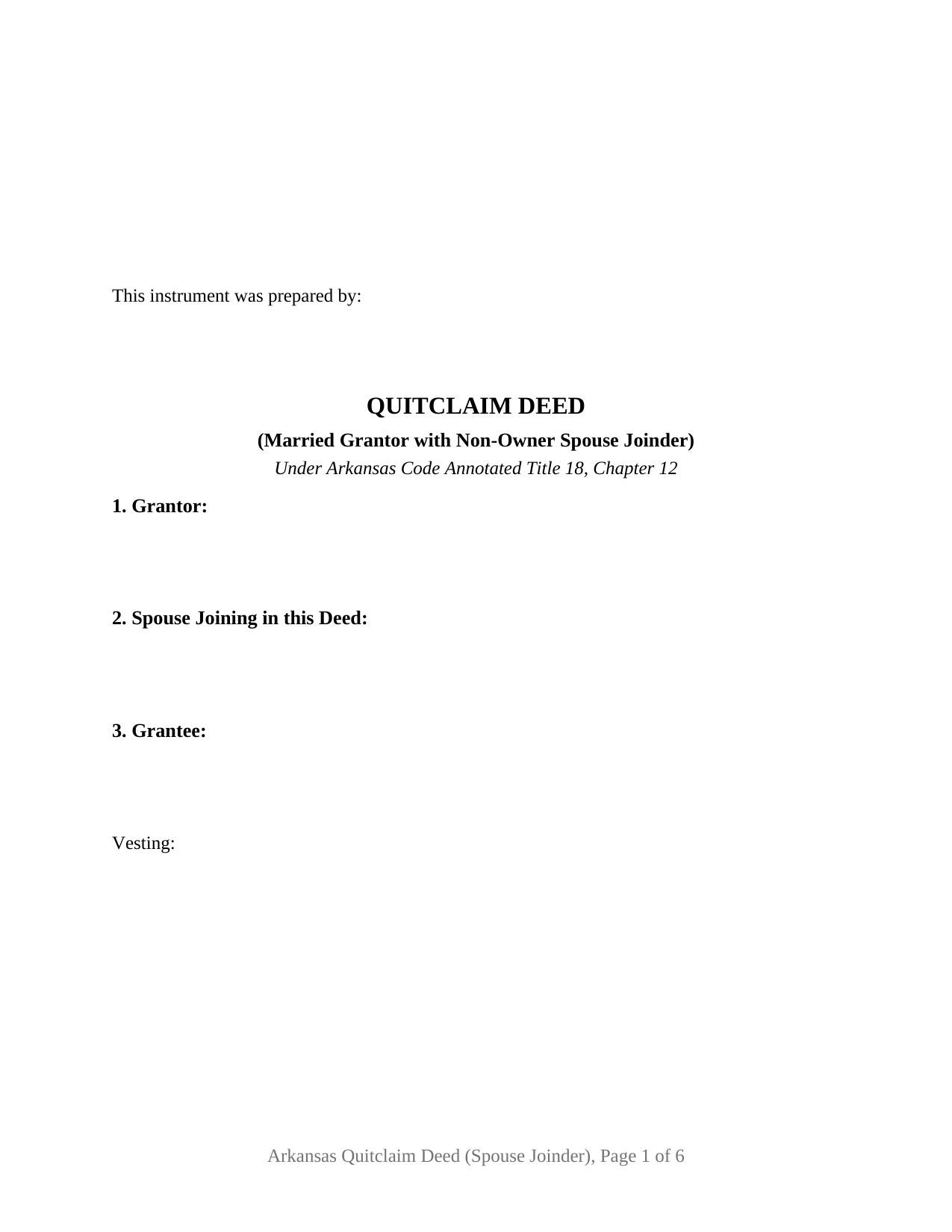
Washington County Quitclaim Deed (Married Grantor with Non-Owner Spouse Joinder) Form
Fill in the blank Quitclaim Deed (Married Grantor with Non-Owner Spouse Joinder) form formatted to comply with all Arkansas recording and content requirements.
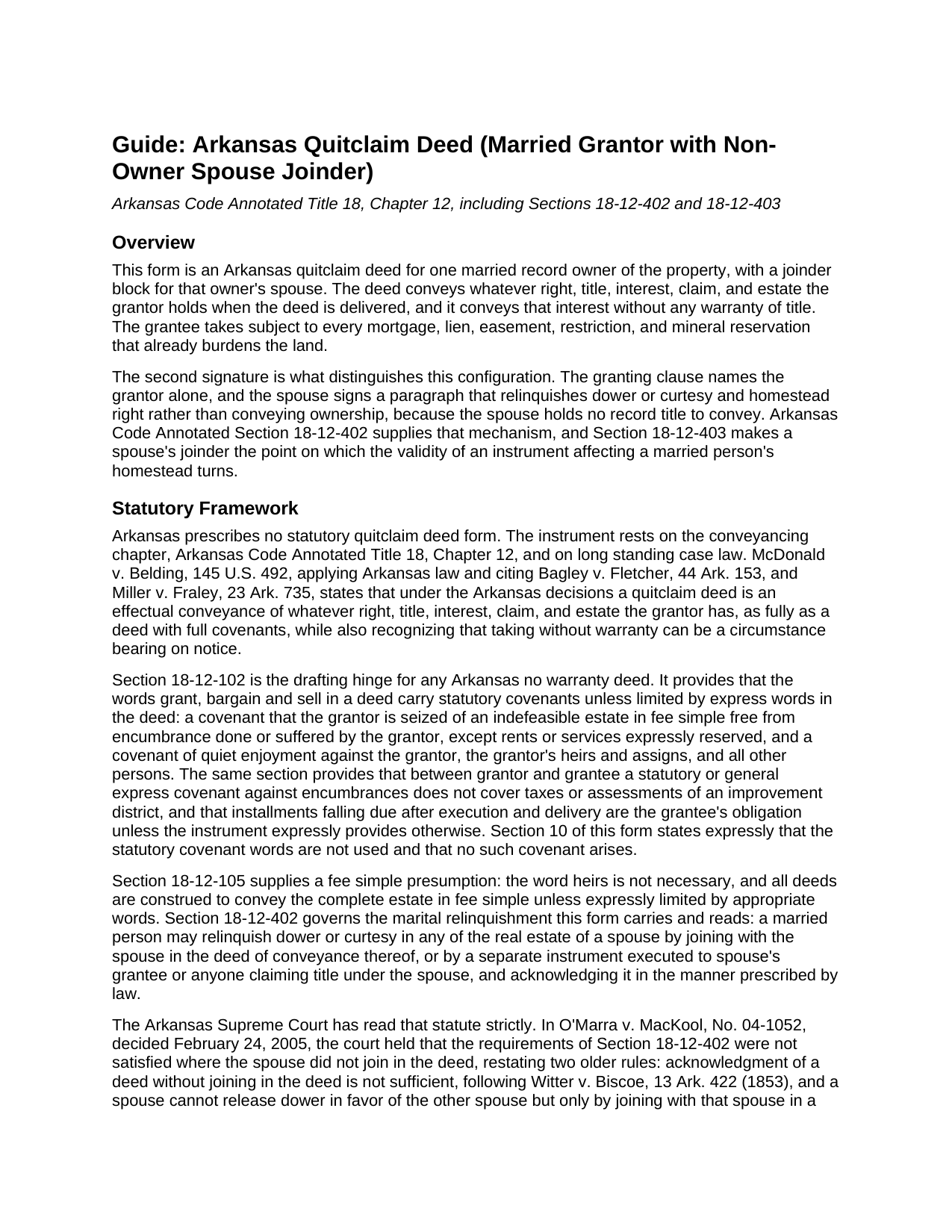
Washington County Quitclaim Deed (Married Grantor with Non-Owner Spouse Joinder) Guide
Line by line guide explaining every blank on the Quitclaim Deed (Married Grantor with Non-Owner Spouse Joinder) form.
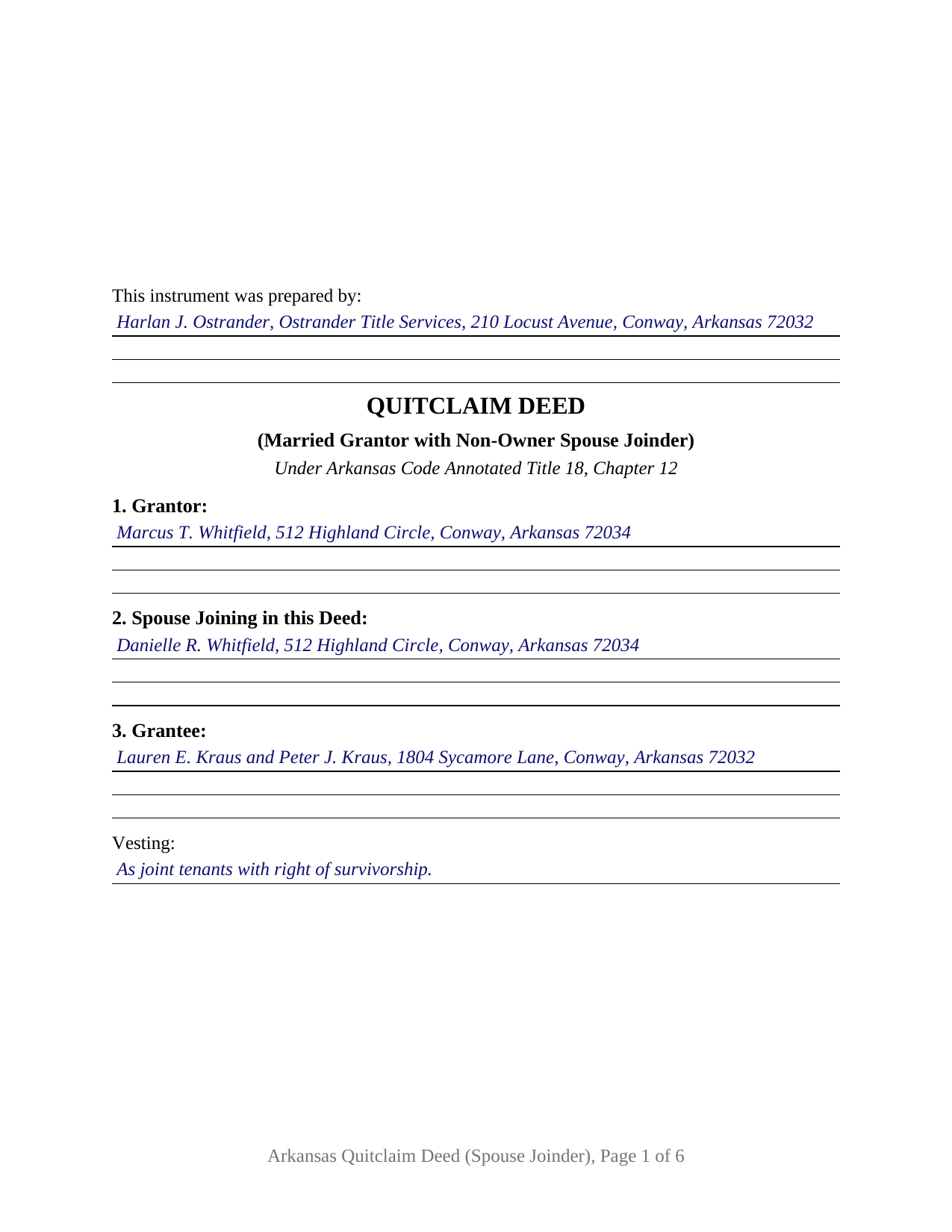
Washington County Completed Example of the Quitclaim Deed (Married Grantor with Non-Owner Spouse Joinder) Document
Example of a properly completed Arkansas Quitclaim Deed (Married Grantor with Non-Owner Spouse Joinder) document for reference.
All 3 documents above included • One-time purchase • No recurring fees
Immediate Download • Secure Checkout
Additional Arkansas and Washington County documents included at no extra charge:
Where to Record Your Documents
Washington County Circuit Clerk
Fayetteville, Arkansas 72702
Hours: 8:00am to 4:30pm M-F
Phone: (479) 444-1538
Recording Tips for Washington County:
- Bring your driver's license or state-issued photo ID
- Ensure all signatures are in blue or black ink
- Ask about their eRecording option for future transactions
- Avoid the last business day of the month when possible
- Both spouses typically need to sign if property is jointly owned
Cities and Jurisdictions in Washington County
Properties in any of these areas use Washington County forms:
- Canehill
- Elkins
- Elm Springs
- Evansville
- Farmington
- Fayetteville
- Goshen
- Greenland
- Johnson
- Lincoln
- Morrow
- Prairie Grove
- Springdale
- Summers
- Tontitown
- West Fork
- Winslow
Hours, fees, requirements, and more for Washington County
How do I get my forms?
Forms are available for immediate download after payment. The Washington County forms will be in your account ready to download to your computer. An account is created for you during checkout if you don't have one. Forms are NOT emailed.
Are these forms guaranteed to be recordable in Washington County?
Yes. Our form blanks are guaranteed to meet or exceed the applicable formatting requirements used for recording in Washington County, including margin requirements, font requirements, and other layout standards. This guarantee applies to formatting, not to the legal sufficiency of information entered by the user or the suitability of a form for a particular transaction.
Can I reuse these forms?
Yes. You can reuse the forms for your personal use. For example, if you have multiple properties in Washington County you only need to order once.
What do I need to use these forms?
The forms are PDFs that you fill out on your computer. The free Adobe Acrobat Reader is recommended, and most PDF apps also work. You do NOT enter your property information online - you download the blank forms and complete them privately on your own computer.
Are there any recurring fees?
No. This is a one-time purchase. Nothing to cancel, no memberships, no recurring fees.
How much does it cost to record in Washington County?
Recording fees in Washington County vary. Contact the recorder's office at (479) 444-1538 for current fees.
Questions answered? Let's get started!
Arkansas title often stands in one spouse's name while the marriage gives the other spouse rights in the same land. This quitclaim deed is configured for that record: one married grantor conveys, and the grantor's spouse signs a joinder paragraph that releases dower or curtesy and homestead right without conveying any ownership. Whatever interest the grantor holds at delivery moves to the grantee, and no warranty of title travels with it.
The signature that conveys nothing
The spouse named in this deed holds no record interest, so that signature has no ownership to pass. It settles a marital claim instead. Arkansas Code Annotated section 18-12-402 lets a married person relinquish dower or curtesy in a spouse's real estate by joining with that spouse in the deed of conveyance, or by a separate instrument to the grantee, acknowledged as the law prescribes. This form takes the joinder path: one instrument, the conveyance in one paragraph and the relinquishment in the next.
Why Arkansas asks for the second signature
Two rules converge on it. Where the land is the homestead of a married person, section 18-12-403 makes an instrument affecting that homestead invalid unless the spouse joins in the execution or releases by separate acknowledged document. Off the homestead, section 28-11-301(b) still preserves a dower or curtesy right in land sold during the other spouse's lifetime without that spouse's consent in legal form, so an unjoined conveyance leaves the inchoate right standing. In O'Marra v. MacKool (2005), the Arkansas Supreme Court held the statute unsatisfied where the spouse never joined in the deed, restating that acknowledgment without joining is not enough and that the release runs to the grantee, not to the owner spouse. An owner's deed followed by a relinquishment paragraph and both spouses' signatures is the shape the cases approve.
One grantor, one joining spouse, two certificates
The form recites one record owner and one joining spouse, and the granting clause names the grantor alone. Below the operative sections sit a signature and date line for each signer, the two disinterested witness blocks of section 18-12-104, and one acknowledgment certificate per signer; Arkansas law does not require separate certificates, and the layout leaves the two signers free to acknowledge on different days or before different officers. The grantee block carries a vesting line, and the guide walks each form of ownership the state recognizes. Patterns that present this configuration include land one spouse acquired before the marriage or inherited during it, later quitclaimed to a relative, and a sale where the buyer's title examiner calls for the non-owner spouse's release before closing. A deed the spouse signs as a co-owner, and a deed by an owner who is not married, sit outside these recitals.
What the deed promises about the title
Nothing, deliberately: in Arkansas that is a matter of word choice. Section 18-12-102 reads statutory covenants into a deed using the words grant, bargain and sell, unless express words limit them, so a no warranty instrument stays away from the phrase. This deed conveys by remise, release, and quitclaim and states on its own face that no such covenant arises. Mortgages, tax liens, easements, subdivision restrictions, and severed mineral interests all survive the transfer.
At the recording window
The deed is filed with the circuit clerk of the county where the land lies. Its first page opens with the preparer statement section 14-15-403 requires and reserves the top two and one half inches for the file mark, with half inch side and bottom margins and two and one half inches held clear at the foot of the last page. Recording runs fifteen dollars for the first page and five dollars per page after it. Transfer tax reaches consideration above one hundred dollars at three dollars and thirty cents per thousand, and the deed prints the statutory certification for the grantee or the grantee's agent to sign. Since August 5, 2025, Act 752 has conditioned counter and mail filings on the grantor's photo identification, subject to statutory exceptions the guide lists.
What arrives with the download
The package holds this deed as a fillable PDF, a completed example filled in for a Faulkner County transfer, and a plain language guide to the blanks, the two signatures, and the recording steps. Customers reach it searching for a quit claim deed or quick claim deed with spousal joinder, or an Arkansas quitclaim deed signed by a spouse who is not on the title. The materials are informational and are not legal advice.
Important: Your property must be located in Washington County to use these forms. Documents should be recorded at the county recording office listed above.
This Quitclaim Deed (Married Grantor with Non-Owner Spouse Joinder) meets all recording requirements specific to Washington County.
Our Promise
The documents you receive here are guaranteed to meet or exceed the applicable Washington County recording format requirements. If there is a rejection caused by our formatting, we will correct the issue or refund your payment. This guarantee applies to document formatting only and does not extend to information entered by the user, the selection of the form, or the legal effect of the completed document.
Save Time and Money
Get your Washington County Quitclaim Deed (Married Grantor with Non-Owner Spouse Joinder) form done right the first time with Deeds.com Uniform Conveyancing Blanks. At Deeds.com, we understand that your time and money are valuable resources, and we don't want you to face a penalty fee or rejection imposed by a county recorder for submitting nonstandard documents. We constantly review and update our forms to meet rapidly changing state and county recording requirements for roughly 3,500 counties and local jurisdictions.
4.8 out of 5 - ( 4,832 Reviews )
Gladys F. 5 out of 5 stars
The process was very friendly and easy to use. I appreciated the status updates as well as clear instructions on what was needed to get the file ready for recording.
Thank you!
Deborah H. 5 out of 5 stars
Wonderful service, very fast and great customer service will be using you guys from now on. Thanks a bunch
Thank you for your feedback. We really appreciate it. Have a great day!
Glenn W. 5 out of 5 stars
Efficient, helpful & easy! I highly recommend Deeds.com to anyone. Such a joy to use especially after trying to navigate the Cooks County Clerks office.
Thank you for your kind words and for choosing us.
Dorien C. 5 out of 5 stars
Easy to use, thank you.
Thank you!
Crystal P. 5 out of 5 stars
This service is amazing! We have tried several other online recording services which all disappointed. Deeds.com got all three of our documents recorded same day as invoice payment. Thank you for the quick turn around! We will be using this service often.
We are sincerely grateful for your feedback and are committed to providing the highest quality service. Thank you for your trust in us.
Sandra M. 5 out of 5 stars
The forms were easy to use but there was a software issue that made it impossible to get the county name to appear on the form in the correct place. It made the deed look a little sloppy
Thank you!
Idiat A. 5 out of 5 stars
Service was fast and easy to use. But let documents appear clearer next time.
Thank you for your feedback. We really appreciate it. Have a great day!
John W. 5 out of 5 stars
Wow, I wish that I would have found Deeds.com before! Great service!
Thank you!
Laura R. 4 out of 5 stars
Afficavit worked kind of pricey
Thank you for your feedback. We really appreciate it. Have a great day!
Inara X. 5 out of 5 stars
Great service
Thank you for your positive words! We’re thrilled to hear about your experience.
Stuart C. 5 out of 5 stars
Quit, clear, simple...just the way it shouldbe! Thank you!
We appreciate your business and value your feedback. Thank you. Have a wonderful day!
Michael L. 5 out of 5 stars
Thumbs up. Very pleased with service. Easy process.
Thank you!
David G. 5 out of 5 stars
Very easy to fill out and understand. Thank You!!
We appreciate your business and value your feedback. Thank you. Have a wonderful day!
diana c. 5 out of 5 stars
quick and easy, thankyou
Thank you!
Thomas M. 5 out of 5 stars
Thomas hopefully these are the correct forms I need wish me luck
Thank you!