Calhoun County Scrivener's Error Affidavit Form
Last validated October 26, 2026 by our Forms Development TeamFormatted for recording in Calhoun County, for property anywhere in the county: rural and unincorporated areas as well as Hampton, Harrell, Thornton.
- 3 documents included
- Immediate PDF download
- Formatting guarantee
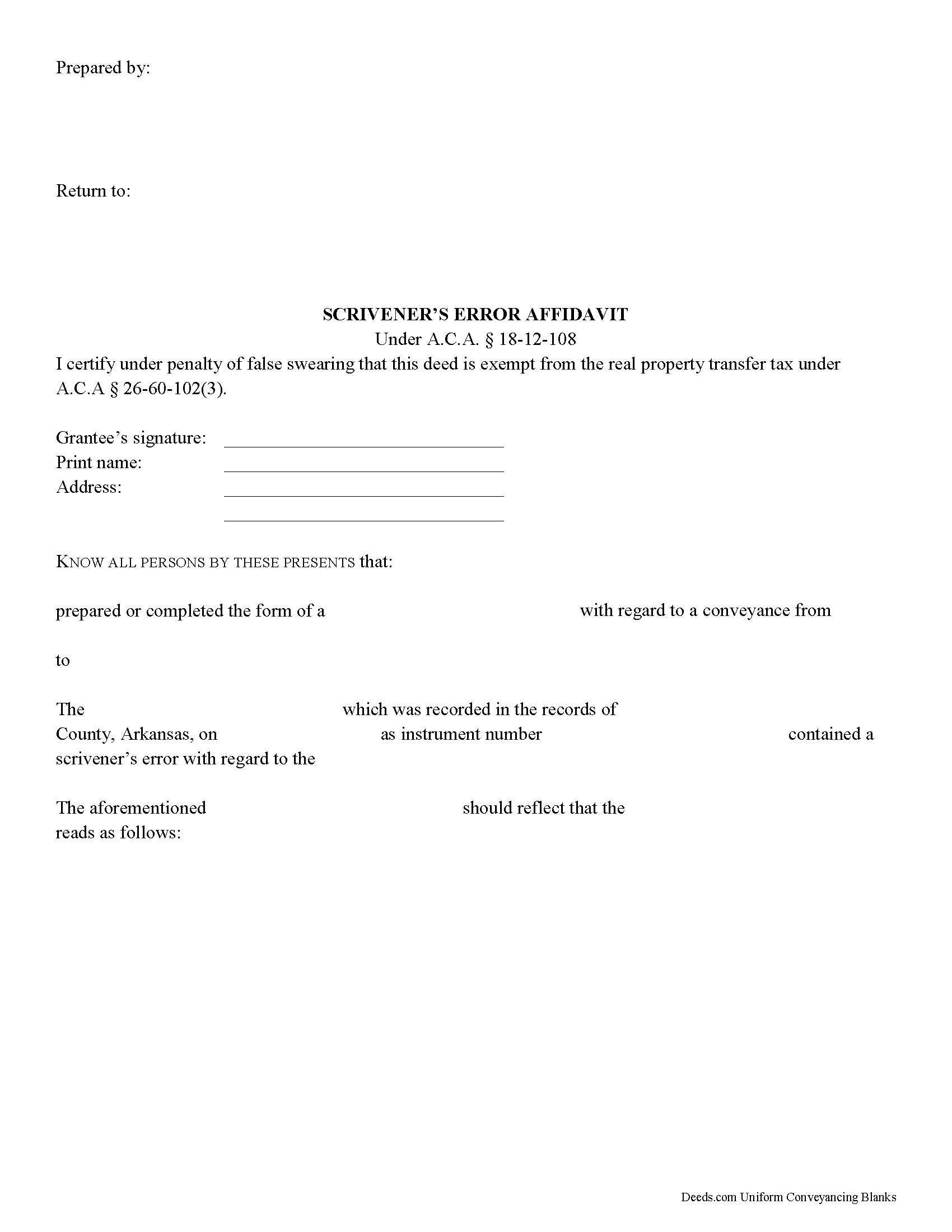
Calhoun County Scrivener's Error Affidavit Form
Fill in the blank Scrivener's Error Affidavit form formatted to comply with all Arkansas recording and content requirements.
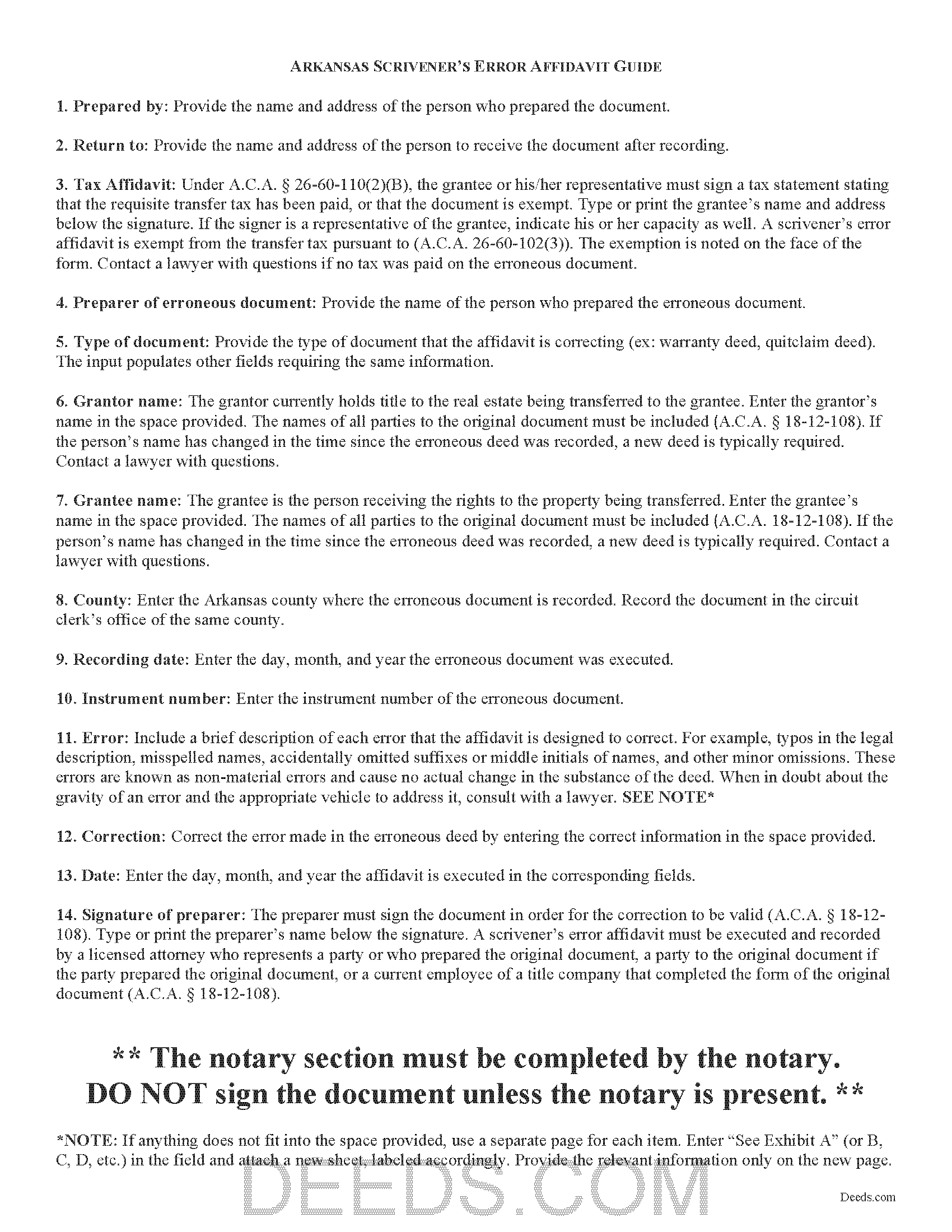
Calhoun County Scrivener's Error Affidavit Guide
Line by line guide explaining every blank on the Scrivener's Error Affidavit form.
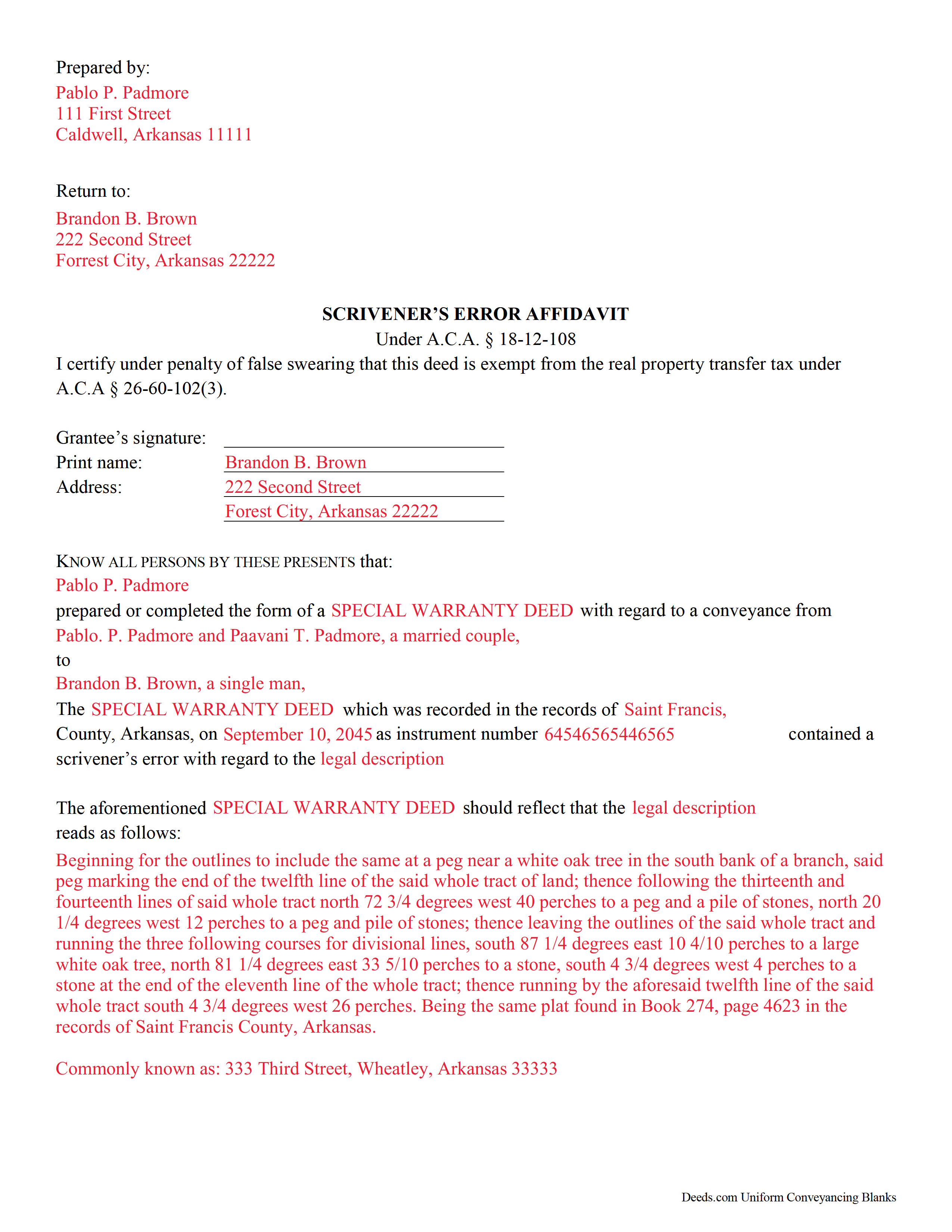
Calhoun County Completed Example of the Scrivener's Error Affidavit Document
Example of a properly completed Arkansas Scrivener's Error Affidavit document for reference.
All 3 documents above included • One-time purchase • No recurring fees
Immediate Download • Secure Checkout
Additional Arkansas and Calhoun County documents included at no extra charge:
Where to Record Your Documents
Circuit and County Clerk
Hampton, Arkansas 71744
Hours: 8:00am to 4:30pm M-F
Phone: (870) 798-2517
Recording Tips for Calhoun County:
- Bring your driver's license or state-issued photo ID
- Ensure all signatures are in blue or black ink
- Ask about their eRecording option for future transactions
- Avoid the last business day of the month when possible
- Both spouses typically need to sign if property is jointly owned
Cities and Jurisdictions in Calhoun County
Properties in any of these areas use Calhoun County forms:
- Hampton
- Harrell
- Thornton
Hours, fees, requirements, and more for Calhoun County
How do I get my forms?
Forms are available for immediate download after payment. The Calhoun County forms will be in your account ready to download to your computer. An account is created for you during checkout if you don't have one. Forms are NOT emailed.
Are these forms guaranteed to be recordable in Calhoun County?
Yes. Our form blanks are guaranteed to meet or exceed the applicable formatting requirements used for recording in Calhoun County, including margin requirements, font requirements, and other layout standards. This guarantee applies to formatting, not to the legal sufficiency of information entered by the user or the suitability of a form for a particular transaction.
Can I reuse these forms?
Yes. You can reuse the forms for your personal use. For example, if you have multiple properties in Calhoun County you only need to order once.
What do I need to use these forms?
The forms are PDFs that you fill out on your computer. The free Adobe Acrobat Reader is recommended, and most PDF apps also work. You do NOT enter your property information online - you download the blank forms and complete them privately on your own computer.
Are there any recurring fees?
No. This is a one-time purchase. Nothing to cancel, no memberships, no recurring fees.
How much does it cost to record in Calhoun County?
Recording fees in Calhoun County vary. Contact the recorder's office at (870) 798-2517 for current fees.
Questions answered? Let's get started!
Scrivener's Error Affidavits in Arkansas
What happens when an important document like a deed or a mortgage has been recorded, and an error is spotted after the fact? What can you do to fix it? One option may be filing a corrective scrivener's affidavit.
A scrivener's affidavit is an instrument containing sworn statements by the affiant, or person making the affidavit, that sets forth the intent of the original document by correcting a non-material error in a document which has been recorded at an earlier date. The Arkansas statutes specifically state that scrivener's affidavits may be used to correct the following: the identification, marital status, heirship, relation, death, or the time of death of a person; the identification of a corporation or other legal entity;or the legal description to real property (A.C.A. 18-12-108).
Major, or material, changes to the substance of the document have a legal effect in how property is titled, and therefore require a new deed. Adding or removing a grantee, for example, or making significant modifications to the legal description, may require a new document. When in doubt about the gravity of an error and the appropriate vehicle to address it, consult with a lawyer.
In order to be valid, the affidavit must include the name of the person or entity that completed or prepared the original instrument, and the names of all parties to the original instrument (A.C.A. 18-12-108). If the person's name has changed in the time since the erroneous document was recorded, a new document is typically required. The affidavit must also include the recording information from the original instrument. And of course, the affidavit states a brief description of each error and the correction itself (A.C.A. 18-12-108).
Because a scrivener's affidavit is correcting another document where the transfer tax has already been paid, it is exempt from said transfer tax pursuant to A.C.A. 26-60-102(3). Contact a lawyer with questions if no tax was paid on the recorded document.
The affidavit must be executed and recorded by one of the individuals listed in A.C.A. 18-12-108 who were party to the original document. The affiant must sign the document in order for the correction to be valid (A.C.A. 18-12-108). It must also meet all state and local standards for recorded documents. Submit the completed affidavit at the circuit clerk's office in the county where the real property is located (A.C.A. 18-12-108).
This article is provided for informational purposes only and is not a substitute for legal advice. Contact an attorney with questions about scrivener's affidavits, or for any other issues related to real property in Arkansas.
(Arkansas Correction Deed Package includes form, guidelines, and completed example)
Important: Your property must be located in Calhoun County to use these forms. Documents should be recorded at the county recording office listed above.
This Scrivener's Error Affidavit meets all recording requirements specific to Calhoun County.
Our Promise
The documents you receive here are guaranteed to meet or exceed the applicable Calhoun County recording format requirements. If there is a rejection caused by our formatting, we will correct the issue or refund your payment. This guarantee applies to document formatting only and does not extend to information entered by the user, the selection of the form, or the legal effect of the completed document.
Save Time and Money
Get your Calhoun County Scrivener's Error Affidavit form done right the first time with Deeds.com Uniform Conveyancing Blanks. At Deeds.com, we understand that your time and money are valuable resources, and we don't want you to face a penalty fee or rejection imposed by a county recorder for submitting nonstandard documents. We constantly review and update our forms to meet rapidly changing state and county recording requirements for roughly 3,500 counties and local jurisdictions.
4.8 out of 5 - ( 4,850 Reviews )
Julian H. 5 out of 5 stars
I had no issues downloading the template. The price was reasonable and the document was compliant with the law for Alabama Mechanics Liens, which saved me some time and effort. Nice aide. Thanks!
We appreciate your business and value your feedback. Thank you. Have a wonderful day!
Joyce B. 5 out of 5 stars
Thanks, the documents were easy to follow and complete.
Thank you for your feedback. We really appreciate it. Have a great day!
ROBERT D. 5 out of 5 stars
VERY HAPPY WITH YOUR SERVICE !
We appreciate your business and value your feedback. Thank you. Have a wonderful day!
Dorothy O. 5 out of 5 stars
This would be a great form but I couldn’t tell what size the font was. Also, I didn’t know how to save it so I will have to type it all over again. I’m sure I did it incorrectly.
Your feedback is a crucial part of our dedication to ongoing improvement. Thank you for your insightful comments.
Gordon J. 5 out of 5 stars
The experience was generally very satisfactory. I was able to fill out the Trust Deed and send it via email no problem. However, I was not able to send the filled out form of the Note. It always erased my fill-ins when it was sent. I found that very frustrating.
Thank you, Gordon. Glad the Trust Deed worked well. Issues like the one you reported with the Note can sometimes be related to how the file is opened or sent. Using Adobe Reader to fill, save, and send the form is recommended. We also pass along all feedback like this to our team to confirm there are no issues.
Roger W. 5 out of 5 stars
worked very good or me
Thank you Roger, have a great day!
Heather G. 5 out of 5 stars
This entire process was painless. I couldn't be happier with how simple and easy it was to get the document I needed.
We’re so glad the process was smooth and easy, Heather—thanks for sharing your experience!
Robert C. 5 out of 5 stars
Wow! Wish I had found DEEDS.com a few hours earlier. Quickly was able to pay a reasonable fee for some documents/templates along with an explanation. Very pleased
Thank you for your feedback. We really appreciate it. Have a great day!
sakkubai p. 5 out of 5 stars
It was easy to download and I love it.I am going to take them to our attorney. If she approve it I am going to print for other counties too, where we have other properties. thanks.
Thank you for your feedback. We really appreciate it. Have a great day!
Susan C. 5 out of 5 stars
Hi When and how will I get the copy of my deed ? Thanks
Thanks for reaching out. Looks like the document you ordered has been available for you to download from your account since January 15, 2019 at 11:46 am.
Elizabeth P. 5 out of 5 stars
Perfect quitclaim form. Easy to fill in with the required information and all the required information has a place (no easy feat in our county!). It is helpful that they include exhibit pages for larger blocks of information (our legal is 2 pages long). Great job folks!
Thank you for the kind words Elizabeth. Have an amazing day!
Pamela C. 4 out of 5 stars
It was easy to download. And your guide was informative as was the completed form for an example. But I wish that I had been able to edit the forms online and then print. My handwritten info is just not as crisp.
Thank you for your feedback. We really appreciate it. Have a great day!
Randi J. 5 out of 5 stars
Everything was so easy and self explanatory and very inexpensive. Thank you.
Thank you for your feedback. We really appreciate it. Have a great day!
Steve B. 5 out of 5 stars
Awesome. Last time I needed to f Ile a document it cost $300.00 gor a lawyer. This time $53.00.
Thank you!
Galina K. 5 out of 5 stars
Was fast and easy to get the forms with instructions on how to fill them out.
Thank you for the kind words Galina. We appreciate you. Have an amazing day!