Tuolumne County Interspousal Transfer Grant Deed Form
Last validated August 11, 2026 by our Forms Development Team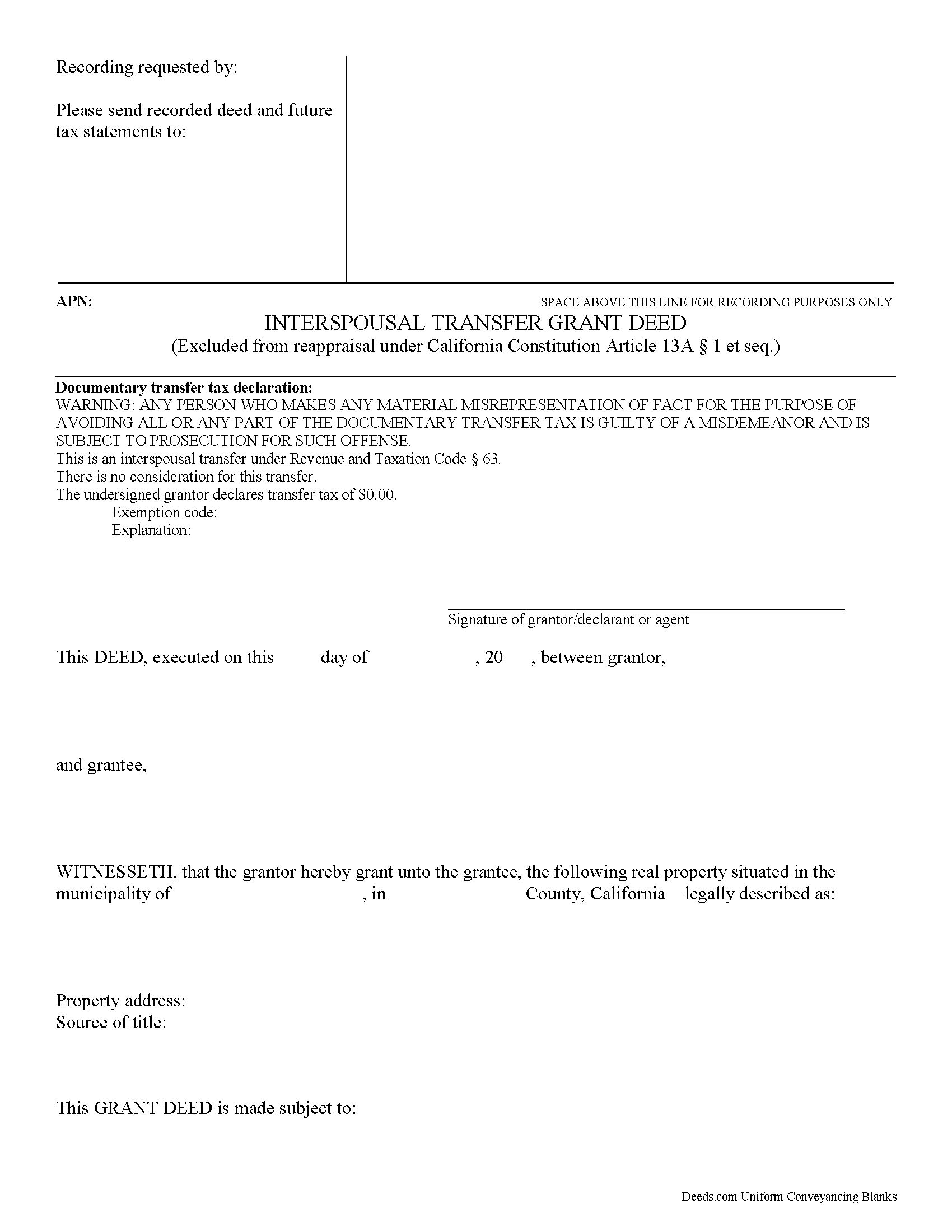
Tuolumne County Interspousal Transfer Grant Deed Form
Fill in the blank form formatted to comply with all recording and content requirements.
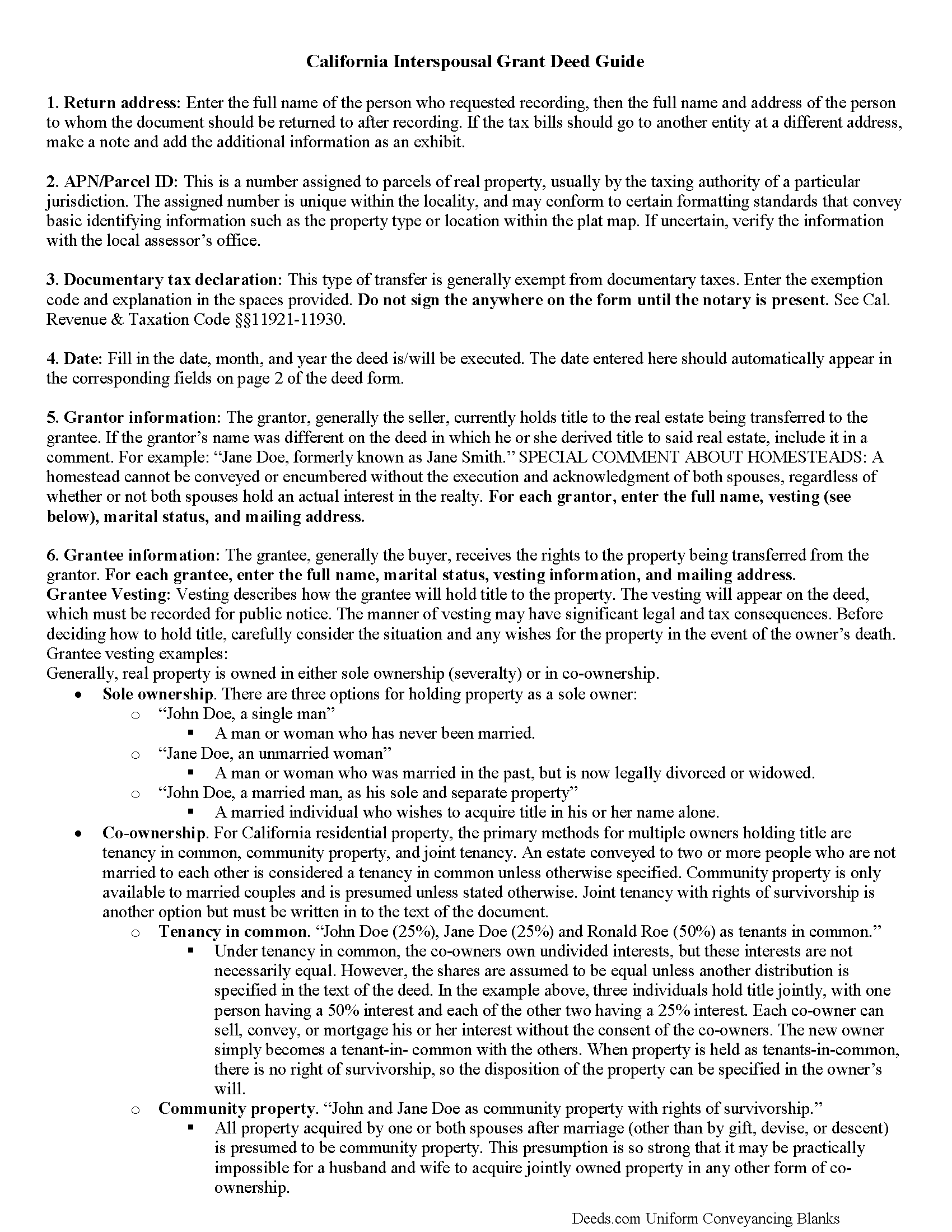
Tuolumne County Interspousal Transfer Grant Deed Guide
Line by line guide explaining every blank on the form.
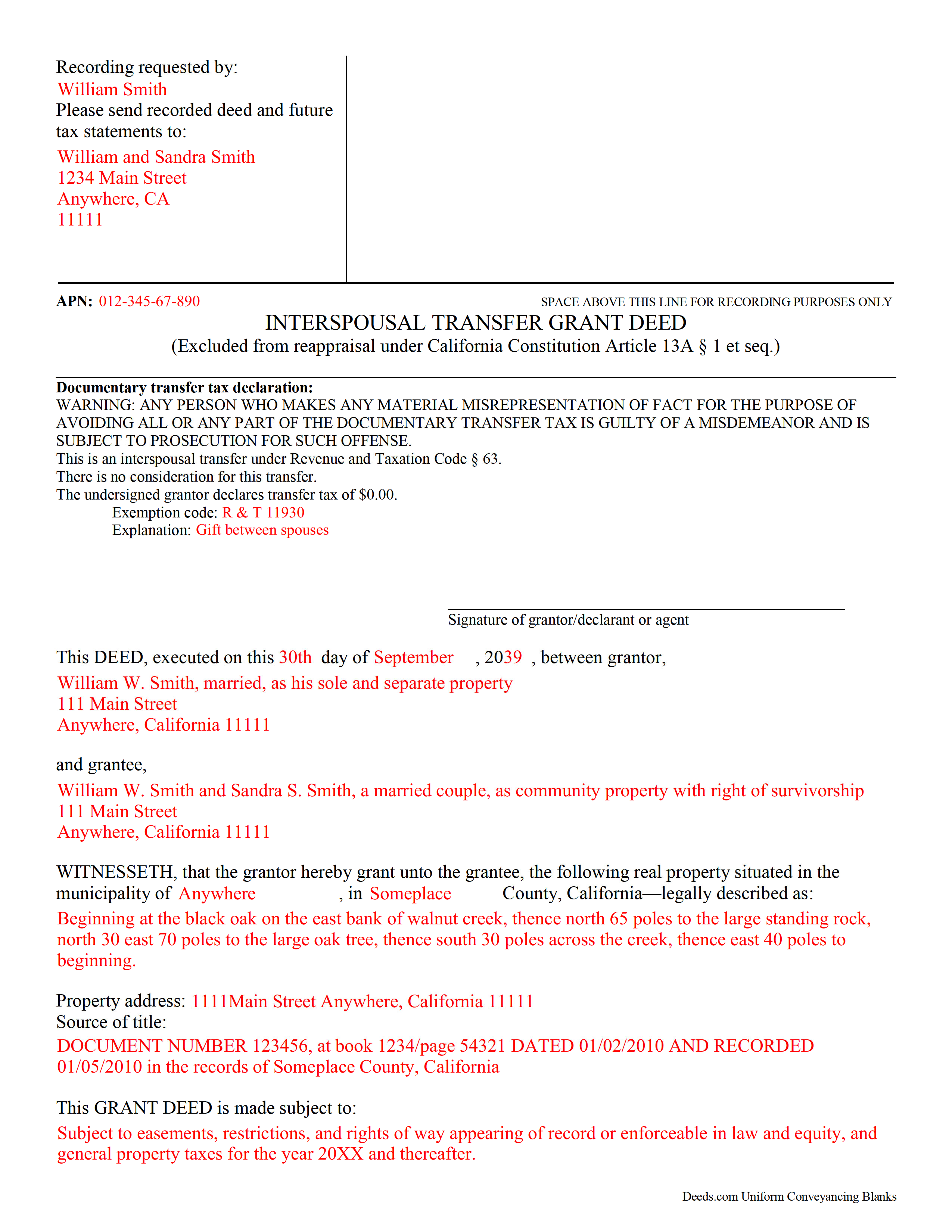
Tuolumne County Completed Example of the Interspousal Transfer Grant Deed Document
Example of a properly completed form for reference.
All 3 documents above included • One-time purchase • No recurring fees
Immediate Download • Secure Checkout
Additional California and Tuolumne County documents included at no extra charge:
Where to Record Your Documents
Tuolumne County Recorder
Sonora, California 95370
Hours: 8:00am to 5:00pm / Recording until 4:00pm
Phone: (209) 533-5531
Recording Tips for Tuolumne County:
- Check that your notary's commission hasn't expired
- Request a receipt showing your recording numbers
- Make copies of your documents before recording - keep originals safe
- Ask about their eRecording option for future transactions
Cities and Jurisdictions in Tuolumne County
Properties in any of these areas use Tuolumne County forms:
- Big Oak Flat
- Chinese Camp
- Columbia
- Dardanelle
- Groveland
- Jamestown
- Long Barn
- Mi Wuk Village
- Moccasin
- Pinecrest
- Sonora
- Soulsbyville
- Standard
- Strawberry
- Tuolumne
- Twain Harte
Hours, fees, requirements, and more for Tuolumne County
How do I get my forms?
Forms are available for immediate download after payment. The Tuolumne County forms will be in your account ready to download to your computer. An account is created for you during checkout if you don't have one. Forms are NOT emailed.
Are these forms guaranteed to be recordable in Tuolumne County?
Yes. Our form blanks are guaranteed to meet or exceed the applicable formatting requirements used for recording in Tuolumne County, including margin requirements, font requirements, and other layout standards. This guarantee applies to formatting, not to the legal sufficiency of information entered by the user or the suitability of a form for a particular transaction.
Can I reuse these forms?
Yes. You can reuse the forms for your personal use. For example, if you have multiple properties in Tuolumne County you only need to order once.
What do I need to use these forms?
The forms are PDFs that you fill out on your computer. You'll need Adobe Reader (free software that most computers already have). You do NOT enter your property information online - you download the blank forms and complete them privately on your own computer.
Are there any recurring fees?
No. This is a one-time purchase. Nothing to cancel, no memberships, no recurring fees.
How much does it cost to record in Tuolumne County?
Recording fees in Tuolumne County vary. Contact the recorder's office at (209) 533-5531 for current fees.
Questions answered? Let's get started!
A California Interspousal Transfer Grant Deed is used to create, transfer, or terminate a real property ownership interest between spouses. This instrument applies to a present owner's interest and has been drafted to comply with the Revenue and Taxation Code Section 63.
A transfer of real property ownership interests between spouses is excluded from reappraisal under the California Constitution Article 13 A &1 et seq. and transfer taxes, as this conveyance establishes sole and separate property of a spouse (RT 11911)
(California Interspousal Transfer Grant Deed Package includes form, guidelines, and completed example)
Important: Your property must be located in Tuolumne County to use these forms. Documents should be recorded at the office below.
This Interspousal Transfer Grant Deed meets all recording requirements specific to Tuolumne County.
Our Promise
The documents you receive here are guaranteed to meet or exceed the applicable Tuolumne County recording format requirements. If there is a rejection caused by our formatting, we will correct the issue or refund your payment. This guarantee applies to document formatting only and does not extend to information entered by the user, the selection of the form, or the legal effect of the completed document.
Save Time and Money
Get your Tuolumne County Interspousal Transfer Grant Deed form done right the first time with Deeds.com Uniform Conveyancing Blanks. At Deeds.com, we understand that your time and money are valuable resources, and we don't want you to face a penalty fee or rejection imposed by a county recorder for submitting nonstandard documents. We constantly review and update our forms to meet rapidly changing state and county recording requirements for roughly 3,500 counties and local jurisdictions.
4.8 out of 5 - ( 4777 Reviews )
Ann C.
October 18th, 2023
Very responsive and helpful. Made a big task quite easy and effecient. I would highly recommend. Reasonable fees as well
Your feedback is greatly appreciated. Thank you for taking the time to share your experience!
NATALIE A.
January 6th, 2021
The form was very easy to use and the sample tool you had was very helpful. the only problem i had was saving the document and then trying to find it later. I finally was able to figure out how to save it. but i still cannot find the saved document on my computer. Luckily i printed it before i closed it and did not need to make any changes.
Thank you for your feedback. We really appreciate it. Have a great day!
Sheila G.
September 11th, 2019
I was very pleased with the responses and quick access to info.
We appreciate your business and value your feedback. Thank you. Have a wonderful day!
calvin b.
February 21st, 2023
They offer a great service. Also they have been responsive and professional.
Thank you for your feedback. We really appreciate it. Have a great day!
chungming a.
March 30th, 2019
easy to use website.
Thank you!
john m.
June 17th, 2020
its a bit confusing for a novice computer user. I would prefer to print out the forms, fill them out on paper, then attach them to an email to discuss the accuracy of the forms with a friend, and then take the completed forms to the County office to be recorded
Thank you for your feedback. We really appreciate it. Have a great day!
Renata L.
July 30th, 2019
Was a bit difficult to navigate. I feel a fee to access the site and a fee to print is a bit much. I am in the real estate business and find the deeds very useful
Thank you for your feedback. We really appreciate it. Have a great day!
Joseph B.
March 30th, 2021
Awesome!
Thank you!
jack b.
December 21st, 2018
good form, reasonable fee
Thank you Jack. We really appreciate you taking the time to leave your feedback. Have a great day!
Dina B.
February 6th, 2021
The web cite is very easy to navigate through making a document process simple to obtain.
Thank you!
Clint E.
September 3rd, 2020
Good value. I like not only getting the forms, but also the instructions and examples the forms came with
We appreciate your business and value your feedback. Thank you. Have a wonderful day!
Jennifer S.
December 11th, 2019
Fabulous
Thank you!
Catherine C.
February 26th, 2021
This was great. Happy I found you!
Thank you!
Marilyn B.
November 1st, 2019
I do not use the internet much and really am not good with it, but your site which my brother told me about was really easy to use. I would recommend your service to others any time. Thanks for making it user friendly.
We appreciate your business and value your feedback. Thank you. Have a wonderful day!
Arthur L.
October 31st, 2020
The directions were clear, I typed the deed out and it was successfully recorded and mailed back to me in less than a week.
Thank you for your feedback. We really appreciate it. Have a great day!