Mono County Quitclaim Deed (Individual Grantor by Attorney-in-Fact) Form
Last validated November 3, 2026 by our Forms Development TeamFormatted for recording in Mono County, for property anywhere in the county: rural and unincorporated areas as well as Benton, Bridgeport, Coleville, June Lake, Lee Vining, Mammoth Lakes, Topaz.
- 3 documents included
- Immediate PDF download
- Formatting guarantee
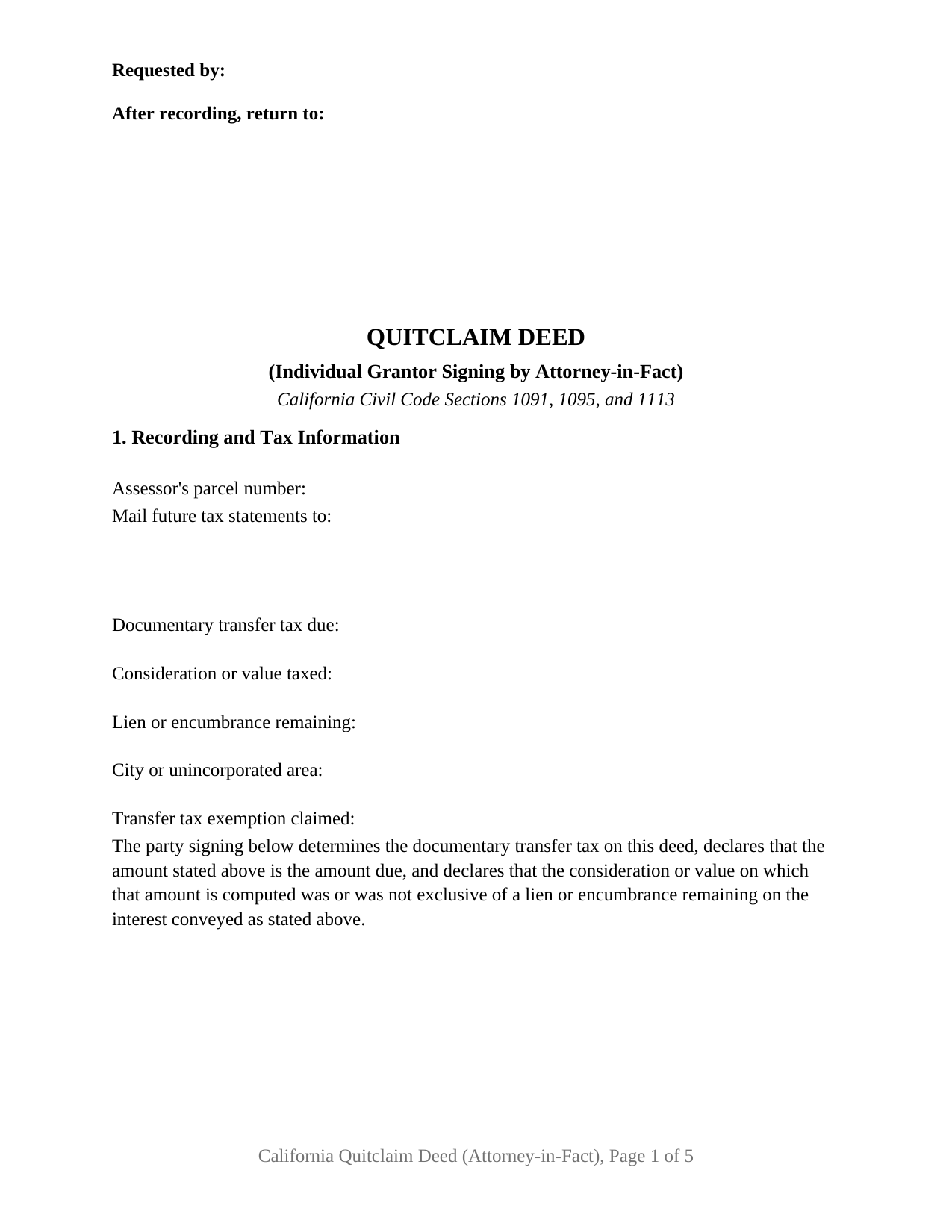
Mono County Quitclaim Deed (Individual Grantor by Attorney-in-Fact) Form
Fill in the blank Quitclaim Deed (Individual Grantor by Attorney-in-Fact) form formatted to comply with all California recording and content requirements.
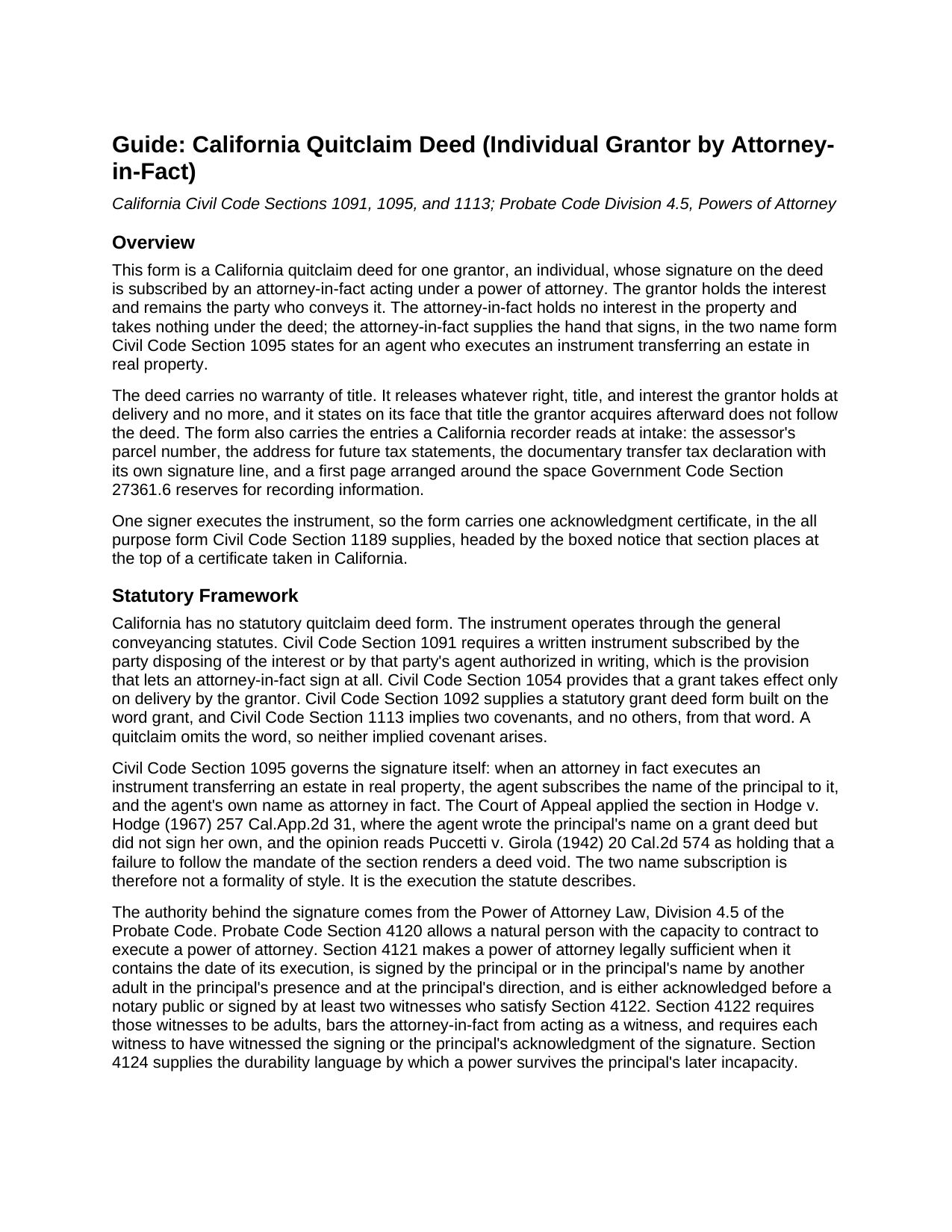
Mono County Quitclaim Deed (Individual Grantor by Attorney-in-Fact) Guide
Line by line guide explaining every blank on the Quitclaim Deed (Individual Grantor by Attorney-in-Fact) form.
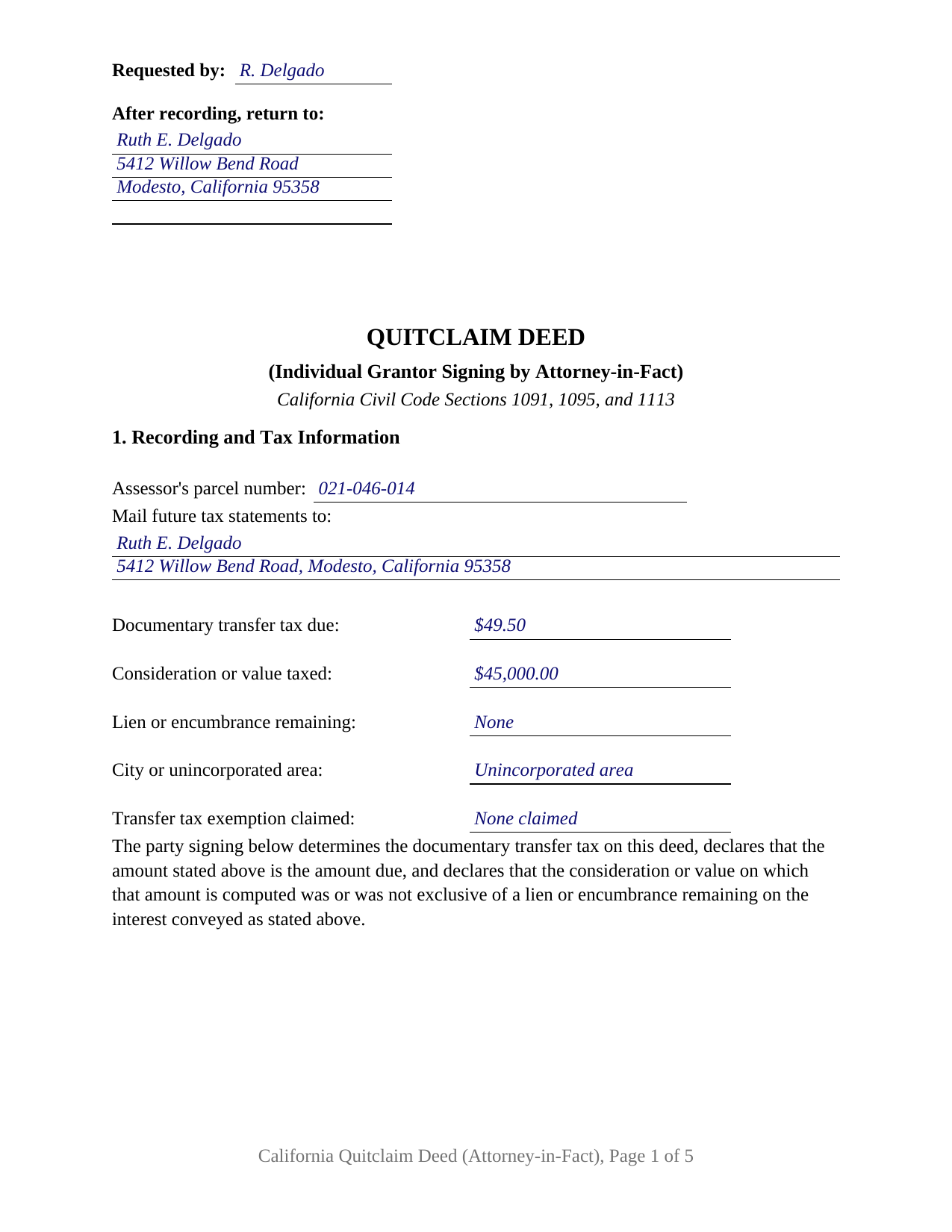
Mono County Completed Example of the Quitclaim Deed (Individual Grantor by Attorney-in-Fact) Document
Example of a properly completed California Quitclaim Deed (Individual Grantor by Attorney-in-Fact) document for reference.
All 3 documents above included • One-time purchase • No recurring fees
Immediate Download • Secure Checkout
Additional California and Mono County documents included at no extra charge:
Where to Record Your Documents
Mono County Clerk - Recorder
Bridgeport , California 93517
Hours: Monday - Friday 8:00 am to 5:00 pm
Phone: 760-932-5530 or 5536
Clerk Recorder Bridgeport Office
Bridgeport, California 93517
Hours: Monday - Friday, 8am - 5pm
Phone: 760-932-5530
Recording Tips for Mono County:
- Bring your driver's license or state-issued photo ID
- Ensure all signatures are in blue or black ink
- Ask about their eRecording option for future transactions
- Avoid the last business day of the month when possible
- Both spouses typically need to sign if property is jointly owned
Cities and Jurisdictions in Mono County
Properties in any of these areas use Mono County forms:
- Benton
- Bridgeport
- Coleville
- June Lake
- Lee Vining
- Mammoth Lakes
- Topaz
Hours, fees, requirements, and more for Mono County
How do I get my forms?
Forms are available for immediate download after payment. The Mono County forms will be in your account ready to download to your computer. An account is created for you during checkout if you don't have one. Forms are NOT emailed.
Are these forms guaranteed to be recordable in Mono County?
Yes. Our form blanks are guaranteed to meet or exceed the applicable formatting requirements used for recording in Mono County, including margin requirements, font requirements, and other layout standards. This guarantee applies to formatting, not to the legal sufficiency of information entered by the user or the suitability of a form for a particular transaction.
Can I reuse these forms?
Yes. You can reuse the forms for your personal use. For example, if you have multiple properties in Mono County you only need to order once.
What do I need to use these forms?
The forms are PDFs that you fill out on your computer. The free Adobe Acrobat Reader is recommended, and most PDF apps also work. You do NOT enter your property information online - you download the blank forms and complete them privately on your own computer.
Are there any recurring fees?
No. This is a one-time purchase. Nothing to cancel, no memberships, no recurring fees.
How much does it cost to record in Mono County?
Recording fees in Mono County vary. Contact the recorder's office at 760-932-5530 or 5536 for current fees.
Questions answered? Let's get started!
One California deed asks for two names on a single signature line. When an attorney-in-fact releases an owner's interest, Civil Code Section 1095 puts the principal's name on the instrument and the agent's own name beside it, as attorney in fact. The deed prepared here is built around that signature: one individual grantor who holds the interest, one attorney-in-fact who signs for that grantor under a power of attorney, and no warranty of title anywhere in the instrument.
The Two Names Section 1095 Calls For
Most execution rules describe who may sign. Section 1095 describes how: an attorney in fact executing an instrument that transfers an estate in real property subscribes the name of the principal to it, and the agent's own name as attorney in fact. In Hodge v. Hodge (1967) an agent wrote her husband's name on a grant deed and never signed her own, and the Court of Appeal, reading Puccetti v. Girola, treated a failure to follow the section as leaving the deed void. Section 9 of this form is built around that sentence: the signature line, a printed name blank for the grantor, and a second for the attorney-in-fact, so both executing names sit below the signature where Government Code Section 27280.5 looks for them.
Where the Authority Behind the Signature Sits
Civil Code Section 1091 is what lets an agent sign at all: an interest in real property passes by a written instrument subscribed by the party disposing of it, or by that party's agent authorized in writing. That writing is the power of attorney. Section 4121 makes a power legally sufficient when it is dated, signed by or for the principal, and either acknowledged before a notary public or signed by two adult witnesses. Section 4264 then withholds a list of acts from general authority, gifts of the principal's property and changes to survivorship interests among them, unless the power expressly grants them. Section 4 of the deed identifies the power by date and recording reference, and Section 8 states on the instrument that the deed exercises authority already granted and enlarges none of it.
One Grantor, One Agent, One Certificate
The form recites a single individual grantor and a single attorney-in-fact, and one Civil Code Section 1189 acknowledgment certificate follows, headed by the boxed identity notice that section places at the top of a certificate taken in this state. The agent, as the person who signed, is the one who appears before the notary. Patterns presenting this configuration turn up steadily in California's grantor indexes: an owner living outside the country whose agent signs at home, an agent under a durable power releasing an inherited undivided interest to the cotenant buying it out, and an agent completing a release under a power written to survive the principal's loss of capacity. A principal signing personally, and two agents whose power calls for them to act together, present patterns this single block does not carry.
A Release With Nothing Warranted
California keeps its two everyday deed covenants inside one statutory word. Civil Code Section 1113 implies them from the word grant, and a quitclaim, often typed as a quit claim deed, never uses it. What crosses is the interest the grantor holds at delivery; title picked up afterward stays behind.
The Power of Attorney and the Public Record
Powers of attorney answer to a recording rule of their own. Under Civil Code Section 1216, a recorded power to convey real property is not revoked by any act of the principal unless the revoking instrument is also acknowledged or proved, certified, and recorded in the same office, which is much of why California title practice expects the power to reach the county record with the deed it authorizes. Probate Code Section 4307 gives a certified copy the force of the original, and Section 4305 makes the agent's affidavit of nonrevocation recordable; both are prepared separately and are not included here. Page one carries what a recorder reads first: the reserved recording space with its requester and return entries, the parcel number, the future tax statement address, and the transfer tax declaration over the tax determiner's signature.
Three files ship: the fillable quitclaim deed, a completed example worked through a Stanislaus County release signed by an agent, and a plain language guide covering every section, the notarial certificate, the fees, and recorder intake. The materials describe California law in general terms and are not legal advice about a particular power of attorney or parcel.
Important: Your property must be located in Mono County to use these forms. Documents should be recorded at the county recording office listed above.
This Quitclaim Deed (Individual Grantor by Attorney-in-Fact) meets all recording requirements specific to Mono County.
Our Promise
The documents you receive here are guaranteed to meet or exceed the applicable Mono County recording format requirements. If there is a rejection caused by our formatting, we will correct the issue or refund your payment. This guarantee applies to document formatting only and does not extend to information entered by the user, the selection of the form, or the legal effect of the completed document.
Save Time and Money
Get your Mono County Quitclaim Deed (Individual Grantor by Attorney-in-Fact) form done right the first time with Deeds.com Uniform Conveyancing Blanks. At Deeds.com, we understand that your time and money are valuable resources, and we don't want you to face a penalty fee or rejection imposed by a county recorder for submitting nonstandard documents. We constantly review and update our forms to meet rapidly changing state and county recording requirements for roughly 3,500 counties and local jurisdictions.
4.8 out of 5 - ( 4,857 Reviews )
Maurice C. 5 out of 5 stars
This is a great service! Very much needed.
Thank you!
OLGA B. 5 out of 5 stars
I just purchased the documents. I appreciate that they are accurate to the county and state I live in and all the forms to make it complete. Thank you so much for your assistance in a very chaotic situation.
We appreciate your business and value your feedback. Thank you. Have a wonderful day!
Pamela C. 4 out of 5 stars
It was easy to download. And your guide was informative as was the completed form for an example. But I wish that I had been able to edit the forms online and then print. My handwritten info is just not as crisp.
Thank you for your feedback. We really appreciate it. Have a great day!
frederic m. 5 out of 5 stars
surprisingly good, gave me all the info I needed to prepare a deed and necessary attachments for recording.
Thank you!
George D. 4 out of 5 stars
The TODD form has been notarized and registered with my county Register of Deeds office, so it works just fine. My only quibble is that when I printed it out, it missed part of the last line of the notary's info and the fine print in the bottom corners. When I printed it at 90% scale, it included those things.
Thank you for your feedback. We really appreciate it. Have a great day!
Thomas D. 2 out of 5 stars
The documents themselves are fine and the information provided with them is helpful. I find the actual processing of the documents, however, to be difficult particularly once the document has been saved. First, I note that the box for the date only allows entry of the last 2 digits of the year. Unfortunately, my download only allows me to enter one of the 2 digits required. When I delete it repeatedly, it eventually allows both digits to be entered but puts them in extremely small text and in superscrypt. I have not found a solution to this problem and am not sure the deed can even be recorded with this problem. Another problem is that if you try to revise the document after you have saved it the curser goes to the end of the line after each key entry. This means that there basically is no way to efficiently save the document for reworking later since you will have to delete everything you have entered in the text box unless you only need to make a single keystroke change or are willing to replace the curser after each entry. Try that with a long property description! Please note that I am using a Mac to prepare my documents and perhaps this is part of an "incompatibility problem". However, I didn't see a disclaimer regarding Mac use and so would expect the documents to perform correctly. Overall, I give the program a "2 star" rating because I am experiencing significant difficulties in entering dates in the documents even before saving them and because saving your work for later revision appears to be basically unworkable.
Thank you for your feedback Thomas, we appreciate you being specific about the issues you encountered. Adobe and Mac have a fairly long history of issues working together.
DARLA L. 5 out of 5 stars
I was happy with the quick response to obtain the requested forms. Effective and easy website to use.
We appreciate your business and value your feedback. Thank you. Have a wonderful day!
Suzanne R. 5 out of 5 stars
I was very impressed with how user friendly, convenient, and efficient the whole process was. I will definitely use the service again sometime soon.
Thank you for your feedback. We really appreciate it. Have a great day!
GARY S. 5 out of 5 stars
sweet & easy
Thank you!
Denise G. 5 out of 5 stars
It was so easy to locate and download all the forms I needed. Saved so much time.
We appreciate your business and value your feedback. Thank you. Have a wonderful day!
Diana D. 5 out of 5 stars
I was very pleased as to how fast and easy the service was. I recommend this service to any one. It's not expensive and it was worth it. Thank you.
Thank you for your feedback. We really appreciate it. Have a great day!
Anne J. 5 out of 5 stars
I could not be happier with the service. Shortly after I uploaded my documents, my package was prepared and invoiced. It was only minutes before the document was recorded with the County I selected and returned to me with their seal for download.
We appreciate your business and value your feedback. Thank you. Have a wonderful day!
Thoreson P. 5 out of 5 stars
Top notch service.
Thank you!
Nancy N. 5 out of 5 stars
Very easy to use. Appreicate the sample filled out forms and the guide book. Thank you!
Thank you for your feedback. We really appreciate it. Have a great day!
Wilma M. 5 out of 5 stars
Amazingly easy. Thank you
Thank you!