Del Norte County Quitclaim Deed (Individual Grantor) Form
Last validated September 21, 2026 by our Forms Development TeamFormatted for recording in Del Norte County, for property anywhere in the county: rural and unincorporated areas as well as Crescent City, Fort Dick, Gasquet, Klamath, Smith River.
- 3 documents included
- Immediate PDF download
- Formatting guarantee
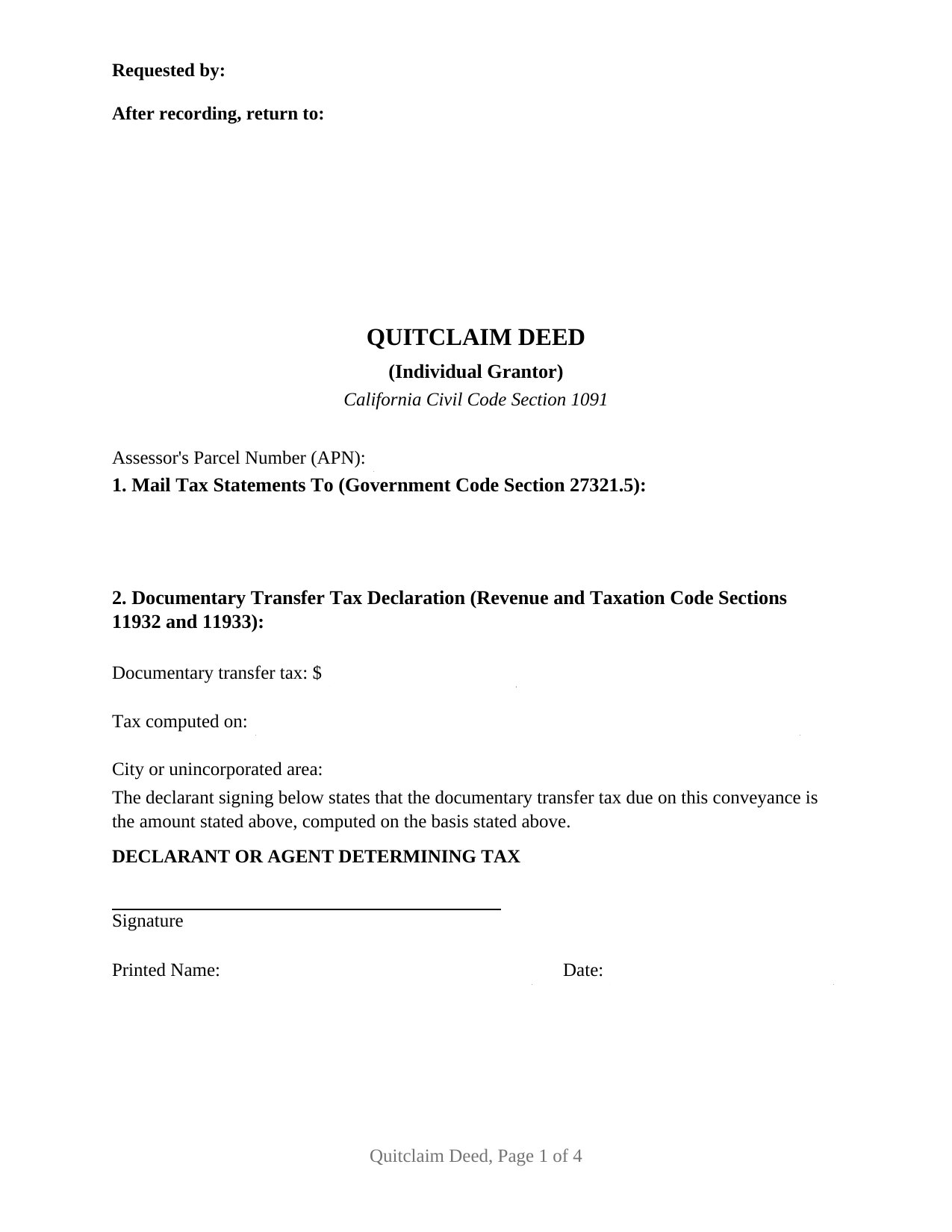
Del Norte County Quitclaim Deed (Individual Grantor) Form
Fill in the blank Quitclaim Deed (Individual Grantor) form formatted to comply with all California recording and content requirements.
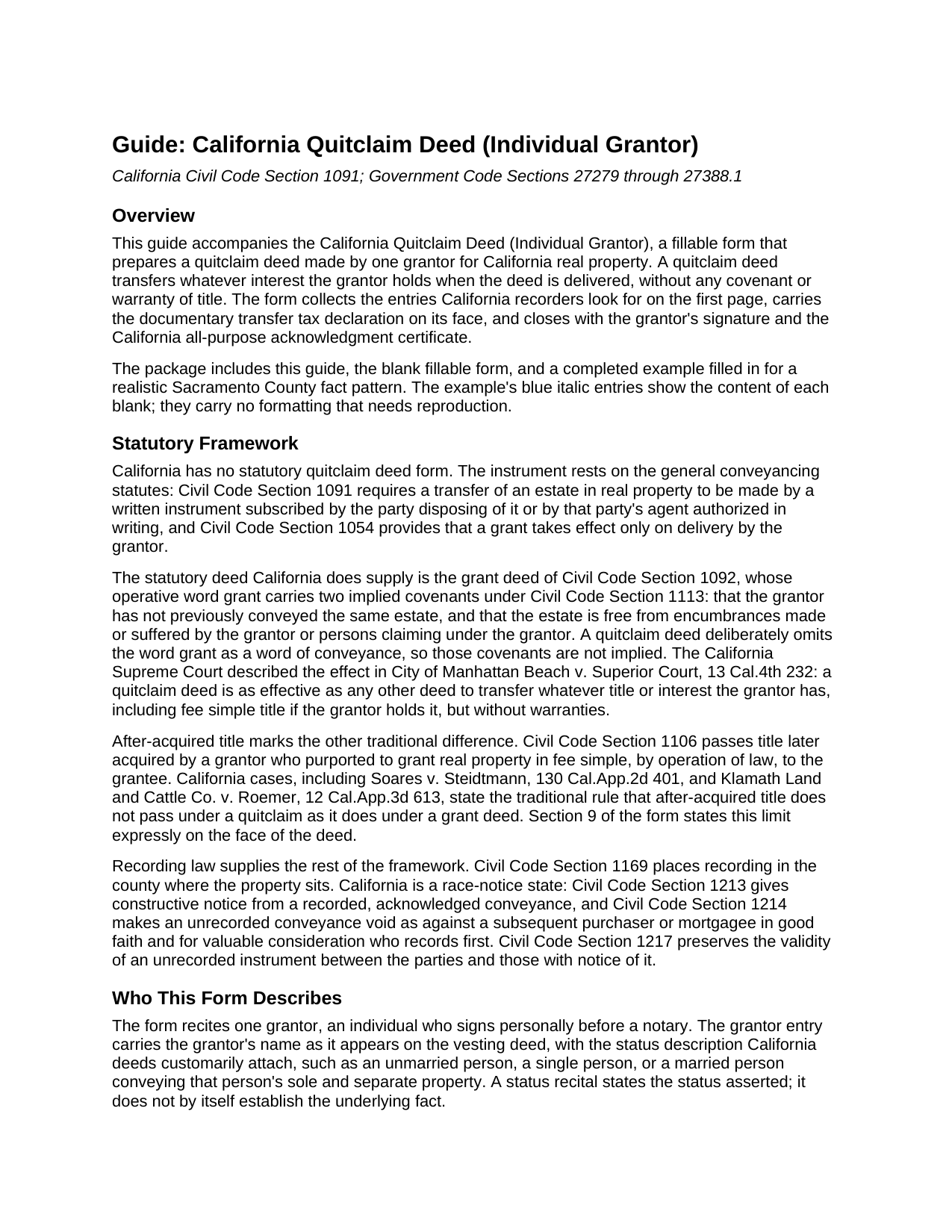
Del Norte County Quitclaim Deed (Individual Grantor) Guide
Line by line guide explaining every blank on the Quitclaim Deed (Individual Grantor) form.
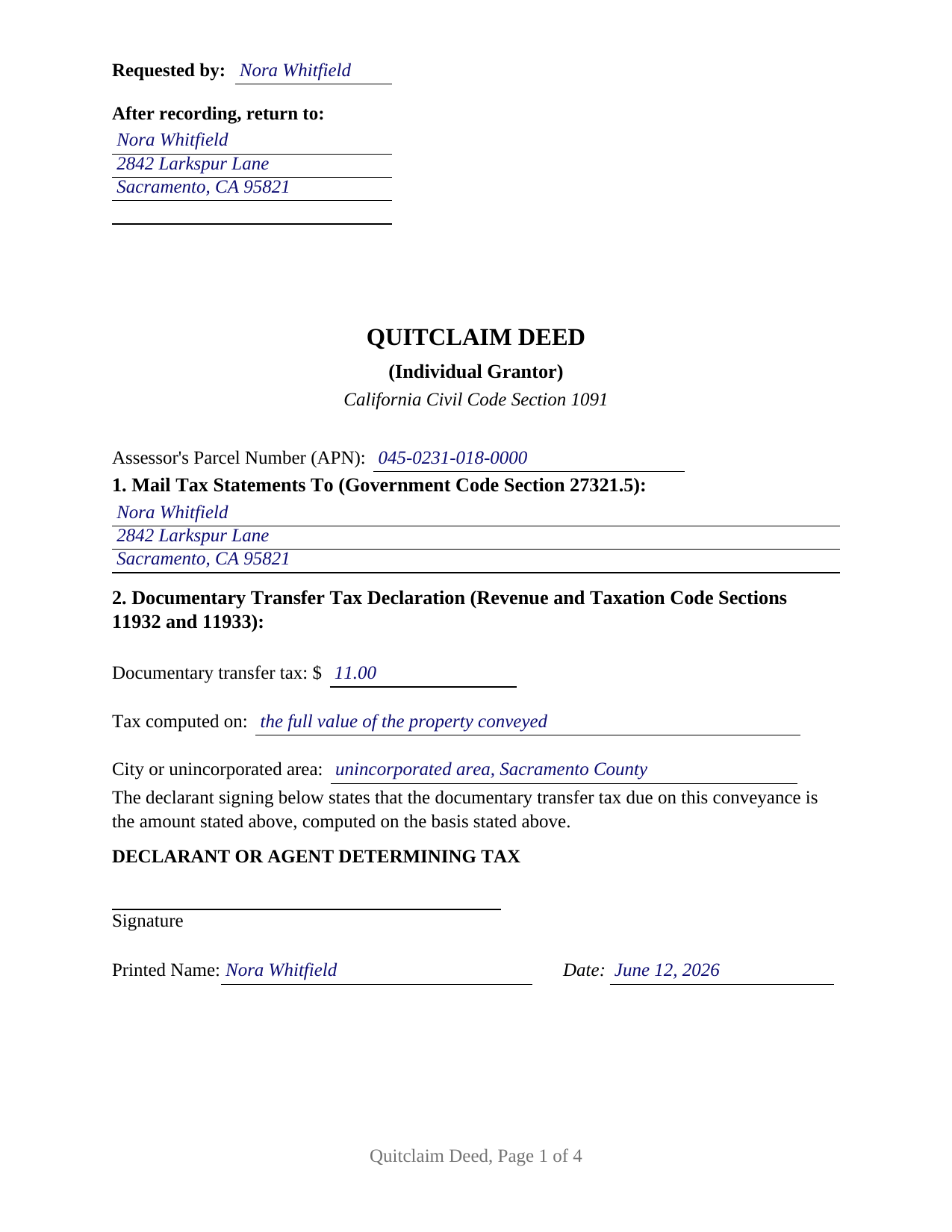
Del Norte County Completed Example of the Quitclaim Deed (Individual Grantor) Document
Example of a properly completed California Quitclaim Deed (Individual Grantor) document for reference.
All 3 documents above included • One-time purchase • No recurring fees
Immediate Download • Secure Checkout
Additional California and Del Norte County documents included at no extra charge:
Where to Record Your Documents
Del Norte Clerk/Recorder
Crescent City, California 95531
Hours: 8:00am-5:00pm Mon-Fri / Recording until 4:00pm
Phone: (707) 464-7216
Recording Tips for Del Norte County:
- Bring your driver's license or state-issued photo ID
- Ensure all signatures are in blue or black ink
- Make copies of your documents before recording - keep originals safe
- Recorded documents become public record - avoid including SSNs
- Recording fees may differ from what's posted online - verify current rates
Cities and Jurisdictions in Del Norte County
Properties in any of these areas use Del Norte County forms:
- Crescent City
- Fort Dick
- Gasquet
- Klamath
- Smith River
Hours, fees, requirements, and more for Del Norte County
How do I get my forms?
Forms are available for immediate download after payment. The Del Norte County forms will be in your account ready to download to your computer. An account is created for you during checkout if you don't have one. Forms are NOT emailed.
Are these forms guaranteed to be recordable in Del Norte County?
Yes. Our form blanks are guaranteed to meet or exceed the applicable formatting requirements used for recording in Del Norte County, including margin requirements, font requirements, and other layout standards. This guarantee applies to formatting, not to the legal sufficiency of information entered by the user or the suitability of a form for a particular transaction.
Can I reuse these forms?
Yes. You can reuse the forms for your personal use. For example, if you have multiple properties in Del Norte County you only need to order once.
What do I need to use these forms?
The forms are PDFs that you fill out on your computer. The free Adobe Acrobat Reader is recommended, and most PDF apps also work. You do NOT enter your property information online - you download the blank forms and complete them privately on your own computer.
Are there any recurring fees?
No. This is a one-time purchase. Nothing to cancel, no memberships, no recurring fees.
How much does it cost to record in Del Norte County?
Recording fees in Del Norte County vary. Contact the recorder's office at (707) 464-7216 for current fees.
Questions answered? Let's get started!
A California quitclaim deed made by one grantor moves whatever interest that grantor holds, and nothing more, with a single signature line and a single notary certificate. This form prepares the individual grantor version of the California quitclaim deed: one owner conveying to the grantee or grantees named in the deed, without any warranty of title.
What a Quitclaim Conveys in California
California never wrote a statutory quitclaim form. The instrument, often searched as a quit claim deed, works through the general conveyance statutes: a written document, subscribed by the grantor, that takes effect on delivery. What separates a quitclaim from California's statutory grant deed is one word. A deed that uses the word grant carries two implied covenants under Civil Code Section 1113; a quitclaim omits that word, so no covenant of title is implied. The California Supreme Court has described a quitclaim as fully effective to transfer whatever title the grantor has, including fee simple title, but without warranties. Title the grantor acquires later does not pass under it, the traditional distinction California cases draw between the two deeds, and this form states that limit on its face.
One Grantor, One Signature Line
The form recites exactly one grantor, an individual signing personally. The grantor section carries one name with the customary status description, the signature section carries one line, and one California all-purpose acknowledgment certificate follows, complete with the boxed notice Civil Code Section 1189 requires at the top of every certificate taken in the state. An individual releasing a possible interest to clear a cloud on title, a family member passing an interest to a relative, and an owner moving title under a settlement present the single grantor pattern this deed recites. The form is not set up as a two grantor instrument, and a conveyance of community real property in which both spouses join presents a two signer pattern outside this form's single signature block.
A First Page Built for the Recording Counter
California recorders read the first page before anything else, and this form arranges it the way Government Code Section 27361.6 describes: the top 2.5 inches reserved for recording information, the requester line and return address in the left 3.5 inches of that space, and the document title below. The first page also carries the two entries state law looks for before acceptance: the name and address for future tax statements under Government Code Section 27321.5, and the documentary transfer tax declaration under Revenue and Taxation Code Sections 11932 and 11933, showing the amount due, the basis of computation, and whether the property lies in a city or an unincorporated area, over the declarant's signature. The guide walks through the county rate, the separate taxes some charter cities impose, and the exemptions that enter a code section instead of a dollar amount, gifts among them.
Signing and Recording
The grantor signs before a notary; California requires acknowledgment before a deed can be recorded and does not accept subscribing witness proof for deeds. Recording happens with the recorder of the county where the property is located. California follows a race-notice rule: the deed is valid between the parties without recording, but an unrecorded conveyance loses to a later good faith purchaser who records first. Recording also brings the fee stack the guide describes, from the base recording fees to the Building Homes and Jobs Act fee, with the documentary transfer tax paid at the counter and the Preliminary Change of Ownership Report accompanying the deed to the assessor.
The download includes the quitclaim deed as a fillable PDF, a completed example showing every entry filled in for a Sacramento County fact pattern, and a plain language guide that explains each section of the form, the notarization, and the recording steps. The package describes the law that governs the document in general terms and is not legal advice about any particular title.
Important: Your property must be located in Del Norte County to use these forms. Documents should be recorded at the county recording office listed above.
This Quitclaim Deed (Individual Grantor) meets all recording requirements specific to Del Norte County.
Our Promise
The documents you receive here are guaranteed to meet or exceed the applicable Del Norte County recording format requirements. If there is a rejection caused by our formatting, we will correct the issue or refund your payment. This guarantee applies to document formatting only and does not extend to information entered by the user, the selection of the form, or the legal effect of the completed document.
Save Time and Money
Get your Del Norte County Quitclaim Deed (Individual Grantor) form done right the first time with Deeds.com Uniform Conveyancing Blanks. At Deeds.com, we understand that your time and money are valuable resources, and we don't want you to face a penalty fee or rejection imposed by a county recorder for submitting nonstandard documents. We constantly review and update our forms to meet rapidly changing state and county recording requirements for roughly 3,500 counties and local jurisdictions.
4.8 out of 5 - ( 4,819 Reviews )
Raymond M. 5 out of 5 stars
It would be really nice if you had an example of the document full size that can be examined/read before having to pay. I was gambling that it was the exact document that I needed when I paid my fee. Fortunately, it was, and I commend you for that.
Thank you for your feedback. We really appreciate it. Have a great day!
richard z. 5 out of 5 stars
Great service they had what i need easy to use on printing as soon as you pay you can print also as many copys as you need. i would use this service again
We appreciate your business and value your feedback. Thank you. Have a wonderful day!
DON O. 2 out of 5 stars
needs to be more user friendly
Thank you for your feedback. We really appreciate it. Have a great day!
Pedro M. 5 out of 5 stars
Very good service......
Your feedback is greatly appreciated. Thank you for taking the time to share your experience!
Alma S. 5 out of 5 stars
I like the service very much, it's easy and fast, I'm really happy with the service.
Thank you!
RONNIE C. 5 out of 5 stars
Excellent service and the time the documents send back to me was also excellent
Thank you!
NormaJean Q. 5 out of 5 stars
Thank you, thie was very helpful. I did find the forms I needed.Very easy to use.,
We appreciate your business and value your feedback. Thank you. Have a wonderful day!
John C N. 5 out of 5 stars
Just the website I needed. Very detailed and efficient.
Thank you for taking the time to provide your feedback John, we really appreciate it. Have an amazing day!
Antonia J. 5 out of 5 stars
Great Family Planner
Thank you!
Therese L. 5 out of 5 stars
Good instructions and example
Thank you!
Janice R. 5 out of 5 stars
Very easy to do. Got papers I was needed very quickly. Thank you
We appreciate your business and value your feedback. Thank you. Have a wonderful day!
ROBERT K. 5 out of 5 stars
It was so easy to obtain the necessary documents.
Thank you for your feedback. We really appreciate it. Have a great day!
harriet l. 5 out of 5 stars
Worked very smoothly and got the job done
Thank you for your feedback. We really appreciate it. Have a great day!
Susan E. 5 out of 5 stars
Great experience from a great staff at Deeds.com. Highly recommended!
So glad we could help Susan. Thanks for the kind words.
JENNIE W. 5 out of 5 stars
This is so much easier than going downtown to file paperwork! Thanks deeds.com!
Thank you!