Del Norte County Quitclaim Deed (Married Couple as Grantors) Form
Last validated October 14, 2026 by our Forms Development TeamFormatted for recording in Del Norte County, for property anywhere in the county: rural and unincorporated areas as well as Crescent City, Fort Dick, Gasquet, Klamath, Smith River.
- 3 documents included
- Immediate PDF download
- Formatting guarantee
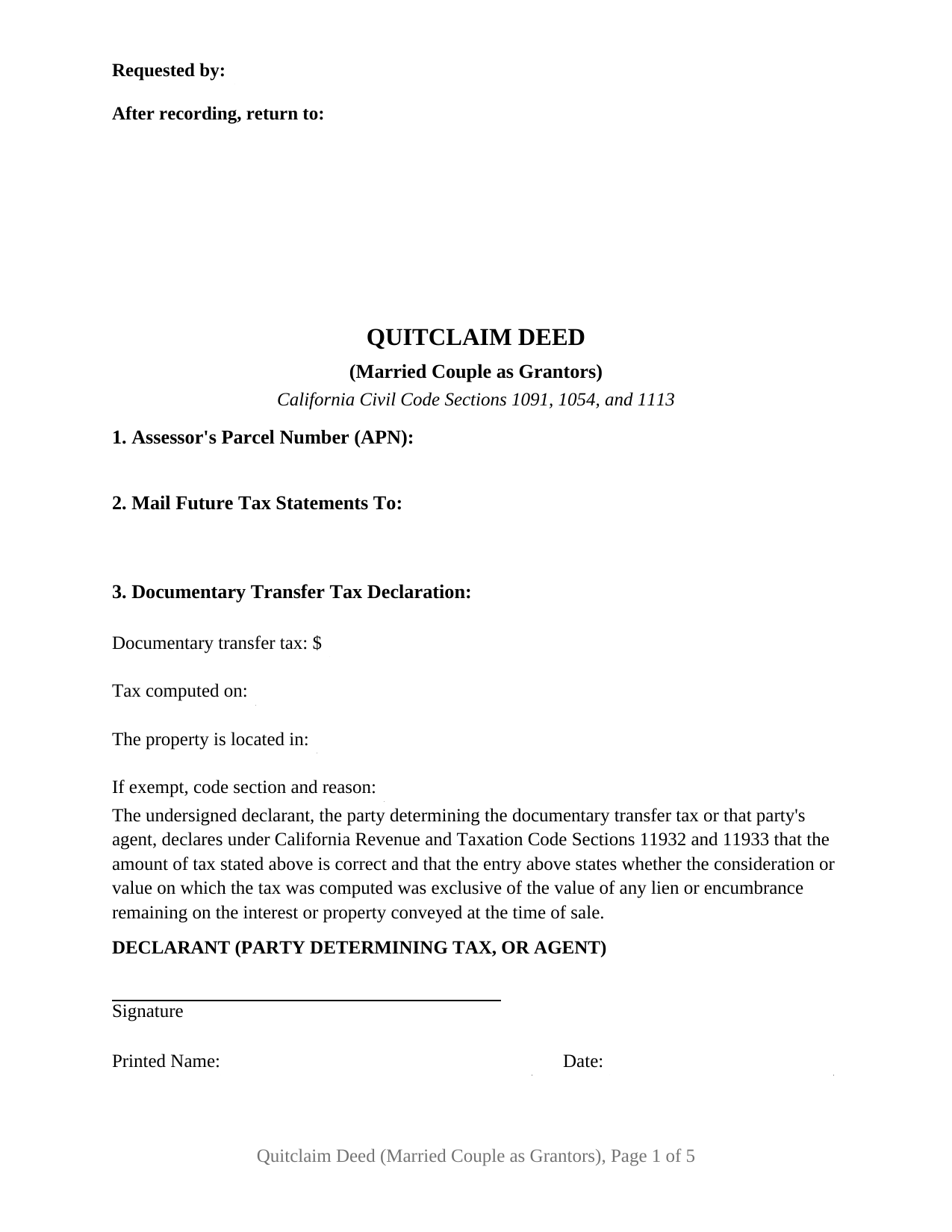
Del Norte County Quitclaim Deed (Married Couple as Grantors) Form
Fill in the blank Quitclaim Deed (Married Couple as Grantors) form formatted to comply with all California recording and content requirements.
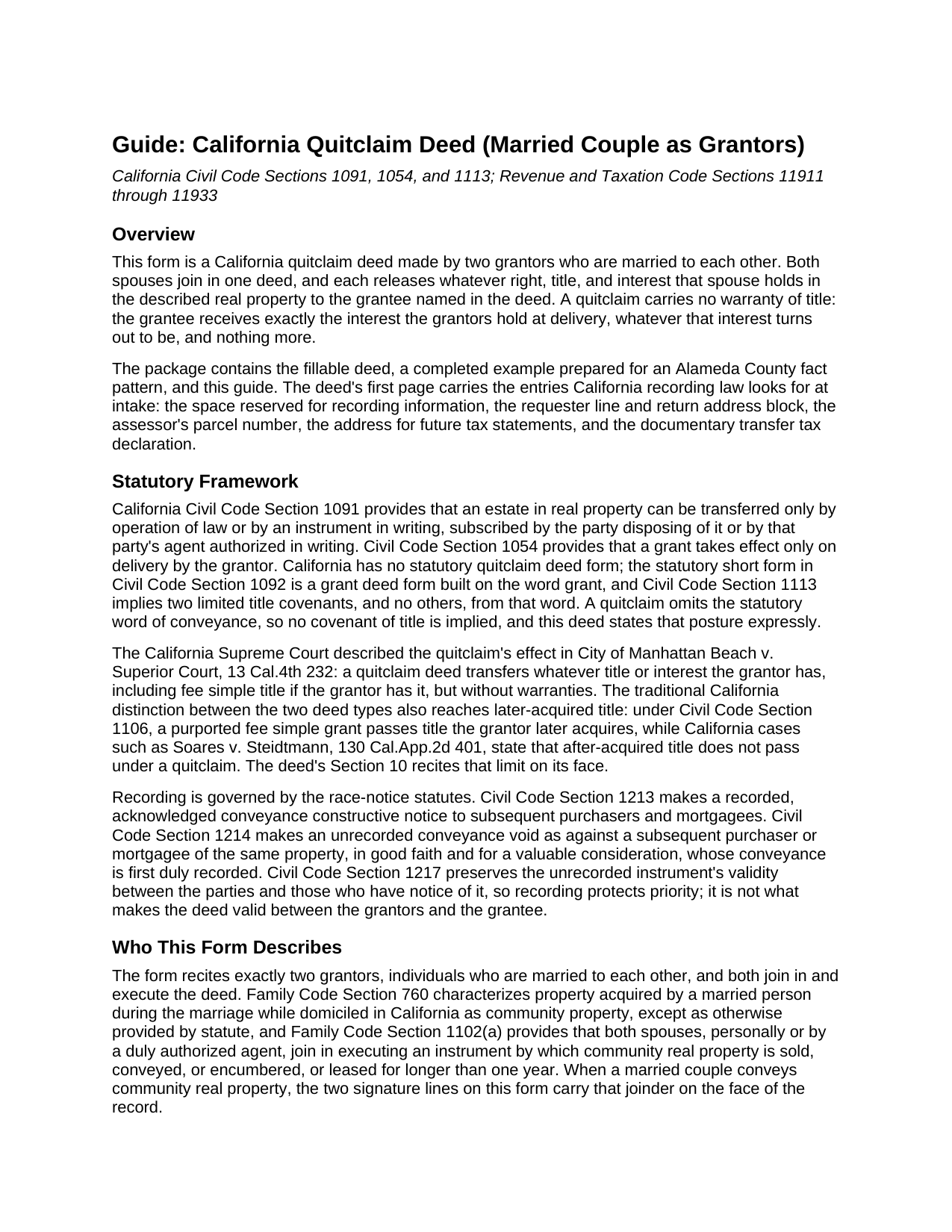
Del Norte County Quitclaim Deed (Married Couple as Grantors) Guide
Line by line guide explaining every blank on the Quitclaim Deed (Married Couple as Grantors) form.
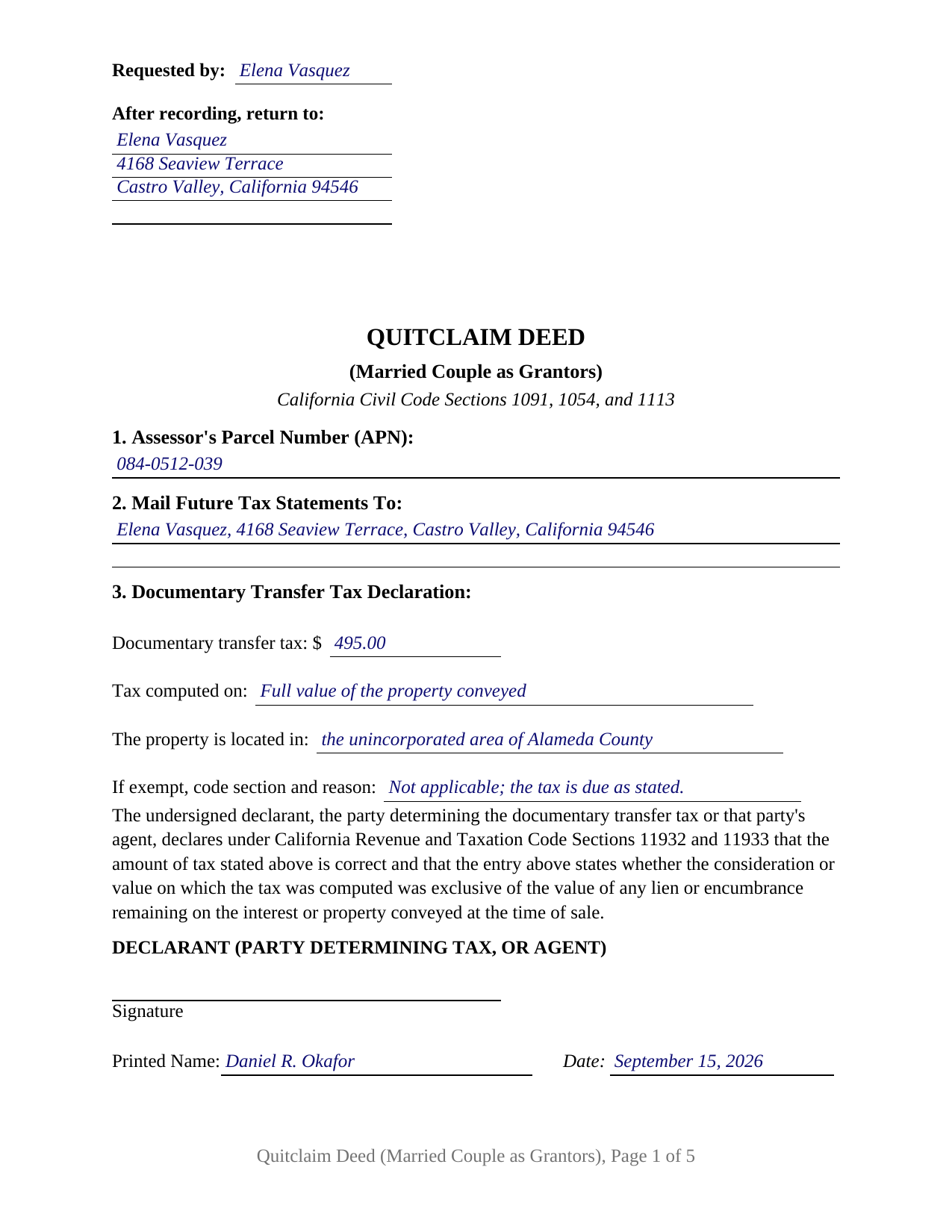
Del Norte County Completed Example of the Quitclaim Deed (Married Couple as Grantors) Document
Example of a properly completed California Quitclaim Deed (Married Couple as Grantors) document for reference.
All 3 documents above included • One-time purchase • No recurring fees
Immediate Download • Secure Checkout
Additional California and Del Norte County documents included at no extra charge:
Where to Record Your Documents
Del Norte Clerk/Recorder
Crescent City, California 95531
Hours: 8:00am-5:00pm Mon-Fri / Recording until 4:00pm
Phone: (707) 464-7216
Recording Tips for Del Norte County:
- Bring your driver's license or state-issued photo ID
- Ensure all signatures are in blue or black ink
- Ask about their eRecording option for future transactions
- Avoid the last business day of the month when possible
- Both spouses typically need to sign if property is jointly owned
Cities and Jurisdictions in Del Norte County
Properties in any of these areas use Del Norte County forms:
- Crescent City
- Fort Dick
- Gasquet
- Klamath
- Smith River
Hours, fees, requirements, and more for Del Norte County
How do I get my forms?
Forms are available for immediate download after payment. The Del Norte County forms will be in your account ready to download to your computer. An account is created for you during checkout if you don't have one. Forms are NOT emailed.
Are these forms guaranteed to be recordable in Del Norte County?
Yes. Our form blanks are guaranteed to meet or exceed the applicable formatting requirements used for recording in Del Norte County, including margin requirements, font requirements, and other layout standards. This guarantee applies to formatting, not to the legal sufficiency of information entered by the user or the suitability of a form for a particular transaction.
Can I reuse these forms?
Yes. You can reuse the forms for your personal use. For example, if you have multiple properties in Del Norte County you only need to order once.
What do I need to use these forms?
The forms are PDFs that you fill out on your computer. The free Adobe Acrobat Reader is recommended, and most PDF apps also work. You do NOT enter your property information online - you download the blank forms and complete them privately on your own computer.
Are there any recurring fees?
No. This is a one-time purchase. Nothing to cancel, no memberships, no recurring fees.
How much does it cost to record in Del Norte County?
Recording fees in Del Norte County vary. Contact the recorder's office at (707) 464-7216 for current fees.
Questions answered? Let's get started!
When California spouses give up an interest in real property together, the record shows one instrument doing the work of two owners: a quitclaim deed that names both spouses as grantors, recites that they are married to each other, and carries a signature line and a notary certificate for each of them. This form prepares the California quitclaim deed in that married couple configuration, releasing whatever interest the couple holds to the grantee named in the deed, without any warranty of title.
Married Grantors and the Community Property Presumption
The marriage matters on the grantor side because of how California characterizes ownership. Family Code Section 760 makes property acquired by a married person during the marriage, while domiciled in the state, community property except as otherwise provided, and the California Supreme Court's decision in In re Brace confirmed how far that presumption reaches even when the recorded title reads differently. A conveyance of community real property is a two spouse act under Family Code Section 1102, and a deed executed by one spouse alone leaves the record asking where the other spouse stands. The married couple configuration answers on the face of the instrument: the grantor section recites the marriage, both spouses execute, and the release reaches whatever interest either of them holds, community or separate, however the characterization might later be argued.
A Release Without Covenants
California folded its everyday title promise into a single word. A conveyance drawn on the word grant picks up the two implied covenants of Civil Code Section 1113; a quitclaim, often typed as a quit claim deed, leaves that word out, so nothing is promised about the state of the title. The deed prints the rest of the classic quitclaim posture in its operative section: each grantor conveys the right, title, and interest held at delivery, and title a grantor acquires afterward does not follow the deed. What the couple holds passes; what they do not hold was never promised.
Two Spouse Grantor Blocks, Two Certificates
Section 4 of the form carries the configuration: a grantor block for each spouse under a recital that the grantors are married to each other and that both join in the deed. Two signature lines follow the operative section, and a notary certificate follows for each signer, headed by the boxed identity notice California places at the top of certificates taken in the state. A documentary transfer tax declaration prints in the body with its own line for the party who determines the tax. Couples presenting this pattern appear throughout California's grantor indexes: spouses selling a community parcel to a buyer, a couple releasing their interest in family land to a relative, and spouses in a long marriage consolidating fractional interests they picked up over the years into a single grantee's name.
The form recites its two grantors as spouses. A sole owner, and two co-owners who are not married to each other, present grantor patterns outside these blocks, and the form is not set up as a transfer between the spouses themselves: the grantee section names a party taking from the couple.
Recording and the Notice That Follows
The deed records with the recorder of the county where the land lies, and its first page arrives arranged for intake: the reserved recording space, the requester and return entries, the parcel number, the future tax statement address, and the transfer tax declaration. One recording consequence is newer than the rest. Under a 2025 statute, every California county is to establish a recorder notification program by January 1, 2027, and after implementation the recorder mails notice to the parties who executed a recorded deed or quitclaim deed, within 30 days, at the tax bill address on file. Both spouses on this deed are executing parties, so that anti fraud notice runs to each of them.
The package contains the deed as a fillable PDF, a completed example worked through an Alameda County sale, and a plain language guide to every section, the signing before the notary, and the county recording process. It describes the law that governs the instrument in general terms and is not legal advice about any couple's title.
Important: Your property must be located in Del Norte County to use these forms. Documents should be recorded at the county recording office listed above.
This Quitclaim Deed (Married Couple as Grantors) meets all recording requirements specific to Del Norte County.
Our Promise
The documents you receive here are guaranteed to meet or exceed the applicable Del Norte County recording format requirements. If there is a rejection caused by our formatting, we will correct the issue or refund your payment. This guarantee applies to document formatting only and does not extend to information entered by the user, the selection of the form, or the legal effect of the completed document.
Save Time and Money
Get your Del Norte County Quitclaim Deed (Married Couple as Grantors) form done right the first time with Deeds.com Uniform Conveyancing Blanks. At Deeds.com, we understand that your time and money are valuable resources, and we don't want you to face a penalty fee or rejection imposed by a county recorder for submitting nonstandard documents. We constantly review and update our forms to meet rapidly changing state and county recording requirements for roughly 3,500 counties and local jurisdictions.
4.8 out of 5 - ( 4,836 Reviews )
Crystal W. 5 out of 5 stars
This is the easiest process.
Thank you for your feedback. We really appreciate it. Have a great day!
Janet M. 5 out of 5 stars
This site is amazing! What a time saver from driving somewhere and standing around waiting.
Thank you!
John T. 5 out of 5 stars
I bought a quitclaim deed package, and it was very easy to use. Prints nicely. Two thumbs up!
We appreciate your business and value your feedback. Thank you. Have a wonderful day!
Equity S. 5 out of 5 stars
I love the service you provide. Very helpful and saves a ton of time.
We appreciate your business and value your feedback. Thank you. Have a wonderful day!
Mylika M. 5 out of 5 stars
Deed.com has been an amazing resource for my solo practice. Very timely communication and quick results!
We truly value your business and appreciate your review.
Tracy A. 5 out of 5 stars
Thanks, it was a big help!!!
Thank you!
Chanda B. 5 out of 5 stars
So easy to use!
Thank you!
Laura D. 5 out of 5 stars
Great forms - I got several property deeds and really appreciated that they came with the required state forms (for NY). the sample completed form is also really helpful. Attorney wanted hundreds- with this form it is the same amount of work but I can file myself for the cost of lunch!!
We appreciate your business and value your feedback. Thank you. Have a wonderful day!
Bernadette G. 5 out of 5 stars
I LOVE that very concise directions and a sample completed deed were included. They were incredibly helpful. I did like the quick response to questions and the refund of my purchase when they were unable to find a deed I needed. I wasn't sure if I could trust this site, but my deed transfer went through without a hitch with the paperwork that was provided/purchased.
We appreciate your business and value your feedback. Thank you. Have a wonderful day!
Lori C. 5 out of 5 stars
It just a little disconcerting that I was not able to preview any of the forms prior to purchasing them. Thank goodness they were the correct forms I needed. I would suggest being able to at least make the picture of the forms a little larger or give the capability to zoom in.
Thank you!
Steven N. 5 out of 5 stars
I was introduced to Deeds.com from my title company. I wanted the title company to do a courtesy recording for me and they suggested Deeds.com. Best suggestion in a while. The interface to use the website was seemlessly easy. The communication with the service staff was thorough and prompt. After the initial verification process (which the photo app was a little tricky), everything was easy. Will use them again.
Your feedback is greatly appreciated. Thank you for taking the time to share your experience!
Paul B. 5 out of 5 stars
Very efficient and easy to use process
Paul, we’re glad to hear you had a smooth and efficient experience! Making things easy for our customers is always our goal.
Vickie G. 5 out of 5 stars
The form and instruction were perfect. Thank you.
Thank You Vickie!
katherine a. 5 out of 5 stars
loved the ease of use for the forms. went on line to find out about Adobe Reader, too. Had a test to see if I had it. Took few seconds. Then on to ordering and downloading which took only 5 minutes for the three forms I wanted. Thanks, Katie Anderson
Thank you for your feedback. We really appreciate it. Have a great day!
Gertrude F. 3 out of 5 stars
I like that DEEDS.com has a variety of forms tht I may need. However, I was disappointed that I am not able to save the PDF forms after I fill in the spaces. If I need to edit anything, I have to go back to the blank form and redo the whole thing. Perhap I am doing something wrong.
Thank you!