Leon County Certificate of Trust Form
Last validated November 4, 2026 by our Forms Development TeamFormatted for recording in Leon County, for property anywhere in the county: rural and unincorporated areas as well as Tallahassee, Woodville.
- 3 documents included
- Immediate PDF download
- Formatting guarantee
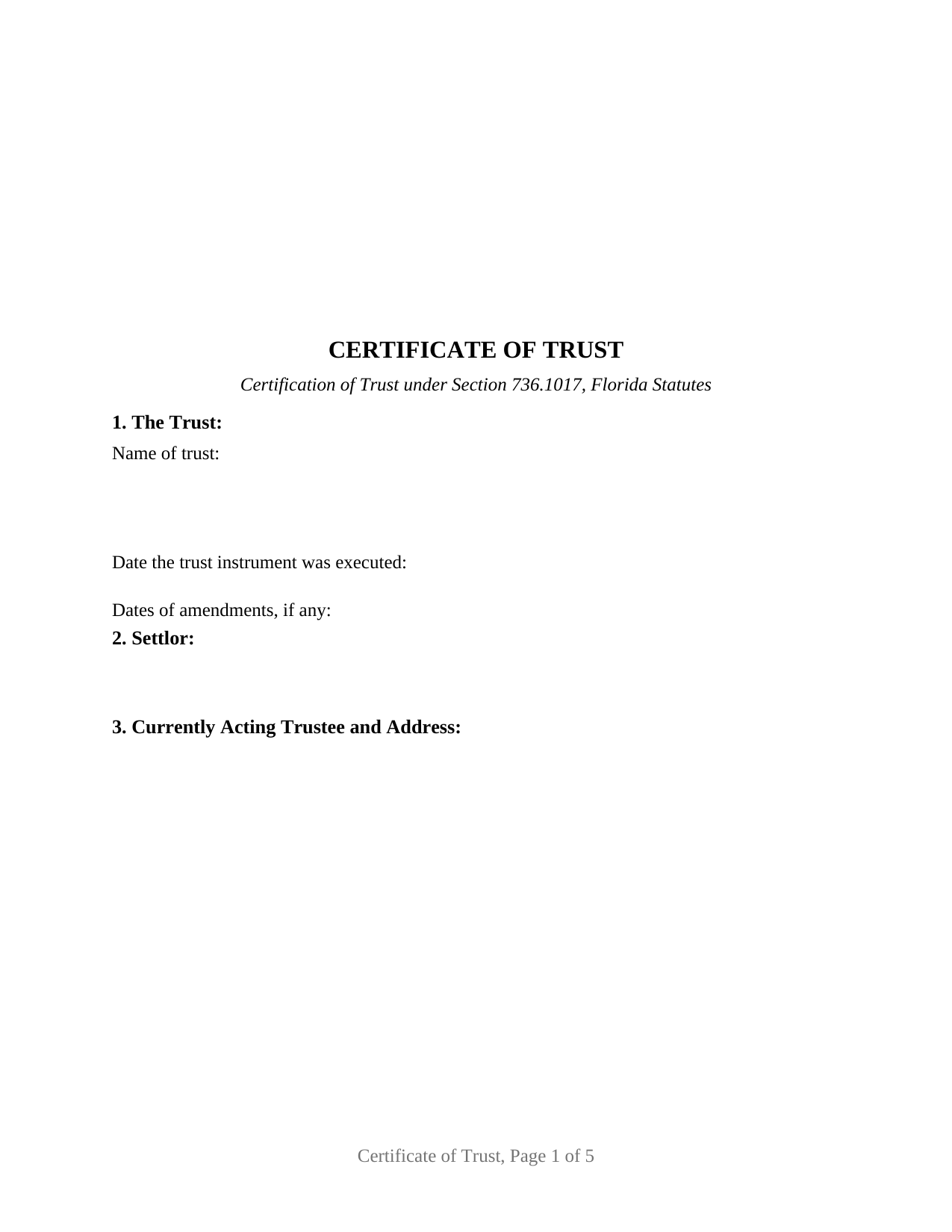
Leon County Certificate of Trust Form
Fill in the blank Certificate of Trust form formatted to comply with all Florida recording and content requirements.
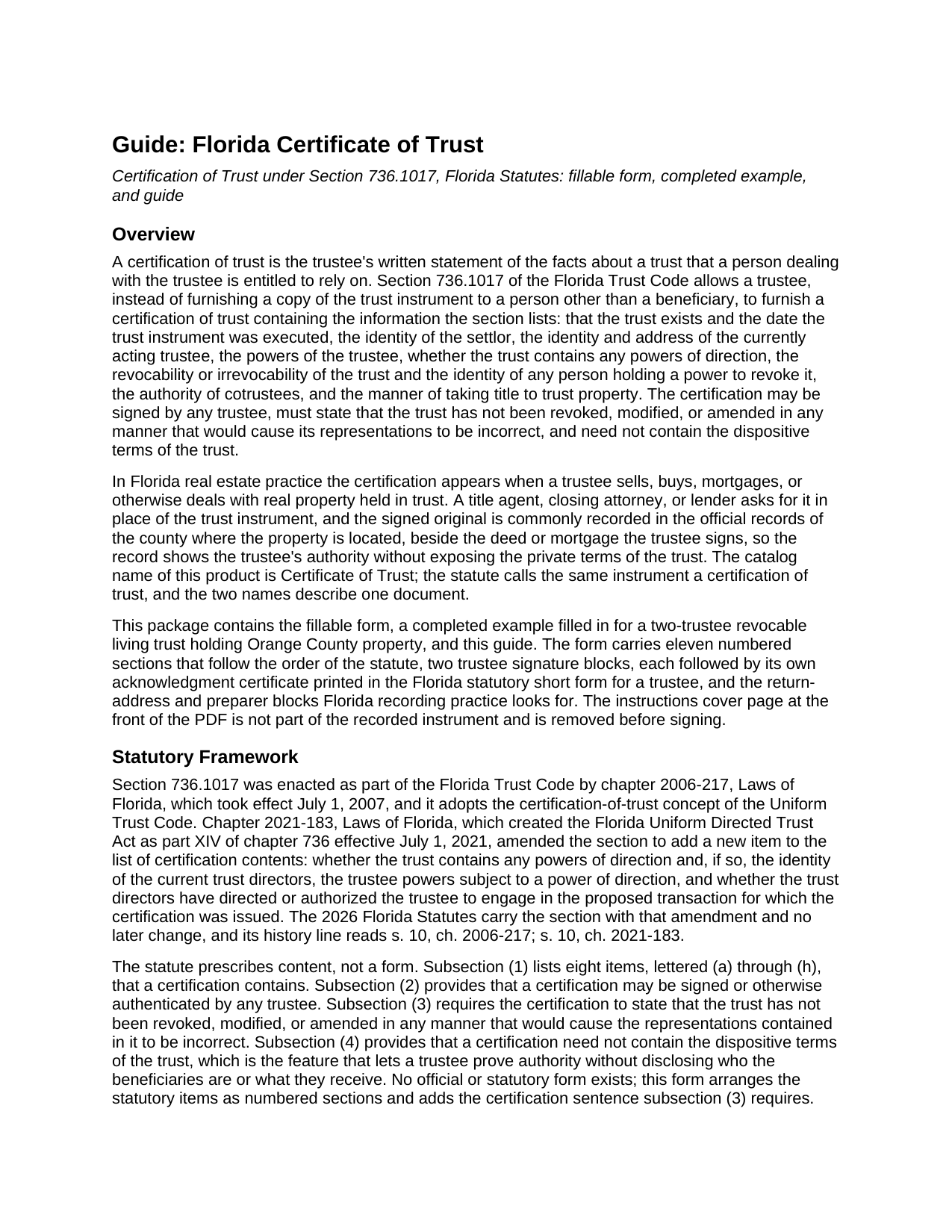
Leon County Certificate of Trust Guide
Line by line guide explaining every blank on the Certificate of Trust form.
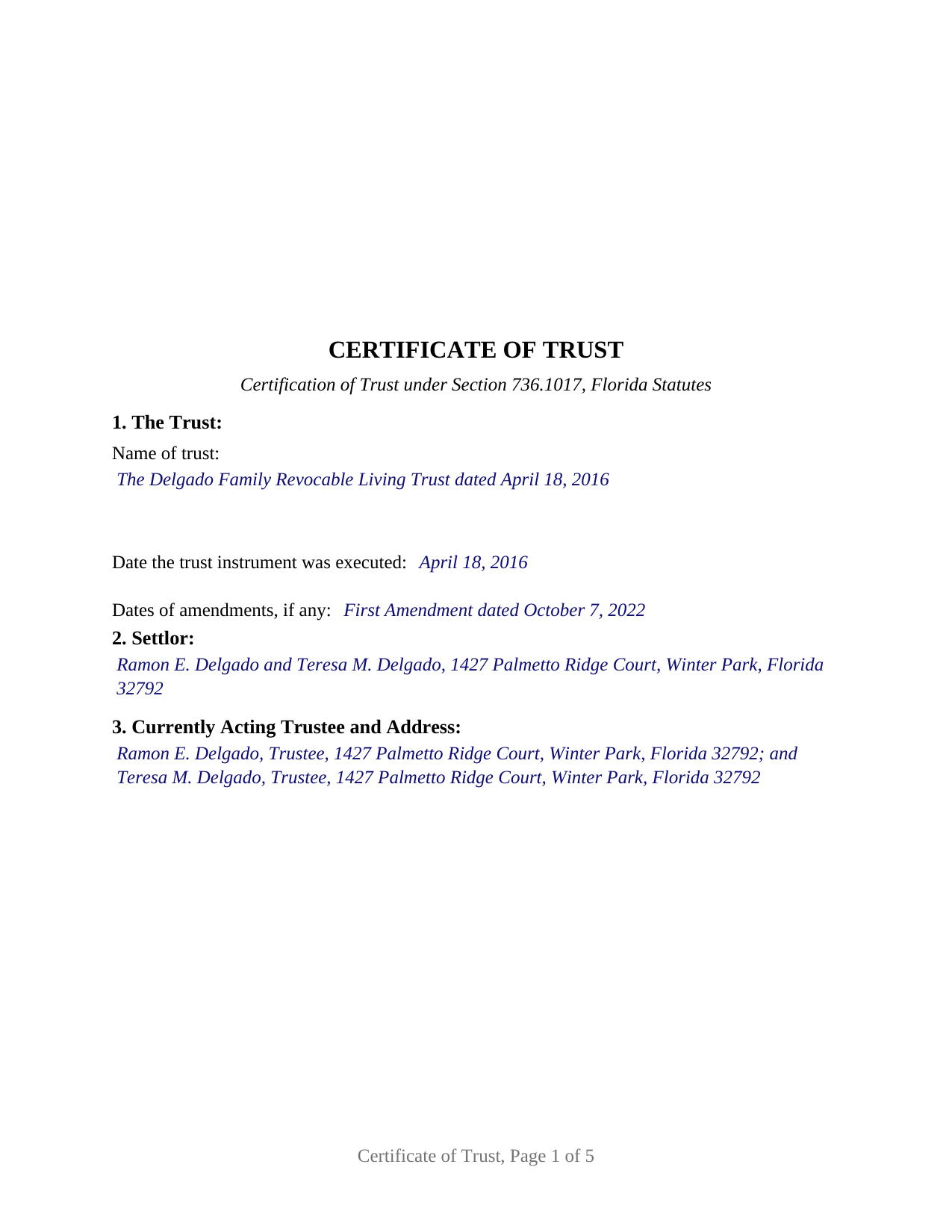
Leon County Completed Example of the Certificate of Trust Document
Example of a properly completed Florida Certificate of Trust document for reference.
All 3 documents above included • One-time purchase • No recurring fees
Immediate Download • Secure Checkout
Additional Florida and Leon County documents included at no extra charge:
Where to Record Your Documents
County Courthouse / Courts Dept. and Official Records
Tallahassee, Florida 32301
Hours: 8:00am - 4:30pm M-F
Phone: (850) 577-4030
Northeast Branch
Tallahassee, Florida 32312
Hours: 8:00am - 5:00pm M-F
Phone: (850) 577-4030
Recording Tips for Leon County:
- Bring your driver's license or state-issued photo ID
- Ensure all signatures are in blue or black ink
- Avoid the last business day of the month when possible
- Both spouses typically need to sign if property is jointly owned
- Bring extra funds - fees can vary by document type and page count
Cities and Jurisdictions in Leon County
Properties in any of these areas use Leon County forms:
- Tallahassee
- Woodville
Hours, fees, requirements, and more for Leon County
How do I get my forms?
Forms are available for immediate download after payment. The Leon County forms will be in your account ready to download to your computer. An account is created for you during checkout if you don't have one. Forms are NOT emailed.
Are these forms guaranteed to be recordable in Leon County?
Yes. Our form blanks are guaranteed to meet or exceed the applicable formatting requirements used for recording in Leon County, including margin requirements, font requirements, and other layout standards. This guarantee applies to formatting, not to the legal sufficiency of information entered by the user or the suitability of a form for a particular transaction.
Can I reuse these forms?
Yes. You can reuse the forms for your personal use. For example, if you have multiple properties in Leon County you only need to order once.
What do I need to use these forms?
The forms are PDFs that you fill out on your computer. The free Adobe Acrobat Reader is recommended, and most PDF apps also work. You do NOT enter your property information online - you download the blank forms and complete them privately on your own computer.
Are there any recurring fees?
No. This is a one-time purchase. Nothing to cancel, no memberships, no recurring fees.
How much does it cost to record in Leon County?
Recording fees in Leon County vary. Contact the recorder's office at (850) 577-4030 for current fees.
Questions answered? Let's get started!
A Florida certificate of trust lets a trustee prove the authority to sell, mortgage, or buy real property without handing the trust instrument to a buyer, lender, or title agent. This form prepares the certification of trust described in Section 736.1017 of the Florida Trust Code, for one or two currently acting trustees of a Florida trust, formatted for recording in the county where the property is located.
Proof of authority without the trust document
Section 736.1017 allows a trustee, instead of furnishing a copy of the trust instrument to a person other than a beneficiary, to furnish a certification of trust stating the facts the statute lists: the trust's existence and date, the settlor, the currently acting trustee and address, the trustee's powers, any powers of direction, revocability and who may revoke, the authority of cotrustees, and the manner of taking title to trust property. The certification must state that the trust has not been revoked, modified, or amended in any manner that would cause its representations to be incorrect, and it need not contain the dispositive terms of the trust. The beneficiaries stay private; the authority to act goes on the record.
The statute is what makes a closing agent accept the document: a person who acts in reliance on a certification without knowledge that its representations are incorrect is not liable for so acting, may assume without inquiry that the facts stated in it exist, and may enforce a good-faith transaction against the trust property as if the representations were correct.
Eight statutory items, including powers of direction
The form arranges the statutory contents as numbered sections in the statute's own order. One item is newer than the rest: chapter 2021-183, Laws of Florida, the Florida Uniform Directed Trust Act, added a requirement that the certification state whether the trust contains any powers of direction and, if so, name the current trust directors. A conventional living trust states that none exists; forms drafted before 2021 omit the item. Revocability is entered by marking one of two printed boxes, Revocable or Irrevocable. A final section ties the certification to a particular parcel by county, parcel number, legal description, and the recording reference of the deed into the trustee, so a recorded certification is indexed beside the trustee's deed.
Signed by any trustee, acknowledged in the trustee form
The statute provides that a certification may be signed or otherwise authenticated by any trustee, so one signature satisfies it; the form also carries a second block for a cotrustee whose joinder the trust requires. Each block is followed by its own acknowledgment certificate in the statutory short form of Section 695.25(6) for a trustee, which records whether the trustee appeared by physical presence or online notarization and the identification relied on, with a labeled area reserving room for the rubber-stamp seal Section 117.05 places below or beside the notary's signature. No subscribing witnesses sign a certification of trust: the two-witness rule of Section 689.01 attaches to an instrument that conveys an interest in real property, and the certification conveys none, so the trustee's deed carries the witnesses and the documentary stamp tax. The form also carries the recording data Florida clerks look for: reserved clerk space on every page, printed names beneath every signature, post-office addresses, and a preparer block.
What this configuration carries
The form recites one trust and one or two currently acting trustees who are natural persons signing as trustee; the second signature block and its certificate are left blank where a sole trustee signs. The pattern appears in the record when a settlor-trustee sells a home held in a living trust, when cotrustee spouses refinance, and when a successor trustee conveys after the settlor's death. The form is not set up for a corporate trustee signing through an officer, which calls for the corporation acknowledgment rather than the trustee form, for a trust with three or more cotrustees who must all join, or for a Florida land trust governed by the Land Trust Act rather than the Trust Code.
The package includes the fillable certificate of trust form, a completed example filled in for a two-trustee revocable living trust holding Orange County property, and the guide that explains Section 736.1017 and walks through every numbered section. This description and the guide describe the form and the governing Florida statutes in general terms; they are not legal advice.
Important: Your property must be located in Leon County to use these forms. Documents should be recorded at the county recording office listed above.
This Certificate of Trust meets all recording requirements specific to Leon County.
Our Promise
The documents you receive here are guaranteed to meet or exceed the applicable Leon County recording format requirements. If there is a rejection caused by our formatting, we will correct the issue or refund your payment. This guarantee applies to document formatting only and does not extend to information entered by the user, the selection of the form, or the legal effect of the completed document.
Save Time and Money
Get your Leon County Certificate of Trust form done right the first time with Deeds.com Uniform Conveyancing Blanks. At Deeds.com, we understand that your time and money are valuable resources, and we don't want you to face a penalty fee or rejection imposed by a county recorder for submitting nonstandard documents. We constantly review and update our forms to meet rapidly changing state and county recording requirements for roughly 3,500 counties and local jurisdictions.
4.8 out of 5 - ( 4,867 Reviews )
Kenneth S. 2 out of 5 stars
Navigating the site was fine, but the service was not able to find my deed. Still have not received my refund.
Thanks for your feedback Kenneth. Sorry we were not able to pull the deed for your property. We voided your payment on December 28, 2018. Sometimes, depending on your financial institution, it can take a few days for the pending charge (hold) to expire.
Mack H. 5 out of 5 stars
I got what I was looking for! Turned out well and like I thought it would.
Thank you!
Melody P. 5 out of 5 stars
Great service as always, thanks!
Thank you for your feedback. We really appreciate it. Have a great day!
Pamela C. 4 out of 5 stars
It was easy to download. And your guide was informative as was the completed form for an example. But I wish that I had been able to edit the forms online and then print. My handwritten info is just not as crisp.
Thank you for your feedback. We really appreciate it. Have a great day!
Kimberly L. 5 out of 5 stars
Great to have online resources! I will most definitely refer others! Best regards,
We appreciate your business and value your feedback. Thank you. Have a wonderful day!
Martin M. 5 out of 5 stars
This site is great. Simple to use with excellent instructions. Will recommend to others.
Thank you!
Linda I. 5 out of 5 stars
So far so good. It was reasonably easy to download and complete the form using information found in my closing paperwork. I haven't yet had my form notarized but plan to do so this week and submit the packet to my county auditor.
Thank you for your feedback. We really appreciate it. Have a great day!
Renata L. 3 out of 5 stars
Was a bit difficult to navigate. I feel a fee to access the site and a fee to print is a bit much. I am in the real estate business and find the deeds very useful
Thank you for your feedback. We really appreciate it. Have a great day!
David K. 5 out of 5 stars
Excellent instructions to guide one through the warranty deed.
Thank you for your feedback. We really appreciate it. Have a great day!
fran g. 5 out of 5 stars
To hard for me. But with that being said it's a great option for most people.
Thank you!
Helen M. 5 out of 5 stars
All forms were exactly what I needed. Thank you Immediate, smoothly downloaded and printed.
We appreciate your business and value your feedback. Thank you. Have a wonderful day!
Bryan A. 5 out of 5 stars
Very easy thank you for this quick process.
Thank you for the kind words Bryan.
Linda K C. 5 out of 5 stars
I wanted to do an Enhancement Life Quitclaim deed and the county government lady didn’t know what I was even talking about. I ordered the deed from Deeds.com and filled it all in,submitted to the county clerk who took 10 minutes to study it before she accepted the deed. This was the easiest transaction I’ve ever made! I actually felt smarter than the clerk who worked at the count office over 20 years.
Thank you, Linda! We’re glad the process went smoothly and that our forms helped you complete your recording with confidence. We appreciate you taking the time to share your experience!
Brian W. 5 out of 5 stars
Easy, but it would be nice if there was an option for font size. It looks tiny, like 6 or 8.
Thank you for your feedback. We really appreciate it. Have a great day!
Roberto S. 5 out of 5 stars
Everything great thank you
Thank you for your positive words! We’re thrilled to hear about your experience.