Putnam County Certificate of Trust Form
Last validated October 15, 2026 by our Forms Development TeamFormatted for recording in Putnam County, for property anywhere in the county: rural and unincorporated areas as well as Bostwick, Crescent City, East Palatka, Edgar, Florahome, Georgetown, Grandin, Hollister and 9 more.
- 3 documents included
- Immediate PDF download
- Formatting guarantee
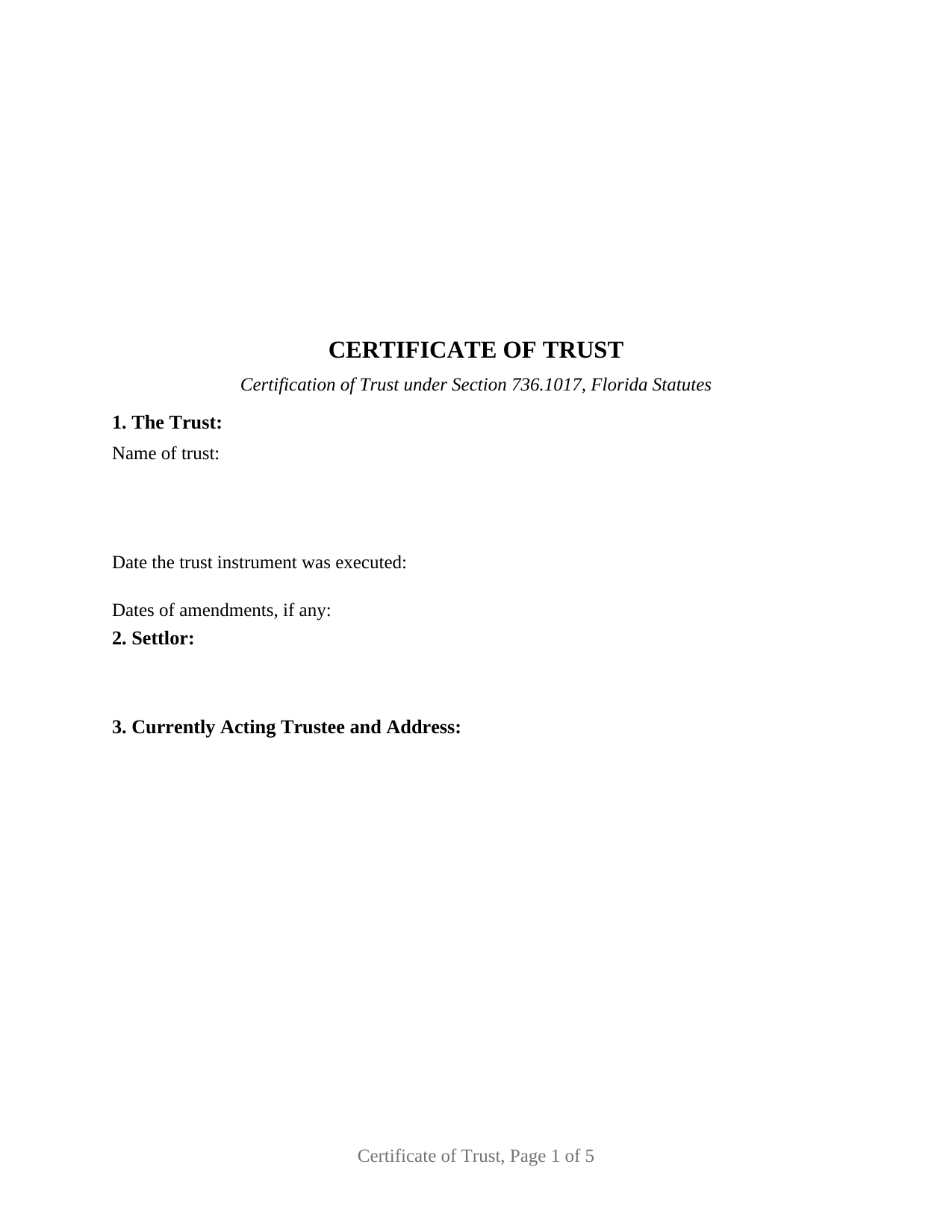
Putnam County Certificate of Trust Form
Fill in the blank Certificate of Trust form formatted to comply with all Florida recording and content requirements.
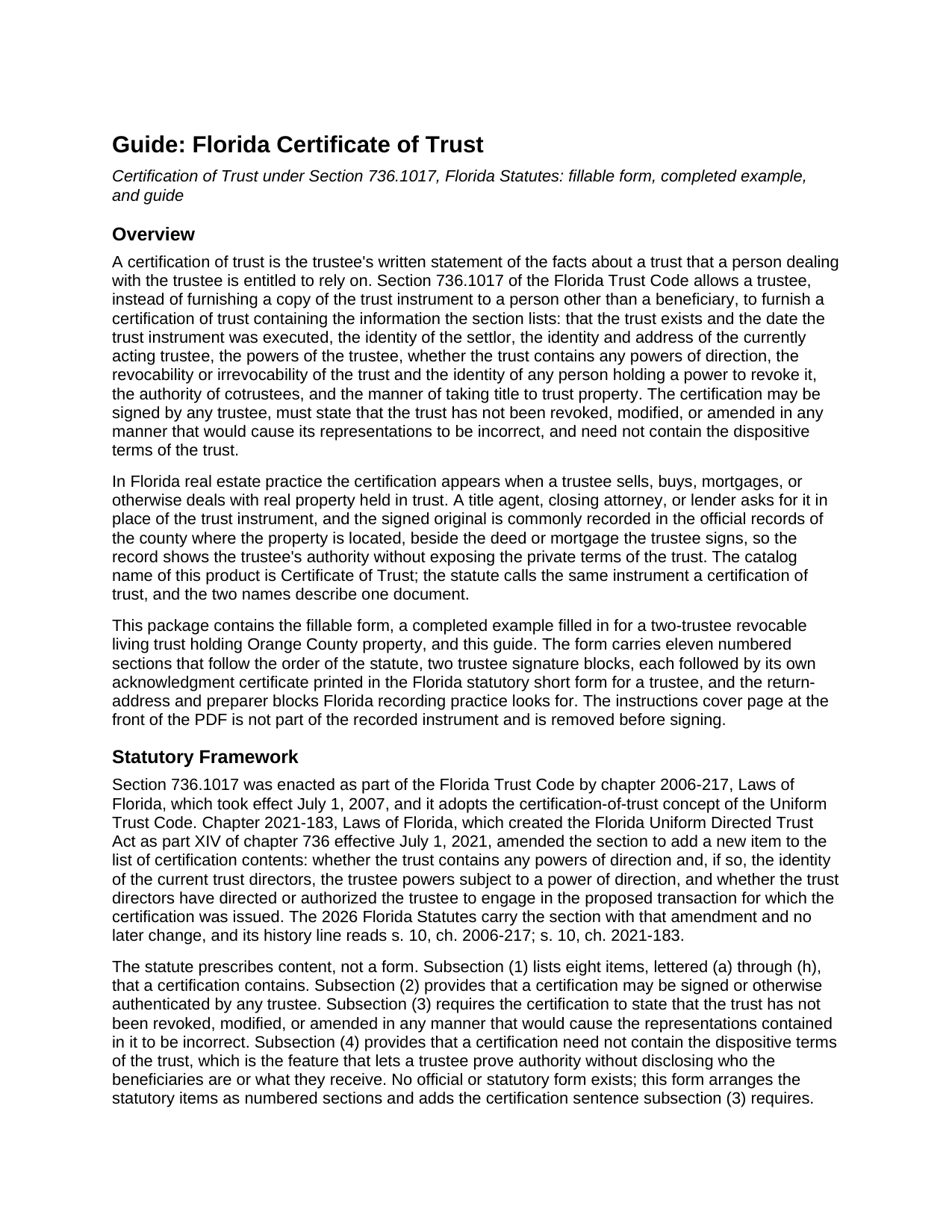
Putnam County Certificate of Trust Guide
Line by line guide explaining every blank on the Certificate of Trust form.
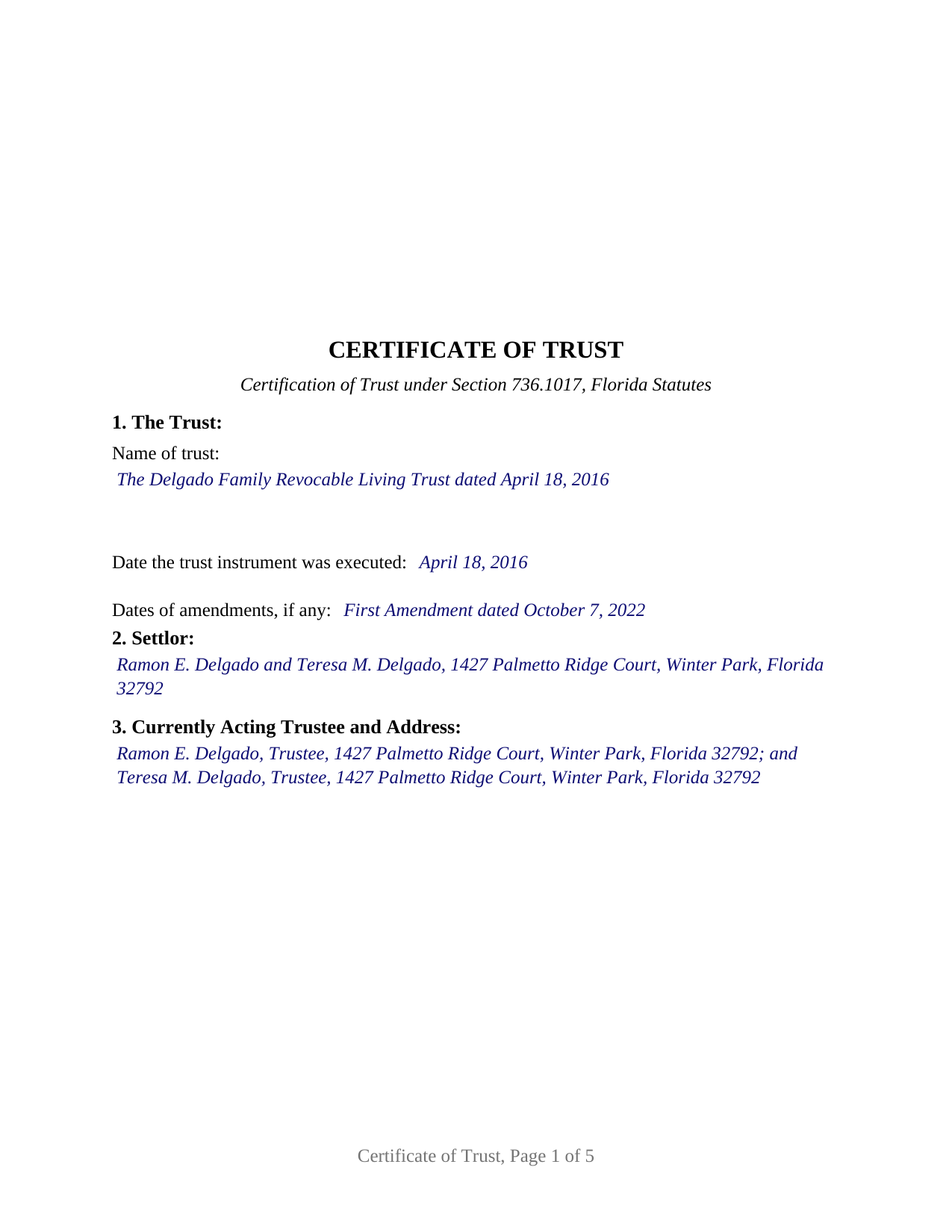
Putnam County Completed Example of the Certificate of Trust Document
Example of a properly completed Florida Certificate of Trust document for reference.
All 3 documents above included • One-time purchase • No recurring fees
Immediate Download • Secure Checkout
Additional Florida and Putnam County documents included at no extra charge:
Where to Record Your Documents
Clerk of Courts: Official Records - Recording Division
Palatka, Florida 32177 / 32178-0758
Hours: 8:30 to 5:00 M-F / (Recording Hours: 8:30 AM - 4:00 PM) Monday - Friday
Phone: (386) 326-7680
Recording Tips for Putnam County:
- Bring your driver's license or state-issued photo ID
- Ensure all signatures are in blue or black ink
- Check that your notary's commission hasn't expired
- Documents must be on 8.5 x 11 inch white paper
- Double-check legal descriptions match your existing deed
Cities and Jurisdictions in Putnam County
Properties in any of these areas use Putnam County forms:
- Bostwick
- Crescent City
- East Palatka
- Edgar
- Florahome
- Georgetown
- Grandin
- Hollister
- Interlachen
- Lake Como
- Melrose
- Palatka
- Pomona Park
- Putnam Hall
- San Mateo
- Satsuma
- Welaka
Hours, fees, requirements, and more for Putnam County
How do I get my forms?
Forms are available for immediate download after payment. The Putnam County forms will be in your account ready to download to your computer. An account is created for you during checkout if you don't have one. Forms are NOT emailed.
Are these forms guaranteed to be recordable in Putnam County?
Yes. Our form blanks are guaranteed to meet or exceed the applicable formatting requirements used for recording in Putnam County, including margin requirements, font requirements, and other layout standards. This guarantee applies to formatting, not to the legal sufficiency of information entered by the user or the suitability of a form for a particular transaction.
Can I reuse these forms?
Yes. You can reuse the forms for your personal use. For example, if you have multiple properties in Putnam County you only need to order once.
What do I need to use these forms?
The forms are PDFs that you fill out on your computer. The free Adobe Acrobat Reader is recommended, and most PDF apps also work. You do NOT enter your property information online - you download the blank forms and complete them privately on your own computer.
Are there any recurring fees?
No. This is a one-time purchase. Nothing to cancel, no memberships, no recurring fees.
How much does it cost to record in Putnam County?
Recording fees in Putnam County vary. Contact the recorder's office at (386) 326-7680 for current fees.
Questions answered? Let's get started!
A Florida certificate of trust lets a trustee prove the authority to sell, mortgage, or buy real property without handing the trust instrument to a buyer, lender, or title agent. This form prepares the certification of trust described in Section 736.1017 of the Florida Trust Code, for one or two currently acting trustees of a Florida trust, formatted for recording in the county where the property is located.
Proof of authority without the trust document
Section 736.1017 allows a trustee, instead of furnishing a copy of the trust instrument to a person other than a beneficiary, to furnish a certification of trust stating the facts the statute lists: the trust's existence and date, the settlor, the currently acting trustee and address, the trustee's powers, any powers of direction, revocability and who may revoke, the authority of cotrustees, and the manner of taking title to trust property. The certification must state that the trust has not been revoked, modified, or amended in any manner that would cause its representations to be incorrect, and it need not contain the dispositive terms of the trust. The beneficiaries stay private; the authority to act goes on the record.
The statute is what makes a closing agent accept the document: a person who acts in reliance on a certification without knowledge that its representations are incorrect is not liable for so acting, may assume without inquiry that the facts stated in it exist, and may enforce a good-faith transaction against the trust property as if the representations were correct.
Eight statutory items, including powers of direction
The form arranges the statutory contents as numbered sections in the statute's own order. One item is newer than the rest: chapter 2021-183, Laws of Florida, the Florida Uniform Directed Trust Act, added a requirement that the certification state whether the trust contains any powers of direction and, if so, name the current trust directors. A conventional living trust states that none exists; forms drafted before 2021 omit the item. Revocability is entered by marking one of two printed boxes, Revocable or Irrevocable. A final section ties the certification to a particular parcel by county, parcel number, legal description, and the recording reference of the deed into the trustee, so a recorded certification is indexed beside the trustee's deed.
Signed by any trustee, acknowledged in the trustee form
The statute provides that a certification may be signed or otherwise authenticated by any trustee, so one signature satisfies it; the form also carries a second block for a cotrustee whose joinder the trust requires. Each block is followed by its own acknowledgment certificate in the statutory short form of Section 695.25(6) for a trustee, which records whether the trustee appeared by physical presence or online notarization and the identification relied on, with a labeled area reserving room for the rubber-stamp seal Section 117.05 places below or beside the notary's signature. No subscribing witnesses sign a certification of trust: the two-witness rule of Section 689.01 attaches to an instrument that conveys an interest in real property, and the certification conveys none, so the trustee's deed carries the witnesses and the documentary stamp tax. The form also carries the recording data Florida clerks look for: reserved clerk space on every page, printed names beneath every signature, post-office addresses, and a preparer block.
What this configuration carries
The form recites one trust and one or two currently acting trustees who are natural persons signing as trustee; the second signature block and its certificate are left blank where a sole trustee signs. The pattern appears in the record when a settlor-trustee sells a home held in a living trust, when cotrustee spouses refinance, and when a successor trustee conveys after the settlor's death. The form is not set up for a corporate trustee signing through an officer, which calls for the corporation acknowledgment rather than the trustee form, for a trust with three or more cotrustees who must all join, or for a Florida land trust governed by the Land Trust Act rather than the Trust Code.
The package includes the fillable certificate of trust form, a completed example filled in for a two-trustee revocable living trust holding Orange County property, and the guide that explains Section 736.1017 and walks through every numbered section. This description and the guide describe the form and the governing Florida statutes in general terms; they are not legal advice.
Important: Your property must be located in Putnam County to use these forms. Documents should be recorded at the county recording office listed above.
This Certificate of Trust meets all recording requirements specific to Putnam County.
Our Promise
The documents you receive here are guaranteed to meet or exceed the applicable Putnam County recording format requirements. If there is a rejection caused by our formatting, we will correct the issue or refund your payment. This guarantee applies to document formatting only and does not extend to information entered by the user, the selection of the form, or the legal effect of the completed document.
Save Time and Money
Get your Putnam County Certificate of Trust form done right the first time with Deeds.com Uniform Conveyancing Blanks. At Deeds.com, we understand that your time and money are valuable resources, and we don't want you to face a penalty fee or rejection imposed by a county recorder for submitting nonstandard documents. We constantly review and update our forms to meet rapidly changing state and county recording requirements for roughly 3,500 counties and local jurisdictions.
4.8 out of 5 - ( 4,839 Reviews )
Any S. 5 out of 5 stars
I was looking for realty transfer or deed in the name of ***** **** and could never find the list of realty transfers.
Thank you for the feedback Any. We do not offer searches by name, only by property.
joni e. 5 out of 5 stars
It was everything that I needed. The county clerk's office kept telling me to get a lawyer for this form, but I didn't need one. Saved myself hundreds of dollars. I've used them many times.
Thank you for your feedback. We really appreciate it. Have a great day!
Darryl S. 5 out of 5 stars
These guys saved the day! Very good at what they do and deliver AS ADVERTISED!! My county's recorder's office was closed to the public due to the COVID-19 pandemic, and the recorder's office did not offer the service I needed online. Attempting to close on a home the following day, I was in immediate need of a deed for property that I previously owned to provide to the underwriters for my pending loan. I thought I was dead in the water and would miss my next day closing date. Strolling the internet for options, I came upon DEEDS.COM. After reading the posted reviews, I thought I would give them a try. Within 10 minutes of placing my order, I received ALL the information I requested about the property I previously owned. Thank you DEEDS.COM for the prompt, courteous, and professional service. You guys are ROCK STARS!!! I closed on my new home.
Thank you so much for your kinds words Darryl, glad we were able to help.
Kelli B. 5 out of 5 stars
Amazingly simple and fast. A great service.
Thank you!
Lorrisa L. 4 out of 5 stars
No review provided.
Thank you for your rating. Have a great day!
Darrel V. 5 out of 5 stars
Pretty easy to use and timely, too!
We appreciate your business and value your feedback. Thank you. Have a wonderful day!
carol g. 5 out of 5 stars
very good. got my info in minuetes. thank you
Thank you for your feedback Carol, have a great day!
Barry B. 5 out of 5 stars
Convenient and easy.
Thank you!
John P. 4 out of 5 stars
Working with one document at a time every thing was great, but the program will not let multiple documents save independently. When I saved a document and created another document the changes I made on the second document were on the 1st document. No big deal if your printing, but if your saving to email later, its an issue.
Thank you for your feedback. We really appreciate it. Have a great day!
Ira S. 5 out of 5 stars
Hi, 1. I need a password to be able to copy and paste from the deed. 2. It would be more convenient if all documents could be downloaded together. Ira
Thank you for your feedback. We really appreciate it. Have a great day!
Barbara M. 5 out of 5 stars
Easy to do.
We appreciate your business and value your feedback. Thank you. Have a wonderful day!
Daniel Z. 5 out of 5 stars
All is well that ends well and this form service seemed to work quite smoothly, even though my printer gives me fits at times, having to hand feed the blank paper.
Thank you for your feedback. We really appreciate it. Have a great day!
Robert P. 5 out of 5 stars
Overall, your website was straightforward and easy to navigate. I was able to accomplish what I needed to do very quickly. If needed again, I would certainly use and recommend others to use deeds.com.
We appreciate your business and value your feedback. Thank you. Have a wonderful day!
Janet W. 5 out of 5 stars
Downloading the forms I needed was quick and helpful.
Happy we could assist. Thank you for sharing your experience.
Lydia E. 5 out of 5 stars
Very intuitive to use and comprehensive enough for the most complex of cases.
Thank you!