Levy County Mortgage Instrument and Promissory Note Form
Last validated September 24, 2026 by our Forms Development TeamFormatted for recording in Levy County, for property anywhere in the county: rural and unincorporated areas as well as Bronson, Cedar Key, Chiefland, Gulf Hammock, Inglis, Morriston, Otter Creek, Williston and 1 more.
- 7 documents included
- Immediate PDF download
- Formatting guarantee
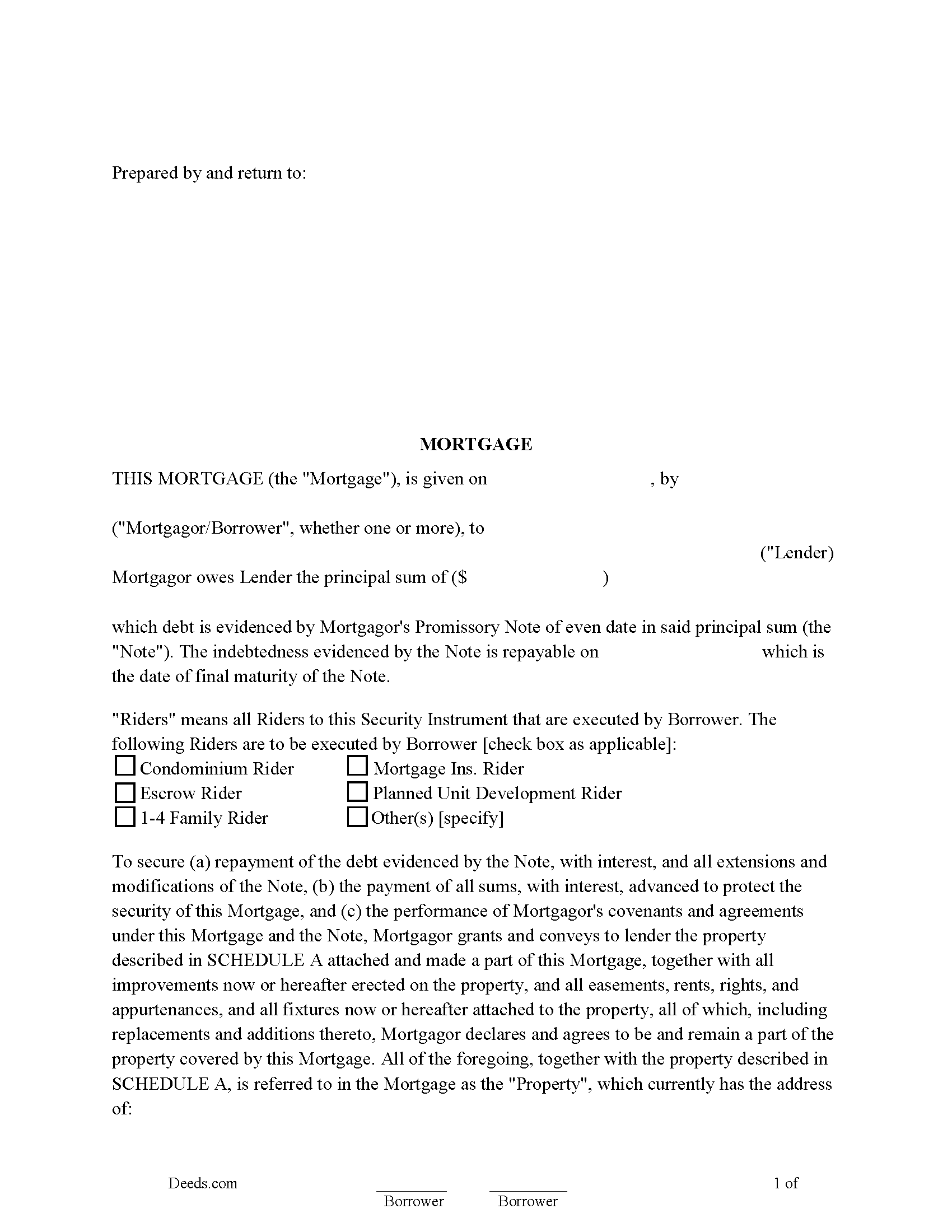
Levy County Mortgage Instrument and Promissory Note Form
Fill in the blank Mortgage Instrument and Promissory Note form formatted to comply with all Florida recording and content requirements.
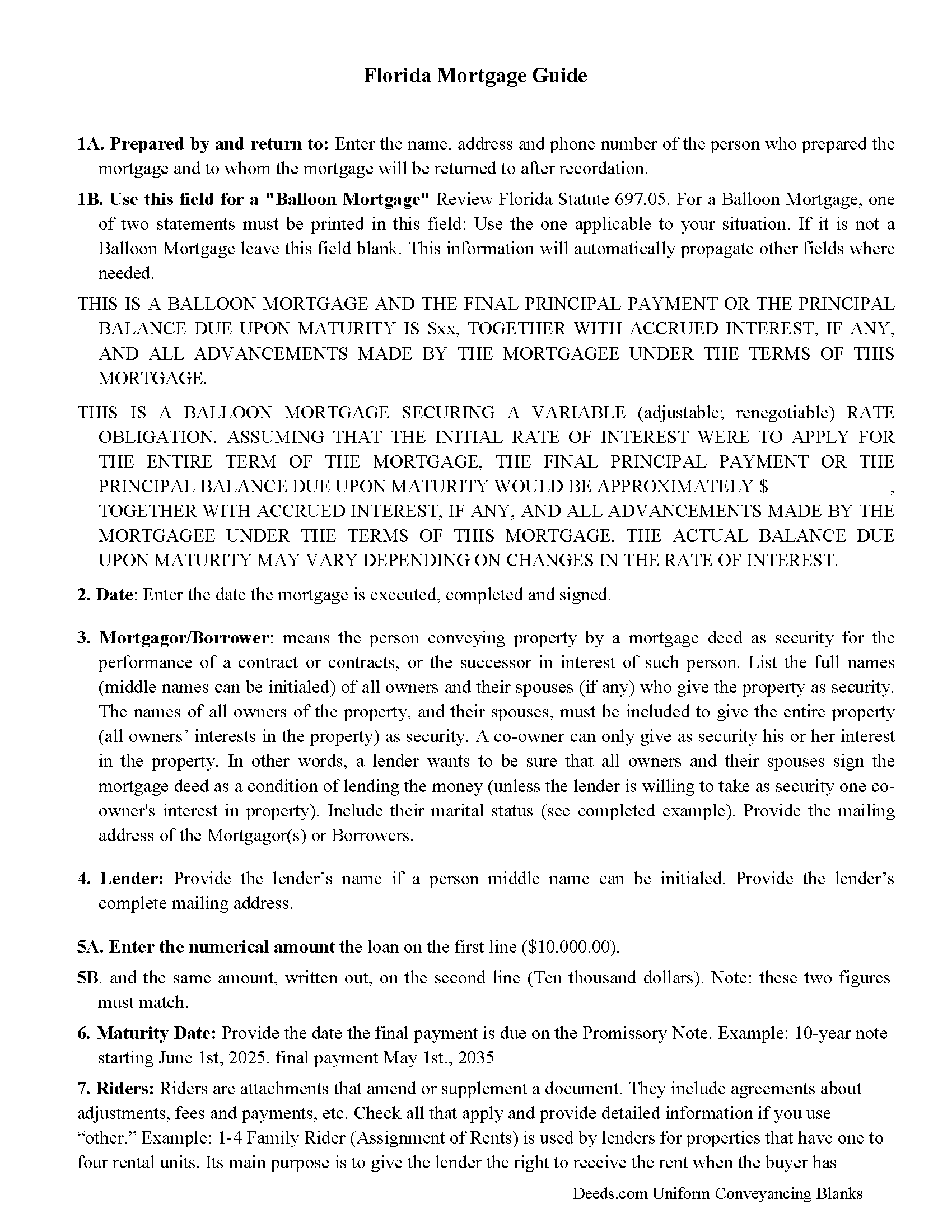
Levy County Mortgage Instrument and Promissory Note Guide
Line by line guide explaining every blank on the Mortgage Instrument and Promissory Note form.
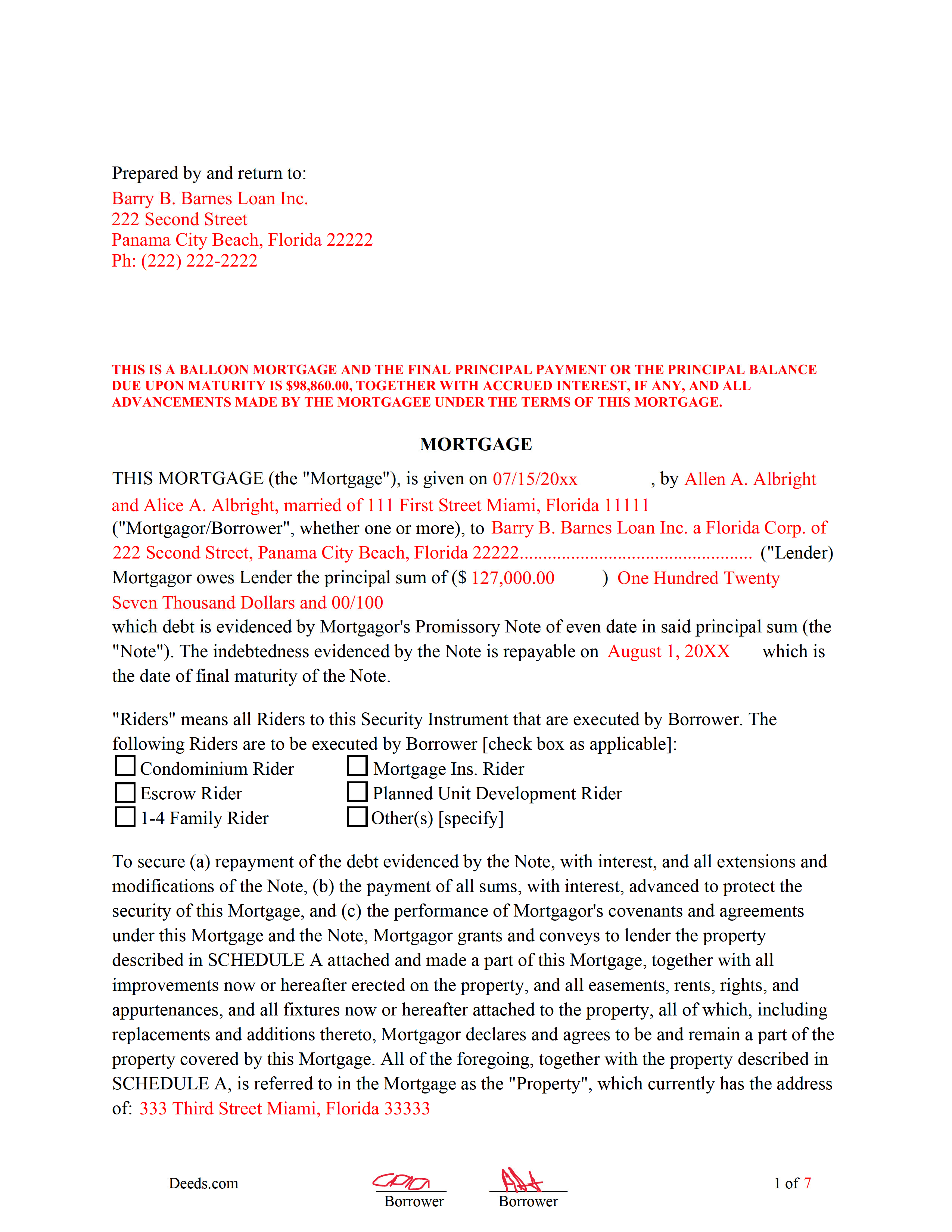
Levy County Completed Example of the Mortgage Instrument and Promissory Note Document
Example of a properly completed Florida Mortgage Instrument and Promissory Note document for reference.
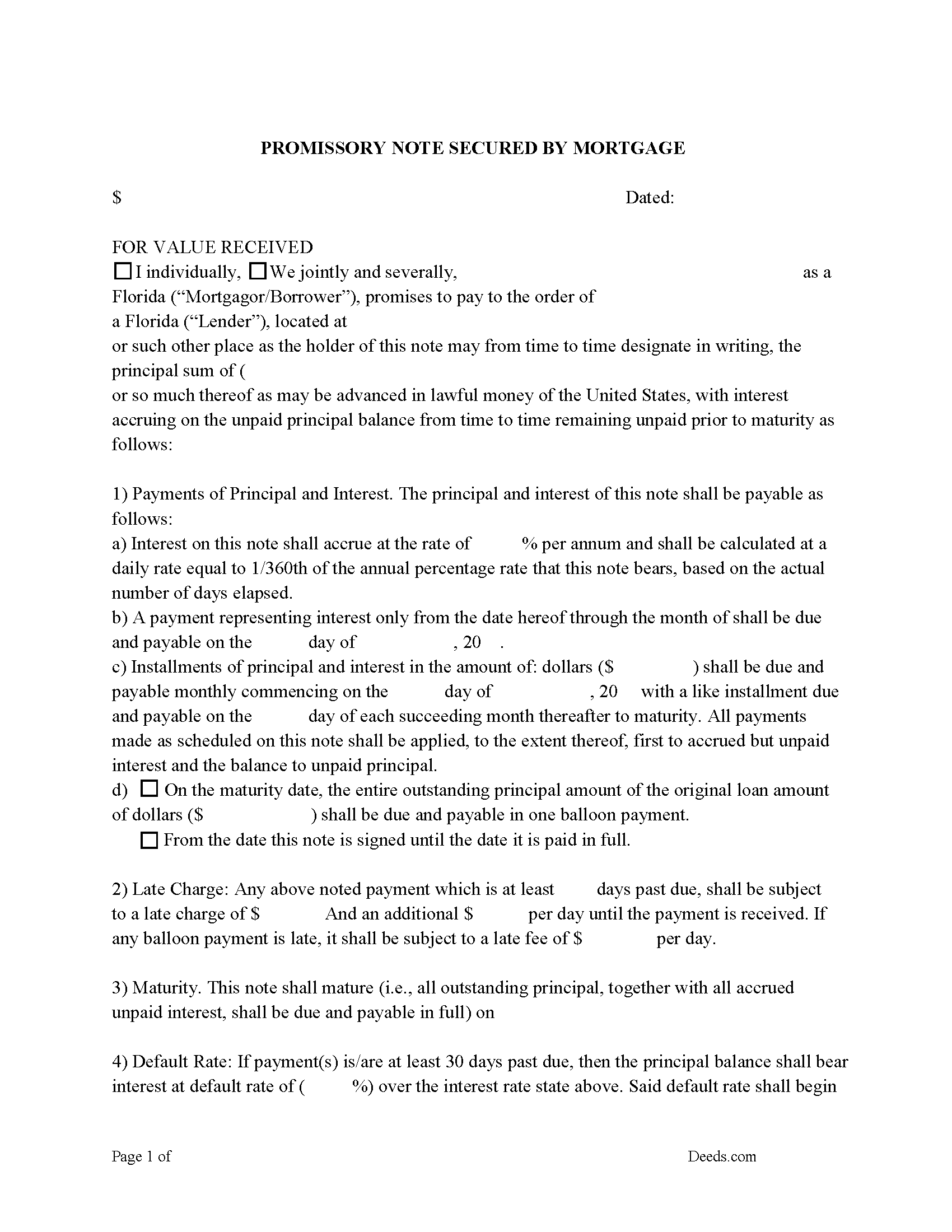
Levy County Promissory Note Form
Note that is secured by the Mortgage Deed. Can be used for traditional installments or balloon payment.
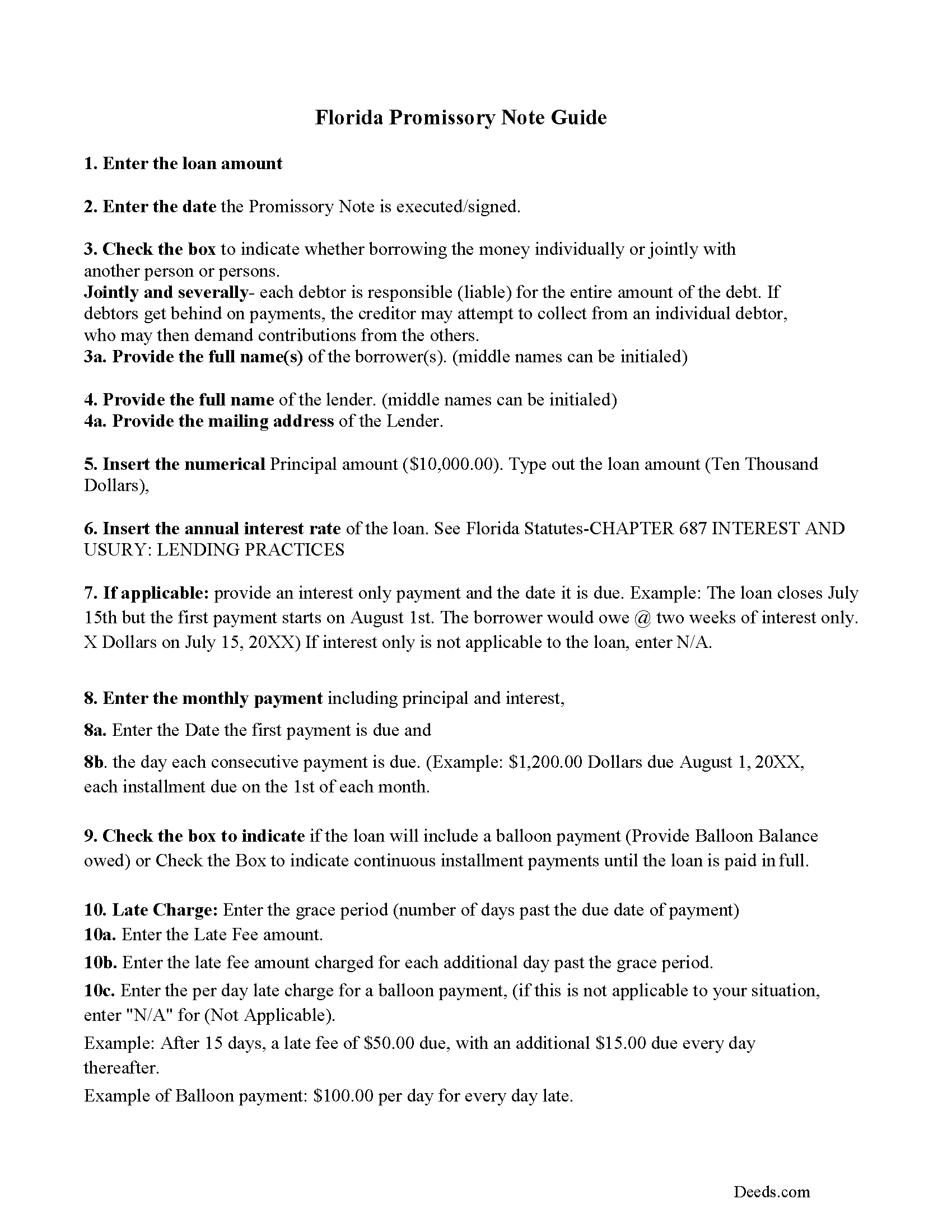
Levy County Promissory Note Guidelines
Line by line guide explaining every blank on the form.
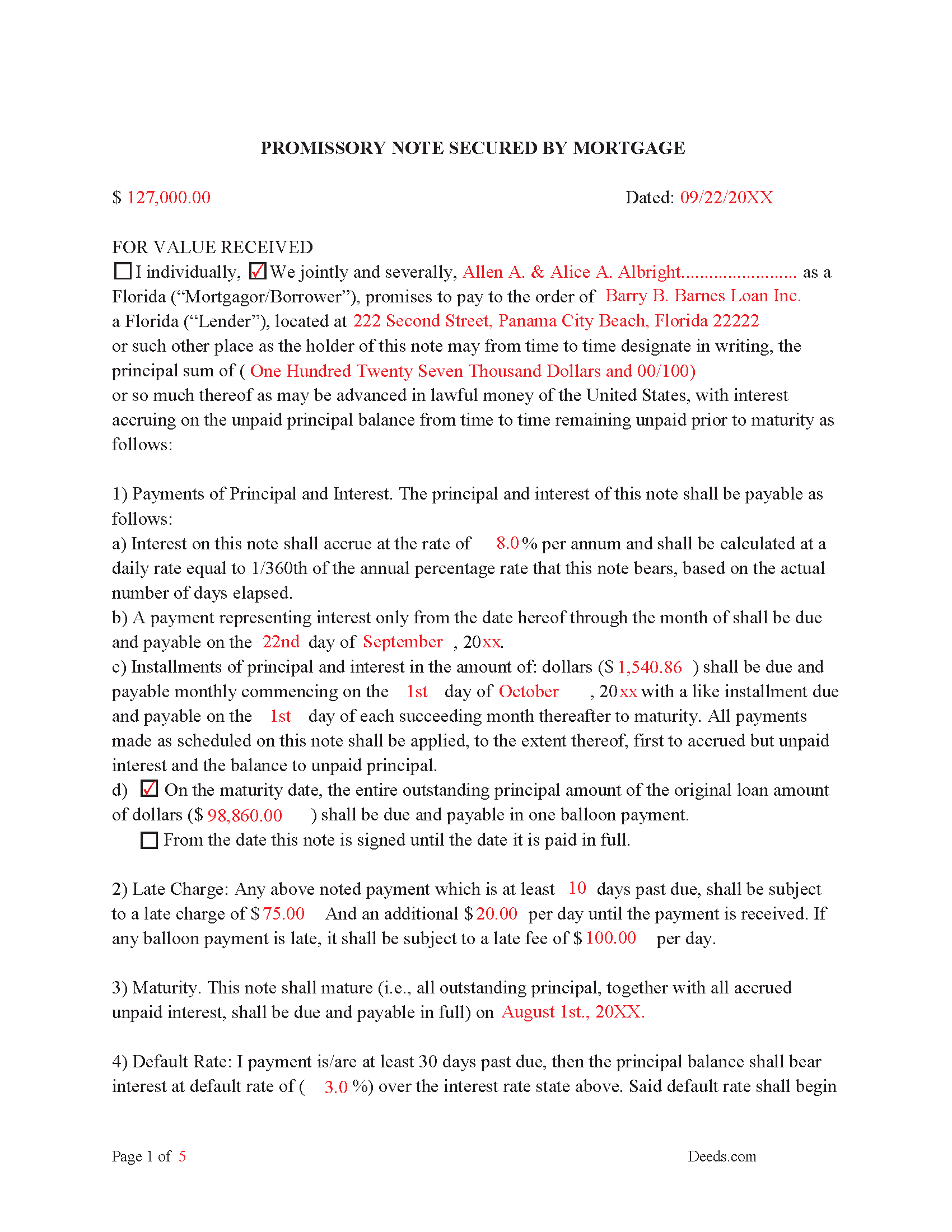
Levy County Completed Example of the Promissory Note
This Promissory Note is filled in and highlighted, showing how the guideline information, can be interpreted into the document.
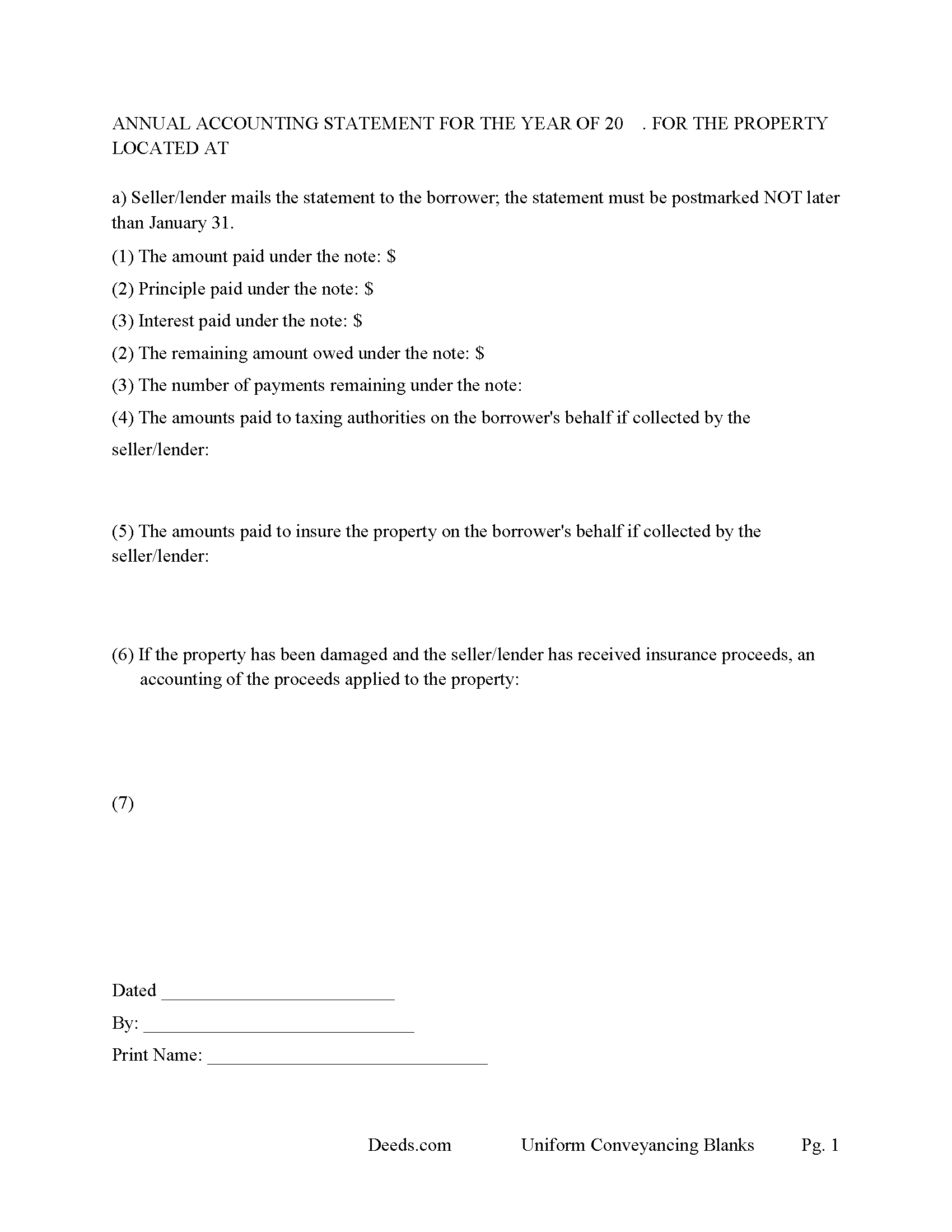
Levy County Annual Accounting Statement Form
Mail to borrower for fiscal year reporting.
All 7 documents above included • One-time purchase • No recurring fees
Immediate Download • Secure Checkout
Additional Florida and Levy County documents included at no extra charge:
Where to Record Your Documents
Clerk of Circuit Court - Levy County Courthouse
Bronson, Florida 32621
Hours: 8:30am to 4:30pm M-F
Phone: (352) 486-5266
Recording Tips for Levy County:
- Bring your driver's license or state-issued photo ID
- Ensure all signatures are in blue or black ink
- Double-check legal descriptions match your existing deed
- Verify all names are spelled correctly before recording
- White-out or correction fluid may cause rejection
Cities and Jurisdictions in Levy County
Properties in any of these areas use Levy County forms:
- Bronson
- Cedar Key
- Chiefland
- Gulf Hammock
- Inglis
- Morriston
- Otter Creek
- Williston
- Yankeetown
Hours, fees, requirements, and more for Levy County
How do I get my forms?
Forms are available for immediate download after payment. The Levy County forms will be in your account ready to download to your computer. An account is created for you during checkout if you don't have one. Forms are NOT emailed.
Are these forms guaranteed to be recordable in Levy County?
Yes. Our form blanks are guaranteed to meet or exceed the applicable formatting requirements used for recording in Levy County, including margin requirements, font requirements, and other layout standards. This guarantee applies to formatting, not to the legal sufficiency of information entered by the user or the suitability of a form for a particular transaction.
Can I reuse these forms?
Yes. You can reuse the forms for your personal use. For example, if you have multiple properties in Levy County you only need to order once.
What do I need to use these forms?
The forms are PDFs that you fill out on your computer. The free Adobe Acrobat Reader is recommended, and most PDF apps also work. You do NOT enter your property information online - you download the blank forms and complete them privately on your own computer.
Are there any recurring fees?
No. This is a one-time purchase. Nothing to cancel, no memberships, no recurring fees.
How much does it cost to record in Levy County?
Recording fees in Levy County vary. Contact the recorder's office at (352) 486-5266 for current fees.
Questions answered? Let's get started!
The Florida Mortgage Instrument and Promissory Note packages two financing documents into a single, integrated set tailored to Florida's recording statutes and tax structure. Florida treats mortgage transactions differently from most states: the promissory note triggers documentary stamp tax under section 201.08 of the Florida Statutes, the recorded mortgage triggers the nonrecurring intangible tax under section 199.133, and any balloon term must carry a specific statutory legend on the face of the instrument under section 697.05. A homestead mortgage executed by a married borrower also requires the joinder of the non-titled spouse under Article X, section 4 of the Florida Constitution. Generic mortgage forms drafted for other states routinely fail one or more of these Florida-specific requirements, and a defective mortgage can be rejected at recording or rendered unenforceable as to the homestead.
What This Florida Mortgage Instrument and Promissory Note Does
This is a Florida mortgage paired with a promissory note for use in financing residential real property, condominiums, planned unit developments, and vacant land. The promissory note is the borrower's written promise to repay a defined sum on defined terms; the mortgage is the security instrument that pledges Florida real property as collateral and creates the lender's recorded lien. The package supports conventional amortizing loans and balloon-payment structures, and includes default and acceleration terms commonly used by private lenders, sellers offering owner financing, and family lenders documenting an arms-length transaction.
Florida Statutory Requirements
Florida is a lien-theory state and a judicial foreclosure jurisdiction — the borrower retains title, and a lender enforcing the security must file a foreclosure action in the circuit court for the county where the property lies (702.01). Mortgages are governed primarily by Chapter 697 of the Florida Statutes. Default, acceleration, and remedies provisions in the instrument should be drafted with that procedure in mind, because Florida does not permit nonjudicial power-of-sale foreclosure on residential mortgages. Loan structures with a balloon payment trigger separate disclosure obligations addressed below.
Execution, Acknowledgment, and Preparer Identification
The mortgage must be signed by the borrower (mortgagor) and acknowledged before a notary public or other officer authorized to take acknowledgments for the instrument to be eligible for recording (695.03). Section 695.26 requires that any instrument presented for recording include the post office address of each natural person who is a party, the name of the person who prepared the instrument, and printed or typed names beneath each signature. Missing preparer identification or missing addresses are common reasons recordings are rejected at the clerk's counter.
Florida-Specific Traps
- Homestead spousal joinder. Article X, section 4(c) of the Florida Constitution prohibits the encumbrance of homestead property owned by a married person without the joinder of the spouse. This applies even when title is held in only one spouse's name. A homestead mortgage signed by only one spouse is unenforceable as to the homestead, regardless of what the deed shows.
- Documentary stamp tax on the note. Section 201.08 imposes documentary stamp tax on promissory notes secured by Florida real property at the rate of 35 cents per $100 of indebtedness. The tax is collected by the clerk at the time the mortgage is recorded.
- Nonrecurring intangible tax on the mortgage. Section 199.133 imposes a nonrecurring intangible tax of 2 mills per dollar on the indebtedness secured by a Florida real property mortgage. This tax is in addition to the documentary stamp tax and is collected by the clerk at recording.
- Balloon legend. If the loan is structured so that the final payment is more than twice any regular periodic payment, section 697.05(2)(a) requires a conspicuous legend on the face of the instrument disclosing the balloon nature of the loan and the dollar amount of the final payment. A balloon mortgage that lacks the legend gives the borrower a statutory right to refinance on the original terms. The forms include the legend with a fillable balloon amount.
- Future advances. A mortgage that secures future advances must say so on its face and state the maximum principal amount to obtain priority for those advances under section 697.04. Silence on this point limits the lien to the amount stated.
- Witness signatures. Florida treats mortgages as liens rather than conveyances, so the two-witness rule that section 689.01 applies to deeds is not generally applied to mortgages. Witness lines are commonly included as a matter of practice and the forms accommodate them.
Recording and Priority
The mortgage is recorded in the official records of the county where the property lies. Florida is a notice-recording state under section 695.01: an unrecorded mortgage is void as against subsequent purchasers and creditors who take without notice. Priority among competing liens is generally determined by the order of recording, so a mortgage that sits unrecorded between closing and the next business day can be subordinated by an intervening judgment lien or competing conveyance. The clerk collects documentary stamp tax, intangible tax, and recording fees at the time of presentation and returns the recorded instrument with the official record book and page or instrument number.
What Is Included in the Download Package
Files are delivered as instant downloads after purchase and are formatted for use anywhere in Florida.
- Florida Mortgage Instrument
- Florida Promissory Note
- Completed example showing how the forms are filled in
- Line-by-line guidelines explaining each section
Important: Your property must be located in Levy County to use these forms. Documents should be recorded at the county recording office listed above.
This Mortgage Instrument and Promissory Note meets all recording requirements specific to Levy County.
Our Promise
The documents you receive here are guaranteed to meet or exceed the applicable Levy County recording format requirements. If there is a rejection caused by our formatting, we will correct the issue or refund your payment. This guarantee applies to document formatting only and does not extend to information entered by the user, the selection of the form, or the legal effect of the completed document.
Save Time and Money
Get your Levy County Mortgage Instrument and Promissory Note form done right the first time with Deeds.com Uniform Conveyancing Blanks. At Deeds.com, we understand that your time and money are valuable resources, and we don't want you to face a penalty fee or rejection imposed by a county recorder for submitting nonstandard documents. We constantly review and update our forms to meet rapidly changing state and county recording requirements for roughly 3,500 counties and local jurisdictions.
4.8 out of 5 - ( 4,824 Reviews )
George W. 5 out of 5 stars
The process was easy and the forms were a very complete package. FAST AND EASY DOWNLOAD
Thank you George.
Cindy J. 5 out of 5 stars
I'm stuck in Florida due to family business and needed to file documents in Virginia for other family business. Deeds.com made it easy and efficient and cost effective. I'm so grateful for this service!
Thank you!
Carol S. 5 out of 5 stars
Was very easy to use with the information and samples supplied.
Thank you for your feedback Carol. We appreciate you.
Cedric H. 5 out of 5 stars
The Guide and Example documents included were a great help completing the form on my own.
Thank you!
Robert H. 5 out of 5 stars
I am very pleased with your service.
Thank you!
EILEEN K. 5 out of 5 stars
I received my product in great condition and it works ok. Thankyou!!!
Thank you!
Margaret G. 5 out of 5 stars
Easy to navigate.
Thank you!
Kathleen Z. 5 out of 5 stars
Very simple. By creating the deed and filing it myself, I am saving a legal fee of $300!
We appreciate your business and value your feedback. Thank you. Have a wonderful day!
Tuesday G. 5 out of 5 stars
This was a great site to use. They responded quickly when needed. And with i 24 hours the deed was filed. Very happy with with site and company! Thank you!
We appreciate your business and value your feedback. Thank you. Have a wonderful day!
Louise J. 5 out of 5 stars
I found your service to be very helpful. The documents were correct and comprehensive as well as easy to access. The cost is so reasonable. I think it's a great service and was impressed with it.
We appreciate your business and value your feedback. Thank you. Have a wonderful day!
Michael L. 5 out of 5 stars
Thumbs up. Very pleased with service. Easy process.
Thank you!
karen w. 5 out of 5 stars
outstanding forms and information. stay safe and healthy everyone.
Thank you Karen, you do the same please.
Elbert M. 5 out of 5 stars
I found The blank documents easy to use and the instructions informative and simple to follow. Thanks
Thank you for your feedback. We really appreciate it. Have a great day!
Robert B. 5 out of 5 stars
Excellent service. Unbelievably rapid and detailed responses. Was not happy to have to pay the fee but totally worth it.
Thank you for your feedback. We really appreciate it. Have a great day!
Allan y. 5 out of 5 stars
I liked the guide and example to follow to fill out the form. Very helpful!!
Thank you!