De Soto County Notice of Nonpayment Form
Last validated November 5, 2026 by our Forms Development TeamFormatted for recording in De Soto County, for property anywhere in the county: rural and unincorporated areas as well as Arcadia, Fort Ogden, Nocatee.
- 3 documents included
- Immediate PDF download
- Formatting guarantee
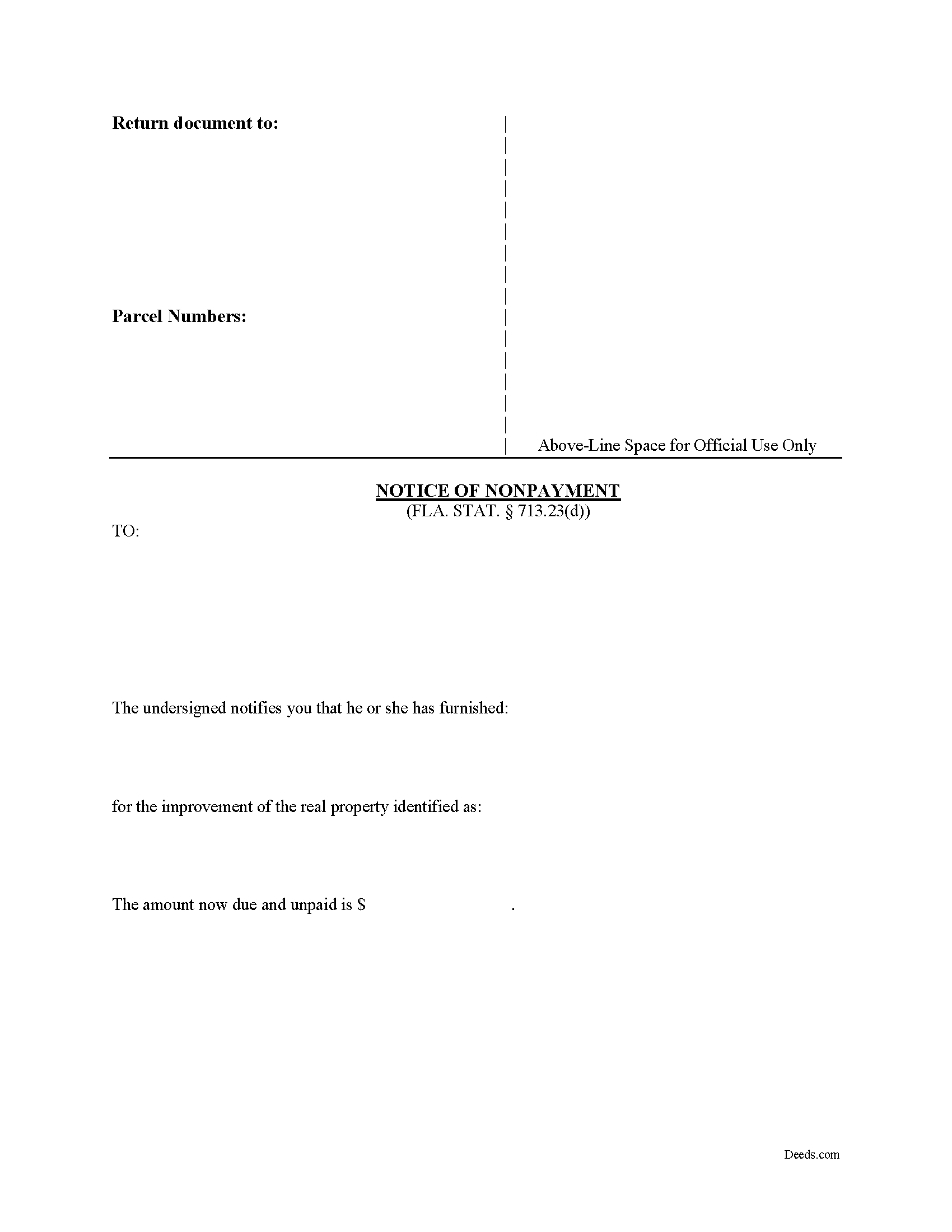
De Soto County Notice of Nonpayment Form
Fill in the blank form formatted to comply with all recording and content requirements.
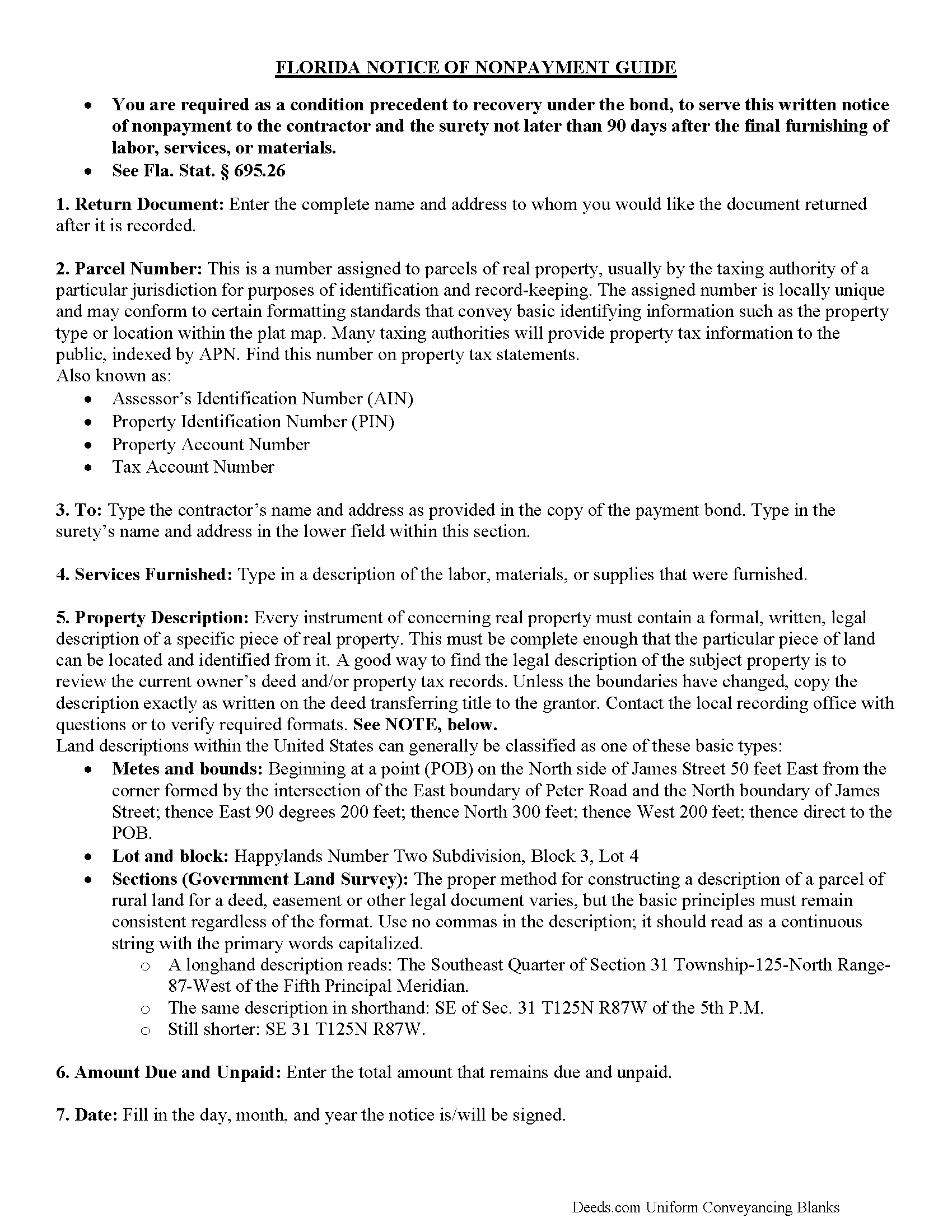
De Soto County Notice of Nonpayment Guide
Line by line guide explaining every blank on the form.
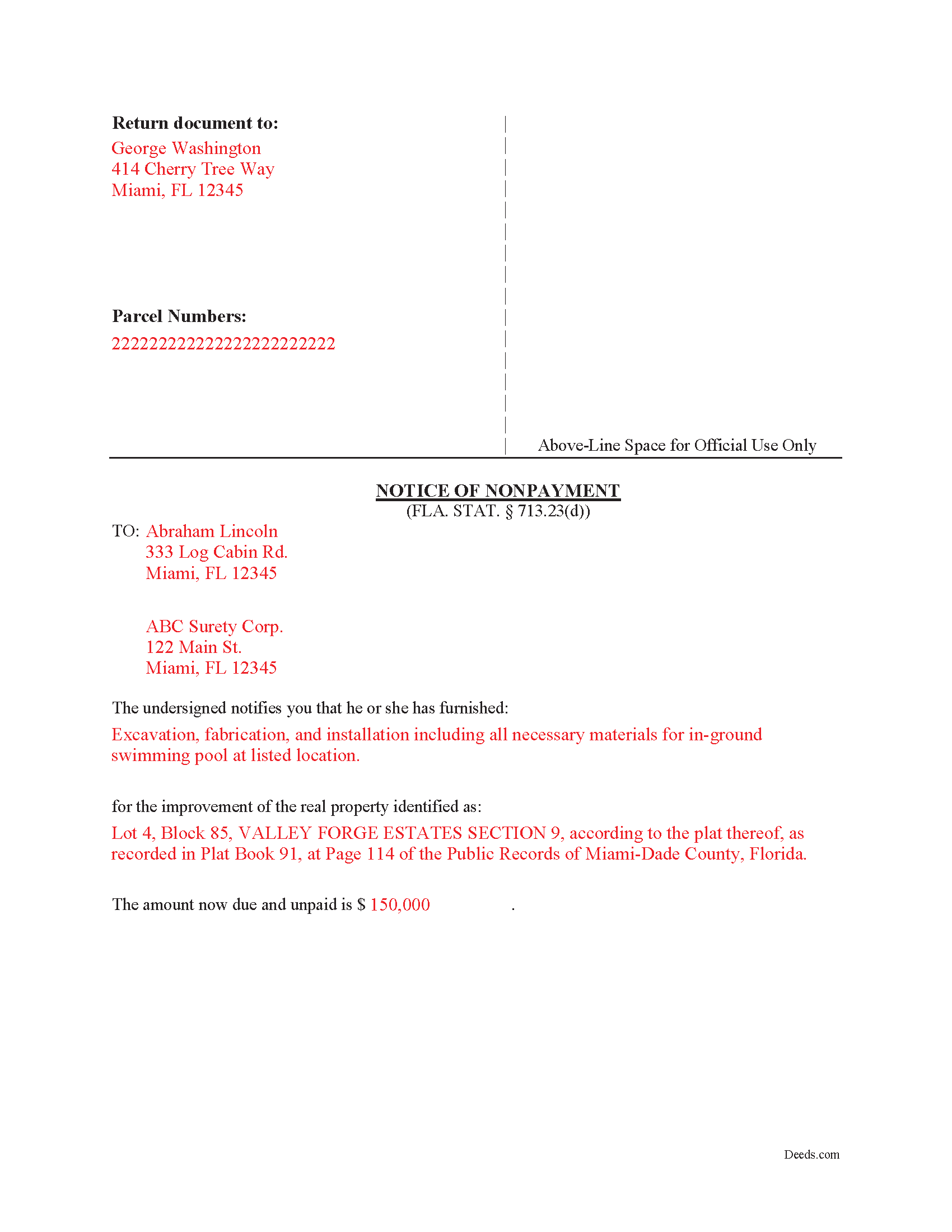
De Soto County Completed Example of the Notice of Nonpayment Document
Example of a properly completed form for reference.
All 3 documents above included • One-time purchase • No recurring fees
Immediate Download • Secure Checkout
Additional Florida and De Soto County documents included at no extra charge:
Where to Record Your Documents
Clerk of the Circuit Court - County Courthouse
Arcadia, Florida 34266
Hours: 8:00 to 4:30 M-F
Phone: (863) 993-4876
Recording Tips for De Soto County:
- Bring your driver's license or state-issued photo ID
- Ensure all signatures are in blue or black ink
- Ask about their eRecording option for future transactions
- Avoid the last business day of the month when possible
- Both spouses typically need to sign if property is jointly owned
Cities and Jurisdictions in De Soto County
Properties in any of these areas use De Soto County forms:
- Arcadia
- Fort Ogden
- Nocatee
Hours, fees, requirements, and more for De Soto County
How do I get my forms?
Forms are available for immediate download after payment. The De Soto County forms will be in your account ready to download to your computer. An account is created for you during checkout if you don't have one. Forms are NOT emailed.
Are these forms guaranteed to be recordable in De Soto County?
Yes. Our form blanks are guaranteed to meet or exceed the applicable formatting requirements used for recording in De Soto County, including margin requirements, font requirements, and other layout standards. This guarantee applies to formatting, not to the legal sufficiency of information entered by the user or the suitability of a form for a particular transaction.
Can I reuse these forms?
Yes. You can reuse the forms for your personal use. For example, if you have multiple properties in De Soto County you only need to order once.
What do I need to use these forms?
The forms are PDFs that you fill out on your computer. The free Adobe Acrobat Reader is recommended, and most PDF apps also work. You do NOT enter your property information online - you download the blank forms and complete them privately on your own computer.
Are there any recurring fees?
No. This is a one-time purchase. Nothing to cancel, no memberships, no recurring fees.
How much does it cost to record in De Soto County?
Recording fees in De Soto County vary. Contact the recorder's office at (863) 993-4876 for current fees.
Questions answered? Let's get started!
The Florida Notice of Nonpayment is the document an unpaid subcontractor, sub-subcontractor, laborer, or material supplier must serve to preserve a claim against the contractor's payment bond on a private bonded construction project in Florida. It exists because of Florida's particular approach to private bonded work under Chapter 713 of the Florida Statutes: when a contractor records a payment bond under § 713.23, the lien rights that would otherwise attach to the property are transferred to the bond, and the lienor's path to payment runs through a strict statutory notice sequence rather than through a recorded mechanic's lien. Miss a deadline in that sequence and the bond claim is gone, regardless of how solid the underlying debt is.
Florida's version of this notice differs from bond claim notices in many other states. Florida demands a sworn statement, imposes a fixed 90-day deadline measured from the lienor's final furnishing, requires service on both the contractor and the surety, and treats willful exaggeration of the amount owed as forfeiture of the bond claim. Those features come from § 713.23(1)(d) and the related provisions of Chapter 713; they are not optional drafting preferences.
When the Florida Notice of Nonpayment Is Used
This notice applies to private construction projects in Florida where the contractor has recorded a payment bond that conditionally exempts the property from mechanic's liens under § 713.23. After the lienor has finished furnishing labor, services, or materials and remains unpaid, the notice tells the contractor and surety that money is still owed, identifies the work, and triggers the surety's obligation to evaluate and pay the claim. Public projects bonded under § 255.05 use a different notice scheme. This form is for the private payment bond context governed by § 713.23.
What Section 713.23(1)(d) Requires in the Notice
The statute is specific about content. A Florida Notice of Nonpayment must state, under oath:
- The name of the lienor and the address to which the contractor or surety should respond
- The name of the person for whom the labor, services, or materials were furnished
- A description of the labor, services, or materials furnished and the contract price or value
- The amount paid, if any, on account of the labor, services, or materials
- The amount due and unpaid as of the date of the notice
The "under oath" requirement is not a formality. The form must be acknowledged before a notary or other officer authorized to administer oaths, and Florida courts have rejected bond claims where the verification was missing or technically defective.
The 90-Day Deadline and What "Final Furnishing" Means
Section 713.23(1)(d) requires the lienor to serve the notice within 90 days after the final furnishing of labor, services, or materials by the lienor. Florida courts and the statute itself have narrowed what counts as final furnishing in ways that catch lienors off guard. Punchlist work, warranty repairs, returning to fix defective work, and minor correctional items generally do not restart the clock. The 90 days runs from the last day of substantive contract work, and sending a worker back to the site to extend a deadline is a recognized trap that contractors and sureties routinely challenge. The deadline is firm, and courts do not extend it for equitable reasons.
Service Requirements Under Florida Law
Section 713.23(1)(d) requires service on both the contractor and the surety. Service on one without the other is a defective notice. Section 713.18 controls the manner of service and accepts personal delivery, certified or registered mail with return receipt requested, and the other methods listed in that section. Certified mail with return receipt is standard practice because it produces the proof of delivery a lienor will need if the claim ends up in litigation. The contractor's address and the surety's address are typically found on the recorded Notice of Commencement and on the recorded payment bond itself, and a lienor relying on stale or informal addresses without verifying them against the recorded documents is taking an unnecessary risk.
Florida-Specific Traps Beyond the Basic Requirements
- The prerequisite Notice to Contractor. A Notice of Nonpayment alone does not preserve bond rights. Subcontractors and suppliers who do not have a direct contract with the contractor must also have served a Notice to Contractor under § 713.23(1)(c), generally within 45 days of first furnishing. The Notice of Nonpayment does not cure a missed Notice to Contractor.
- Willfully exaggerated amounts. Under § 713.23, a fraudulent notice of nonpayment forfeits the lienor's rights under the bond, and the consequence falls on the entire claim rather than only on the inflated portion. Padding the figure to include disputed change orders the lienor knows are not yet owed is a high-risk move.
- Confusing the private bond statute with the public project statute. Section 713.23 governs private bonds. Section 255.05 governs bonds on public projects. The notices, deadlines, and procedures are not interchangeable, and using the wrong form is a frequent source of denied claims.
- Treating service of the notice as collection. Service preserves the right to sue on the bond, but it does not by itself produce payment. The lienor must still bring an action on the bond within the limitations period set by § 713.23(1)(e), which runs from final furnishing.
- Earliest-service rule. A Notice of Nonpayment given before 45 days after the lienor began to furnish labor, services, or materials is premature under § 713.23(1)(d). The 90-day window is the back end; there is also a front-end restriction.
What's Included in the Download Package
The download package contains the Florida Notice of Nonpayment form drafted to the requirements of § 713.23(1)(d), a completed example showing how each field should be populated, and a guide that walks through service options under § 713.18, the 90-day deadline, and the prerequisite Notice to Contractor for parties without a direct contract with the contractor. The forms are prepared by the Deeds.com forms development team and are formatted for service on the contractor and surety. Files are delivered as an instant download upon purchase.
Important: Your property must be located in De Soto County to use these forms. Documents should be recorded at the county recording office listed above.
This Notice of Nonpayment meets all recording requirements specific to De Soto County.
Our Promise
The documents you receive here are guaranteed to meet or exceed the applicable De Soto County recording format requirements. If there is a rejection caused by our formatting, we will correct the issue or refund your payment. This guarantee applies to document formatting only and does not extend to information entered by the user, the selection of the form, or the legal effect of the completed document.
Save Time and Money
Get your De Soto County Notice of Nonpayment form done right the first time with Deeds.com Uniform Conveyancing Blanks. At Deeds.com, we understand that your time and money are valuable resources, and we don't want you to face a penalty fee or rejection imposed by a county recorder for submitting nonstandard documents. We constantly review and update our forms to meet rapidly changing state and county recording requirements for roughly 3,500 counties and local jurisdictions.
4.8 out of 5 - ( 4,845 Reviews )
Deborah B. 5 out of 5 stars
EVERYTHING WENT WELL, HAD NO PROBLEMS DOWNLOADING MY FORMS. THE ORDER QUICK AND EASY. THANKS IF I EVER NEED AND OF THESES FORMS AGAIN I WILL BE BACK.
Thanks Deborah, we really appreciate your feedback.
Justin H. 1 out of 5 stars
Couldn't pull a simple deed for a legal description.
Thank you for your feedback Justin. We do hope that you were able to find something more suitable to your needs elsewhere. Have a wonderful day.
Jill M. 5 out of 5 stars
This service gave me the information and guide I needed to file a Quitclaim Deed. I went through the process with no problems at all.
Thank you Jill, we appreciate your feedback.
Joseph R. 5 out of 5 stars
Wonderful service! Things changed for me on my side and the company saw this and closed my account with ease.
Thank you!
Lois B. 5 out of 5 stars
It works pretty well, had trouble with the word December. It printed out Decedmber with weird spacing but I think it will be ok.
Thank you for the feedback. We will take a look at the date field to see if there are any issues. Have a great day!
Evelyn L. 5 out of 5 stars
very easy to print
Thank you!
Constance F. 5 out of 5 stars
Quick and easy download with instructions and a sample document to ensure conformity to the different jurisdictions.
Thank you!
Brian Z. 5 out of 5 stars
Great site with the forms I needed
Thanks Brian, we appreciate your feedback.
Michael W. 4 out of 5 stars
I am generally pleased with your products. However, I found it difficult to return to the package after accessing one selected document. One other comment: Your Trustee's Deed package should include a Certificate of Trust form.
Thank you for your feedback. We really appreciate it. Have a great day!
Nora T. 5 out of 5 stars
The forms are easy to fill in but too restricted for editing.
Thank you!
John W. 5 out of 5 stars
The Staff are very helpful if needed and the process is amazingly simple and efficient!
Thank you!
Angela L. 5 out of 5 stars
AWESOME!
Thank you!
Rasheedah M. 5 out of 5 stars
Excellent service. Received the exact quit claim form and additional information promptly. Thank you so much!
We appreciate your business and value your feedback. Thank you. Have a wonderful day!
VICKI R. 5 out of 5 stars
Thank you for your helpful information.
Thank you!
Jose S. 5 out of 5 stars
Thank you so very much I live in Texas but I Owned a home in Indiana with your help I could never get those paper that I need to change the ownership in Indiana. You have a great site.
Thank you!