Saint Lucie County Special Warranty Deed (Corporation Grantor) Form
Last validated October 10, 2026 by our Forms Development TeamFormatted for recording in Saint Lucie County, for property anywhere in the county: rural and unincorporated areas as well as Fort Pierce, Port Saint Lucie.
- 3 documents included
- Immediate PDF download
- Formatting guarantee
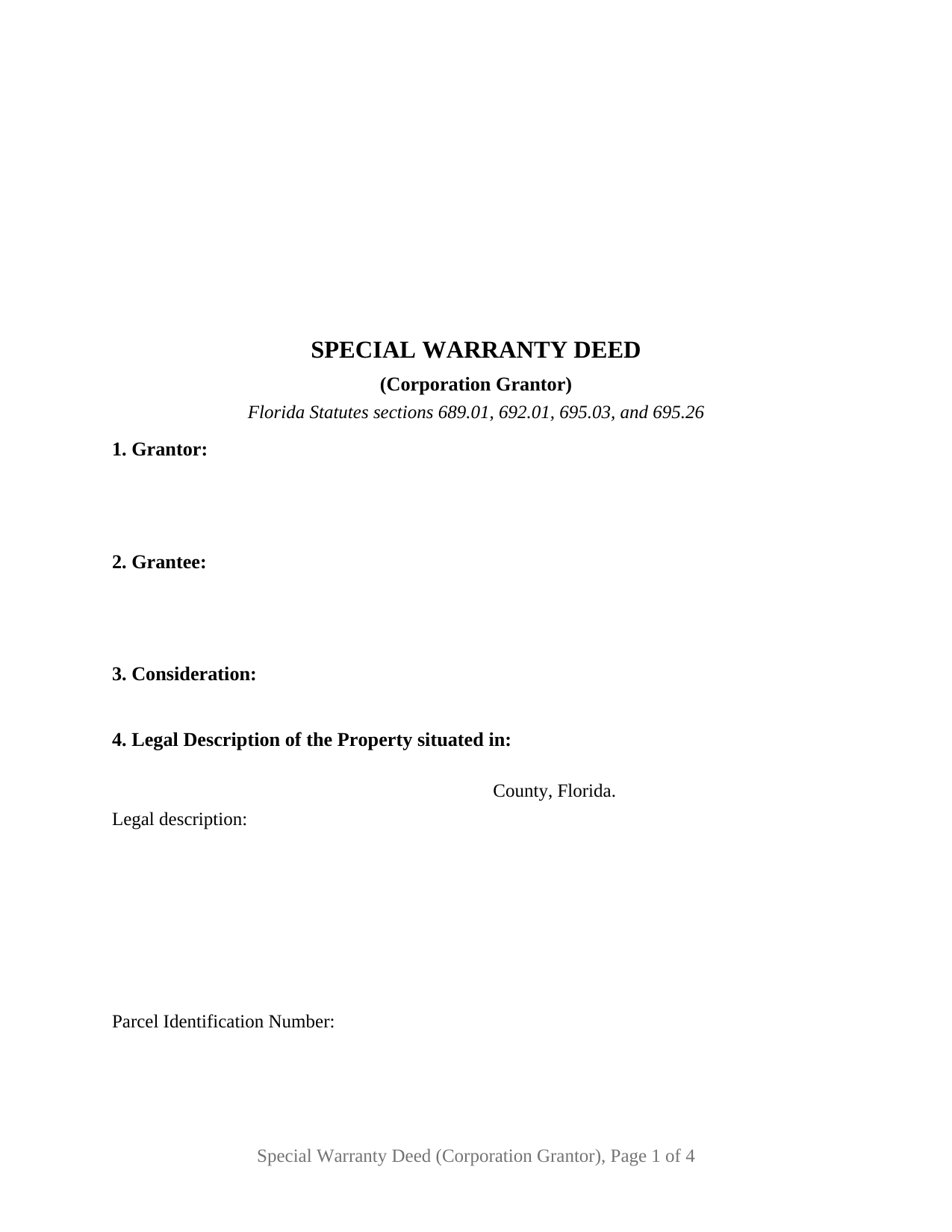
Saint Lucie County Special Warranty Deed (Corporation Grantor) Form
Fill in the blank Special Warranty Deed (Corporation Grantor) form formatted to comply with all Florida recording and content requirements.
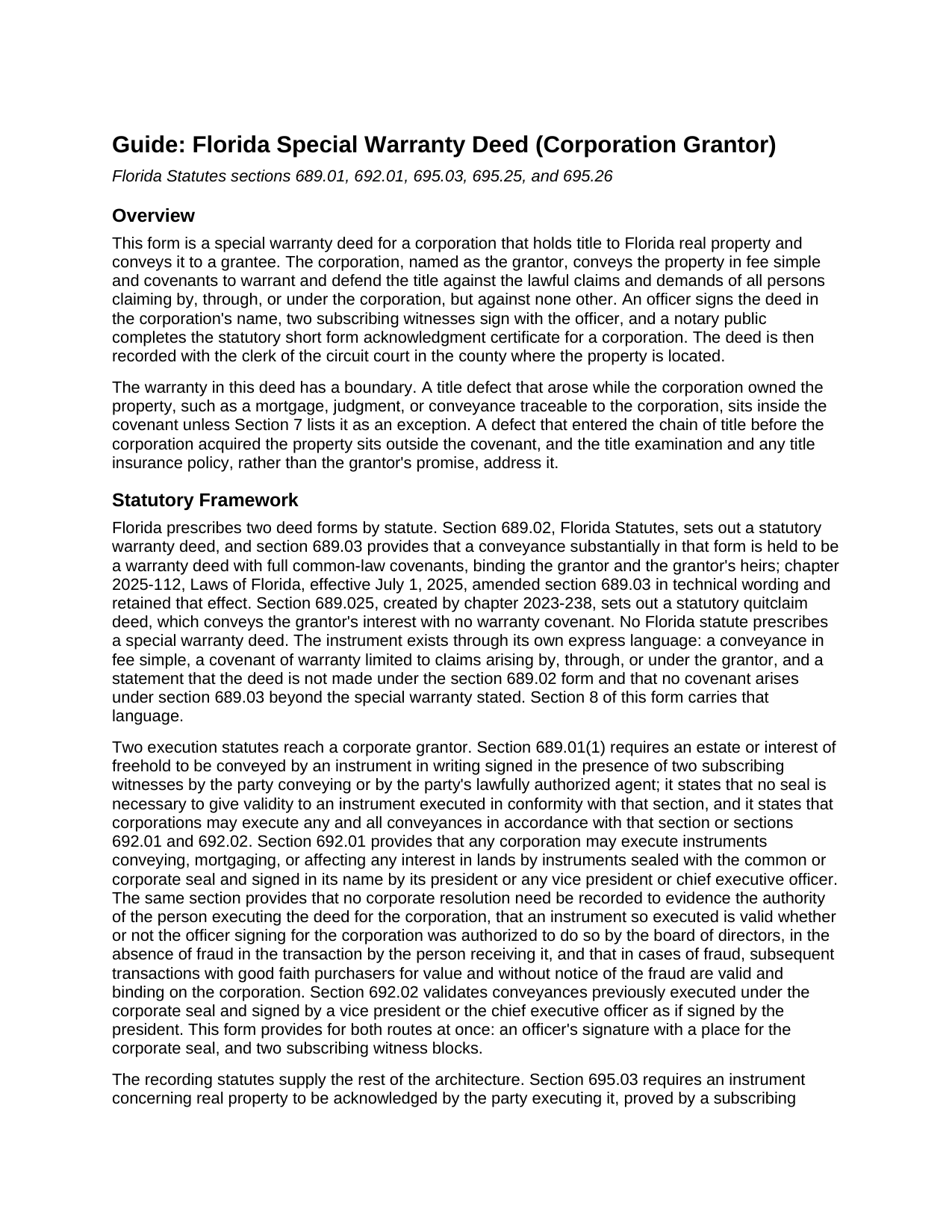
Saint Lucie County Special Warranty Deed (Corporation Grantor) Guide
Line by line guide explaining every blank on the Special Warranty Deed (Corporation Grantor) form.
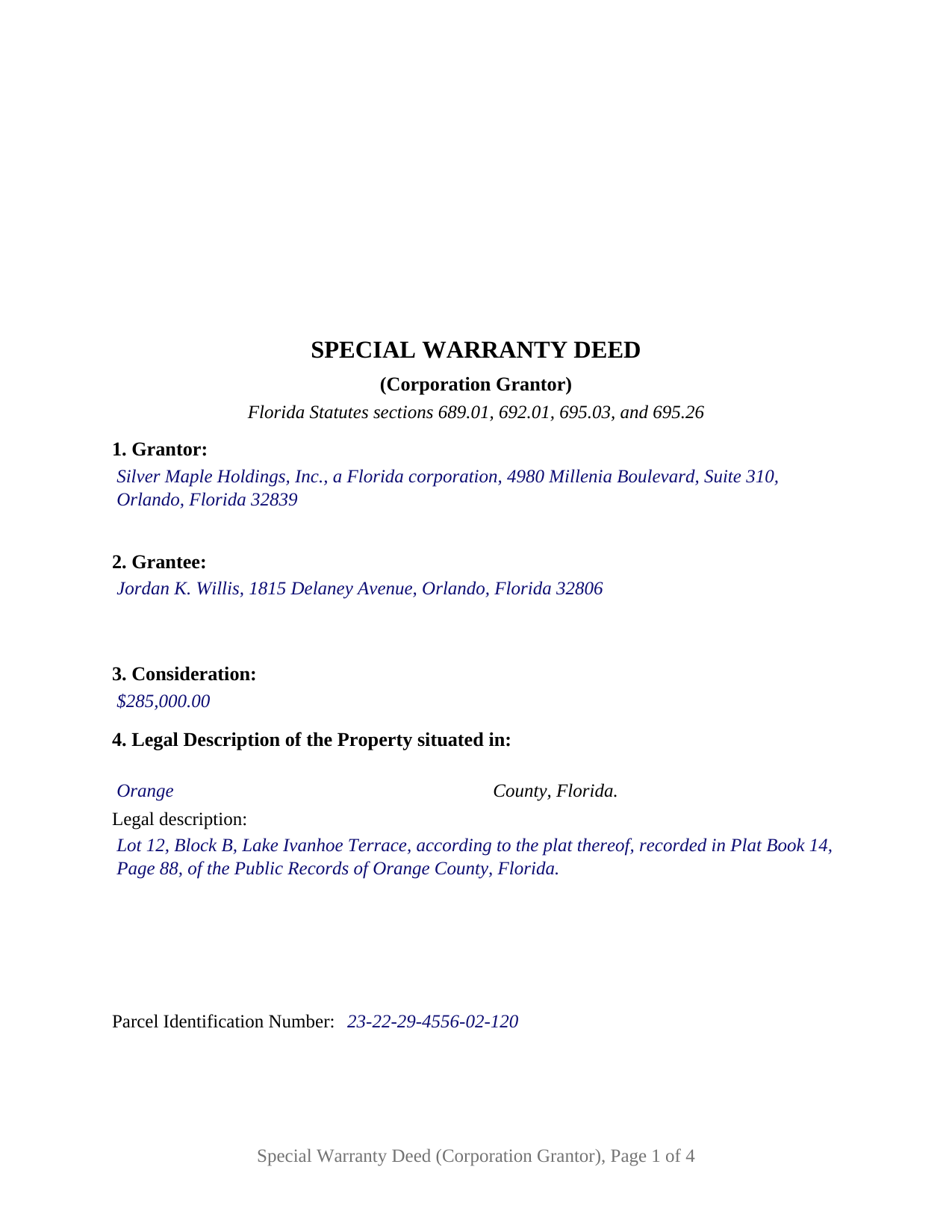
Saint Lucie County Completed Example of the Special Warranty Deed (Corporation Grantor) Document
Example of a properly completed Florida Special Warranty Deed (Corporation Grantor) document for reference.
All 3 documents above included • One-time purchase • No recurring fees
Immediate Download • Secure Checkout
Additional Florida and Saint Lucie County documents included at no extra charge:
Where to Record Your Documents
Clerk of Circuit Court: Recording Dept.
Ft. Pierce, Florida 34950
Hours: 8:00am - 5:00pm M-F
Phone: (772) 462-3207
Recording Tips for Saint Lucie County:
- Bring your driver's license or state-issued photo ID
- Ensure all signatures are in blue or black ink
- Both spouses typically need to sign if property is jointly owned
- Bring extra funds - fees can vary by document type and page count
- Check margin requirements - usually 1-2 inches at top
Cities and Jurisdictions in Saint Lucie County
Properties in any of these areas use Saint Lucie County forms:
- Fort Pierce
- Port Saint Lucie
Hours, fees, requirements, and more for Saint Lucie County
How do I get my forms?
Forms are available for immediate download after payment. The Saint Lucie County forms will be in your account ready to download to your computer. An account is created for you during checkout if you don't have one. Forms are NOT emailed.
Are these forms guaranteed to be recordable in Saint Lucie County?
Yes. Our form blanks are guaranteed to meet or exceed the applicable formatting requirements used for recording in Saint Lucie County, including margin requirements, font requirements, and other layout standards. This guarantee applies to formatting, not to the legal sufficiency of information entered by the user or the suitability of a form for a particular transaction.
Can I reuse these forms?
Yes. You can reuse the forms for your personal use. For example, if you have multiple properties in Saint Lucie County you only need to order once.
What do I need to use these forms?
The forms are PDFs that you fill out on your computer. The free Adobe Acrobat Reader is recommended, and most PDF apps also work. You do NOT enter your property information online - you download the blank forms and complete them privately on your own computer.
Are there any recurring fees?
No. This is a one-time purchase. Nothing to cancel, no memberships, no recurring fees.
How much does it cost to record in Saint Lucie County?
Recording fees in Saint Lucie County vary. Contact the recorder's office at (772) 462-3207 for current fees.
Questions answered? Let's get started!
When a Florida corporation conveys real estate, two features set the deed apart from an everyday residential transfer: the warranty runs only for the corporation's own period of ownership, and Florida gives a corporation its own statutory way to sign. This special warranty deed form is built around both. The grantor is a corporation, the covenant reaches claims arising by, through, or under that corporation but against none other, and the execution block carries an officer signature line, a corporate seal space, and two witness blocks, so the completed deed satisfies either of Florida's corporate execution statutes.
A warranty measured by the corporation's own tenure
Florida prescribes no statutory special warranty form. Section 689.02 of the Florida Statutes supplies the statutory warranty deed, and section 689.03 gives a deed substantially in that form the full common-law covenants, reaching every defect back through the whole chain of title. A special warranty deed narrows the promise by express language: the grantor warrants and defends the title only against claims by, through, or under the grantor. A defect created by an earlier owner sits outside the covenant. This form states that limitation directly and adds that the deed is not made under the section 689.02 form, so the full statutory covenants do not attach by implication. The corporation stands behind what happened on its own watch and leaves earlier history to the title search and the transaction's title insurance.
Two statutory ways a Florida corporation signs
Section 689.01, the general statute of conveyances, calls for the grantor's signature in the presence of two subscribing witnesses and states that corporations may convey under that section or under sections 692.01 and 692.02. Section 692.01 is the corporate route: a deed sealed with the common or corporate seal and signed in the corporation's name by its president, any vice president, or its chief executive officer, with no recorded corporate resolution needed to evidence the signing officer's authority. This form provides for both routes at once. The officer signs under the corporate seal, two witnesses sign with the printed names and post-office addresses section 695.26 has required for recording since January 1, 2024, and the notary completes the statutory corporate acknowledgment short form from section 695.25(2).
What the form carries for a corporate seller
The deed's numbered sections collect the corporation's name and state of incorporation, the grantee's name and post-office address, the consideration, the county and legal description with a parcel identification number line, the street address, the source of title, and the recorded restrictions and easements the conveyance remains subject to, with a closing sentence stating that the listed matters are exceptions to the special warranty and create no additional covenant. The signature section recites the corporate capacity, and the officer who signs makes no personal promise; the covenant is the corporation's. The form recites exactly one corporate grantor; a company organized as an LLC, a partnership selling in the partnership name, and an individual seller each execute under different statutes and present a different signature architecture than this deed carries.
Recording with the clerk and the documentary stamp
The deed is recorded in the official records of the clerk of the circuit court in the county where the property is located, and the form reserves the blank space of at least 3 inches by 3 inches at the top right of the first page that section 695.26 sets aside for the clerk. Documentary stamp tax under section 201.02 is due at recording: 70 cents per $100 of consideration statewide, with Miami-Dade County following its own rate and surtax structure. Consideration under the statute includes any mortgage on the property, whether or not the grantee assumes it.
The package includes the blank deed as a fillable PDF, a completed example showing a realistic Orange County corporate sale, and a plain language guide that walks through every numbered section, the signing formalities, and the recording steps. The materials describe Florida law in general terms and are not legal advice.
Important: Your property must be located in Saint Lucie County to use these forms. Documents should be recorded at the county recording office listed above.
This Special Warranty Deed (Corporation Grantor) meets all recording requirements specific to Saint Lucie County.
Our Promise
The documents you receive here are guaranteed to meet or exceed the applicable Saint Lucie County recording format requirements. If there is a rejection caused by our formatting, we will correct the issue or refund your payment. This guarantee applies to document formatting only and does not extend to information entered by the user, the selection of the form, or the legal effect of the completed document.
Save Time and Money
Get your Saint Lucie County Special Warranty Deed (Corporation Grantor) form done right the first time with Deeds.com Uniform Conveyancing Blanks. At Deeds.com, we understand that your time and money are valuable resources, and we don't want you to face a penalty fee or rejection imposed by a county recorder for submitting nonstandard documents. We constantly review and update our forms to meet rapidly changing state and county recording requirements for roughly 3,500 counties and local jurisdictions.
4.8 out of 5 - ( 4,828 Reviews )
Karen B. 5 out of 5 stars
Easy to download and fill out forms needed. Highly recommend them instead of paying for Attorney to do.
We truly value your business and appreciate your review.
Regina S. 5 out of 5 stars
5 STARS!!! YOU WERE AWESOME!
We appreciate your business and value your feedback. Thank you. Have a wonderful day!
Rachel E. 5 out of 5 stars
Our firm is working remotely and a lot of court services are limited with the corona-virus shutdowns, but we needed to record a Deed at the last minute. There was no other way we'd could get it done that quick without Deeds.com (staff) helped us work out some kinks and we got it recorded in less than 1 business day! Thank you!
Thank you for your feedback, we really appreciate it. Glad we could help.
Anne M H. 5 out of 5 stars
Appears to be just what I need. Quick and easy to download. Thank you
We appreciate your business and value your feedback. Thank you. Have a wonderful day!
Karin G. 5 out of 5 stars
All went well. Forms easy to download and instructions were super. Very pleased with the service.
Thank you!
Woody P. 5 out of 5 stars
I was informed that a quit Claim Deed that I had submitted, did not meet county requirements. I ordered the correct form and was surprised that the form included instructions and a sample "completed" form for me to follow. I found it al very helpful. Thank you !!!
Thank you!
Frances B. 5 out of 5 stars
Excellent product!!!! Accepted at my courthouse without a hitch. I recommend this company whole heartedly!!
We appreciate your business and value your feedback. Thank you. Have a wonderful day!
Theresa M. 5 out of 5 stars
Deeds.com was simple to use and had a quick turnaround. Saved me so much time hunting around on the internet and recorder's office website to try and figure out the process. would definitely use again!
Thank you!
Sarah A. 5 out of 5 stars
Uploading the document was simple, and it was recorded much faster than I thought! Deeds.com makes the process incredibly easy.
We appreciate your business and value your feedback. Thank you. Have a wonderful day!
Djala C. 5 out of 5 stars
my experience was excellent.
Thank you!
Lori F. 5 out of 5 stars
These folks are so amazing! They were very kind, patient and the communication was above and beyond. Basically, THEY ROCK!
Thank you!
Scott H. 5 out of 5 stars
Very helpful
Thank you!
Robson A. 5 out of 5 stars
Very easy & efficient to use! I would have had to drive an hour to the county office. So glad this worked instead! You should advertise more....if I hadn't done research I would never have known about your service.
Thank you!
Cherene K. 4 out of 5 stars
The process was easy and reasonable. My only problem was that, when I filled out my form on the computer, the writing I did overlapped with the pre-written words on the form, so that I had to end up doing it by hand. I've used DEEDS before and have not had that problem.
Thank you for your feedback Cherene. We've emailed you for some followup regarding the issue you reported.
Shelly S. 4 out of 5 stars
was fairly easy to work through the forms but needed better information on what goes on a few of the lines
Thank you for your feedback. We really appreciate it. Have a great day!