Saint Johns County Special Warranty Deed Form
Last validated November 6, 2026 by our Forms Development TeamFormatted for recording in Saint Johns County, for property anywhere in the county: rural and unincorporated areas as well as Elkton, Hastings, Jacksonville, Ponte Vedra, Ponte Vedra Beach, Saint Augustine, Saint Johns.
- 3 documents included
- Immediate PDF download
- Formatting guarantee
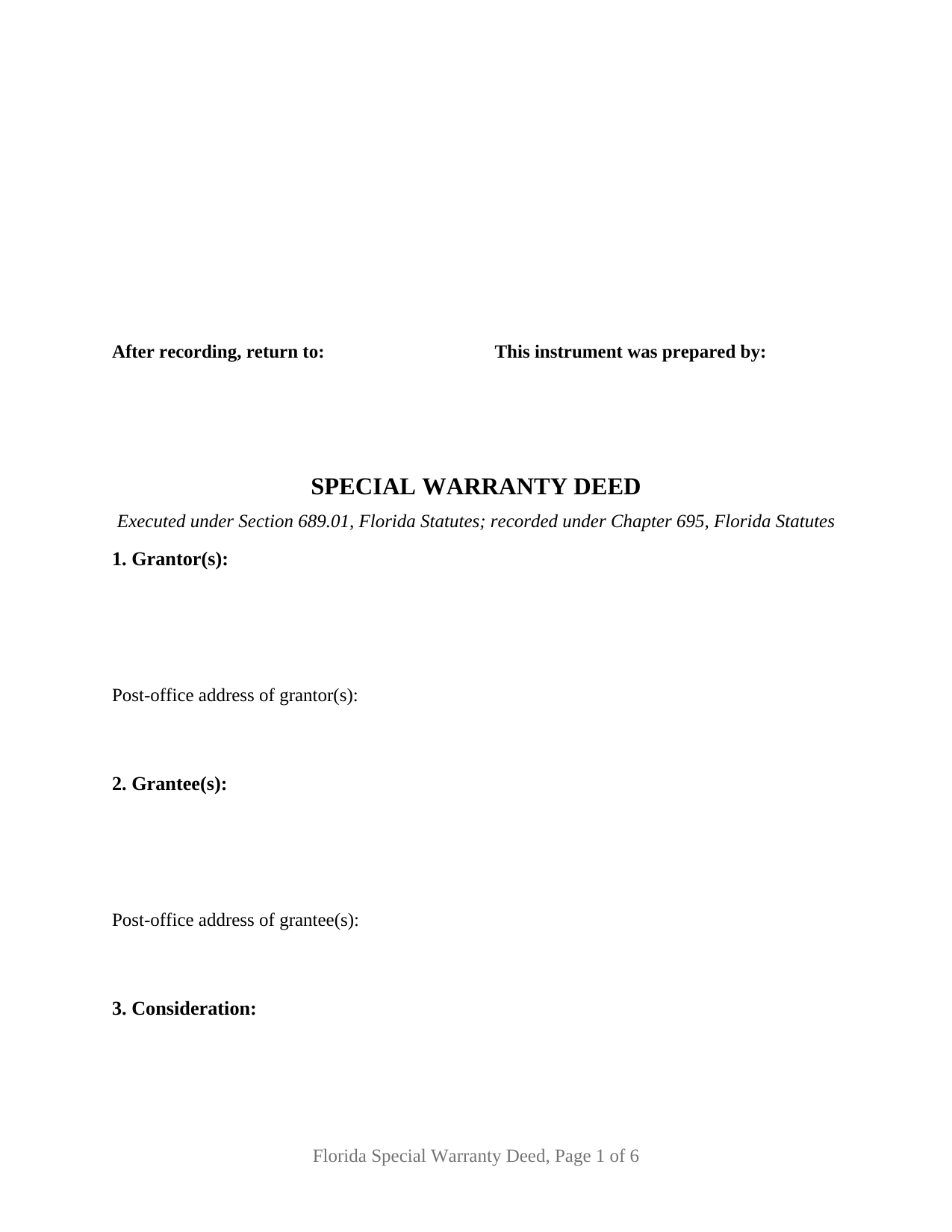
Saint Johns County Special Warranty Deed Form
Fill in the blank Special Warranty Deed form formatted to comply with all Florida recording and content requirements.
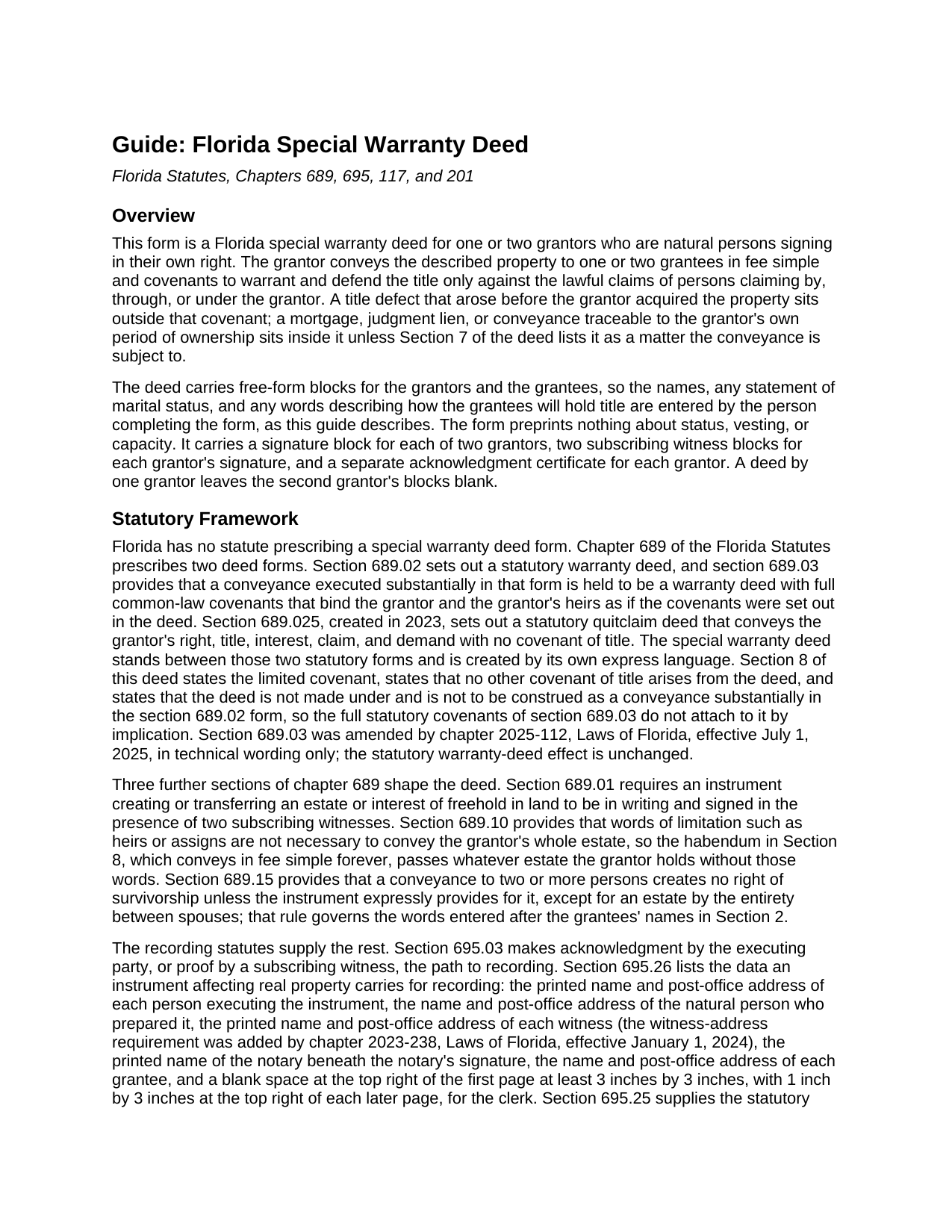
Saint Johns County Special Warranty Deed Guide
Line by line guide explaining every blank on the Special Warranty Deed form.
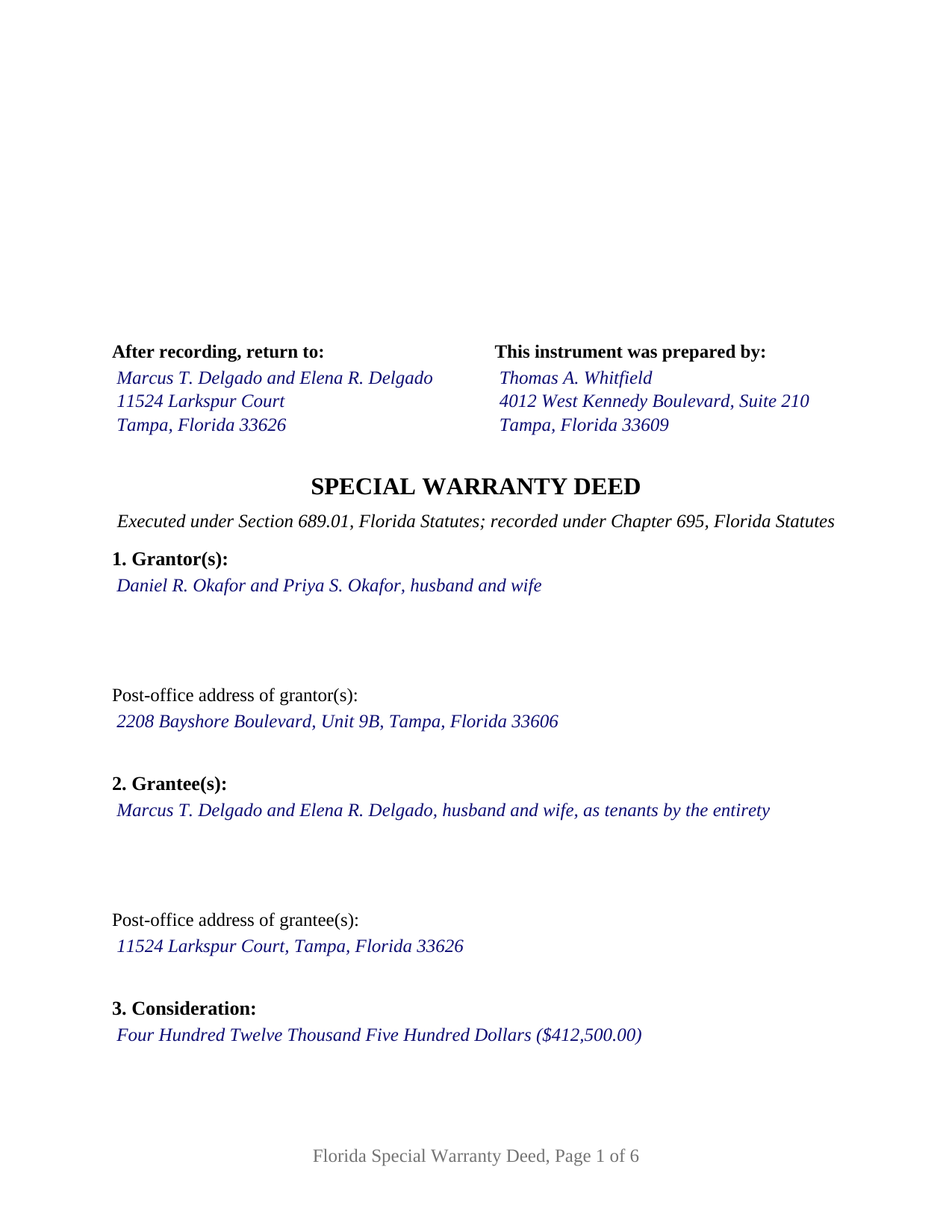
Saint Johns County Completed Example of the Special Warranty Deed Document
Example of a properly completed Florida Special Warranty Deed document for reference.
All 3 documents above included • One-time purchase • No recurring fees
Immediate Download • Secure Checkout
Additional Florida and Saint Johns County documents included at no extra charge:
Where to Record Your Documents
St. Johns County Clerk of Courts
St. Augustine, Florida 32084
Hours: 8:00am-5:00pm M-F
Phone: (904) 819-3600 Press 6 for Recording
Recording Tips for Saint Johns County:
- Bring your driver's license or state-issued photo ID
- Ensure all signatures are in blue or black ink
- Ask for certified copies if you need them for other transactions
- Ask if they accept credit cards - many offices are cash/check only
- Check that your notary's commission hasn't expired
Cities and Jurisdictions in Saint Johns County
Properties in any of these areas use Saint Johns County forms:
- Elkton
- Hastings
- Jacksonville
- Ponte Vedra
- Ponte Vedra Beach
- Saint Augustine
- Saint Johns
Hours, fees, requirements, and more for Saint Johns County
How do I get my forms?
Forms are available for immediate download after payment. The Saint Johns County forms will be in your account ready to download to your computer. An account is created for you during checkout if you don't have one. Forms are NOT emailed.
Are these forms guaranteed to be recordable in Saint Johns County?
Yes. Our form blanks are guaranteed to meet or exceed the applicable formatting requirements used for recording in Saint Johns County, including margin requirements, font requirements, and other layout standards. This guarantee applies to formatting, not to the legal sufficiency of information entered by the user or the suitability of a form for a particular transaction.
Can I reuse these forms?
Yes. You can reuse the forms for your personal use. For example, if you have multiple properties in Saint Johns County you only need to order once.
What do I need to use these forms?
The forms are PDFs that you fill out on your computer. The free Adobe Acrobat Reader is recommended, and most PDF apps also work. You do NOT enter your property information online - you download the blank forms and complete them privately on your own computer.
Are there any recurring fees?
No. This is a one-time purchase. Nothing to cancel, no memberships, no recurring fees.
How much does it cost to record in Saint Johns County?
Recording fees in Saint Johns County vary. Contact the recorder's office at (904) 819-3600 Press 6 for Recording for current fees.
Questions answered? Let's get started!
Every Florida deed answers one question in its own words: how far back does the grantor stand behind the title? A special warranty deed answers with the day the grantor's own ownership began. This Florida special warranty deed conveys the property in fee simple and covenants to defend the title against the lawful claims of all persons claiming by, through, or under the grantor, but against none other. The form is prepared for one or two grantors, natural persons signing in their own right, conveying to one or two grantees.
The covenant Florida law leaves to the deed itself
Florida writes two deed forms into statute, and this is neither. Section 689.02 of the Florida Statutes prescribes a statutory warranty deed, and section 689.03 gives a conveyance substantially in that form full common-law covenants reaching the whole chain of title. Section 689.025 prescribes a statutory quitclaim deed with no covenant at all. The special warranty deed exists only through its express language, so this form does three things in its operative section: it states the covenant in the by, through, or under formula, it states that no other covenant of title arises from the deed, and it states that the deed is not made under the section 689.02 form, so the full statutory covenants do not attach by implication. A matter the conveyance remains subject to, a recorded declaration or a platted easement, is listed in its own section as an exception to the warranty, and the deed says the listing creates no additional covenant.
Where the promise begins
The by, through, or under limit makes the source of title a working part of the deed. The form identifies the instrument by which the grantor acquired the property, with its recording reference, and the covenant runs from that acquisition forward. A judgment lien recorded against the grantor during those years is inside the covenant unless the deed lists it; an unreleased mortgage from an owner three transfers back is outside it and belongs to the title search and the buyer's title insurance.
One or two grantors, with the vesting left to the parties
The form preprints nothing about marital status, existing vesting, or how the grantees will hold title. Section 1 receives one or two grantors with whatever statement of status the parties supply, and Section 2 receives one or two grantees followed by any designation of the estate they take: as tenants in common, as joint tenants with right of survivorship, or, for grantees married to each other, as tenants by the entirety, the forms section 689.15 and Florida case law recognize. Two co-owners who inherited a parcel conveying it to one buyer, a married couple selling a second home to another couple, and one owner conveying to a parent and an adult child each present a count pattern this deed receives. The execution architecture is fixed: a signature block headed GRANTOR and a second headed SECOND GRANTOR, two subscribing witness blocks for each grantor's signature, and a separate acknowledgment certificate for each grantor, so two grantors may acknowledge on different dates or before different notaries. On a deed by one grantor, the second grantor's blocks stay blank. The form is not set up as a deed from a corporation, limited liability company, partnership, trustee, or attorney-in-fact, each of which acknowledges on a representative short form, and it carries no life estate reservation or trust powers language.
Florida's two formalities on the page
Section 689.01 requires the grantor's signature in the presence of two subscribing witnesses, and since January 1, 2024, section 695.26 has required each witness's printed name and post-office address on the instrument; the witness blocks carry both lines. The acknowledgment certificates reproduce the section 695.25(1) statutory short form, including the two boxes the notary marks for physical presence or online notarization, and each reserves a labeled area for the rubber-stamp seal section 117.05 places beside or below the notary's signature. The first page keeps the 3 inch by 3 inch space section 695.26 sets aside for the clerk of the circuit court, and documentary stamp tax under section 201.02 is paid at recording.
The download includes the deed as a fillable PDF, a completed example worked through a Hillsborough County sale by two grantors to two grantees, and a plain-language guide that treats every numbered section, the forms of co-ownership Florida recognizes, and the signing and recording steps. The materials describe Florida law in general terms and are not legal advice.
Important: Your property must be located in Saint Johns County to use these forms. Documents should be recorded at the county recording office listed above.
This Special Warranty Deed meets all recording requirements specific to Saint Johns County.
Our Promise
The documents you receive here are guaranteed to meet or exceed the applicable Saint Johns County recording format requirements. If there is a rejection caused by our formatting, we will correct the issue or refund your payment. This guarantee applies to document formatting only and does not extend to information entered by the user, the selection of the form, or the legal effect of the completed document.
Save Time and Money
Get your Saint Johns County Special Warranty Deed form done right the first time with Deeds.com Uniform Conveyancing Blanks. At Deeds.com, we understand that your time and money are valuable resources, and we don't want you to face a penalty fee or rejection imposed by a county recorder for submitting nonstandard documents. We constantly review and update our forms to meet rapidly changing state and county recording requirements for roughly 3,500 counties and local jurisdictions.
4.8 out of 5 - ( 4,864 Reviews )
Gary B. 2 out of 5 stars
After spending $21 to obtain a Quit Claim Deed form, I realized that I was in over my head. There are a lot of legal considerations and I am not familiar enough with the legal terms and choices to feel confident doing it myself. I since hired a paralegal service to prepare my Quit Claim. I wish I knew the knowledge required before I purchased.
Glad to hear you sought the assistance of a legal professional familiar with your specific situation Gary. We always recommend this to anyone not completely sure of what they are doing.
Susan S. 5 out of 5 stars
The actual transfer of deed form seems to be the only one not fillable in Adobe. Seems odd.
Thank you!
Dana R. 5 out of 5 stars
This site is Awesome! So easy to use and they really work fast. I will use this for all my Maricopa County Recorder items or deeds, etc. Love this site.
Thank you for your feedback. We really appreciate it. Have a great day!
Bruno W. 5 out of 5 stars
Great website. average person needs to care of stuff like this, and presented in a simple direct way. was easy to do. Like best: the sample sheet really made me secure i was doing everything in the right way. My only issue was finding the website. Keep up the good We work. Need more common legal information like this.
Thank you for the kind words, Bruno. We’re glad the sample sheet helped make the process clear and gave you confidence while preparing your documents. Our goal is to present complex legal forms in a straightforward way so people can handle routine filings themselves. We appreciate the feedback and are continuing to expand helpful information and resources on the site.
Annette H. 5 out of 5 stars
Clear directions. Giving a sample filled-in set of forms was great! Economical cost. Will refer others & use Deeds.com again.
We appreciate your business and value your feedback. Thank you. Have a wonderful day!
Quinn R. 5 out of 5 stars
DEEDS.COM IS THE BEST WAY TO E-RECORD DEEDS. THEY ARE FAST, POLITE AND A FANTASTIC DEAL FOR THE SERVICE THAT THEY OFFER!!!
Thank you!
Debra B. 5 out of 5 stars
I was very glad to have this option for filing a form as it would have taken 4 days due to offices being closed to the public during the COVID 19 epidemic. I found the process to be fairly simple and I was able to file the document within 24 hours.
We appreciate your business and value your feedback. Thank you. Have a wonderful day!
ROBIN C. 5 out of 5 stars
The process was very easy but I did not realize before I paid to get this form , that I could have gotten it free from Tulsa county clerks office. Other than that, it was fine.
Thank you for the honest feedback, Robin, and we're glad the process was easy for you. You're right that the Tulsa County Clerk publishes a free transfer on death deed form, and we'd never want anyone to feel they overpaid. Our version isn't that same blank, though: it adds an alternate beneficiary designation so the property still passes as you intend if your first choice doesn't survive you, it's built to handle one or two owners, and it comes with a plain-language guide and a completed example. We appreciate your business.
Geraldine B. 5 out of 5 stars
Top notch real estate forms. Easy to use, printed out nice, and the guide and example are priceless. You're not going to find anything better anywhere.
Thank you for the kind words Geraldine! Have an incredible day!
Misty M. 5 out of 5 stars
I appreciate the Guide and the Sample pages.
Thank you!
Wilburn R. 5 out of 5 stars
absolutely great
Thank you!
Charles C. 5 out of 5 stars
Easy to use. Good price. I like that it came with instructions and an example.
Thank you for your feedback. We really appreciate it. Have a great day!
Heather A. 5 out of 5 stars
quick response to e-mail. the forms are easy to use, fully explained.
Thank you for your feedback Heather, glad we could help.
Shelly S. 5 out of 5 stars
Was able to sell a property with the information obtained from your website without using an attorney! Extremely happy.
Thank you!
Lutz P. 5 out of 5 stars
Your forms are great but I couldn’t use them with my computer and acrobats reader didn’t work. And then my thermal printer would only print 1/3 size pages with no way to fix it. I ordered a new color printer and we’ll see what happens.
Thank you, Lutz. We're glad you like the forms, and we're sorry getting them working turned into such a hassle. That shrunken page is typical of thermal printers: most use narrow receipt or label paper, so a full page gets scaled down to fit, and no setting can change that. Thermal paper also fades over time, which you don't want on a document you're recording, so the new printer is the right call. When it arrives, print on plain white paper with “Actual size” selected in the print settings so the page comes out full size with its margins intact. If Acrobat Reader gives you trouble again, save the form to your computer first and open the saved file in Acrobat Reader rather than in your web browser. Still stuck? Contact our support team and we'll walk you through it.