Greene County Assignment of Security Deed Form
Last validated October 21, 2026 by our Forms Development TeamFormatted for recording in Greene County, for property anywhere in the county: rural and unincorporated areas as well as Greensboro, Siloam, Union Point, White Plains.
- 6 documents included
- Immediate PDF download
- Formatting guarantee
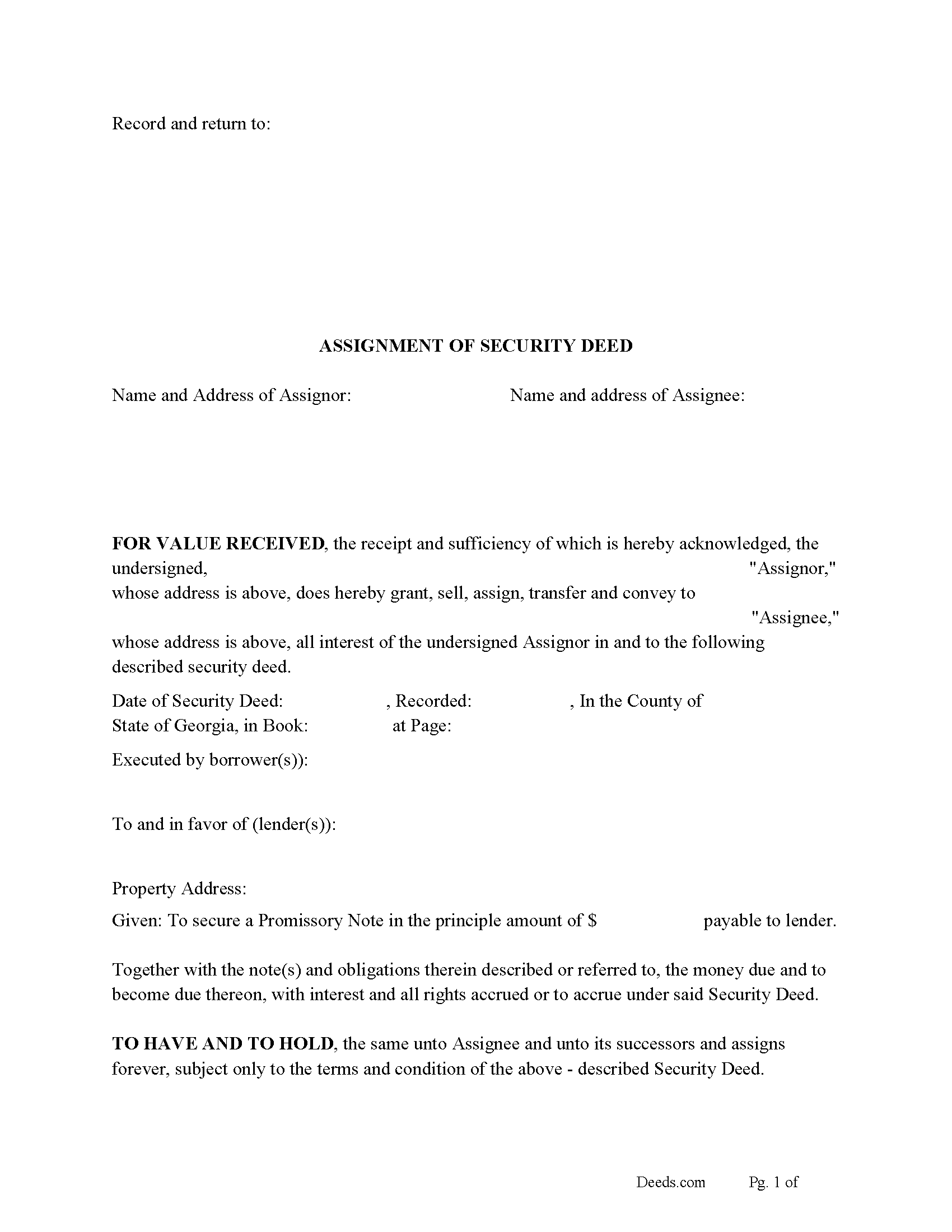
Greene County Assignment of Security Deed Form
Fill in the blank form formatted to comply with all recording and content requirements.
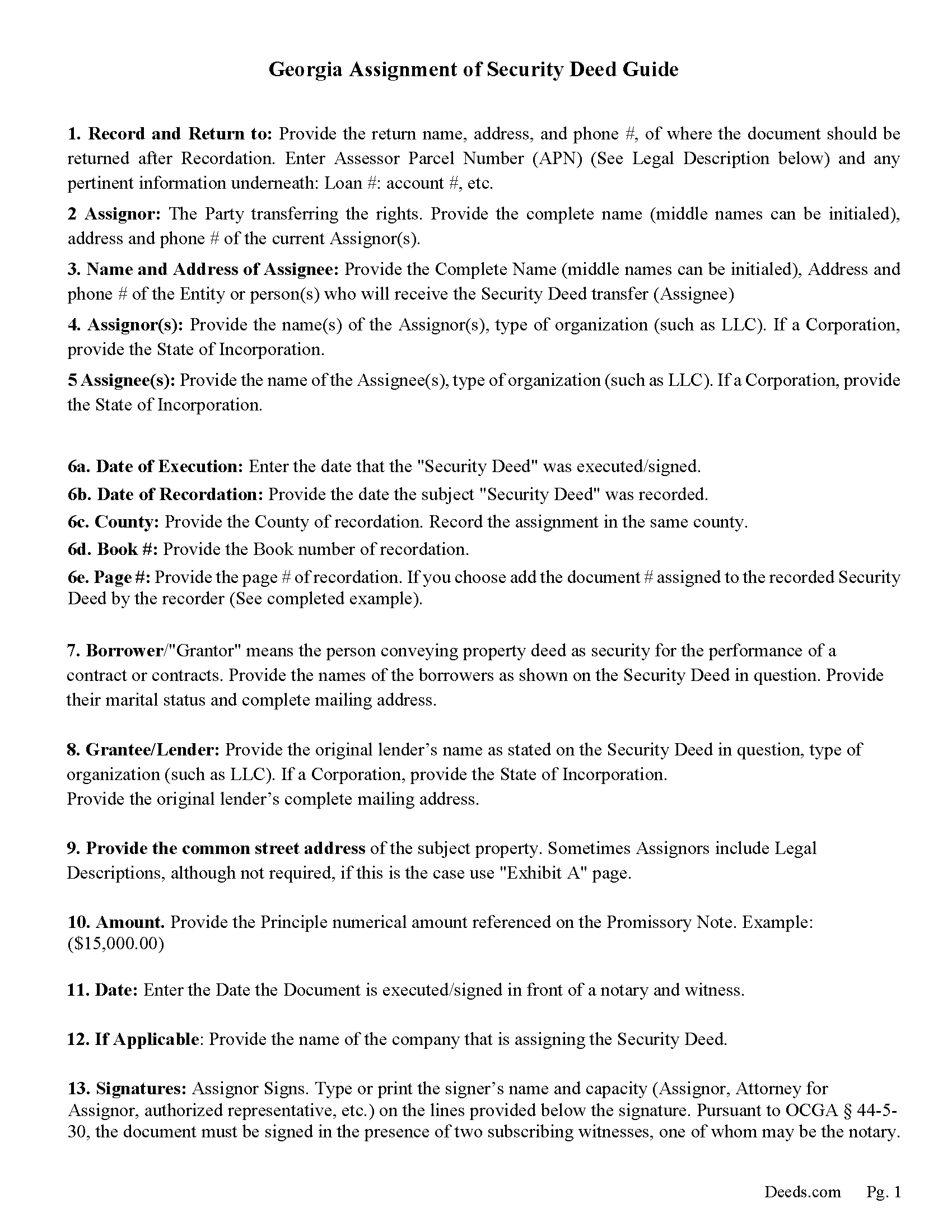
Greene County Guidelines for Assignment of Security Deed
Line by line guide explaining every blank on the form.
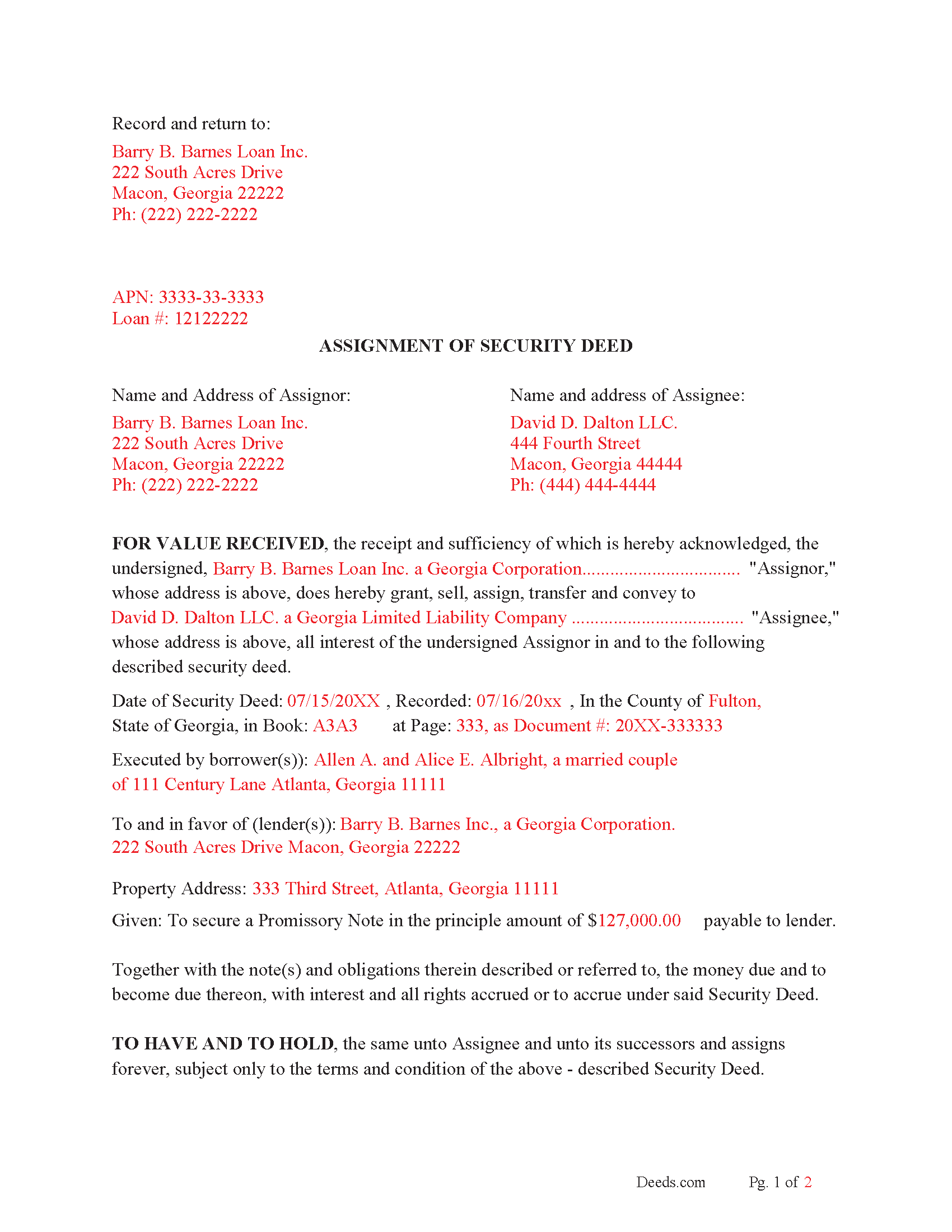
Greene County Completed Example of the Assignment of Security Deed Document
Example of a properly completed form for reference.
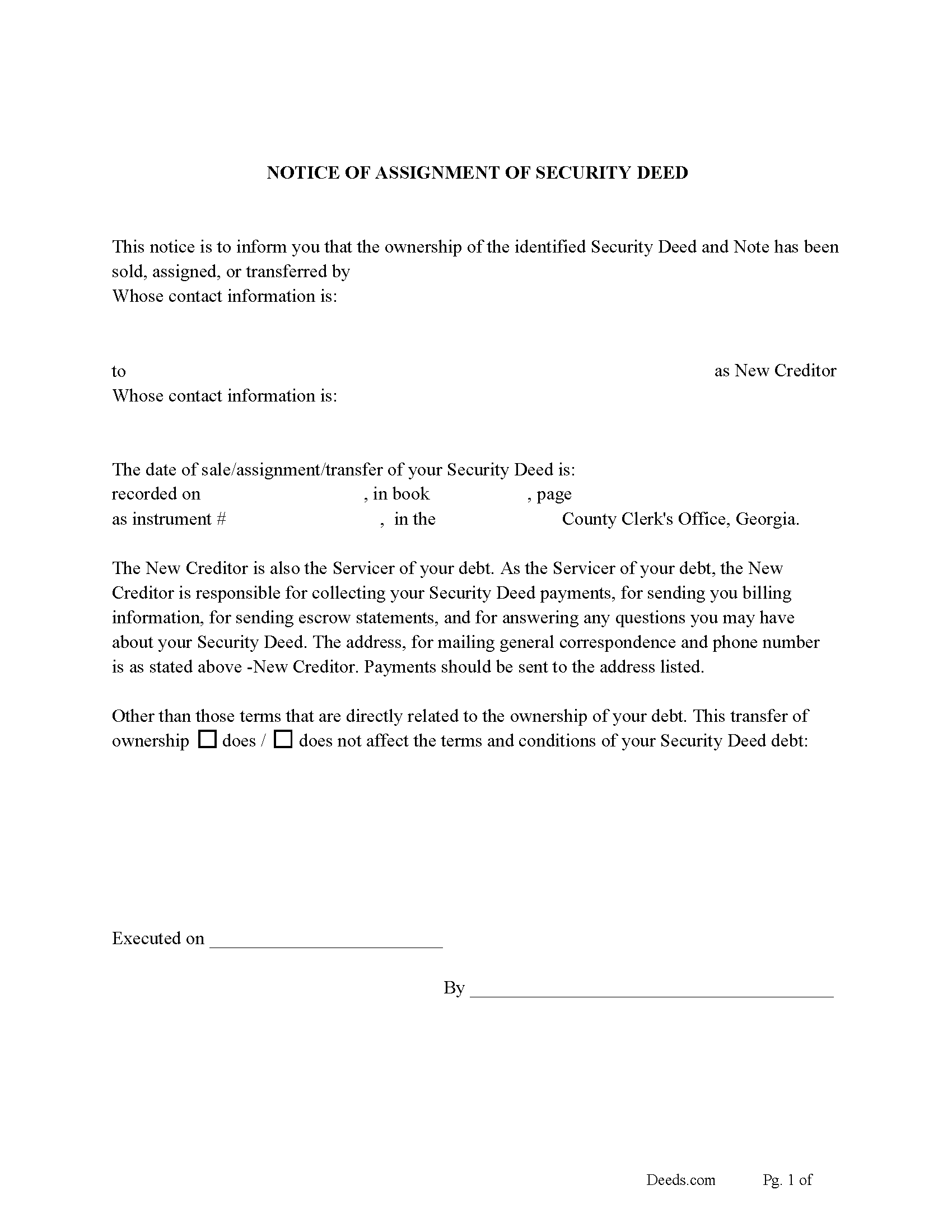
Greene County Notice of Assignment of Security Deed
Required form notifies borrowers of the recorded Assignment.
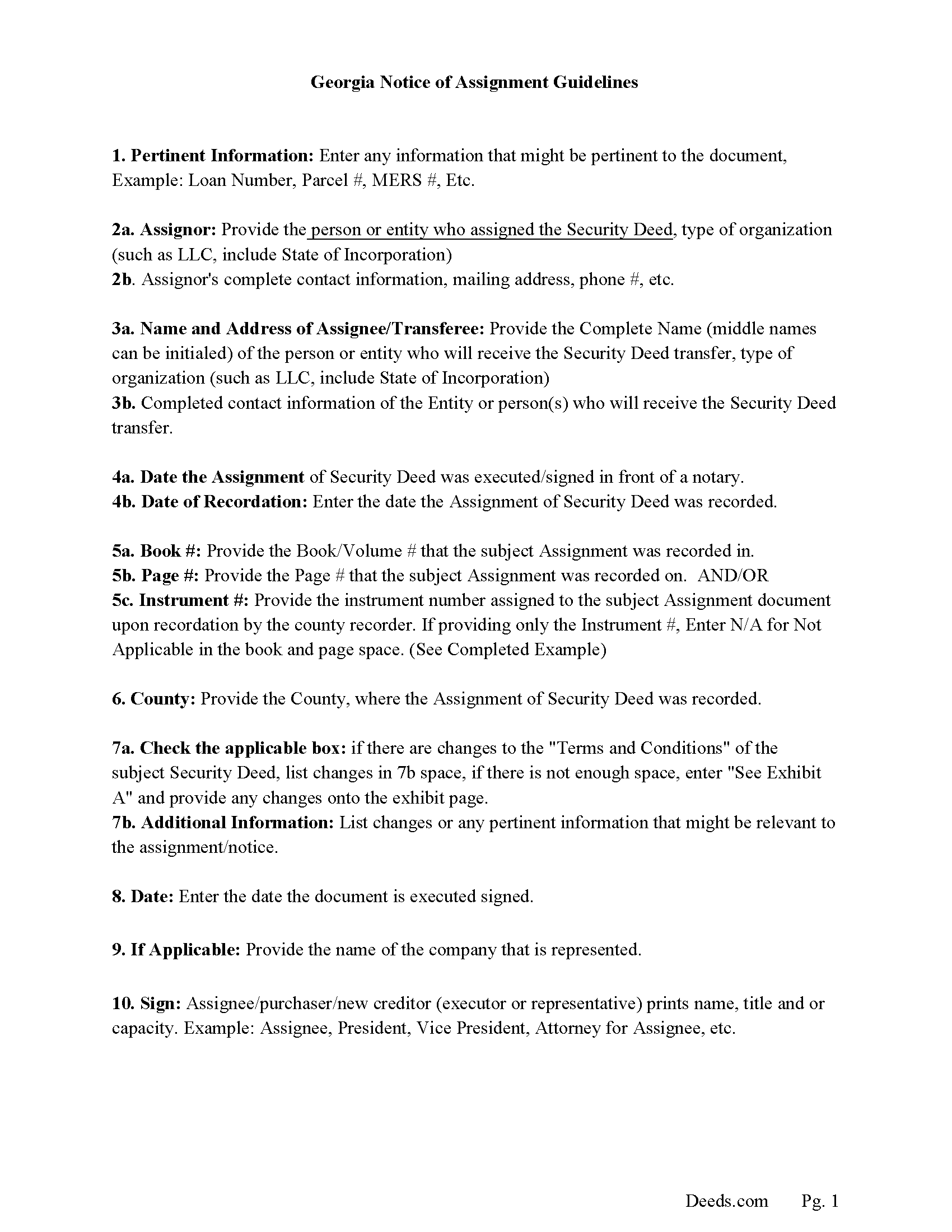
Greene County Notice of Assignment Guidelines
Line by line guide explaining every blank on the form.
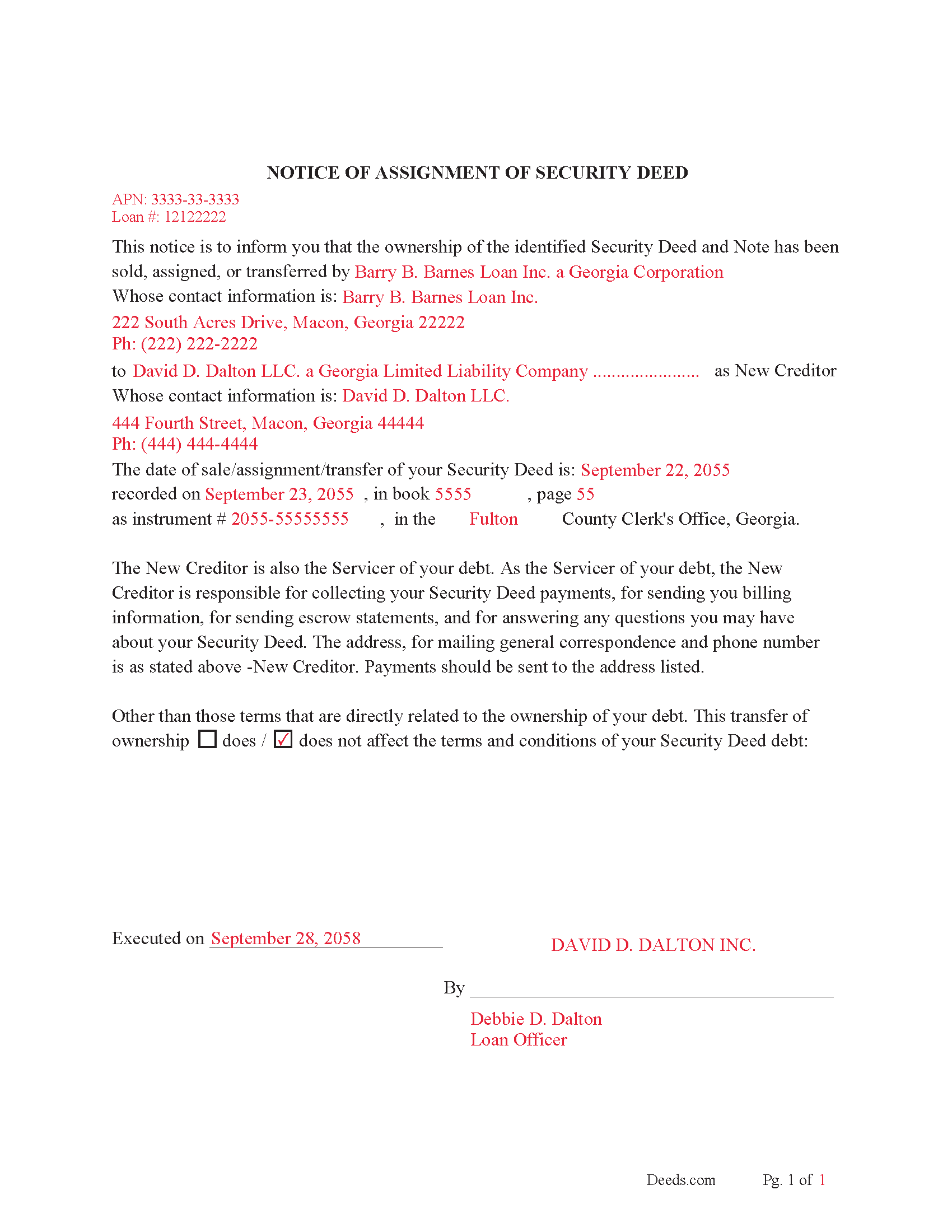
Greene County Notice of Assignment-Completed Example
Example of a properly completed form for reference.
All 6 documents above included • One-time purchase • No recurring fees
Immediate Download • Secure Checkout
Additional Georgia and Greene County documents included at no extra charge:
Where to Record Your Documents
Clerk of Superior Court
Greensboro, Georgia 30642
Hours: 8:00 to 5:00 M-F
Phone: (706) 453-3340
Recording Tips for Greene County:
- Bring your driver's license or state-issued photo ID
- Ensure all signatures are in blue or black ink
- Verify all names are spelled correctly before recording
- White-out or correction fluid may cause rejection
- Ask about their eRecording option for future transactions
Cities and Jurisdictions in Greene County
Properties in any of these areas use Greene County forms:
- Greensboro
- Siloam
- Union Point
- White Plains
Hours, fees, requirements, and more for Greene County
How do I get my forms?
Forms are available for immediate download after payment. The Greene County forms will be in your account ready to download to your computer. An account is created for you during checkout if you don't have one. Forms are NOT emailed.
Are these forms guaranteed to be recordable in Greene County?
Yes. Our form blanks are guaranteed to meet or exceed the applicable formatting requirements used for recording in Greene County, including margin requirements, font requirements, and other layout standards. This guarantee applies to formatting, not to the legal sufficiency of information entered by the user or the suitability of a form for a particular transaction.
Can I reuse these forms?
Yes. You can reuse the forms for your personal use. For example, if you have multiple properties in Greene County you only need to order once.
What do I need to use these forms?
The forms are PDFs that you fill out on your computer. The free Adobe Acrobat Reader is recommended, and most PDF apps also work. You do NOT enter your property information online - you download the blank forms and complete them privately on your own computer.
Are there any recurring fees?
No. This is a one-time purchase. Nothing to cancel, no memberships, no recurring fees.
How much does it cost to record in Greene County?
Recording fees in Greene County vary. Contact the recorder's office at (706) 453-3340 for current fees.
Questions answered? Let's get started!
The Current holder of the Security Deed uses an "Assignment of Security Deed" to transfer the instrument to another party. This is typically done when the Security Deed has been sold, this allows the new lender to collect payments on the debt.
Georgia Statute: 44-14-64
(g) A transfer of a deed to secure debt shall not be recorded unless it includes the mailing address of the last transferee thereof. Failure to comply with this provision shall not be a defense to any foreclosure or grounds to set aside any foreclosure of any deed to secure debt.
Current Borrowers must be notified of the assignment. Notification consists of contact information of the new creditor, recording dates, recording instrument numbers, changes in loan, etc. Included are "Notice of Assignment of Security Deed" forms.
The Truth and lending act requires that borrowers be notified when their Security Deed has been sold, transferred, or assigned to a new creditor. Generally, within 30 days to avoid up to $2,000.00 in statutory damages, plus reasonable attorney's fees. Systematic violations can reach up $500,000.00.
(Georgia Assignment of Security Deed Package includes forms, guidelines, and completed examples)
Important: Your property must be located in Greene County to use these forms. Documents should be recorded at the county recording office listed above.
This Assignment of Security Deed meets all recording requirements specific to Greene County.
Our Promise
The documents you receive here are guaranteed to meet or exceed the applicable Greene County recording format requirements. If there is a rejection caused by our formatting, we will correct the issue or refund your payment. This guarantee applies to document formatting only and does not extend to information entered by the user, the selection of the form, or the legal effect of the completed document.
Save Time and Money
Get your Greene County Assignment of Security Deed form done right the first time with Deeds.com Uniform Conveyancing Blanks. At Deeds.com, we understand that your time and money are valuable resources, and we don't want you to face a penalty fee or rejection imposed by a county recorder for submitting nonstandard documents. We constantly review and update our forms to meet rapidly changing state and county recording requirements for roughly 3,500 counties and local jurisdictions.
4.8 out of 5 - ( 4,839 Reviews )
Annette H. 5 out of 5 stars
Clear directions. Giving a sample filled-in set of forms was great! Economical cost. Will refer others & use Deeds.com again.
We appreciate your business and value your feedback. Thank you. Have a wonderful day!
Heather T. 5 out of 5 stars
Thank you for making this so easy
Thank you!
JESUS G. 5 out of 5 stars
Easy And fast to use just scan upload and pay the fee and they take care of the rest.
Thank you!
Tram V. 5 out of 5 stars
This is quick, easy, and very reasonably priced. I wish I found this site before doing my living trust. I had the company who does my trust do the transfer deed and they charged an additional $329 for the deed alone.
Thank you for your feedback. We really appreciate it. Have a great day!
Terry K. 1 out of 5 stars
Thought from the reviews and claims, it would be able to do our quit claim deed. Maybe for simple situations it works but ours required more room for the description and parcel numbers. Ended up being a total waste of $40.00. Wouldn't buy again. It is no better than the free forms you can find online.
Hi Terry, thanks for the feedback. Your order was canceled and fully refunded. To clarify for other customers: our quitclaim deed package includes an exhibit/attachment page for legal descriptions and parcel numbers that run long, with instructions on when and how to use it, this is a standard approach for multi-page legal descriptions and is accepted by recorders.
Rachel Y. 5 out of 5 stars
I liked the ease of use, however I would love to be able to add multiple APN’s and delete lines that are not applicable
Thank you, Rachel. We’re glad you found the form easy to use, and we appreciate your suggestions about adding multiple APNs and removing inapplicable lines. Feedback like this helps us improve our forms.
Sandra N. 5 out of 5 stars
Very quick and painless process!
We appreciate your business and value your feedback. Thank you. Have a wonderful day!
Theresa J. 5 out of 5 stars
I thank you for your service. I received the needed information.
Thank you!
James J. 4 out of 5 stars
The form itself was very good and easy to use. The only problem I had was the Sample they provided. Using a different name in every spot doesnt help determine what goes where. Using "Theodore Rockafeller" as Lien Claimant in one spot and Jebediah Finklestein in another then Harvey Johnson in the last spot is confusing if you really need a helpful sample.
Thank you for your feedback James. We will have staff review the completed example to see if we can make it more helpful. Have a great day!
Marcus W. 5 out of 5 stars
The Service was excellent the county recorder’s can sometimes cause issues and or delays because of certain filing requirements , but overall I am more than satisfied with DEEDS.com fast friendly services.
Thank you Marcus, we appreciate you.
Edwardo O. 5 out of 5 stars
The form provided was a perfect fill in form. Was able to complete with no problems. The instructions and the sample were a big help. Thank you
Thanks so much, Edwardo! We’re happy everything went smoothly.
Stephen W. 5 out of 5 stars
It provided the forms I could not find elsewhere. Thank you.
Thank you!
Jearsel W. 5 out of 5 stars
I was surprised how helpful the completed example was. It was nice to see what the form should look like when it is filled out. Great job!
That's wonderful to hear Jearsel, thanks for your feedback. Have an awesome day.
PAUL B. 5 out of 5 stars
Very fast and efficient reply
Thank you!
Christopher B. 5 out of 5 stars
Process went smoothly and will use for my next recording. Only area for improvement would be to provide the ability for the user to delete and replace uploaded documents.
Thank you for your feedback. We really appreciate it. Have a great day!