Chatham County Cancellation of Security Deed Form
Last validated October 6, 2026 by our Forms Development TeamFormatted for recording in Chatham County, for property anywhere in the county: rural and unincorporated areas as well as Bloomingdale, Pooler, Savannah, Tybee Island.
- 3 documents included
- Immediate PDF download
- Formatting guarantee
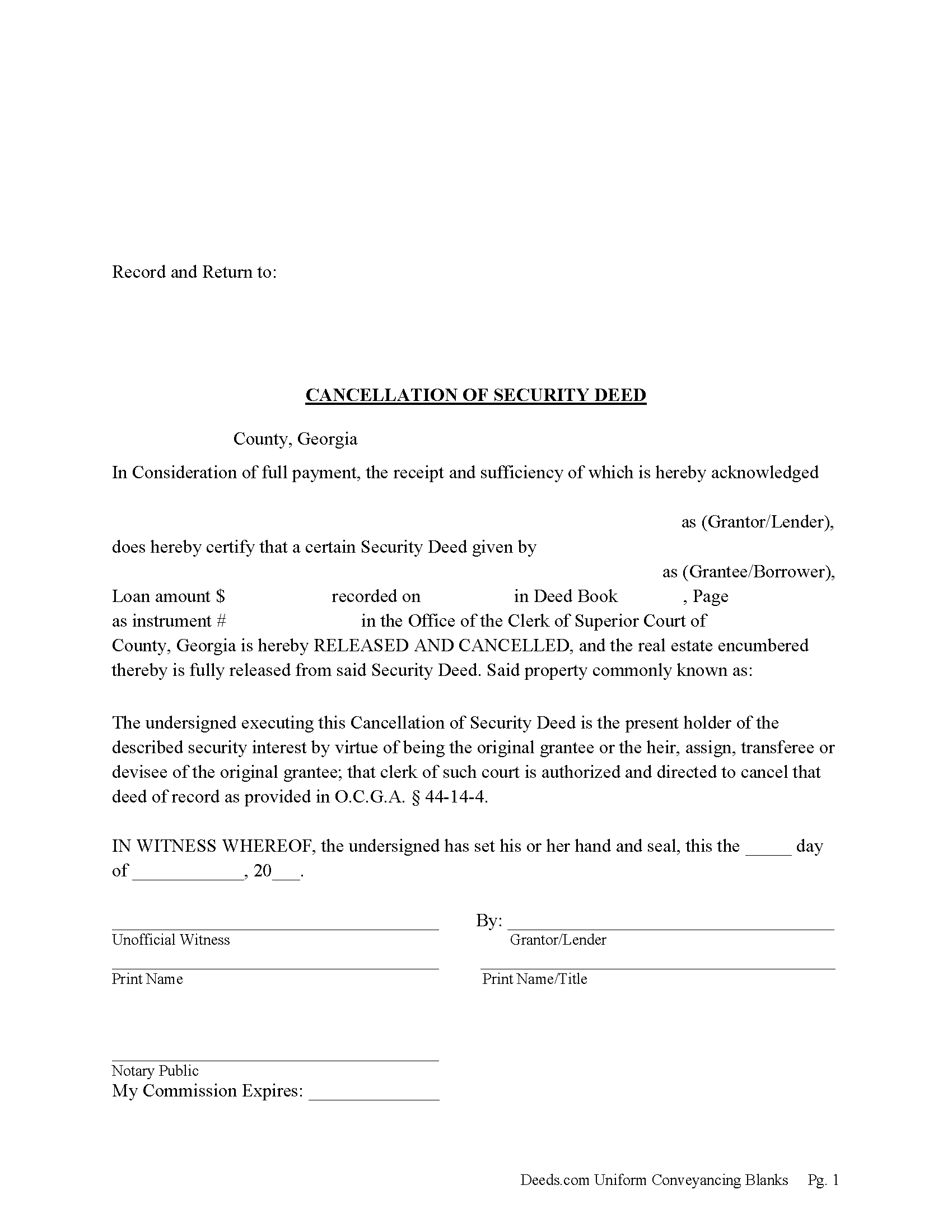
Chatham County Cancellation of Security Deed Form
Fill in the blank form formatted to comply with all recording and content requirements.
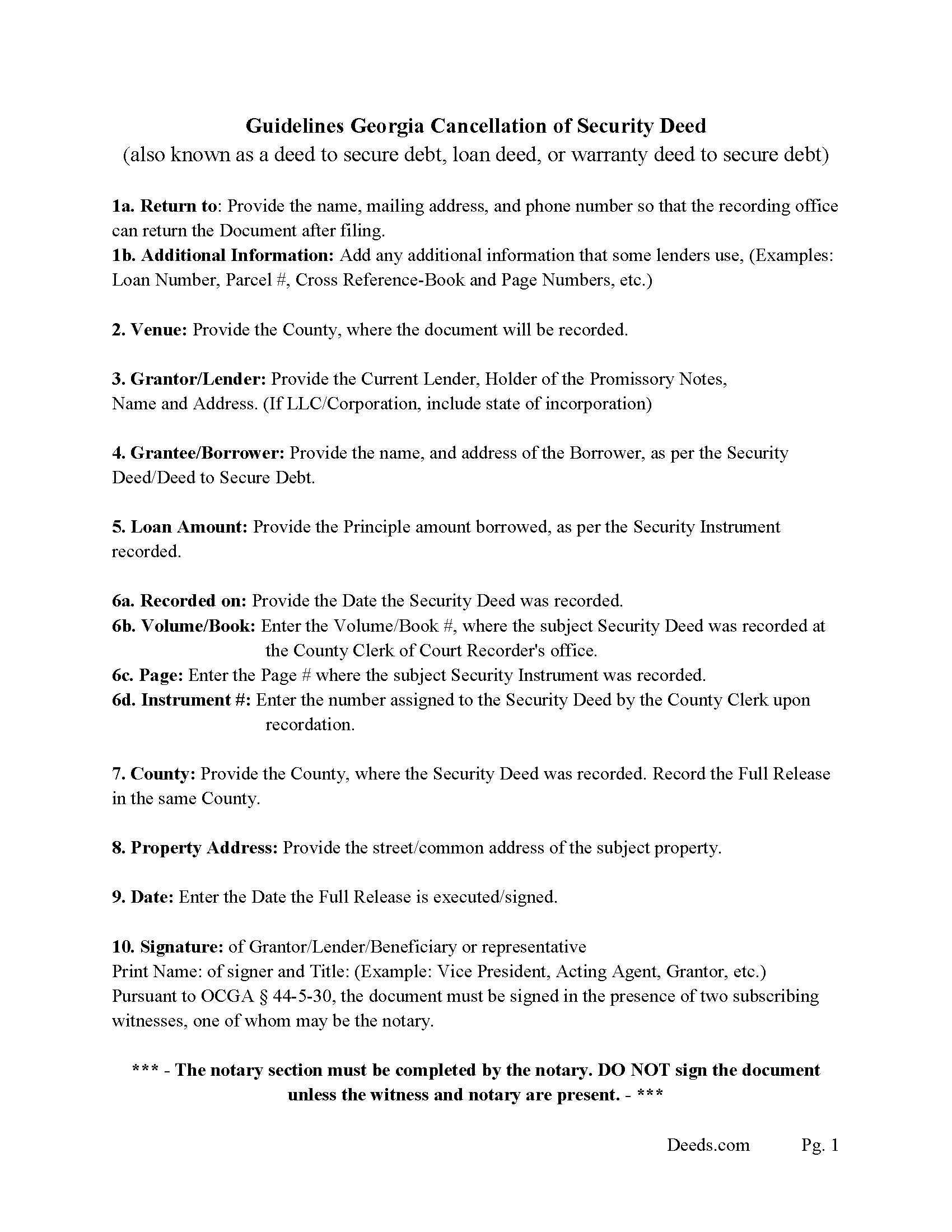
Chatham County Guidelines for Cancellation of Security Deed
Line by line guide explaining every blank on the form.
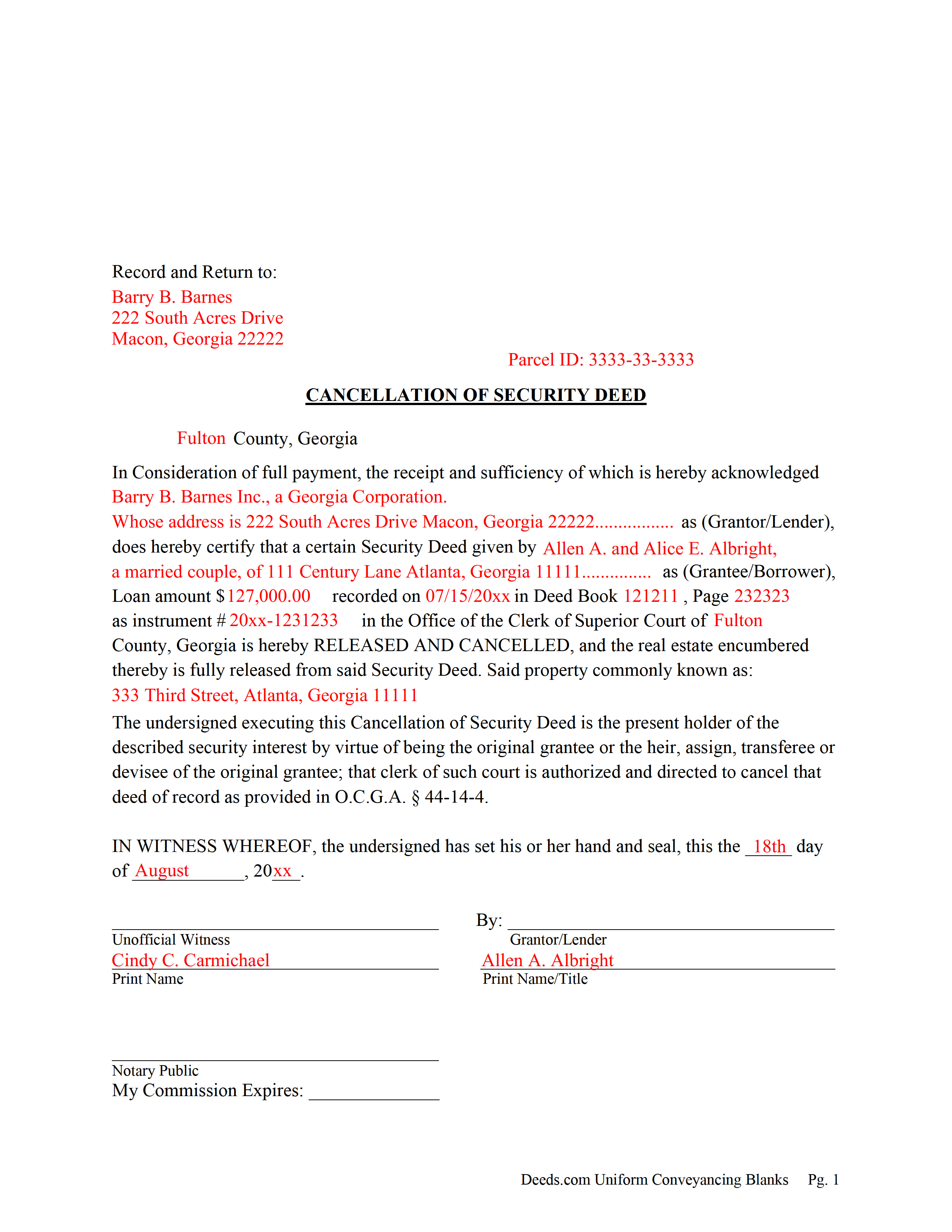
Chatham County Completed Example of the Cancellation of Security Deed
Example of a properly completed form for reference.
All 3 documents above included • One-time purchase • No recurring fees
Immediate Download • Secure Checkout
Additional Georgia and Chatham County documents included at no extra charge:
Where to Record Your Documents
Chatham Clerk of Superior Court
Savannah, Georgia 31412
Hours: 8:00am to 5:00pm M-F
Phone: (912) 652-7197
Southside Location
Savannah, Georgia 31406
Hours: 8:00am - 5:00pm Monday thru Friday
Phone: (912) 201-4351
Recording Tips for Chatham County:
- Bring your driver's license or state-issued photo ID
- Ensure all signatures are in blue or black ink
- Check that your notary's commission hasn't expired
- Documents must be on 8.5 x 11 inch white paper
- Double-check legal descriptions match your existing deed
Cities and Jurisdictions in Chatham County
Properties in any of these areas use Chatham County forms:
- Bloomingdale
- Pooler
- Savannah
- Tybee Island
Hours, fees, requirements, and more for Chatham County
How do I get my forms?
Forms are available for immediate download after payment. The Chatham County forms will be in your account ready to download to your computer. An account is created for you during checkout if you don't have one. Forms are NOT emailed.
Are these forms guaranteed to be recordable in Chatham County?
Yes. Our form blanks are guaranteed to meet or exceed the applicable formatting requirements used for recording in Chatham County, including margin requirements, font requirements, and other layout standards. This guarantee applies to formatting, not to the legal sufficiency of information entered by the user or the suitability of a form for a particular transaction.
Can I reuse these forms?
Yes. You can reuse the forms for your personal use. For example, if you have multiple properties in Chatham County you only need to order once.
What do I need to use these forms?
The forms are PDFs that you fill out on your computer. The free Adobe Acrobat Reader is recommended, and most PDF apps also work. You do NOT enter your property information online - you download the blank forms and complete them privately on your own computer.
Are there any recurring fees?
No. This is a one-time purchase. Nothing to cancel, no memberships, no recurring fees.
How much does it cost to record in Chatham County?
Recording fees in Chatham County vary. Contact the recorder's office at (912) 652-7197 for current fees.
Questions answered? Let's get started!
Current Lender, holder of the Promissory Note uses this form to cancel a Georgia "Security Deed" (also known as a "Deed to Secure Debt", "Loan Deed" or "Warranty Deed to Secure Debt") when it has been satisfied/paid in full. Record this form with the Clerk of the Superior Court in which the Security Instrument was recorded, the same county that the property lies in. (The clerk shall index and record, in the same manner as the original mortgage instrument is recorded, the canceled and satisfied mortgage instrument or such portion thereof as bears the order of the mortgagee or transferee directing that the mortgage be canceled, together with any order of the mortgagee or transferee directing that the mortgage be canceled. The clerk shall show on the index of the cancellation and on the cancellation document the deed book and page number where the original mortgage instrument is recorded.) (Section 44-14-4)
In general, the Lender has 60 days from satisfaction, to release the Security Deed before he/she becomes liable for damages. See Georgia Code Section 44-14-3
(Georgia Cancellation of Security Deed Package includes form, guidelines, and completed example)For use in Georgia Only.
Important: Your property must be located in Chatham County to use these forms. Documents should be recorded at the county recording office listed above.
This Cancellation of Security Deed meets all recording requirements specific to Chatham County.
Our Promise
The documents you receive here are guaranteed to meet or exceed the applicable Chatham County recording format requirements. If there is a rejection caused by our formatting, we will correct the issue or refund your payment. This guarantee applies to document formatting only and does not extend to information entered by the user, the selection of the form, or the legal effect of the completed document.
Save Time and Money
Get your Chatham County Cancellation of Security Deed form done right the first time with Deeds.com Uniform Conveyancing Blanks. At Deeds.com, we understand that your time and money are valuable resources, and we don't want you to face a penalty fee or rejection imposed by a county recorder for submitting nonstandard documents. We constantly review and update our forms to meet rapidly changing state and county recording requirements for roughly 3,500 counties and local jurisdictions.
4.8 out of 5 - ( 4,836 Reviews )
Ed S. 5 out of 5 stars
This is the first time that I have used this service. An employee at the Clerk and Register office in Arizona suggested that I try Deeds.com to find the form I needed and the county office could not provide. I am a licensed Realtor in Colorado with a 43-year career and this service has not been necessary in my own state but it was extremely helpful in finding a form in Arizona. Five star rating for the very user-friendly website!
Thank you for your feedback. We really appreciate it. Have a great day!
Tammy L. 1 out of 5 stars
Very Poor and useles, a scam, don't waste your money, those templates are useless and do Not give you Any valid,proper, meeningful wording to use, did Not Help me, nothing more than what a 5th grader can come up with as far as wording or example..I feel I was riped off and this is a total scam... nothing useful
We appreciate all feedback, even when it’s critical. Thousands of customers have successfully used our documents, but they are not for everyone. These are reviewed, fill-in-the-blank templates that provide the wording and structure required by law. Some situations call for more personalized guidance or hand-holding than templates alone can provide, and in those cases an attorney may be the better option.
Jan David F. 1 out of 5 stars
Your data doesn't go deep enough in time to be useful to me. I needed deeds from 1911 to 1966.
Thank you for your feedback Jan. It does look like staff canceled your order after discussing your needs with you.
Jeremiah W. 5 out of 5 stars
Very helpful information and great forms.
Thank you for your feedback. We really appreciate it. Have a great day!
Michael S. 5 out of 5 stars
So easy.
Happy we could assist. Thank you for sharing your experience.
Lynne B. 5 out of 5 stars
It was very easy to navigate and very fast response time.
Thank you!
Fallon G. 5 out of 5 stars
Very easy to use, thank you!
Knowing our customers are happy is our top priority. Thank you for the wonderful feedback!
Ann D. 4 out of 5 stars
I found what my lawyer recommended and was able to download it easily.
We appreciate your business and value your feedback. Thank you. Have a wonderful day!
James R. 5 out of 5 stars
This site is a blessing in disguise-/>
Thank you!
Hyacinth A. 5 out of 5 stars
It was easy and helpful to use Deed.com
We appreciate your comments and your trust in us. Thank you.
LOUISE W. 5 out of 5 stars
Thank you for your help on my Quit Claim deed. I am very pleased with your patience and the resolving of the deed.
Thank you for your feedback. We really appreciate it. Have a great day!
Annette L. 5 out of 5 stars
Wow -- amazingly fast turnaround and excellent customer service and communication. Thank you for saving me hours of time and effort!
We appreciate your business and value your feedback. Thank you. Have a wonderful day!
Michael J. 5 out of 5 stars
Great site, very easy to use. Thanks
Thank you for your feedback. We really appreciate it. Have a great day!
Rosa Irene G. 5 out of 5 stars
nd your site/forms. The cost is also great. Thank you so much for making this affordable to everyone.
Thank you for your feedback. We really appreciate it. Have a great day!
Julius D. 5 out of 5 stars
Worked great....WV accepted this document and made the whole process easy...thanks
We appreciate your business and value your feedback. Thank you. Have a wonderful day!