Coweta County Correction Deed Form
Last validated November 17, 2026 by our Forms Development TeamFormatted for recording in Coweta County, for property anywhere in the county: rural and unincorporated areas as well as Grantville, Haralson, Moreland, Newnan, Sargent, Senoia, Sharpsburg, Sunny Side and 1 more.
- 3 documents included
- Immediate PDF download
- Formatting guarantee
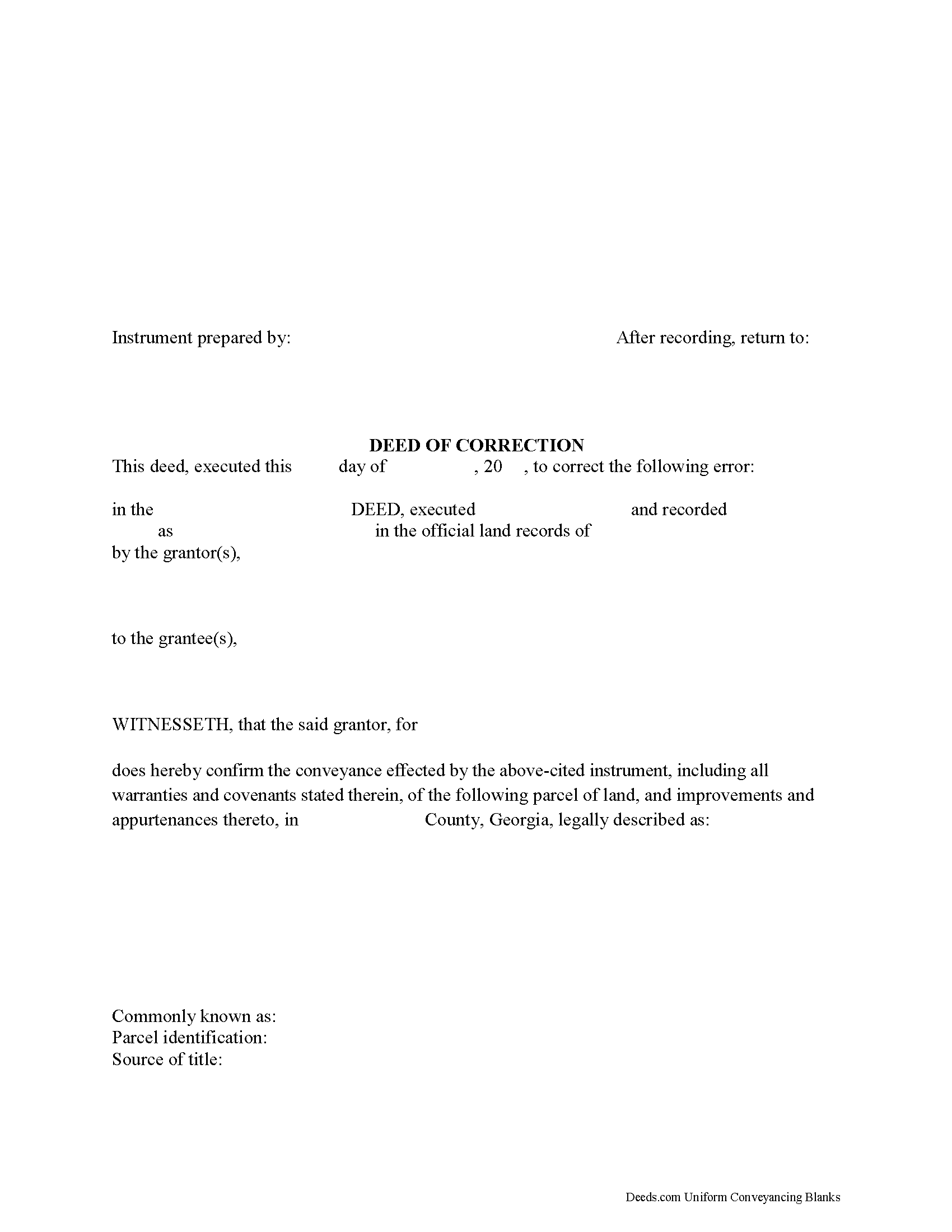
Coweta County Correction Deed Form
Fill in the blank form formatted to comply with all recording and content requirements.
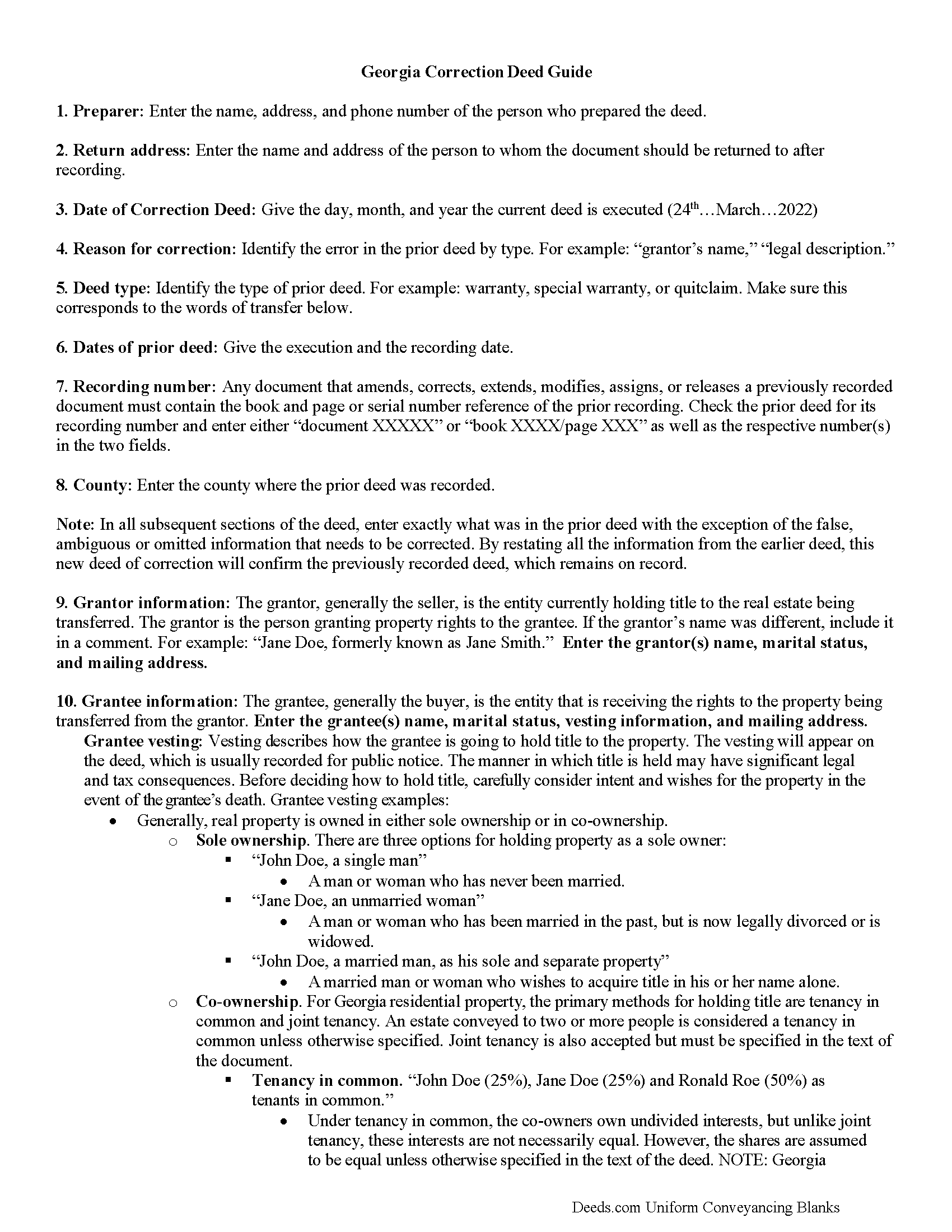
Coweta County Correction Deed Guide
Line by line guide explaining every blank on the form.
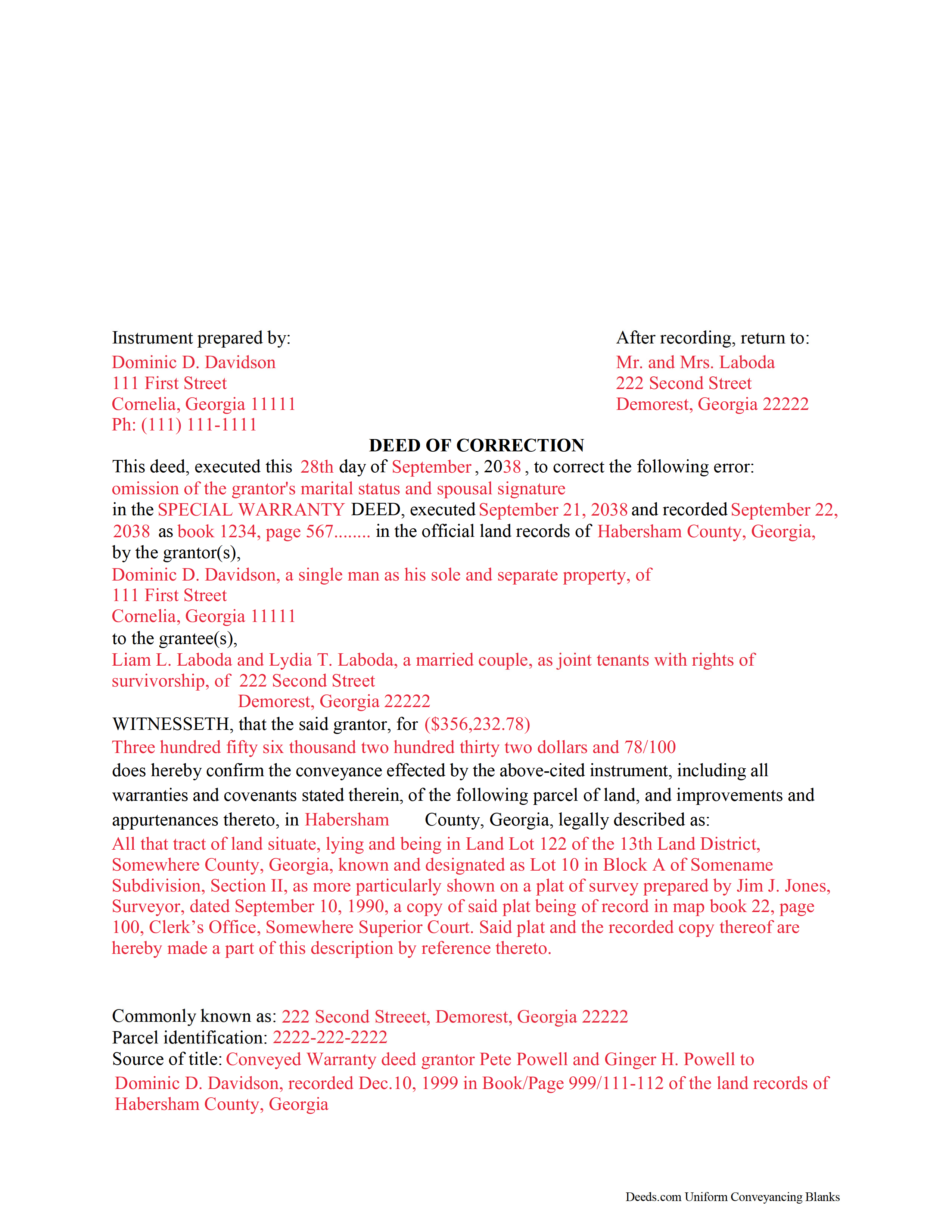
Coweta County Completed Example of the Correction Deed Document
Example of a properly completed form for reference.
All 3 documents above included • One-time purchase • No recurring fees
Immediate Download • Secure Checkout
Additional Georgia and Coweta County documents included at no extra charge:
Where to Record Your Documents
Superior Court Clerk - Justice Center
Newnan, Georgia 30263
Hours: 8:00 to 4:30 M-F
Phone: (770) 254-2690
Recording Tips for Coweta County:
- Bring your driver's license or state-issued photo ID
- Ensure all signatures are in blue or black ink
- Make copies of your documents before recording - keep originals safe
- Recorded documents become public record - avoid including SSNs
- Recording fees may differ from what's posted online - verify current rates
Cities and Jurisdictions in Coweta County
Properties in any of these areas use Coweta County forms:
- Grantville
- Haralson
- Moreland
- Newnan
- Sargent
- Senoia
- Sharpsburg
- Sunny Side
- Turin
Hours, fees, requirements, and more for Coweta County
How do I get my forms?
Forms are available for immediate download after payment. The Coweta County forms will be in your account ready to download to your computer. An account is created for you during checkout if you don't have one. Forms are NOT emailed.
Are these forms guaranteed to be recordable in Coweta County?
Yes. Our form blanks are guaranteed to meet or exceed the applicable formatting requirements used for recording in Coweta County, including margin requirements, font requirements, and other layout standards. This guarantee applies to formatting, not to the legal sufficiency of information entered by the user or the suitability of a form for a particular transaction.
Can I reuse these forms?
Yes. You can reuse the forms for your personal use. For example, if you have multiple properties in Coweta County you only need to order once.
What do I need to use these forms?
The forms are PDFs that you fill out on your computer. The free Adobe Acrobat Reader is recommended, and most PDF apps also work. You do NOT enter your property information online - you download the blank forms and complete them privately on your own computer.
Are there any recurring fees?
No. This is a one-time purchase. Nothing to cancel, no memberships, no recurring fees.
How much does it cost to record in Coweta County?
Recording fees in Coweta County vary. Contact the recorder's office at (770) 254-2690 for current fees.
Questions answered? Let's get started!
Use this correction deed to correct an error in a previously executed and recorded deed.
Correction deeds are used to adjust the earlier deed when that document contains minor errors of omission or typographical errors, sometimes called scrivener's mistakes. For example, a misspelled name, an omitted or wrong middle initial, a minor error in the property description, or an omitted execution date.
The correction deed, also called deed of correction or deed of confirmation, must state that its sole purpose is to correct a specific error, which is usually identified by type. For example: an error in the grantor's name, or an error in the grantor's marital status.
Once the correction deed is recorded, it will relate back to the date of the original deed. So it is not necessarily a good idea to re-execute the original deed or to execute and record a different type of deed, such as a quitclaim deed, to correct an error. Both of these cannot relate back to the date of the original deed that needs to be corrected. Only the deed of correction is so closely linked to the prior document that all corrections are effective as of the date of the original recorded instrument.
(Georgia Correction Deed Package includes form, guidelines, and completed example)
Important: Your property must be located in Coweta County to use these forms. Documents should be recorded at the county recording office listed above.
This Correction Deed meets all recording requirements specific to Coweta County.
Our Promise
The documents you receive here are guaranteed to meet or exceed the applicable Coweta County recording format requirements. If there is a rejection caused by our formatting, we will correct the issue or refund your payment. This guarantee applies to document formatting only and does not extend to information entered by the user, the selection of the form, or the legal effect of the completed document.
Save Time and Money
Get your Coweta County Correction Deed form done right the first time with Deeds.com Uniform Conveyancing Blanks. At Deeds.com, we understand that your time and money are valuable resources, and we don't want you to face a penalty fee or rejection imposed by a county recorder for submitting nonstandard documents. We constantly review and update our forms to meet rapidly changing state and county recording requirements for roughly 3,500 counties and local jurisdictions.
4.8 out of 5 - ( 4,864 Reviews )
Brian B. 5 out of 5 stars
Spot on, lets do that again now! Thanks.
Thank you for your feedback. We really appreciate it. Have a great day!
Steven M. 5 out of 5 stars
Happy with your service. Everything as advertised.
Your feedback is greatly appreciated. Thank you for taking the time to share your experience!
Robert L. 5 out of 5 stars
It was easy for me to open an account and upload a document for recording.
Thank you for your feedback. We really appreciate it. Have a great day!
matthew h. 5 out of 5 stars
Totally awesome. Useless waste of time looking anywhere else for real estate deed forms. All the stars!!
Thank you!
Charles S. 5 out of 5 stars
I was very please with the deed, deed of trust and the deed of trust note. It save me a lot of preparation time.
Thank you!
Mildred S. 5 out of 5 stars
This was an excellent service to amend a deed. It was a little frustrating at first, but well worth it, as they review your documents before submission to your "Recorder of Deeds" to make sure they are not rejected. Would definitely use them again.
We appreciate your business and value your feedback. Thank you. Have a wonderful day!
Karen B. 5 out of 5 stars
Great forms! No issues at all at the recorder office. Will be back for sure if needed.
Wonderful to hear Karen. Thanks for taking the time to share your experience. Have a great day!
Gloria L. 5 out of 5 stars
Quick and simple process! I wish I would have used them sooner!
Thank you for your feedback. We really appreciate it. Have a great day!
Heather A. 5 out of 5 stars
quick response to e-mail. the forms are easy to use, fully explained.
Thank you for your feedback Heather, glad we could help.
Pamela L. 5 out of 5 stars
The packet was very comprehensive and easy to use (I had just one question that wasn't clearly explained). II appreciate that the forms are kept up to date.
We appreciate your business and value your feedback. Thank you. Have a wonderful day!
Ralph L. 5 out of 5 stars
Thank you.Very good.
Thank you for your feedback. We really appreciate it. Have a great day!
Priscilla M. 5 out of 5 stars
Instructions are easy to follow which make filling out the forms easy and simple. I would definitely recommend Deeds.com.
Thank you!
shelley m. 5 out of 5 stars
I thought the service was good
Thank you Shelley. Have a fantastic day!
Thomas N. 5 out of 5 stars
TODD Form would not print surveyor degrees character (superscript "o") in Exhibit A. It also would not print the "Return Address" or "Prepared By" entries with my middle name as your example showed.
Thank you for your feedback. We really appreciate it. Have a great day!
LAWRENCE S. 5 out of 5 stars
I am mostly satisfied with my Deeds.Com experience. Not sure if you can do anything about this, but since it is fairly common, I thought the Quit Claim Form would have a section specifically for adding spouse to a deed.
Thank you for your feedback. We really appreciate it. Have a great day!