Oconee County Disclaimer of Interest Form
Last validated September 21, 2026 by our Forms Development TeamFormatted for recording in Oconee County, for property anywhere in the county: rural and unincorporated areas as well as Bishop, Bogart, Farmington, Watkinsville.
- 3 documents included
- Immediate PDF download
- Formatting guarantee
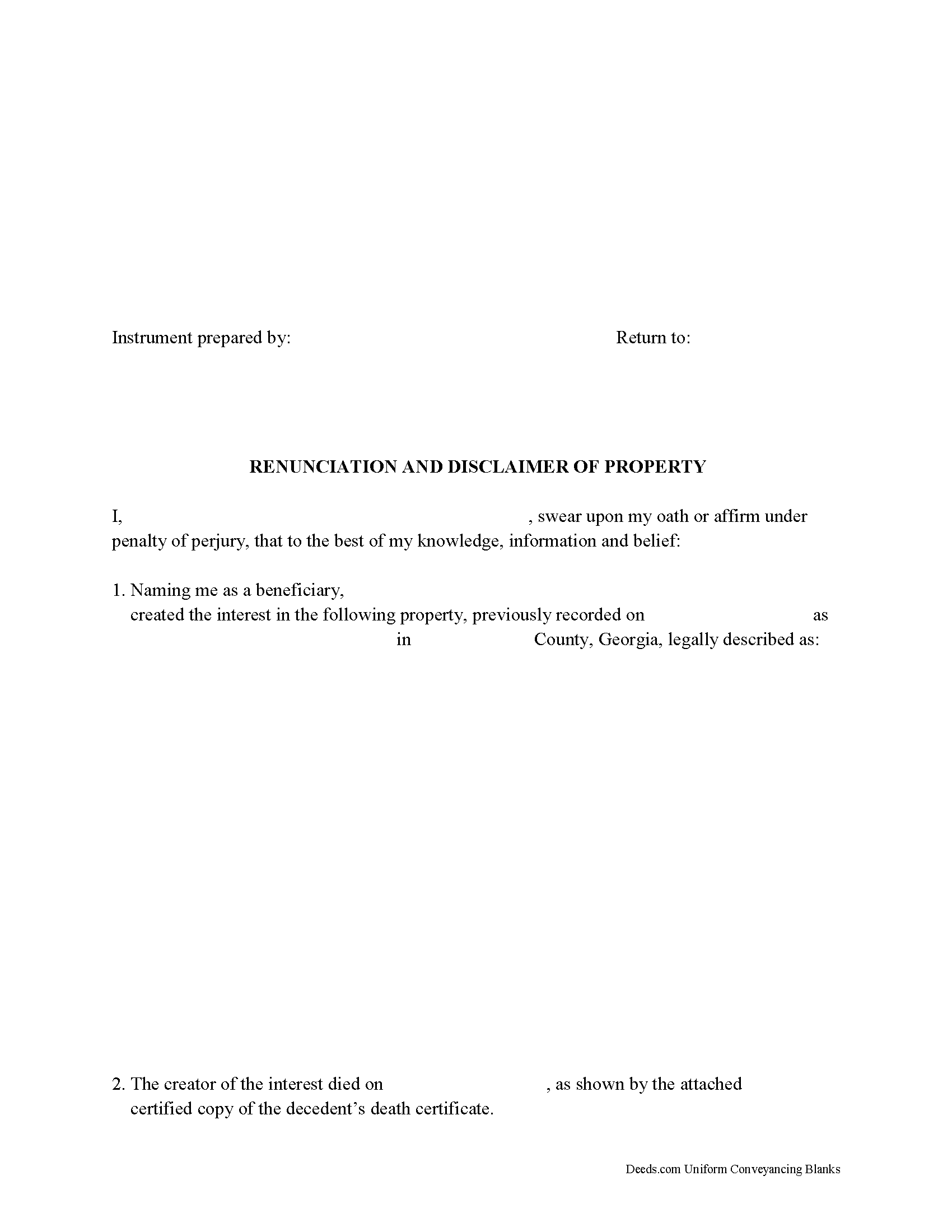
Oconee County Disclaimer of Interest Form
Fill in the blank form formatted to comply with all recording and content requirements.
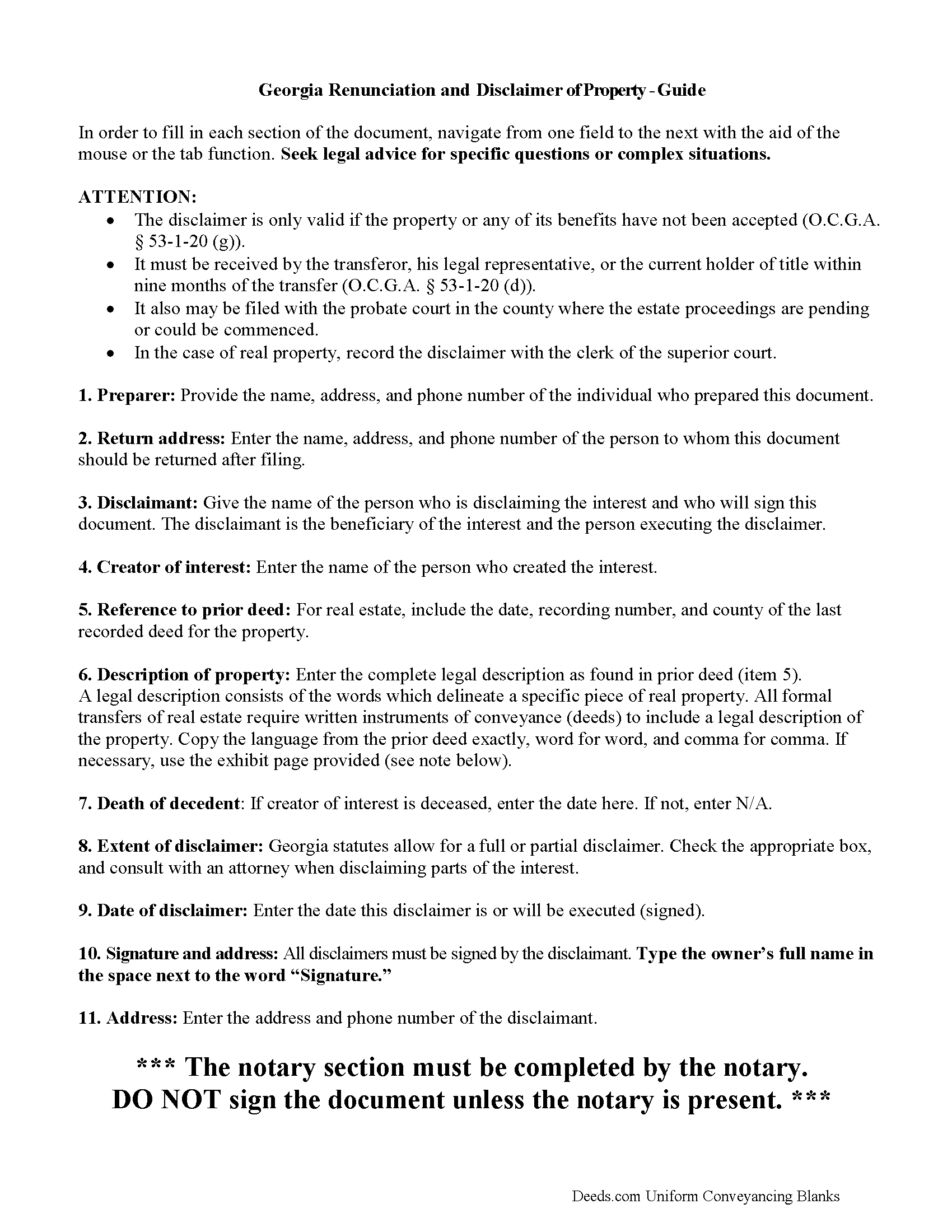
Oconee County Disclaimer of Interest Guide
Line by line guide explaining every blank on the form.
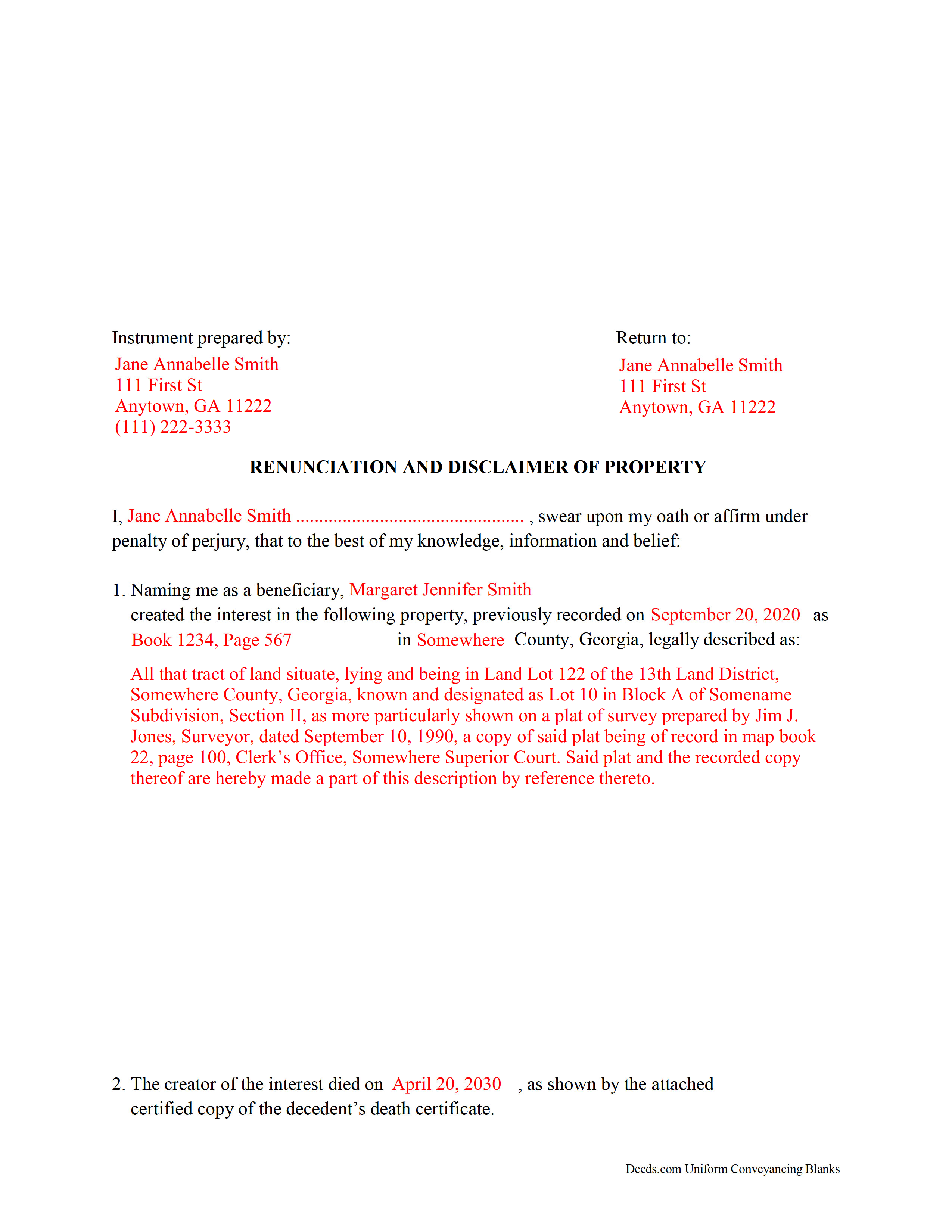
Oconee County Completed Example of the Disclaimer of Interest Document
Example of a properly completed form for reference.
All 3 documents above included • One-time purchase • No recurring fees
Immediate Download • Secure Checkout
Additional Georgia and Oconee County documents included at no extra charge:
Where to Record Your Documents
Clerk of Superior Court
Watkinsville, Georgia 30677
Hours: 8:00am-5:00pm M-F
Phone: (706) 769-3940
Recording Tips for Oconee County:
- Bring your driver's license or state-issued photo ID
- Ensure all signatures are in blue or black ink
- Make copies of your documents before recording - keep originals safe
- Recorded documents become public record - avoid including SSNs
- Recording fees may differ from what's posted online - verify current rates
Cities and Jurisdictions in Oconee County
Properties in any of these areas use Oconee County forms:
- Bishop
- Bogart
- Farmington
- Watkinsville
Hours, fees, requirements, and more for Oconee County
How do I get my forms?
Forms are available for immediate download after payment. The Oconee County forms will be in your account ready to download to your computer. An account is created for you during checkout if you don't have one. Forms are NOT emailed.
Are these forms guaranteed to be recordable in Oconee County?
Yes. Our form blanks are guaranteed to meet or exceed the applicable formatting requirements used for recording in Oconee County, including margin requirements, font requirements, and other layout standards. This guarantee applies to formatting, not to the legal sufficiency of information entered by the user or the suitability of a form for a particular transaction.
Can I reuse these forms?
Yes. You can reuse the forms for your personal use. For example, if you have multiple properties in Oconee County you only need to order once.
What do I need to use these forms?
The forms are PDFs that you fill out on your computer. The free Adobe Acrobat Reader is recommended, and most PDF apps also work. You do NOT enter your property information online - you download the blank forms and complete them privately on your own computer.
Are there any recurring fees?
No. This is a one-time purchase. Nothing to cancel, no memberships, no recurring fees.
How much does it cost to record in Oconee County?
Recording fees in Oconee County vary. Contact the recorder's office at (706) 769-3940 for current fees.
Questions answered? Let's get started!
Georgia Disclaimer/Renunciation of Property
A beneficiary of an interest in property in Georgia can disclaim and renounce all or part of a bequeathed interest in, or power over, that property under O.C.G.A. 53-1-20, as long as it has not been accepted through actions that indicate ownership or through a written waiver of the right to disclaim (53-1-20 (g)).
The written disclaimer must identify the creator of the interest, provide a description of the disclaimed interest, a declaration of the disclaimer and its extent, and it must be signed by the person making the renunciation (53-1-20 (c)).
The disclaimer must be filed, recorded and/or delivered pursuant to 53-1-20 (d) as follows:
* It must be received by the transferor, his legal representative, or the current holder of title within nine months of the transfer. This is consistent with the Internal Revenue Code Section 2518.
* It also may be filed with the probate court in the county where the estate proceedings are pending or could be commenced.
* In the case of real property, the renunciation may be recorded with the clerk of the superior court.
A disclaimer relates back to the death of the decedent or to the date it was created (53-1-20 (g)). It is irrevocable and binding to the disclaimant and generally to those who claim under him or her. Be sure to consult an attorney when in doubt about the drawbacks and benefits of disclaiming inherited property.
(Georgia Disclaimer of Interest Package includes form, guidelines, and completed example)
Important: Your property must be located in Oconee County to use these forms. Documents should be recorded at the county recording office listed above.
This Disclaimer of Interest meets all recording requirements specific to Oconee County.
Our Promise
The documents you receive here are guaranteed to meet or exceed the applicable Oconee County recording format requirements. If there is a rejection caused by our formatting, we will correct the issue or refund your payment. This guarantee applies to document formatting only and does not extend to information entered by the user, the selection of the form, or the legal effect of the completed document.
Save Time and Money
Get your Oconee County Disclaimer of Interest form done right the first time with Deeds.com Uniform Conveyancing Blanks. At Deeds.com, we understand that your time and money are valuable resources, and we don't want you to face a penalty fee or rejection imposed by a county recorder for submitting nonstandard documents. We constantly review and update our forms to meet rapidly changing state and county recording requirements for roughly 3,500 counties and local jurisdictions.
4.8 out of 5 - ( 4,825 Reviews )
Joshua P. 5 out of 5 stars
Easy fill in the blanks form. Just FYI make sure you have a copy of whatever deed you are changing and the tax records. You will want the language to be identical.
Thank you for your feedback. We really appreciate it. Have a great day!
Stephen D. 5 out of 5 stars
Very good hope to use in the future.
Thank you for your feedback. We really appreciate it. Have a great day!
MARK S. 5 out of 5 stars
Forms seem direct, simple, not what a "big firm" might have, appear sufficient to do the job -- safety in following at least the basics
Thank you!
LEIGH M. 3 out of 5 stars
Skamania County, WA tax affidavit wouldn't download. Otherwise, a good program
Thank you!
William P. 5 out of 5 stars
Warranty Deed was just what I needed.Easy to complete and accepted by the county.
Thank you!
Pauline C. 5 out of 5 stars
Everything that was stated to be included in my order was complete. Very satisfied
Thank you for your positive words! We’re thrilled to hear about your experience.
Andy F. 5 out of 5 stars
The experience was very good, great guidance, quick responses, I would recommend. using Deeds.com.
Thank you for your support — it means a great deal to us.
Stephen N. 5 out of 5 stars
Excellent service.
Thank you!
roby m. 5 out of 5 stars
I found exactly what I needed and the download system allowed me to use the files immediately. Will use the service again.
Thank you for your feedback. We really appreciate it. Have a great day!
Linda G. 5 out of 5 stars
I like it so far- now I just need to complete my filing in the County seat!
We appreciate your business and value your feedback. Thank you. Have a wonderful day!
DEBBY G. 5 out of 5 stars
I was so confused on how to complete the form. But I followed the instructions and used the example and got it done.
Thank you for your feedback. We really appreciate it. Have a great day!
Thomas S. 1 out of 5 stars
Not good. The blanks on the form, supposedly especially tailored for the specific county, didn't have enough space for a document name or the doc #. I had to retype the whole doc myself.
Thank you for your feedback. We’re sorry the form did not provide enough room for the prior document information you needed to enter. We have canceled the order and reversed the payment. We are also reviewing the field spacing for the prior document title and recording number so we can improve the form. No further action is needed from you.
Loren H. 5 out of 5 stars
I really appreciate your forms according to South Dakota laws and statues. Your forms allow me to effectively do estate planning without extensive legal expenses. The "Revocable Transfer of Death Deed" is perfect to protect against extensive probate problems for seniors in retirement. Thank you and May God Bless.
We appreciate your business and value your feedback. Thank you. Have a wonderful day!
Kyle K. 5 out of 5 stars
Deeds is extremely helpful and cost effective for small and large businesses. Saves me time to do more valuable tasks.
Thank you for your feedback. We really appreciate it. Have a great day!
James N. 2 out of 5 stars
The purchasing process was very slick and my credit card was charged IMMEDIATELY. The deliver went well as the link was provided immediately. However I asked a question via the "Contact Us" link and days later I get a survey but no reply. I may have been directed to the wrong forms via my County and I wanted to confirm that...but still no answer. What would that deserve as a rating???
Also, your history on our site shows no messages sent via our contact us page.