Gilmer County Executor Deed Form
Last validated November 18, 2026 by our Forms Development TeamFormatted for recording in Gilmer County, for property anywhere in the county: rural and unincorporated areas as well as Cherry Log, East Ellijay, Ellijay.
- 3 documents included
- Immediate PDF download
- Formatting guarantee
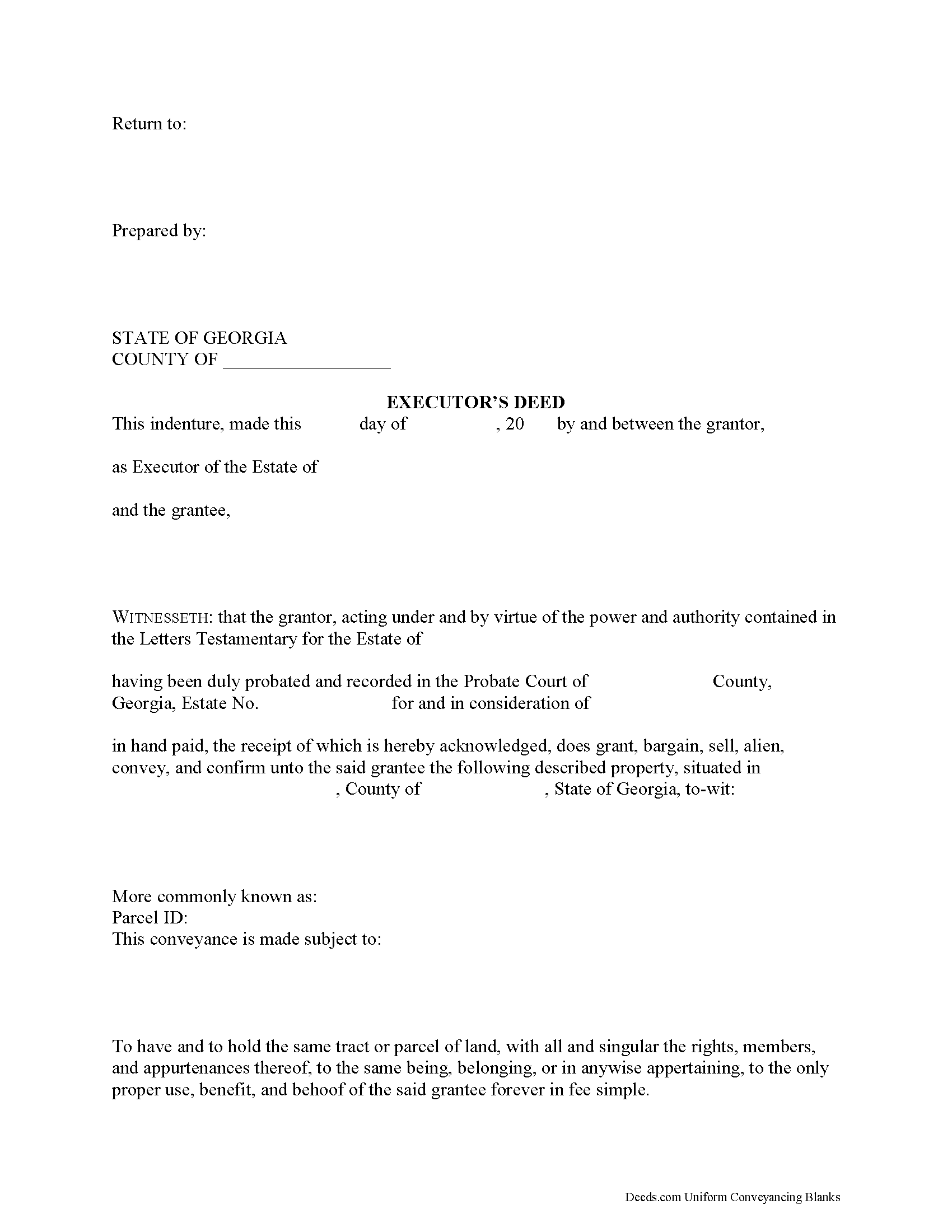
Gilmer County Executor Deed Form
Fill in the blank form formatted to comply with all recording and content requirements.
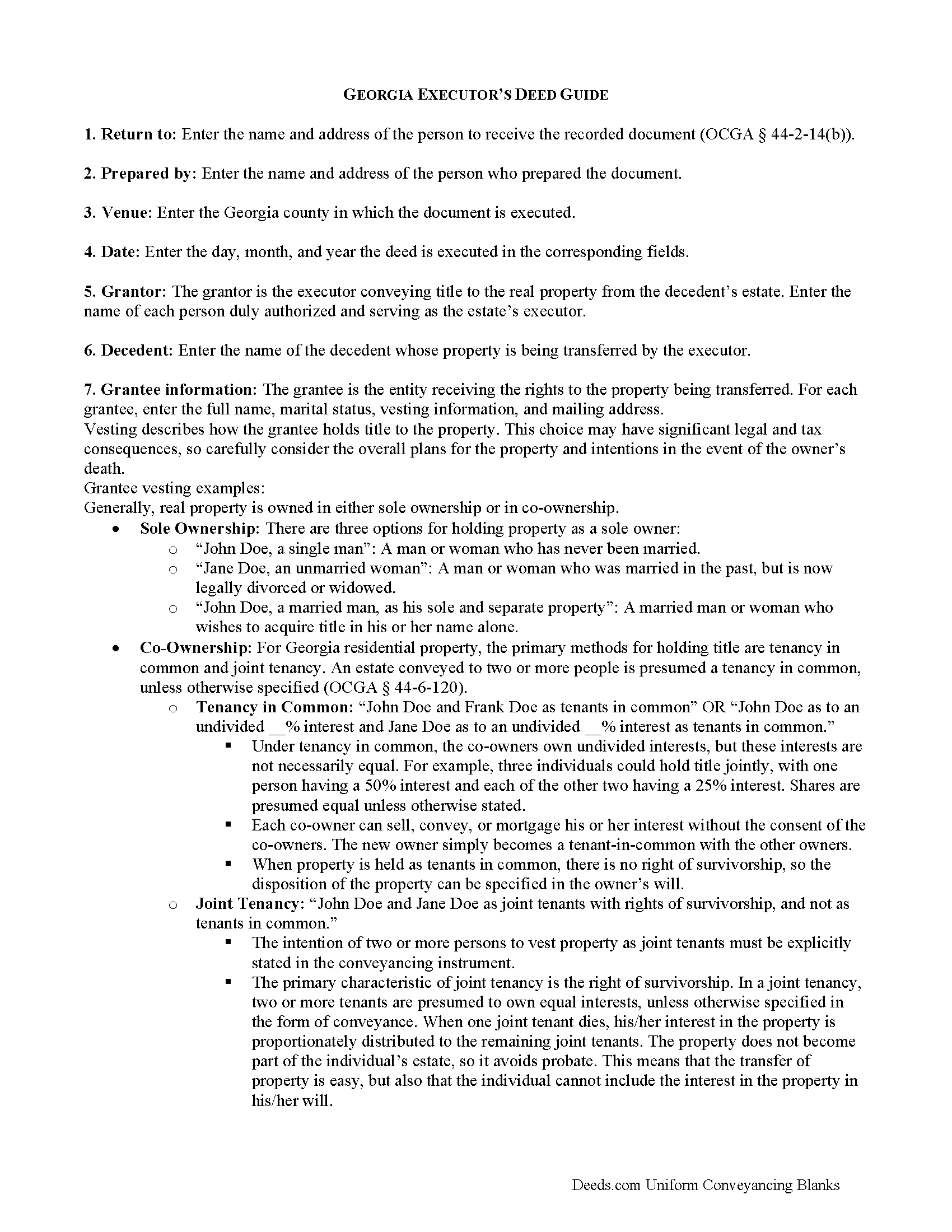
Gilmer County Executor Deed Guide
Line by line guide explaining every blank on the form.
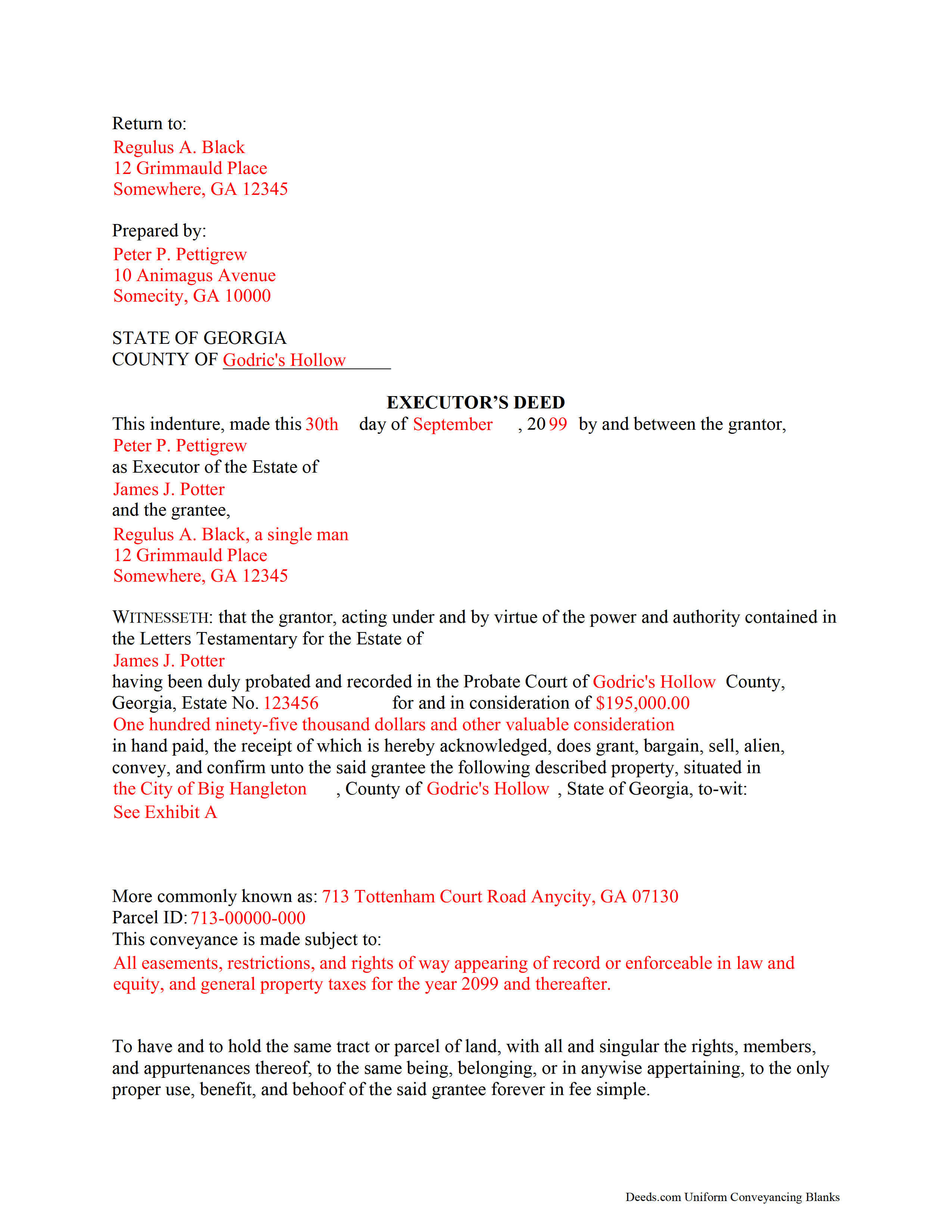
Gilmer County Completed Example of the Executor Deed Document
Example of a properly completed form for reference
All 3 documents above included • One-time purchase • No recurring fees
Immediate Download • Secure Checkout
Additional Georgia and Gilmer County documents included at no extra charge:
Where to Record Your Documents
Clerk of Superior Court
Ellijay, Georgia 30540
Hours: 8:30 to 5:00 M-F
Phone: (706) 635-4462
Recording Tips for Gilmer County:
- Bring your driver's license or state-issued photo ID
- Ensure all signatures are in blue or black ink
- Ask for certified copies if you need them for other transactions
- Ask if they accept credit cards - many offices are cash/check only
- Check that your notary's commission hasn't expired
Cities and Jurisdictions in Gilmer County
Properties in any of these areas use Gilmer County forms:
- Cherry Log
- East Ellijay
- Ellijay
Hours, fees, requirements, and more for Gilmer County
How do I get my forms?
Forms are available for immediate download after payment. The Gilmer County forms will be in your account ready to download to your computer. An account is created for you during checkout if you don't have one. Forms are NOT emailed.
Are these forms guaranteed to be recordable in Gilmer County?
Yes. Our form blanks are guaranteed to meet or exceed the applicable formatting requirements used for recording in Gilmer County, including margin requirements, font requirements, and other layout standards. This guarantee applies to formatting, not to the legal sufficiency of information entered by the user or the suitability of a form for a particular transaction.
Can I reuse these forms?
Yes. You can reuse the forms for your personal use. For example, if you have multiple properties in Gilmer County you only need to order once.
What do I need to use these forms?
The forms are PDFs that you fill out on your computer. The free Adobe Acrobat Reader is recommended, and most PDF apps also work. You do NOT enter your property information online - you download the blank forms and complete them privately on your own computer.
Are there any recurring fees?
No. This is a one-time purchase. Nothing to cancel, no memberships, no recurring fees.
How much does it cost to record in Gilmer County?
Recording fees in Gilmer County vary. Contact the recorder's office at (706) 635-4462 for current fees.
Questions answered? Let's get started!
When people create their wills, they generally name one or more individuals to supervise the distribution of their assets. Georgia customarily uses the term "personal representative" to refer to both executors and administrators, but get more specific when it comes to conveying title to real estate. An executor is a personal representative designated in a will to manage a testate decedent's estate; an administrator is appointed by the probate court, and can be involved in either testate or intestate (without a will) processes.
During probate, the court may direct an executor to sell real property pursuant to the terms of the decedent's will, to pay the estate's debts, or to consolidate the decedent's estate for devise among multiple beneficiaries. The named personal representative uses an executor's deed to transfer real property from a testate estate. The executor's deed contains all the information required for a standard conveyance, such as a quitclaim or warranty deed, but also includes relevant details about the decedent and the probate case.
To transfer title to a buyer, record the completed executor's deed, along with any necessary supporting documents, with the real property records of the appropriate county.
Consult an attorney with questions about the executor's deed, or with any other issues related to probate in Georgia.
(Georgia Executor Deed Package includes form, guidelines, and completed example)
Important: Your property must be located in Gilmer County to use these forms. Documents should be recorded at the county recording office listed above.
This Executor Deed meets all recording requirements specific to Gilmer County.
Our Promise
The documents you receive here are guaranteed to meet or exceed the applicable Gilmer County recording format requirements. If there is a rejection caused by our formatting, we will correct the issue or refund your payment. This guarantee applies to document formatting only and does not extend to information entered by the user, the selection of the form, or the legal effect of the completed document.
Save Time and Money
Get your Gilmer County Executor Deed form done right the first time with Deeds.com Uniform Conveyancing Blanks. At Deeds.com, we understand that your time and money are valuable resources, and we don't want you to face a penalty fee or rejection imposed by a county recorder for submitting nonstandard documents. We constantly review and update our forms to meet rapidly changing state and county recording requirements for roughly 3,500 counties and local jurisdictions.
4.8 out of 5 - ( 4,863 Reviews )
LISA B. 5 out of 5 stars
GOT WHAT I NEEDED FORMS WORKED FINE.
Thank you!
Larry G. 5 out of 5 stars
After purchasing the Quit Claim Deed, I felt I had purchased something I could have gotten free somewhere else. But after reviewing all the other information Deed.com provided, I realized you saved me a lot of time that would have been wasted on research. Money well spent.
Thank you for your feedback. We really appreciate it. Have a great day!
Lynette D. 5 out of 5 stars
I planned to use an attorney for this process but deeds.com made it so easy I was able to do it myself and I saved $330 in the process. I really appreciated the instructions and example provided on the site.
Thank you for your feedback. We really appreciate it. Have a great day!
Geoffrey M. 5 out of 5 stars
Very convenient online document recording with great and quick service. Thank you!
Thank you!
Patrick P. 5 out of 5 stars
Great service! I found out how easy it was for me to record a deed. I saved about $200 using deeds.com. The sample form really helped. Thanks!
Thank you!
Gregory K. 5 out of 5 stars
Easy to work with. Fair price. Nice, efficient service. Would definitely use Deeds.com again for any legal documents.
We appreciate your business and value your feedback. Thank you. Have a wonderful day!
David D. 5 out of 5 stars
Quick, easy, thorough, reasonable price. Much better than trying to contact a paralegal (who do not usually respond quickly, it seems)
We appreciate your business and value your feedback. Thank you. Have a wonderful day!
Jan O. 5 out of 5 stars
This was so easy and just what I needed.
Thank you for your feedback. We really appreciate it. Have a great day!
John G. 5 out of 5 stars
Fast turn-around, very efficient!!
We appreciate your business and value your feedback. Thank you. Have a wonderful day!
Tiffany P. 5 out of 5 stars
Very quick and gave me exactly what I needed! I would have had to go down to the courts and take off work to get this info otherwise.
Thank you for your feedback. We really appreciate it. Have a great day!
Brian S. 3 out of 5 stars
PDF fields change font sizes leading to an unprofessional-appearing printed page. The examples for "Convey to" section don't include how to specify just one person instead of a married couple. Maybe that is simple but it would help to spell it out in an example. Haven't submitted to County Recorder yet, so will find out if it is acceptable.
Thank you for the feedback Brian.
The font issue is caused by using a PDF viewer other than Adobe Acrobat Reader. Our form fields are set to a uniform 12-point font, but non-Adobe viewers often render form fields inconsistently. Opening and printing the form with the free Adobe Acrobat Reader will resolve that.
Regarding the examples, that's a fair point, we'll look at expanding them.
Celestine U. 5 out of 5 stars
Very well done
Thank you!
Albert G. 5 out of 5 stars
Download was smooth. I'll post an update after I get a change to work with the forms.
Thank you!
Stanley P. 5 out of 5 stars
Fast accurate service
We appreciate your business and value your feedback. Thank you. Have a wonderful day!
Roger M. 5 out of 5 stars
EASY. WORKED WITH PROBLEMS.
Thank you!