Quitman County Executor Deed Form
Last validated October 16, 2026 by our Forms Development TeamFormatted for recording in Quitman County, for property anywhere in the county: rural and unincorporated areas as well as Georgetown, Morris.
- 3 documents included
- Immediate PDF download
- Formatting guarantee
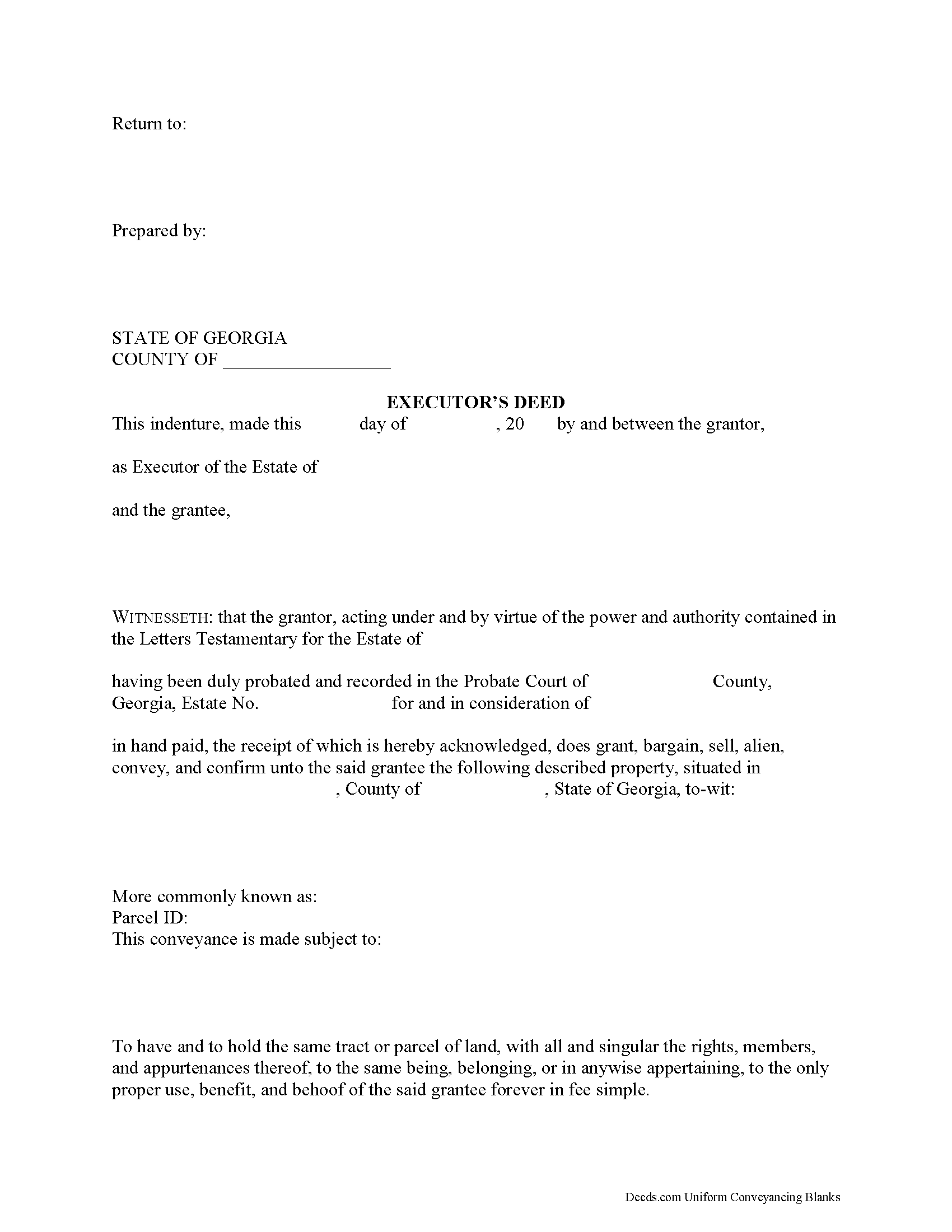
Quitman County Executor Deed Form
Fill in the blank form formatted to comply with all recording and content requirements.
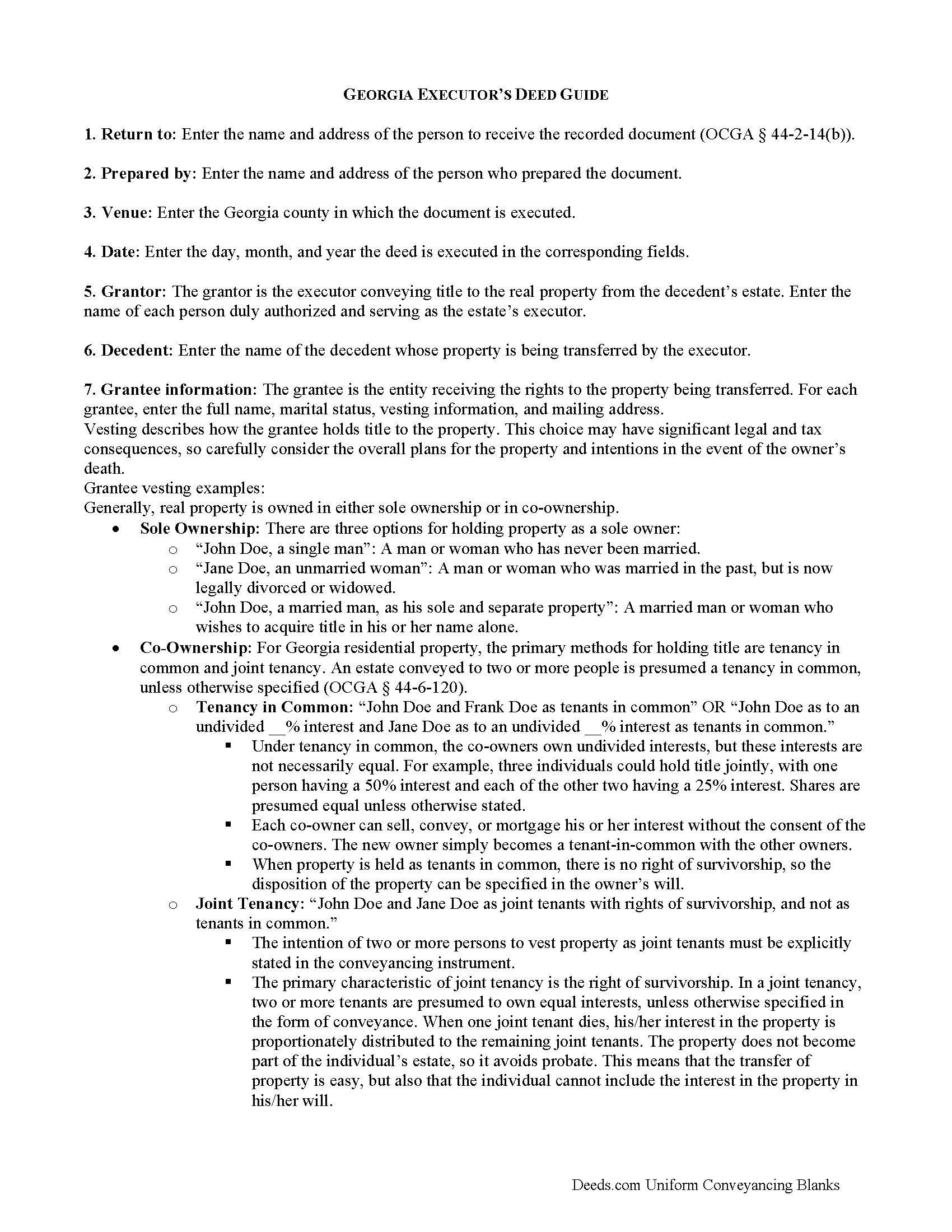
Quitman County Executor Deed Guide
Line by line guide explaining every blank on the form.
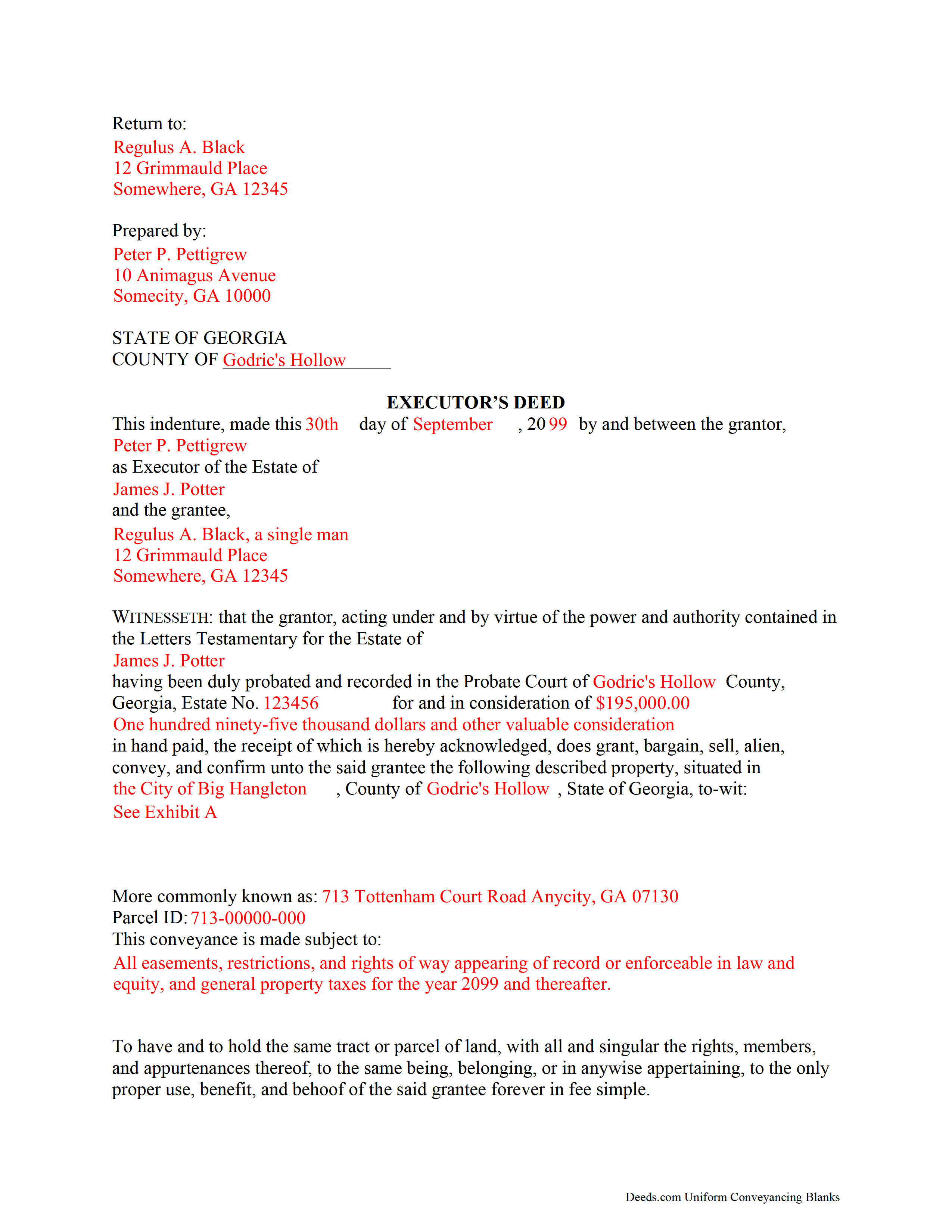
Quitman County Completed Example of the Executor Deed Document
Example of a properly completed form for reference
All 3 documents above included • One-time purchase • No recurring fees
Immediate Download • Secure Checkout
Additional Georgia and Quitman County documents included at no extra charge:
Where to Record Your Documents
Clerk of Superior Court
Georgetown, Georgia 39854
Hours: 8:00am - 12:00pm & 1:00pm - 5:00pm Monday - Friday
Phone: (229) 334-2578
Recording Tips for Quitman County:
- Bring your driver's license or state-issued photo ID
- Ensure all signatures are in blue or black ink
- Verify all names are spelled correctly before recording
- White-out or correction fluid may cause rejection
- Ask about their eRecording option for future transactions
Cities and Jurisdictions in Quitman County
Properties in any of these areas use Quitman County forms:
- Georgetown
- Morris
Hours, fees, requirements, and more for Quitman County
How do I get my forms?
Forms are available for immediate download after payment. The Quitman County forms will be in your account ready to download to your computer. An account is created for you during checkout if you don't have one. Forms are NOT emailed.
Are these forms guaranteed to be recordable in Quitman County?
Yes. Our form blanks are guaranteed to meet or exceed the applicable formatting requirements used for recording in Quitman County, including margin requirements, font requirements, and other layout standards. This guarantee applies to formatting, not to the legal sufficiency of information entered by the user or the suitability of a form for a particular transaction.
Can I reuse these forms?
Yes. You can reuse the forms for your personal use. For example, if you have multiple properties in Quitman County you only need to order once.
What do I need to use these forms?
The forms are PDFs that you fill out on your computer. The free Adobe Acrobat Reader is recommended, and most PDF apps also work. You do NOT enter your property information online - you download the blank forms and complete them privately on your own computer.
Are there any recurring fees?
No. This is a one-time purchase. Nothing to cancel, no memberships, no recurring fees.
How much does it cost to record in Quitman County?
Recording fees in Quitman County vary. Contact the recorder's office at (229) 334-2578 for current fees.
Questions answered? Let's get started!
When people create their wills, they generally name one or more individuals to supervise the distribution of their assets. Georgia customarily uses the term "personal representative" to refer to both executors and administrators, but get more specific when it comes to conveying title to real estate. An executor is a personal representative designated in a will to manage a testate decedent's estate; an administrator is appointed by the probate court, and can be involved in either testate or intestate (without a will) processes.
During probate, the court may direct an executor to sell real property pursuant to the terms of the decedent's will, to pay the estate's debts, or to consolidate the decedent's estate for devise among multiple beneficiaries. The named personal representative uses an executor's deed to transfer real property from a testate estate. The executor's deed contains all the information required for a standard conveyance, such as a quitclaim or warranty deed, but also includes relevant details about the decedent and the probate case.
To transfer title to a buyer, record the completed executor's deed, along with any necessary supporting documents, with the real property records of the appropriate county.
Consult an attorney with questions about the executor's deed, or with any other issues related to probate in Georgia.
(Georgia Executor Deed Package includes form, guidelines, and completed example)
Important: Your property must be located in Quitman County to use these forms. Documents should be recorded at the county recording office listed above.
This Executor Deed meets all recording requirements specific to Quitman County.
Our Promise
The documents you receive here are guaranteed to meet or exceed the applicable Quitman County recording format requirements. If there is a rejection caused by our formatting, we will correct the issue or refund your payment. This guarantee applies to document formatting only and does not extend to information entered by the user, the selection of the form, or the legal effect of the completed document.
Save Time and Money
Get your Quitman County Executor Deed form done right the first time with Deeds.com Uniform Conveyancing Blanks. At Deeds.com, we understand that your time and money are valuable resources, and we don't want you to face a penalty fee or rejection imposed by a county recorder for submitting nonstandard documents. We constantly review and update our forms to meet rapidly changing state and county recording requirements for roughly 3,500 counties and local jurisdictions.
4.8 out of 5 - ( 4,845 Reviews )
SHALINI W. 5 out of 5 stars
Exceptionally easy to use. Very user friendly. Would highly recommend.
We appreciate your business and value your feedback. Thank you. Have a wonderful day!
Lorraine F. 2 out of 5 stars
I followed the instructions to download the form for my Mac, typed in the legal description of the real property but the space provided for it would not expand so I just typed the form into Word as a document. While I appreciate having the form to work with it would have been a breeze if it worked properly.
Your insights are invaluable to us and help us strive for better service. Thank you for taking the time to share your thoughts.
J O. 5 out of 5 stars
It's okay, seems you need to make it easier to search deeds on properties without having to go through a lot of researching issues, make it simple!
Thank you!
Melody P. 5 out of 5 stars
Great service, as always!!
We appreciate your business and value your feedback. Thank you. Have a wonderful day!
David J. 5 out of 5 stars
Very easy to use and saved a lot of time
Thank you!
Connie G. 4 out of 5 stars
This product makes it so much easier to understand and file forms that you might have to pay an attorney to do. All Counties have their own way of submitting forms and with Deeds you have the correct format.
Thank you for your feedback. We really appreciate it. Have a great day!
Yosvany D. 5 out of 5 stars
Very easy and fast service for legal forms.
Thank you for your feedback. We really appreciate it. Have a great day!
Andrew T. 5 out of 5 stars
The process was incredibly simple from start to finish. Someone from the team even sent a message to double check part of my document was filled out correctly. Will be bringing my business here in the future!
It was a pleasure serving you. Thank you for the positive feedback!
Viola G. 4 out of 5 stars
no as easy as anticipated but convenient.
We are grateful for your feedback and looking forward to serving you again. Thank you!
Charles F. 5 out of 5 stars
I am happy with the document but did not know that it would still have to go before the court. Thought it could be handled by the recorder of deeds.
Thank you for your feedback. We really appreciate it. Have a great day!
Judith L. 5 out of 5 stars
I bought a package for doing a mineral deed in Sheridan County, Montana. I will now try to use it and we'll see, I guess, how easy it may or may not be, etc. Check back later perhaps for more details~
Thank you for your feedback. We really appreciate it. Have a great day!
Charles G. 5 out of 5 stars
I downloaded your Transfer on Death Deed Forms on Monday and registered the deed on Wednesday. Thank you.
We appreciate your business and value your feedback. Thank you. Have a wonderful day!
Terry K. 1 out of 5 stars
Thought from the reviews and claims, it would be able to do our quit claim deed. Maybe for simple situations it works but ours required more room for the description and parcel numbers. Ended up being a total waste of $40.00. Wouldn't buy again. It is no better than the free forms you can find online.
Hi Terry, thanks for the feedback. Your order was canceled and fully refunded. To clarify for other customers: our quitclaim deed package includes an exhibit/attachment page for legal descriptions and parcel numbers that run long, with instructions on when and how to use it, this is a standard approach for multi-page legal descriptions and is accepted by recorders.
gary c. 5 out of 5 stars
process was easy and simple to do
Thank you for your feedback. We really appreciate it. Have a great day!
William S C. 5 out of 5 stars
The Lady Bird Deed appears to be fine with me as are the instructions. However, there apparently are no specific laws in Texas addressing them other than they are OK. The problem is that lenders are surely going to use them as triggers for their due on sale clauses, especially as the current small mortgage rates begin to increase. The solution to that seems to be to sign and have them notarized, but not to record them unless the holder needs to enforce the provisions. It seems to me that you should consider your solution to that problem in your instructions.
Thank you for your feedback. We really appreciate it. Have a great day!