Dawson County Final Lien Waiver and Release Form
Last validated September 22, 2026 by our Forms Development TeamFormatted for recording in Dawson County, for property anywhere in the county: rural and unincorporated areas as well as Dawsonville.
- 3 documents included
- Immediate PDF download
- Formatting guarantee
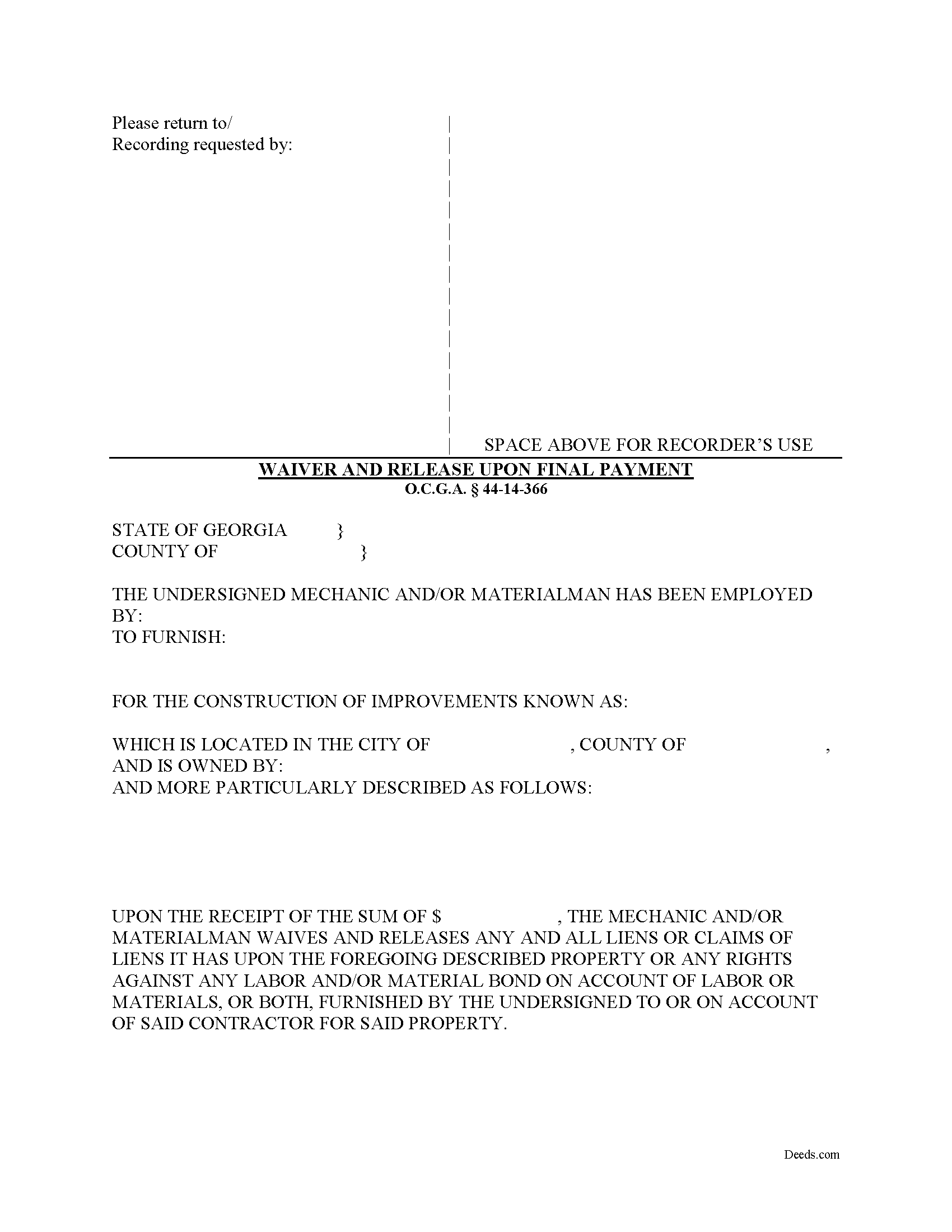
Dawson County Final Lien Waiver and Release Form
Fill in the blank Final Lien Waiver and Release form formatted to comply with all Georgia recording and content requirements.
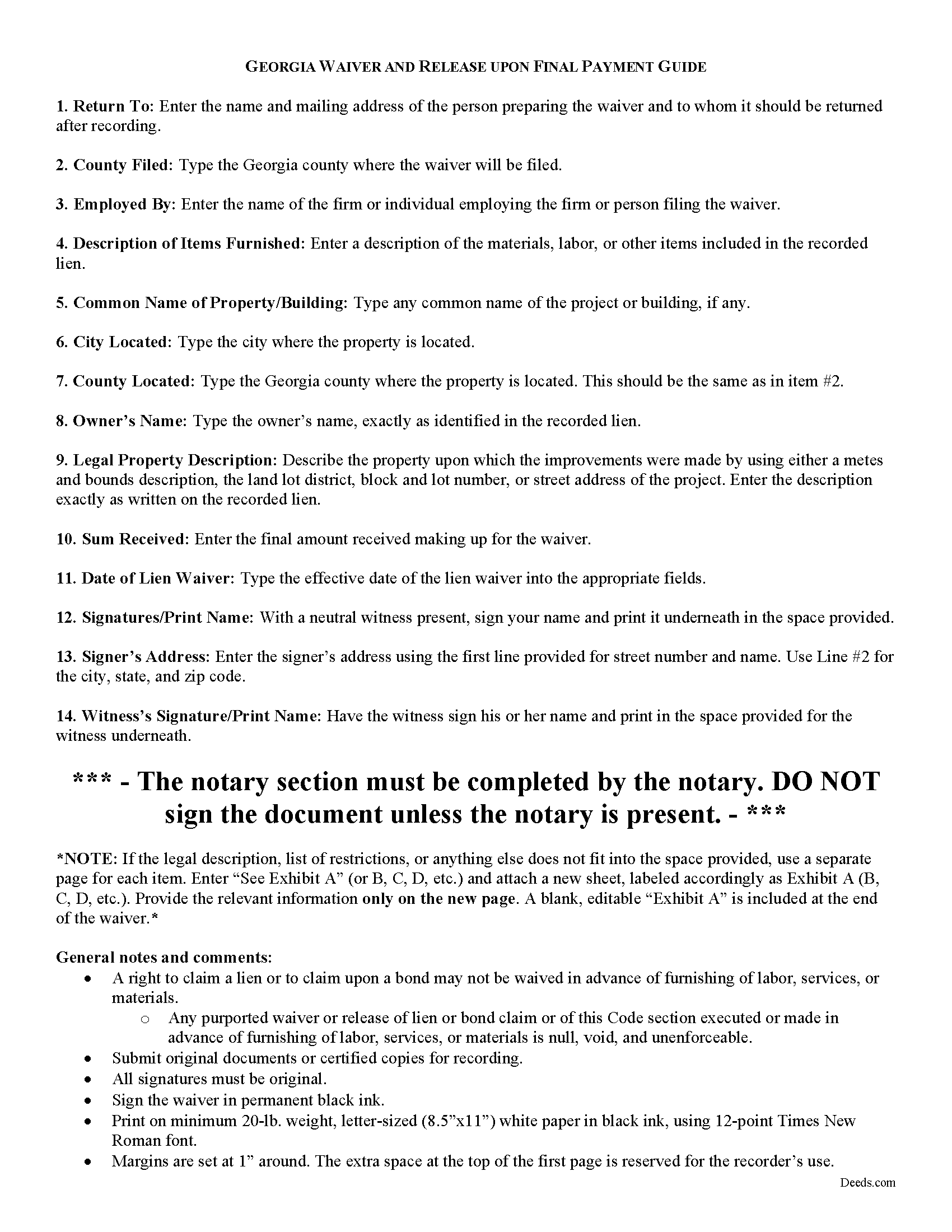
Dawson County Final Lien Waiver and Release Guide
Line by line guide explaining every blank on the form.
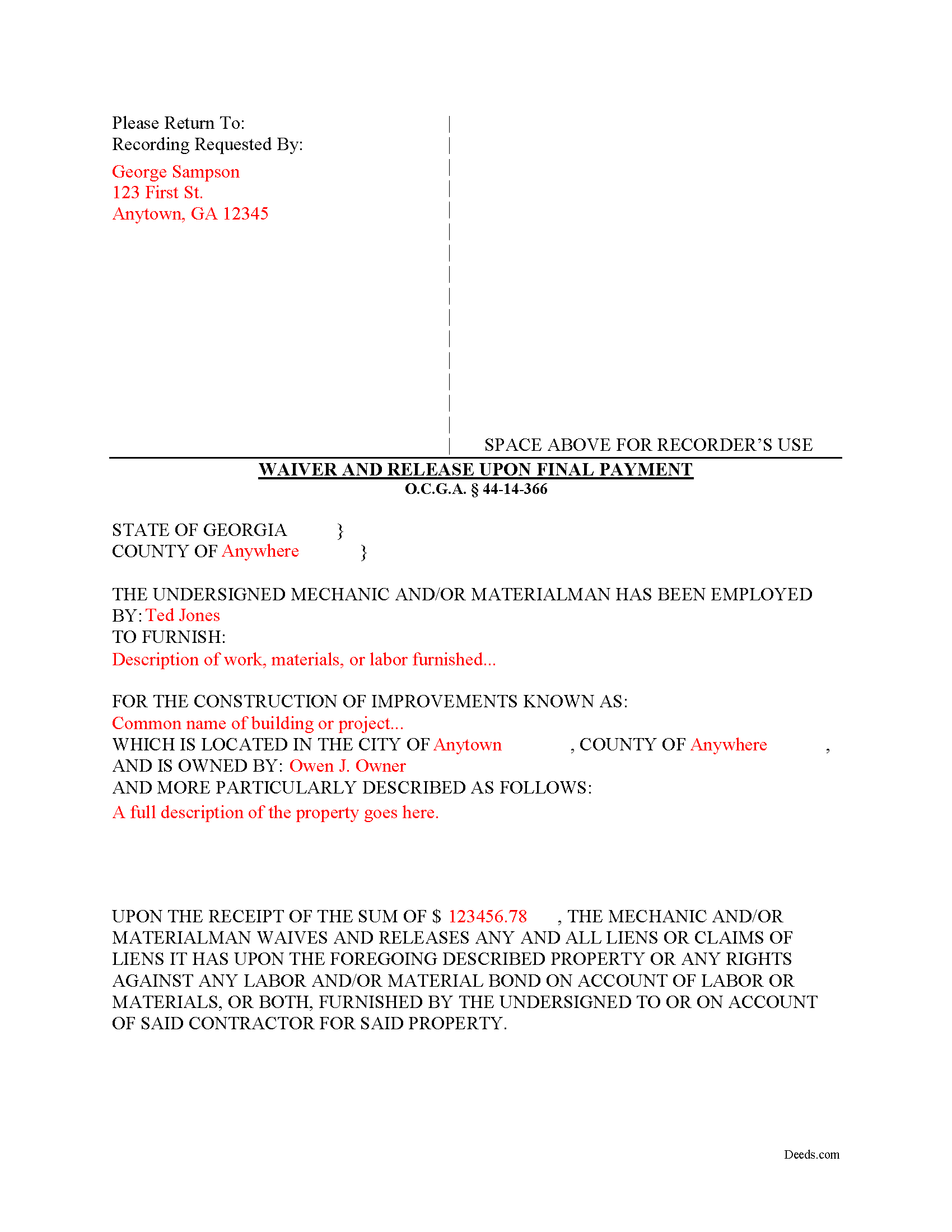
Dawson County Completed Example of the Final Lien Waiver and Release Document
Example of a properly completed form for reference.
All 3 documents above included • One-time purchase • No recurring fees
Immediate Download • Secure Checkout
Additional Georgia and Dawson County documents included at no extra charge:
Where to Record Your Documents
Dawson Clerk of Courts
Dawsonville, Georgia 30534
Hours: 8:00am - 5:00pm Monday - Friday
Phone: (706) 344-3510 Ext 41316 or 41330
Recording Tips for Dawson County:
- Bring your driver's license or state-issued photo ID
- Ensure all signatures are in blue or black ink
- Recorded documents become public record - avoid including SSNs
- Recording fees may differ from what's posted online - verify current rates
- Request a receipt showing your recording numbers
Cities and Jurisdictions in Dawson County
Properties in any of these areas use Dawson County forms:
- Dawsonville
Hours, fees, requirements, and more for Dawson County
How do I get my forms?
Forms are available for immediate download after payment. The Dawson County forms will be in your account ready to download to your computer. An account is created for you during checkout if you don't have one. Forms are NOT emailed.
Are these forms guaranteed to be recordable in Dawson County?
Yes. Our form blanks are guaranteed to meet or exceed the applicable formatting requirements used for recording in Dawson County, including margin requirements, font requirements, and other layout standards. This guarantee applies to formatting, not to the legal sufficiency of information entered by the user or the suitability of a form for a particular transaction.
Can I reuse these forms?
Yes. You can reuse the forms for your personal use. For example, if you have multiple properties in Dawson County you only need to order once.
What do I need to use these forms?
The forms are PDFs that you fill out on your computer. The free Adobe Acrobat Reader is recommended, and most PDF apps also work. You do NOT enter your property information online - you download the blank forms and complete them privately on your own computer.
Are there any recurring fees?
No. This is a one-time purchase. Nothing to cancel, no memberships, no recurring fees.
How much does it cost to record in Dawson County?
Recording fees in Dawson County vary. Contact the recorder's office at (706) 344-3510 Ext 41316 or 41330 for current fees.
Questions answered? Let's get started!
Lien waivers are recorded documents used to inform a property owner and any other interested parties that the person or firm with a potential mechanic's lien right is giving up the right to file that lien in exchange for full or partial payment. Use these documents carefully, because the right to a mechanic's lien is regarded as sacred in the realm on the construction world. Unlike most other states, Georgia takes a different approach to its lien waivers, declaring them void unless payment has been received. O.C.G.A. 44-14-366(b).
Georgia recognizes two major types of waivers: The Interim Waiver and Release upon Payment and the Waiver and Release upon Final Payment. O.C.G.A. 44-14-366. These two waivers also fit into the minor categories of being conditioned or not conditioned on actual receipt of payment (included a cleared check). The latter categories can have a tremendous effect on lien rights, as sending an unconditional waiver will waive the right to a lien regardless of confirmed payment.
In addition to requiring payment first, Georgia law prohibits preliminary waivers of lien rights before beginning the work: A right to claim a lien or to claim upon a bond may not be waived in advance of furnishing of labor, services, or materials. O.C.G.A. 44-14-366(a). Any purported waiver or release of lien or bond claim or of this Code section executed or made in advance of furnishing of labor, services, or materials is null, void, and unenforceable. Id.
To surrender all rights to a lien, a claimant files a Waiver and Release upon Final Payment. Use this form when a claimant is requested to execute a waiver and release in exchange for or to induce the making of final payment. O.C.G.A. 44-14-366(d).
The form identifies the parties, the location, the nature of the work, relevant dates, and the amount of payment.
This article is provided for informational purposes only and should not be relied upon as a substitute for the advice of an attorney. Please contact an attorney with questions about waivers, or any other issues related to liens in Georgia.
Important: Your property must be located in Dawson County to use these forms. Documents should be recorded at the county recording office listed above.
This Final Lien Waiver and Release meets all recording requirements specific to Dawson County.
Our Promise
The documents you receive here are guaranteed to meet or exceed the applicable Dawson County recording format requirements. If there is a rejection caused by our formatting, we will correct the issue or refund your payment. This guarantee applies to document formatting only and does not extend to information entered by the user, the selection of the form, or the legal effect of the completed document.
Save Time and Money
Get your Dawson County Final Lien Waiver and Release form done right the first time with Deeds.com Uniform Conveyancing Blanks. At Deeds.com, we understand that your time and money are valuable resources, and we don't want you to face a penalty fee or rejection imposed by a county recorder for submitting nonstandard documents. We constantly review and update our forms to meet rapidly changing state and county recording requirements for roughly 3,500 counties and local jurisdictions.
4.8 out of 5 - ( 4,829 Reviews )
Renee K. 5 out of 5 stars
So very easy to upload documents to the site and communication is very quick. It made our transactions so effortless.
Thank you!
Juliet M. 5 out of 5 stars
So far I am having a good experience.
It was a pleasure serving you. Thank you for the positive feedback!
Irene G. 5 out of 5 stars
Excellent service for anyone doing their own deed filing without the use of a title company or an attorney. I will definitely recommend deeds.com to my notary clients and will be personally using this service again! ;)
We appreciate your business and value your feedback. Thank you. Have a wonderful day!
Donna J. 3 out of 5 stars
Doesn't have samples pertaining to me. Still searching for correct wording forGRANTORS (plural) so its legally written.
Thank you for your feedback. We really appreciate it. Have a great day!
Pamela B. 5 out of 5 stars
Very easy to use. Time will tell if I have any issues getting it recorded. Beats using an attorney who won't return calls and emails like I used before. I like the form plus instructions and an example of the completed form.
Thank you for your feedback. We really appreciate it. Have a great day!
Evelyn L. 5 out of 5 stars
very easy to print
Thank you!
James S. 5 out of 5 stars
unbelievable Deeds Rocks Start to finish 2=Day Recommended by Coconino County Recorders office in Arizona there were incomplete sections. I would correct and resubmit . All done Yeah!!!!!!
Thank you for your feedback. We really appreciate it. Have a great day!
Brian Z. 5 out of 5 stars
Great site with the forms I needed
Thanks Brian, we appreciate your feedback.
Carolyn A. 5 out of 5 stars
Easy to use!!
Thank you!
Gail W. 5 out of 5 stars
Deeds.com had the forms I needed, along with completed examples. Fast download. Easy to use site. Thanks!
Thank you!
Salvatore R. 5 out of 5 stars
It was fast and easy to find.
Thank you!
Sarah C. 5 out of 5 stars
Great, but I'd like to see the actual filings/documents in my account, PDF, not only the blank forms. Thank you.
Thank you for your feedback. We really appreciate it. Have a great day!
Jennifer E. 5 out of 5 stars
Very fast Process to get this to ROD
We are grateful for your feedback and looking forward to serving you again. Thank you!
Dretha W. 5 out of 5 stars
Ordered the fill in the blank form for a deed. Very professional looking but more importantly, correct for my recording office. It was recorded with no question. The guide was a big help in completed the deed.
Great to hear Dretha. We appreciate you taking the time to leave your feedback. Have a wonderful day!
Michael L. G. 5 out of 5 stars
Thank you, Deed.com provided the needed forms to change county and state information after the passing of my father, saved me a trip to law office, especially after the lawyers would not return my calls, so I would recommend you check Deed.com for information, saved my family money for lawyer fees, would use Deed.com again. Mike
Thank you for your feedback. We really appreciate it. Have a great day!