Dawson County Transfer on Death Deed Form
Last validated October 21, 2026 by our Forms Development TeamFormatted for recording in Dawson County, for property anywhere in the county: rural and unincorporated areas as well as Dawsonville.
- 3 documents included
- Immediate PDF download
- Formatting guarantee
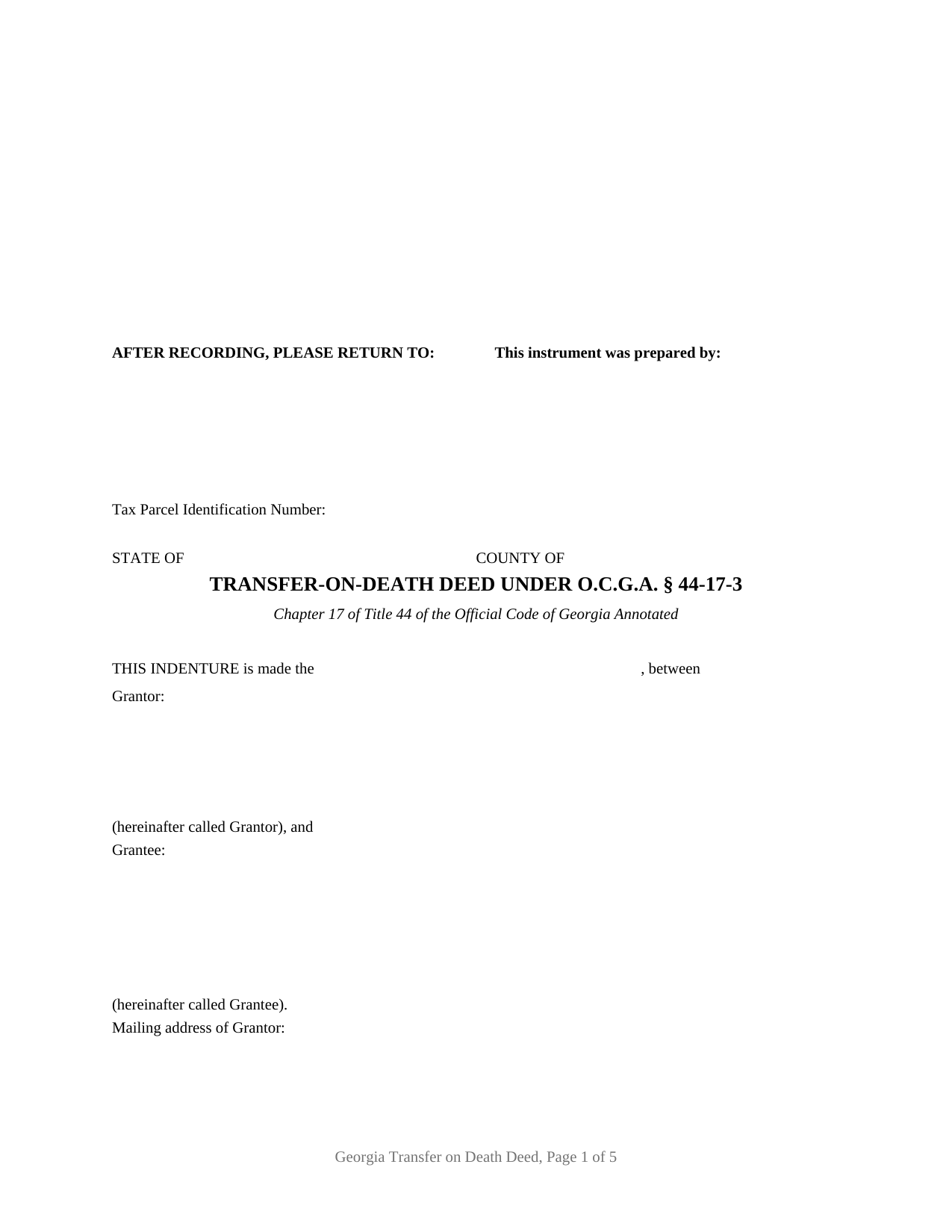
Dawson County Transfer on Death Deed Form
Fill in the blank Transfer on Death Deed form formatted to comply with all Georgia recording and content requirements.
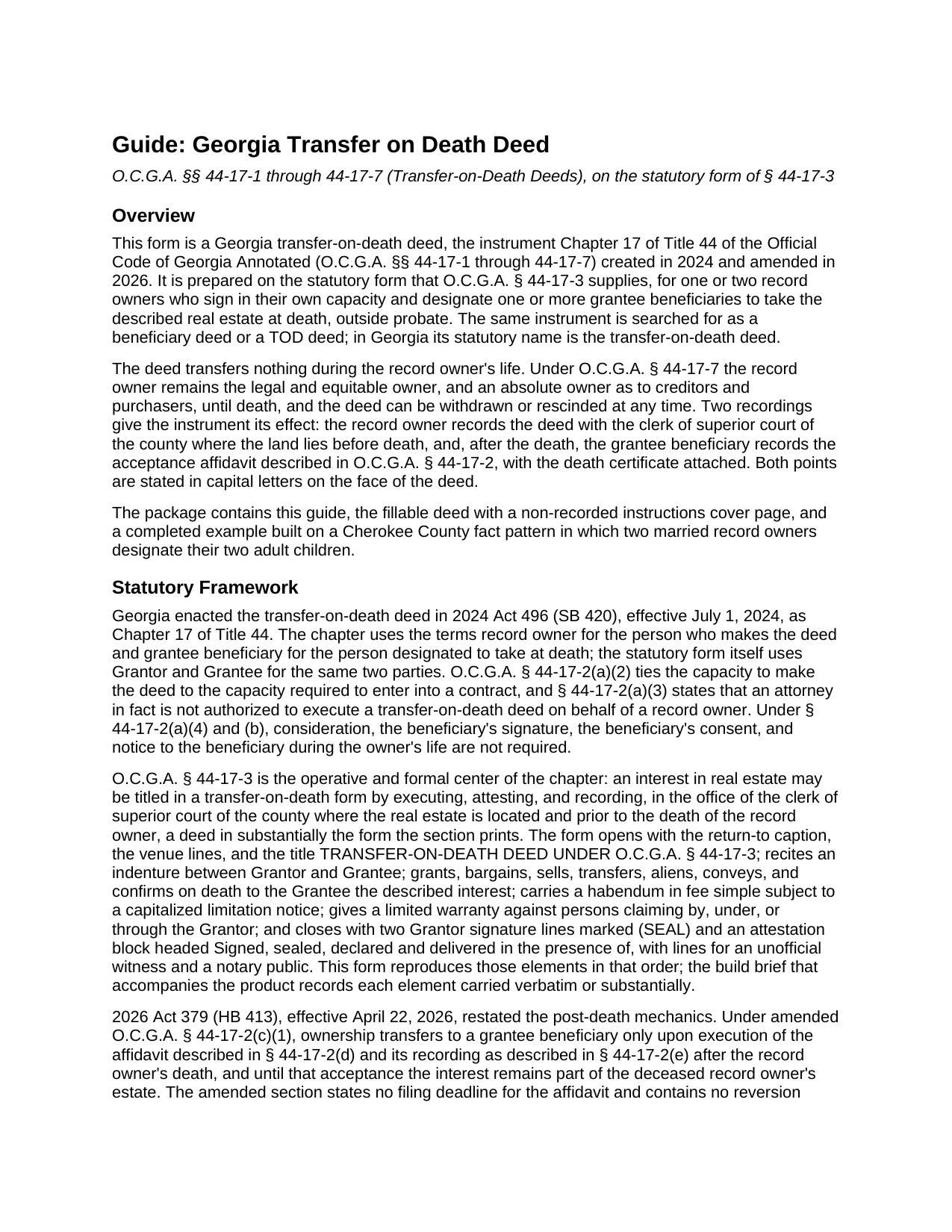
Dawson County Transfer on Death Deed Guide
Line by line guide explaining every blank on the Transfer on Death Deed form.
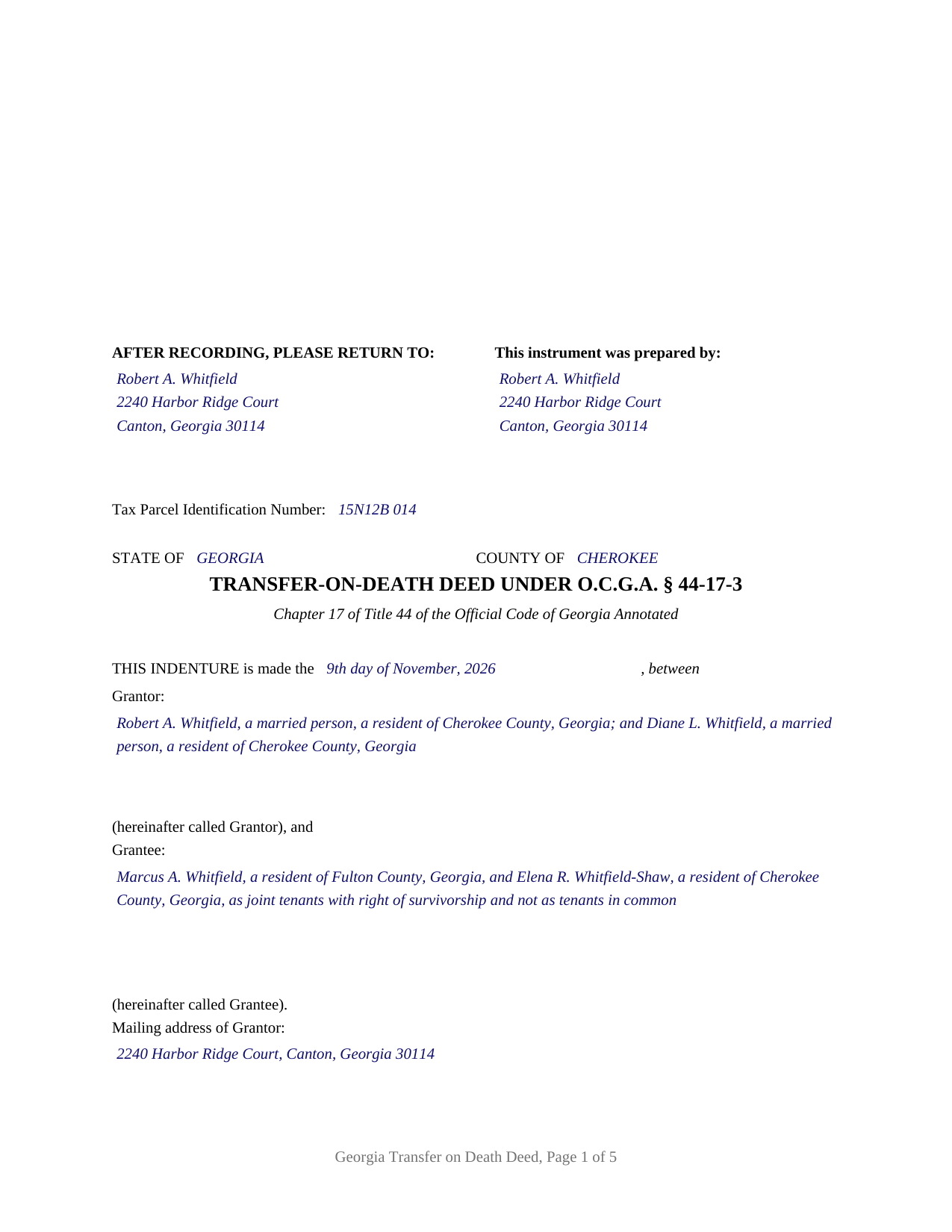
Dawson County Completed Example of the Transfer on Death Deed Document
Example of a properly completed Georgia Transfer on Death Deed document for reference.
All 3 documents above included • One-time purchase • No recurring fees
Immediate Download • Secure Checkout
Additional Georgia and Dawson County documents included at no extra charge:
Where to Record Your Documents
Dawson Clerk of Courts
Dawsonville, Georgia 30534
Hours: 8:00am - 5:00pm Monday - Friday
Phone: (706) 344-3510 Ext 41316 or 41330
Recording Tips for Dawson County:
- Bring your driver's license or state-issued photo ID
- Ensure all signatures are in blue or black ink
- Leave recording info boxes blank - the office fills these
- Make copies of your documents before recording - keep originals safe
- Recorded documents become public record - avoid including SSNs
Cities and Jurisdictions in Dawson County
Properties in any of these areas use Dawson County forms:
- Dawsonville
Hours, fees, requirements, and more for Dawson County
How do I get my forms?
Forms are available for immediate download after payment. The Dawson County forms will be in your account ready to download to your computer. An account is created for you during checkout if you don't have one. Forms are NOT emailed.
Are these forms guaranteed to be recordable in Dawson County?
Yes. Our form blanks are guaranteed to meet or exceed the applicable formatting requirements used for recording in Dawson County, including margin requirements, font requirements, and other layout standards. This guarantee applies to formatting, not to the legal sufficiency of information entered by the user or the suitability of a form for a particular transaction.
Can I reuse these forms?
Yes. You can reuse the forms for your personal use. For example, if you have multiple properties in Dawson County you only need to order once.
What do I need to use these forms?
The forms are PDFs that you fill out on your computer. The free Adobe Acrobat Reader is recommended, and most PDF apps also work. You do NOT enter your property information online - you download the blank forms and complete them privately on your own computer.
Are there any recurring fees?
No. This is a one-time purchase. Nothing to cancel, no memberships, no recurring fees.
How much does it cost to record in Dawson County?
Recording fees in Dawson County vary. Contact the recorder's office at (706) 344-3510 Ext 41316 or 41330 for current fees.
Questions answered? Let's get started!
Georgia wrote its transfer on death deed into the statute line by line, and this product is that form: the deed O.C.G.A. § 44-17-3 prints, from the AFTER RECORDING, PLEASE RETURN TO caption at its head to the attestation block at its foot, prepared for one or two Georgia record owners naming one or more grantee beneficiaries. Searched for as a Georgia beneficiary deed or TOD deed, the instrument is the transfer-on-death deed of Chapter 17 of Title 44, here in its base configuration.
The words the statute chose
Section 44-17-3 does not describe the deed; it reproduces it, and a deed in substantially that form, executed, attested, and recorded before the record owner dies, is what titles an interest in transfer-on-death form. This form carries the statute's elements in the statute's order: the indenture opening between Grantor and Grantee, the granting sentence that conveys and confirms on death, a habendum in fee simple subject to the capitalized limitation notice, the warranty limited to persons claiming by, under, or through the Grantor, the testimonium, two (SEAL) signature lines, and the closing block headed Signed, sealed, declared and delivered in the presence of. The house adds only what the form leaves open: a tax parcel line, mailing address blocks, an alternate-beneficiary entry under § 44-17-2(a)(5)(A), and the clerk's three inch reserve under § 15-6-61(a)(10).
One or two owners, written in by the owner
The Grantor block is free-form, and that is the point of the base configuration. The form preprints nothing about marital status, how title is held, or capacity; the owner or owners write their own names and residences into the block, in the style of the statutory form. Four count patterns appear within it: one record owner designating one beneficiary or several, and two record owners designating one or several. Two signature blocks follow, OWNER and SECOND OWNER (if applicable), each with its own unofficial witness line and its own officer certificate, so a one-owner deed leaves the second set blank. The form is not set up as an entity or trustee owner, as an owner signing through an attorney in fact (a signature § 44-17-2(a)(3) does not permit), or as three or more owners on one instrument.
Where two owners sign, Chapter 17 decides the timing from the vesting deed. O.C.G.A. § 44-17-1(2) defines a joint owner as a joint tenant with right of survivorship, and § 44-17-6 postpones a joint owner's transfer until the last joint owner dies, leaving the joint tenancy unsevered; two owners who hold as tenants in common are each the record owner of an undivided interest that passes at that owner's own death. The form fixes neither reading; the record does.
Any beneficiary the chapter allows
The Grantee block is as broad as the statute. A natural person is named in full; a trust takes through its trustee, named as grantee beneficiary under § 44-17-2(a)(5)(B); an entity is named by its registered legal name. Where several grantee beneficiaries are named, Georgia's general co-ownership rules supply the shares, equal tenancy in common under § 44-6-120 unless the deed uses the survivorship words of § 44-6-190, and § 44-17-5(b) splits a lapsed share evenly among the remaining designated beneficiaries living at the record owner's death.
Attested, not acknowledged, and recorded twice
A Georgia deed is signed in the presence of an officer named in O.C.G.A. § 44-2-15, in ordinary practice a notary public, and one other witness, under § 44-5-30; the certificate on this form is captioned ATTESTATION for that reason, with a reserved area for the seal § 45-17-6(a)(1) requires. The owner's recording, with the clerk of superior court of the county where the land lies and before death, carries a $25 fee under § 15-6-77(f) and no PT-61, since § 44-17-2(a)(7) says none is filed with the owner's deed. The transfer itself waits for a second filing: after the death, the grantee beneficiary records the acceptance affidavit § 44-17-2 describes, with the death certificate and a PT-61, and the section as rewritten by 2026 Act 379 sets no deadline for it. That affidavit and any revocation instrument are prepared separately at their own time and are not included in this package.
The download delivers the fillable deed formatted to Georgia recording standards, a completed example built on a Cherokee County fact pattern, and a plain-language guide to every entry, the attestation formalities, and both recordings; the materials are informational and are not legal advice.
Important: Your property must be located in Dawson County to use these forms. Documents should be recorded at the county recording office listed above.
This Transfer on Death Deed meets all recording requirements specific to Dawson County.
Our Promise
The documents you receive here are guaranteed to meet or exceed the applicable Dawson County recording format requirements. If there is a rejection caused by our formatting, we will correct the issue or refund your payment. This guarantee applies to document formatting only and does not extend to information entered by the user, the selection of the form, or the legal effect of the completed document.
Save Time and Money
Get your Dawson County Transfer on Death Deed form done right the first time with Deeds.com Uniform Conveyancing Blanks. At Deeds.com, we understand that your time and money are valuable resources, and we don't want you to face a penalty fee or rejection imposed by a county recorder for submitting nonstandard documents. We constantly review and update our forms to meet rapidly changing state and county recording requirements for roughly 3,500 counties and local jurisdictions.
4.8 out of 5 - ( 4,849 Reviews )
Wayne R. 5 out of 5 stars
Couldn't believe how simple it was to do such a very important family support task and the price was right! Thank you
We appreciate your business and value your feedback. Thank you. Have a wonderful day!
michael k. 5 out of 5 stars
fast and easy to fill out forms.
Thank you!
Larry P. 5 out of 5 stars
Easy to follow step by step in completing form. Filing successful on first try. Economical cost. Would highly recommend.
We appreciate your business and value your feedback. Thank you. Have a wonderful day!
Nancy W. 5 out of 5 stars
This was very easy to use to record my NOC. With the new COVID restrictions, I can't record my NOC in person and I'm working from home. This was a huge convenience and easy to use. I submitted the NOC late in the day and had the recorded NOC the next day.
Thank you!
Teri A S. 5 out of 5 stars
Received the quit claim form as ordered. Seemed clear and concise, easy to follow instructions and the completed example was helpful.
Thank you Teri, have a great day!
Casey W. 5 out of 5 stars
Excellent service, quick and right to the point, without a monthly subscription! Perfect for filers of single documents! Thanks!
Thank you for your feedback. We really appreciate it. Have a great day!
Thomas D. 2 out of 5 stars
The documents themselves are fine and the information provided with them is helpful. I find the actual processing of the documents, however, to be difficult particularly once the document has been saved. First, I note that the box for the date only allows entry of the last 2 digits of the year. Unfortunately, my download only allows me to enter one of the 2 digits required. When I delete it repeatedly, it eventually allows both digits to be entered but puts them in extremely small text and in superscrypt. I have not found a solution to this problem and am not sure the deed can even be recorded with this problem. Another problem is that if you try to revise the document after you have saved it the curser goes to the end of the line after each key entry. This means that there basically is no way to efficiently save the document for reworking later since you will have to delete everything you have entered in the text box unless you only need to make a single keystroke change or are willing to replace the curser after each entry. Try that with a long property description! Please note that I am using a Mac to prepare my documents and perhaps this is part of an "incompatibility problem". However, I didn't see a disclaimer regarding Mac use and so would expect the documents to perform correctly. Overall, I give the program a "2 star" rating because I am experiencing significant difficulties in entering dates in the documents even before saving them and because saving your work for later revision appears to be basically unworkable.
Thank you for your feedback Thomas, we appreciate you being specific about the issues you encountered. Adobe and Mac have a fairly long history of issues working together.
Barbara Y. 5 out of 5 stars
I found your instructions and sample for completing a quit-claim deed in Arizona to be simple and easy to follow with one exception. The website to use in order to determine the code for the reason for exemption of fees was incorrect, as a result of which I had to contact the County Recorder to obtain that information.
Thank you for your feedback. We really appreciate it. Have a great day!
Sara M. 5 out of 5 stars
This makes work so much easier now that I don't have to drive to each county to record. Thank you.
It was a pleasure serving you. Thank you for the positive feedback!
Lori W. 5 out of 5 stars
Timely, efficient and easy to use.
We appreciate your business and value your feedback. Thank you. Have a wonderful day!
Heather W. 5 out of 5 stars
Easy to use Example provided Clear instructions
Thank you for your feedback. We really appreciate it. Have a great day!
Jeremiah W. 5 out of 5 stars
Very helpful information and great forms.
Thank you for your feedback. We really appreciate it. Have a great day!
Julie K. 4 out of 5 stars
The process for obtaining document itself was easy, and the included guide and example are great! I do have an issue with the format itself, though. The form has pre-defined text boxes, which cannot be altered without partially rebuilding the entire document. For the 'property description' field on the Mineral Deed form, the text box is not large enough for the rather lengthy legal description entered on my original plat. Fortunately, I have a copy of Adobe Pro, so I have been able to re-build the doc to accommodate this short-coming.
Thank you for taking the time to provide feedback on our legal form. We're pleased to hear that you found the process for obtaining the document and the included guide beneficial.
We understand and appreciate your concern regarding the formatting and size limitations of certain fields, especially the 'property description' field. Our forms are designed to adhere to specific formatting requirements that are often mandated for legal compliance. Making direct alterations to the document can result in them becoming non-conforming, which is why we advise customers to use an exhibit page when their legal description is extensive or does not fit.
Vera O. 5 out of 5 stars
I love how quick and easy everything was. I'll definitely be using deeds.com again.
We appreciate your business and value your feedback. Thank you. Have a wonderful day!
Ann E Grace S. 5 out of 5 stars
Forms and instructions are very easy to access. Thank you!
Thank you for your feedback. We really appreciate it. Have a great day!