Putnam County Purchase and Sale Agreement Form
Last validated October 27, 2026 by our Forms Development TeamFormatted for recording in Putnam County, for property anywhere in the county: rural and unincorporated areas as well as Eatonton.
- 5 documents included
- Immediate PDF download
- Formatting guarantee
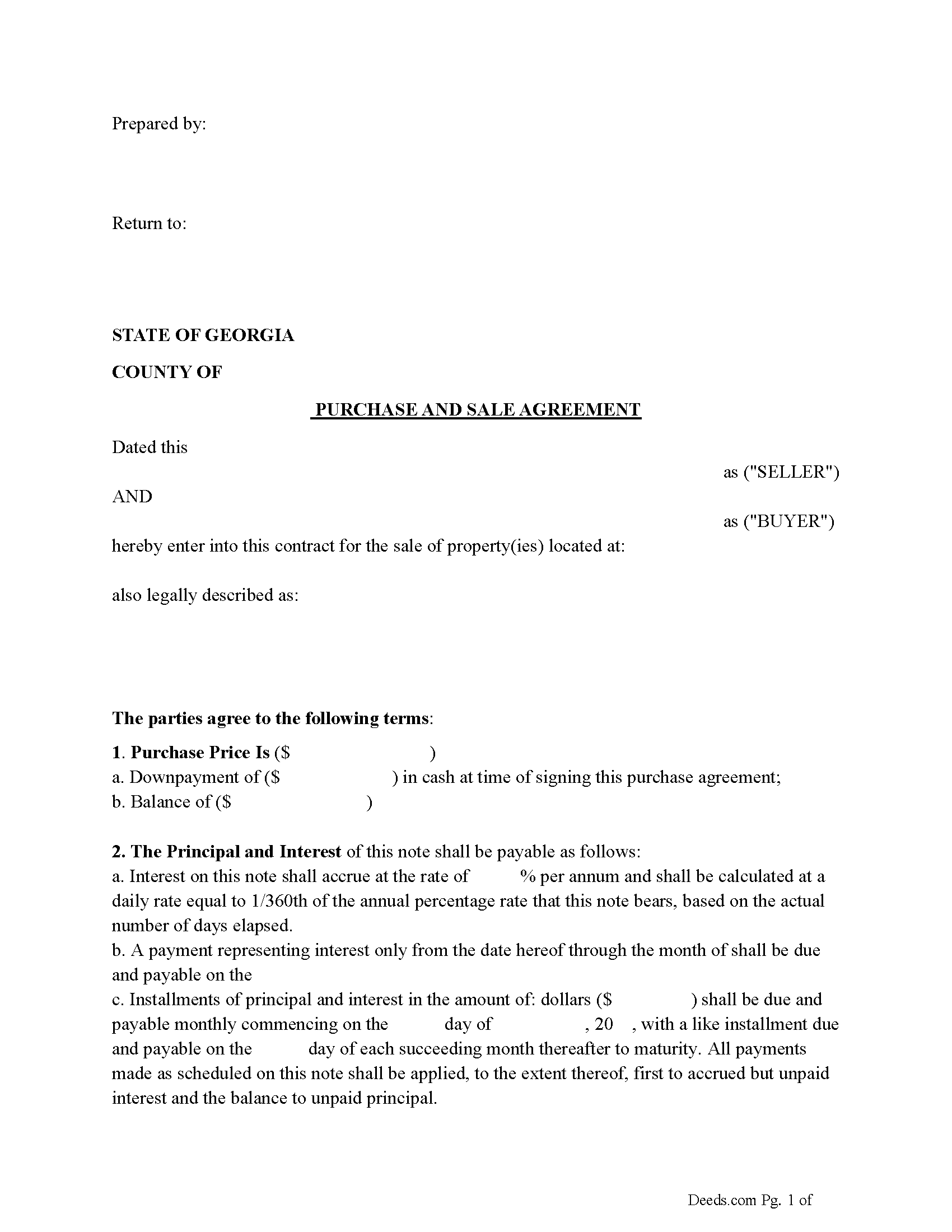
Putnam County Purchase and Sale Agreement Form
Fill in the blank Purchase and Sale Agreement form formatted to comply with all Georgia recording and content requirements.
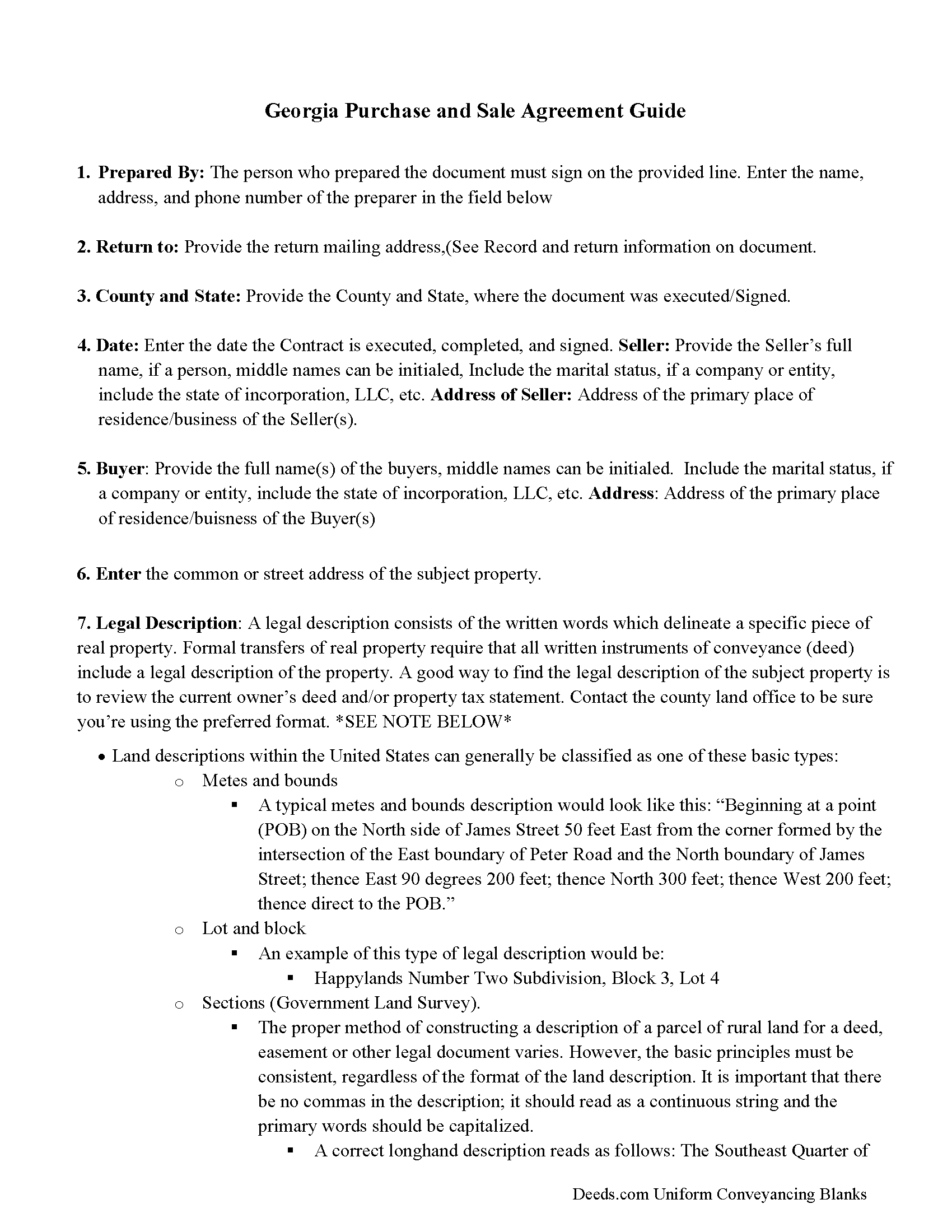
Putnam County Purchase and Sale Agreement Guide
Line by line guide explaining every blank on the Purchase and Sale Agreement form.
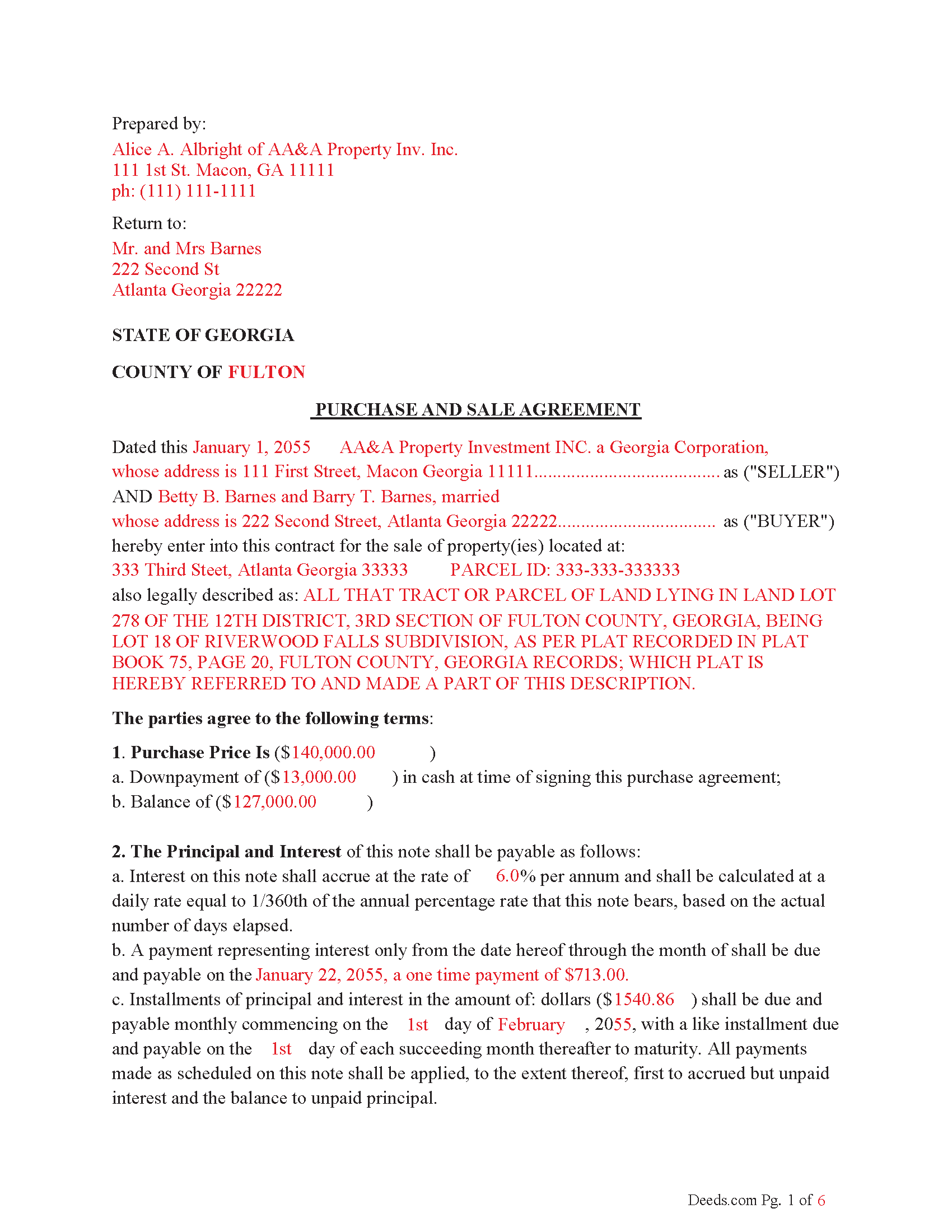
Putnam County Completed Example of the Purchase and Sale Agreement Document
Example of a properly completed Georgia Purchase and Sale Agreement document for reference.
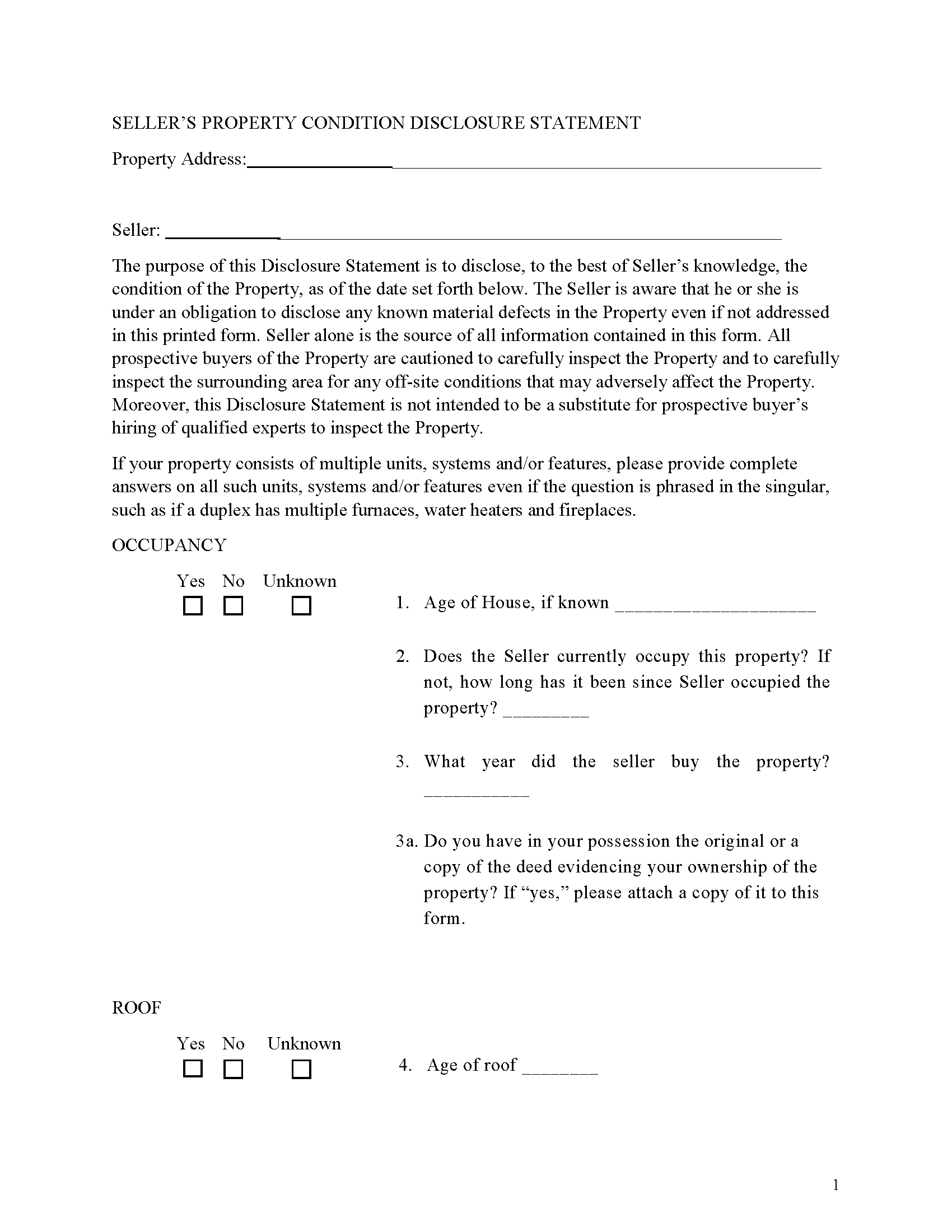
Putnam County Sellers Disclosure Form
Discloses known property conditions.
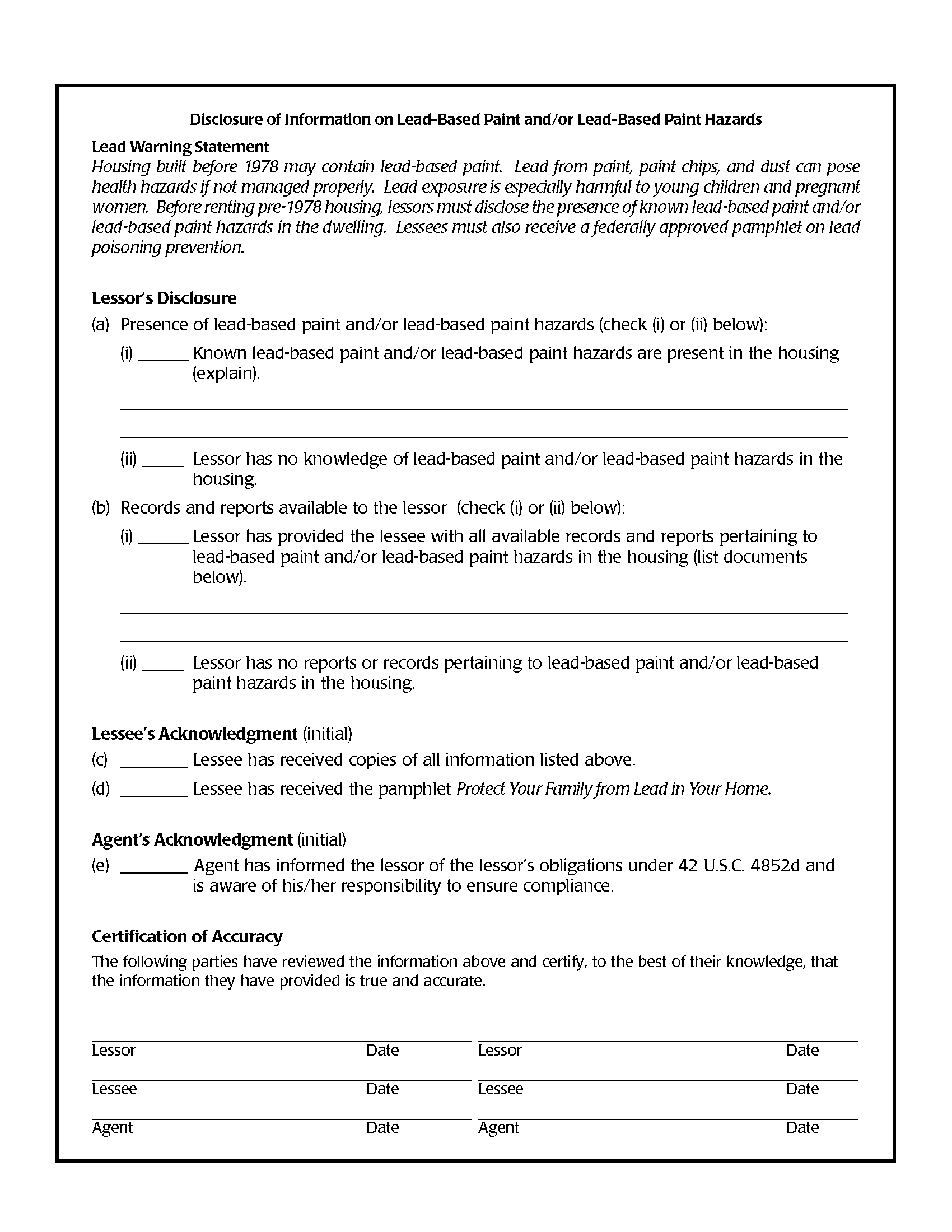
Putnam County Lead Based Paint Disclosure Form
Required for residential property built before 1978
All 5 documents above included • One-time purchase • No recurring fees
Immediate Download • Secure Checkout
Additional Georgia and Putnam County documents included at no extra charge:
Where to Record Your Documents
Clerk of Courts
Eatonton, Georgia 31024
Hours: 8:00am-5:00pm M-F
Phone: (706) 485-4501
Recording Tips for Putnam County:
- Bring your driver's license or state-issued photo ID
- Ensure all signatures are in blue or black ink
- Verify all names are spelled correctly before recording
- White-out or correction fluid may cause rejection
- Ask about their eRecording option for future transactions
Cities and Jurisdictions in Putnam County
Properties in any of these areas use Putnam County forms:
- Eatonton
Hours, fees, requirements, and more for Putnam County
How do I get my forms?
Forms are available for immediate download after payment. The Putnam County forms will be in your account ready to download to your computer. An account is created for you during checkout if you don't have one. Forms are NOT emailed.
Are these forms guaranteed to be recordable in Putnam County?
Yes. Our form blanks are guaranteed to meet or exceed the applicable formatting requirements used for recording in Putnam County, including margin requirements, font requirements, and other layout standards. This guarantee applies to formatting, not to the legal sufficiency of information entered by the user or the suitability of a form for a particular transaction.
Can I reuse these forms?
Yes. You can reuse the forms for your personal use. For example, if you have multiple properties in Putnam County you only need to order once.
What do I need to use these forms?
The forms are PDFs that you fill out on your computer. The free Adobe Acrobat Reader is recommended, and most PDF apps also work. You do NOT enter your property information online - you download the blank forms and complete them privately on your own computer.
Are there any recurring fees?
No. This is a one-time purchase. Nothing to cancel, no memberships, no recurring fees.
How much does it cost to record in Putnam County?
Recording fees in Putnam County vary. Contact the recorder's office at (706) 485-4501 for current fees.
Questions answered? Let's get started!
1. Seller Financing Purchase and Sale Agreement
• Purpose: A Purchase and Sale Agreement (sometimes referred to a Land Cotract) with seller financing outlines the terms of the sale of the property and specifies that the seller will provide financing to the buyer. It functions as a contract between the buyer and seller that details the sale price, terms of financing (interest rate, payment schedule), contingencies, and other aspects of the transaction.
• Parties: This agreement involves the buyer and seller.
To protect both parties. The title company shall serve as the escrow agent for the closing of this transaction. All documents and funds necessary to the completion of the transaction shall be placed in escrow five days prior to the closing. This agreement is to serve as escrow instructions for the closing of this transaction; the escrow agent may attach standard Conditions of Acceptance, insofar as the same is not inconsistent with the terms of this agreement. Seller shall pay out of the purchase price through escrow: (a) all costs associated with preparation of the deed; (b) all fees for filing the deed; (c) any amounts due Buyer by reason of prorations; and (d) one-half of the escrow fee. Buyer shall pay: (a) one-half of the escrow fee; (b) the cost of the title search; (c) the premium for the title commitment and the owner's fee policy of insurance; (d) any prorations due Seller; (e) all fees associated with the preparation and filing of Buyers mortgage; and (f) the real estate transfer tax.
title shall transfer to Buyer upon the expiration of the installment payment period, or thirty days after Seller's receipt that the balance of the purchase price has been deposited in escrow, whichever is earlier, or at such other time as the parties may agree in writing. The closing date may be extended or shortened upon written agreement of the parties
Finance: Traditional Finance with installments or with a balloon payment apply.
Default: In the event that the Buyer fails to make any installment payment when due under this Agreement, or fails to perform any of the other covenants or obligations required by this Agreement, and such default continues for a period of thirty (30) days after written notice of default has been given to the Buyer by the Seller, the Seller may declare the entire remaining unpaid balance of the purchase price immediately due and payable, and the Seller shall have the right to foreclose upon the property under the Power of Sale contained herein, subject to the provisions outlined.
Power of Sale - No Court Involvement: The foreclosure is completed without the need for court intervention unless the borrower files a lawsuit to challenge the foreclosure.
Timeframe: Non-judicial foreclosures in Georgia can be relatively quick, typically taking 30 to 60 days from the time of default to the foreclosure sale.
Use this form for the sale of residential, rental, condominiums, vacant land and planned unit developments.
For use in Georgia only.
Important: Your property must be located in Putnam County to use these forms. Documents should be recorded at the county recording office listed above.
This Purchase and Sale Agreement meets all recording requirements specific to Putnam County.
Our Promise
The documents you receive here are guaranteed to meet or exceed the applicable Putnam County recording format requirements. If there is a rejection caused by our formatting, we will correct the issue or refund your payment. This guarantee applies to document formatting only and does not extend to information entered by the user, the selection of the form, or the legal effect of the completed document.
Save Time and Money
Get your Putnam County Purchase and Sale Agreement form done right the first time with Deeds.com Uniform Conveyancing Blanks. At Deeds.com, we understand that your time and money are valuable resources, and we don't want you to face a penalty fee or rejection imposed by a county recorder for submitting nonstandard documents. We constantly review and update our forms to meet rapidly changing state and county recording requirements for roughly 3,500 counties and local jurisdictions.
4.8 out of 5 - ( 4,837 Reviews )
Kimberly H. 5 out of 5 stars
Very convenient, easy to use, and fast! I highly recommend Deeds.com!
We appreciate your business and value your feedback. Thank you. Have a wonderful day!
Tierre J. 1 out of 5 stars
I put in two orders. I did not get any results from either order and I am still waiting for my refunds.
Thank you for your feedback. Sorry we were not able to pull the information you requested. We reviewed your account and the payment voids were processed as your were notified. Sometimes, depending on your financial institution, it can take a few days for the pending charges to fall off of your statement reporting.
Keith L. 5 out of 5 stars
Great to have a downloadable form, rather than a cloud solution that gives no guarantee of privacy. Appreciated the sample.......but all of that still left me with open issues about how to tweak the form to serve my particular needs......for example: how to ensure that survivor rights were properly characterized; how far back I should go with the "Source" section + how I should layer my own additions to the chain of ownership, etc. Nonetheless, an overall happy experience. Thank you for your help
Thank you for your feedback. We really appreciate it. Have a great day!
Jo Ann P. 3 out of 5 stars
Was hoping I would be sent copies on paper so I can fill them out without a desk computer
We appreciate your feedback. Our forms are delivered instantly as digital files, so customers can download and print as many copies as they need. This way, you have the flexibility to complete them by hand if you prefer.
Deborah C. 5 out of 5 stars
Good organization and guidance.
Thank you!
Charlotte M. 5 out of 5 stars
Absolutely perfect! Quitclaim deed form was easy to complete and the recorder had no issues with it whatsoever, a rarity around here! Thanks sooo much!
Your satisfaction with our services is of utmost importance to us. Thank you for letting us know how we did!
Michael B. 5 out of 5 stars
It was a breeze to utilize.
Thank you!
Jeffrey G. 5 out of 5 stars
Transaction went smoothly. The forms in the package were just what was needed.
Thank you for your feedback. We really appreciate it. Have a great day!
Marcell E. 1 out of 5 stars
I am not very happy about the fact that I paid 27.00 to not even have the forms filled out. I thought that it was going to be all done for me and I was told that I need a lawyer to have the form filled out properly.
The order you placed for the do it yourself forms has been canceled. We do hope that you find the $27 attorney you deserve. Have a wonderful day.
Ginger M. 5 out of 5 stars
Deeds.com shares alot of useful information for home owners home buyers and investors i give it a thumbs up
We appreciate your business and value your feedback. Thank you. Have a wonderful day!
Hilda R. 5 out of 5 stars
It very convenient and fast. Thank you Hilda Reyes
Thanks so much Hilda, have a great day!
Donna M. 5 out of 5 stars
I thought the price was rather extreme $39 for three pieces of paper, but I guess that’s what I needed
Thank you for the feedback, Donna. We know nobody enjoys paying for paperwork. Each form is prepared to meet your county's specific recording requirements and includes a guide and a completed example, so it's accepted the first time. We appreciate your business.
Quaid H. 5 out of 5 stars
Just what we needed! Thank you!
Thank you for your feedback. We really appreciate it. Have a great day!
Angie K. 4 out of 5 stars
Thank You!
Thank you Angie.
Donald H. 5 out of 5 stars
Easy to use and very quick turn around ... Very satisfied with ease of use and services provided ...
Thank you for your feedback. We really appreciate it. Have a great day!