Calhoun County Quitclaim Deed (Corporation Grantor) Form
Last validated August 18, 2026 by our Forms Development TeamFormatted for recording in Calhoun County, for property anywhere in the county: rural and unincorporated areas as well as Arlington, Edison, Leary, Morgan.
- 3 documents included
- Immediate PDF download
- Formatting guarantee
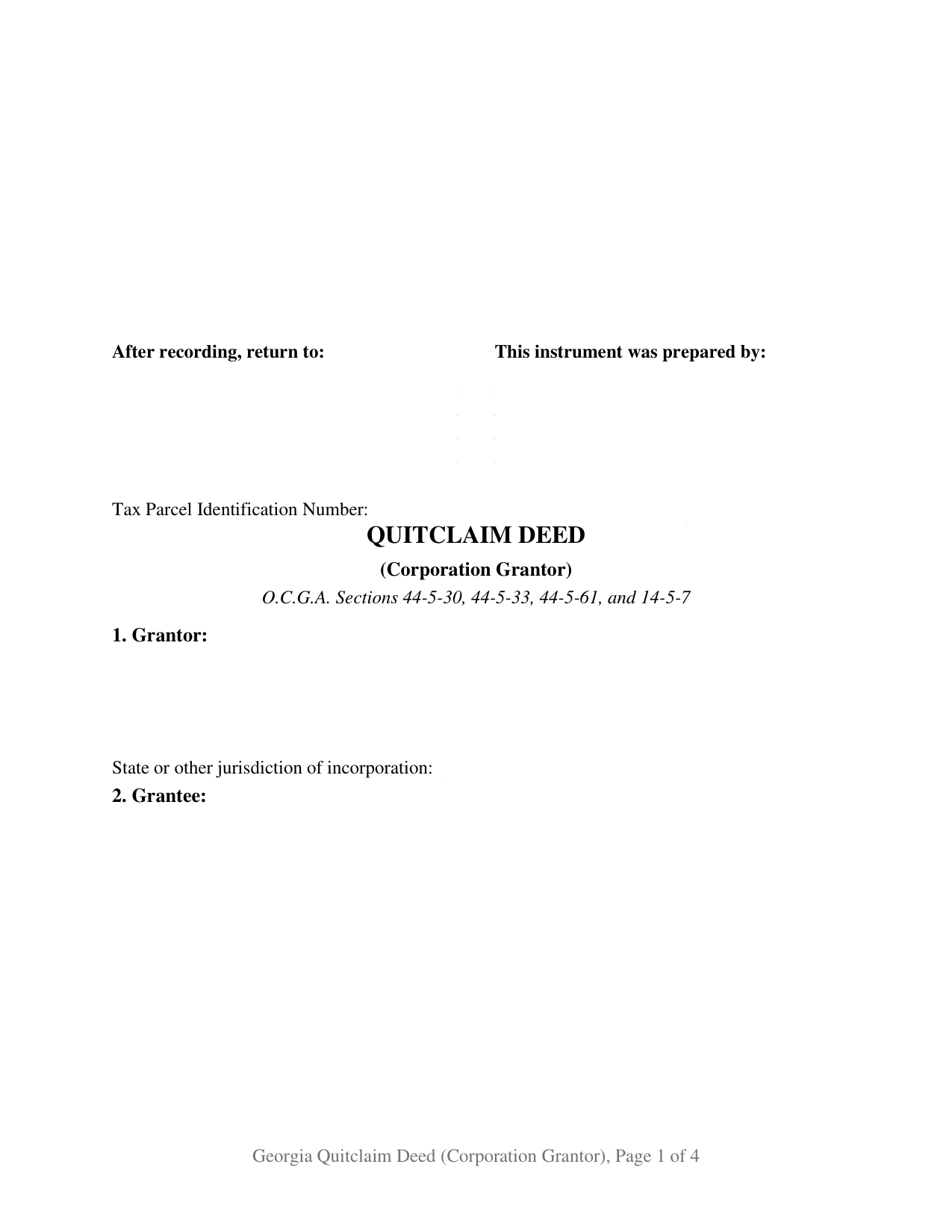
Calhoun County Quitclaim Deed (Corporation Grantor) Form
Fill in the blank Quitclaim Deed (Corporation Grantor) form formatted to comply with all Georgia recording and content requirements.
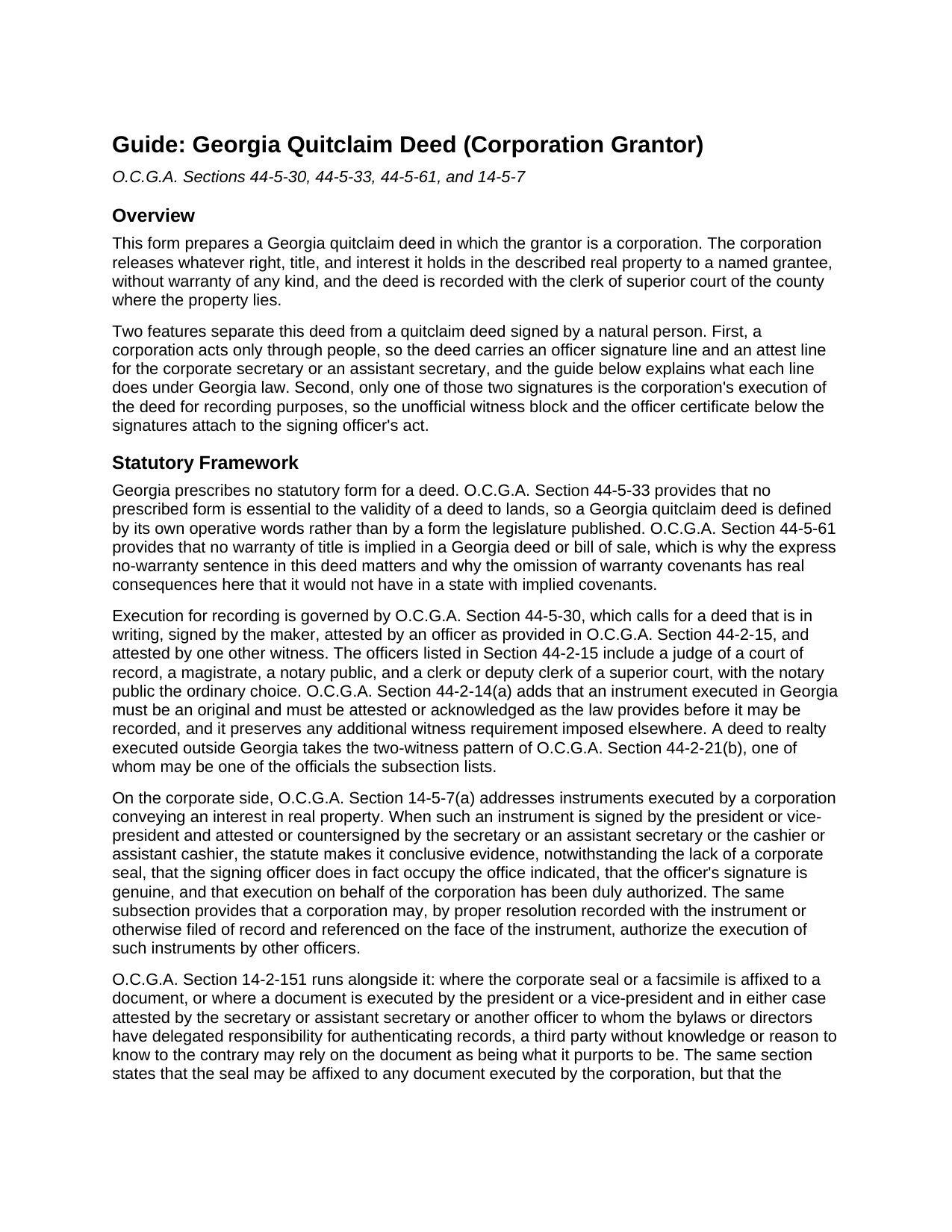
Calhoun County Quitclaim Deed (Corporation Grantor) Guide
Line by line guide explaining every blank on the Quitclaim Deed (Corporation Grantor) form.
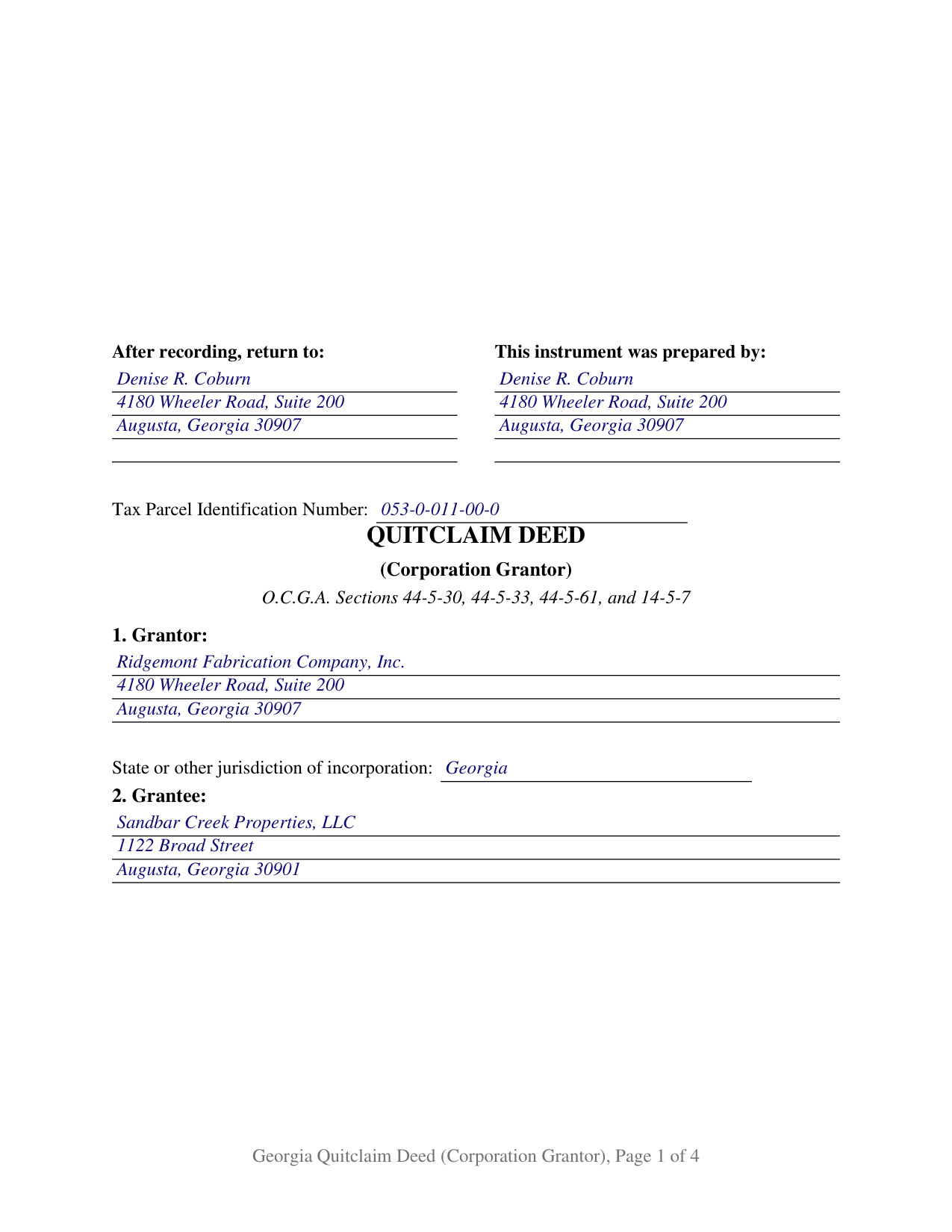
Calhoun County Completed Example of the Quitclaim Deed (Corporation Grantor) Document
Example of a properly completed Georgia Quitclaim Deed (Corporation Grantor) document for reference.
All 3 documents above included • One-time purchase • No recurring fees
Immediate Download • Secure Checkout
Additional Georgia and Calhoun County documents included at no extra charge:
Where to Record Your Documents
Calhoun Clerk of Superior Court
Morgan, Georgia 39866
Hours: 8:00am to 12:00 & 1:00 to 5:00pm M-F
Phone: (229) 849-2715
Recording Tips for Calhoun County:
- Bring your driver's license or state-issued photo ID
- Ensure all signatures are in blue or black ink
- Leave recording info boxes blank - the office fills these
- Make copies of your documents before recording - keep originals safe
- Recorded documents become public record - avoid including SSNs
Cities and Jurisdictions in Calhoun County
Properties in any of these areas use Calhoun County forms:
- Arlington
- Edison
- Leary
- Morgan
Hours, fees, requirements, and more for Calhoun County
How do I get my forms?
Forms are available for immediate download after payment. The Calhoun County forms will be in your account ready to download to your computer. An account is created for you during checkout if you don't have one. Forms are NOT emailed.
Are these forms guaranteed to be recordable in Calhoun County?
Yes. Our form blanks are guaranteed to meet or exceed the applicable formatting requirements used for recording in Calhoun County, including margin requirements, font requirements, and other layout standards. This guarantee applies to formatting, not to the legal sufficiency of information entered by the user or the suitability of a form for a particular transaction.
Can I reuse these forms?
Yes. You can reuse the forms for your personal use. For example, if you have multiple properties in Calhoun County you only need to order once.
What do I need to use these forms?
The forms are PDFs that you fill out on your computer. The free Adobe Acrobat Reader is recommended, and most PDF apps also work. You do NOT enter your property information online - you download the blank forms and complete them privately on your own computer.
Are there any recurring fees?
No. This is a one-time purchase. Nothing to cancel, no memberships, no recurring fees.
How much does it cost to record in Calhoun County?
Recording fees in Calhoun County vary. Contact the recorder's office at (229) 849-2715 for current fees.
Questions answered? Let's get started!
A corporation signs this Georgia quitclaim deed twice, and only one of the two signatures is the deed's execution. An officer signs for the corporation, releasing whatever right, title, and interest the corporation holds in the described property with no warranty at all, and the corporate secretary or an assistant secretary signs the attest line beneath. The unofficial witness block and the officer certificate that follow belong to the first signature alone.
Two officer lines doing two different jobs
That split is the architecture of a Georgia corporate deed. Recordability runs through O.C.G.A. Section 44-5-30: the maker signs, an officer named in O.C.G.A. Section 44-2-15 attests, and one more witness attests, both watching the pen move. The corporation is the maker and the signing officer is the hand, so that officer's signature is what the notary and the unofficial witness attest. The attest line below it answers a different statute. Under O.C.G.A. Section 14-5-7(a), a conveyance of real property signed by the president or vice-president and attested or countersigned by the secretary, an assistant secretary, the cashier, or an assistant cashier is conclusive evidence that the signer holds the office shown, that the signature is genuine, and that execution was duly authorized, and it works notwithstanding the lack of a corporate seal. O.C.G.A. Section 14-2-151 adds that a seal may be affixed but its absence impairs nothing. The Georgia Title Standards put the two tracks side by side: neither the seal nor a Section 14-5-7 officer's signature is a recording requirement, since recording answers to the attestation rules of Title 44. The form carries both patterns and prints no seal notation.
An entity release, with the jurisdiction of incorporation on its face
One grantor entry names the corporation exactly as record title names it, beside a blank for the state or other jurisdiction of incorporation, the entry an examiner uses to find the entity in a public registry. The operative words remise, release, and forever quitclaim the corporation's right, title, interest, claim, and demand, and because Georgia implies no warranty into any deed (O.C.G.A. Section 44-5-61) the instrument says in plain terms that it gives none. Georgia publishes no statutory deed form (O.C.G.A. Section 44-5-33), and the instrument is searched as a quit claim deed or non-warranty deed as often as by name. The configuration turns up wherever a company is closing a question rather than selling: a remnant interest left from an old conveyance, released so an examiner can pass the chain; a parcel moved to a wholly owned subsidiary in a reorganization; or a release back to an earlier owner so a corrective instrument can run. A single individual grantor and a limited liability company each sign under a different pattern, and this form carries neither.
Authority sits behind the signature, not on the deed
Georgia keeps the internal vote off the face of the instrument. O.C.G.A. Section 14-2-1201 lists dispositions a board of directors may make on its own terms with no shareholder vote unless the articles of incorporation call for one, while O.C.G.A. Section 14-2-1202 covers a disposition of all or substantially all of the corporation's property, which the board proposes and the voting shareholders approve. A grantor incorporated elsewhere carries a footnote: O.C.G.A. Section 14-2-1502(d) states that failing to obtain a certificate of authority does not impair the validity of a foreign corporation's acts.
A ten dollar deed still files a PT-61
Georgia measures transfer tax against consideration or value above one hundred dollars (O.C.G.A. Section 48-6-1), so a nominal corporate release owes none, yet the PT-61 real estate transfer tax filing still travels with the deed under Rule 560-11-2-.17, prepared through the state clerks' authority system. That is the completed example: a Richmond County corporation releasing a commercial parcel for ten dollars. Filing is twenty five dollars under O.C.G.A. Section 15-6-77. Where a company's own officer walks the deed in rather than a Georgia attorney or title agent, the filer is a self-filer and files electronically with verified government identification. Page one opens with the return-to name and address that O.C.G.A. Section 44-2-14(b) places at the top, plus a parcel number line for DeKalb County, below a full clerk's reserve.
The package holds the blank corporate quitclaim deed as a fillable PDF, a completed example built on a Richmond County corporate release, and a plain language guide covering all eight numbered sections, both officer lines, the attestation, and the filing path. It describes Georgia law generally and is not legal advice.
Important: Your property must be located in Calhoun County to use these forms. Documents should be recorded at the county recording office listed above.
This Quitclaim Deed (Corporation Grantor) meets all recording requirements specific to Calhoun County.
Our Promise
The documents you receive here are guaranteed to meet or exceed the applicable Calhoun County recording format requirements. If there is a rejection caused by our formatting, we will correct the issue or refund your payment. This guarantee applies to document formatting only and does not extend to information entered by the user, the selection of the form, or the legal effect of the completed document.
Save Time and Money
Get your Calhoun County Quitclaim Deed (Corporation Grantor) form done right the first time with Deeds.com Uniform Conveyancing Blanks. At Deeds.com, we understand that your time and money are valuable resources, and we don't want you to face a penalty fee or rejection imposed by a county recorder for submitting nonstandard documents. We constantly review and update our forms to meet rapidly changing state and county recording requirements for roughly 3,500 counties and local jurisdictions.
4.8 out of 5 - ( 4,828 Reviews )
William H. 5 out of 5 stars
Was easy to find forms I needed and download was quick.
Thank you for your positive words! We’re thrilled to hear about your experience.
Jeff C. 5 out of 5 stars
Had the paperwork that I needed. Was a quick and easy transaction.
We appreciate your business and value your feedback. Thank you. Have a wonderful day!
Rachel E. 5 out of 5 stars
Our firm is working remotely and a lot of court services are limited with the corona-virus shutdowns, but we needed to record a Deed at the last minute. There was no other way we'd could get it done that quick without Deeds.com (staff) helped us work out some kinks and we got it recorded in less than 1 business day! Thank you!
Thank you for your feedback, we really appreciate it. Glad we could help.
Jerry W. 5 out of 5 stars
Great program and easy to follow instructions.
Thank you for your feedback. We really appreciate it. Have a great day!
Tina C. 5 out of 5 stars
Quick and easy ordering and download. Appreciated that I could get the form that is used in my county. Would have like to be able to add paragraphs to form.
We appreciate your business and value your feedback. Thank you. Have a wonderful day!
Tiqula D. 5 out of 5 stars
Deeds.com is beyond convenient! It's a wonderful service for all your recording needs. The service is beyond fast and professional. Easy as 1 2 3....
Thank you for your feedback. We really appreciate it. Have a great day!
Harry C. 3 out of 5 stars
Sign up was rocky. Tried to access documents and msg. said did not recognize my email (even though it had sent me an email). Contacted support and it was resolved. House transfer affidavit straight forward and easy to fill out.
Thank you for your feedback. We really appreciate it. Have a great day!
Edward B. 5 out of 5 stars
Thank you for the rapid response. I shall persevere in my search using other public records. I shall keep your website handy for other such searches in the future.
Thank you!
Jose F. 5 out of 5 stars
When I found this website, I was confused and hesitant to use this website to submit paperwork that needed to be submitted to the Clerks of Courts in Miami. I am glad I decided to go through with it. It was the easiest process I have encountered even with working with the City. Highly recommend as it is super easy to use and received that everything was approved and recorded in two working days. Thank you so much for bringing my stress level lower as many uncertainties of how to process my paperwork. Will use it again to finish my project as the City continues to not accept walk ins. Thank you so much.
So glad we were able help Jose, have a amazing day!
Thomas M. 5 out of 5 stars
Thomas hopefully these are the correct forms I need wish me luck
Thank you!
Elizabeth K. 5 out of 5 stars
I found what I needed easily.
We are delighted to have been of service. Thank you for the positive review!
David P. 5 out of 5 stars
Easy to use, all the information I wanted. Took about a minute to get it.
Thank you for your feedback. We really appreciate it. Have a great day!
Clint J. 5 out of 5 stars
Deeds.com is a great way for people that are unfamiliar with legal documents to get things done. Thank you
We appreciate your business and value your feedback. Thank you. Have a wonderful day!
Carol S. 1 out of 5 stars
Unfortunately for me this website was of no help, due to the amount of paperwork that needed to be submitted. One thing I can say they responded with answer really quickly. If this is a website that only deals with quick and fast deed issues, then it should indicate what they can and cannot do.
Thank you for your feedback. We really appreciate it. Have a great day!
Carol N. 1 out of 5 stars
Not helpful couldn't find anything
Thank you for your feedback Carol. Sorry to hear that you could not find what you were looking for. Have a wonderful day.