Seminole County Quitclaim Deed (Corrective) Form
Last validated October 23, 2026 by our Forms Development TeamFormatted for recording in Seminole County, for property anywhere in the county: rural and unincorporated areas as well as Donalsonville, Iron City.
- 3 documents included
- Immediate PDF download
- Formatting guarantee
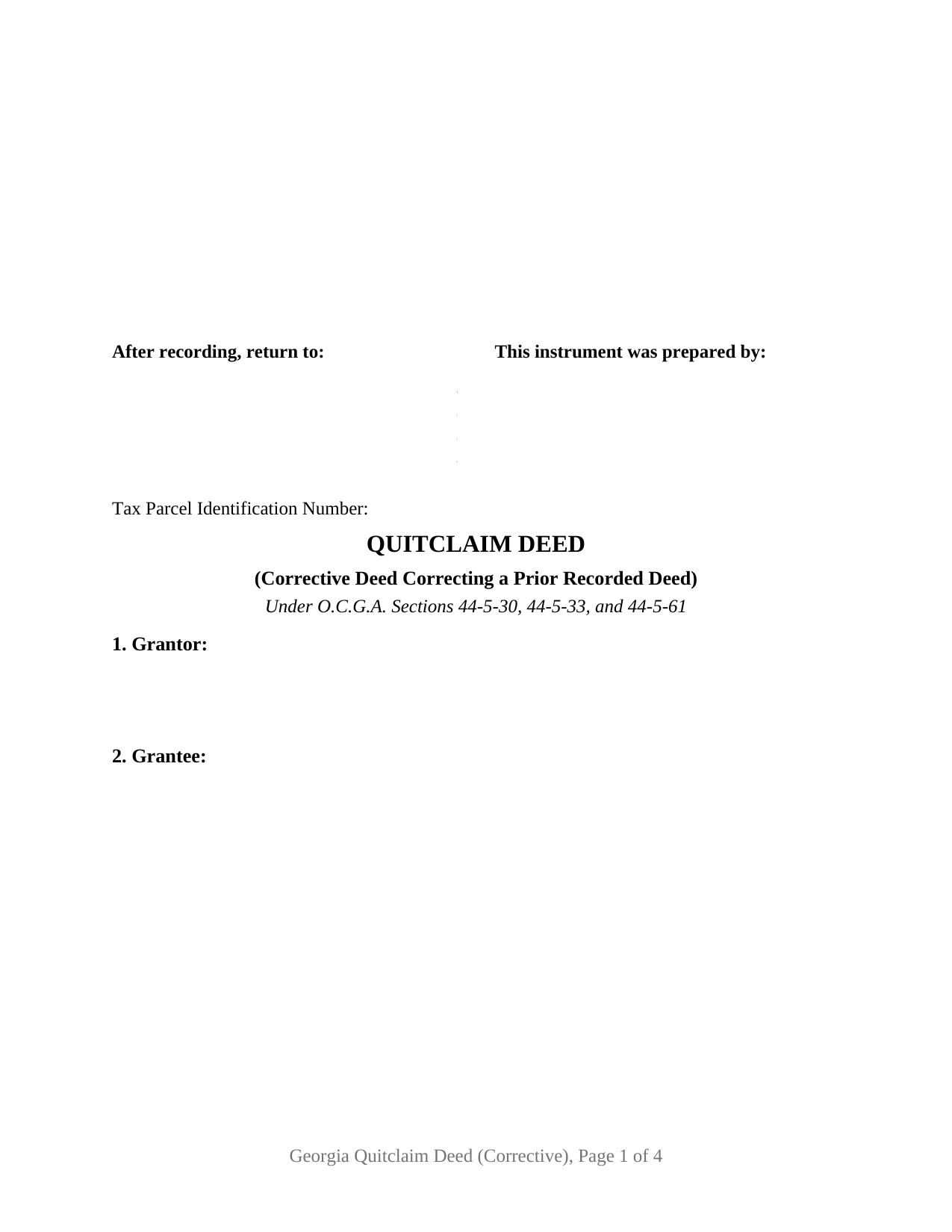
Seminole County Quitclaim Deed (Corrective) Form
Fill in the blank Quitclaim Deed (Corrective) form formatted to comply with all Georgia recording and content requirements.
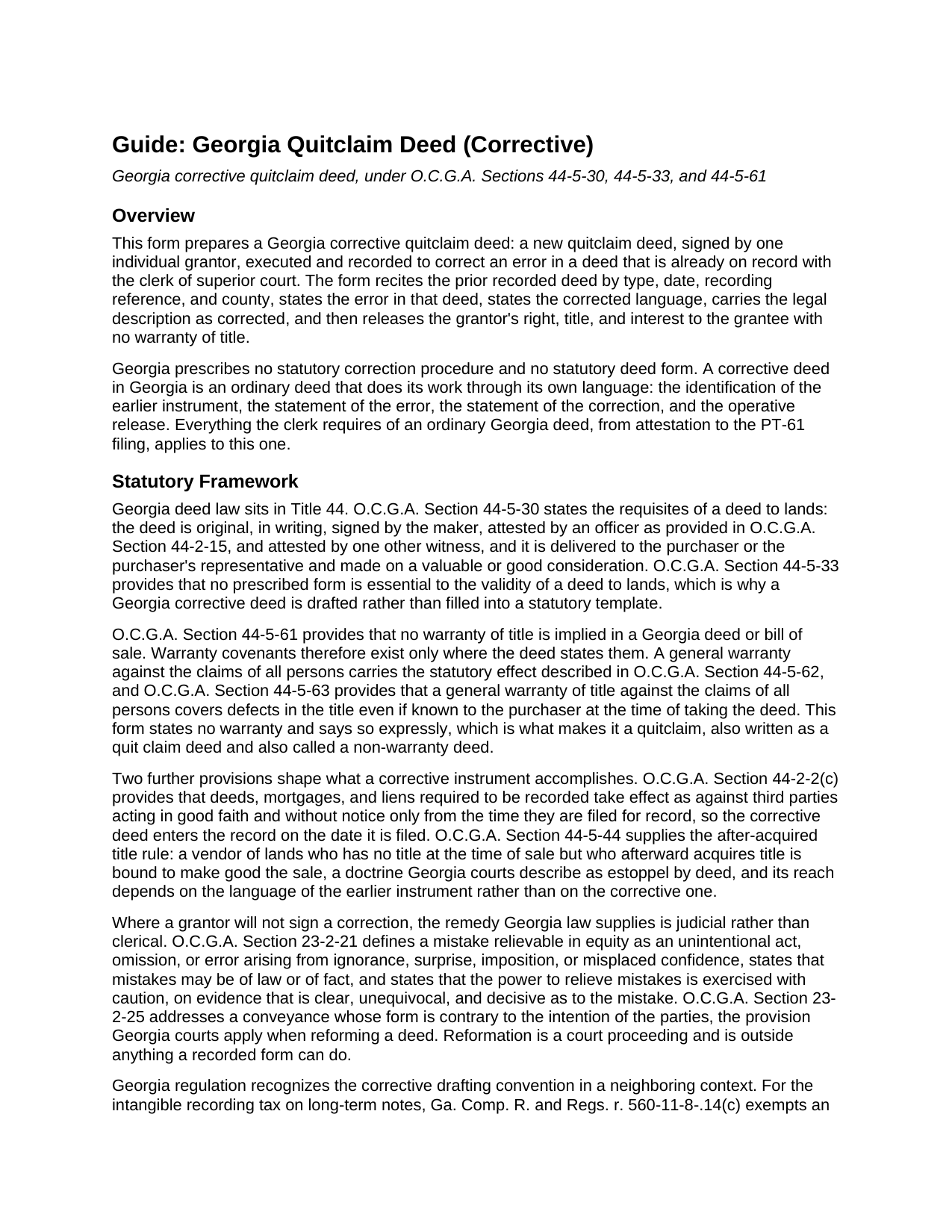
Seminole County Quitclaim Deed (Corrective) Guide
Line by line guide explaining every blank on the Quitclaim Deed (Corrective) form.
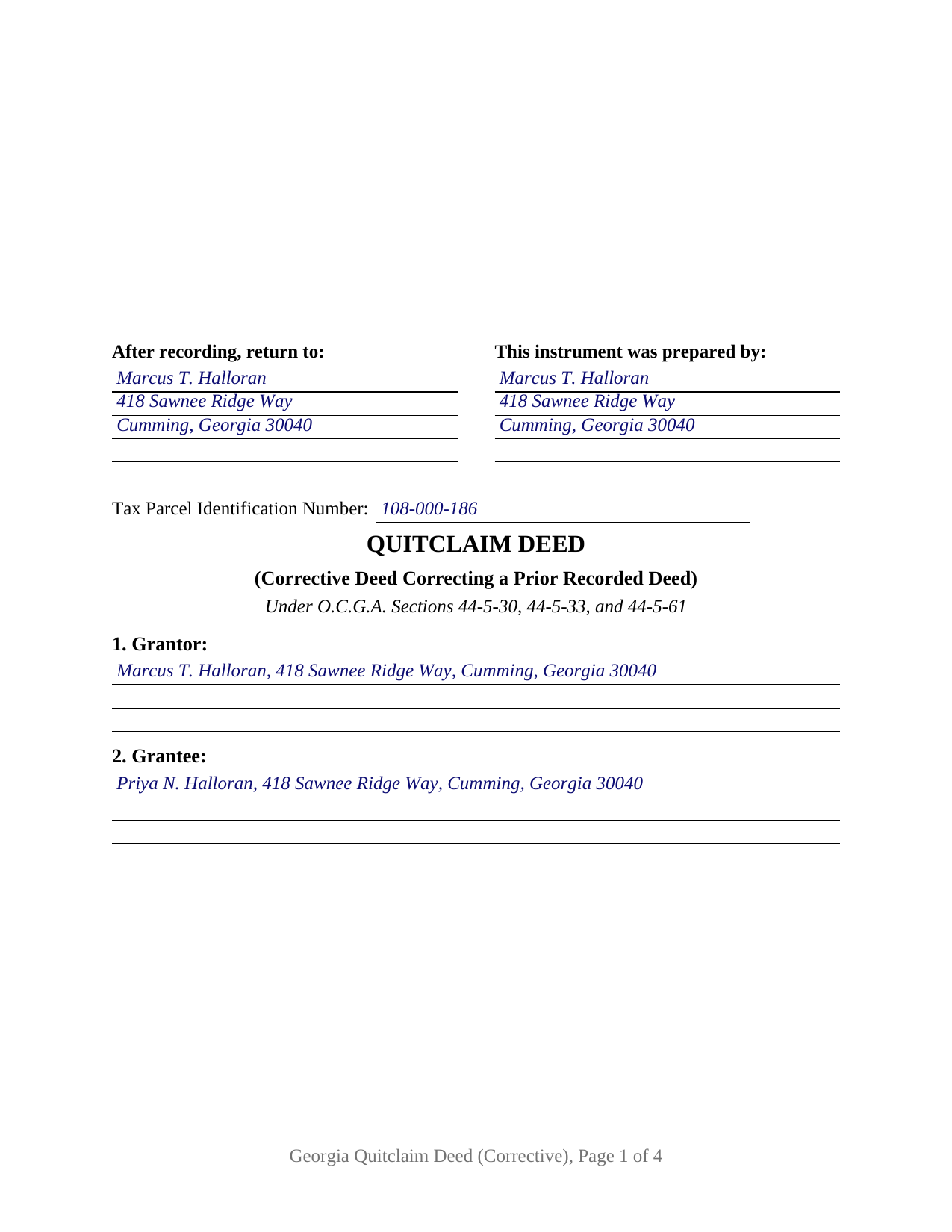
Seminole County Completed Example of the Quitclaim Deed (Corrective) Document
Example of a properly completed Georgia Quitclaim Deed (Corrective) document for reference.
All 3 documents above included • One-time purchase • No recurring fees
Immediate Download • Secure Checkout
Additional Georgia and Seminole County documents included at no extra charge:
Where to Record Your Documents
Clerk of Superior Court
Donalsonville, Georgia 39845
Hours: 8:30am to 5:00pm M-F
Phone: (229) 524-5256 & 524-2525
Recording Tips for Seminole County:
- Bring your driver's license or state-issued photo ID
- Ensure all signatures are in blue or black ink
- Bring extra funds - fees can vary by document type and page count
- Check margin requirements - usually 1-2 inches at top
- Leave recording info boxes blank - the office fills these
Cities and Jurisdictions in Seminole County
Properties in any of these areas use Seminole County forms:
- Donalsonville
- Iron City
Hours, fees, requirements, and more for Seminole County
How do I get my forms?
Forms are available for immediate download after payment. The Seminole County forms will be in your account ready to download to your computer. An account is created for you during checkout if you don't have one. Forms are NOT emailed.
Are these forms guaranteed to be recordable in Seminole County?
Yes. Our form blanks are guaranteed to meet or exceed the applicable formatting requirements used for recording in Seminole County, including margin requirements, font requirements, and other layout standards. This guarantee applies to formatting, not to the legal sufficiency of information entered by the user or the suitability of a form for a particular transaction.
Can I reuse these forms?
Yes. You can reuse the forms for your personal use. For example, if you have multiple properties in Seminole County you only need to order once.
What do I need to use these forms?
The forms are PDFs that you fill out on your computer. The free Adobe Acrobat Reader is recommended, and most PDF apps also work. You do NOT enter your property information online - you download the blank forms and complete them privately on your own computer.
Are there any recurring fees?
No. This is a one-time purchase. Nothing to cancel, no memberships, no recurring fees.
How much does it cost to record in Seminole County?
Recording fees in Seminole County vary. Contact the recorder's office at (229) 524-5256 & 524-2525 for current fees.
Questions answered? Let's get started!
Nothing already written into the Georgia deed records can be erased. A deed filed with a transposed lot number or a misspelled grantor stays in the book exactly as it went in, and the fix is a second instrument that names the first, says what is wrong with it, and puts the corrected language on record over the original grantor's signature. This form prepares that second instrument as a quitclaim deed: one individual grantor, one grantee, and a correction the clerk of superior court indexes in its own right.
Three sections do the correcting
Section 3 identifies the deed being corrected by type, date, recording date, recording reference, and county, so an examiner holding this instrument can pull the earlier one from the book and page it names. Section 4 states the error in the words of that deed, Section 5 states the corrected language meant to replace it, and Section 6 carries the legal description in corrected form. Georgia regulation applies the same drafting standard nearby: for the intangible recording tax, an instrument given to correct a previously recorded one earns its exemption only where the body identifies the existing instrument and specifically states its purpose (Ga. Comp. R. and Regs. r. 560-11-8-.14(c)).
One grantor, signing a second time
The form recites exactly one grantor, the natural person who granted the deed being corrected, signing again in an individual capacity, and it carries a single execution set: one signature block, one unofficial witness line, one officer certificate. Two owners correcting a deed they both granted, or a company officer correcting a corporate release, present signature patterns this form does not recite. The single-grantor correction turns up in familiar shapes: a family transfer whose description carried the wrong lot, a release whose grantee name lost a middle initial, a title examiner's letter that stops a closing until the record reads correctly.
A release with no warranty, and no prescribed form to fill
The operative words remise, release, and forever quitclaim the grantor's right, title, interest, claim, and demand, and the correction language follows in the same section: the deed corrects and confirms the earlier instrument and conveys no interest beyond what that instrument purported to convey. Because O.C.G.A. Section 44-5-61 reads no warranty into any Georgia deed, the instrument states in capital letters that it gives none, so every security deed and easement of record rides through untouched. Georgia prescribes no statutory deed form at all (O.C.G.A. Section 44-5-33), so a Georgia correction deed is drafted rather than filled into a template; buyers search it as a corrective deed, a deed of correction, a quit claim deed, or a non-warranty deed.
Where the correction stops
Errors that live in the words of the earlier deed are what a later deed can reach. Changing who takes the property is a fresh conveyance rather than a correction, and Georgia treats it as the conveyance it is. A record problem that is a fact rather than deed language belongs instead to a recorded affidavit under O.C.G.A. Section 44-2-20, which makes such affidavits notice of matters like the identity of parties whose names appear differently in a chain of title, and which is prepared and recorded separately. Where the grantor cannot be found or will not sign, the Georgia answer is reformation in equity under O.C.G.A. Sections 23-2-21 and 23-2-25, a court proceeding no recorded form can perform.
Attested again, filed on its own date
Georgia's execution pattern reaches the correction exactly as it reached the original: the grantor's signature is attested by an officer named in O.C.G.A. Section 44-2-15, ordinarily a notary public, and by one other witness (O.C.G.A. Section 44-5-30), under a certificate captioned as an attestation. The corrected instrument takes effect against third parties from the moment it is filed (O.C.G.A. Section 44-2-2(c)), and a PT-61 real estate transfer tax filing travels with it even though a nominal recital leaves nothing to pay, transfer tax being measured on consideration or value above one hundred dollars (O.C.G.A. Section 48-6-1). The completed example corrects a transposed lot number on a Forsyth County parcel, signed three months after the deed it corrects.
Three files arrive with the purchase: the corrective quitclaim deed as a fillable PDF, that completed Forsyth County example, and a plain language guide covering every numbered section, the attestation and witness formalities, the grantee vesting forms Georgia recognizes, and the PT-61 and electronic filing path. The materials describe Georgia law in general terms and are not legal advice.
Important: Your property must be located in Seminole County to use these forms. Documents should be recorded at the county recording office listed above.
This Quitclaim Deed (Corrective) meets all recording requirements specific to Seminole County.
Our Promise
The documents you receive here are guaranteed to meet or exceed the applicable Seminole County recording format requirements. If there is a rejection caused by our formatting, we will correct the issue or refund your payment. This guarantee applies to document formatting only and does not extend to information entered by the user, the selection of the form, or the legal effect of the completed document.
Save Time and Money
Get your Seminole County Quitclaim Deed (Corrective) form done right the first time with Deeds.com Uniform Conveyancing Blanks. At Deeds.com, we understand that your time and money are valuable resources, and we don't want you to face a penalty fee or rejection imposed by a county recorder for submitting nonstandard documents. We constantly review and update our forms to meet rapidly changing state and county recording requirements for roughly 3,500 counties and local jurisdictions.
4.8 out of 5 - ( 4,837 Reviews )
Ashley D. 5 out of 5 stars
Was able to print my documents immediately. Documents included deed form, a guide, a sample document, etc. Very helpful!
Thank you for your feedback. We really appreciate it. Have a great day!
Christopher B. 4 out of 5 stars
The service was simple and easy enough but the UI isn't the easiest on the eyes and the process is a tad strange.
Thank you for your feedback. We really appreciate it. Have a great day!
Daniel B. 5 out of 5 stars
easy to use and upload.
We are delighted to have been of service. Thank you for the positive review!
darryl c. 5 out of 5 stars
very easy to use website
Thank you!
Pamela W. 5 out of 5 stars
Signing up was easy and the form was amazing. The ability to type on it (I am on a MAC) was beyond my expectations, the ability to save a blank, save my two documents, save the instructions and sample was excellent. The documents are in the mail and we are hopefully they will be approved. Blessings,
Thank you for your feedback. We really appreciate it. Have a great day!
William S. 5 out of 5 stars
Love the ability to e-record a single document as a private citizen. Other companies only want to do business with large volume filers like title companies and attorneys. e-recording was super easy and so efficient. Got confirmation of recording from county clerk less than one hour after submission.
We appreciate your business and value your feedback. Thank you. Have a wonderful day!
Michael S. 1 out of 5 stars
I'll give you a review. YOur deeds are way, way, TOO EXPENSIVE Michael Spinks, Attorney
Thank you for your feedback. We're sorry to hear that you're dissatisfied with our pricing.
We take pride in the quality of our products, and our prices reflect the costs involved in sourcing, producing, and ensuring the high standards we've set. It's a balancing act between affordability and maintaining these standards.
We're aware that everyone has a budget to consider, and we're constantly working on optimizing our pricing. However, we won't compromise the quality of our products for the sake of cutting costs. We believe in fair value, and we hope our customers do too.
David M. 5 out of 5 stars
Why is Dade County not listed for the Lady Bird Deed?
Because on November 13, 1997, voters changed the name of the county from Dade to Miami-Dade.
VICKI R. 5 out of 5 stars
Thank you for your helpful information.
Thank you!
MIchelle S. 4 out of 5 stars
You had the generic document that I was looking for Yay! The "example" page was helpful and reassuring. The auto input sections of my document looked ok until i printed it and then it appeared to be out of alignment which is why my rating is lowered to 4 stars it would be nice to have the ability to correct the title (created by me) when downloading PDFs for an e-filing
Thank you for your feedback. We really appreciate it. Have a great day!
Richard M. 5 out of 5 stars
Needed some help at the beginning but once I was into the program it was smooth sailing.
Thank you!
Janet W. 5 out of 5 stars
Downloading the forms I needed was quick and helpful.
Happy we could assist. Thank you for sharing your experience.
Dennis W. 4 out of 5 stars
Fairly straight forward. Notary had a small amount of confusion regarding what wanted in their area.
Thank you for your feedback, Dennis! We're glad the process was straightforward overall. We appreciate you noting the confusion about area requirements - we'll work with our notary partners to ensure clearer communication going forward. Your input helps us improve!
Cynthia E. 5 out of 5 stars
good source
Thank you!
Michelle N. 5 out of 5 stars
Great experience
Thank you Michelle.