Stewart County Quitclaim Deed (Married Grantor with Non-Owner Spouse Joinder) Form
Last validated November 3, 2026 by our Forms Development TeamFormatted for recording in Stewart County, for property anywhere in the county: rural and unincorporated areas as well as Louvale, Lumpkin, Omaha, Richland.
- 3 documents included
- Immediate PDF download
- Formatting guarantee
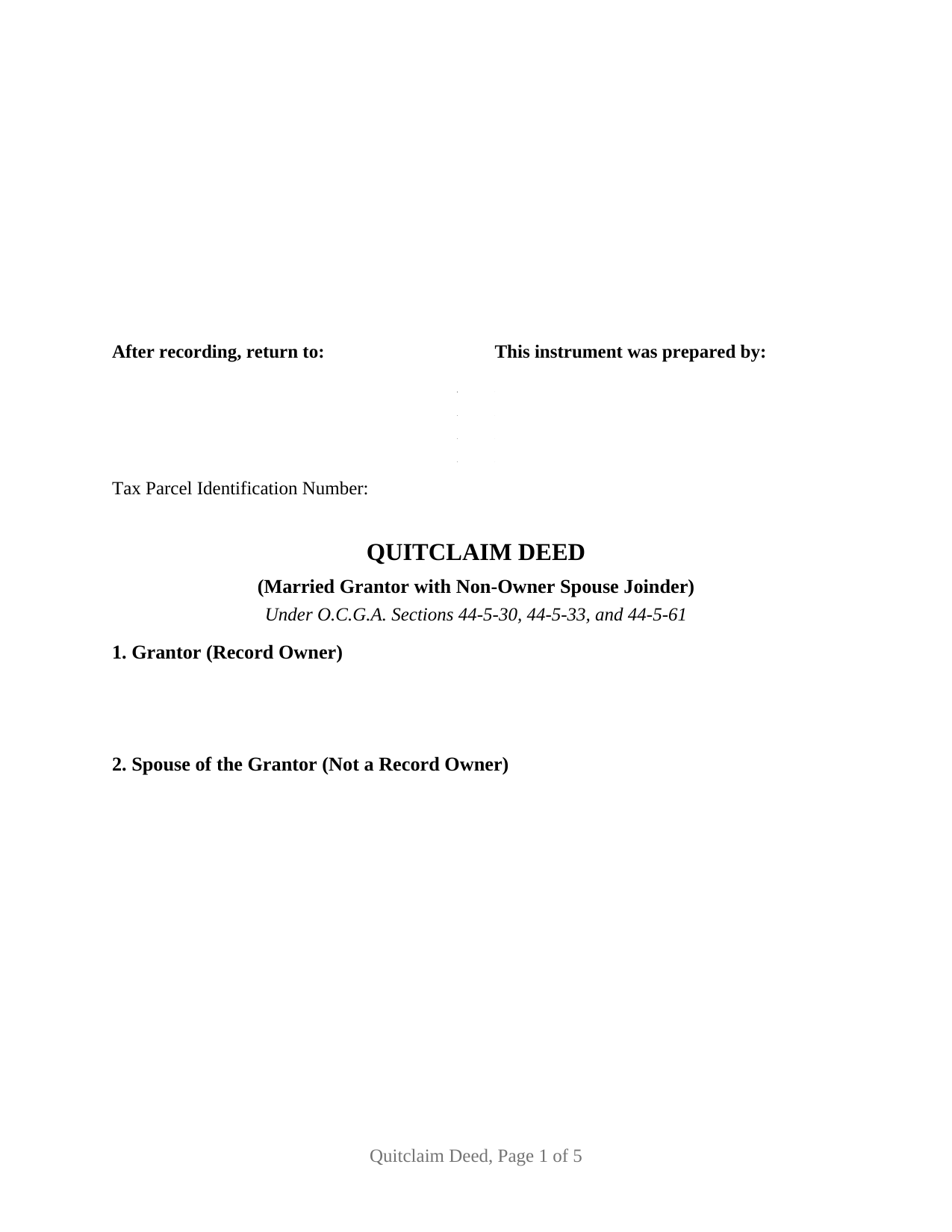
Stewart County Quitclaim Deed (Married Grantor with Non-Owner Spouse Joinder) Form
Fill in the blank Quitclaim Deed (Married Grantor with Non-Owner Spouse Joinder) form formatted to comply with all Georgia recording and content requirements.
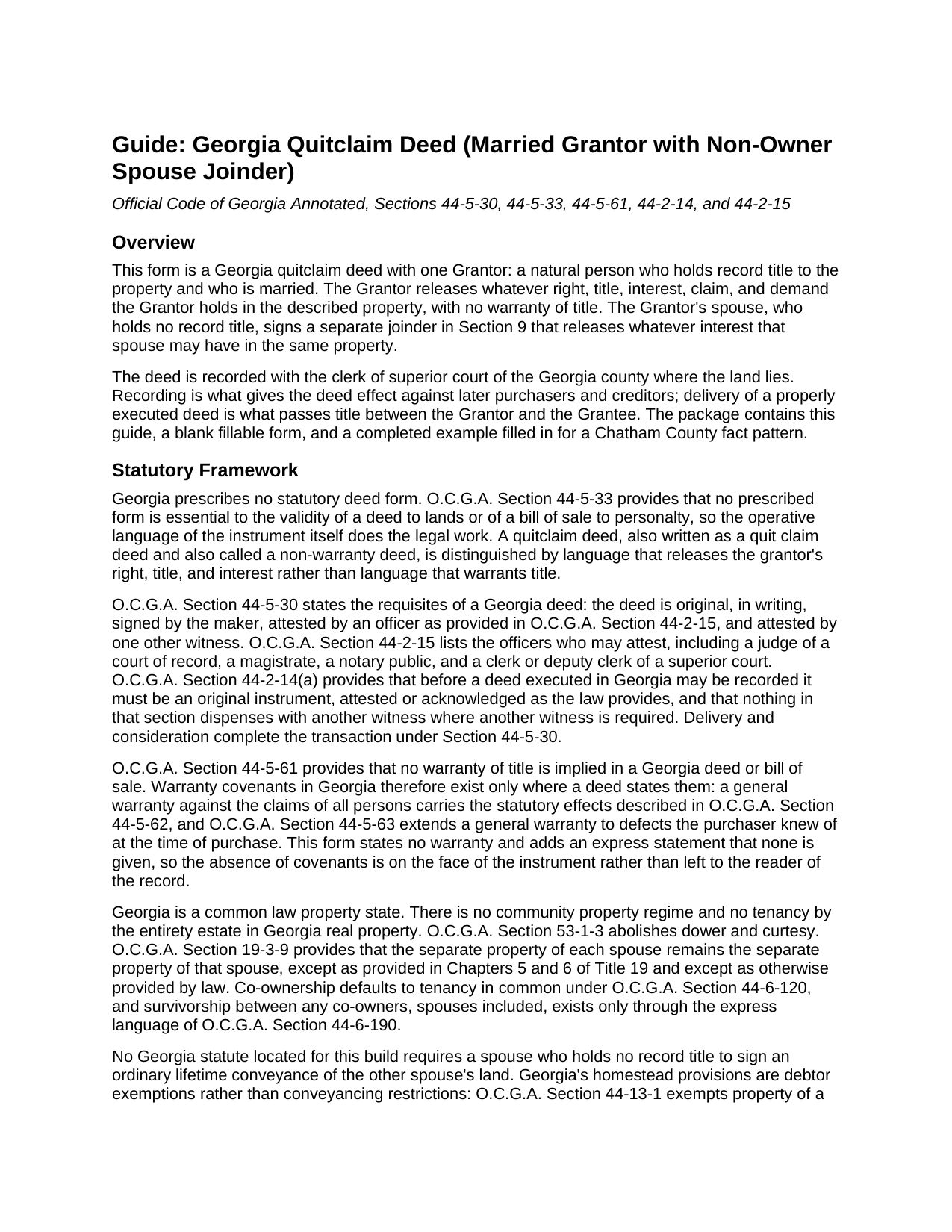
Stewart County Quitclaim Deed (Married Grantor with Non-Owner Spouse Joinder) Guide
Line by line guide explaining every blank on the Quitclaim Deed (Married Grantor with Non-Owner Spouse Joinder) form.
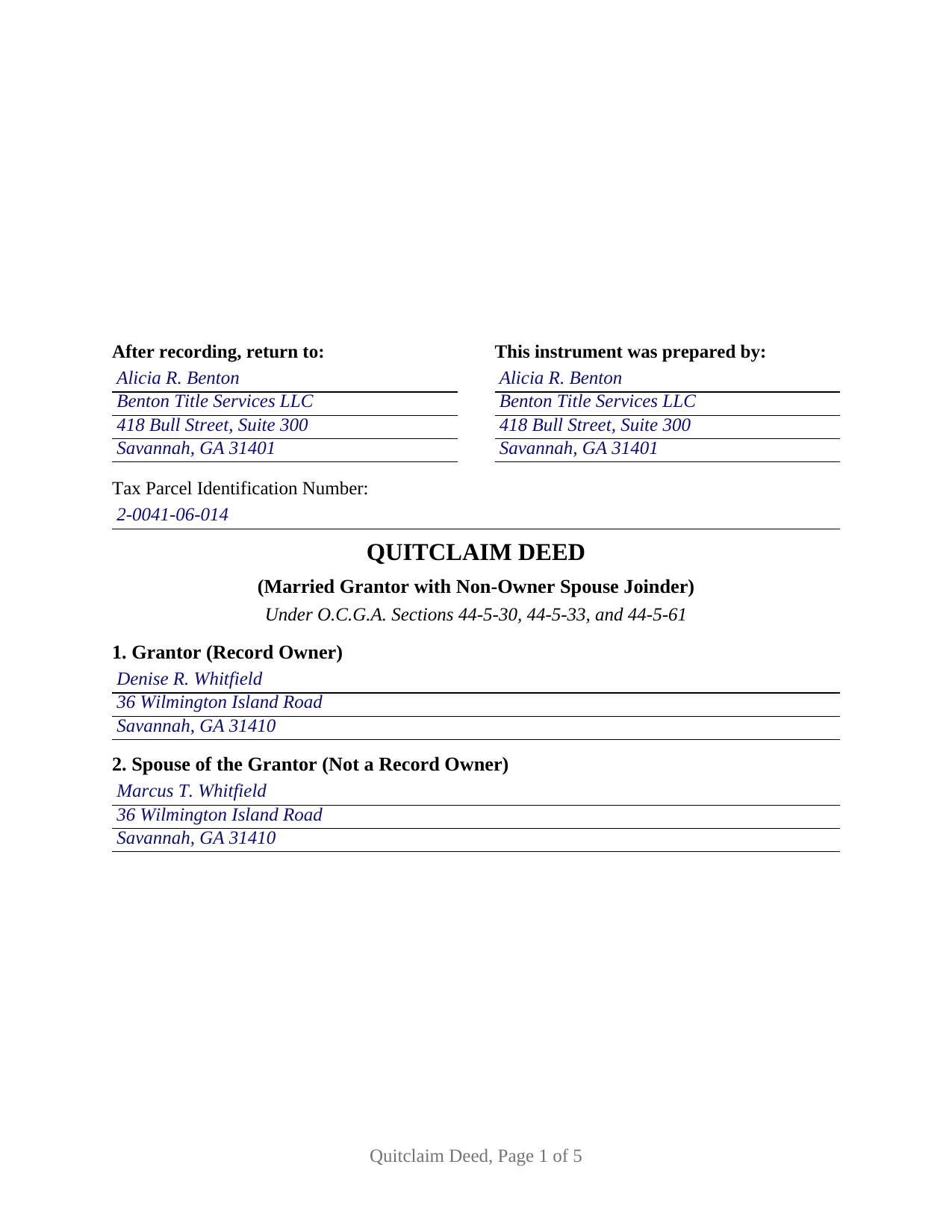
Stewart County Completed Example of the Quitclaim Deed (Married Grantor with Non-Owner Spouse Joinder) Document
Example of a properly completed Georgia Quitclaim Deed (Married Grantor with Non-Owner Spouse Joinder) document for reference.
All 3 documents above included • One-time purchase • No recurring fees
Immediate Download • Secure Checkout
Additional Georgia and Stewart County documents included at no extra charge:
Where to Record Your Documents
Clerk of Superior Court
Lumpkin, Georgia 31815
Hours: 8:00 - 4:30 Monday - Friday
Phone: (229) 838-6220
Recording Tips for Stewart County:
- Bring your driver's license or state-issued photo ID
- Ensure all signatures are in blue or black ink
- Ask for certified copies if you need them for other transactions
- Ask if they accept credit cards - many offices are cash/check only
- Check that your notary's commission hasn't expired
Cities and Jurisdictions in Stewart County
Properties in any of these areas use Stewart County forms:
- Louvale
- Lumpkin
- Omaha
- Richland
Hours, fees, requirements, and more for Stewart County
How do I get my forms?
Forms are available for immediate download after payment. The Stewart County forms will be in your account ready to download to your computer. An account is created for you during checkout if you don't have one. Forms are NOT emailed.
Are these forms guaranteed to be recordable in Stewart County?
Yes. Our form blanks are guaranteed to meet or exceed the applicable formatting requirements used for recording in Stewart County, including margin requirements, font requirements, and other layout standards. This guarantee applies to formatting, not to the legal sufficiency of information entered by the user or the suitability of a form for a particular transaction.
Can I reuse these forms?
Yes. You can reuse the forms for your personal use. For example, if you have multiple properties in Stewart County you only need to order once.
What do I need to use these forms?
The forms are PDFs that you fill out on your computer. The free Adobe Acrobat Reader is recommended, and most PDF apps also work. You do NOT enter your property information online - you download the blank forms and complete them privately on your own computer.
Are there any recurring fees?
No. This is a one-time purchase. Nothing to cancel, no memberships, no recurring fees.
How much does it cost to record in Stewart County?
Recording fees in Stewart County vary. Contact the recorder's office at (229) 838-6220 for current fees.
Questions answered? Let's get started!
One person holds the record title here, and two people sign. This Georgia quitclaim deed recites a single Grantor, a married natural person who is the record owner, and it carries a separate joinder block in which that owner's spouse, who is not on title, releases whatever interest that spouse may have in the same property. The grantee takes the release with no warranty of title, and the record shows both signatures.
A signature Georgia law does not ask for
Nothing in Georgia law makes a spouse a party to the other spouse's deed. Dower and curtesy were abolished by O.C.G.A. Section 53-1-3, the state recognizes neither a community regime nor an entireties estate, and no statute located for this form conditions the recording of a lifetime deed on the signature of a spouse who holds no record title. The joinder is deliberate rather than compelled: it puts a recorded release into the chain from the one person whose possible claim the record cannot display. The question surfaces where a marital residence, an inherited house, or a rental parcel stands in one spouse's name alone.
What the joinder reaches, and what it leaves alone
The joinder section is drafted as its own quitclaim: the spouse remises, releases, and forever quitclaims any right, title, interest, claim, and demand the spouse may have, joins in and consents to the conveyance, and warrants nothing. Two construction sentences matter as much. The spouse's signature does not enlarge the estate the Grantor conveys, and it operates whether or not the spouse turns out to hold anything. The limits belong in the same breath. This is not a property settlement between the spouses, it does not resolve equitable division in a divorce, where O.C.G.A. Section 19-3-9 leaves the separate property of each spouse separate, and no Georgia authority found for this build treats a joinder in a lifetime deed as a waiver of year's support, the probate right O.C.G.A. Section 53-3-1 gives a surviving spouse out of a decedent's estate. Because no warranty is implied in any Georgia deed under O.C.G.A. Section 44-5-61, both releases are expressly stated to carry none, and every security deed and lien of record rides through untouched.
One record owner, two complete execution sets
Georgia deeds are attested rather than acknowledged. O.C.G.A. Section 44-5-30 has the maker's signature attested by an officer drawn from the list in O.C.G.A. Section 44-2-15, ordinarily a Georgia notary public, and by one more witness, called the unofficial witness. This form gives each signer a full set, so the finished quit claim deed carries the Grantor's signature and the spouse's, an unofficial witness line beneath each, and two officer certificates captioned as attestations, each reciting that the instrument was signed, sealed, and delivered in the officer's presence. O.C.G.A. Section 44-14-33 explains the caption: where the officer attests, a formal certificate of acknowledgment is not necessary. Independent sets let the two signatures be attested on different days or in different counties, though the example shows both finished at one sitting.
Recording a gift in Georgia
The example is a deed of gift, so no transfer tax falls due: deeds of gift sit among the exemptions listed in O.C.G.A. Section 48-6-2. The exemption is claimed on the PT-61 rather than by skipping it, because Georgia Rule 560-11-2-.17 makes a properly completed PT-61 a condition of eligibility for recording wherever one is called for, and O.C.G.A. Section 48-6-4 makes payment of any tax due a filing prerequisite the clerk certifies. Where value does change hands, O.C.G.A. Section 48-6-1 measures the tax against consideration or value above one hundred dollars. Filing runs twenty five dollars statewide under O.C.G.A. Section 15-6-77. A party filing without an attorney or other professional filer submits through the state clerks' authority portal with verified government identification, the self-filer rule in force since 2025. Page one keeps its top three inches open for the clerk under O.C.G.A. Section 15-6-61(a)(10), then opens with the return-to name and address that O.C.G.A. Section 44-2-14(b) places there, followed by a tax parcel line that satisfies DeKalb County's local first page requirement.
Three files arrive with the purchase: the fillable non-warranty deed itself, a completed example set in Chatham County, where a married sole owner gifts an inherited Savannah house to her brother while her husband joins in the release, and a plain language guide covering every numbered section, both attestation sets, the grantee's vesting choices, and the recording path. These materials describe Georgia law generally and are not legal advice.
Important: Your property must be located in Stewart County to use these forms. Documents should be recorded at the county recording office listed above.
This Quitclaim Deed (Married Grantor with Non-Owner Spouse Joinder) meets all recording requirements specific to Stewart County.
Our Promise
The documents you receive here are guaranteed to meet or exceed the applicable Stewart County recording format requirements. If there is a rejection caused by our formatting, we will correct the issue or refund your payment. This guarantee applies to document formatting only and does not extend to information entered by the user, the selection of the form, or the legal effect of the completed document.
Save Time and Money
Get your Stewart County Quitclaim Deed (Married Grantor with Non-Owner Spouse Joinder) form done right the first time with Deeds.com Uniform Conveyancing Blanks. At Deeds.com, we understand that your time and money are valuable resources, and we don't want you to face a penalty fee or rejection imposed by a county recorder for submitting nonstandard documents. We constantly review and update our forms to meet rapidly changing state and county recording requirements for roughly 3,500 counties and local jurisdictions.
4.8 out of 5 - ( 4,849 Reviews )
NATALIE A. 5 out of 5 stars
The form was very easy to use and the sample tool you had was very helpful. the only problem i had was saving the document and then trying to find it later. I finally was able to figure out how to save it. but i still cannot find the saved document on my computer. Luckily i printed it before i closed it and did not need to make any changes.
Thank you for your feedback. We really appreciate it. Have a great day!
DOYCE F. 5 out of 5 stars
Very helpful.Thank you
Thank you!
Karen B. 5 out of 5 stars
Easy to download and fill out forms needed. Highly recommend them instead of paying for Attorney to do.
We truly value your business and appreciate your review.
Kasie K. 5 out of 5 stars
This was such an easy transaction and quicker than if I went to the recording office. During this time of COVID19 and not being able to record documents in person it helped us to get what we needed and quickly. Thank you!
Thank you!
Robert C. 5 out of 5 stars
I hope I have the right form. My deed should be for a mfg home.
Thank you for your feedback. We really appreciate it. Have a great day!
Nicole P. 5 out of 5 stars
The forms are great. I kinda expected the guide to be bigger, maybe have some more information. Overall I'm satisfied thus far.
Thank you!
Dapo L. 5 out of 5 stars
The team is very responsive and gets the job done. Thank you.
We appreciate your business and value your feedback. Thank you. Have a wonderful day!
Lisa P. 5 out of 5 stars
Your forms are worth the investment. The guide and example were very helpful and thorough.
We appreciate your business and value your feedback. Thank you. Have a wonderful day!
CHERI I. 5 out of 5 stars
I was so pleased with how easy this form was to download and print! Thank you and I am sure we will use you again in the future!
We appreciate your business and value your feedback. Thank you. Have a wonderful day!
Robert P. 5 out of 5 stars
Excellent product. Wish I had found this site a week earlier. It would have saved me many hours of struggle and $40.00 in notary fees. Thanks and I will recommend to anyone needing forms.
Thank you for your feedback. We really appreciate it. Have a great day!
Peter R. 5 out of 5 stars
Great site makes this procedure easy to do,thanks
Thank you!
Margaret L. 1 out of 5 stars
I was not able to use the form after paying for it. The words in red would not let me type over them and I could not get a blank document. Useless.
Each forms package includes a blank form, a guide, and a completed example. The red text appears in the completed example to show how a finished document may look; the blank form is the editable document intended for customer use. Because our products are do-it-yourself legal forms, we canceled the order and payment when it was clear the customer was not able to identify and use the blank form included in the package.
Raecita H. 5 out of 5 stars
This was the first time I had ever had to fill out a Warranty Deed, so if it was not for your example form on how to fill one out, I would be still be here completely lost. I had originally gone to another site for a Warranty Deed & they wanted double the amount of your price & their website had no examples forms. I am so happy with your site & service. Thank you for giving us the opportunity to be able to download the forms as much as we need to because as many mistakes I made,I had to print quite a few to be able to get it done right.
We appreciate your business and value your feedback. Thank you. Have a wonderful day!
Sara R. 5 out of 5 stars
Worked well for me to create a deed for a house I inherited. It was very thorough and easy to use. I have no experience with the law so I just googled terms I didn't understand and was fine. I also called land records a lot and ended up not needing a lot of the material included, but it was still good to have it.
We appreciate your business and value your feedback. Thank you. Have a wonderful day!
Diane W. 3 out of 5 stars
The forms were immediately available for download, which was nice. However, I was not impressed by the lack of several features: 1) there was no way to edit set text in the form, such as where it says you should consult an attorney. That is not necessary for recording the deed and I wanted to deleted it, but could not. 2) Also, under the "Notes" section, there is a limited area to write; I tried adding a fuller explanation of something, but the form would not accept or include it when I printed the final document. The form may do the job, but it's not very sophisticated or elegant.
Thank you for your feedback. We really appreciate it. Have a great day!