Bingham County Certificate of Trust Form
Last validated October 16, 2026 by our Forms Development TeamFormatted for recording in Bingham County, for property anywhere in the county: rural and unincorporated areas as well as Aberdeen, Atomic City, Basalt, Blackfoot, Firth, Fort Hall, Moreland, Pingree and 2 more.
- 3 documents included
- Immediate PDF download
- Formatting guarantee
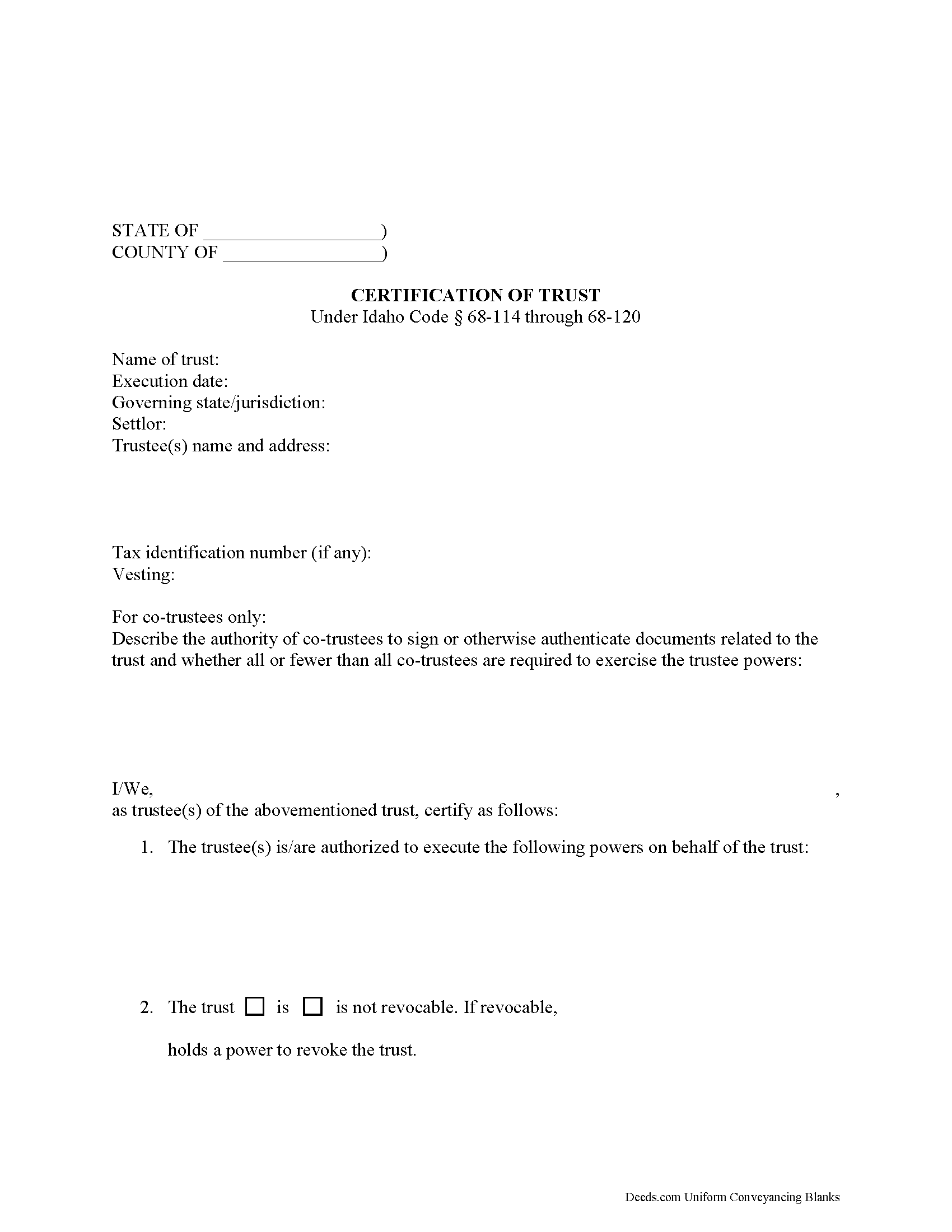
Bingham County Certificate of Trust Form
Fill in the blank form formatted to comply with all recording and content requirements.
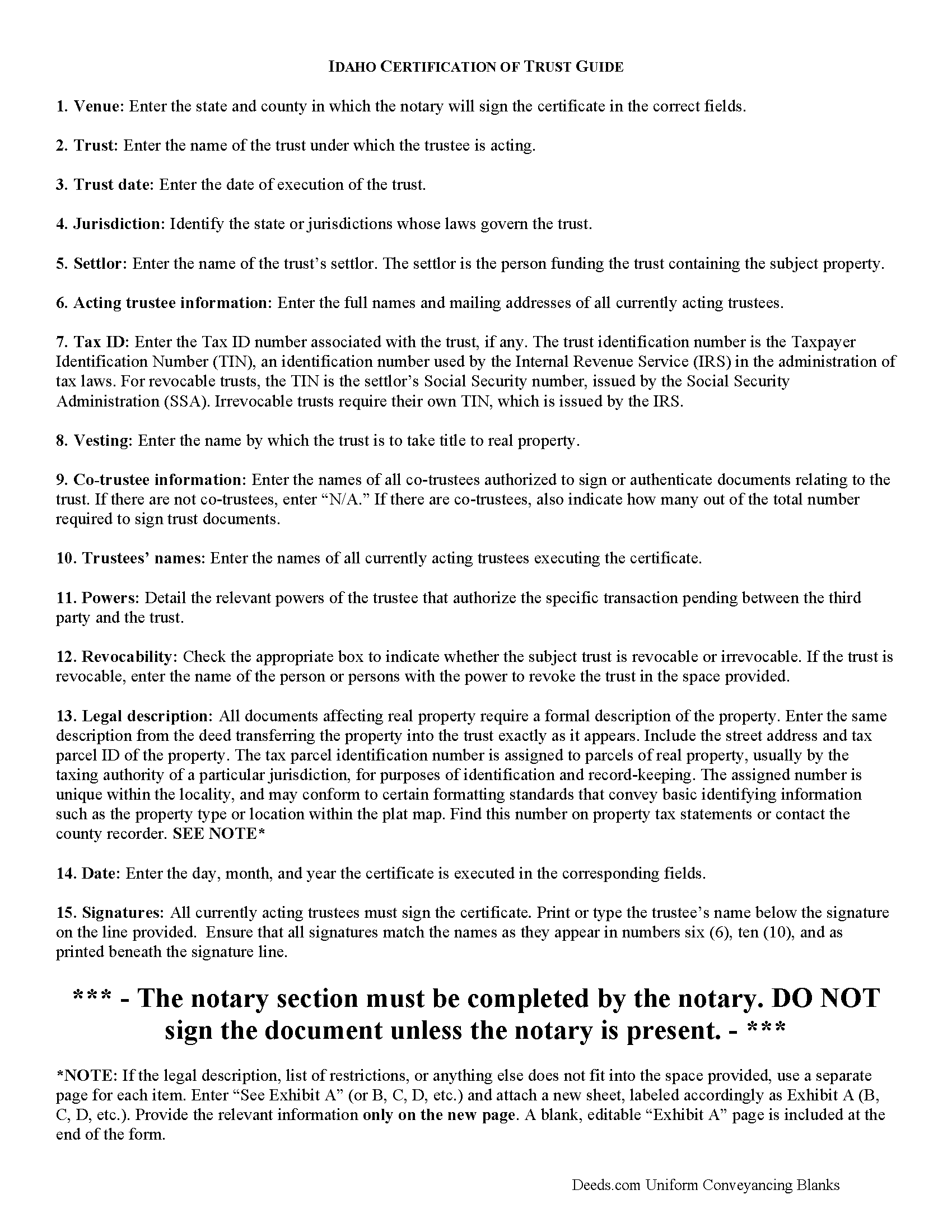
Bingham County Certificate of Trust Guide
Line by line guide explaining every blank on the form.
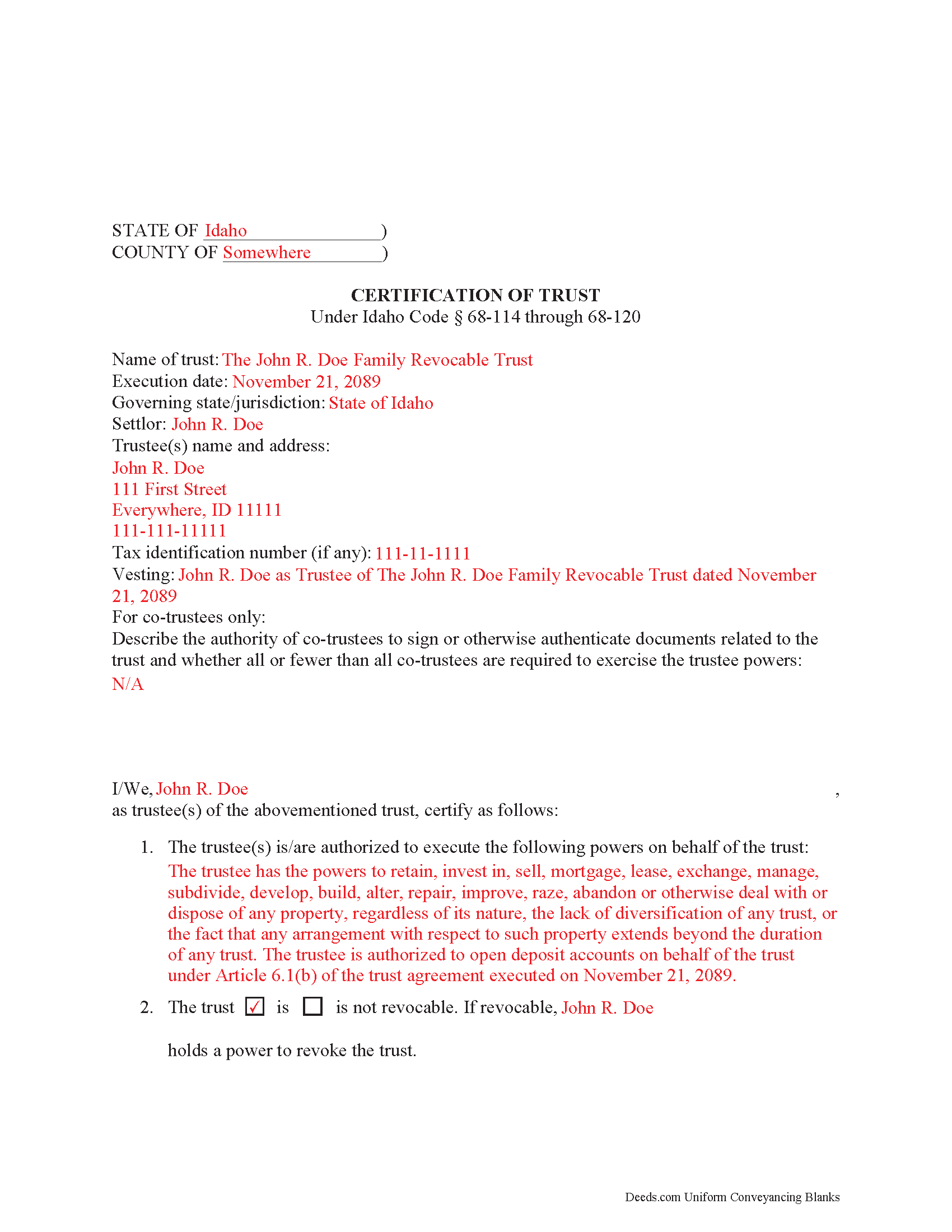
Bingham County Completed Example of the Certificate of Trust Document
Example of a properly completed form for reference.
All 3 documents above included • One-time purchase • No recurring fees
Immediate Download • Secure Checkout
Additional Idaho and Bingham County documents included at no extra charge:
Where to Record Your Documents
Bingham County Clerk and Recorder
Blackfoot, Idaho 83221
Hours: 8:00am-5:00pm M-F / Recording until 4:00pm
Phone: (208) 782-3163
Recording Tips for Bingham County:
- Bring your driver's license or state-issued photo ID
- Ensure all signatures are in blue or black ink
- Request a receipt showing your recording numbers
- Ask about accepted payment methods when you call ahead
- Ask for certified copies if you need them for other transactions
Cities and Jurisdictions in Bingham County
Properties in any of these areas use Bingham County forms:
- Aberdeen
- Atomic City
- Basalt
- Blackfoot
- Firth
- Fort Hall
- Moreland
- Pingree
- Shelley
- Springfield
Hours, fees, requirements, and more for Bingham County
How do I get my forms?
Forms are available for immediate download after payment. The Bingham County forms will be in your account ready to download to your computer. An account is created for you during checkout if you don't have one. Forms are NOT emailed.
Are these forms guaranteed to be recordable in Bingham County?
Yes. Our form blanks are guaranteed to meet or exceed the applicable formatting requirements used for recording in Bingham County, including margin requirements, font requirements, and other layout standards. This guarantee applies to formatting, not to the legal sufficiency of information entered by the user or the suitability of a form for a particular transaction.
Can I reuse these forms?
Yes. You can reuse the forms for your personal use. For example, if you have multiple properties in Bingham County you only need to order once.
What do I need to use these forms?
The forms are PDFs that you fill out on your computer. The free Adobe Acrobat Reader is recommended, and most PDF apps also work. You do NOT enter your property information online - you download the blank forms and complete them privately on your own computer.
Are there any recurring fees?
No. This is a one-time purchase. Nothing to cancel, no memberships, no recurring fees.
How much does it cost to record in Bingham County?
Recording fees in Bingham County vary. Contact the recorder's office at (208) 782-3163 for current fees.
Questions answered? Let's get started!
Under the Idaho Uniform Trustees' Powers Act, (Sections 68-114 through 68-120, Idaho Code), trustees of Idaho trusts may present a certificate supplying relevant information when engaging in transactions involving trust property. The executed certificate provides assurances about the validity of the trust and protects those who rely on the facts contained in the certificate.
Important: Your property must be located in Bingham County to use these forms. Documents should be recorded at the county recording office listed above.
This Certificate of Trust meets all recording requirements specific to Bingham County.
Our Promise
The documents you receive here are guaranteed to meet or exceed the applicable Bingham County recording format requirements. If there is a rejection caused by our formatting, we will correct the issue or refund your payment. This guarantee applies to document formatting only and does not extend to information entered by the user, the selection of the form, or the legal effect of the completed document.
Save Time and Money
Get your Bingham County Certificate of Trust form done right the first time with Deeds.com Uniform Conveyancing Blanks. At Deeds.com, we understand that your time and money are valuable resources, and we don't want you to face a penalty fee or rejection imposed by a county recorder for submitting nonstandard documents. We constantly review and update our forms to meet rapidly changing state and county recording requirements for roughly 3,500 counties and local jurisdictions.
4.8 out of 5 - ( 4,828 Reviews )
Michael F. 5 out of 5 stars
Very helpful and easy to use.
We deeply appreciate the trust you have placed in our services. Thank you for your valuable feedback and for choosing us.
Anne G. 5 out of 5 stars
I used deeds.com's services for the first time while the Stay at Home Order is in effect and found it to be very user friendly and seamless. I am very impressed.
Thank you Anne, glad we could help.
John Q. 4 out of 5 stars
The process was a little confusing to understand at first for someone like me with no experience doing something like this. But after I spent a little time checking out everything, the process was easier than I thought it would be using this site. Also, the best part was the quick and helpful responses when using the Chat function.
Thank you, John! We appreciate your feedback and are glad our team could help make the experience a positive one. Thanks for giving us the opportunity to assist!
Diane W. 5 out of 5 stars
Easy to download and print. Came with good instructions. Would use deeds.com again.
We appreciate your business and value your feedback. Thank you. Have a wonderful day!
Pamela G. 5 out of 5 stars
I have an apple phone. I could not fill in the form to pay because apple phones do not have a dash that can be used when the field requires a phone number with a dash. I had to borrow an android phone in which the telephone keypad had a dash that could be used. It was easy to pay using an android phone but impossible to pay using an apple phone. Remove the requirement for dashes to allow apple phones to use this service.
Thank you!
Curley L F. 5 out of 5 stars
The deed form I downloaded was easy to use and just what i needed.
We appreciate your business and value your feedback. Thank you. Have a wonderful day!
STEPHEN C. 5 out of 5 stars
Excellent service. Easy to use. Thank you.
We appreciate your business and value your feedback. Thank you. Have a wonderful day!
Christopher B. 4 out of 5 stars
The service was simple and easy enough but the UI isn't the easiest on the eyes and the process is a tad strange.
Thank you for your feedback. We really appreciate it. Have a great day!
Jim P. 5 out of 5 stars
Exactly what we were looking for and filled out everything in minutes. Great value!
Thank you!
Tram V. 5 out of 5 stars
This is quick, easy, and very reasonably priced. I wish I found this site before doing my living trust. I had the company who does my trust do the transfer deed and they charged an additional $329 for the deed alone.
Thank you for your feedback. We really appreciate it. Have a great day!
Javoura G. 5 out of 5 stars
Great was not hard at all to do and process only wished it told how much it cost to actually submit the forms
Thank you for your feedback. We really appreciate it. Have a great day!
Donna M. 5 out of 5 stars
Very easy to use, found the forms I needed right away. Downloaded and paid for within minutes! Excellent!
Thank you!
Jon B. 2 out of 5 stars
The information and documents received are great. But the communication with customer service is not good at all. I've been waiting three days for them to respond to a question. I don't think they are going too.
Thank you for your feedback. We really appreciate it. Have a great day!
Gloria R. 5 out of 5 stars
Great system
Thank you!
Patricia J. 5 out of 5 stars
Easy quick process to download at a reasonable price. Some good info provided.
We appreciate your business and value your feedback. Thank you. Have a wonderful day!