Boundary County Certificate of Trust Form
Last validated October 16, 2026 by our Forms Development TeamFormatted for recording in Boundary County, for property anywhere in the county: rural and unincorporated areas as well as Bonners Ferry, Eastport, Moyie Springs, Naples, Porthill.
- 3 documents included
- Immediate PDF download
- Formatting guarantee
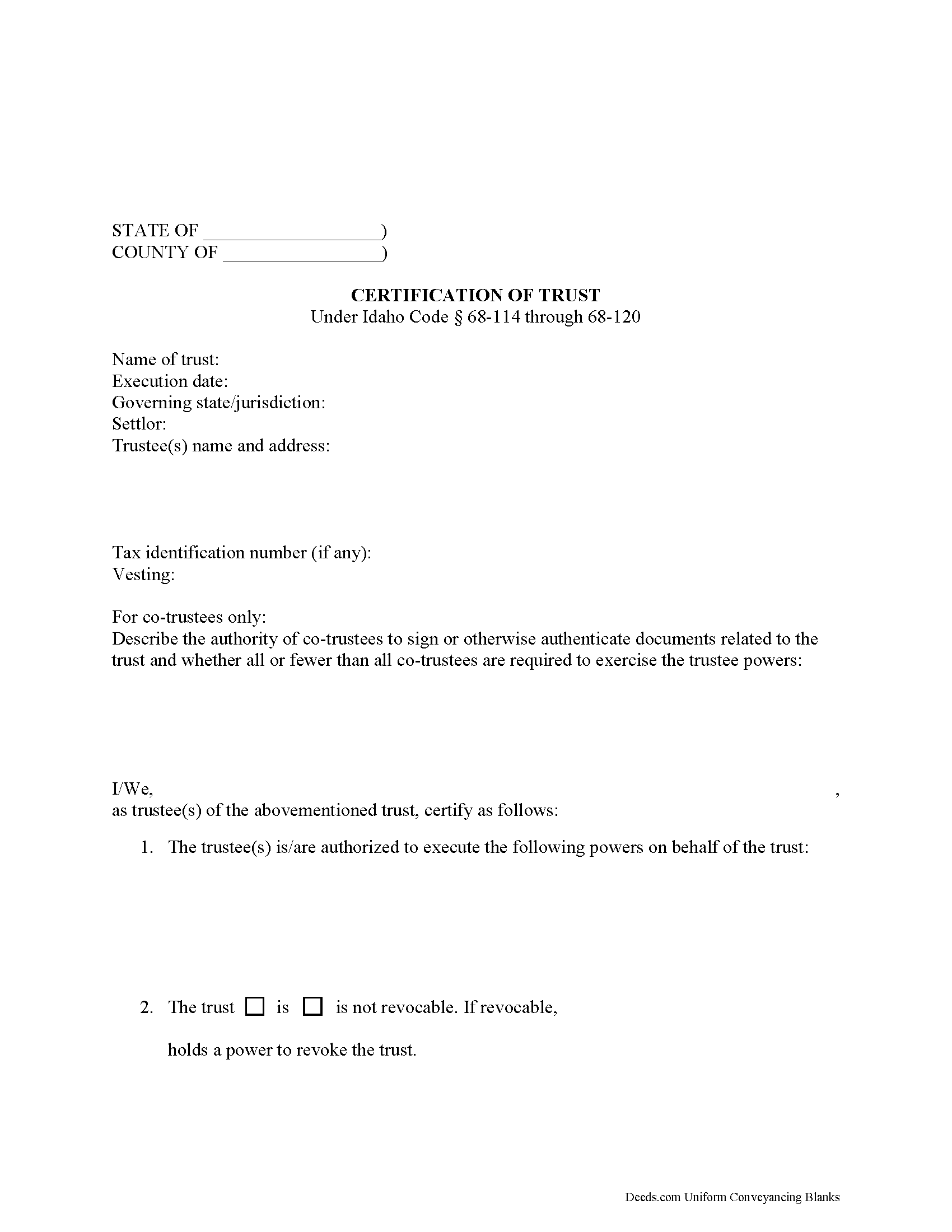
Boundary County Certificate of Trust Form
Fill in the blank form formatted to comply with all recording and content requirements.
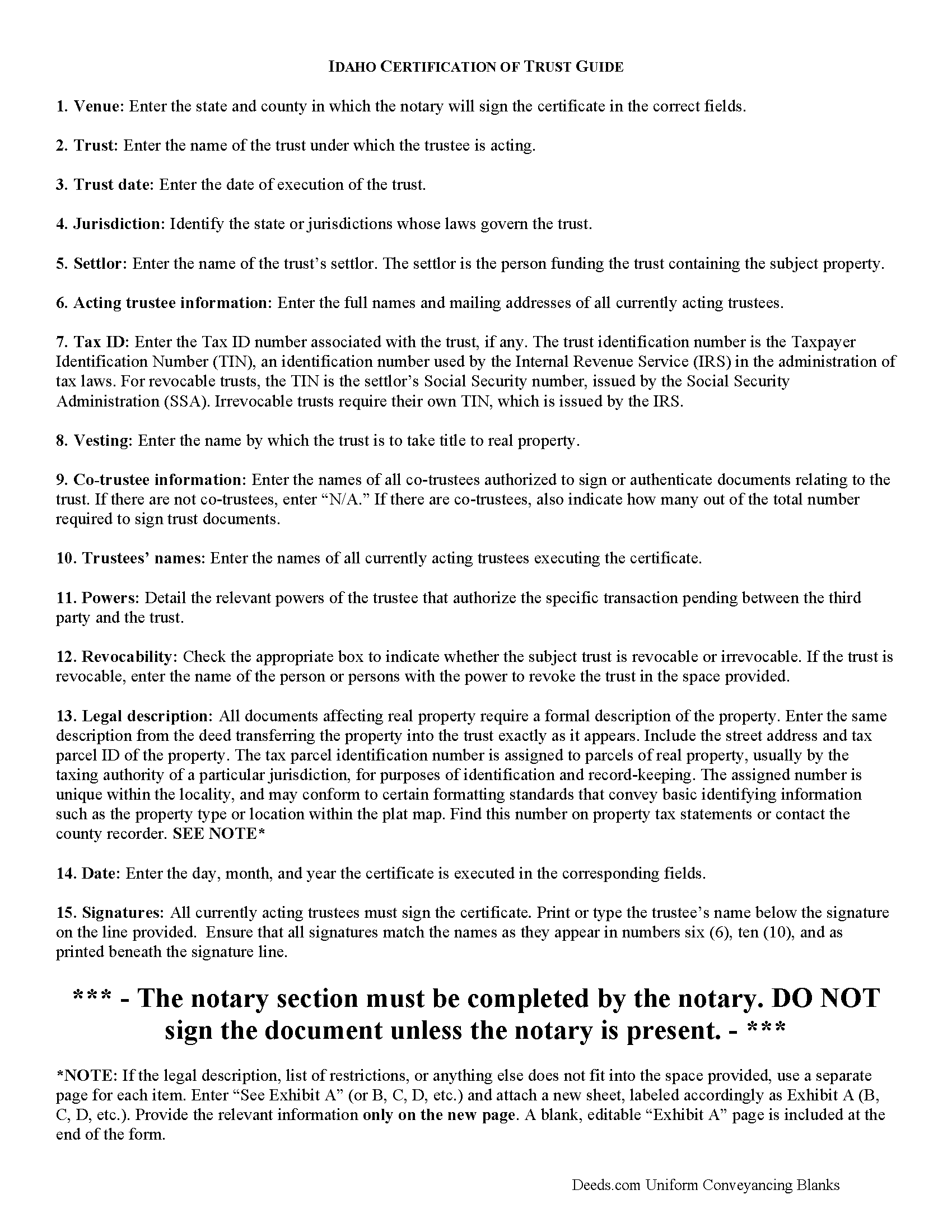
Boundary County Certificate of Trust Guide
Line by line guide explaining every blank on the form.
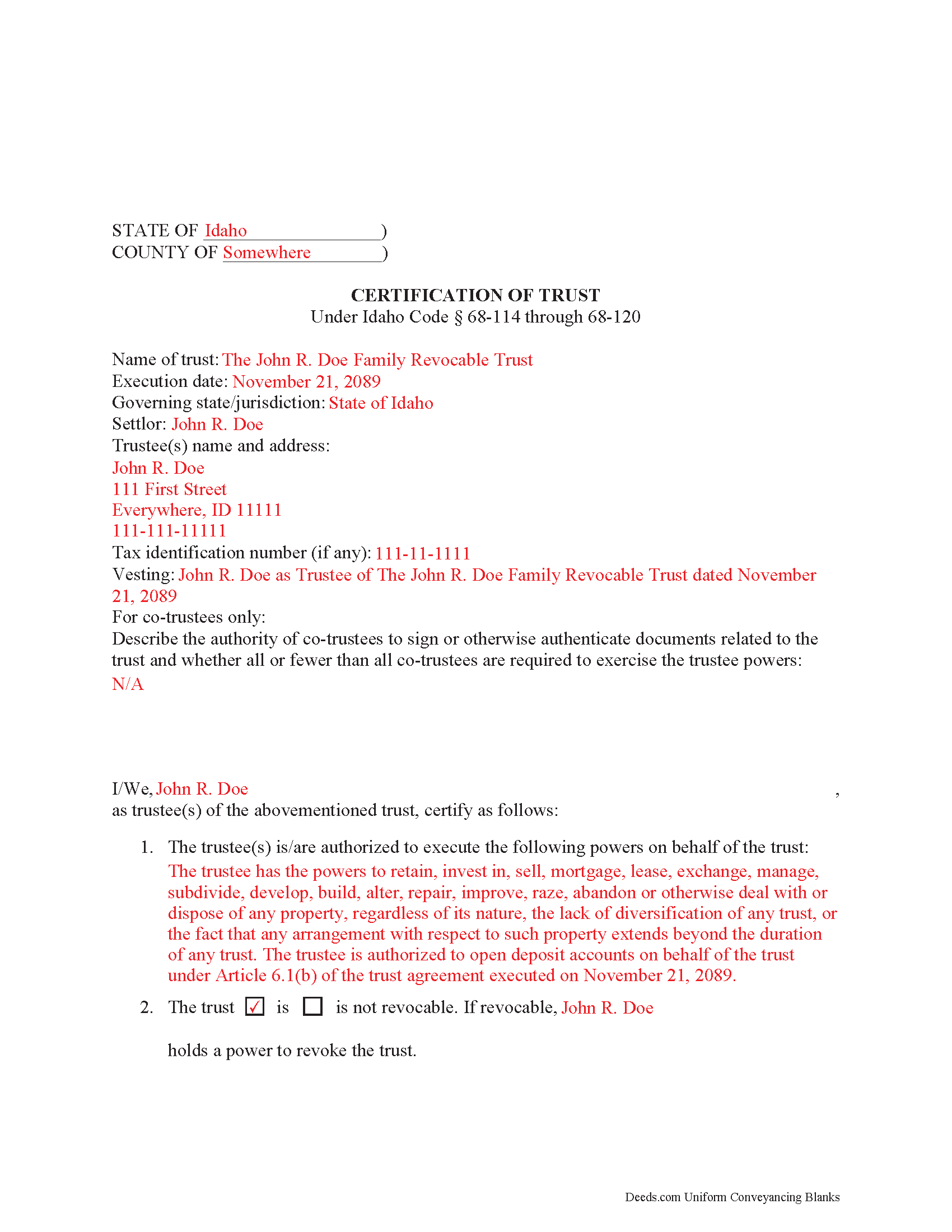
Boundary County Completed Example of the Certificate of Trust Document
Example of a properly completed form for reference.
All 3 documents above included • One-time purchase • No recurring fees
Immediate Download • Secure Checkout
Additional Idaho and Boundary County documents included at no extra charge:
Where to Record Your Documents
Boundary County Clerk/Auditor/Recorder
Bonners Ferry, Idaho 83805
Hours: 9:00am to 5:00pm M-F
Phone: (208) 267-2242
Recording Tips for Boundary County:
- Bring your driver's license or state-issued photo ID
- Ensure all signatures are in blue or black ink
- Ask for certified copies if you need them for other transactions
- Ask if they accept credit cards - many offices are cash/check only
- Check that your notary's commission hasn't expired
Cities and Jurisdictions in Boundary County
Properties in any of these areas use Boundary County forms:
- Bonners Ferry
- Eastport
- Moyie Springs
- Naples
- Porthill
Hours, fees, requirements, and more for Boundary County
How do I get my forms?
Forms are available for immediate download after payment. The Boundary County forms will be in your account ready to download to your computer. An account is created for you during checkout if you don't have one. Forms are NOT emailed.
Are these forms guaranteed to be recordable in Boundary County?
Yes. Our form blanks are guaranteed to meet or exceed the applicable formatting requirements used for recording in Boundary County, including margin requirements, font requirements, and other layout standards. This guarantee applies to formatting, not to the legal sufficiency of information entered by the user or the suitability of a form for a particular transaction.
Can I reuse these forms?
Yes. You can reuse the forms for your personal use. For example, if you have multiple properties in Boundary County you only need to order once.
What do I need to use these forms?
The forms are PDFs that you fill out on your computer. The free Adobe Acrobat Reader is recommended, and most PDF apps also work. You do NOT enter your property information online - you download the blank forms and complete them privately on your own computer.
Are there any recurring fees?
No. This is a one-time purchase. Nothing to cancel, no memberships, no recurring fees.
How much does it cost to record in Boundary County?
Recording fees in Boundary County vary. Contact the recorder's office at (208) 267-2242 for current fees.
Questions answered? Let's get started!
Under the Idaho Uniform Trustees' Powers Act, (Sections 68-114 through 68-120, Idaho Code), trustees of Idaho trusts may present a certificate supplying relevant information when engaging in transactions involving trust property. The executed certificate provides assurances about the validity of the trust and protects those who rely on the facts contained in the certificate.
Important: Your property must be located in Boundary County to use these forms. Documents should be recorded at the county recording office listed above.
This Certificate of Trust meets all recording requirements specific to Boundary County.
Our Promise
The documents you receive here are guaranteed to meet or exceed the applicable Boundary County recording format requirements. If there is a rejection caused by our formatting, we will correct the issue or refund your payment. This guarantee applies to document formatting only and does not extend to information entered by the user, the selection of the form, or the legal effect of the completed document.
Save Time and Money
Get your Boundary County Certificate of Trust form done right the first time with Deeds.com Uniform Conveyancing Blanks. At Deeds.com, we understand that your time and money are valuable resources, and we don't want you to face a penalty fee or rejection imposed by a county recorder for submitting nonstandard documents. We constantly review and update our forms to meet rapidly changing state and county recording requirements for roughly 3,500 counties and local jurisdictions.
4.8 out of 5 - ( 4,829 Reviews )
Michael W. 5 out of 5 stars
So far the web site and the tools are a pleasure to use. The price is reasonable. If only getting rid of this timeshare in Mashpee Massachusetts (that I have owned for over thirty years) was this easy.
We appreciate your business and value your feedback. Thank you. Have a wonderful day!
james B. 5 out of 5 stars
Downloaded quickly and saved to hard drive easily. I then opened in Adobe Acrobat Reader DC then was able to enter and save data in appropriate blanks. Yes, worth $22.
We appreciate your business and value your feedback. Thank you. Have a wonderful day!
Daniel Z. 5 out of 5 stars
I am satisfied with the service. Live in another state and could not go directly to the county office for my deed. Your service solved my problem. Thank you
We appreciate your business and value your feedback. Thank you. Have a wonderful day!
Geoffrey M. 5 out of 5 stars
Very convenient online document recording with great and quick service. Thank you!
Thank you!
Kateri S. 4 out of 5 stars
I had to add a section on the form to accomodate the former Grantor/Grantee informtion before it could be recorded
Your insights are invaluable to us and help us strive for better service. Thank you for taking the time to share your thoughts.
Duane S. 5 out of 5 stars
Really glad to find your site. Made filing so much easier.
Thank you for your feedback. We really appreciate it. Have a great day!
Raymond P. 5 out of 5 stars
User Friendly- so easy to fill in online!!!
We appreciate your business and value your feedback. Thank you. Have a wonderful day!
Lynn S. 5 out of 5 stars
Awesome service! I was a first time user recording a document online. I received alerts and updates throughout the process to completion of recording. I highly recommend deeds.com. They made this process stress free. Thank you
Thank you Lynn, we appreciate the kind words. Have an amazing day!
Kevin L. 5 out of 5 stars
All the paperwork I need......Great service
We appreciate your business and value your feedback. Thank you. Have a wonderful day!
iris e. 5 out of 5 stars
Easy to use website. customer service messages you back super quickly. They also double check your work and if anything is missing they message me right away. Price is reasonable. I highly recommend their services. 5 Star hands Down!!
We are grateful for your engagement and feedback, which help us to serve you better. Thank you for being an integral part of our community.
William H. 5 out of 5 stars
The form cost was reasonable - it helped me organize my thoughts and write things down to help minimize the attorney fees.
We are grateful for your engagement and feedback, which help us to serve you better. Thank you for being an integral part of our community.
Donald H. 5 out of 5 stars
Easy to use and very quick turn around ... Very satisfied with ease of use and services provided ...
Thank you for your feedback. We really appreciate it. Have a great day!
Marilyn T. 5 out of 5 stars
This is an extremely user friendly site! I had been searching the internet for days for the proper Gift Deed document. I had no idea that my state, the great state of Mississippi had their own site. I am truly looking forward to using this site for additional available documents. Many more blessings to the creator of this site! Keep them coming! Thank You!
We appreciate your business and value your feedback. Thank you. Have a wonderful day!
Karen G. 5 out of 5 stars
Not difficult at all! Which is great for me...
Thank you for your feedback. We really appreciate it. Have a great day!
Daniel F. 4 out of 5 stars
It was convenient to be able to download the deed template, instructions, and a completed sample deed all from deeds.com. I was able to complete my deed with little effort. My only complaint is that the editable fields in the pdf document are of fixed size, leaving some large spaces within a sentence, for example: Executed on this 1st day of July ,2020. This makes the printed document look a little peculiar.
Thank you for your feedback. We really appreciate it. Have a great day!