Bonner County Trustee Deed Form
Last validated October 16, 2026 by our Forms Development TeamFormatted for recording in Bonner County, for property anywhere in the county: rural and unincorporated areas as well as Blanchard, Careywood, Clark Fork, Cocolalla, Colburn, Coolin, Dover, Hope and 8 more.
- 3 documents included
- Immediate PDF download
- Formatting guarantee
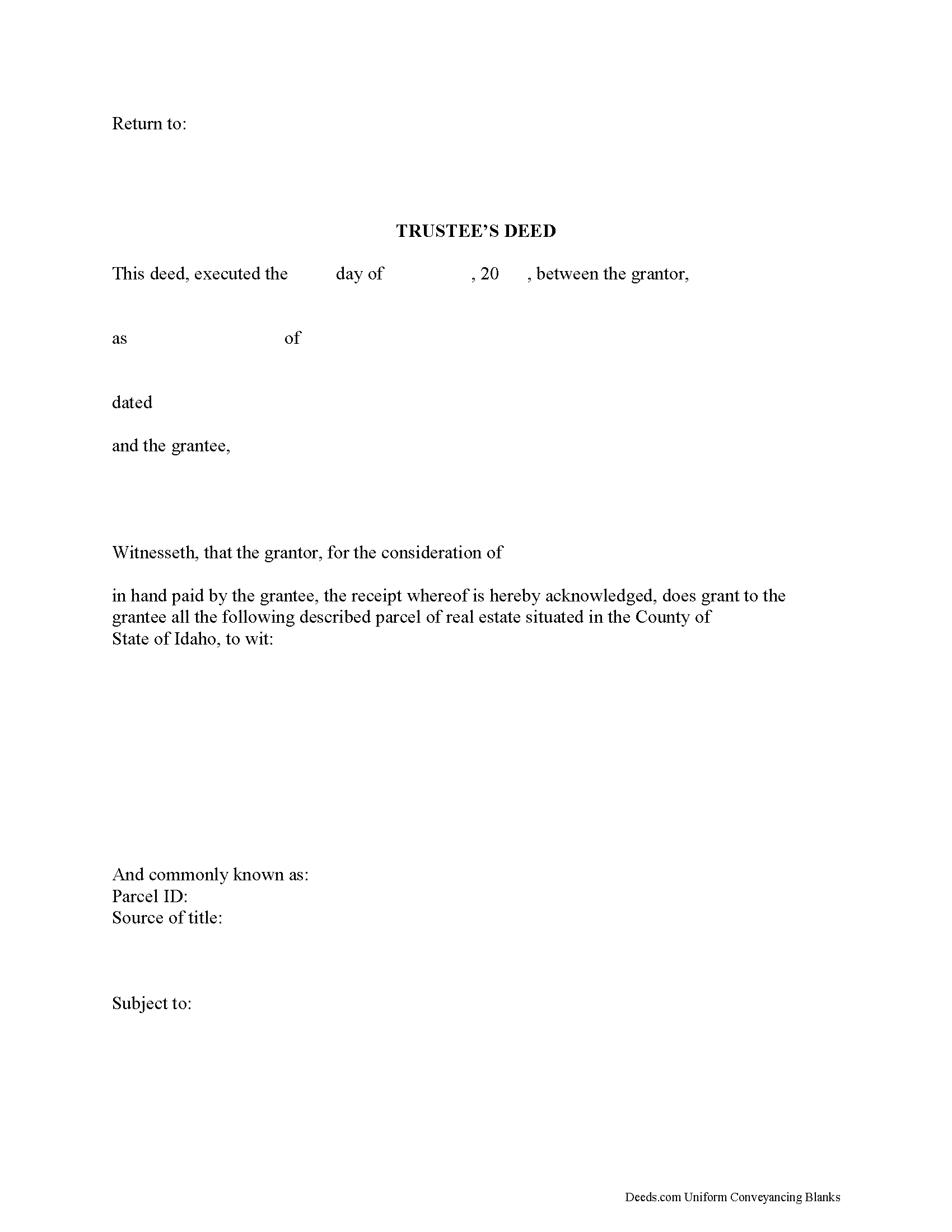
Bonner County Trustee Deed Form
Fill in the blank form formatted to comply with all recording and content requirements.
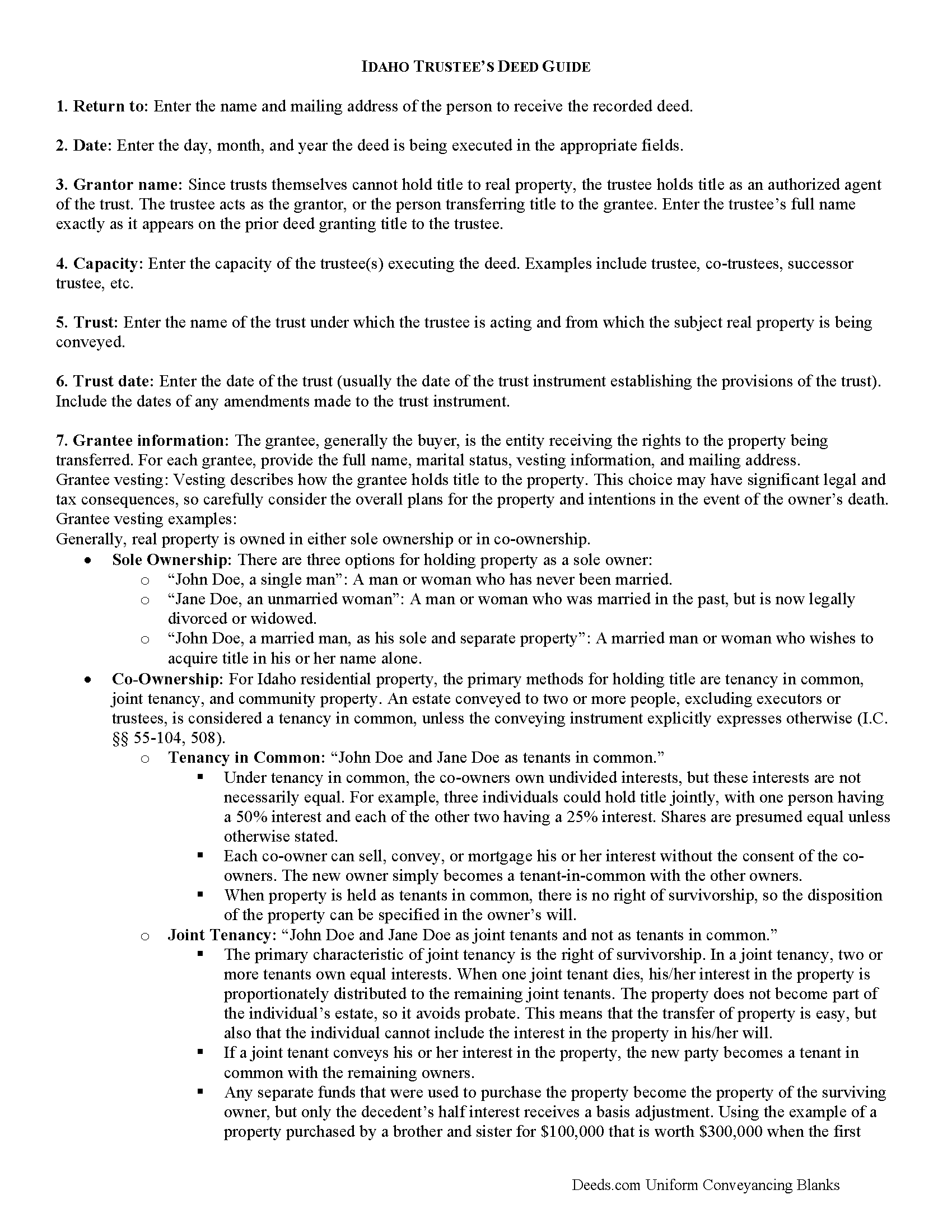
Bonner County Trustee Deed Guide
Line by line guide explaining every blank on the form.
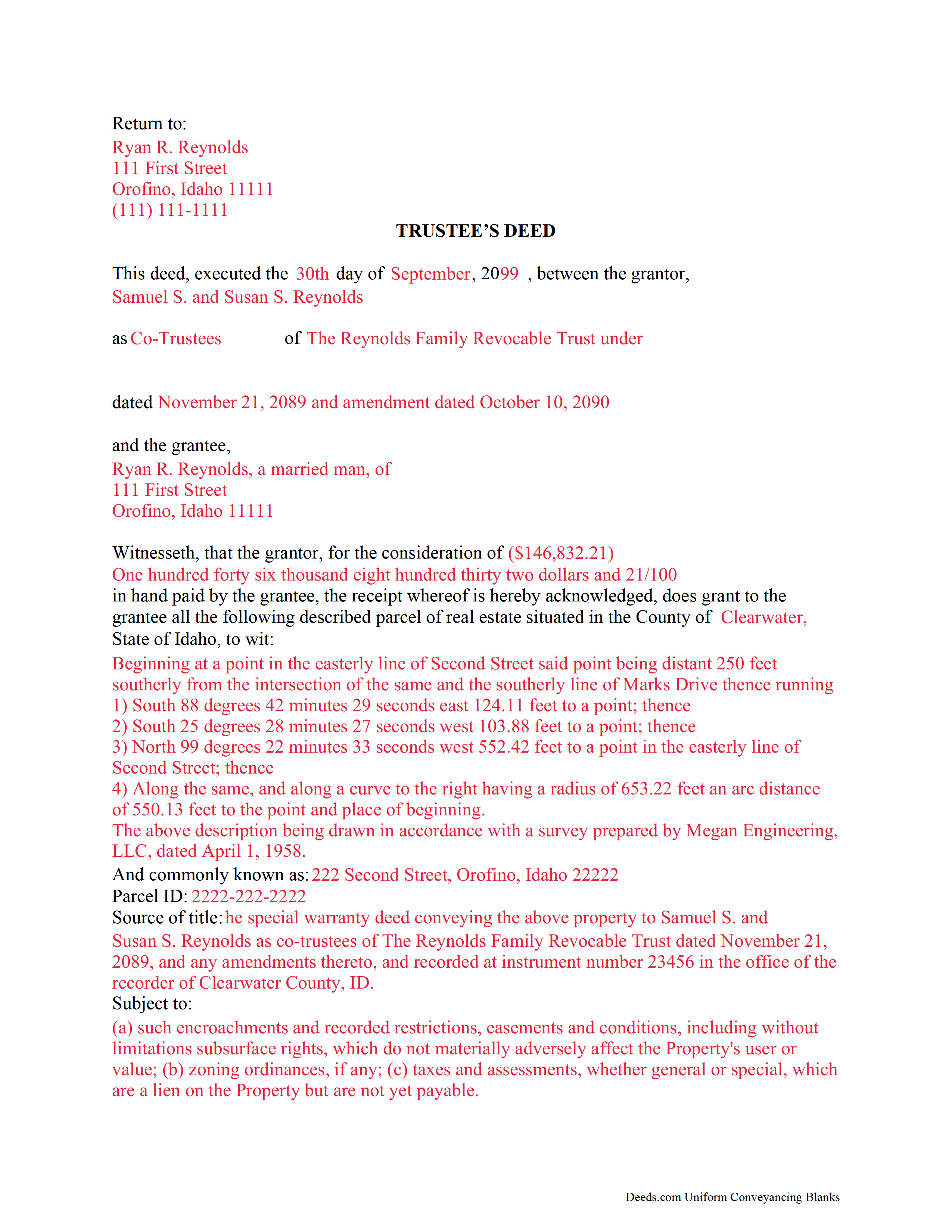
Bonner County Completed Example of the Trustee Deed Document
Example of a properly completed form for reference.
All 3 documents above included • One-time purchase • No recurring fees
Immediate Download • Secure Checkout
Additional Idaho and Bonner County documents included at no extra charge:
Where to Record Your Documents
Bonner County Clerk
Sandpoint, Idaho 83864
Hours: Monday - Friday 8am to 5pm / recording until 4:30 pm
Phone: (208) 265-1437
Recording Tips for Bonner County:
- Bring your driver's license or state-issued photo ID
- Ensure all signatures are in blue or black ink
- Ask if they accept credit cards - many offices are cash/check only
- Check that your notary's commission hasn't expired
- Documents must be on 8.5 x 11 inch white paper
Cities and Jurisdictions in Bonner County
Properties in any of these areas use Bonner County forms:
- Blanchard
- Careywood
- Clark Fork
- Cocolalla
- Colburn
- Coolin
- Dover
- Hope
- Kootenai
- Laclede
- Nordman
- Oldtown
- Ponderay
- Priest River
- Sagle
- Sandpoint
Hours, fees, requirements, and more for Bonner County
How do I get my forms?
Forms are available for immediate download after payment. The Bonner County forms will be in your account ready to download to your computer. An account is created for you during checkout if you don't have one. Forms are NOT emailed.
Are these forms guaranteed to be recordable in Bonner County?
Yes. Our form blanks are guaranteed to meet or exceed the applicable formatting requirements used for recording in Bonner County, including margin requirements, font requirements, and other layout standards. This guarantee applies to formatting, not to the legal sufficiency of information entered by the user or the suitability of a form for a particular transaction.
Can I reuse these forms?
Yes. You can reuse the forms for your personal use. For example, if you have multiple properties in Bonner County you only need to order once.
What do I need to use these forms?
The forms are PDFs that you fill out on your computer. The free Adobe Acrobat Reader is recommended, and most PDF apps also work. You do NOT enter your property information online - you download the blank forms and complete them privately on your own computer.
Are there any recurring fees?
No. This is a one-time purchase. Nothing to cancel, no memberships, no recurring fees.
How much does it cost to record in Bonner County?
Recording fees in Bonner County vary. Contact the recorder's office at (208) 265-1437 for current fees.
Questions answered? Let's get started!
The Idaho trustee's deed conveys property out of a trust. This type of deed is named for the person executing the instrument rather than the type warranties it contains. The trustee's deed is a modified fee simple deed, and contains only the covenants stated in I. C. 55-612.
The deed names the trustee as the grantor and the name and date of the trust under which the trustee is acting. A certificate of trust under I.C. 68-115 is sometimes used in conjunction with transactions by a trustee.
As with all instruments of conveyance in Idaho, the grantee's full name and mailing address is required in the granting clause (I.C. 55-601). To delineate the specific parcel conveyed, the legal description of the real property must appear on the conveyance. All acting trustees need to sign the deed in the presence of a notary public before it is submitted for recording in the county in which the real property is situated.
Important: Your property must be located in Bonner County to use these forms. Documents should be recorded at the county recording office listed above.
This Trustee Deed meets all recording requirements specific to Bonner County.
Our Promise
The documents you receive here are guaranteed to meet or exceed the applicable Bonner County recording format requirements. If there is a rejection caused by our formatting, we will correct the issue or refund your payment. This guarantee applies to document formatting only and does not extend to information entered by the user, the selection of the form, or the legal effect of the completed document.
Save Time and Money
Get your Bonner County Trustee Deed form done right the first time with Deeds.com Uniform Conveyancing Blanks. At Deeds.com, we understand that your time and money are valuable resources, and we don't want you to face a penalty fee or rejection imposed by a county recorder for submitting nonstandard documents. We constantly review and update our forms to meet rapidly changing state and county recording requirements for roughly 3,500 counties and local jurisdictions.
4.8 out of 5 - ( 4,828 Reviews )
Betty H. S. 5 out of 5 stars
I have no complaints thank you.
Thanks Betty, Have a great day!
Larry B. 5 out of 5 stars
Clear Directions; worked well.
We appreciate your business and value your feedback. Thank you. Have a wonderful day!
Burr A. 5 out of 5 stars
So far so good. Prompt and responsive. Thank you.
Thank you!
Robert R. 5 out of 5 stars
Just joined. Recommended by a strong source. Looking forward to doing business.
Thank you!
DONALD L P. 5 out of 5 stars
HAD WRONG PASSWORD; PROGRAM MADE CHANGE EASY.
Thank you!
Frank B. 5 out of 5 stars
Great website, super easy to use, user friendly to navigate. Will definitely use for future needs, and will definitely refer to other customers. F. Betancourt Texas
Thank you!
Roy T. 5 out of 5 stars
Thank you for an easy to use system. I was able to find all the information I needed.
We appreciate your business and value your feedback. Thank you. Have a wonderful day!
Donna G. 5 out of 5 stars
Very happy with this service, comprehensive detailed instructions as well as correct forms for my location
We appreciate your business and value your feedback. Thank you. Have a wonderful day!
Carol D. 5 out of 5 stars
No review provided.
Thank you!
Donna C. 5 out of 5 stars
I was very impressed with the system. Easy to navigate. Took less than 15 minutes to get what I needed.
We appreciate your business and value your feedback. Thank you. Have a wonderful day!
steven l. 3 out of 5 stars
As a first time user and not having knowledge of how your site worked it was awkward to upload a file and not know what to do next. I found out there is nothing to do next but that after some time looking for a submit button or some kind of confirmation that I was doing the right thing. Ended up being very easy, just wasted time trying to figure out what to do when there was nothing left to do.
Thank you!
Leah P. 5 out of 5 stars
Thank you for your complete listing of deeds and forms. The Deed form I needed worked perfectly!
Thank you!
Terrill B. 5 out of 5 stars
I found it very difficult to find this website, had my accountant search for me. Instructions are invaluable through guide and example. Thank you for them.
We appreciate your business and value your feedback. Thank you. Have a wonderful day!
Warren R. 4 out of 5 stars
Nice service at a fair price. Website is not very user oriented. Messages accumulate in the messages area but are not emailed to the client. If you used the service regularly, it would be more understandable but for a first time or occasional user, the site can be time consuming.
Thank you!
Trace A. 5 out of 5 stars
Deeds.com had much better and fuller information than any other help i found (90% complete vs 60 % complete); they tout how up-to-date they are on all the counties in the country and the idiosyncrasies of each county's forms and procedures; but some minor points of the info i needed were missing or confusing. Including that they sold me on e-Recording my deed through them, only to find out after i had done all the prep for that, that they had failed to tell me upfront (or i missed it somehow) that the county i was dealing with did not yet accept online recording. So, they were by far the best i found, but not 100%.
Thank you for your honest and thorough feedback Trace. We will review your concerns carefully in an effort to improve our services. Hope you have an amazing day.