Crawford County Correction Deed Form
Last validated October 29, 2026 by our Forms Development TeamFormatted for recording in Crawford County, for property anywhere in the county: rural and unincorporated areas as well as Annapolis, Flat Rock, Hutsonville, Oblong, Palestine, Robinson, Stoy, West York.
- 3 documents included
- Immediate PDF download
- Formatting guarantee
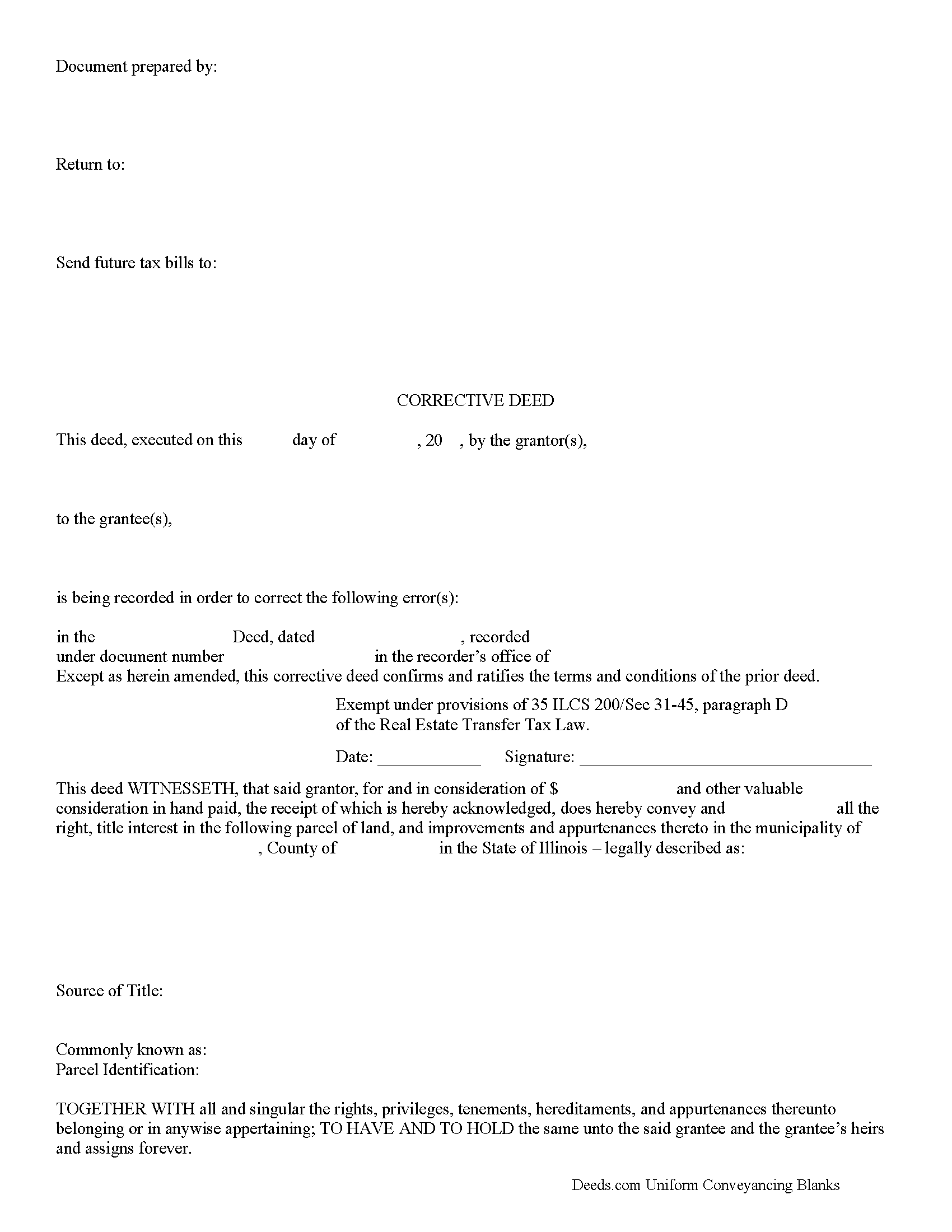
Crawford County Correction Deed Form
Fill in the blank form formatted to comply with all recording and content requirements.
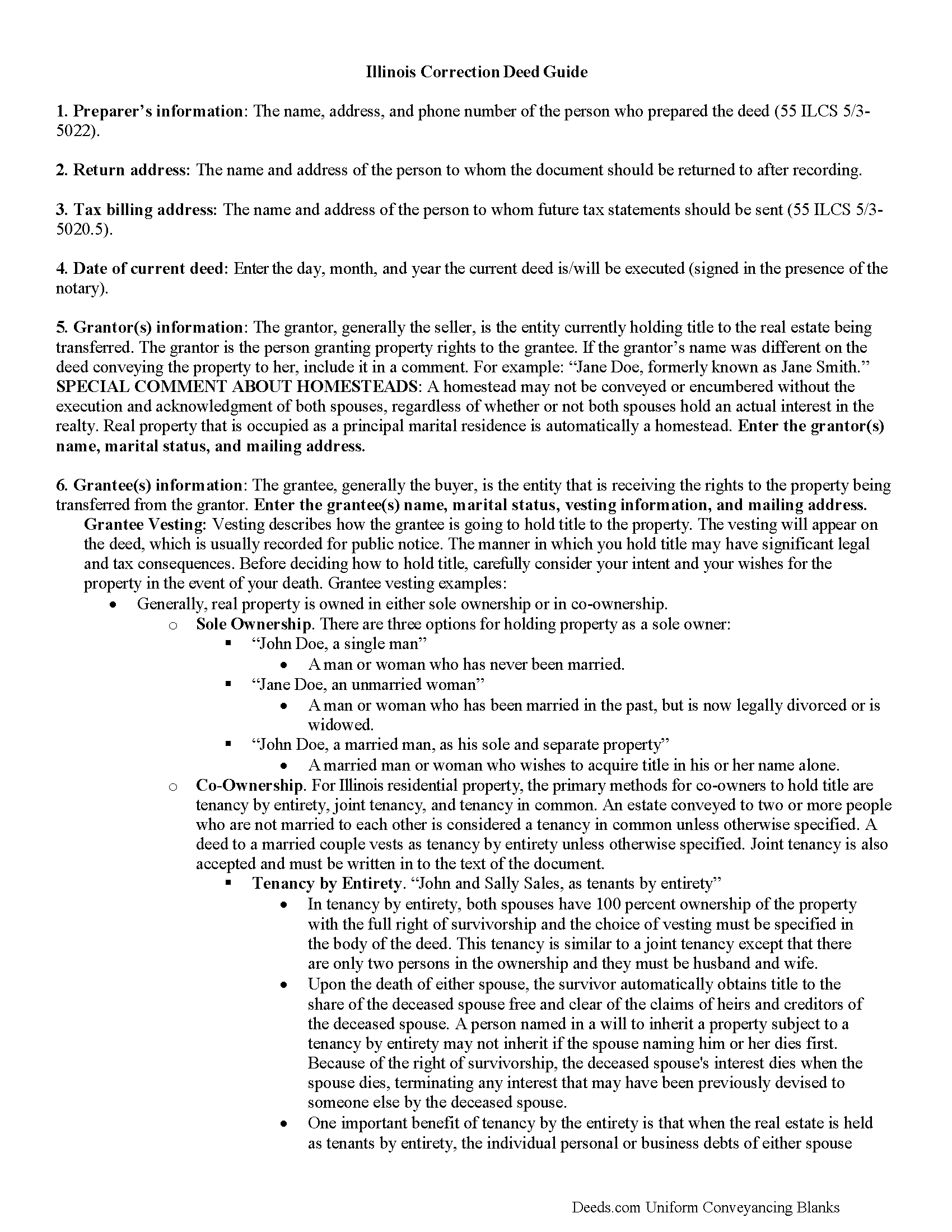
Crawford County Correction Deed Guide
Line by line guide explaining every blank on the form.
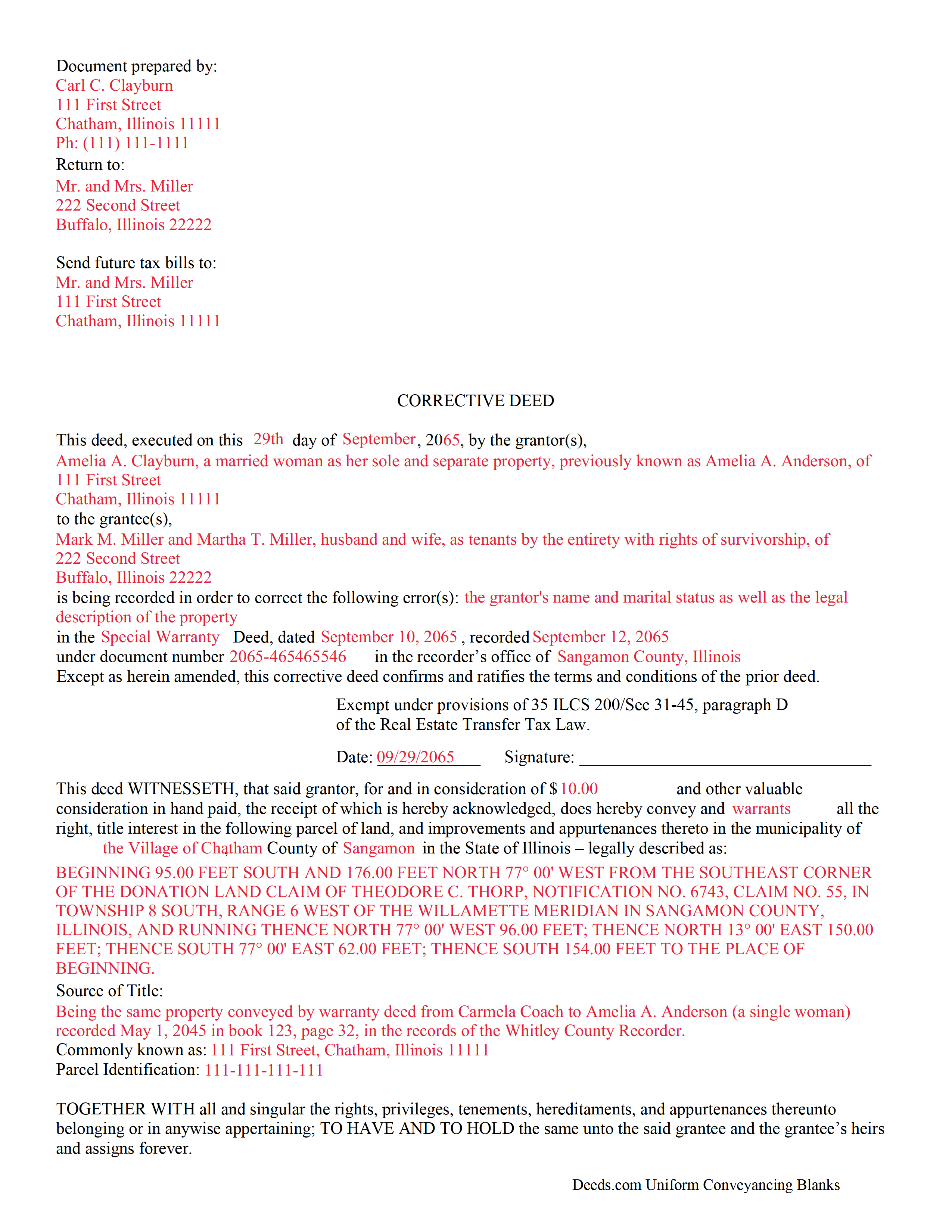
Crawford County Completed Example of the Correction Deed Document
Example of a properly completed form for reference.
All 3 documents above included • One-time purchase • No recurring fees
Immediate Download • Secure Checkout
Additional Illinois and Crawford County documents included at no extra charge:
Where to Record Your Documents
County Clerk / Recorder
Robinson, Illinois 62454
Hours: 8:30 to 4:00 M-F
Phone: (618) 546-1212
Recording Tips for Crawford County:
- Bring your driver's license or state-issued photo ID
- Ensure all signatures are in blue or black ink
- Request a receipt showing your recording numbers
- Ask about accepted payment methods when you call ahead
- Ask for certified copies if you need them for other transactions
Cities and Jurisdictions in Crawford County
Properties in any of these areas use Crawford County forms:
- Annapolis
- Flat Rock
- Hutsonville
- Oblong
- Palestine
- Robinson
- Stoy
- West York
Hours, fees, requirements, and more for Crawford County
How do I get my forms?
Forms are available for immediate download after payment. The Crawford County forms will be in your account ready to download to your computer. An account is created for you during checkout if you don't have one. Forms are NOT emailed.
Are these forms guaranteed to be recordable in Crawford County?
Yes. Our form blanks are guaranteed to meet or exceed the applicable formatting requirements used for recording in Crawford County, including margin requirements, font requirements, and other layout standards. This guarantee applies to formatting, not to the legal sufficiency of information entered by the user or the suitability of a form for a particular transaction.
Can I reuse these forms?
Yes. You can reuse the forms for your personal use. For example, if you have multiple properties in Crawford County you only need to order once.
What do I need to use these forms?
The forms are PDFs that you fill out on your computer. The free Adobe Acrobat Reader is recommended, and most PDF apps also work. You do NOT enter your property information online - you download the blank forms and complete them privately on your own computer.
Are there any recurring fees?
No. This is a one-time purchase. Nothing to cancel, no memberships, no recurring fees.
How much does it cost to record in Crawford County?
Recording fees in Crawford County vary. Contact the recorder's office at (618) 546-1212 for current fees.
Questions answered? Let's get started!
Use a correction or corrective deed to clear up a title flaw in a deed recorded in Illinois. This form allows for correction of errors in one or multiple sections of the deed.
When correcting an error in a deed in Illinois, there are two basic options: 1) re-record the original deed with corrections made on the face of it by striking out the wrong item; or 2) record a correction or corrective deed. While some counties prefer re-recording the original deed, others recommend the cleaner recording of a new deed. So it is always a good idea to check with the local recorder's office. The gravity of the error and correction it requires also will determine which option to choose. Use the re-recording of the original deed primarily for smaller typographical mistakes.
When correcting a minor error and re-recording the prior deed, use the original deed only, strike through the wrong information, and write the correction down close to it and by hand. Usually, a cover page must be added, stating the important identifiers, as well as the reason for re-recording. For a more involved error, the correction deed might be a better option. Except for the corrected error, it restates and confirms all information of the prior deed, referencing it by date, recording number, and identifying the corrected error by type. In terms of recording fees, there may be a small difference between the two options in some counties.
A corrective deed is exempt from transfer tax according to 35 ILCS 200/35-41 (d). Add a sentence stating this exemption to the cover page when re-recording the original deed. On the corrective deed form, a tax statement, along with a line for the signature of the buyer, seller, or a representative, serves that purpose.
(Illinois Correction Deed Package includes form, guidelines, and completed example)
Important: Your property must be located in Crawford County to use these forms. Documents should be recorded at the county recording office listed above.
This Correction Deed meets all recording requirements specific to Crawford County.
Our Promise
The documents you receive here are guaranteed to meet or exceed the applicable Crawford County recording format requirements. If there is a rejection caused by our formatting, we will correct the issue or refund your payment. This guarantee applies to document formatting only and does not extend to information entered by the user, the selection of the form, or the legal effect of the completed document.
Save Time and Money
Get your Crawford County Correction Deed form done right the first time with Deeds.com Uniform Conveyancing Blanks. At Deeds.com, we understand that your time and money are valuable resources, and we don't want you to face a penalty fee or rejection imposed by a county recorder for submitting nonstandard documents. We constantly review and update our forms to meet rapidly changing state and county recording requirements for roughly 3,500 counties and local jurisdictions.
4.8 out of 5 - ( 4,843 Reviews )
Richard O. 4 out of 5 stars
It has an easy-to-use interface and well-formatted, detailed forms. Consider adding AI agents to assist in completing these forms from data provided or available from public sources. Overall, I am very satisfied!
Your feedback is greatly appreciated. Thank you for taking the time to share your experience!
Corinna N. 5 out of 5 stars
The website made it easy to find and print out the documents I needed. The whole process was straightforward and user-friendly. Highly recommend!
We are grateful for your feedback and looking forward to serving you again. Thank you!
KELLY P. 5 out of 5 stars
That was easy!!
Thank you!
Curtise L. 5 out of 5 stars
Excellent experience. Quickly responded and was able to get us exactly what we needed!
Thank you!
Martine S. 5 out of 5 stars
Very easy process and was recorded in a prompt manner. We will be using your services again in the future for sure.
We appreciate your business and value your feedback. Thank you. Have a wonderful day!
Andrea H. 5 out of 5 stars
Easy! Reasonable cost over and above the actual recording cost. Will save me the time I would have spent driving to the county offices.
We appreciate your business and value your feedback. Thank you. Have a wonderful day!
Paul N. 5 out of 5 stars
Had what I needed, service was excellent.
We appreciate your business and value your feedback. Thank you. Have a wonderful day!
Christine P. 5 out of 5 stars
I was hoping to find information of a property belonging to my grandparents. Your site says it can go back 10-20 years I will just have to go to the courthouse and research. But very good site if your looking for recent information.
Thank you for your feedback. We really appreciate it. Have a great day!
janice m. 5 out of 5 stars
was great!
Thank you!
April K. 5 out of 5 stars
Great service & quick response. Thank U.
We appreciate your business and value your feedback. Thank you. Have a wonderful day!
John C. 5 out of 5 stars
Ease and speed of recording are remarkable. This is especially true of deeds with problems: I often get feedback within minutes and can correct problems immediately and still complete the filing in the same day. I wish more counties accepted electronic filing! It would be helpful to list counties that do/do not accept electronic filing so I would not have to upload documents to find out my effort was fruitless.
We are grateful for your feedback and looking forward to serving you again. Thank you!
Rebecca M. 4 out of 5 stars
EASY DOWNLOAD AND PRINT AND / OR SAVE TO YOU PC WHICH SHOULD BE DONE BEFORE FILLING OUT. AFTER I actually use them I'll let you know if its all good, Thanks
Your feedback is greatly appreciated. Thank you for taking the time to share your experience!
Camesha Y. 5 out of 5 stars
Was working with a notary client that need to do a deed. We got on this site, ordered the blank forms, he filled them out and we printed them so he could sign. Really clean forms, easy to understand and complete in a hurry. I will be letting all my clients know about this site.
That's terrific Camesha, glad to hear. Have a great day!
Gerald N. 5 out of 5 stars
Very nice website!
Thank you!
Gary B. 2 out of 5 stars
After spending $21 to obtain a Quit Claim Deed form, I realized that I was in over my head. There are a lot of legal considerations and I am not familiar enough with the legal terms and choices to feel confident doing it myself. I since hired a paralegal service to prepare my Quit Claim. I wish I knew the knowledge required before I purchased.
Glad to hear you sought the assistance of a legal professional familiar with your specific situation Gary. We always recommend this to anyone not completely sure of what they are doing.