Pope County Quitclaim Deed (Corporation Grantor) Form
Last validated October 15, 2026 by our Forms Development TeamFormatted for recording in Pope County, for property anywhere in the county: rural and unincorporated areas as well as Eddyville, Golconda, Herod.
- 3 documents included
- Immediate PDF download
- Formatting guarantee
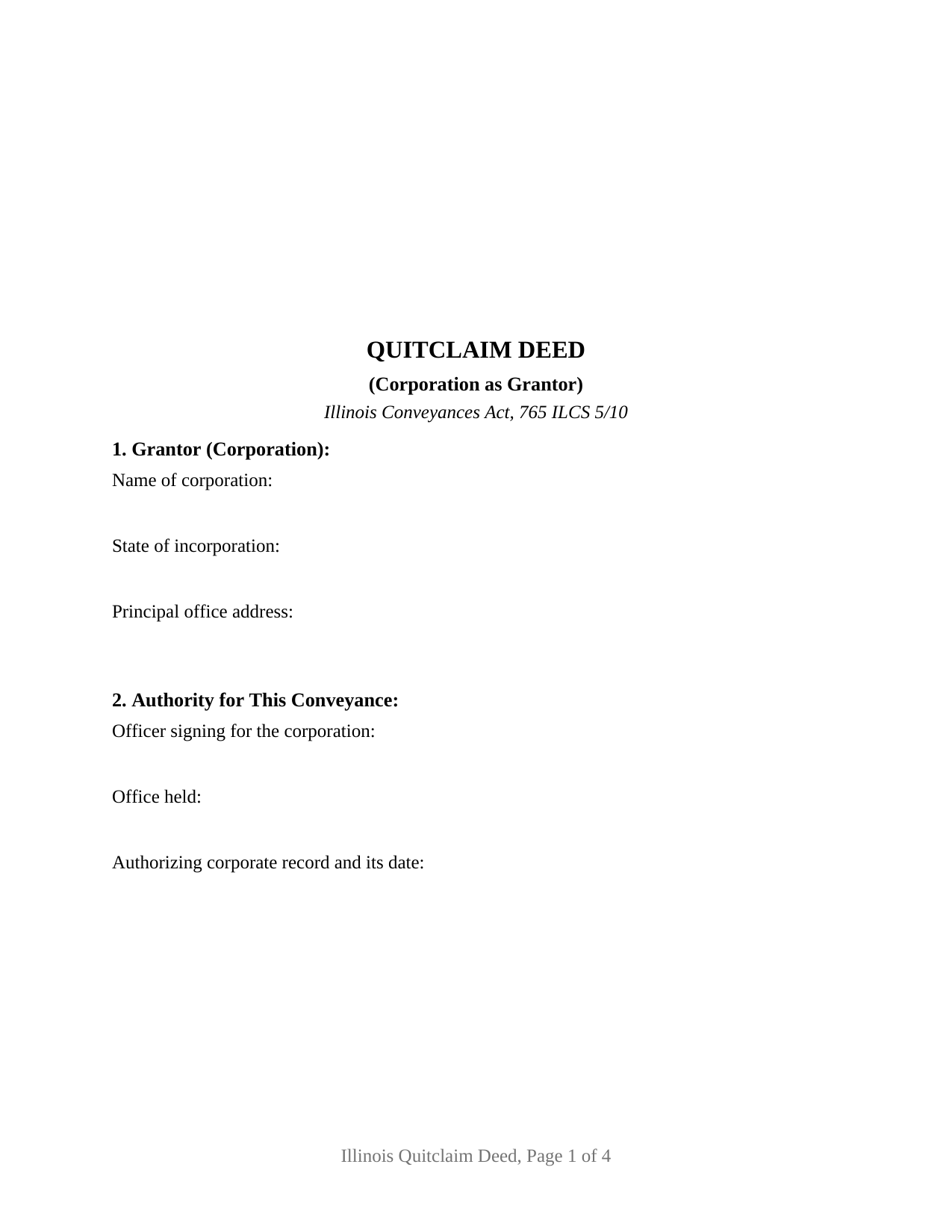
Pope County Quitclaim Deed (Corporation Grantor) Form
Fill in the blank Quitclaim Deed (Corporation Grantor) form formatted to comply with all Illinois recording and content requirements.
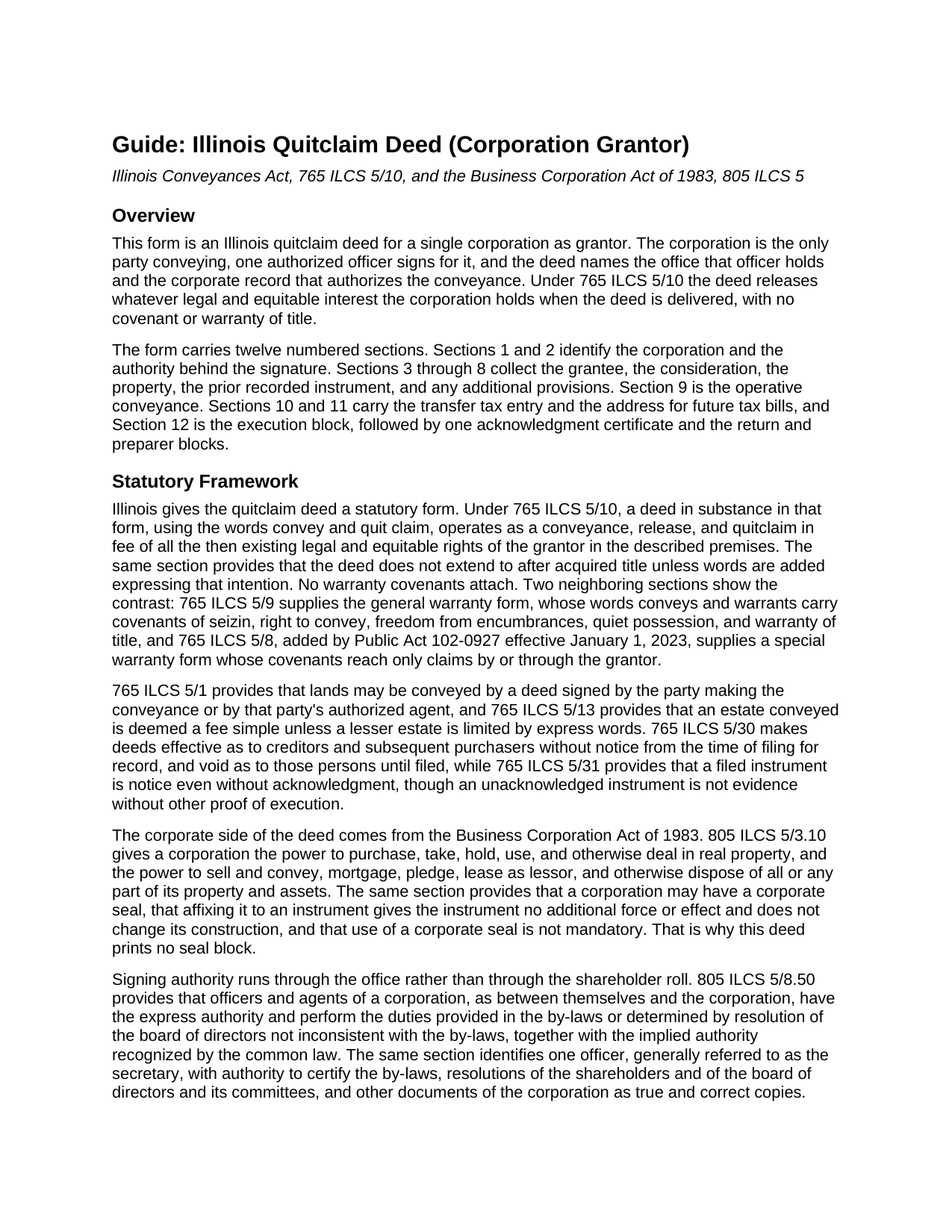
Pope County Quitclaim Deed (Corporation Grantor) Guide
Line by line guide explaining every blank on the Quitclaim Deed (Corporation Grantor) form.
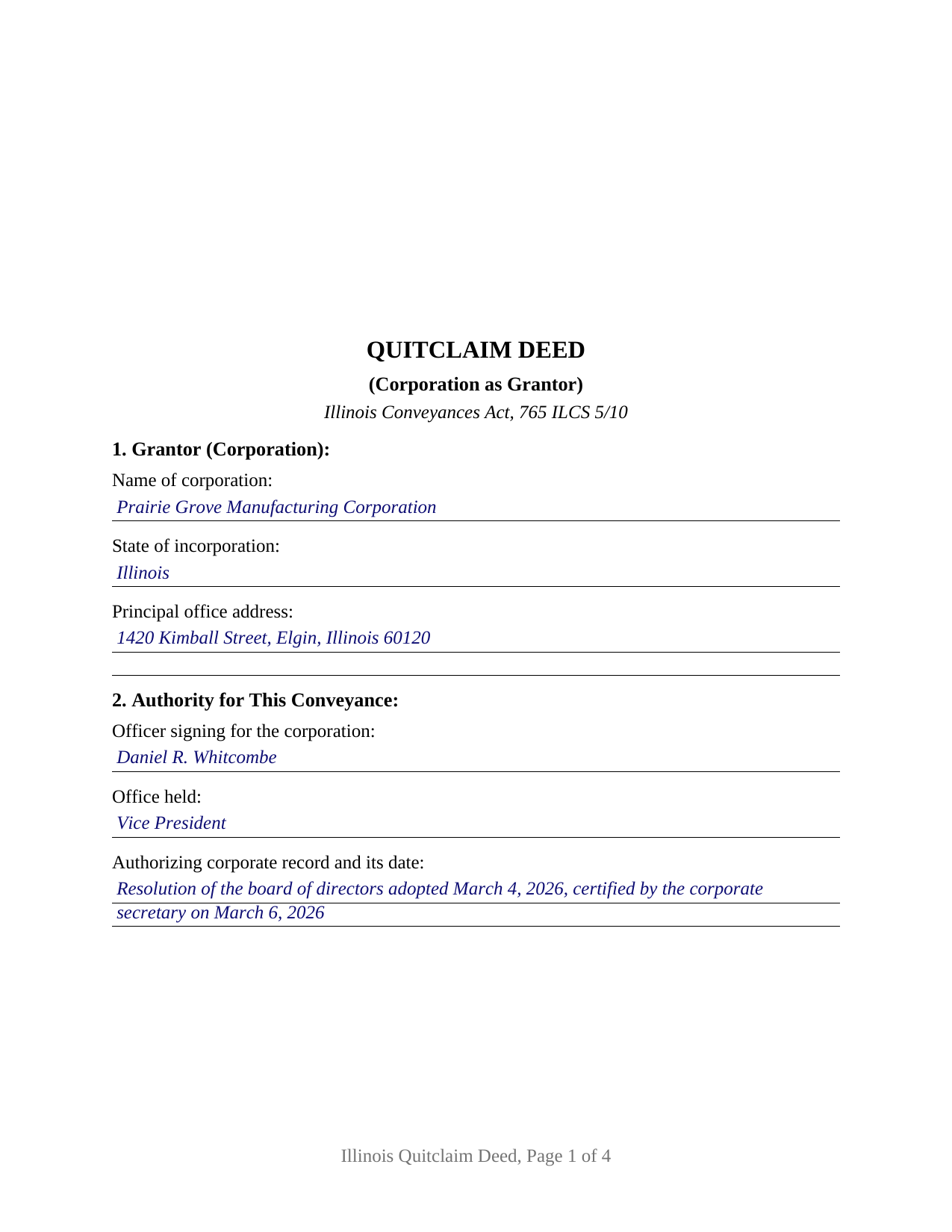
Pope County Completed Example of the Quitclaim Deed (Corporation Grantor) Document
Example of a properly completed Illinois Quitclaim Deed (Corporation Grantor) document for reference.
All 3 documents above included • One-time purchase • No recurring fees
Immediate Download • Secure Checkout
Additional Illinois and Pope County documents included at no extra charge:
Where to Record Your Documents
Pope County Clerk/Recorder
Golconda, Illinois 62938
Hours: 8:00 to 4:00 M-F
Phone: (618) 683-4466
Recording Tips for Pope County:
- Bring your driver's license or state-issued photo ID
- Ensure all signatures are in blue or black ink
- Make copies of your documents before recording - keep originals safe
- Recorded documents become public record - avoid including SSNs
- Recording fees may differ from what's posted online - verify current rates
Cities and Jurisdictions in Pope County
Properties in any of these areas use Pope County forms:
- Eddyville
- Golconda
- Herod
Hours, fees, requirements, and more for Pope County
How do I get my forms?
Forms are available for immediate download after payment. The Pope County forms will be in your account ready to download to your computer. An account is created for you during checkout if you don't have one. Forms are NOT emailed.
Are these forms guaranteed to be recordable in Pope County?
Yes. Our form blanks are guaranteed to meet or exceed the applicable formatting requirements used for recording in Pope County, including margin requirements, font requirements, and other layout standards. This guarantee applies to formatting, not to the legal sufficiency of information entered by the user or the suitability of a form for a particular transaction.
Can I reuse these forms?
Yes. You can reuse the forms for your personal use. For example, if you have multiple properties in Pope County you only need to order once.
What do I need to use these forms?
The forms are PDFs that you fill out on your computer. The free Adobe Acrobat Reader is recommended, and most PDF apps also work. You do NOT enter your property information online - you download the blank forms and complete them privately on your own computer.
Are there any recurring fees?
No. This is a one-time purchase. Nothing to cancel, no memberships, no recurring fees.
How much does it cost to record in Pope County?
Recording fees in Pope County vary. Contact the recorder's office at (618) 683-4466 for current fees.
Questions answered? Let's get started!
An Illinois corporation never signs anything itself. A person signs, in an office, on the strength of a record kept in the corporation's own books, and a deed that omits both hands the next title examiner a question. This form prepares that conveyance under 765 ILCS 5/10: the corporation stands alone as Grantor, and one authorized officer signs for it.
Where the signature gets its authority
805 ILCS 5/8.50 keeps the answer in two places. Officers hold the express authority the by-laws give them, or that the board fixes by resolution not inconsistent with the by-laws, together with the implied authority the common law recognizes for the office. The same section singles out one officer, generally the secretary, with power to certify by-laws and resolutions as true and correct copies. That certified copy is what a title company usually asks to see, and Section 2 identifies it: the signing officer, the office held, and the corporate record with its date.
Two Article 11 paths behind a corporate conveyance
The Business Corporation Act sorts dispositions by their relation to the business. Under 805 ILCS 5/11.55, a disposition of all, or substantially all, the property and assets made in the usual and regular course proceeds on terms the board authorizes, with no shareholder consent required. Outside that course, 805 ILCS 5/11.60 governs instead: notice to shareholders stating the purpose and their right to dissent, a vote the statute sets at two-thirds unless the articles of incorporation name a figure no lower than a majority, and a board free to abandon the transaction afterward. Dissenters' rights under 805 ILCS 5/11.65 and 11.70 ride with that second path. The deed settles none of this; it records the authority the corporation acted on.
The statutory words, and a seal that adds nothing
Section 9 carries the operative words of the statutory form, convey and quit claim, applied to all right, title, interest, claim, and demand the Grantor holds. A deed in that form releases in fee the rights existing at delivery, without covenant of title, and stops short of after-acquired title unless express words reach it in Section 8. No seal block prints here: 805 ILCS 5/3.10 gives a corporation the power to have a seal and says in the same breath that affixing one adds no force or effect and is not mandatory.
What the corporation grantor configuration carries
Section 1 recites the corporation by name, state of incorporation, and principal office; Section 2 names the individual signing and the office held. Section 12 then gives the corporation's name, one signature line, a printed name carrying name and office as 765 ILCS 5/35c contemplates, and one acknowledgment certificate in representative capacity. Corporate title patterns presenting this configuration include a manufacturer conveying a surplus parcel to the adjoining owner, a corporation transferring a parcel to an affiliate under common ownership, and a board authorizing a conveyance during winding up. A second signing officer sits outside this layout, as does an attesting countersignature, and no homestead clause prints, that estate belonging to individuals occupying a residence.
Dissolved corporations, and corporations from elsewhere
Two provisions reach past the ordinary case. 805 ILCS 5/12.30 ends corporate existence at dissolution, then provides that a dissolved corporation may transfer good and merchantable title to its assets as authorized by its board or in accordance with its by-laws, which gives a winding-up deed its footing. For a company organized elsewhere, 805 ILCS 5/13.70 shuts the Illinois courthouse door to a foreign corporation transacting business here without authority, while providing that the failure impairs neither the validity of any contract nor any act of the corporation.
What the recorder looks for
The form gathers the face-of-document content Illinois makes a condition of recording, each item in a labeled place, and page one reserves the corner the recorder stamps. Section 10 answers transfer tax either way: the PTAX-203 declaration or its MyDec equivalent on a taxable conveyance, or a signed and dated notation identifying the paragraph of 35 ILCS 200/31-45 relied on. A business conveyance is usually taxable, so the example runs the declaration route for a Kane County parcel.
The download holds three files: the fillable corporate quitclaim deed, an example completed through the notary's commission date, and a guide walking every numbered section along with authority, execution, notarization, and recording. Nothing here is legal advice. The materials describe Illinois law in general terms, and a question about one corporation's authority or a chain of title belongs with an Illinois attorney.
Important: Your property must be located in Pope County to use these forms. Documents should be recorded at the county recording office listed above.
This Quitclaim Deed (Corporation Grantor) meets all recording requirements specific to Pope County.
Our Promise
The documents you receive here are guaranteed to meet or exceed the applicable Pope County recording format requirements. If there is a rejection caused by our formatting, we will correct the issue or refund your payment. This guarantee applies to document formatting only and does not extend to information entered by the user, the selection of the form, or the legal effect of the completed document.
Save Time and Money
Get your Pope County Quitclaim Deed (Corporation Grantor) form done right the first time with Deeds.com Uniform Conveyancing Blanks. At Deeds.com, we understand that your time and money are valuable resources, and we don't want you to face a penalty fee or rejection imposed by a county recorder for submitting nonstandard documents. We constantly review and update our forms to meet rapidly changing state and county recording requirements for roughly 3,500 counties and local jurisdictions.
4.8 out of 5 - ( 4,836 Reviews )
Sue D. 5 out of 5 stars
Great program
Thank you!
Shirley S. 3 out of 5 stars
Laborious process to gain access; need to indicate PRIINT when complete and inform that if page is backspaced, entered info disappears, necessitating starting all over again. There is only one “A” provision, when some documents have several more. Space is too limited in some instances to provide what is necessary for recording. Thank you
Your feedback is valuable to us and helps us improve. Thank you for sharing your thoughts!
Ronald L. 3 out of 5 stars
There is not enough room on the form to describe my property which was taken directly from the previous deed. Other than that worked as expected.
Thank you for your feedback. We really appreciate it. Have a great day!
Kevin E. 5 out of 5 stars
Great app works very well thank you very much
Thank you!
Lisa C. 5 out of 5 stars
Thank you. Very easy!
We are delighted to have been of service. Thank you for the positive review!
Jolene K. 5 out of 5 stars
The forms were easy to download and use. I'm satisfied with it. The sample and the instructions were very helpful.
Thank you!
Patricia A. 5 out of 5 stars
This service was a godsend since I am currently disabled.
We appreciate your business and value your feedback. Thank you. Have a wonderful day!
William W. 5 out of 5 stars
No fuss-No muss. Very easy!
Thank you!
Janet M. 5 out of 5 stars
Deed.com is an amazing site. After calling many places and going on many websites to figure out what I needed to submit (most counties cannot help with questions and the place I needed to turn the documents into could not help either, they are not allowed to give legal advice) I came across Deeds.com. It has been so helpful and I was able to research what documents I needed. I purchased one document and after more research I realized I needed a different document. Deed.com refunded my first purchase. I then purchased an Affidavit of Death and a Deed for the county and state I needed them for. Both the example and guide were very helpful and I will be submitting my documents after I have them notarized. I give five stars
Your feedback is greatly appreciated. Thank you for taking the time to share your experience!
DARLA L. 5 out of 5 stars
I was happy with the quick response to obtain the requested forms. Effective and easy website to use.
We appreciate your business and value your feedback. Thank you. Have a wonderful day!
Diana M. 5 out of 5 stars
Awesome service. Quick and easy. Complete directions on how to complete the forms with examples for further assistance.
We appreciate your business and value your feedback. Thank you. Have a wonderful day!
Paul V. 5 out of 5 stars
Easy to use , so far
Thank you!
Jason B. 5 out of 5 stars
KVH provided excellent customer service (great communication was provided). I would differently use this service if needed in the further.
We appreciate your business and value your feedback. Thank you. Have a wonderful day!
Frank K. 5 out of 5 stars
One thing I suggest is use the nomenclature Borrower / Lender / instead of Mortgatator / Mortgatee… Had to google which is which ? !
Thank you for your feedback. We really appreciate it. Have a great day!
Steve R. 5 out of 5 stars
Great! One time cost, ordering was easy, documents where just what I needed.
We appreciate your business and value your feedback. Thank you. Have a wonderful day!