Peoria County Quitclaim Deed Form
Last validated October 15, 2026 by our Forms Development TeamFormatted for recording in Peoria County, for property anywhere in the county: rural and unincorporated areas as well as Brimfield, Chillicothe, Dunlap, Edelstein, Edwards, Elmwood, Glasford, Hanna City and 9 more.
- 3 documents included
- Immediate PDF download
- Formatting guarantee
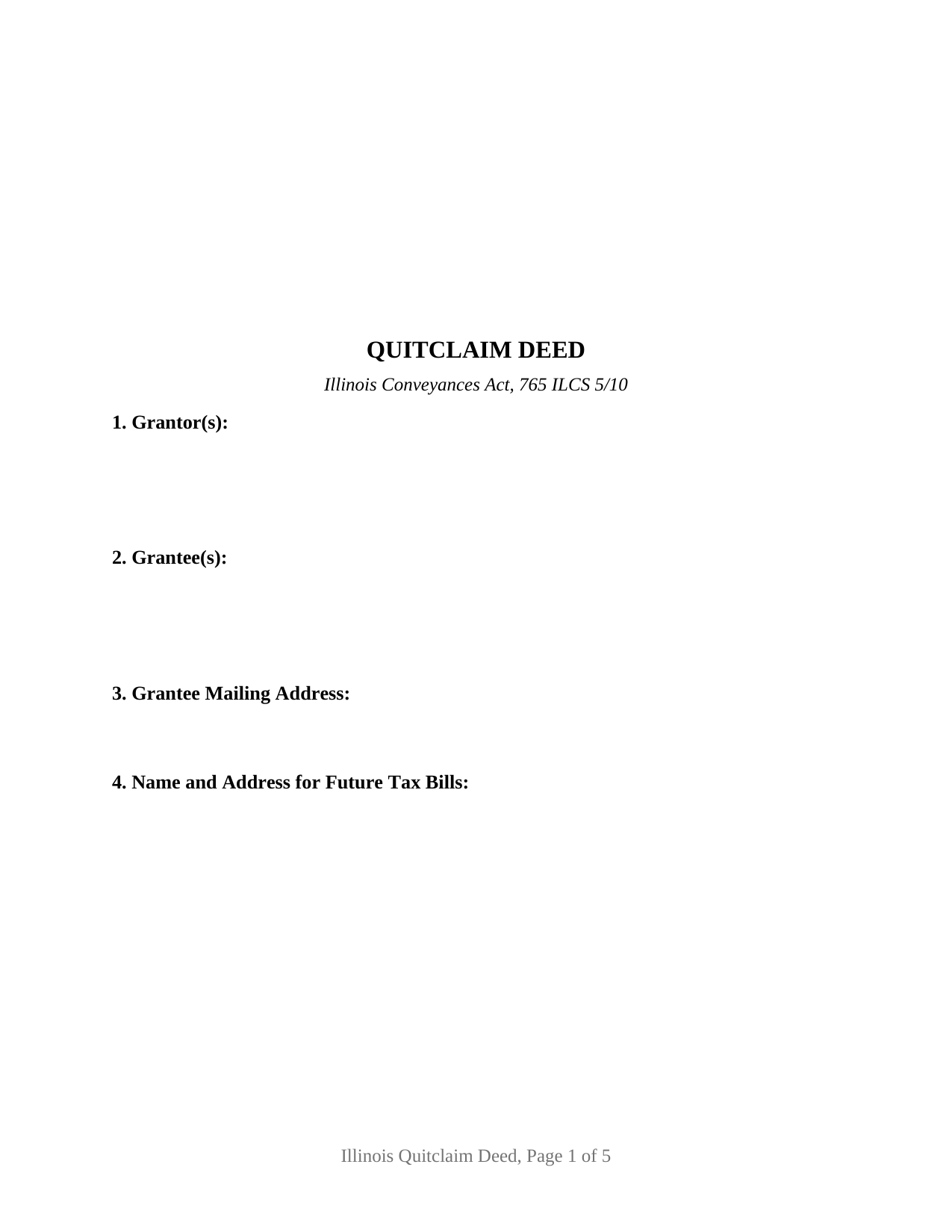
Peoria County Quitclaim Deed Form
Fill in the blank Quitclaim Deed form formatted to comply with all Illinois recording and content requirements.
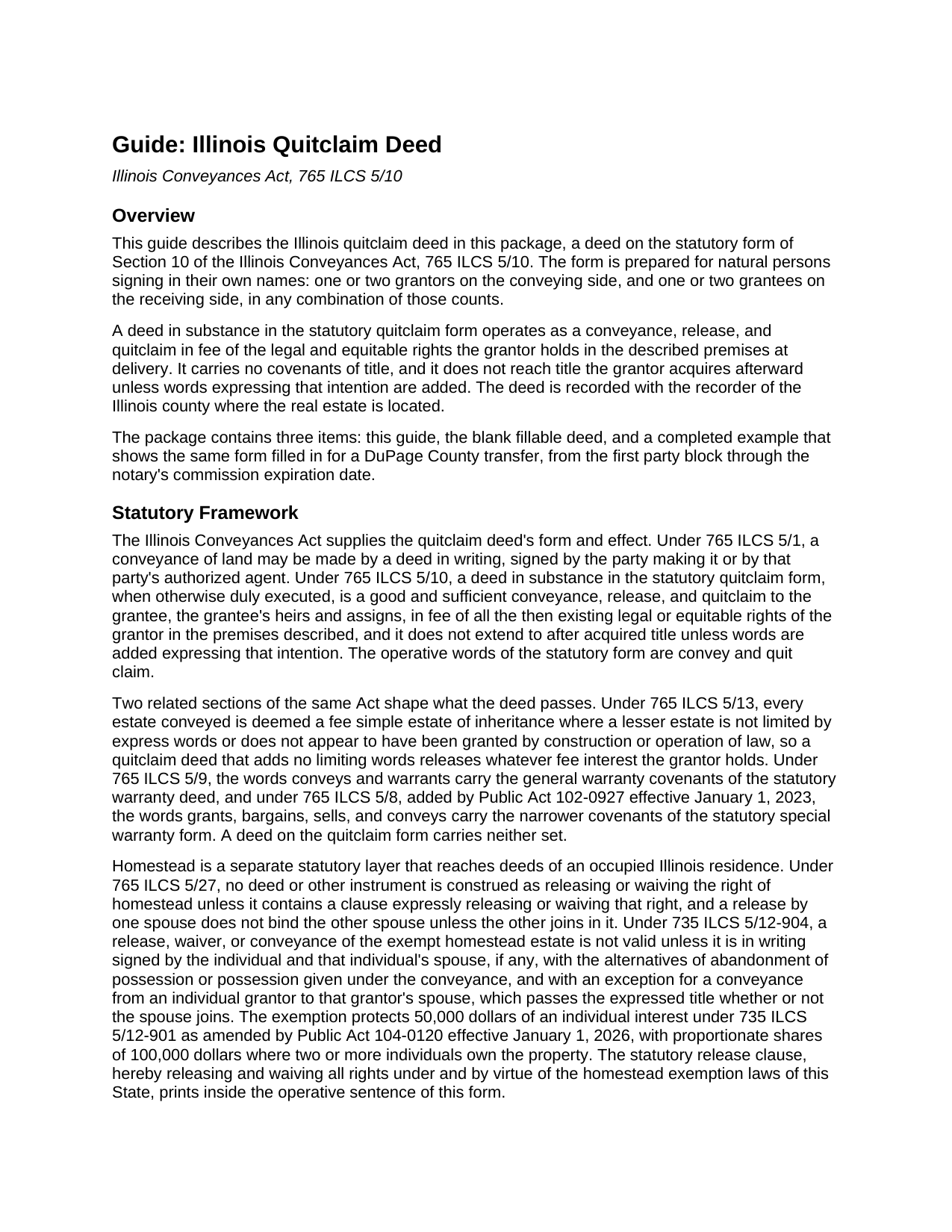
Peoria County Quitclaim Deed Guide
Line by line guide explaining every blank on the Quitclaim Deed form.
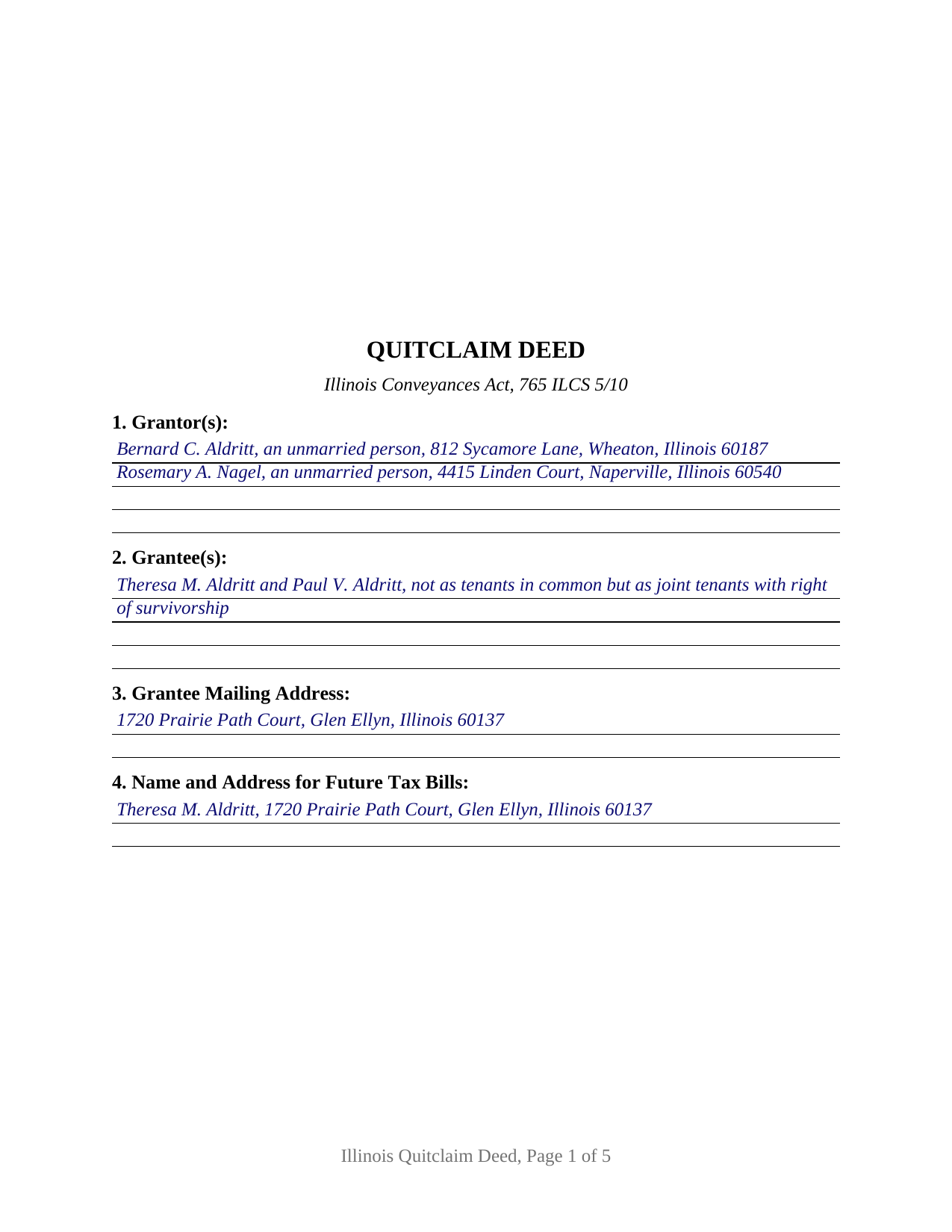
Peoria County Completed Example of the Quitclaim Deed Document
Example of a properly completed Illinois Quitclaim Deed document for reference.
All 3 documents above included • One-time purchase • No recurring fees
Immediate Download • Secure Checkout
Additional Illinois and Peoria County documents included at no extra charge:
Where to Record Your Documents
Recorder of Deeds
Peoria, Illinois 61602
Hours: Office Hours: Monday–Friday 8:30am–5:00pm / Recording Hours: Monday–Friday 8:30am–4:30pm
Phone: (309) 672-6090
Recording Tips for Peoria County:
- Bring your driver's license or state-issued photo ID
- Ensure all signatures are in blue or black ink
- Recording fees may differ from what's posted online - verify current rates
- Request a receipt showing your recording numbers
- Ask about accepted payment methods when you call ahead
Cities and Jurisdictions in Peoria County
Properties in any of these areas use Peoria County forms:
- Brimfield
- Chillicothe
- Dunlap
- Edelstein
- Edwards
- Elmwood
- Glasford
- Hanna City
- Kingston Mines
- Laura
- Mapleton
- Mossville
- Peoria
- Peoria Heights
- Princeville
- Rome
- Trivoli
Hours, fees, requirements, and more for Peoria County
How do I get my forms?
Forms are available for immediate download after payment. The Peoria County forms will be in your account ready to download to your computer. An account is created for you during checkout if you don't have one. Forms are NOT emailed.
Are these forms guaranteed to be recordable in Peoria County?
Yes. Our form blanks are guaranteed to meet or exceed the applicable formatting requirements used for recording in Peoria County, including margin requirements, font requirements, and other layout standards. This guarantee applies to formatting, not to the legal sufficiency of information entered by the user or the suitability of a form for a particular transaction.
Can I reuse these forms?
Yes. You can reuse the forms for your personal use. For example, if you have multiple properties in Peoria County you only need to order once.
What do I need to use these forms?
The forms are PDFs that you fill out on your computer. The free Adobe Acrobat Reader is recommended, and most PDF apps also work. You do NOT enter your property information online - you download the blank forms and complete them privately on your own computer.
Are there any recurring fees?
No. This is a one-time purchase. Nothing to cancel, no memberships, no recurring fees.
How much does it cost to record in Peoria County?
Recording fees in Peoria County vary. Contact the recorder's office at (309) 672-6090 for current fees.
Questions answered? Let's get started!
A quitclaim deed measures what it moves at a single moment. Under 765 ILCS 5/10 the words convey and quit claim release the rights a grantor holds in the premises described when the deed is delivered, and the statute stops there: title arriving afterward stays with the grantor unless the deed adds words expressing that intention. This Illinois form prints those statutory words above party blocks that stay open, one or two individuals on either side.
Released at delivery, and no further
A deed in substance in the statutory form is a good and sufficient conveyance, release, and quitclaim in fee of the grantor's then existing rights, and it promises nothing about what those rights are worth. No covenant of seisin, none against encumbrances, no defense of the title afterward: that is the distance between this instrument and the conveys and warrants form of 765 ILCS 5/9. What the Act does supply sits a few sections over, in 765 ILCS 5/13: absent express words of limitation, whatever the grantor holds passes in fee simple.
Party blocks the form leaves open
Sections 1 and 2 take one or two individuals each, with the residence, status, or co-ownership wording the parties themselves supply, and nothing marital, capacity, or vesting related is printed in advance. Four count patterns run through the one instrument: one grantor to one grantee, one to two, two to one, and two to two. Below them sit two signature blocks headed GRANTOR and SECOND GRANTOR (if applicable), each with an acknowledgment certificate carrying the substance of 765 ILCS 5/26, so two signers may appear before different notaries on different days; a conveyance by one grantor leaves the second block and its certificate empty. Where two grantees are named, the wording in Section 2 fixes how they take, and 765 ILCS 1005/1 answers a clause silent on the point by leaving them as tenants in common. A deed executed for a company, a corporation, a partnership, a trustee, or an agent under a power of attorney recites authority these blocks do not collect, and three or more owners on a side exceed their two-party capacity.
Homestead, stated and never assumed
The homestead estate moves on express words alone. 765 ILCS 5/27 construes no instrument as releasing or waiving that right unless a clause expressly does so, which is why the operative sentence here carries the statutory phrase releasing and waiving all rights under and by virtue of the homestead exemption laws of this State. Signatures are the second half of the question, and they answer to the statute: on an occupied residence 735 ILCS 5/12-904 measures a valid release of the exempt estate by a writing the owner and the owner's spouse have both signed, a signature the second block carries.
What a recorder reads before taking the deed
Illinois conditions recording on content printed on the face of the instrument, and each item occupies a numbered section: the grantee's name and address under 55 ILCS 5/3-5026, the tax bill endorsement of 765 ILCS 5/35c, the return entry and the prior document number under 55 ILCS 5/3-5020.5, and the preparer statement 55 ILCS 5/3-5022 makes a condition of recording. Geometry answers 55 ILCS 5/3-5018.2 and 55 ILCS 5/4-12002.3, down to the blank 3 by 5 inch space at the upper right corner of page one. One rule is this instrument's own: in a county of 3,000,000 or more inhabitants, 55 ILCS 5/3-5046 has the recorder mail notice to the owners of record whenever a quitclaim deed is filed.
One of two transfer tax routes
State tax under 35 ILCS 200/31-10 runs at 50 cents for each $500 of value, a county board may add up to 25 cents, and a municipality that has certified a home rule ordinance to the recorder stops the filing until its own tax is shown paid. A taxable transfer reaches the counter with the PTAX-203 declaration or its MyDec equivalent and the stamps. An exempt transfer instead carries the signed and dated notation Section 12 prints, naming the paragraph of 35 ILCS 200/31-45 the transfer rests on.
The download holds three files: the fillable Illinois quit claim deed form, a completed example filled in for a DuPage County transfer through the notary's commission expiration date, and a guide covering each numbered section along with signing, homestead, notarization, and county recording. These pages describe Illinois law in general terms and are not legal advice; an Illinois attorney or title company can speak to one particular title.
Important: Your property must be located in Peoria County to use these forms. Documents should be recorded at the county recording office listed above.
This Quitclaim Deed meets all recording requirements specific to Peoria County.
Our Promise
The documents you receive here are guaranteed to meet or exceed the applicable Peoria County recording format requirements. If there is a rejection caused by our formatting, we will correct the issue or refund your payment. This guarantee applies to document formatting only and does not extend to information entered by the user, the selection of the form, or the legal effect of the completed document.
Save Time and Money
Get your Peoria County Quitclaim Deed form done right the first time with Deeds.com Uniform Conveyancing Blanks. At Deeds.com, we understand that your time and money are valuable resources, and we don't want you to face a penalty fee or rejection imposed by a county recorder for submitting nonstandard documents. We constantly review and update our forms to meet rapidly changing state and county recording requirements for roughly 3,500 counties and local jurisdictions.
4.8 out of 5 - ( 4,831 Reviews )
CHARLES V. 5 out of 5 stars
Legit. Reasonable prices.
Thank you for your feedback. We really appreciate it. Have a great day!
David P. 5 out of 5 stars
You make the recording/registration process easy to follow - the value to price ratio is awesome!
We appreciate your business and value your feedback. Thank you. Have a wonderful day!
Mary L M. 5 out of 5 stars
Your website was very helpful & easy to use
Thank you for your feedback. We really appreciate it. Have a great day!
Kristen H. 5 out of 5 stars
This was such a money saver. I was told by someone at the courthouse that I had to have a lawyer prepare the paper work for my mom. They stated that family members couldn't prepare the papers. I was hopeful when I found that I could prepare the survivorship affidavit on Deeds. I was able to prepare everything myself and had no issues today when at the courthouse for all the changes. Thank you!
We appreciate your business and value your feedback. Thank you. Have a wonderful day!
Pamela M. 5 out of 5 stars
Saved a great deal of time and hassle. THANKS
Thank you!
Thomas A. 3 out of 5 stars
I was unable to complete the action due to the site inability to retrieve my deed.
Thank you for your feedback. We really appreciate it. Have a great day!
LINDA J M. 5 out of 5 stars
NO PROBLEMS. I LIKE THE DEED DOCUMENT AND INSTRUCTIONS. MADE IT EASY.
We appreciate your business and value your feedback. Thank you. Have a wonderful day!
Munir S. 5 out of 5 stars
Good service. Easy to use, responsive, fast, and fairly priced. First time user, will continue to use it for future needs. Recommend.
Thank you for your positive words! We’re thrilled to hear about your experience.
Eddy C & Tina H. 2 out of 5 stars
did not use, much to expensive.
Thank you for your feedback. We do hope that you found something more suitable to your needs elsewhere. Have a wondaful day.
charles c. 5 out of 5 stars
Great service, well worth the $15 fee. Especially helpful was the review of my documentation and the quick responses. Recommending it to associates who might need this service.
Thank you for your feedback. We really appreciate it. Have a great day!
Julie C. 5 out of 5 stars
The process worked great! It's a great solution for recording documents at the county during the pandemic and in the future if you don't want to leave home!!
Thank you!
William K. 5 out of 5 stars
Thanks for the service which was excellent and timely. Instructions were easy to follow and results worth the cost.
Thank you for your feedback. We really appreciate it. Have a great day!
Melody P. 5 out of 5 stars
Thank you for always providing great service!
We appreciate your business and value your feedback. Thank you. Have a wonderful day!
Brenda G. 5 out of 5 stars
So far have only done the download, will come back with further review at a later date.
Thank you!
Joan H. 5 out of 5 stars
Your service was fine but as a newly widowed senior, I wish your price was lower.
Thank you for your feedback. We really appreciate it. Have a great day!