Fayette County Transfer on Death Instrument Form
Last validated September 23, 2026 by our Forms Development TeamFormatted for recording in Fayette County, for property anywhere in the county: rural and unincorporated areas as well as Bingham, Brownstown, Farina, Hagarstown, Loogootee, Ramsey, Saint Elmo, Saint Peter and 2 more.
- 3 documents included
- Immediate PDF download
- Formatting guarantee
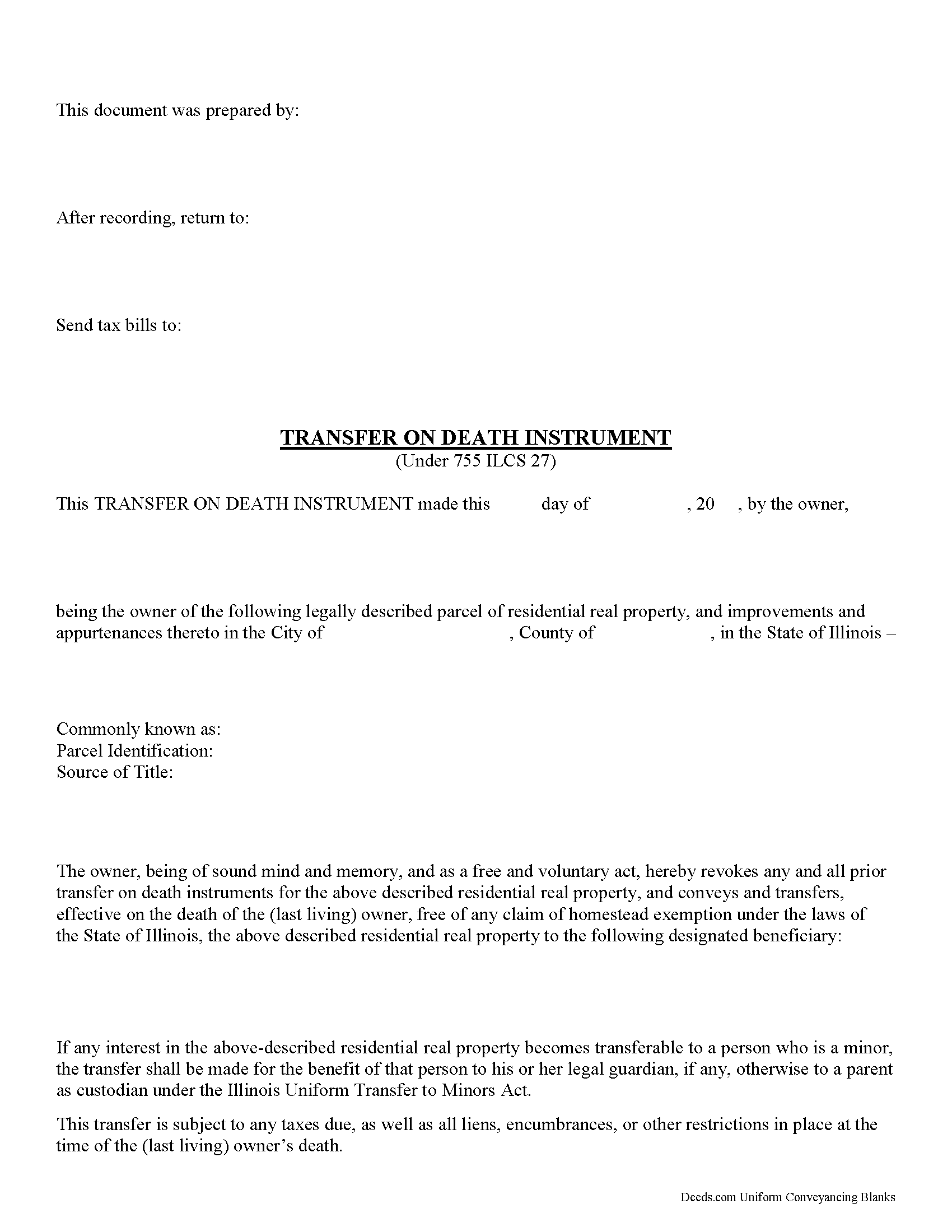
Fayette County Transfer on Death Instrument
Fill in the blank form formatted to comply with all recording and content requirements.
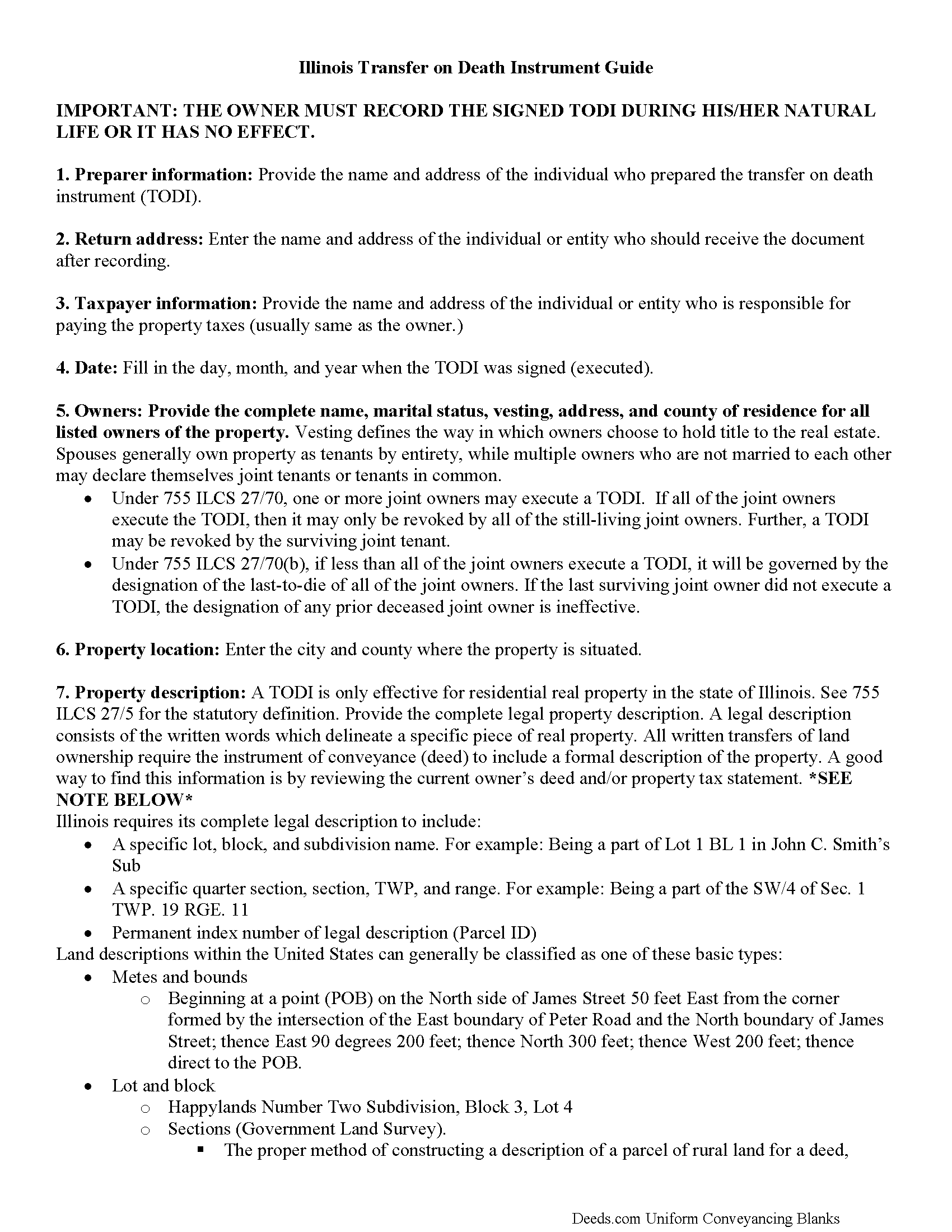
Fayette County Transfer on Death Instrument Guide
Line by line guide explaining every blank on the form.
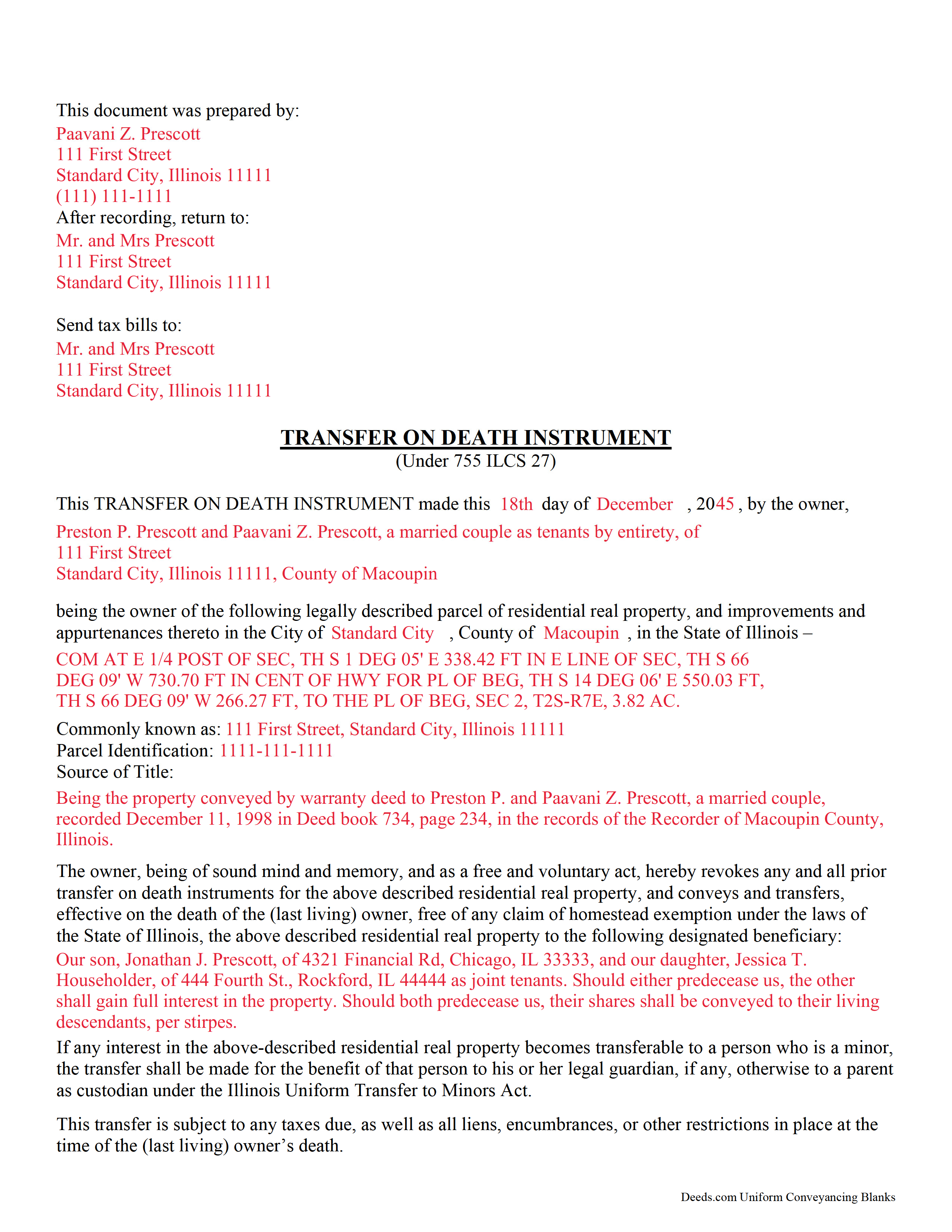
Fayette County Completed Example of the Transfer on Death Instrument Document
Example of a properly completed Illinois Transfer on Death Instrument document for reference.
All 3 documents above included • One-time purchase • No recurring fees
Immediate Download • Secure Checkout
Additional Illinois and Fayette County documents included at no extra charge:
Where to Record Your Documents
Fayette County Clerk/Recorder
Vandalia, Illinois 62471
Hours: 8:00 to 4:00 M-F
Phone: (618) 283-5000
Recording Tips for Fayette County:
- Bring your driver's license or state-issued photo ID
- Ensure all signatures are in blue or black ink
- Recorded documents become public record - avoid including SSNs
- Recording fees may differ from what's posted online - verify current rates
- Request a receipt showing your recording numbers
Cities and Jurisdictions in Fayette County
Properties in any of these areas use Fayette County forms:
- Bingham
- Brownstown
- Farina
- Hagarstown
- Loogootee
- Ramsey
- Saint Elmo
- Saint Peter
- Shobonier
- Vandalia
Hours, fees, requirements, and more for Fayette County
How do I get my forms?
Forms are available for immediate download after payment. The Fayette County forms will be in your account ready to download to your computer. An account is created for you during checkout if you don't have one. Forms are NOT emailed.
Are these forms guaranteed to be recordable in Fayette County?
Yes. Our form blanks are guaranteed to meet or exceed the applicable formatting requirements used for recording in Fayette County, including margin requirements, font requirements, and other layout standards. This guarantee applies to formatting, not to the legal sufficiency of information entered by the user or the suitability of a form for a particular transaction.
Can I reuse these forms?
Yes. You can reuse the forms for your personal use. For example, if you have multiple properties in Fayette County you only need to order once.
What do I need to use these forms?
The forms are PDFs that you fill out on your computer. The free Adobe Acrobat Reader is recommended, and most PDF apps also work. You do NOT enter your property information online - you download the blank forms and complete them privately on your own computer.
Are there any recurring fees?
No. This is a one-time purchase. Nothing to cancel, no memberships, no recurring fees.
How much does it cost to record in Fayette County?
Recording fees in Fayette County vary. Contact the recorder's office at (618) 283-5000 for current fees.
Questions answered? Let's get started!
Comparable to Ladybird, beneficiary, and enhanced life estate deeds, these instruments permit homeowners to name a beneficiary to gain title to their residential real property following the owner's death, while retaining absolute possession of and control over the property while alive. Because the Illinois document DOES NOT transfer ownership when it's executed, the owner may revoke the transfer at will, and is allowed to reallocate, sell, or otherwise dispose of the real estate as desired with no penalties, restrictions or obligation.
(Illinois Transfer on Death Package includes form, guidelines, and completed example)
Important: Your property must be located in Fayette County to use these forms. Documents should be recorded at the county recording office listed above.
This Transfer on Death Instrument meets all recording requirements specific to Fayette County.
Our Promise
The documents you receive here are guaranteed to meet or exceed the applicable Fayette County recording format requirements. If there is a rejection caused by our formatting, we will correct the issue or refund your payment. This guarantee applies to document formatting only and does not extend to information entered by the user, the selection of the form, or the legal effect of the completed document.
Save Time and Money
Get your Fayette County Transfer on Death Instrument form done right the first time with Deeds.com Uniform Conveyancing Blanks. At Deeds.com, we understand that your time and money are valuable resources, and we don't want you to face a penalty fee or rejection imposed by a county recorder for submitting nonstandard documents. We constantly review and update our forms to meet rapidly changing state and county recording requirements for roughly 3,500 counties and local jurisdictions.
4.8 out of 5 - ( 4,828 Reviews )
Valerie B. 5 out of 5 stars
I had no clue how to write an easement termination, and I did not want to pay an attorney for it, so I ordered the instructions and form. It was very helpful to have a completed sample. I am satisfied and confident in the document I produced.
We appreciate your business and value your feedback. Thank you. Have a wonderful day!
Tiffani D. 5 out of 5 stars
The website was very user-friendly. I am glad it was available!
Thank you!
Jenny E. 5 out of 5 stars
I thought the website was good. But once I paid the money and downloaded the papers I needed for Grays Harbor. I had to end up calling a escrow company that we had worked with only to find out that they work with a slightly different version. The escrow company was kind enough to email me the version Grays Harbor recommends and uses. There is a chance I could use theses in the future.
Thank you for your feedback. We really appreciate it. Have a great day!
Nicole T. 5 out of 5 stars
Absolutely Amazing Service! I learned about Deeds.com, created my Account, uploaded my documents into my Recording Package, paid my Invoice and received my Three Recorded Deeds all in less than two hours! Awesome!
We appreciate your business and value your feedback. Thank you. Have a wonderful day!
Margie H. 5 out of 5 stars
Great
Thank you!
Scott K. 5 out of 5 stars
The beneficiary deed was acceptable to the county clerk and my notarized official deed was mailed to me. The Missouri-based deed met with official approval so all is well in the land that time forgot.
Thank you!
Frank W. 5 out of 5 stars
would be nice to be able to see what I am purchasing before I paid
Thank you!
Sheryl B. 5 out of 5 stars
I was a little nervous about doing this, but it was very simple. I was thrilled that I could use the sheet that helped me fill out the form. That made it easy. I did like that you knew what the charge was going to be in the beginning, not like the other websites.
Thank you, Sheryl. We know deed paperwork can feel intimidating at first, so we’re glad the guide helped make everything simple and clear. We truly appreciate you sharing your experience.
Kevin U. 5 out of 5 stars
very smooth and easy
We appreciate your business and value your feedback. Thank you. Have a wonderful day!
Judy K. 5 out of 5 stars
Your customer service is superb. I ordered the wrong form, and you were so quick to resolve my problem. I will be using your site again.
We appreciate your business and value your feedback. Thank you. Have a wonderful day!
Alexandra M. 5 out of 5 stars
Needed a Limited Power of Attorney form for a real estate transaction in another state. Proper form came up immediately and was fairly easy to complete. I think the sample completed form should have been more completely explained in layman's language instead of legalese (such as person granting permission instead of grantor or something like your name and address and the person who will be signing on your behalf) but since the form was one price no matter how many ways it was printed out, it was fine. I just filled it out several ways and had it notarized and sent it to my sister. Whichever combination is appropriate she and the lawyer will have. I found the site easy to navigate
We appreciate your business and value your feedback. Thank you. Have a wonderful day!
Margaret M. 5 out of 5 stars
Great job with these forms. Super easy and up to date, a rare find online these days. Thank you.
Thank you!
Pamela B. 5 out of 5 stars
The process was not difficult but I don't think that it suited my needs. There were several fields that were not applicable to me but I had to enter something to proceed. I also filled out the other form and mailed it in with some documentation that the electronic service did not ask for. Questions of my attempt are still unanswered. I hope I didn't waste time with this process. We shall see. Thank you.
Thank you!
ROBERET D. 5 out of 5 stars
after a poor start was able to get to the forms page and find what I was looking for and every thing worked good. Just getting to the right area was a struggle but we made thanks Bob
Thank you for your feedback. We really appreciate it. Have a great day!
CLIVE R. 4 out of 5 stars
The instructions were really clear and the site user friendly
We appreciate your comments and your trust in us. Thank you.