Livingston County Transfer on Death Instrument Form
Last validated September 23, 2026 by our Forms Development TeamFormatted for recording in Livingston County, for property anywhere in the county: rural and unincorporated areas as well as Ancona, Blackstone, Campus, Chatsworth, Cornell, Cullom, Dwight, Emington and 9 more.
- 3 documents included
- Immediate PDF download
- Formatting guarantee
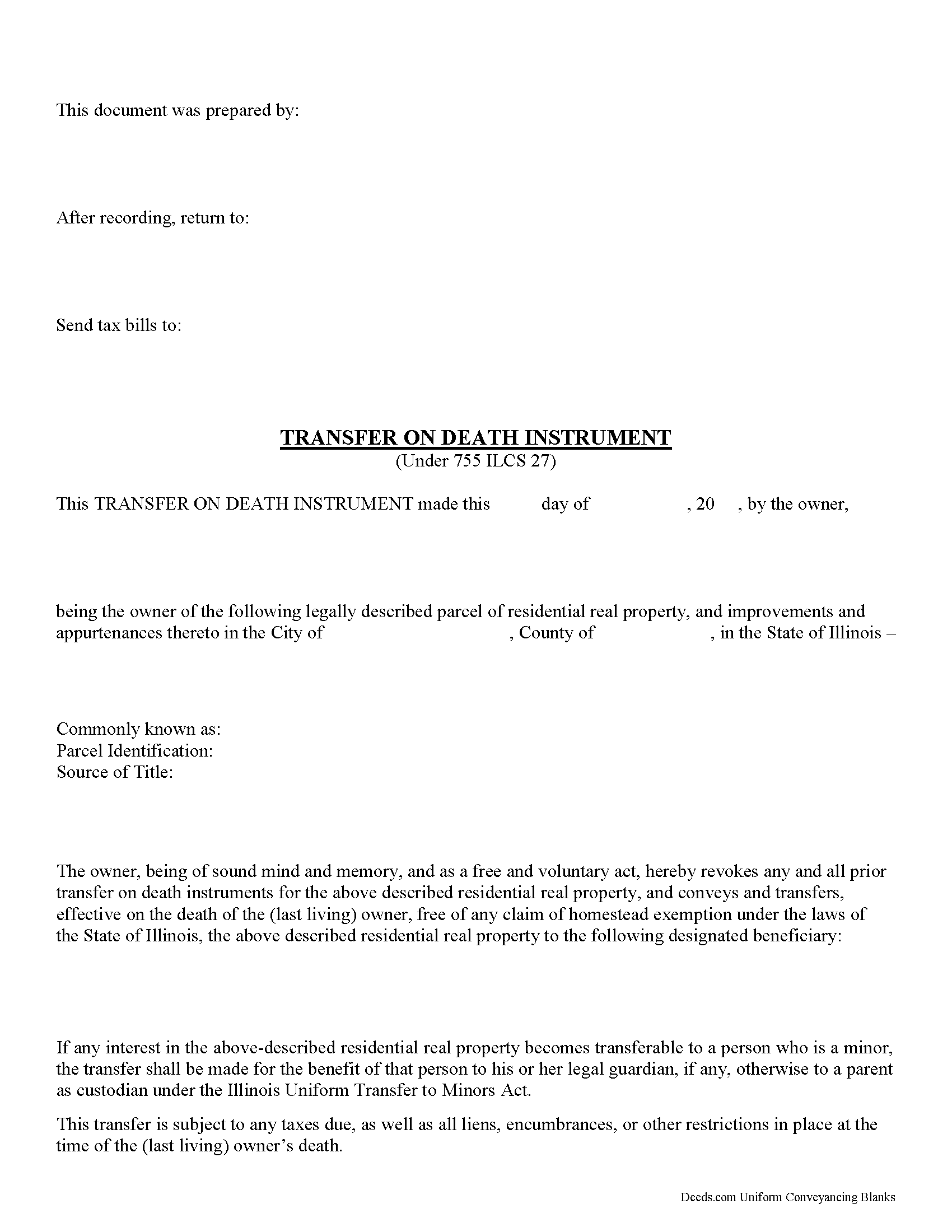
Livingston County Transfer on Death Instrument
Fill in the blank form formatted to comply with all recording and content requirements.
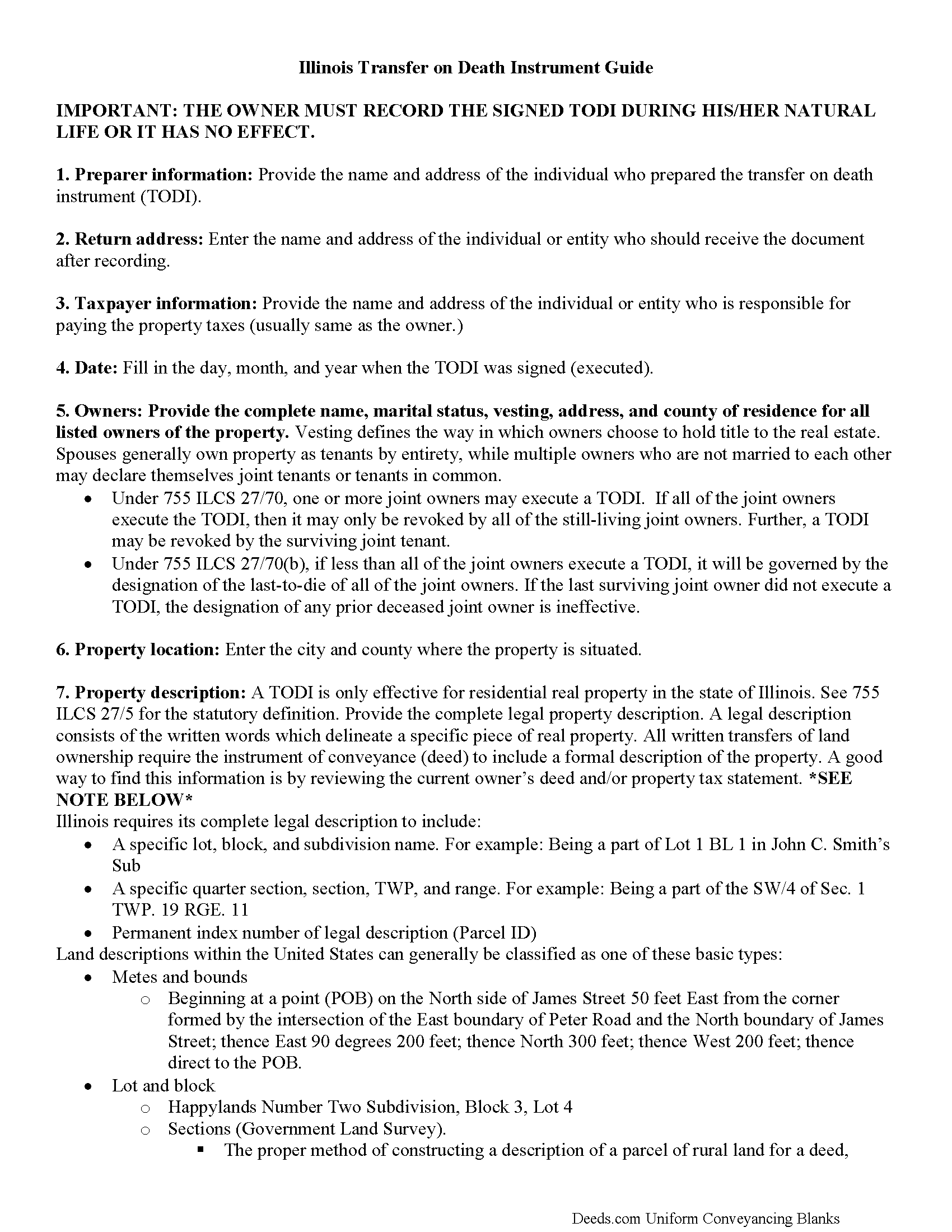
Livingston County Transfer on Death Instrument Guide
Line by line guide explaining every blank on the form.
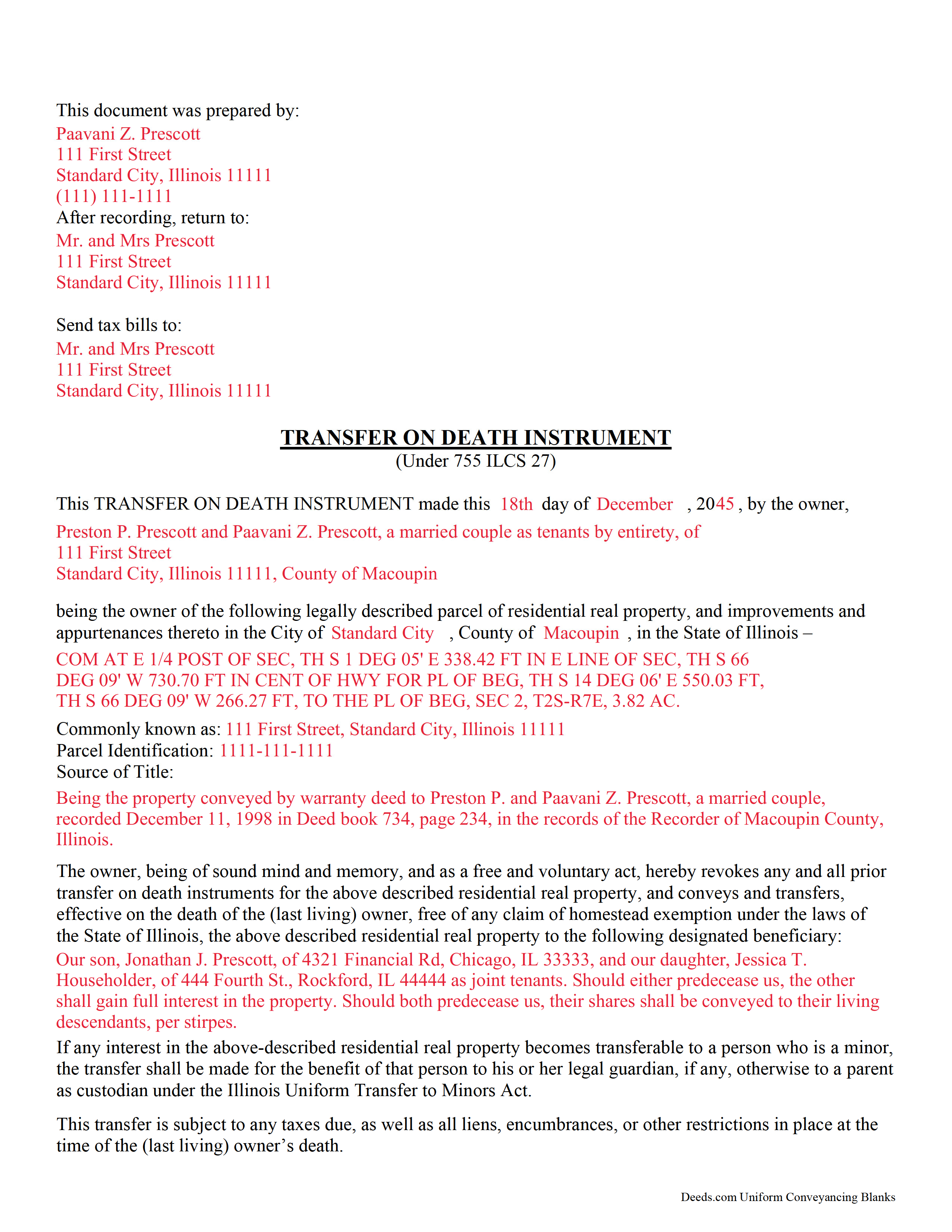
Livingston County Completed Example of the Transfer on Death Instrument Document
Example of a properly completed Illinois Transfer on Death Instrument document for reference.
All 3 documents above included • One-time purchase • No recurring fees
Immediate Download • Secure Checkout
Additional Illinois and Livingston County documents included at no extra charge:
Where to Record Your Documents
Livingston County Clerk
Pontiac, Illinois 61764-0618
Hours: 8:30 to 4:30 Monday through Friday
Phone: (815) 844-2006
Recording Tips for Livingston County:
- Bring your driver's license or state-issued photo ID
- Ensure all signatures are in blue or black ink
- Make copies of your documents before recording - keep originals safe
- Recorded documents become public record - avoid including SSNs
- Recording fees may differ from what's posted online - verify current rates
Cities and Jurisdictions in Livingston County
Properties in any of these areas use Livingston County forms:
- Ancona
- Blackstone
- Campus
- Chatsworth
- Cornell
- Cullom
- Dwight
- Emington
- Fairbury
- Flanagan
- Forrest
- Graymont
- Long Point
- Odell
- Pontiac
- Saunemin
- Strawn
Hours, fees, requirements, and more for Livingston County
How do I get my forms?
Forms are available for immediate download after payment. The Livingston County forms will be in your account ready to download to your computer. An account is created for you during checkout if you don't have one. Forms are NOT emailed.
Are these forms guaranteed to be recordable in Livingston County?
Yes. Our form blanks are guaranteed to meet or exceed the applicable formatting requirements used for recording in Livingston County, including margin requirements, font requirements, and other layout standards. This guarantee applies to formatting, not to the legal sufficiency of information entered by the user or the suitability of a form for a particular transaction.
Can I reuse these forms?
Yes. You can reuse the forms for your personal use. For example, if you have multiple properties in Livingston County you only need to order once.
What do I need to use these forms?
The forms are PDFs that you fill out on your computer. The free Adobe Acrobat Reader is recommended, and most PDF apps also work. You do NOT enter your property information online - you download the blank forms and complete them privately on your own computer.
Are there any recurring fees?
No. This is a one-time purchase. Nothing to cancel, no memberships, no recurring fees.
How much does it cost to record in Livingston County?
Recording fees in Livingston County vary. Contact the recorder's office at (815) 844-2006 for current fees.
Questions answered? Let's get started!
Comparable to Ladybird, beneficiary, and enhanced life estate deeds, these instruments permit homeowners to name a beneficiary to gain title to their residential real property following the owner's death, while retaining absolute possession of and control over the property while alive. Because the Illinois document DOES NOT transfer ownership when it's executed, the owner may revoke the transfer at will, and is allowed to reallocate, sell, or otherwise dispose of the real estate as desired with no penalties, restrictions or obligation.
(Illinois Transfer on Death Package includes form, guidelines, and completed example)
Important: Your property must be located in Livingston County to use these forms. Documents should be recorded at the county recording office listed above.
This Transfer on Death Instrument meets all recording requirements specific to Livingston County.
Our Promise
The documents you receive here are guaranteed to meet or exceed the applicable Livingston County recording format requirements. If there is a rejection caused by our formatting, we will correct the issue or refund your payment. This guarantee applies to document formatting only and does not extend to information entered by the user, the selection of the form, or the legal effect of the completed document.
Save Time and Money
Get your Livingston County Transfer on Death Instrument form done right the first time with Deeds.com Uniform Conveyancing Blanks. At Deeds.com, we understand that your time and money are valuable resources, and we don't want you to face a penalty fee or rejection imposed by a county recorder for submitting nonstandard documents. We constantly review and update our forms to meet rapidly changing state and county recording requirements for roughly 3,500 counties and local jurisdictions.
4.8 out of 5 - ( 4,828 Reviews )
Kevin H. 5 out of 5 stars
I was able to find the forms I needed and questions answered
Thank you for your feedback. We really appreciate it. Have a great day!
Jeff R. 5 out of 5 stars
Great company. I had some issues with what I had prepared on my end but my contact at Deeds.com helped me with modifying the documents and submitted them successfully. Thanks for going the extra mile
Thank you for your feedback. We really appreciate it. Have a great day!
Laurie R. 5 out of 5 stars
FIVE STARS !!! Clear instructions Easy to navigate Thanks for making this easy for those of us who are not tech savvy
We appreciate your business and value your feedback. Thank you. Have a wonderful day!
Ariel S. 5 out of 5 stars
Awesome....love the ease of use and response.
Thank you for the kinds words Ariel, we appreciate you! Have a fantastic day!
Lacee G. 5 out of 5 stars
Great real estate deed forms.
Thank you!
Colleen K. 5 out of 5 stars
This product was easy to use and instructions were helpful.
We appreciate your business and value your feedback. Thank you. Have a wonderful day!
John B. 5 out of 5 stars
I bought a Quitclaim Deed package for Fayette County, Kentucky, to transfer my house into a Living Trust that I had set up previously. Creating my Quitclaim Deed was pretty straightforward, using the form, the instructions, and the sample Quitclaim Deed. I signed my Quitclaim Deed at a nearby Notary Public, then took it to the Fayette County Clerk's office to be recorded. The clerk there asked me to make two small changes to the Quitclaim Deed, which she let me do in pen on the spot: * In the signature block for the receiver of the property, filled in "Capacity" as "Grantee as Trustee ______________________________ Living Trust". * In the notary's section, changed "were acknowledged before me" to "were acknowledged and sworn to before me".
Thank you for your feedback. We really appreciate it. Have a great day!
Nikie U. 5 out of 5 stars
This was my first time using this service and it worked smoothly and efficiently and I will definitely use them again.
Thank you for your feedback. We really appreciate it. Have a great day!
Dennis K. 5 out of 5 stars
Easily downloaded and filled out form for quit claim deed was approved as soon as i dropped it off.
Thank you for your feedback. We really appreciate it. Have a great day!
Jacqueline H. 5 out of 5 stars
Thank you for all your assistance and patience in doing the deed. I can honestly say that DEEDs.com will be permanently on my list as a go to company. I will use the company as a referral to friends and family.
We appreciate your business and value your feedback. Thank you. Have a wonderful day!
Dale K. 5 out of 5 stars
A very user friendly website!
Thank you!
Anabel H. 5 out of 5 stars
Everything went smoothly, quickly and efficiently.
We appreciate your business and value your feedback. Thank you. Have a wonderful day!
Kristen N. 5 out of 5 stars
Very easy to use, helpful instructions and examples. I also like the chat feature and the erecording. So much better than other DIY law websites out there.
We appreciate your business and value your feedback. Thank you. Have a wonderful day!
Donald P. 5 out of 5 stars
I wish the quick claim dead would have had letterhead that said, State South Carolina.
Thank you for your feedback. We really appreciate it. Have a great day!
David C. 5 out of 5 stars
This has been a lifesaver for me. Exactly what I needed. Forma are easy to fill in. Thank you for offering this instead of going thru a lawyer. faster and no wait time.
We appreciate your business and value your feedback. Thank you. Have a wonderful day!