Rush County Affidavit of Surviving Spouse Form
Last validated October 20, 2026 by our Forms Development TeamFormatted for recording in Rush County, for property anywhere in the county: rural and unincorporated areas as well as Arlington, Carthage, Falmouth, Homer, Manilla, Mays, Milroy, Rushville.
- 3 documents included
- Immediate PDF download
- Formatting guarantee
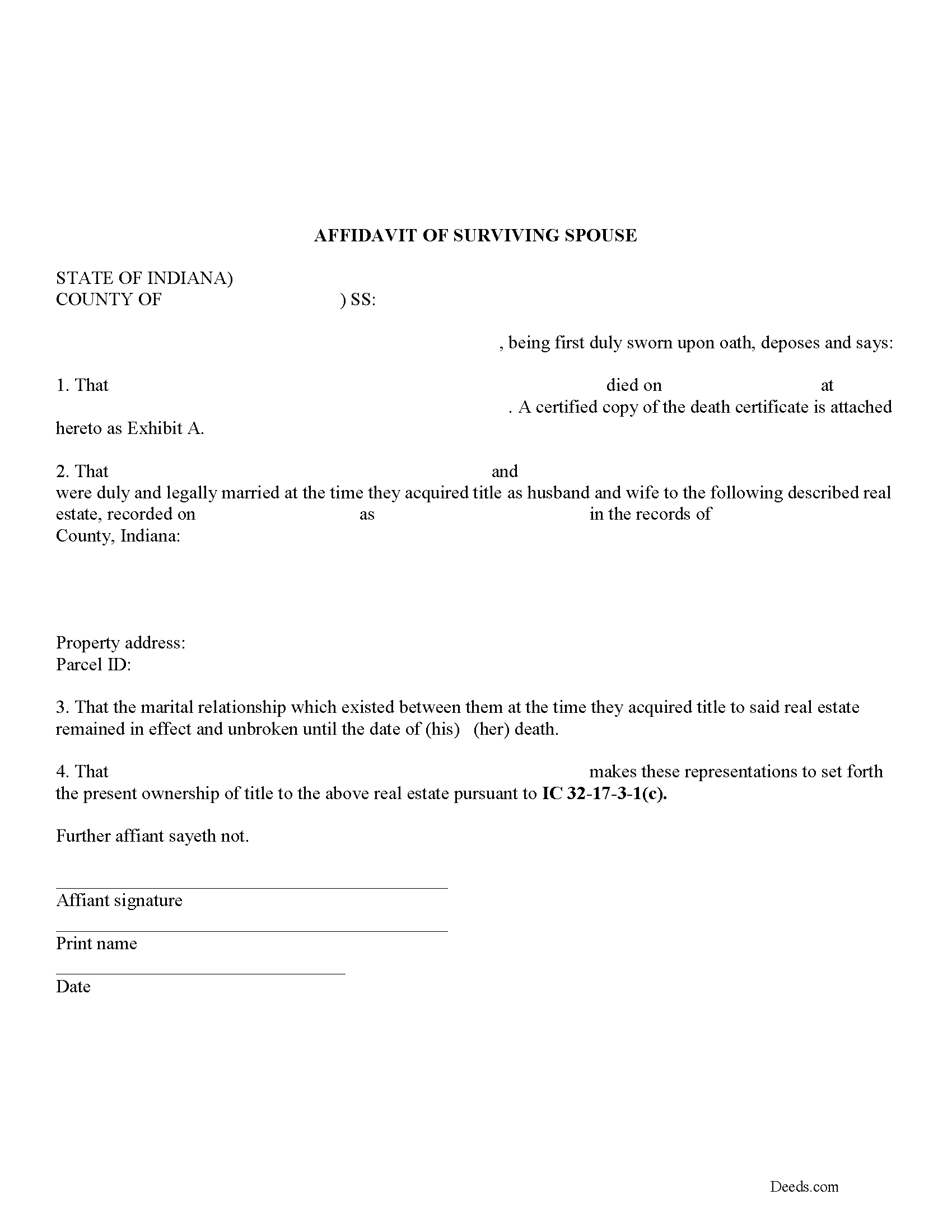
Rush County Affidavit of Surviving Spouse Form
Fill in the blank form formatted to comply with all recording and content requirements.
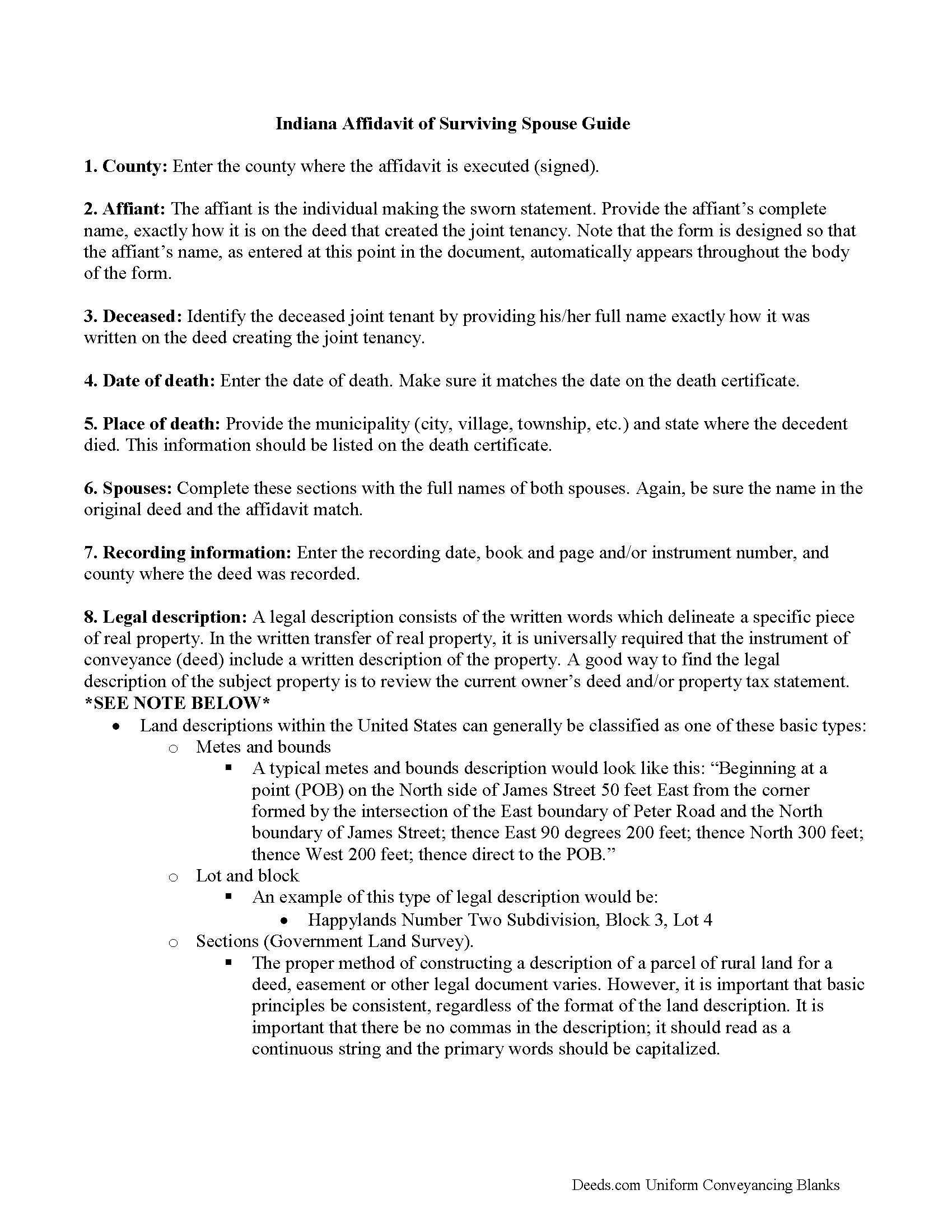
Rush County Affidavit of Surviving Spouse Guide
Line by line guide explaining every blank on the form.
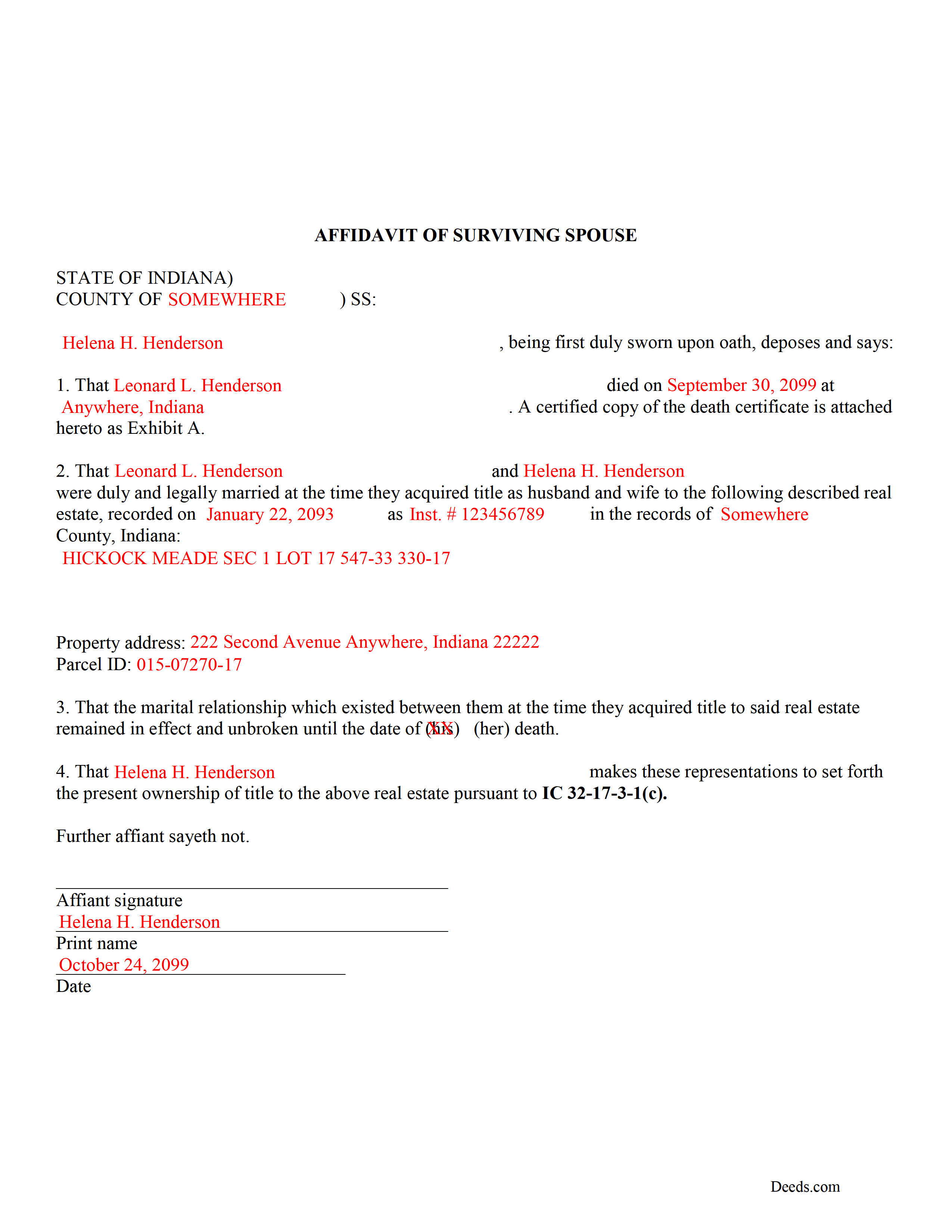
Rush County Completed Example of the Affidavit of Surviving Spouse Document
Example of a properly completed form for reference.
All 3 documents above included • One-time purchase • No recurring fees
Immediate Download • Secure Checkout
Additional Indiana and Rush County documents included at no extra charge:
Where to Record Your Documents
Rush County Recorder
Rushville, Indiana 46173
Hours: 8:00 to 4:00 Monday through Friday
Phone: (765) 932-2388
Recording Tips for Rush County:
- Bring your driver's license or state-issued photo ID
- Ensure all signatures are in blue or black ink
- Make copies of your documents before recording - keep originals safe
- Recorded documents become public record - avoid including SSNs
- Recording fees may differ from what's posted online - verify current rates
Cities and Jurisdictions in Rush County
Properties in any of these areas use Rush County forms:
- Arlington
- Carthage
- Falmouth
- Homer
- Manilla
- Mays
- Milroy
- Rushville
Hours, fees, requirements, and more for Rush County
How do I get my forms?
Forms are available for immediate download after payment. The Rush County forms will be in your account ready to download to your computer. An account is created for you during checkout if you don't have one. Forms are NOT emailed.
Are these forms guaranteed to be recordable in Rush County?
Yes. Our form blanks are guaranteed to meet or exceed the applicable formatting requirements used for recording in Rush County, including margin requirements, font requirements, and other layout standards. This guarantee applies to formatting, not to the legal sufficiency of information entered by the user or the suitability of a form for a particular transaction.
Can I reuse these forms?
Yes. You can reuse the forms for your personal use. For example, if you have multiple properties in Rush County you only need to order once.
What do I need to use these forms?
The forms are PDFs that you fill out on your computer. The free Adobe Acrobat Reader is recommended, and most PDF apps also work. You do NOT enter your property information online - you download the blank forms and complete them privately on your own computer.
Are there any recurring fees?
No. This is a one-time purchase. Nothing to cancel, no memberships, no recurring fees.
How much does it cost to record in Rush County?
Recording fees in Rush County vary. Contact the recorder's office at (765) 932-2388 for current fees.
Questions answered? Let's get started!
Married couples in Indiana may hold title to real estate as tenants by the entireties. This means that when one spouse dies, the other gains full ownership of the property by function of law, and without the need for probate. Use this instrument to formalize the acceptance of ownership rights conveyed when a spouse dies. Complete and sign the affidavit and submit it, along with a certified copy of the decedent's death certificate, to the recorder for the county where the real estate is located.
In order to gain full ownership, the husband or wife submits a completed affidavit of surviving spouse, along with an official copy of the death certificate of the deceased spouse, to the recorder for the county where the land is located.
This does not, however, remove the deceased's name from the deed. To accomplish that, the survivor must execute and record a new deed from the married couple to the remaining spouse only. After completing this final step, the public record and current deed will contain the most up-to-date information.
(Indiana Affidavit of Surviving Spouse Package includes form, guidelines, and completed example)
Important: Your property must be located in Rush County to use these forms. Documents should be recorded at the county recording office listed above.
This Affidavit of Surviving Spouse meets all recording requirements specific to Rush County.
Our Promise
The documents you receive here are guaranteed to meet or exceed the applicable Rush County recording format requirements. If there is a rejection caused by our formatting, we will correct the issue or refund your payment. This guarantee applies to document formatting only and does not extend to information entered by the user, the selection of the form, or the legal effect of the completed document.
Save Time and Money
Get your Rush County Affidavit of Surviving Spouse form done right the first time with Deeds.com Uniform Conveyancing Blanks. At Deeds.com, we understand that your time and money are valuable resources, and we don't want you to face a penalty fee or rejection imposed by a county recorder for submitting nonstandard documents. We constantly review and update our forms to meet rapidly changing state and county recording requirements for roughly 3,500 counties and local jurisdictions.
4.8 out of 5 - ( 4,832 Reviews )
Kris D. 5 out of 5 stars
The Executor's Guide needs more info about what to put for grantee (estate of deceased or my name as executor?) and the price (something nominal like $10?) before there is a buyer. The guide seems to use only one example.
Thank you for your feedback. We really appreciate it. Have a great day!
David N. 5 out of 5 stars
It worked well for me. Now I need the actual lien form
Thank you!
James C. 4 out of 5 stars
First time user and was directed there from a search on my home state for a state form. The downloaded form was complete with instructions and sample filled out form. I was not happy about the cost for the form, but it did the job.
Thank you for your feedback. We really appreciate it. Have a great day!
Lauren D. 5 out of 5 stars
Prompt and helpful
Thank you!
Melody P. 5 out of 5 stars
Thanks again for such great service!
Thank you!
Dan B. 5 out of 5 stars
Excellent service even faster then I expected. Very pleased and a reasonable priced document. I encourage people too use Deeds.Com
Thank you for your feedback. We really appreciate it. Have a great day!
Lucus S. 5 out of 5 stars
I tried to do it myself by copying an old deed and ended up with a bunch of headaches (expensive ones) wish I would have used these documents first. Live and learn.
Thank you!
Anita M W. 5 out of 5 stars
This process is outstanding, and it saved the hassle of going downtown and dealing with traffic.
Thank you for the kinds words Anita. Glad we could be of assistance. Have an amazing day!
Tracy E. 5 out of 5 stars
This is so convenient. Thank you.
Thank you!
Rysta W. 5 out of 5 stars
Very easy to use and great price.
Thank you for your feedback. We really appreciate it. Have a great day!
Judith O. 1 out of 5 stars
Unfortunately, it wasn't the information I needed. I wanted something that could remove my husbands name on our deed, because he passed away last month.
Sorry to hear about your situation Judith. The document you selected is one that would need to be used during the grantor's lifetime. Under the circumstances, we have canceled your order and refunded your payment.
Liliana H. 5 out of 5 stars
I had a great experience using Deeds.com to file my legal document. The whole process was simple and easy to follow. The website walks you through each step, and everything is explained clearly. At one point, I had to resubmit my documents, but even that was quick and easy. There were clear instructions, and I had no trouble making the changes and sending them again. The communication was great too. I was kept updated the whole time, and any questions I had were answered fast. If you need to file legal documents and want a stress-free way to do it, I definitely recommend Deeds.com. They made the whole process smooth from start to finish.
Thank you, Liliana! We really appreciate you taking the time to share your experience. We're glad everything went smoothly and that our team could support you when needed. It means a lot to know you'd recommend us!
TIFFANY B. 5 out of 5 stars
THIS SERVICE IS AMAZING! IT SAVES ME SO MUCH TIME!
We are grateful for your engagement and feedback, which help us to serve you better. Thank you for being an integral part of our community.
Lance G. 1 out of 5 stars
You did not include the Notice of Intent to File a Lien Statement form which is necessary to properly file a mechanic's lien in Colorado. If you are going to charge people $20 to download the forms, you should include all of them not half of them.
Thank you for your feedback. We really appreciate it. Have a great day!
Janice S. 5 out of 5 stars
All instructions and forms are very easy to read and fill-out. Thank you
Thank you for your feedback. We really appreciate it. Have a great day!