Rush County Correction Deed Form
Last validated October 14, 2026 by our Forms Development TeamFormatted for recording in Rush County, for property anywhere in the county: rural and unincorporated areas as well as Arlington, Carthage, Falmouth, Homer, Manilla, Mays, Milroy, Rushville.
- 3 documents included
- Immediate PDF download
- Formatting guarantee
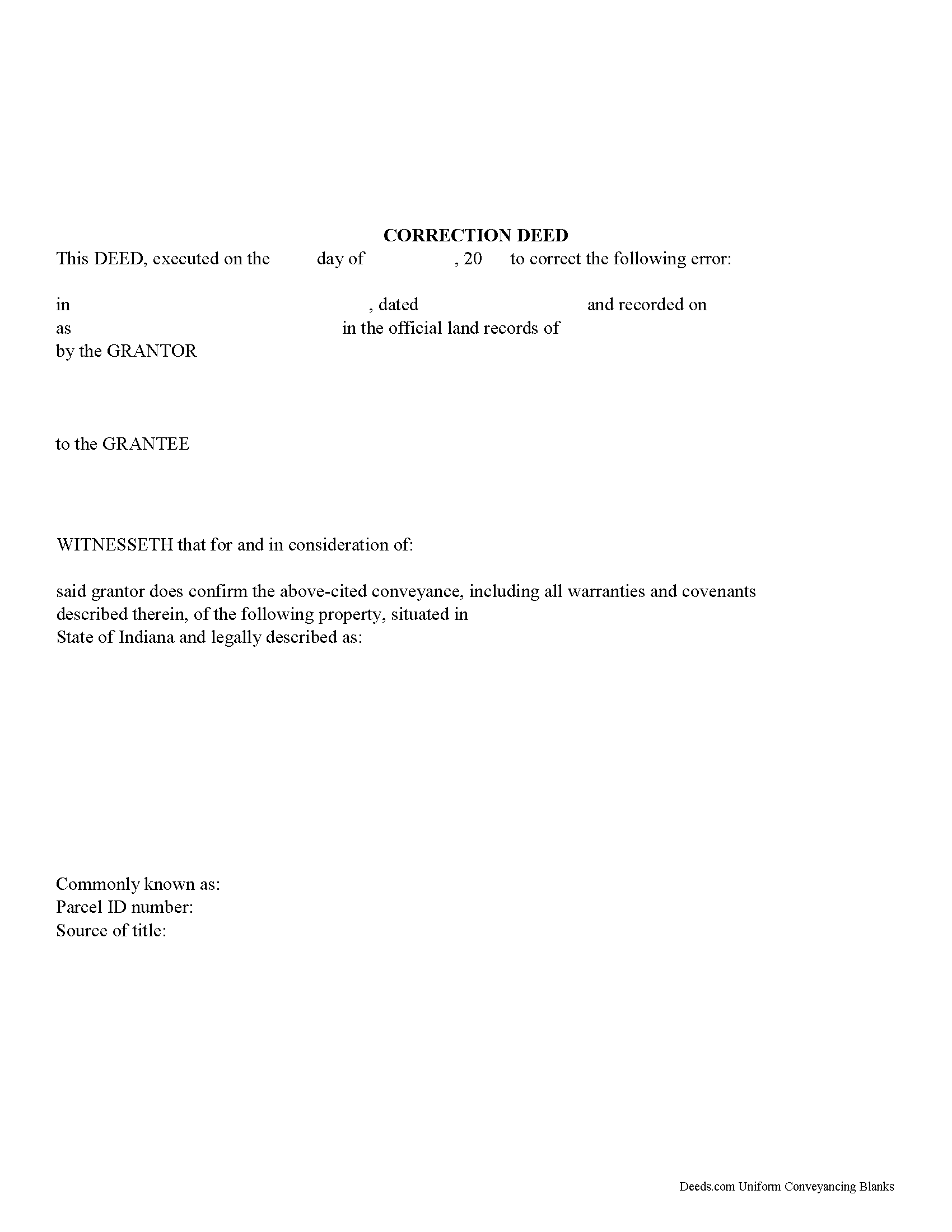
Rush County Correction Deed Form
Fill in the blank form formatted to comply with all recording and content requirements.
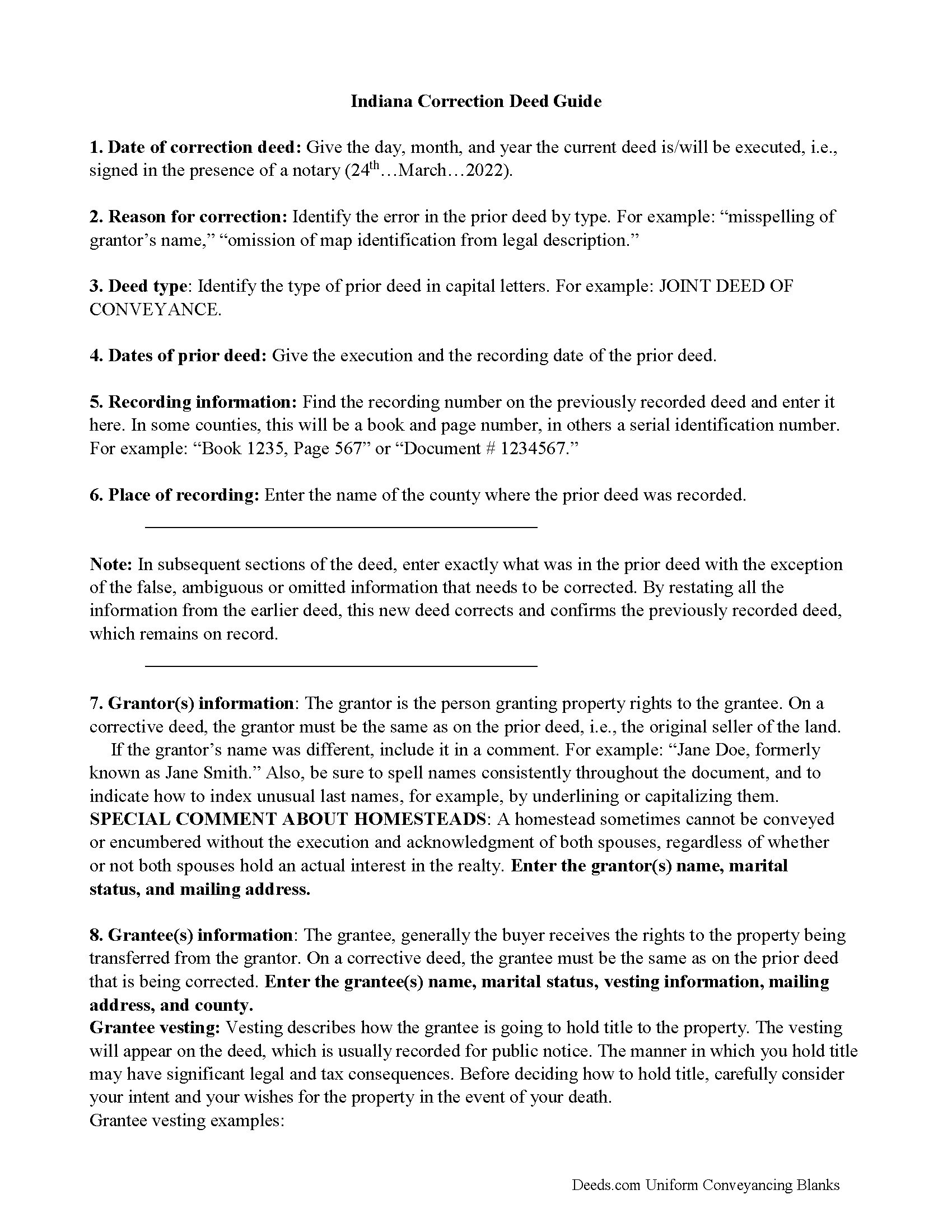
Rush County Correction Deed Guide
Line by line guide explaining every blank on the form.
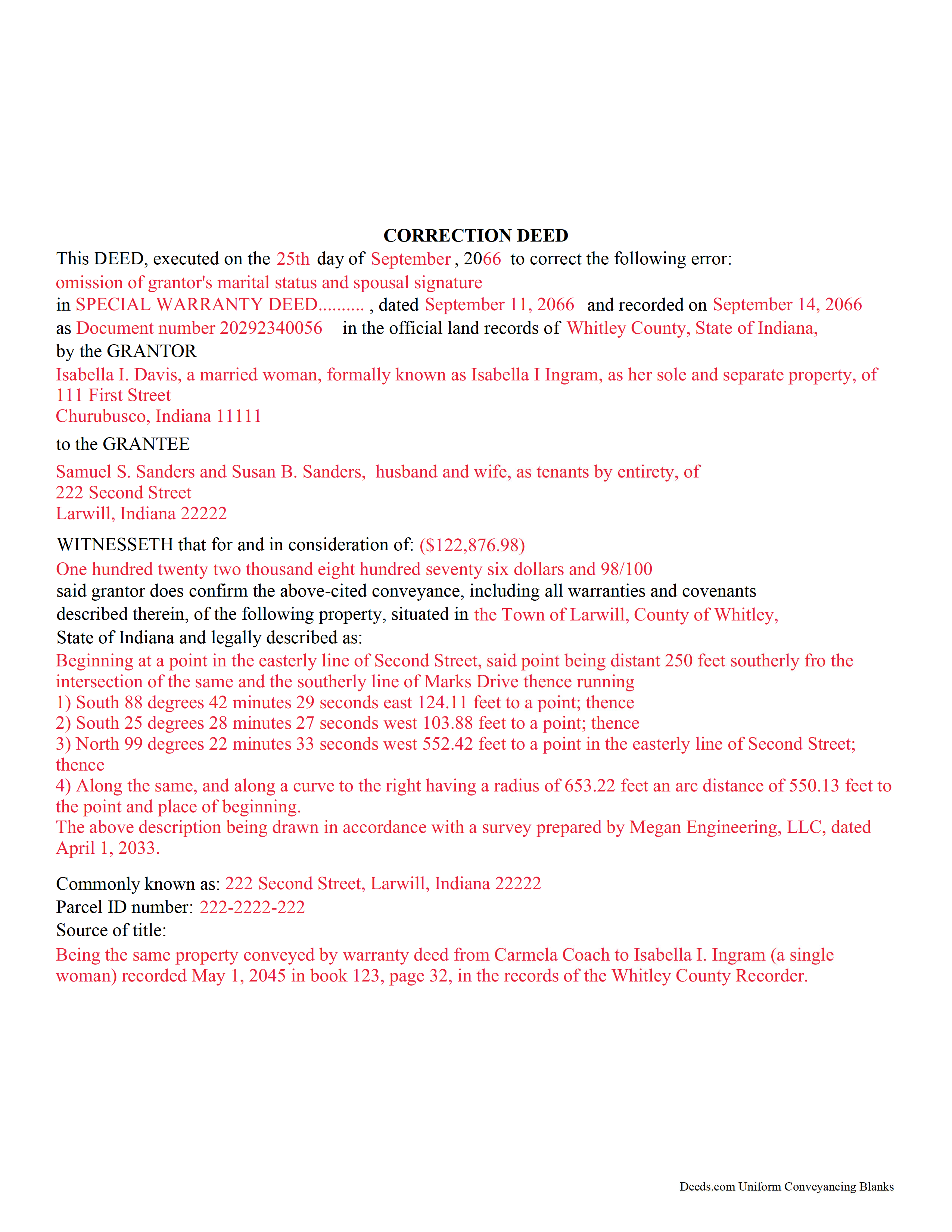
Rush County Completed Example of the Correction Deed Document
Example of a properly completed form for reference.
All 3 documents above included • One-time purchase • No recurring fees
Immediate Download • Secure Checkout
Additional Indiana and Rush County documents included at no extra charge:
Where to Record Your Documents
Rush County Recorder
Rushville, Indiana 46173
Hours: 8:00 to 4:00 Monday through Friday
Phone: (765) 932-2388
Recording Tips for Rush County:
- Bring your driver's license or state-issued photo ID
- Ensure all signatures are in blue or black ink
- Bring extra funds - fees can vary by document type and page count
- Check margin requirements - usually 1-2 inches at top
- Leave recording info boxes blank - the office fills these
Cities and Jurisdictions in Rush County
Properties in any of these areas use Rush County forms:
- Arlington
- Carthage
- Falmouth
- Homer
- Manilla
- Mays
- Milroy
- Rushville
Hours, fees, requirements, and more for Rush County
How do I get my forms?
Forms are available for immediate download after payment. The Rush County forms will be in your account ready to download to your computer. An account is created for you during checkout if you don't have one. Forms are NOT emailed.
Are these forms guaranteed to be recordable in Rush County?
Yes. Our form blanks are guaranteed to meet or exceed the applicable formatting requirements used for recording in Rush County, including margin requirements, font requirements, and other layout standards. This guarantee applies to formatting, not to the legal sufficiency of information entered by the user or the suitability of a form for a particular transaction.
Can I reuse these forms?
Yes. You can reuse the forms for your personal use. For example, if you have multiple properties in Rush County you only need to order once.
What do I need to use these forms?
The forms are PDFs that you fill out on your computer. The free Adobe Acrobat Reader is recommended, and most PDF apps also work. You do NOT enter your property information online - you download the blank forms and complete them privately on your own computer.
Are there any recurring fees?
No. This is a one-time purchase. Nothing to cancel, no memberships, no recurring fees.
How much does it cost to record in Rush County?
Recording fees in Rush County vary. Contact the recorder's office at (765) 932-2388 for current fees.
Questions answered? Let's get started!
Use this form to correct an error in a fee simple, quitclaim, or joint deed of conveyance in Indiana, thus eliminating potential title flaws.
In Indiana, a previously recorded deed can be corrected by recording a second deed, called a correction or corrective deed. The sole purpose of such a document is to prevent potential title flaws, which may create problems when the current owner attempts to sell the property to a third party. The correction deed does not convey title but confirms the prior conveyance. For the most part it reiterates the prior deed verbatim, except for the corrected item.
The errors usually adjusted by a corrective deed are minor omissions or typographical mistakes, sometimes called scrivener's errors. Among those are misspelled names, omitted or wrong middle initial, a minor error in the property description, or an omitted execution date.
The corrective deed must state that its sole purpose is to correct a specific error, identified by type. For example: an error in the grantor's name, or an error in the grantor's marital status. The latter might also require an additional signature by the grantor's spouse in the acknowledgement section of the deed. The Indiana sales disclosure form is not required with a deed that does not transfer title, such as a correction deed.
(Indiana Correction Deed Package includes form, guidelines, and completed example)
Important: Your property must be located in Rush County to use these forms. Documents should be recorded at the county recording office listed above.
This Correction Deed meets all recording requirements specific to Rush County.
Our Promise
The documents you receive here are guaranteed to meet or exceed the applicable Rush County recording format requirements. If there is a rejection caused by our formatting, we will correct the issue or refund your payment. This guarantee applies to document formatting only and does not extend to information entered by the user, the selection of the form, or the legal effect of the completed document.
Save Time and Money
Get your Rush County Correction Deed form done right the first time with Deeds.com Uniform Conveyancing Blanks. At Deeds.com, we understand that your time and money are valuable resources, and we don't want you to face a penalty fee or rejection imposed by a county recorder for submitting nonstandard documents. We constantly review and update our forms to meet rapidly changing state and county recording requirements for roughly 3,500 counties and local jurisdictions.
4.8 out of 5 - ( 4,829 Reviews )
MICHAEL H. 5 out of 5 stars
Smooth and efficient. Great site for what you may need.
We’re always here to help. Thank you for your feedback.
SHERRI B. 5 out of 5 stars
World class forms and service. Downloaded and prepared the deed in minutes. Used the recording service (digital), so convenient.
Thank you for the kind words Sherri. Have an amazing day!
ARTHEMEASE B. 5 out of 5 stars
You made a very confusing process very easy. Your response was timely. I will definitely use you again.
We appreciate your business and value your feedback. Thank you. Have a wonderful day!
Peggy G. 5 out of 5 stars
This is an easy document to complete and file. Thank you for having the completed sample for review.
We appreciate your business and value your feedback. Thank you. Have a wonderful day!
Jerome R. 5 out of 5 stars
Deeds.com handled my needs quickly and very economically. I would recommend them to anyone needing the services they offer.
We appreciate your business and value your feedback. Thank you. Have a wonderful day!
Albert G. 5 out of 5 stars
Download was smooth. I'll post an update after I get a change to work with the forms.
Thank you!
LINDA J M. 5 out of 5 stars
NO PROBLEMS. I LIKE THE DEED DOCUMENT AND INSTRUCTIONS. MADE IT EASY.
We appreciate your business and value your feedback. Thank you. Have a wonderful day!
Philip S. 5 out of 5 stars
This was our first time using Deeds.Com. We were tremendously impressed. The website works well, but the customer service really makes this organization special. The prompt, professional and knowledgeable responses to inquiries and recording issues was refreshing.
We appreciate your business and value your feedback. Thank you. Have a wonderful day!
John F. 5 out of 5 stars
Excellent service, very reliable.
Thank you for your feedback. We really appreciate it. Have a great day!
Betty A. 5 out of 5 stars
You've made it very easy to download the form I needed. Thank you.
Thank you!
Michelle M. 5 out of 5 stars
This was an excellent source. The fee was much lower than the first site I checked. The sample form was very helpful.
Thank you!
Patricia W. 5 out of 5 stars
Easy to use with the itemized instruction.
Thank you for your feedback. We really appreciate it. Have a great day!
Shawn S. 5 out of 5 stars
Listen, I love your services. It's been such a convenience utilizing it.
We appreciate your business and value your feedback. Thank you. Have a wonderful day!
Carol W. 5 out of 5 stars
The guide and example provided made it so easy to complete the form. All was in order when I took it to the Register of Deeds. No hassles at all! Thanks.
Thank you for your feedback. We really appreciate it. Have a great day!
Wendling D. 4 out of 5 stars
Good
Thank you!