Wayne County Affidavit of Surviving Spouse Form
Last validated October 20, 2026 by our Forms Development TeamFormatted for recording in Wayne County, for property anywhere in the county: rural and unincorporated areas as well as Boston, Cambridge City, Centerville, Dublin, Economy, Fountain City, Greens Fork, Hagerstown and 5 more.
- 3 documents included
- Immediate PDF download
- Formatting guarantee
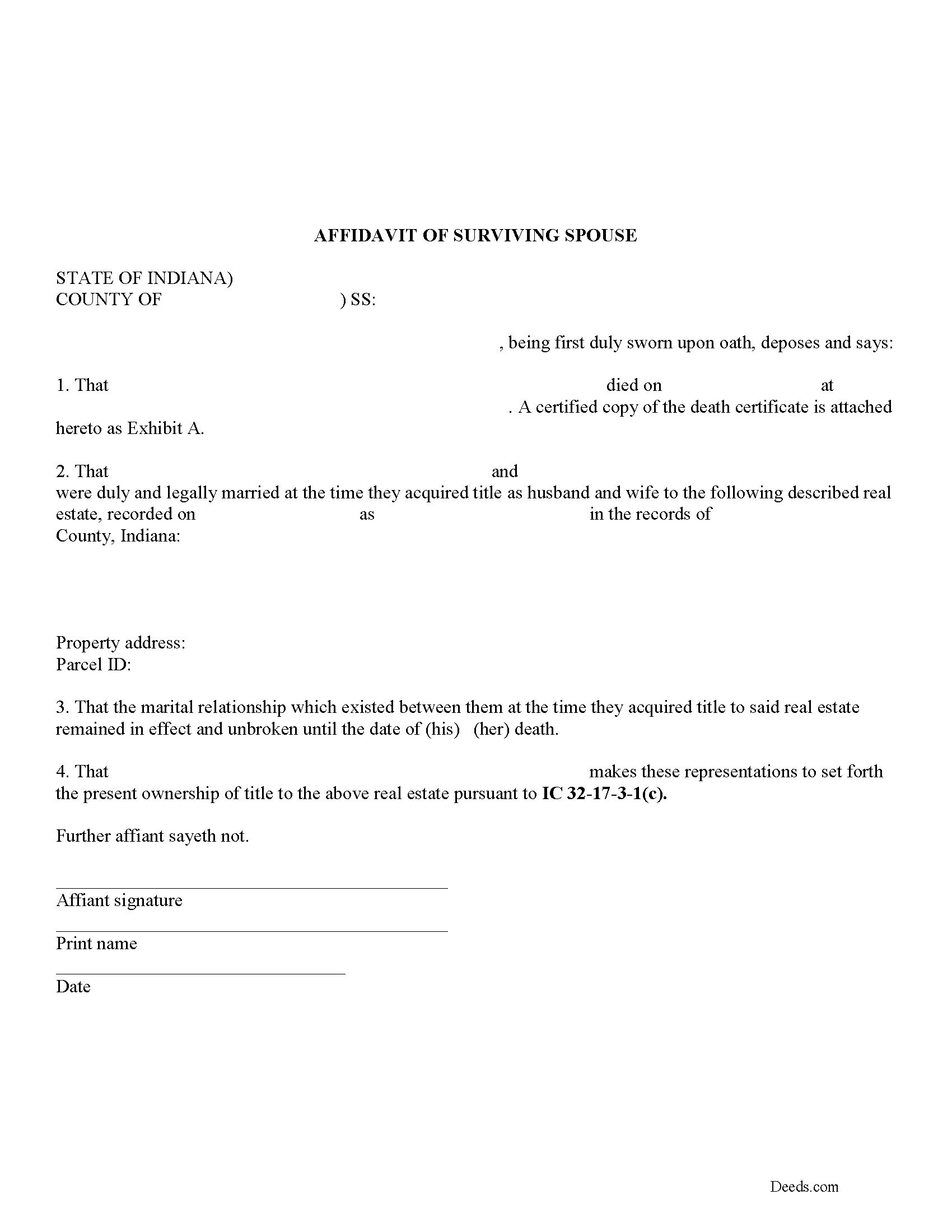
Wayne County Affidavit of Surviving Spouse Form
Fill in the blank form formatted to comply with all recording and content requirements.
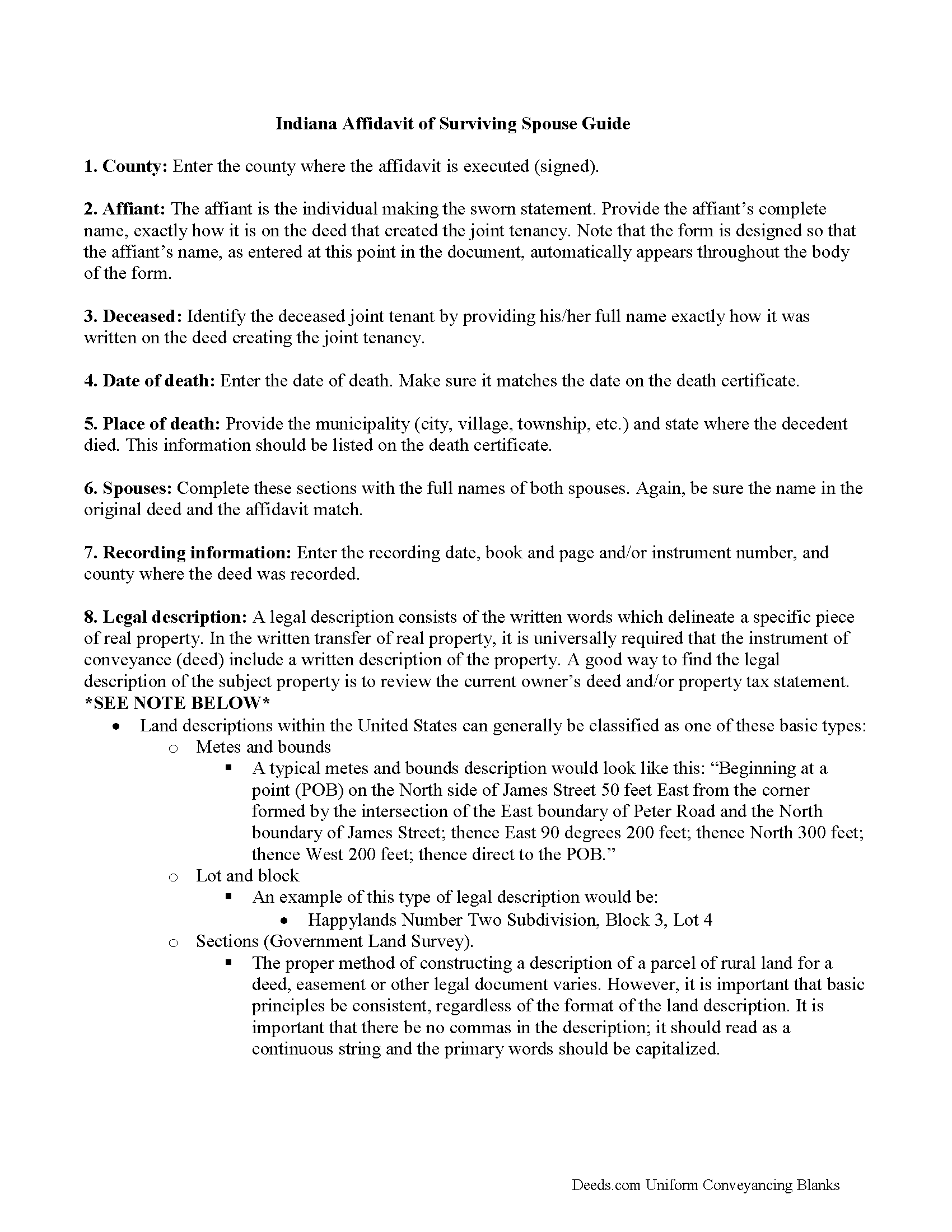
Wayne County Affidavit of Surviving Spouse Guide
Line by line guide explaining every blank on the form.
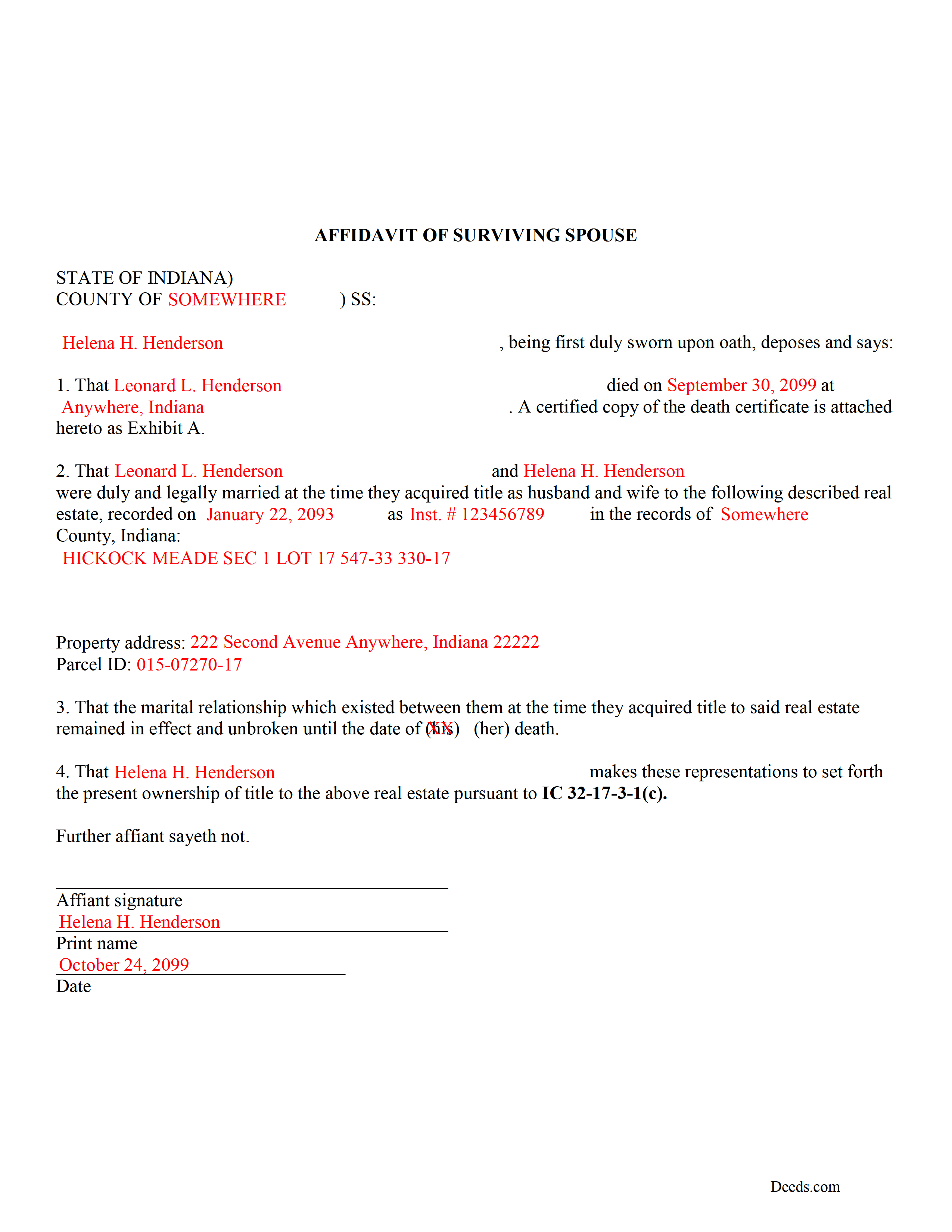
Wayne County Completed Example of the Affidavit of Surviving Spouse Document
Example of a properly completed form for reference.
All 3 documents above included • One-time purchase • No recurring fees
Immediate Download • Secure Checkout
Additional Indiana and Wayne County documents included at no extra charge:
Where to Record Your Documents
Wayne County Recorder
Richmond, Indiana 47374
Hours: Monday 8:30 to 5:00; Tuesday through Friday 8:30 to 4:30
Phone: (765) 973-9235
Recording Tips for Wayne County:
- Bring your driver's license or state-issued photo ID
- Ensure all signatures are in blue or black ink
- Ask for certified copies if you need them for other transactions
- Ask if they accept credit cards - many offices are cash/check only
- Check that your notary's commission hasn't expired
Cities and Jurisdictions in Wayne County
Properties in any of these areas use Wayne County forms:
- Boston
- Cambridge City
- Centerville
- Dublin
- Economy
- Fountain City
- Greens Fork
- Hagerstown
- Milton
- Pershing
- Richmond
- Webster
- Williamsburg
Hours, fees, requirements, and more for Wayne County
How do I get my forms?
Forms are available for immediate download after payment. The Wayne County forms will be in your account ready to download to your computer. An account is created for you during checkout if you don't have one. Forms are NOT emailed.
Are these forms guaranteed to be recordable in Wayne County?
Yes. Our form blanks are guaranteed to meet or exceed the applicable formatting requirements used for recording in Wayne County, including margin requirements, font requirements, and other layout standards. This guarantee applies to formatting, not to the legal sufficiency of information entered by the user or the suitability of a form for a particular transaction.
Can I reuse these forms?
Yes. You can reuse the forms for your personal use. For example, if you have multiple properties in Wayne County you only need to order once.
What do I need to use these forms?
The forms are PDFs that you fill out on your computer. The free Adobe Acrobat Reader is recommended, and most PDF apps also work. You do NOT enter your property information online - you download the blank forms and complete them privately on your own computer.
Are there any recurring fees?
No. This is a one-time purchase. Nothing to cancel, no memberships, no recurring fees.
How much does it cost to record in Wayne County?
Recording fees in Wayne County vary. Contact the recorder's office at (765) 973-9235 for current fees.
Questions answered? Let's get started!
Married couples in Indiana may hold title to real estate as tenants by the entireties. This means that when one spouse dies, the other gains full ownership of the property by function of law, and without the need for probate. Use this instrument to formalize the acceptance of ownership rights conveyed when a spouse dies. Complete and sign the affidavit and submit it, along with a certified copy of the decedent's death certificate, to the recorder for the county where the real estate is located.
In order to gain full ownership, the husband or wife submits a completed affidavit of surviving spouse, along with an official copy of the death certificate of the deceased spouse, to the recorder for the county where the land is located.
This does not, however, remove the deceased's name from the deed. To accomplish that, the survivor must execute and record a new deed from the married couple to the remaining spouse only. After completing this final step, the public record and current deed will contain the most up-to-date information.
(Indiana Affidavit of Surviving Spouse Package includes form, guidelines, and completed example)
Important: Your property must be located in Wayne County to use these forms. Documents should be recorded at the county recording office listed above.
This Affidavit of Surviving Spouse meets all recording requirements specific to Wayne County.
Our Promise
The documents you receive here are guaranteed to meet or exceed the applicable Wayne County recording format requirements. If there is a rejection caused by our formatting, we will correct the issue or refund your payment. This guarantee applies to document formatting only and does not extend to information entered by the user, the selection of the form, or the legal effect of the completed document.
Save Time and Money
Get your Wayne County Affidavit of Surviving Spouse form done right the first time with Deeds.com Uniform Conveyancing Blanks. At Deeds.com, we understand that your time and money are valuable resources, and we don't want you to face a penalty fee or rejection imposed by a county recorder for submitting nonstandard documents. We constantly review and update our forms to meet rapidly changing state and county recording requirements for roughly 3,500 counties and local jurisdictions.
4.8 out of 5 - ( 4,863 Reviews )
Robert K. 5 out of 5 stars
Very user friendly - I found the affidavit I needed right away together with the guide to filling it out.
Thank you!
Natasha M. 5 out of 5 stars
Your forms, guides, sample deeds and submission process were accessible, easy to understand and simple. I also was pleasantly surprised by the efficiency, professionalism and ease of staff communicating with me after I uploaded the document to ensure the county accepted it. I will continue to use this website to record deeds. Thank you!
Thank you for your feedback. We really appreciate it. Have a great day!
Charles R. 5 out of 5 stars
No review provided.
Thank you for your review. Have a fantastic day!
Mike S. 3 out of 5 stars
Overpriced
Thanks Mike. We get it, $27.97 isn't cheap for a lot of people right now. Your Nevada package includes a recorder-ready affidavit, a completed sample, and step-by-step instructions for the state. Expensive, yes. Overpriced, not even close.
Sandra S. 5 out of 5 stars
Very helpful, with blank and sample completed documents. The only thing I was confused about was the "legal description" of my property. The documents weren't too helpful on what that meant. Otherwise they were great. It saved me $200 to prepare these myself.
Thank you for your feedback. We really appreciate it. Have a great day!
Sally F. 5 out of 5 stars
Amazing forms, thanks so much for making these available.
Thank you!
silvia m. 5 out of 5 stars
Used the forms for a quitclaim deed. Worked great! Also, big bonus to have the extra forms available, needed a couple of them. Highly recommend...
We appreciate your business and value your feedback. Thank you. Have a wonderful day!
David K. 3 out of 5 stars
Price seemed high (~$28) for just some forms (especially because we may not actually use the forms), but it beats navigating the Hawaii state and Honolulu county websites for forms. It would be better if a single button push would download all 7 or 8 forms.
Thank you for your feedback. We really appreciate it. Have a great day!
Hoang N. 5 out of 5 stars
Thank you for helping. Deeds online service is so good. I would refer to my friends or whoever if they need this services. once again you guy is doing great work
Thank you!
Petre A. 5 out of 5 stars
Easy @ useful
Thank you!
Tim T. 3 out of 5 stars
Although I am sure that the Quit Claim form was acceptable for my county, I felt that it was not formatted in the manor that I have seen while viewing the other deeds recorded. So that forms that I received were not useful to me.
Thank you for your feedback. We really appreciate it. Have a great day!
Margaret T. 5 out of 5 stars
Had a difficult time finding my download after purchase. Thankfully I had printed the form and had. However it was read only and I'm not experienced enough to be able to change that. So I went into my word program and typed in the form. I should be able to use it for my purpose. Just glad I was finally able to find it after hours of searching online. I'm in my 70's and not real computer intelligent which may have been part of the problem
Sorry to hear of your struggle Margaret, we will try harder to make our forms easier for everyone.
Paula P. 2 out of 5 stars
Important: Click Download to save each PDF to your device. Open and complete the PDFs using Adobe Acrobat Reader (free). Get Adobe Acrobat Reader Browser PDF viewers (Chrome, Edge, Firefox, Mac Preview) may display fillable fields incorrectly. This information should be shared with the potential buyer BEFORE purchase. Messy formatting and a deeds.com advertisement on each page. I will not purchase from deeds.com again.
Paula, thank you for taking the time to leave feedback. As the product wasn’t a good fit for you, we’ve canceled your order and provided a full refund so there’s no need for you to use the documents.
Christine L. 5 out of 5 stars
I would like the ability to edit the document.
Thank you for your feedback Christine.
Elizabeth R. 5 out of 5 stars
It was easy to download and save the Revocation of Beneficiary of Deed form. The example and instructions helped a lot. When I went to file with the county clerk's office, she read through it carefully and said "perfect" when she was through. Thank you for making it so easy!
Thank you!