Wayne County Memorandum of Contract Form
Last validated October 8, 2026 by our Forms Development TeamFormatted for recording in Wayne County, for property anywhere in the county: rural and unincorporated areas as well as Boston, Cambridge City, Centerville, Dublin, Economy, Fountain City, Greens Fork, Hagerstown and 5 more.
- 3 documents included
- Immediate PDF download
- Formatting guarantee
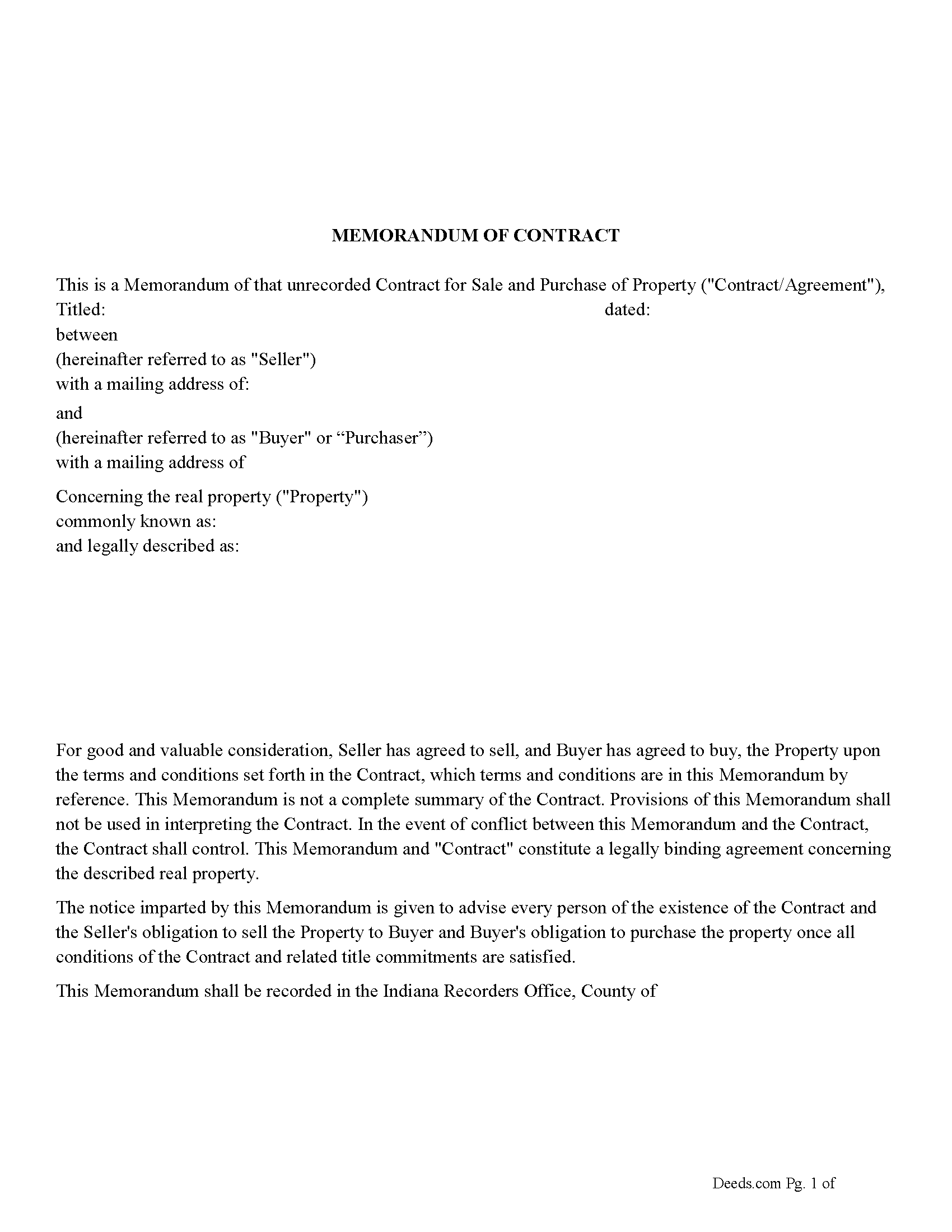
Wayne County Memorandum of Contract Form
Fill in the blank Memorandum of Contract form formatted to comply with all Indiana recording and content requirements.
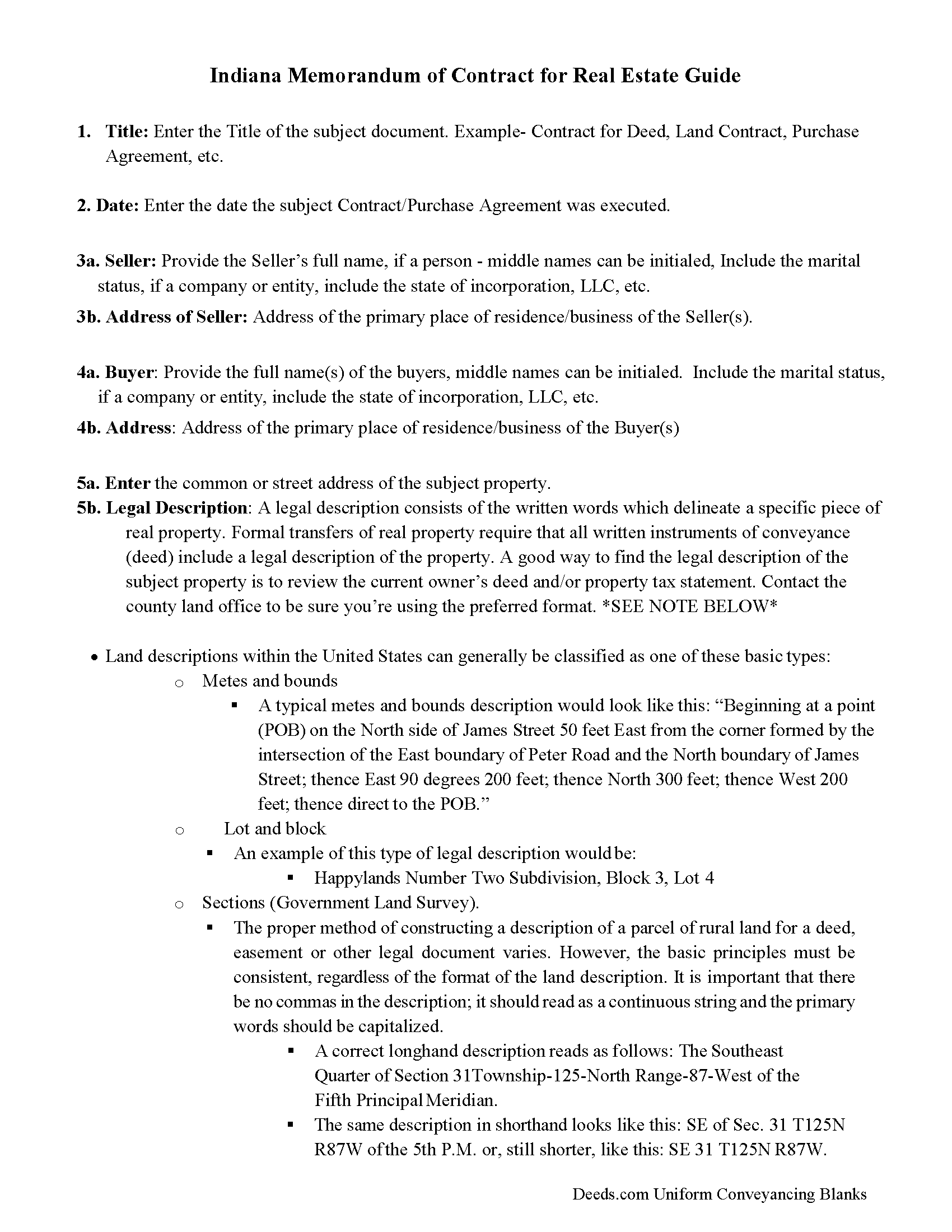
Wayne County Memorandum of Contract Guide
Line by line guide explaining every blank on the Memorandum of Contract form.
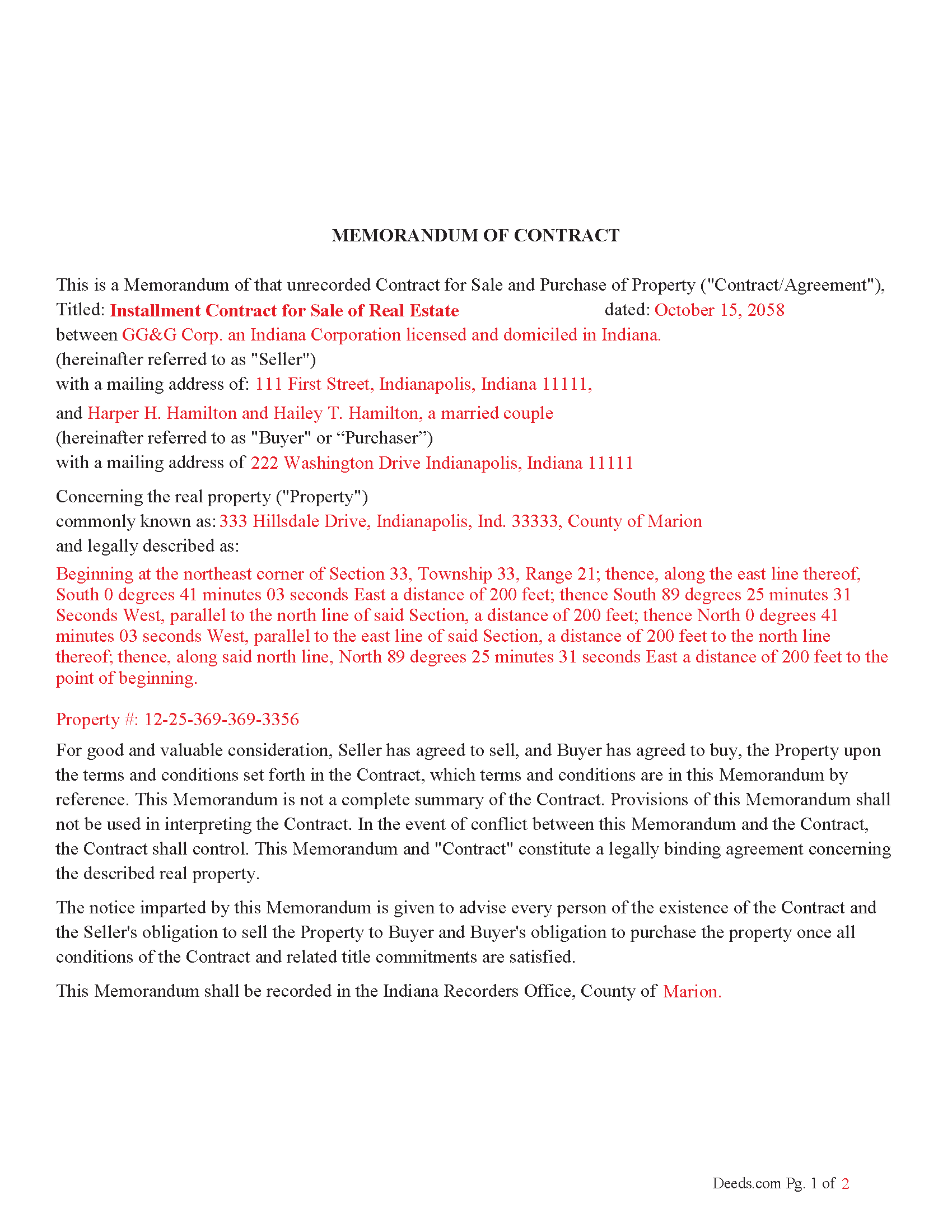
Wayne County Completed Example of the Memorandum of Contract Document
Example of a properly completed Indiana Memorandum of Contract document for reference.
All 3 documents above included • One-time purchase • No recurring fees
Immediate Download • Secure Checkout
Additional Indiana and Wayne County documents included at no extra charge:
Where to Record Your Documents
Wayne County Recorder
Richmond, Indiana 47374
Hours: Monday 8:30 to 5:00; Tuesday through Friday 8:30 to 4:30
Phone: (765) 973-9235
Recording Tips for Wayne County:
- Bring your driver's license or state-issued photo ID
- Ensure all signatures are in blue or black ink
- Both spouses typically need to sign if property is jointly owned
- Bring extra funds - fees can vary by document type and page count
- Check margin requirements - usually 1-2 inches at top
Cities and Jurisdictions in Wayne County
Properties in any of these areas use Wayne County forms:
- Boston
- Cambridge City
- Centerville
- Dublin
- Economy
- Fountain City
- Greens Fork
- Hagerstown
- Milton
- Pershing
- Richmond
- Webster
- Williamsburg
Hours, fees, requirements, and more for Wayne County
How do I get my forms?
Forms are available for immediate download after payment. The Wayne County forms will be in your account ready to download to your computer. An account is created for you during checkout if you don't have one. Forms are NOT emailed.
Are these forms guaranteed to be recordable in Wayne County?
Yes. Our form blanks are guaranteed to meet or exceed the applicable formatting requirements used for recording in Wayne County, including margin requirements, font requirements, and other layout standards. This guarantee applies to formatting, not to the legal sufficiency of information entered by the user or the suitability of a form for a particular transaction.
Can I reuse these forms?
Yes. You can reuse the forms for your personal use. For example, if you have multiple properties in Wayne County you only need to order once.
What do I need to use these forms?
The forms are PDFs that you fill out on your computer. The free Adobe Acrobat Reader is recommended, and most PDF apps also work. You do NOT enter your property information online - you download the blank forms and complete them privately on your own computer.
Are there any recurring fees?
No. This is a one-time purchase. Nothing to cancel, no memberships, no recurring fees.
How much does it cost to record in Wayne County?
Recording fees in Wayne County vary. Contact the recorder's office at (765) 973-9235 for current fees.
Questions answered? Let's get started!
A "Memorandum of Contract" in Indiana is a legal document used to provide public notice of a contract or agreement concerning real estate without revealing the full details of the contract. When recorded in the county where the property is located, it serves as a way to notify third parties, such as potential buyers or lenders, that there is an existing contract or agreement related to the property.
IN Code § 36-2-11-20 Sec. 20. (a) As used in this section, "contract" means an agreement for a seller to sell real estate to a purchaser that provides for the purchaser to pay the purchase price to the seller in periodic installments, with the seller retaining record title to the real estate and the purchaser acquiring equitable title to the real estate.
Purpose: The primary purpose of a Memorandum of Contract is to secure the parties' interests by making the existence of a contract public without disclosing the full contract terms. Use this form for real property purchase agreements.
IN Code § 36-2-11-20 (g) A memorandum of a lease or a memorandum of contract may be recorded in lieu of the lease or contract itself if the memorandum is executed and acknowledged by the parties and contains:
(1) the names of the parties;
(2) the term of the lease or contract;
(3) any option of the lessee to renew or extend the term of the lease or of the purchaser to renew or extend the term of the contract; and
(4) the specific legal description of the real estate, or a survey or plot plan authorized under subsection (i) showing the location of the real estate.
(h) A memorandum recorded under this section may also contain any other agreement made between the parties in the lease or contract.
Statutory Basis: Indiana has statutes governing the recording of documents affecting real estate. Indiana Code § 32-21-4 provides general guidelines for recording instruments, including those affecting real estate interests. Specific requirements may vary based on the type of contract and the county.
Effect of Recording: Once recorded, the memorandum places a cloud on the title, meaning any future buyers or creditors will be aware of the existing contract. This can protect the parties from unauthorized transactions or encumbrances.
For use in Indiana only.
Termination: If the underlying contract is terminated, parties typically record a document to release the memorandum, clearing the title.
Important: Your property must be located in Wayne County to use these forms. Documents should be recorded at the county recording office listed above.
This Memorandum of Contract meets all recording requirements specific to Wayne County.
Our Promise
The documents you receive here are guaranteed to meet or exceed the applicable Wayne County recording format requirements. If there is a rejection caused by our formatting, we will correct the issue or refund your payment. This guarantee applies to document formatting only and does not extend to information entered by the user, the selection of the form, or the legal effect of the completed document.
Save Time and Money
Get your Wayne County Memorandum of Contract form done right the first time with Deeds.com Uniform Conveyancing Blanks. At Deeds.com, we understand that your time and money are valuable resources, and we don't want you to face a penalty fee or rejection imposed by a county recorder for submitting nonstandard documents. We constantly review and update our forms to meet rapidly changing state and county recording requirements for roughly 3,500 counties and local jurisdictions.
4.8 out of 5 - ( 4,836 Reviews )
Gary K. 4 out of 5 stars
Straightforward and pretty easy to use. The only downside is that there is no way to contact them directly. The number on the website is answered only by a voicemail with no return calls. Pricing seems fair compared to other services and much more efficient that filing "over the counter."
Thank you for your feedback. We really appreciate it. Have a great day!
RONALD F. 5 out of 5 stars
Great service. Very reasonable cost. All necessary detailed information provided.
Thank you for your feedback. We really appreciate it. Have a great day!
Sherri R. 5 out of 5 stars
I was impressed with how quick and easy the process was.
Happy we could assist. Thank you for sharing your experience.
Howard K. 5 out of 5 stars
Great products, quick downloads, the "guides" are extremely helpful. Overall 5 stars!
Thank you!
Mary B. 5 out of 5 stars
Your information was orderly and very clear and helpful. Thanks!
Thank you for your feedback. We really appreciate it. Have a great day!
Andrea R. 5 out of 5 stars
I was pleasantly surprised as I didn't even know you can record a quit claim deed digitally. I am in the mortgage business so I will gladly refer all my clients to this website! Deeds.com was prompt and fast with the entire process. My document was recorded and completed in less than 24 hours! Thank you again!
We appreciate your business and value your feedback. Thank you. Have a wonderful day!
Gisela A. 5 out of 5 stars
Great selection of documents. Properly formatted form also included great instructions and the example was very helpful. Filed it myself - no problem!
We appreciate your business and value your feedback. Thank you. Have a wonderful day!
Stefan L. 5 out of 5 stars
Great templates and very efficient
We appreciate your business and value your feedback. Thank you. Have a wonderful day!
JOANNE W. 5 out of 5 stars
Excellent product and so easily obtained. Well worth the price.
Thank you for your feedback. We really appreciate it. Have a great day!
Gene L. 5 out of 5 stars
Worked perfect. Thanks.
Thank you!
Earnest K. 4 out of 5 stars
I used the "personal representative's deed." There were a few errors, after I went to record it at the county recorder's office. For #7, it should've stated "The estate of Joe Schmoe, hereby grants Mr. Personal Representative....." instead of, "I Mr. Personal Representative, as personal representative, hereby grant to personal representative...." The person at the recorder's office said you cannot state "you are granting property to yourself." Just fix that, and everything else is fine.
Your insights are invaluable to us and help us strive for better service. Thank you for taking the time to share your thoughts.
Jonelle R. 5 out of 5 stars
Paperwork very easy to retrieve. Hope going to get it recorded will be this easy.
We appreciate your business and value your feedback. Thank you. Have a wonderful day!
Felicia T. 5 out of 5 stars
Great service with all the added resources on the form I requested. Question: How long do the forms stay available on my account?
Thanks for the feedback Felicia. Our goal is to keep the documents available in your account indefinitely. It's a good idea to download the documents and store them yourself just in case.
Katherine H. 5 out of 5 stars
extremely thorough by covering all bases, easy to understand, direct access, fair price with no strings attached. I recommend the service to everyone.
We appreciate your business and value your feedback. Thank you. Have a wonderful day!
Scott K. 5 out of 5 stars
The beneficiary deed was acceptable to the county clerk and my notarized official deed was mailed to me. The Missouri-based deed met with official approval so all is well in the land that time forgot.
Thank you!