De Kalb County Correction Deed Form
Last validated October 14, 2026 by our Forms Development TeamFormatted for recording in De Kalb County, for property anywhere in the county: rural and unincorporated areas as well as Ashley, Auburn, Butler, Corunna, Garrett, Saint Joe, Waterloo.
- 3 documents included
- Immediate PDF download
- Formatting guarantee
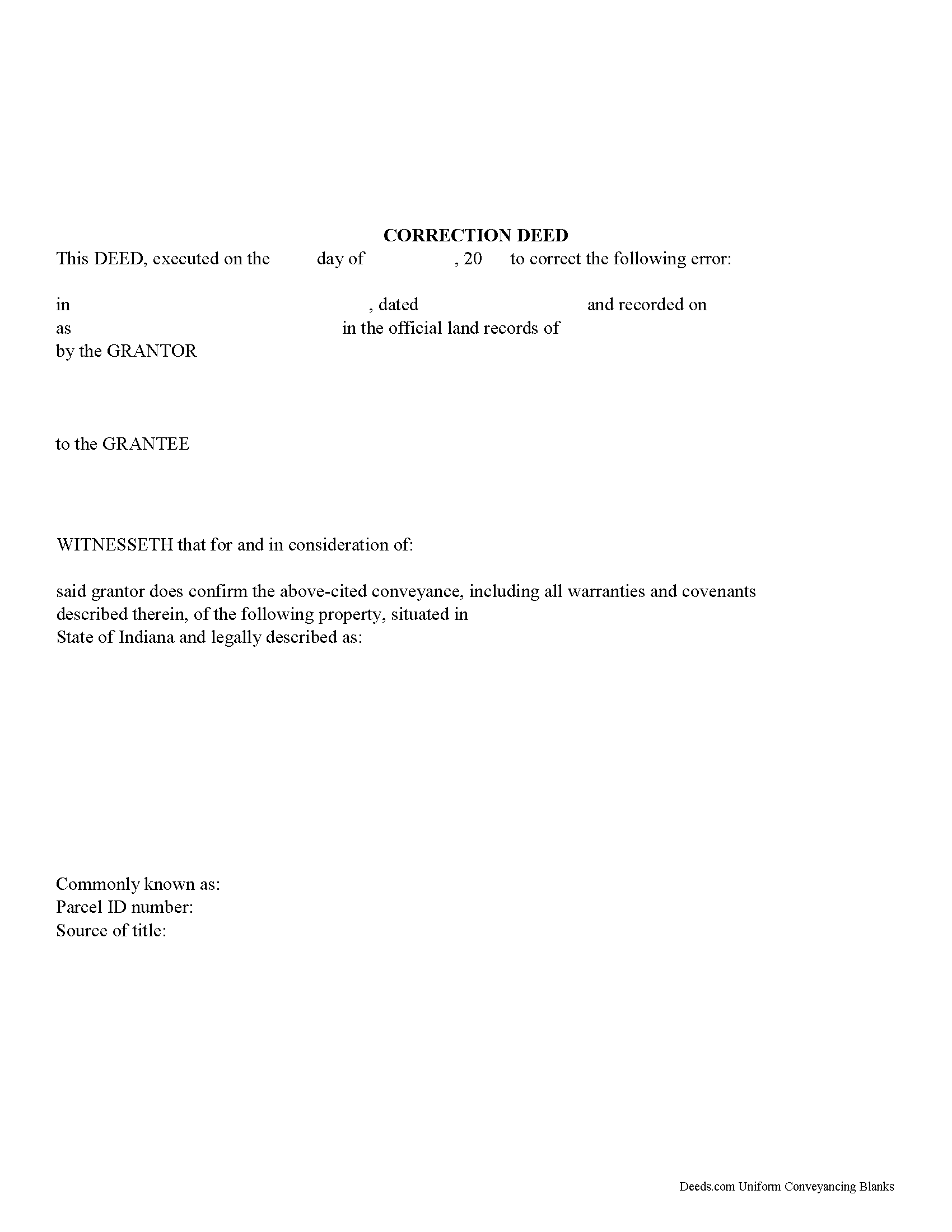
De Kalb County Correction Deed Form
Fill in the blank form formatted to comply with all recording and content requirements.
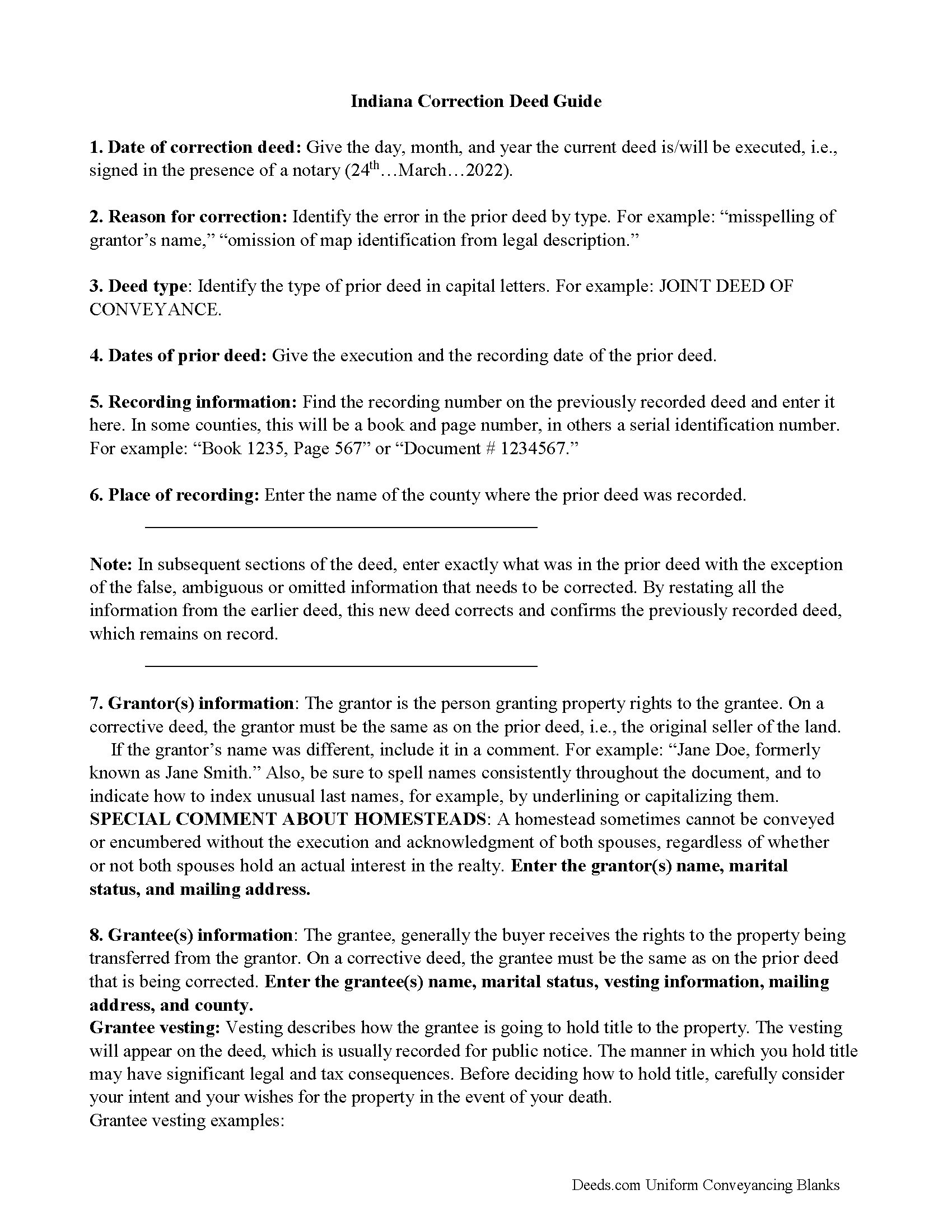
De Kalb County Correction Deed Guide
Line by line guide explaining every blank on the form.
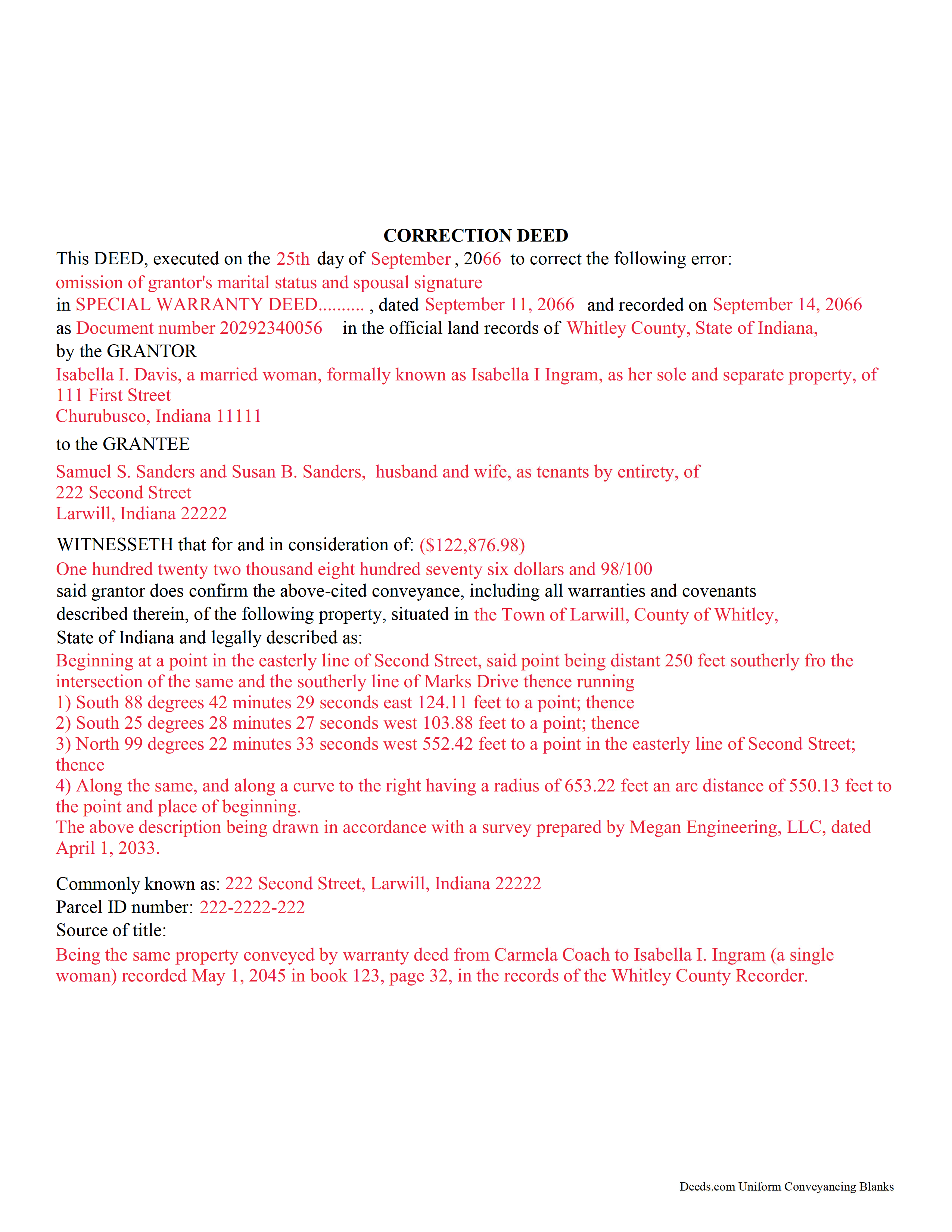
De Kalb County Completed Example of the Correction Deed Document
Example of a properly completed form for reference.
All 3 documents above included • One-time purchase • No recurring fees
Immediate Download • Secure Checkout
Additional Indiana and De Kalb County documents included at no extra charge:
Where to Record Your Documents
DeKalb County Recorder
Auburn, Indiana 46706
Hours: 8:30am - 4:30pm M-F / Last Recording at 4:00pm
Phone: (260) 925-2112
Recording Tips for De Kalb County:
- Bring your driver's license or state-issued photo ID
- Ensure all signatures are in blue or black ink
- Check margin requirements - usually 1-2 inches at top
- Leave recording info boxes blank - the office fills these
- Make copies of your documents before recording - keep originals safe
Cities and Jurisdictions in De Kalb County
Properties in any of these areas use De Kalb County forms:
- Ashley
- Auburn
- Butler
- Corunna
- Garrett
- Saint Joe
- Waterloo
Hours, fees, requirements, and more for De Kalb County
How do I get my forms?
Forms are available for immediate download after payment. The De Kalb County forms will be in your account ready to download to your computer. An account is created for you during checkout if you don't have one. Forms are NOT emailed.
Are these forms guaranteed to be recordable in De Kalb County?
Yes. Our form blanks are guaranteed to meet or exceed the applicable formatting requirements used for recording in De Kalb County, including margin requirements, font requirements, and other layout standards. This guarantee applies to formatting, not to the legal sufficiency of information entered by the user or the suitability of a form for a particular transaction.
Can I reuse these forms?
Yes. You can reuse the forms for your personal use. For example, if you have multiple properties in De Kalb County you only need to order once.
What do I need to use these forms?
The forms are PDFs that you fill out on your computer. The free Adobe Acrobat Reader is recommended, and most PDF apps also work. You do NOT enter your property information online - you download the blank forms and complete them privately on your own computer.
Are there any recurring fees?
No. This is a one-time purchase. Nothing to cancel, no memberships, no recurring fees.
How much does it cost to record in De Kalb County?
Recording fees in De Kalb County vary. Contact the recorder's office at (260) 925-2112 for current fees.
Questions answered? Let's get started!
Use this form to correct an error in a fee simple, quitclaim, or joint deed of conveyance in Indiana, thus eliminating potential title flaws.
In Indiana, a previously recorded deed can be corrected by recording a second deed, called a correction or corrective deed. The sole purpose of such a document is to prevent potential title flaws, which may create problems when the current owner attempts to sell the property to a third party. The correction deed does not convey title but confirms the prior conveyance. For the most part it reiterates the prior deed verbatim, except for the corrected item.
The errors usually adjusted by a corrective deed are minor omissions or typographical mistakes, sometimes called scrivener's errors. Among those are misspelled names, omitted or wrong middle initial, a minor error in the property description, or an omitted execution date.
The corrective deed must state that its sole purpose is to correct a specific error, identified by type. For example: an error in the grantor's name, or an error in the grantor's marital status. The latter might also require an additional signature by the grantor's spouse in the acknowledgement section of the deed. The Indiana sales disclosure form is not required with a deed that does not transfer title, such as a correction deed.
(Indiana Correction Deed Package includes form, guidelines, and completed example)
Important: Your property must be located in De Kalb County to use these forms. Documents should be recorded at the county recording office listed above.
This Correction Deed meets all recording requirements specific to De Kalb County.
Our Promise
The documents you receive here are guaranteed to meet or exceed the applicable De Kalb County recording format requirements. If there is a rejection caused by our formatting, we will correct the issue or refund your payment. This guarantee applies to document formatting only and does not extend to information entered by the user, the selection of the form, or the legal effect of the completed document.
Save Time and Money
Get your De Kalb County Correction Deed form done right the first time with Deeds.com Uniform Conveyancing Blanks. At Deeds.com, we understand that your time and money are valuable resources, and we don't want you to face a penalty fee or rejection imposed by a county recorder for submitting nonstandard documents. We constantly review and update our forms to meet rapidly changing state and county recording requirements for roughly 3,500 counties and local jurisdictions.
4.8 out of 5 - ( 4,833 Reviews )
Jose D. 5 out of 5 stars
A little difficult in the beginning but with the messaging back and forth it was very simple and fast. Thank you for your help.
We appreciate your business and value your feedback. Thank you. Have a wonderful day!
Tramelle O. 5 out of 5 stars
This is perfect! Thank you!
We appreciate your business and value your feedback. Thank you. Have a wonderful day!
ALYSSA J. 1 out of 5 stars
I was unable to end up going through with the deed process on my own as it was out of my realm. I suspect if I knew what I was actually doing when completing a deed, it would of been sufficient. I ended up having to go through an attorney to complete the deed.
Glad to hear you sought the assistance of a legal professional familiar with your specific situation, we always recommend that to anyone who is not completely sure of what they are doing. Have a wonderful day.
Maria S. 3 out of 5 stars
The paperwork/forms are fine, but there isn't enough explanation for me to figure out how to file the extra forms (which I do need in my case). The main form, Deed Upon Death is fine. I think the price is pretty high for these forms. I wouldn't have purchased it because there are places to get them for much cheaper (about 6 dollars), but this site had the extra forms I wanted (property in a trust and another form). Unfortunately these were included as a "courtesy" and there are no instructions for them. So three stars for being clear about what was in the package, having the right forms that I need, but instructions for putting them to use and price took a couple of stars off. Downloading was easy and once you download you can type the info into the PDF--that makes working with the forms much easier.
Thank you for the feedback Maria. Regarding the supplement documents, it is best to get assistance from the agency that requires them. These are not legal documents, they should provide full support and guidance for them.
Denise L. 5 out of 5 stars
It was very easy to get the forms I needed which makes its so much easier than running back and forth. I shall be getting more forms very shortly
Thank you for your feedback. We really appreciate it. Have a great day!
Kenneth H. 5 out of 5 stars
The deeds.com website is incredibly easy to navigate and the nearly instantaneous chat function allowed me to quickly correct an entry error I made uploading a document. The day after enrolling and uploading the document I had a copy of the document properly filed. Very efficient; very effective.
Thank you for your feedback. We really appreciate it. Have a great day!
Rick L. 5 out of 5 stars
I love it! Very convenience.
Thank you!
Kenneth R. 5 out of 5 stars
Easy to use and saves money.
Thank you!
Arthur M. 5 out of 5 stars
Efficient and easy to use. Thanks.
Thank you!
Colleen B. 5 out of 5 stars
Looks good. We will see how it goes.
Thank you!
Lila L. 5 out of 5 stars
Everyone was very responsive and helpful. Thank you. I give you a 5!!
We appreciate your business and value your feedback. Thank you. Have a wonderful day!
Ben F. 5 out of 5 stars
My initial review during download and before reading the guide and forms looks promising.
Thank you!
Sammy K. 5 out of 5 stars
A very streamlined, easy-yo-follow process of recording documents during the COVID-19 era. There was no delay in reviewing and submitting the uploaded documents to the deed office in the jurisdiction. Thanks!
We appreciate your business and value your feedback. Thank you. Have a wonderful day!
Carol S. 5 out of 5 stars
Was very easy to use with the information and samples supplied.
Thank you for your feedback Carol. We appreciate you.
Christopher M. 5 out of 5 stars
Awesome company. Fast, friendly, professional.
We are delighted to have been of service. Thank you for the positive review!