Marshall County Correction Deed Form
Last validated October 14, 2026 by our Forms Development TeamFormatted for recording in Marshall County, for property anywhere in the county: rural and unincorporated areas as well as Argos, Bourbon, Bremen, Culver, Donaldson, Lapaz, Plymouth, Tippecanoe and 1 more.
- 3 documents included
- Immediate PDF download
- Formatting guarantee
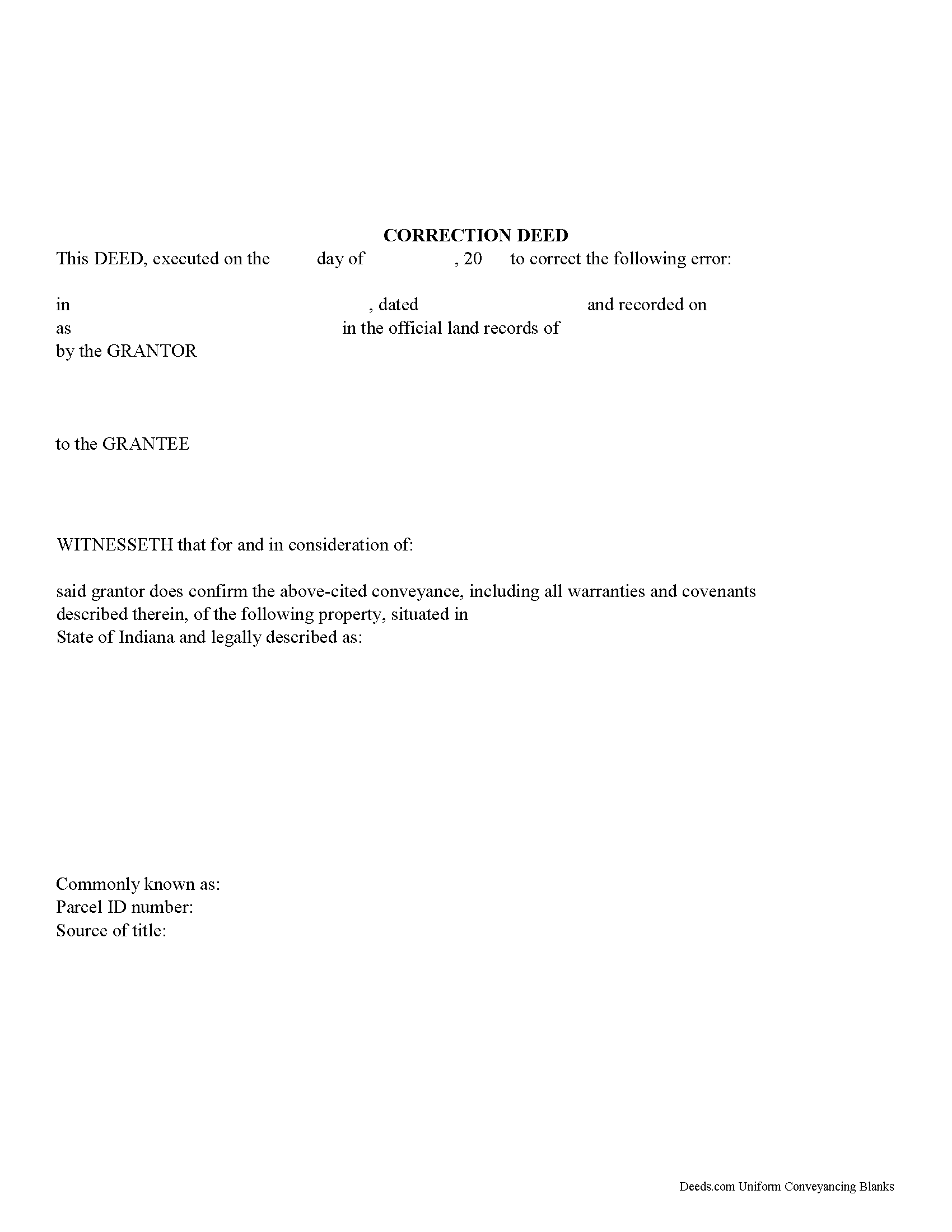
Marshall County Correction Deed Form
Fill in the blank form formatted to comply with all recording and content requirements.
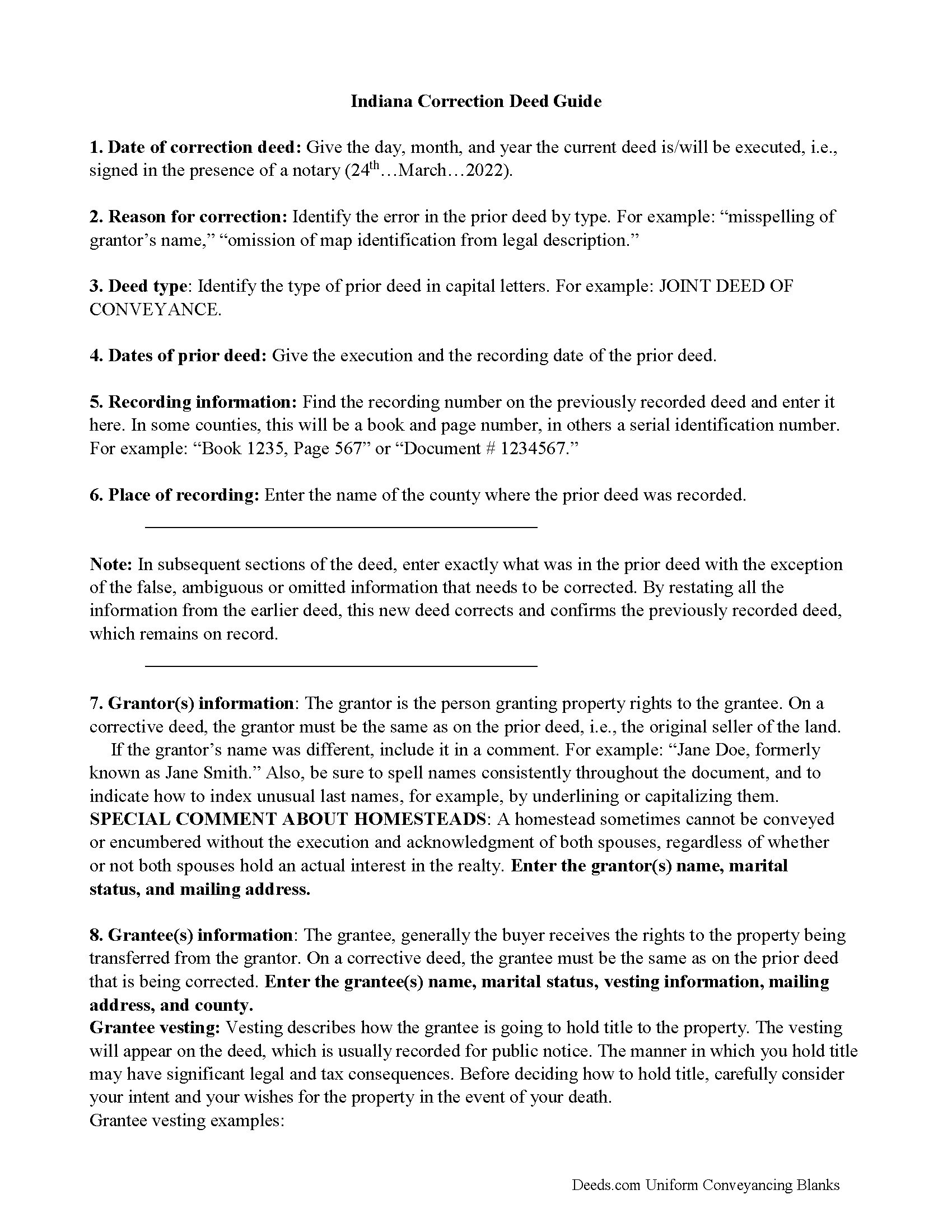
Marshall County Correction Deed Guide
Line by line guide explaining every blank on the form.
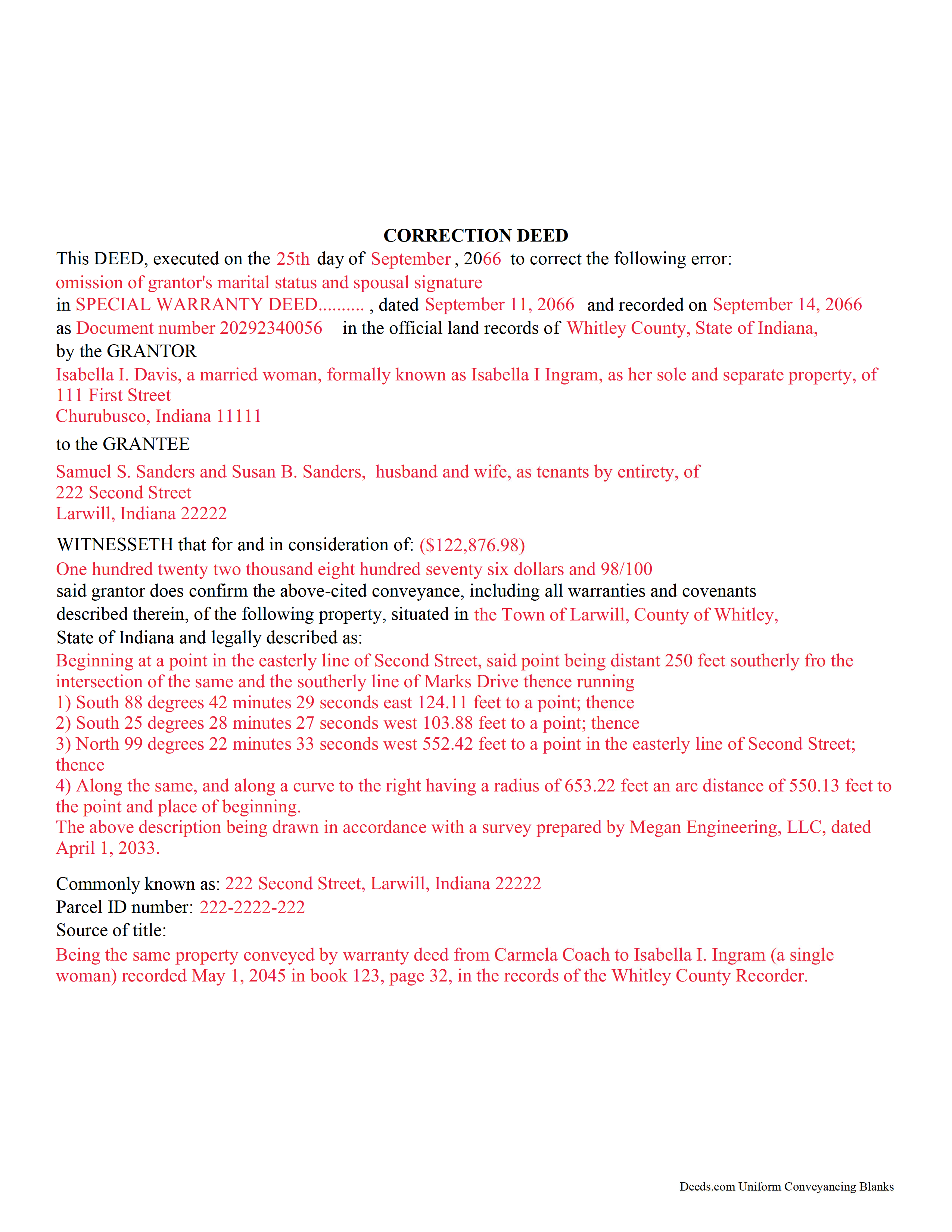
Marshall County Completed Example of the Correction Deed Document
Example of a properly completed form for reference.
All 3 documents above included • One-time purchase • No recurring fees
Immediate Download • Secure Checkout
Additional Indiana and Marshall County documents included at no extra charge:
Where to Record Your Documents
Marshall County Recorder
Plymouth, Indiana 46563
Hours: Monday to Friday 8:00 - 4:00
Phone: (574) 935-8515
Recording Tips for Marshall County:
- Bring your driver's license or state-issued photo ID
- Ensure all signatures are in blue or black ink
- Both spouses typically need to sign if property is jointly owned
- Bring extra funds - fees can vary by document type and page count
- Check margin requirements - usually 1-2 inches at top
Cities and Jurisdictions in Marshall County
Properties in any of these areas use Marshall County forms:
- Argos
- Bourbon
- Bremen
- Culver
- Donaldson
- Lapaz
- Plymouth
- Tippecanoe
- Tyner
Hours, fees, requirements, and more for Marshall County
How do I get my forms?
Forms are available for immediate download after payment. The Marshall County forms will be in your account ready to download to your computer. An account is created for you during checkout if you don't have one. Forms are NOT emailed.
Are these forms guaranteed to be recordable in Marshall County?
Yes. Our form blanks are guaranteed to meet or exceed the applicable formatting requirements used for recording in Marshall County, including margin requirements, font requirements, and other layout standards. This guarantee applies to formatting, not to the legal sufficiency of information entered by the user or the suitability of a form for a particular transaction.
Can I reuse these forms?
Yes. You can reuse the forms for your personal use. For example, if you have multiple properties in Marshall County you only need to order once.
What do I need to use these forms?
The forms are PDFs that you fill out on your computer. The free Adobe Acrobat Reader is recommended, and most PDF apps also work. You do NOT enter your property information online - you download the blank forms and complete them privately on your own computer.
Are there any recurring fees?
No. This is a one-time purchase. Nothing to cancel, no memberships, no recurring fees.
How much does it cost to record in Marshall County?
Recording fees in Marshall County vary. Contact the recorder's office at (574) 935-8515 for current fees.
Questions answered? Let's get started!
Use this form to correct an error in a fee simple, quitclaim, or joint deed of conveyance in Indiana, thus eliminating potential title flaws.
In Indiana, a previously recorded deed can be corrected by recording a second deed, called a correction or corrective deed. The sole purpose of such a document is to prevent potential title flaws, which may create problems when the current owner attempts to sell the property to a third party. The correction deed does not convey title but confirms the prior conveyance. For the most part it reiterates the prior deed verbatim, except for the corrected item.
The errors usually adjusted by a corrective deed are minor omissions or typographical mistakes, sometimes called scrivener's errors. Among those are misspelled names, omitted or wrong middle initial, a minor error in the property description, or an omitted execution date.
The corrective deed must state that its sole purpose is to correct a specific error, identified by type. For example: an error in the grantor's name, or an error in the grantor's marital status. The latter might also require an additional signature by the grantor's spouse in the acknowledgement section of the deed. The Indiana sales disclosure form is not required with a deed that does not transfer title, such as a correction deed.
(Indiana Correction Deed Package includes form, guidelines, and completed example)
Important: Your property must be located in Marshall County to use these forms. Documents should be recorded at the county recording office listed above.
This Correction Deed meets all recording requirements specific to Marshall County.
Our Promise
The documents you receive here are guaranteed to meet or exceed the applicable Marshall County recording format requirements. If there is a rejection caused by our formatting, we will correct the issue or refund your payment. This guarantee applies to document formatting only and does not extend to information entered by the user, the selection of the form, or the legal effect of the completed document.
Save Time and Money
Get your Marshall County Correction Deed form done right the first time with Deeds.com Uniform Conveyancing Blanks. At Deeds.com, we understand that your time and money are valuable resources, and we don't want you to face a penalty fee or rejection imposed by a county recorder for submitting nonstandard documents. We constantly review and update our forms to meet rapidly changing state and county recording requirements for roughly 3,500 counties and local jurisdictions.
4.8 out of 5 - ( 4,833 Reviews )
Billy G. 5 out of 5 stars
Bought the wrong form and they refunded my money Honest company
Your feedback is greatly appreciated. Thank you for taking the time to share your experience!
Laurentina F. 5 out of 5 stars
Great and efficient.
We appreciate your business and value your feedback. Thank you. Have a wonderful day!
Adelola O. 5 out of 5 stars
I called the county clerk office yesterday that i wanted to get a deed e-filed and recorded. I was told they are not accepting documents in person because of the COVID 19 pandemic that I have to mail it. I found Deeds.com online and in less than 24hrs i have my document. Thank you!!!!! $15....Totally worth it.
Thanks Adelola, glad we could help.
Mary W. 5 out of 5 stars
Great service. Thank you
We appreciate your business and value your feedback. Thank you. Have a wonderful day!
Pam H. 5 out of 5 stars
The website was very easy to navigate and I found it easy to get the documents I needed. I also found the price to be reasonable for ease of use and assistance provided in the deed guide and sample. I will definitely keep this website in mind for my legal docs.
Thank you, Pam. We're glad everything worked the way it should, and we'll be here whenever you need your next document.
Pam B. 4 out of 5 stars
This form really helped me out a lot could be a little more explanatory in some areas but all and all it works.
Thanks Pam, we appreciate your feedback.
THOMAS K. 5 out of 5 stars
Very pleased with all info and forms
We appreciate your business and value your feedback. Thank you. Have a wonderful day!
Arturo P. 5 out of 5 stars
Super easy to use! Totally satisfied. Thanks.
We appreciate your business and value your feedback. Thank you. Have a wonderful day!
Martine S. 5 out of 5 stars
Very easy process and was recorded in a prompt manner. We will be using your services again in the future for sure.
We appreciate your business and value your feedback. Thank you. Have a wonderful day!
Christi W. 5 out of 5 stars
Very simple and made recording a breeze. Worth the fee!
We appreciate your business and value your feedback. Thank you. Have a wonderful day!
Kenneth K. 5 out of 5 stars
It was fast and easy to use.
Thank you!
Janice L. 5 out of 5 stars
The forms were easy to request. I'm assuming that the download will be as well. Im so glad that I can upload the information without having to leave my home.
Thank you for your feedback. We really appreciate it. Have a great day!
Kim C. 5 out of 5 stars
Very user-friendly and easy to obtain exactly what I needed. I am impressed by the sample forms as well. I will definitely be using Deeds.com again!!
Thank you for your feedback. We really appreciate it. Have a great day!
Mary D. 5 out of 5 stars
Gift Deed is exactly what was required. Thank you!
Thank you for your feedback. We really appreciate it. Have a great day!
Billie M. 4 out of 5 stars
My overall experience was positive. Little trouble uploading documents but resolved. I had two mineral deeds to file in Arkansas, two different counties, exactly the same form, only difference being property description; one was completed, one was canceled. I emailed to inquire why and the reply was in an automatic email indicating that email address was not monitored and if further action would be taken on Deeds.com part, I would be notified. Other than that, I would recommend their services to avoid using snail mail.
We appreciate your business and value your feedback. Thank you. Have a wonderful day!