La Porte County Final Lien Waiver Form
Last validated October 6, 2026 by our Forms Development TeamFormatted for recording in La Porte County, for property anywhere in the county: rural and unincorporated areas as well as Hanna, Kingsbury, Kingsford Heights, La Crosse, La Porte, Michigan City, Mill Creek, Rolling Prairie and 3 more.
- 3 documents included
- Immediate PDF download
- Formatting guarantee
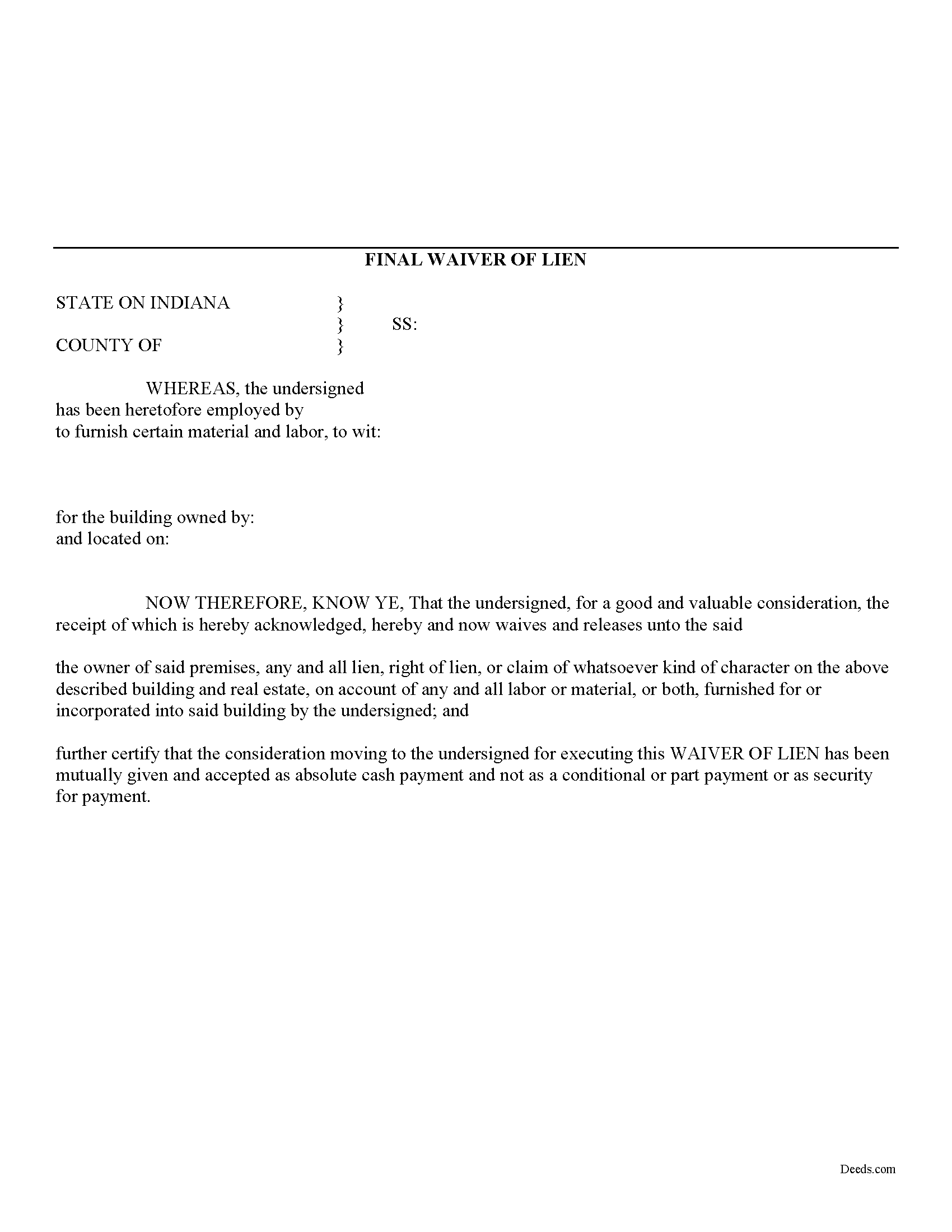
La Porte County Final Lien Waiver Form
Fill in the blank Final Lien Waiver form formatted to comply with all Indiana recording and content requirements.
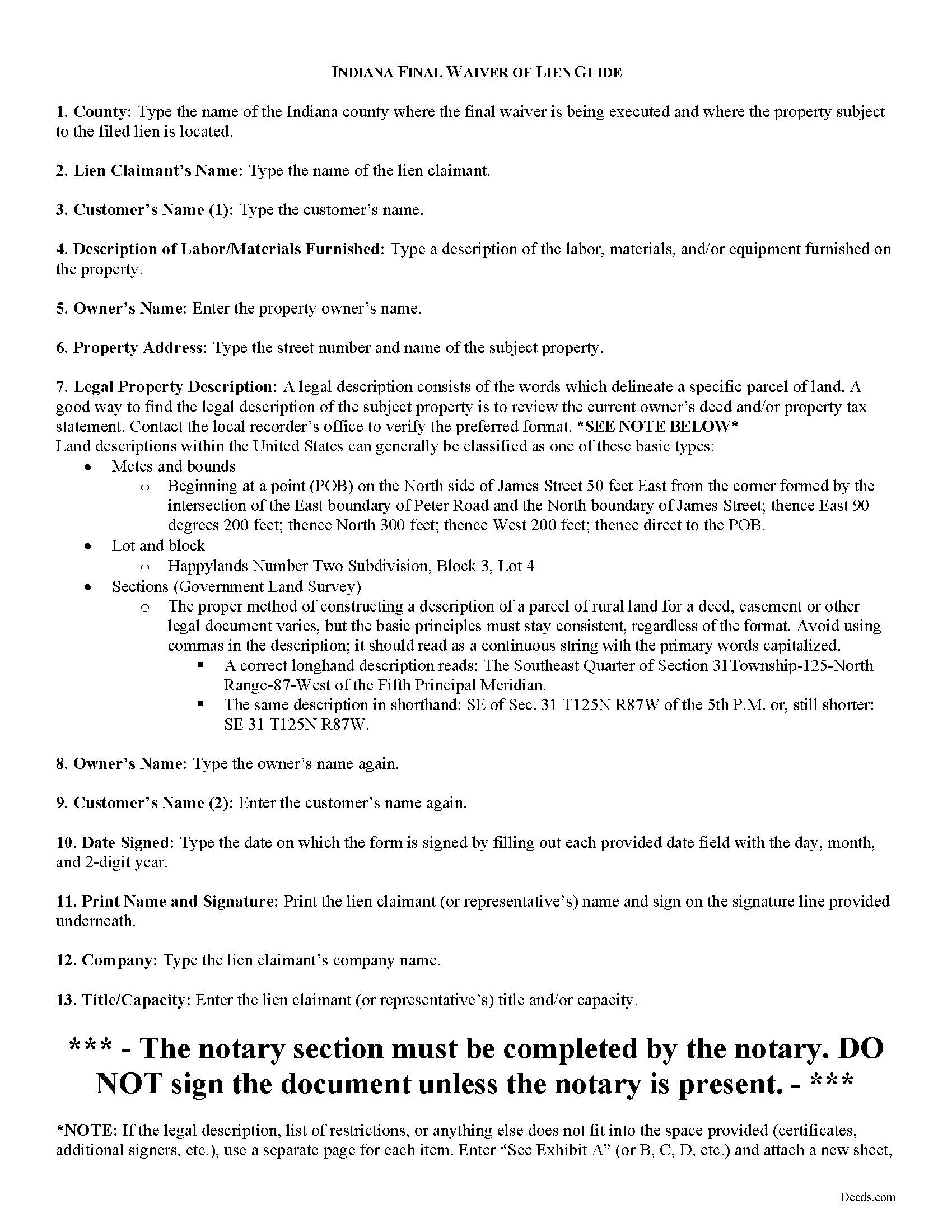
La Porte County Final Lien Waiver Guide
Line by line guide explaining every blank on the form.
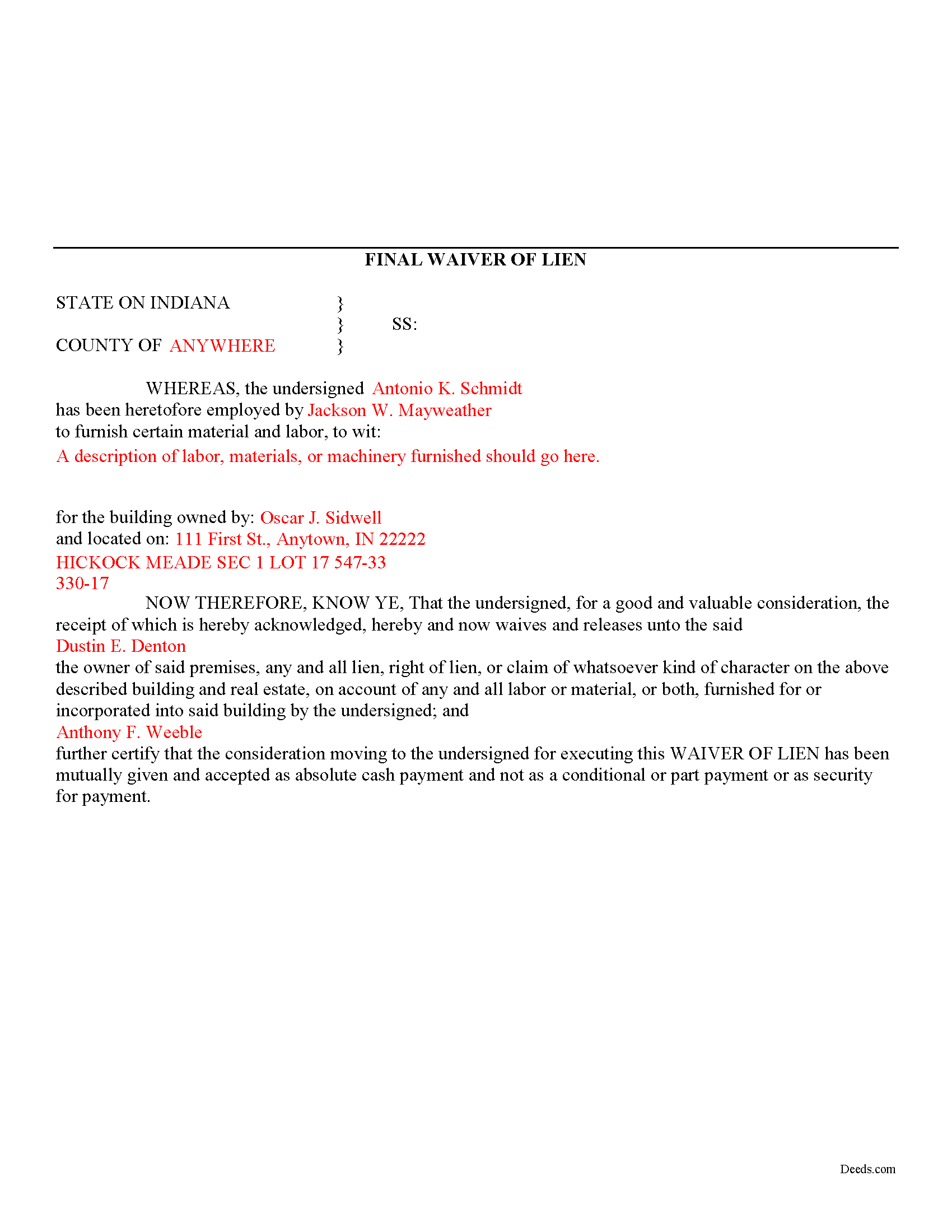
La Porte County Completed Example of the Final Lien Waiver Document
Example of a properly completed form for reference.
All 3 documents above included • One-time purchase • No recurring fees
Immediate Download • Secure Checkout
Additional Indiana and La Porte County documents included at no extra charge:
Where to Record Your Documents
LaPorte County Recorder
LaPorte, Indiana 46350
Hours: 8:00am and 4:00pm M-F (Central)
Phone: (219) 326-6808 ext. 2280, 2234, 2209
Recording Tips for La Porte County:
- Bring your driver's license or state-issued photo ID
- Ensure all signatures are in blue or black ink
- Request a receipt showing your recording numbers
- Ask about accepted payment methods when you call ahead
- Ask for certified copies if you need them for other transactions
Cities and Jurisdictions in La Porte County
Properties in any of these areas use La Porte County forms:
- Hanna
- Kingsbury
- Kingsford Heights
- La Crosse
- La Porte
- Michigan City
- Mill Creek
- Rolling Prairie
- Union Mills
- Wanatah
- Westville
Hours, fees, requirements, and more for La Porte County
How do I get my forms?
Forms are available for immediate download after payment. The La Porte County forms will be in your account ready to download to your computer. An account is created for you during checkout if you don't have one. Forms are NOT emailed.
Are these forms guaranteed to be recordable in La Porte County?
Yes. Our form blanks are guaranteed to meet or exceed the applicable formatting requirements used for recording in La Porte County, including margin requirements, font requirements, and other layout standards. This guarantee applies to formatting, not to the legal sufficiency of information entered by the user or the suitability of a form for a particular transaction.
Can I reuse these forms?
Yes. You can reuse the forms for your personal use. For example, if you have multiple properties in La Porte County you only need to order once.
What do I need to use these forms?
The forms are PDFs that you fill out on your computer. The free Adobe Acrobat Reader is recommended, and most PDF apps also work. You do NOT enter your property information online - you download the blank forms and complete them privately on your own computer.
Are there any recurring fees?
No. This is a one-time purchase. Nothing to cancel, no memberships, no recurring fees.
How much does it cost to record in La Porte County?
Recording fees in La Porte County vary. Contact the recorder's office at (219) 326-6808 ext. 2280, 2234, 2209 for current fees.
Questions answered? Let's get started!
Mechanic's liens are governed under Title 32 of Indiana Code. A waiver is a knowing relinquishment of a right. In this case, the person granting the waiver is relinquishing the right to seek a mechanic's lien for all or part of the amount due. This assurance is usually enough to get the other party to pay. In Indiana, there are no statutory forms for waivers although according to the principles of contract law, the parties may agree to such modifications in writing.
Use the final waiver when a customer makes the final payment, meaning nothing is left due and owing after this payment. This waiver is conditioned upon the payment actually clearing and it will not be effective until that happens.
Waivers must identify the parties, the type of materials/services provided, the location of the job, and the claimant's notarized signature. Record the completed document in the land records for the county where the property is located.
This article is provided for information purposes only and should not be relied upon as a substitute for the advice from an attorney. Please speak with an Indiana attorney with questions about using a lien waiver, or any other issues related to mechanic's liens in Indiana.
Important: Your property must be located in La Porte County to use these forms. Documents should be recorded at the county recording office listed above.
This Final Lien Waiver meets all recording requirements specific to La Porte County.
Our Promise
The documents you receive here are guaranteed to meet or exceed the applicable La Porte County recording format requirements. If there is a rejection caused by our formatting, we will correct the issue or refund your payment. This guarantee applies to document formatting only and does not extend to information entered by the user, the selection of the form, or the legal effect of the completed document.
Save Time and Money
Get your La Porte County Final Lien Waiver form done right the first time with Deeds.com Uniform Conveyancing Blanks. At Deeds.com, we understand that your time and money are valuable resources, and we don't want you to face a penalty fee or rejection imposed by a county recorder for submitting nonstandard documents. We constantly review and update our forms to meet rapidly changing state and county recording requirements for roughly 3,500 counties and local jurisdictions.
4.8 out of 5 - ( 4,833 Reviews )
Fabio S. 5 out of 5 stars
Fast, Easy and with great assistance! I will definitely use their services again!
Thank you for your feedback. We really appreciate it. Have a great day!
Faith D. 5 out of 5 stars
That was really nice to use! Just don't have a computer but will go get copies. Thank you for being there.
Thank you!
Sarah H. 5 out of 5 stars
Very helpful and great price
Thank you!
STEPHANIE S. 5 out of 5 stars
The documents received and information provided to assist with the recording was exactly what was needed for a successful title transfer. I would highly recommend this site and will continue using it for future transactions.
We appreciate your business and value your feedback. Thank you. Have a wonderful day!
Sherry P. 5 out of 5 stars
It would be helpful to have a frequently asked questions section. That would make it easier to know I have the correct form. Sherry
Thank you for your feedback. We really appreciate it. Have a great day!
Debora A. 5 out of 5 stars
Website easy to use and explanations available
Thank you!
Kristie B. 1 out of 5 stars
Horrible. As an agent, trying to find a simple answer was never accomplished.
Sorry to hear that Kristie. We do hope that you found what you were looking for elsewhere.
Sherrl F. 5 out of 5 stars
I had a excellent experience using DEEDS.COM. Very clear directions and site was easy to use. I paid the fee to have my deed electronically filed and it was done the day I requested it be filed.
We appreciate your business and value your feedback. Thank you. Have a wonderful day!
Bruno W. 5 out of 5 stars
Great website. average person needs to care of stuff like this, and presented in a simple direct way. was easy to do. Like best: the sample sheet really made me secure i was doing everything in the right way. My only issue was finding the website. Keep up the good We work. Need more common legal information like this.
Thank you for the kind words, Bruno. We’re glad the sample sheet helped make the process clear and gave you confidence while preparing your documents. Our goal is to present complex legal forms in a straightforward way so people can handle routine filings themselves. We appreciate the feedback and are continuing to expand helpful information and resources on the site.
Larry M. 5 out of 5 stars
Everything went well except that any information that I typed in on the computer download moves upward so that the letters or numbers are somewhat elevated above the line that should be even with the words on the form. I think it will be acceptable to the county recorder, but I don't especially like to submit things that appear uneven. I asked for help but just received a robotic reply that said to take steps that I already had done. So unless you know a way to correct this I likely won't use your forms again.
Thank you!
Barbara L. 5 out of 5 stars
Look great and I thought my daughter wanted me to buy, but she had already bought the package so didn't need it.
Thanks for taking the time to leave your feedback Barbara, we appreciate it. We understand that it was an inconvenience for both you and your daughter to have unintentionally purchased the same item. Therefore, we have taken immediate action and canceled your order as well as processed the refund for your payment. Have a wonderful day.
Raymond N. 4 out of 5 stars
The process of obtaining the forms that I wanted was very easy and the cost reasonable. The site is easy to follow and explains everything. Thank you for being here.
We appreciate your business and value your feedback. Thank you. Have a wonderful day!
Robert S. 5 out of 5 stars
Were unable to help me because of the recorders office but credited my account promptly
Thank you for your feedback. We really appreciate it. Have a great day!
Lisa D. 5 out of 5 stars
It was an easy site to use and very a good price. Thank you!!
We appreciate your business and value your feedback. Thank you. Have a wonderful day!
Michael R. 5 out of 5 stars
This was just TOO easy to do and use!! Thank you so much for your service!
Thank you!