Spencer County Mineral Deed with Quitclaim Covenants Form
Last validated September 18, 2026 by our Forms Development TeamFormatted for recording in Spencer County, for property anywhere in the county: rural and unincorporated areas as well as Chrisney, Dale, Evanston, Fulda, Gentryville, Grandview, Hatfield, Lamar and 7 more.
- 3 documents included
- Immediate PDF download
- Formatting guarantee
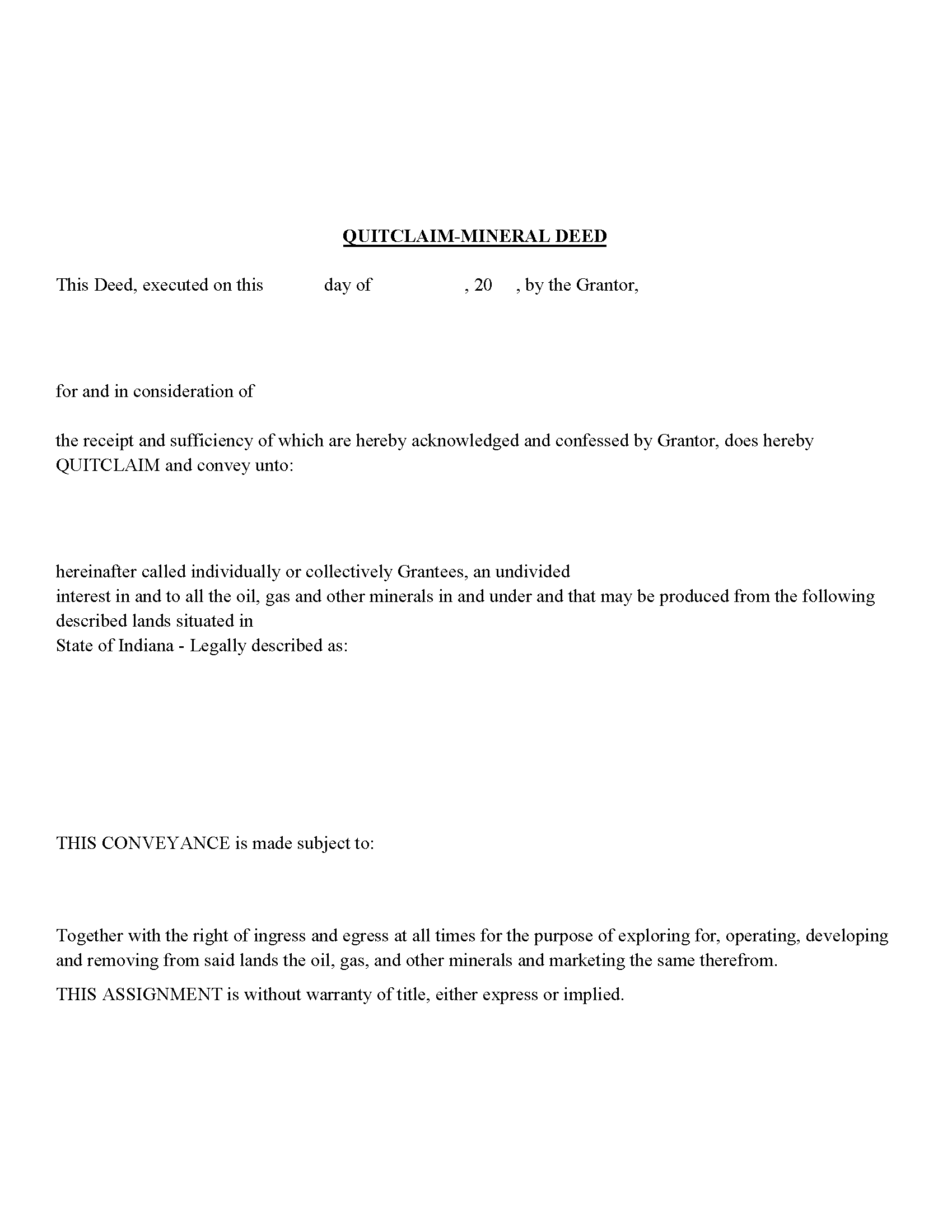
Spencer County Mineral Deed with Quitclaim Covenants Form
Fill in the blank Mineral Deed with Quitclaim Covenants form formatted to comply with all Indiana recording and content requirements.
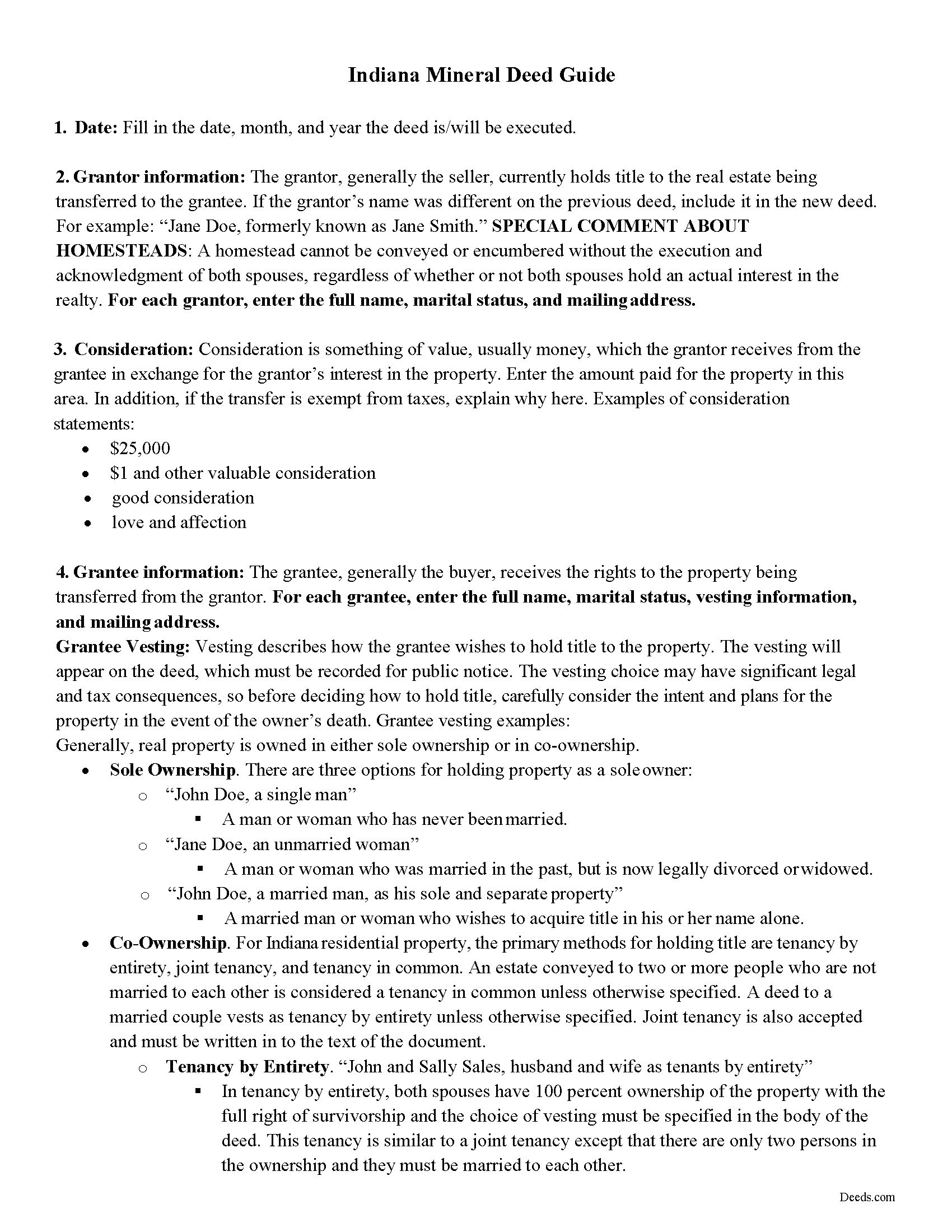
Spencer County Mineral Deed with Quitclaim Covenants Guide
Line by line guide explaining every blank on the Mineral Deed with Quitclaim Covenants form.
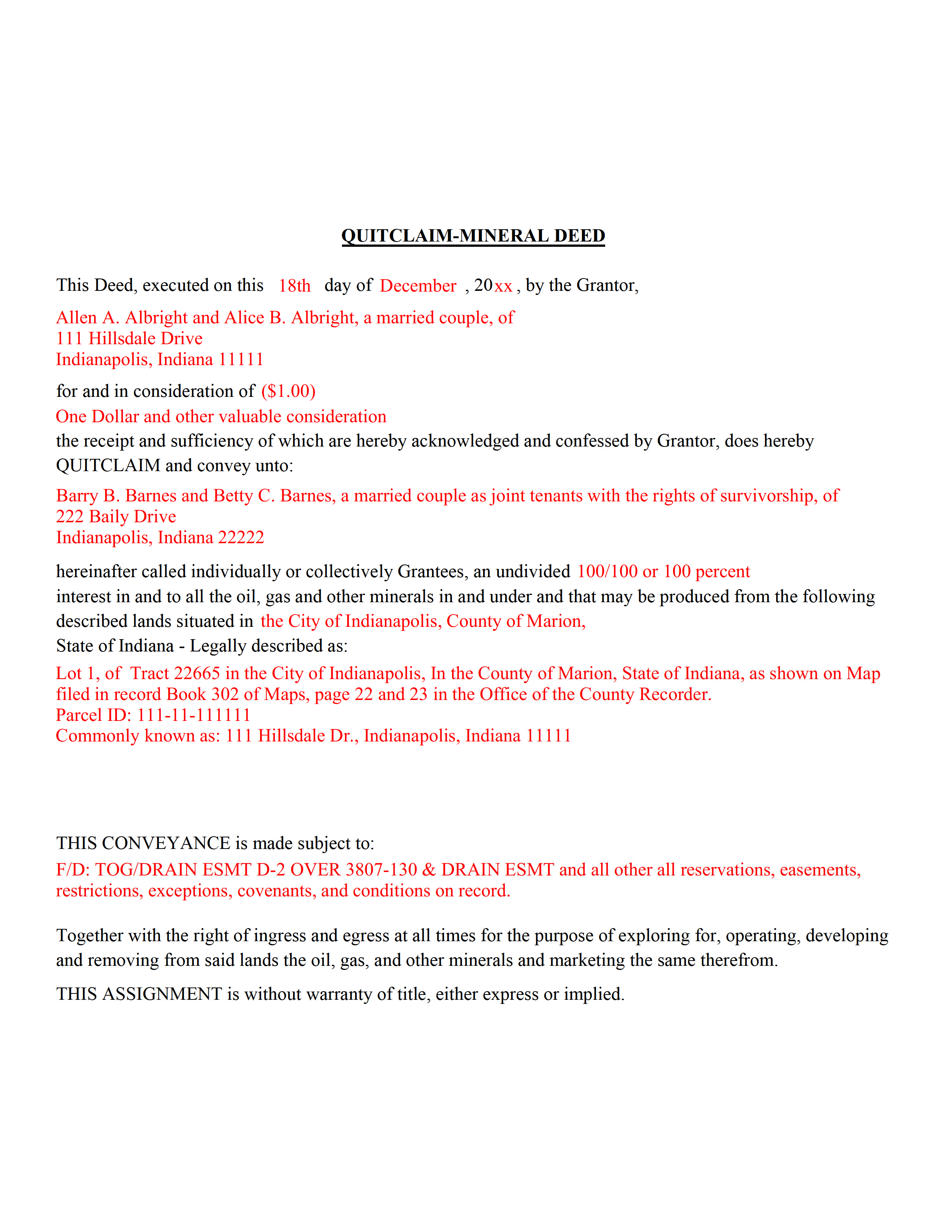
Spencer County Completed Example of the Mineral Deed with Quitclaim Covenants Document
Example of a properly completed Indiana Mineral Deed with Quitclaim Covenants document for reference.
All 3 documents above included • One-time purchase • No recurring fees
Immediate Download • Secure Checkout
Additional Indiana and Spencer County documents included at no extra charge:
Where to Record Your Documents
Spencer County Recorder
Rockport, Indiana 47635
Hours: Monday through Friday 8:00 to 4:00 Central Time
Phone: (812) 649-6013 or 649-6014
Recording Tips for Spencer County:
- Bring your driver's license or state-issued photo ID
- Ensure all signatures are in blue or black ink
- Make copies of your documents before recording - keep originals safe
- Recorded documents become public record - avoid including SSNs
- Recording fees may differ from what's posted online - verify current rates
Cities and Jurisdictions in Spencer County
Properties in any of these areas use Spencer County forms:
- Chrisney
- Dale
- Evanston
- Fulda
- Gentryville
- Grandview
- Hatfield
- Lamar
- Lincoln City
- Mariah Hill
- Richland
- Rockport
- Saint Meinrad
- Santa Claus
- Troy
Hours, fees, requirements, and more for Spencer County
How do I get my forms?
Forms are available for immediate download after payment. The Spencer County forms will be in your account ready to download to your computer. An account is created for you during checkout if you don't have one. Forms are NOT emailed.
Are these forms guaranteed to be recordable in Spencer County?
Yes. Our form blanks are guaranteed to meet or exceed the applicable formatting requirements used for recording in Spencer County, including margin requirements, font requirements, and other layout standards. This guarantee applies to formatting, not to the legal sufficiency of information entered by the user or the suitability of a form for a particular transaction.
Can I reuse these forms?
Yes. You can reuse the forms for your personal use. For example, if you have multiple properties in Spencer County you only need to order once.
What do I need to use these forms?
The forms are PDFs that you fill out on your computer. The free Adobe Acrobat Reader is recommended, and most PDF apps also work. You do NOT enter your property information online - you download the blank forms and complete them privately on your own computer.
Are there any recurring fees?
No. This is a one-time purchase. Nothing to cancel, no memberships, no recurring fees.
How much does it cost to record in Spencer County?
Recording fees in Spencer County vary. Contact the recorder's office at (812) 649-6013 or 649-6014 for current fees.
Questions answered? Let's get started!
The General Mineral Deed in Indiana Quitclaims oil, gas, and mineral rights from the grantor to the grantee. THIS IS NOT A LEASE. There are no Exceptions or Reservations included.
The transfer includes the oil, gas and other minerals of every kind and nature. The Grantor can stipulate the percentage of Mineral Rights the Grantee will receive.
This general mineral deed gives the grantee the right to access, for the purpose of mining, drilling, exploring, operating and developing said lands for oil, gas, and other minerals, and storing handling, transporting and marketing of such.
The seller, or grantor Quitclaims the mineral rights and does NOT accept responsibility to any discrepancy of title (This assignment is without warranty of title, either express or implied)
Uses: Mineral deeds with quitclaim are often used in situations where the grantor wants to quickly release any interest they might have in mineral rights, such as in settling estates, resolving disputes, clearing up uncertainties about ownership in a title's history or when mineral rights have previously been severed or fragmented from surface rights and cloud a title, making it difficult to transfer property. Resolution often involves the holder(s) of the mineral rights, quit-claiming any rights he/she/they have or might have in the subject property.
Use of this document can have a permanent effect on your rights to the property, if you are not completely sure of what you are executing seek the advice of a legal professional.
(Indiana Mineral Deed with Quitclaim Package includes form, guidelines, and completed example)
Important: Your property must be located in Spencer County to use these forms. Documents should be recorded at the county recording office listed above.
This Mineral Deed with Quitclaim Covenants meets all recording requirements specific to Spencer County.
Our Promise
The documents you receive here are guaranteed to meet or exceed the applicable Spencer County recording format requirements. If there is a rejection caused by our formatting, we will correct the issue or refund your payment. This guarantee applies to document formatting only and does not extend to information entered by the user, the selection of the form, or the legal effect of the completed document.
Save Time and Money
Get your Spencer County Mineral Deed with Quitclaim Covenants form done right the first time with Deeds.com Uniform Conveyancing Blanks. At Deeds.com, we understand that your time and money are valuable resources, and we don't want you to face a penalty fee or rejection imposed by a county recorder for submitting nonstandard documents. We constantly review and update our forms to meet rapidly changing state and county recording requirements for roughly 3,500 counties and local jurisdictions.
4.8 out of 5 - ( 4,818 Reviews )
Darren D. 5 out of 5 stars
Easy-peasy to find, download and use the forms!
We appreciate your business and value your feedback. Thank you. Have a wonderful day!
Richard B. 4 out of 5 stars
Had trouble filling in the forms not very user friendly. The text always had to be manipulated to look in the best place. Could not easily move existing text to look more professional with the text being inserted.
Thank you for your feedback. We really appreciate it. Have a great day!
LOUISE W. 5 out of 5 stars
Thank you for your help on my Quit Claim deed. I am very pleased with your patience and the resolving of the deed.
Thank you for your feedback. We really appreciate it. Have a great day!
Richard C. 5 out of 5 stars
Amazing from start to finish!
Thank you for your feedback. We really appreciate it. Have a great day!
Matthew G. 5 out of 5 stars
Second time using Deeds.com. Easy and professional
Thank you Matthew. Have a great day!
Robert J. 5 out of 5 stars
Ordered the quitclaim forms. Amazing value! Received everything I needed and then some. The forms were easy to use and understand with the help of the guide. The best part was that once completed I used deeds.com's e-recording service to submit the document for recording (our county offices are still closed). Outstanding!
Thank you for the kinds words Robert, glad we could help.
Shelly D. 5 out of 5 stars
Excellent
Thank you!
Randy T. 5 out of 5 stars
I gave your site and forms 5 stars because it is very easy to use and included all the information needed to complete the form without having had a legal background.
Thank you Randy. Have a great day!
Debbie K. 5 out of 5 stars
I am very happy with Deeds.com. I found the site easy to use and all the directions I needed were available. I'm so happy I didn't have to go to a title company to get this done. The site is easy to navigate and the documents are easy to download.
Thank you for your feedback. We really appreciate it. Have a great day!
Kimberly M. 5 out of 5 stars
Great service. Very helpful and quick. Love Deeds.com and will be using their services again.
Thank you for your feedback Kimberly, we really appreciate it!
David Q. 5 out of 5 stars
Very easy...great service.
Thank you!
willie jr t. 5 out of 5 stars
Awesome! Thanks so so much!
Thank you!
Robert B. 4 out of 5 stars
This suited my purposes just fine. Instructions were clear and easy to follow. But,I would like to have had the ability to delete the many extra spaces on the final document ... for readability purposes.
We appreciate your business and value your feedback. Thank you. Have a wonderful day!
Donald S. 2 out of 5 stars
Guidelines somewhat helpful. Forms fillable but not editable unless you buy an Adobe conversion service subscription. End product looks crude and amateurish. Fields can't be reduced or enlarged to accommodate unique data. Very disappointing.
Thank you for your feedback. We really appreciate it. Have a great day!
Charles S. 5 out of 5 stars
Quick and easy. Highly recommend. Thanks!
Thank you for your feedback. We really appreciate it. Have a great day!