Harrison County Notice of Furnishing Form
Last validated October 20, 2026 by our Forms Development TeamFormatted for recording in Harrison County, for property anywhere in the county: rural and unincorporated areas as well as Bradford, Central, Corydon, Crandall, Depauw, Elizabeth, Laconia, Lanesville and 5 more.
- 3 documents included
- Immediate PDF download
- Formatting guarantee
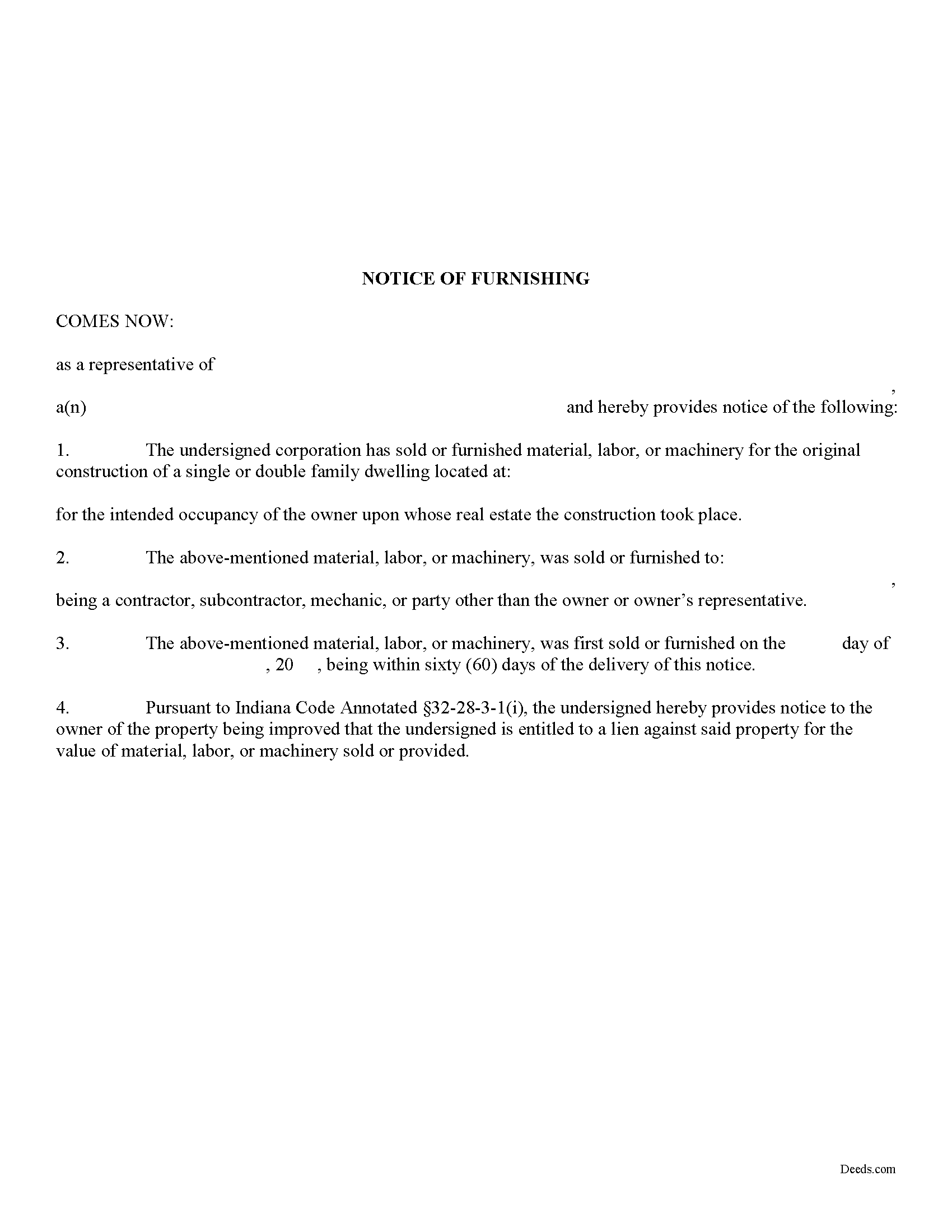
Harrison County Notice of Furnishing Form
Fill in the blank Notice of Furnishing form formatted to comply with all Indiana recording and content requirements.
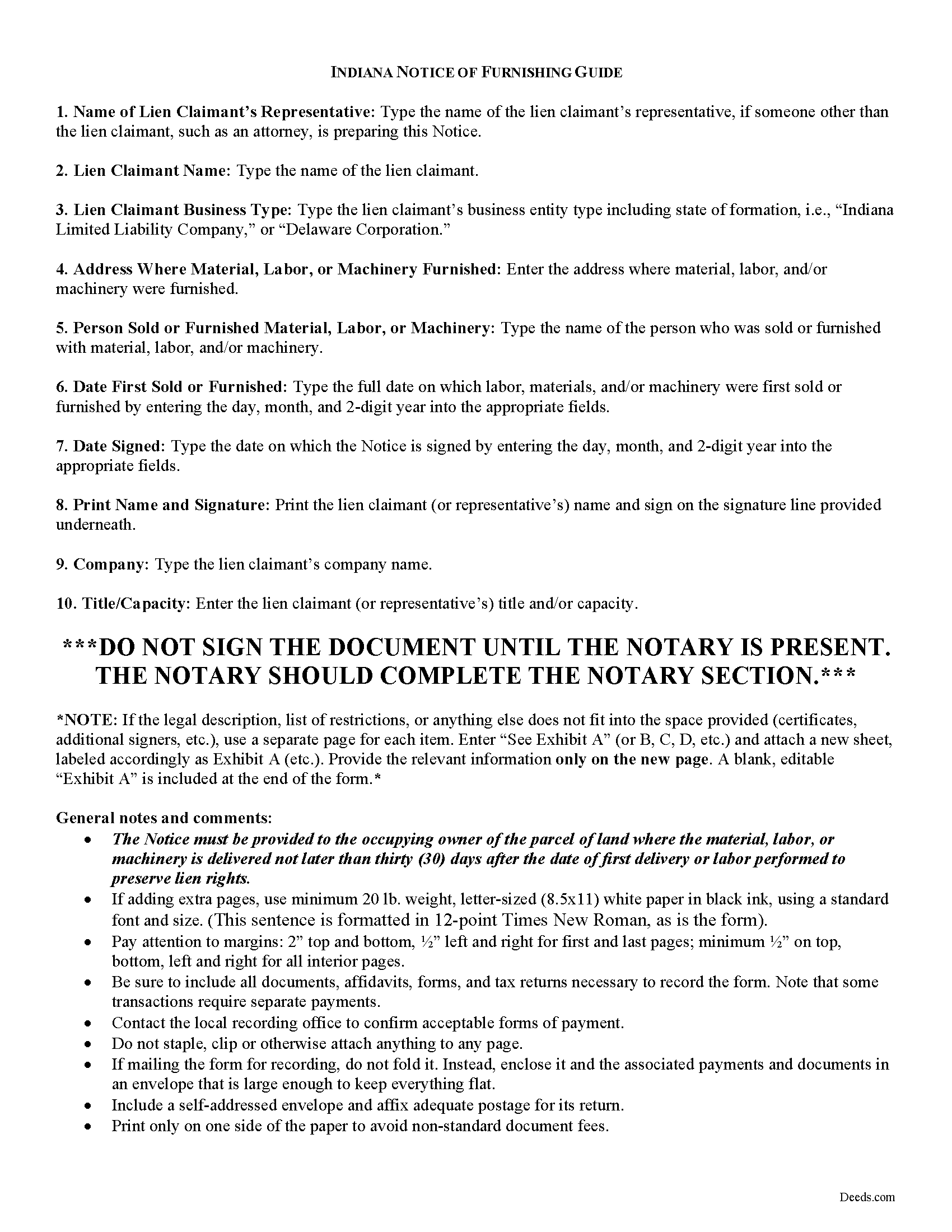
Harrison County Notice of Furnishing Guide
Line by line guide explaining every blank on the form.
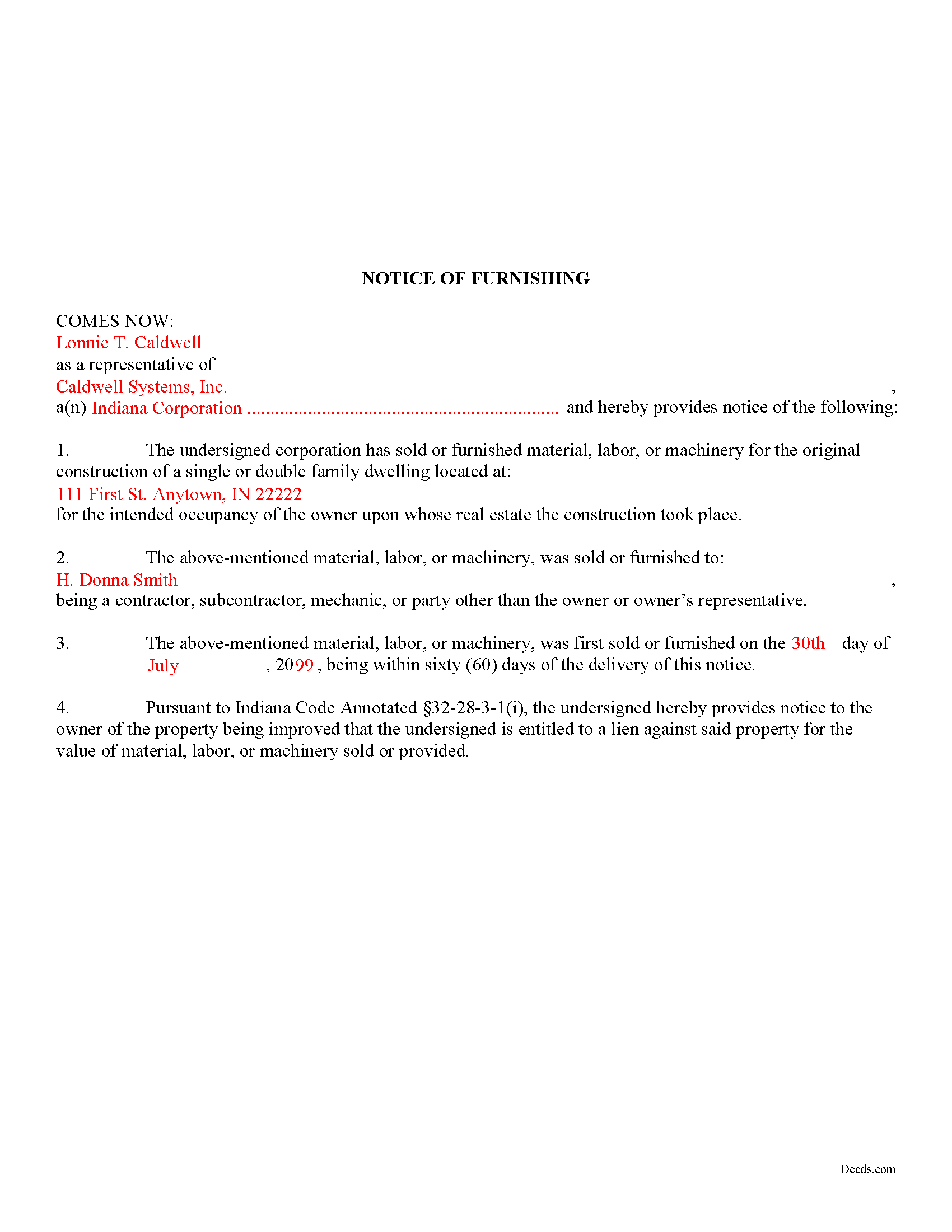
Harrison County Completed Example of the Notice of Furnishing Document
Example of a properly completed form for reference.
All 3 documents above included • One-time purchase • No recurring fees
Immediate Download • Secure Checkout
Additional Indiana and Harrison County documents included at no extra charge:
Where to Record Your Documents
Harrison County Recorder
Corydon, Indiana 47112
Hours: 8:00am - 4:30pm Monday - Friday
Phone: (812) 738-3788
Recording Tips for Harrison County:
- Bring your driver's license or state-issued photo ID
- Ensure all signatures are in blue or black ink
- Leave recording info boxes blank - the office fills these
- Make copies of your documents before recording - keep originals safe
- Recorded documents become public record - avoid including SSNs
Cities and Jurisdictions in Harrison County
Properties in any of these areas use Harrison County forms:
- Bradford
- Central
- Corydon
- Crandall
- Depauw
- Elizabeth
- Laconia
- Lanesville
- Mauckport
- New Middletown
- New Salisbury
- Palmyra
- Ramsey
Hours, fees, requirements, and more for Harrison County
How do I get my forms?
Forms are available for immediate download after payment. The Harrison County forms will be in your account ready to download to your computer. An account is created for you during checkout if you don't have one. Forms are NOT emailed.
Are these forms guaranteed to be recordable in Harrison County?
Yes. Our form blanks are guaranteed to meet or exceed the applicable formatting requirements used for recording in Harrison County, including margin requirements, font requirements, and other layout standards. This guarantee applies to formatting, not to the legal sufficiency of information entered by the user or the suitability of a form for a particular transaction.
Can I reuse these forms?
Yes. You can reuse the forms for your personal use. For example, if you have multiple properties in Harrison County you only need to order once.
What do I need to use these forms?
The forms are PDFs that you fill out on your computer. The free Adobe Acrobat Reader is recommended, and most PDF apps also work. You do NOT enter your property information online - you download the blank forms and complete them privately on your own computer.
Are there any recurring fees?
No. This is a one-time purchase. Nothing to cancel, no memberships, no recurring fees.
How much does it cost to record in Harrison County?
Recording fees in Harrison County vary. Contact the recorder's office at (812) 738-3788 for current fees.
Questions answered? Let's get started!
To secure lien rights in Indiana, a lien claimant must provide a residential property owner a Notice of Furnishing. The purpose on the Notice is to apprise the owner that someone is providing material, labor, or machinery on their land and that person may have a right to file a mechanic's lien.
A person, firm, partnership, limited liability company, or corporation that sells or furnishes on credit any material, labor, or machinery for the alteration or repair of an owner occupied single or double family dwelling or the appurtenances or additions to the dwelling to: 1) a contractor, subcontractor, mechanic; or 2) anyone other than the occupying owner or the owner's legal representative; must furnish to the occupying owner of the parcel of land where the material, labor, or machinery is delivered a written notice of the delivery or work and of the existence of lien rights not later than thirty (30) days after the date of first delivery or labor performed. IC 32-28-3-1(h). The furnishing of the notice is a condition precedent to the right of acquiring a lien upon the lot or parcel of land or the improvement on the lot or parcel of land. Id.
The Notice of Furnishing contains the following information: 1) lien claimant's (or representative's) name, including the form of business; 2) the address where material, labor, or machinery was furnished; 3) the name of the person sold or furnished with material, labor, or machinery; and 4) the date of first furnishing or sale. The Notice must be served on the owner and filed with the county recording office within sixty (60) days of the date of first delivery or labor performed. IC 32-28-3-1(i).
This article is provided for informational purposes only and should not be relied upon as a substitute for advice from an attorney. Please consult with an Indiana attorney for any questions regarding mechanic's liens.
Important: Your property must be located in Harrison County to use these forms. Documents should be recorded at the county recording office listed above.
This Notice of Furnishing meets all recording requirements specific to Harrison County.
Our Promise
The documents you receive here are guaranteed to meet or exceed the applicable Harrison County recording format requirements. If there is a rejection caused by our formatting, we will correct the issue or refund your payment. This guarantee applies to document formatting only and does not extend to information entered by the user, the selection of the form, or the legal effect of the completed document.
Save Time and Money
Get your Harrison County Notice of Furnishing form done right the first time with Deeds.com Uniform Conveyancing Blanks. At Deeds.com, we understand that your time and money are valuable resources, and we don't want you to face a penalty fee or rejection imposed by a county recorder for submitting nonstandard documents. We constantly review and update our forms to meet rapidly changing state and county recording requirements for roughly 3,500 counties and local jurisdictions.
4.8 out of 5 - ( 4,842 Reviews )
Jane E. 5 out of 5 stars
The form was incompatible with my son's new computer. I do not have a printer. We did use your form to type a copy into "word" so he could print it.
Thank you!
Beverly M. 5 out of 5 stars
GREAT FORMS. THANK YOU.
Thank you!
Anthony N. 3 out of 5 stars
The site was not easy to navigate. Maybe putting the different things offered at the heading instead of searching for it.
Thank you for your feedback. We really appreciate it. Have a great day!
Bruno W. 5 out of 5 stars
Great website. average person needs to care of stuff like this, and presented in a simple direct way. was easy to do. Like best: the sample sheet really made me secure i was doing everything in the right way. My only issue was finding the website. Keep up the good We work. Need more common legal information like this.
Thank you for the kind words, Bruno. We’re glad the sample sheet helped make the process clear and gave you confidence while preparing your documents. Our goal is to present complex legal forms in a straightforward way so people can handle routine filings themselves. We appreciate the feedback and are continuing to expand helpful information and resources on the site.
Tracy H. 5 out of 5 stars
Deeds.com was an amazing experience. They made it so easy and stress free. The agent I worked with was fantastic and communicated quickly to make it a very positive experience. I will be using them from now on. Thank you!
We appreciate your business and value your feedback. Thank you. Have a wonderful day!
MARISSA G. 5 out of 5 stars
I recomemed this webside
Thank you for your feedback. We really appreciate it. Have a great day!
Thomas G. 1 out of 5 stars
Wasn’t what I expected
Sorry to hear that your expectations were missed. Your order has been canceled. We do hope that you find something more suitable to your expectations elsewhere. Do keep in mind that purchasing legal forms should not be an exploratory endeavor.
Joseph K. 5 out of 5 stars
I'm very impressed. We're a small nonprofit, and we usually walk our documents into our county offices for recording. So I was a little bit skeptical about how things would work if we did it electronically. But it was a smooth, quick, painless, and reasonably priced process. I expect that this will be our preferred method even after county offices re-open.
Thank you for your feedback. We really appreciate it. Have a great day!
Linda H. 5 out of 5 stars
This was so easy to download, open the files and then complete the document on the computer then printing out. I waited to review this until we took it to Courthouse for the Recorder of Deeds and the legal task is now done. An attorney would probably have charge $300. This is a real deal packet!
Thanks for sharing your experience, Linda. It’s great to hear the documents were easy to complete and accepted by the recorder with no issues.
mary g. 5 out of 5 stars
Easy site. Reasonably priced
Thank you Mary.
Aaron H. 5 out of 5 stars
Excellent service! Easy to use interface and quick response post-recording.
Thank you for your feedback. We really appreciate it. Have a great day!
Trent D. 5 out of 5 stars
You Guys are Fantastic and the service you all provide. Is PRICELESS!
We appreciate your business and value your feedback. Thank you. Have a wonderful day!
Ann-Margaret G. 5 out of 5 stars
Found what I was looking for quickly, no issues. Able to pay & download my forms. Haven't filed them yet so I can't review that process.
We appreciate your business and value your feedback. Thank you. Have a wonderful day!
Michael B. 4 out of 5 stars
I'm very pleased with the service provided by Deeds.com. After a format issue caused my scanner, it was a very smooth and speedy process. Highly recommended.
Thank you for your feedback. We really appreciate it. Have a great day!
Michael W. 5 out of 5 stars
Excellent product. I am so happy I found Deeds.com!
Thank you for your feedback. We really appreciate it. Have a great day!