Greene County Partial Lien Waiver Form
Last validated September 28, 2026 by our Forms Development TeamFormatted for recording in Greene County, for property anywhere in the county: rural and unincorporated areas as well as Bloomfield, Jasonville, Koleen, Linton, Lyons, Midland, Newberry, Owensburg and 4 more.
- 3 documents included
- Immediate PDF download
- Formatting guarantee
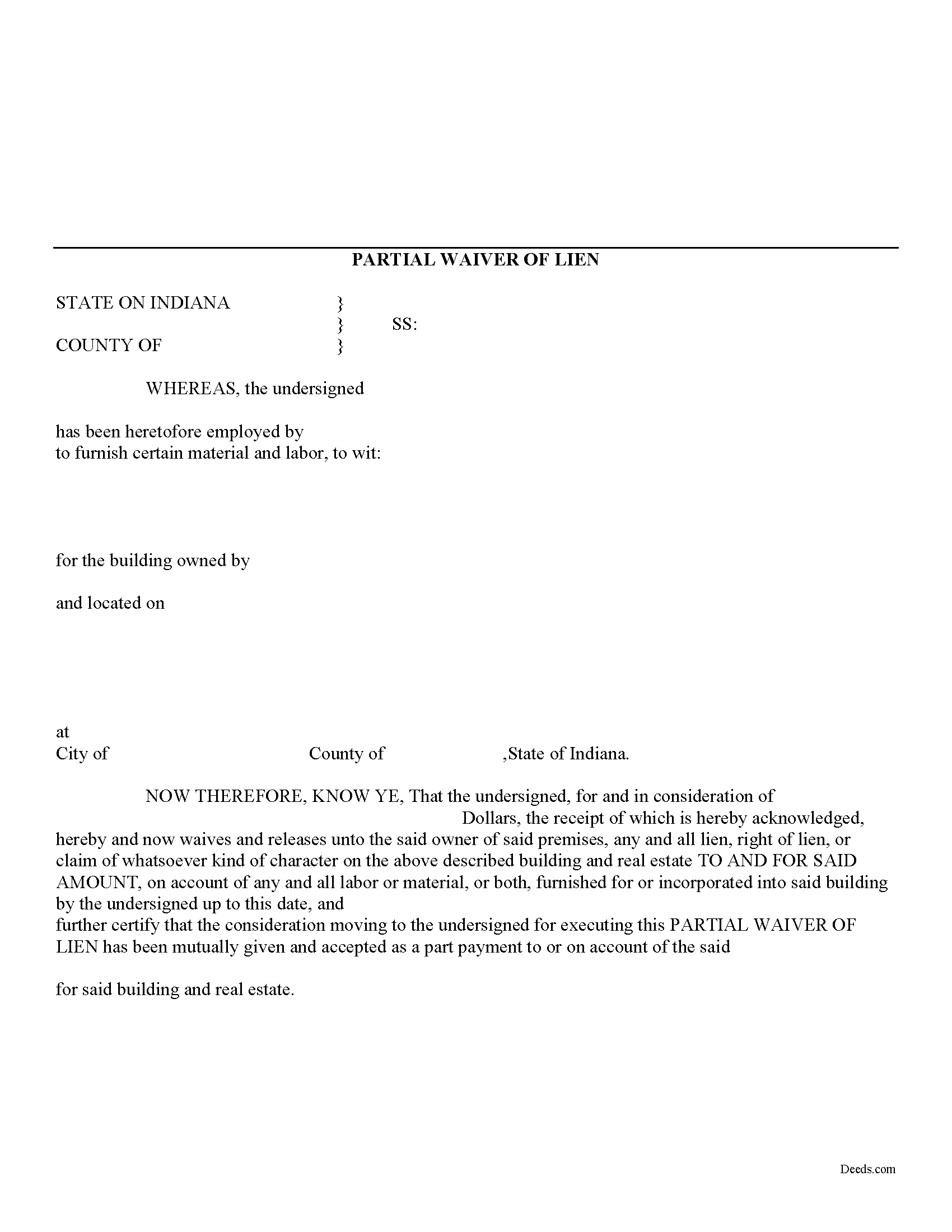
Greene County Partial Lien Waiver Form
Fill in the blank Partial Lien Waiver form formatted to comply with all Indiana recording and content requirements.
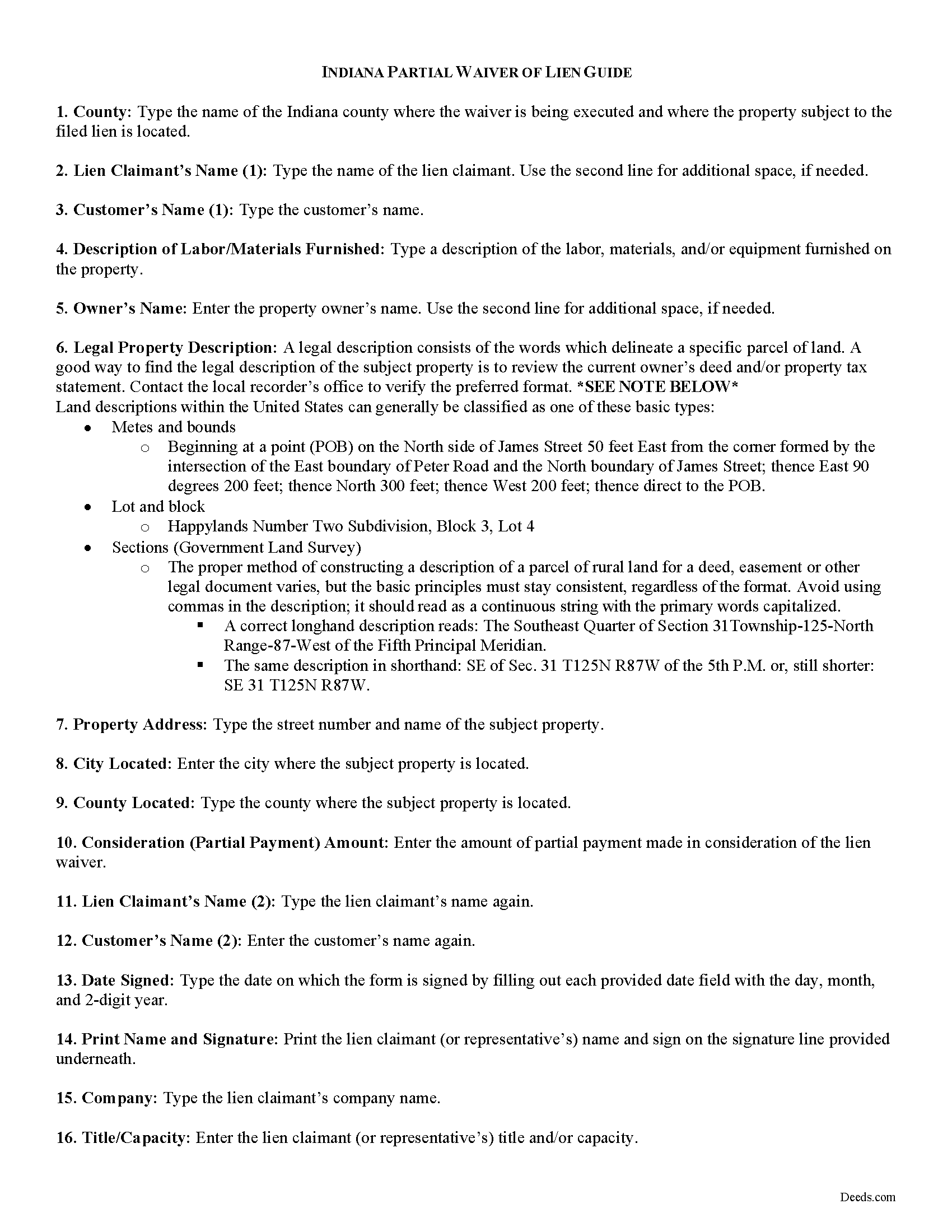
Greene County Partial Lien Waiver Guide
Line by line guide explaining every blank on the form.
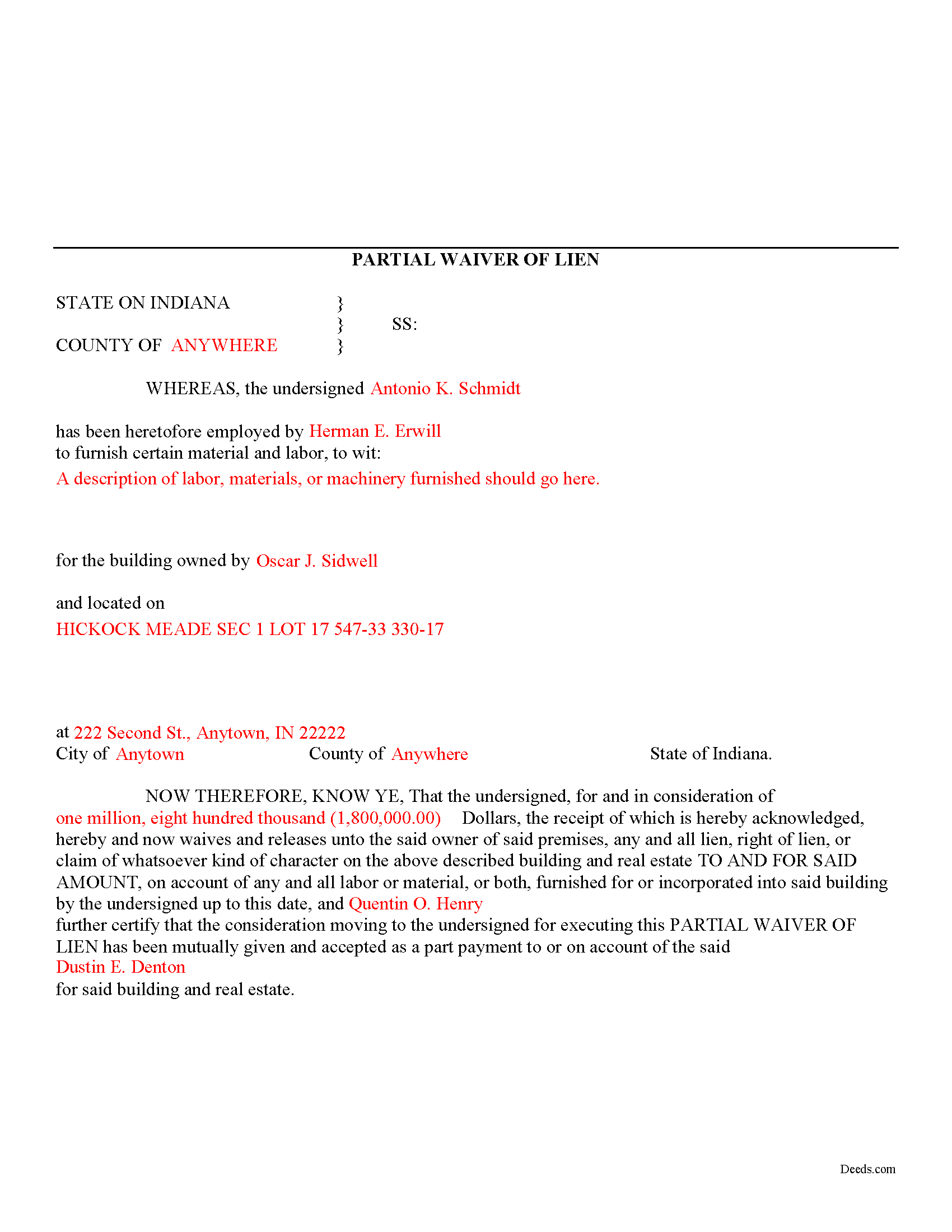
Greene County Completed Example of the Partial Lien Waiver Document
Example of a properly completed form for reference.
All 3 documents above included • One-time purchase • No recurring fees
Immediate Download • Secure Checkout
Additional Indiana and Greene County documents included at no extra charge:
Where to Record Your Documents
Greene County Recorder
Bloomfield, Indiana 47424
Hours: 8:00 to 4:00 M-F
Phone: (812) 384-2020
Recording Tips for Greene County:
- Bring your driver's license or state-issued photo ID
- Ensure all signatures are in blue or black ink
- Bring extra funds - fees can vary by document type and page count
- Check margin requirements - usually 1-2 inches at top
- Leave recording info boxes blank - the office fills these
Cities and Jurisdictions in Greene County
Properties in any of these areas use Greene County forms:
- Bloomfield
- Jasonville
- Koleen
- Linton
- Lyons
- Midland
- Newberry
- Owensburg
- Scotland
- Solsberry
- Switz City
- Worthington
Hours, fees, requirements, and more for Greene County
How do I get my forms?
Forms are available for immediate download after payment. The Greene County forms will be in your account ready to download to your computer. An account is created for you during checkout if you don't have one. Forms are NOT emailed.
Are these forms guaranteed to be recordable in Greene County?
Yes. Our form blanks are guaranteed to meet or exceed the applicable formatting requirements used for recording in Greene County, including margin requirements, font requirements, and other layout standards. This guarantee applies to formatting, not to the legal sufficiency of information entered by the user or the suitability of a form for a particular transaction.
Can I reuse these forms?
Yes. You can reuse the forms for your personal use. For example, if you have multiple properties in Greene County you only need to order once.
What do I need to use these forms?
The forms are PDFs that you fill out on your computer. The free Adobe Acrobat Reader is recommended, and most PDF apps also work. You do NOT enter your property information online - you download the blank forms and complete them privately on your own computer.
Are there any recurring fees?
No. This is a one-time purchase. Nothing to cancel, no memberships, no recurring fees.
How much does it cost to record in Greene County?
Recording fees in Greene County vary. Contact the recorder's office at (812) 384-2020 for current fees.
Questions answered? Let's get started!
Mechanic's liens are governed under Title 32 of the Indiana Code. A waiver is a knowing relinquishment of a right. In this case, the person granting the waiver is relinquishing the right to seek a mechanic's lien for all or part of the amount due. This assurance is usually enough to get the other party to pay. In Indiana, there are no statutory forms for waivers, although according to the principles of contract law, the parties may agree to such modifications in writing.
A partial conditional waiver is used when a progress or partial payment is made and money is still due and owing. The waiver applies only to the partial payment amount and is conditioned upon the actual receipt of that money. Waivers must identify the parties, the type of materials/services provided, the location of the job, the amount paid/dates covered, and the claimant's notarized signature. Record the completed document in the land records for the county where the property is located.
This article is provided for information purposes only and should not be relied upon as a substitute for the advice from an attorney. Please speak with an Indiana attorney with questions about using a lien waiver, or any other issues related to mechanic's liens in Indiana.
Important: Your property must be located in Greene County to use these forms. Documents should be recorded at the county recording office listed above.
This Partial Lien Waiver meets all recording requirements specific to Greene County.
Our Promise
The documents you receive here are guaranteed to meet or exceed the applicable Greene County recording format requirements. If there is a rejection caused by our formatting, we will correct the issue or refund your payment. This guarantee applies to document formatting only and does not extend to information entered by the user, the selection of the form, or the legal effect of the completed document.
Save Time and Money
Get your Greene County Partial Lien Waiver form done right the first time with Deeds.com Uniform Conveyancing Blanks. At Deeds.com, we understand that your time and money are valuable resources, and we don't want you to face a penalty fee or rejection imposed by a county recorder for submitting nonstandard documents. We constantly review and update our forms to meet rapidly changing state and county recording requirements for roughly 3,500 counties and local jurisdictions.
4.8 out of 5 - ( 4,824 Reviews )
Susan T. 5 out of 5 stars
This was perfect for my county I will be recommending your forms to all my clients thank you.
Thank you Susan, have a great day!
Title H. 1 out of 5 stars
THIS SERVICE IS DIFFICULT TO USE AND TROUBLESOME, IN MY PROFESSIOBAL OPINION; a true NUGHTMARE! As a Title / Petroleum Land Professional (Landman), I use a wide variert of online title research tools and services. Mist are EXTREMELY COMPREHENSIVE, and relatively easy to perform one’s research. I am beginning to beliece that there is no search intrrfaxe here; just a long list of instructions full of circular references that simply tuns the researcher around and around to the same pages repeatedly. This service takes users NOWHERE. Good luck to those seeking to waste their time reading a vast set of redundant words and NO INTERFACE FOR CREATING OR EXECUTING AN AXTUAL SEARCH.
Thank you for sharing your feedback with us. We're genuinely sorry to hear about the difficulties you faced while using our service. As a Title / Petroleum Land Professional, your experience is invaluable to us, and we regret that our website did not meet your expectations.
We are committed to making the necessary changes to enhance our platform and provide a better experience for all users, including professionals like yourself.
Adam W. 5 out of 5 stars
Great stuff
Thank you!
ronnie y. 5 out of 5 stars
well worth the money thank you
Thank you!
Brian T. 5 out of 5 stars
Great to find this makes for easy work when you need to secure your ownership of a property!!Thanks guys Brian the Mann
We appreciate your business and value your feedback. Thank you. Have a wonderful day!
Jacqueline G. 5 out of 5 stars
I'm 84 and not all that smart when it comes to what a Lawyer usually helps you with, but I took a chance to see if I could do this. Walla, I was able to do it. I was helping my son who had a stroke a few years ago and the transaction went well. Thank you.
Thank you for your feedback Jacqueline. We appreciate you.
Bonnie C. 5 out of 5 stars
Easy and convenient. Was nice to have just a one time charge without a so-called anual fee/membership. Will use again if needed. May update review after "all is said and done."
Thank you!
Roxanne C. 5 out of 5 stars
I love that this service is available. Uploading my document took no time at all. I love that we have an option of upload our documentsinsread of going in to file.
Thank you for your feedback. We really appreciate it. Have a great day!
Maggie C. 5 out of 5 stars
Easy to use fantastic website. Immediately found the Sheriff's Deed I needed.
Thank you!
Julie P. 5 out of 5 stars
Quick & easy to use. Spoke a lawyer and saved hundreds by doing it myself.
Thank you for your feedback Julie, we appreciate you.
Dakota H. 5 out of 5 stars
Brilliant idea. Beats working with an attorney who charges $250+ per hour. Thanks.
Thank you!
Bethany F. 5 out of 5 stars
quick and easy to use
Thank you!
Beverly M. 5 out of 5 stars
GREAT FORMS. THANK YOU.
Thank you!
Virginia S. 5 out of 5 stars
Very easy to use. Had my Transfer of Death Designation Affidavit done in no time and filed with the Recorder's Office the next day.
Thank you for your feedback. We really appreciate it. Have a great day!
Nancy W. 5 out of 5 stars
This was very easy to use to record my NOC. With the new COVID restrictions, I can't record my NOC in person and I'm working from home. This was a huge convenience and easy to use. I submitted the NOC late in the day and had the recorded NOC the next day.
Thank you!