Greene County Satisfaction of Lien Form
Last validated October 23, 2026 by our Forms Development TeamFormatted for recording in Greene County, for property anywhere in the county: rural and unincorporated areas as well as Bloomfield, Jasonville, Koleen, Linton, Lyons, Midland, Newberry, Owensburg and 4 more.
- 3 documents included
- Immediate PDF download
- Formatting guarantee
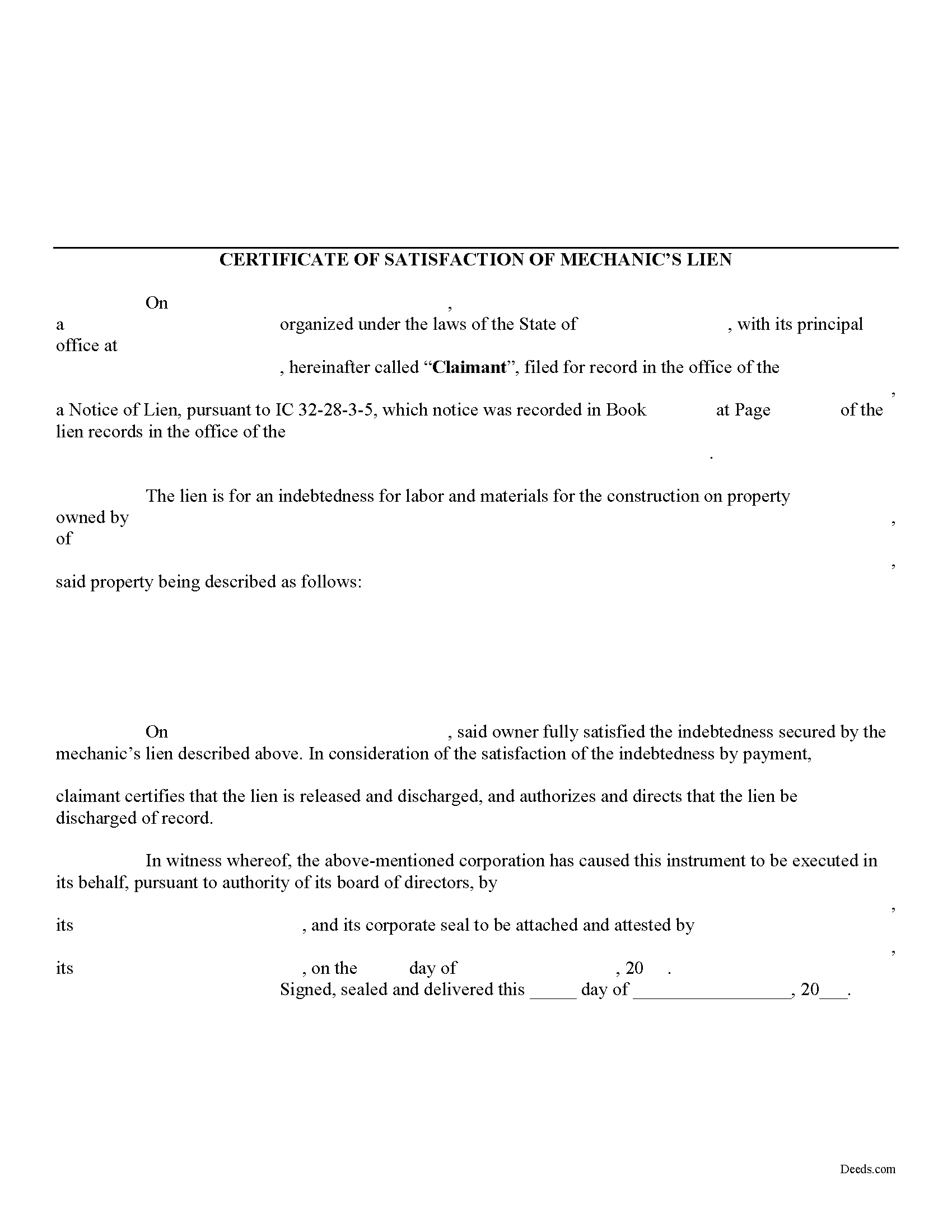
Greene County Satisfaction of Lien Form
Fill in the blank Satisfaction of Lien form formatted to comply with all Indiana recording and content requirements.
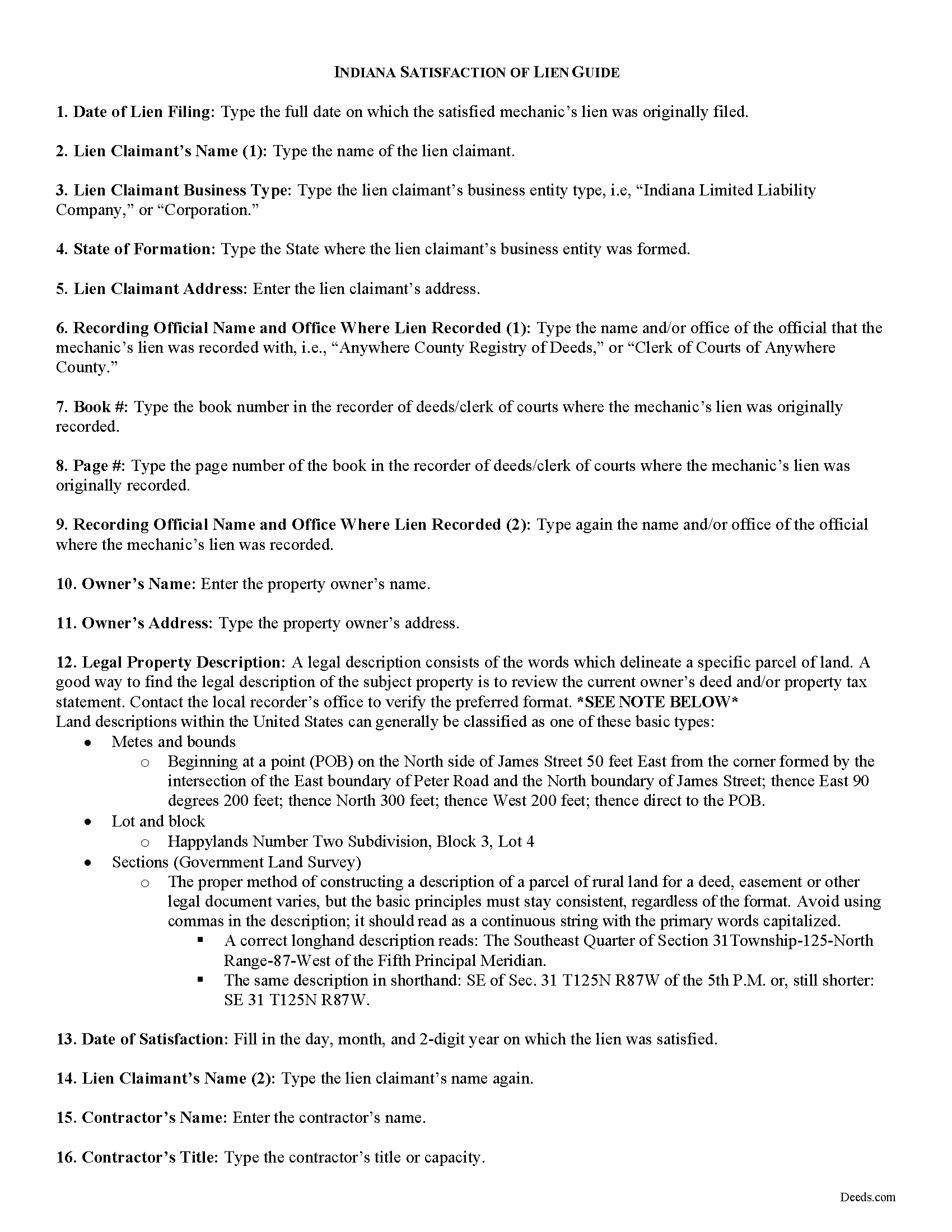
Greene County Satisfaction of Mechanic Lien Guide
Line by line guide explaining every blank on the form.
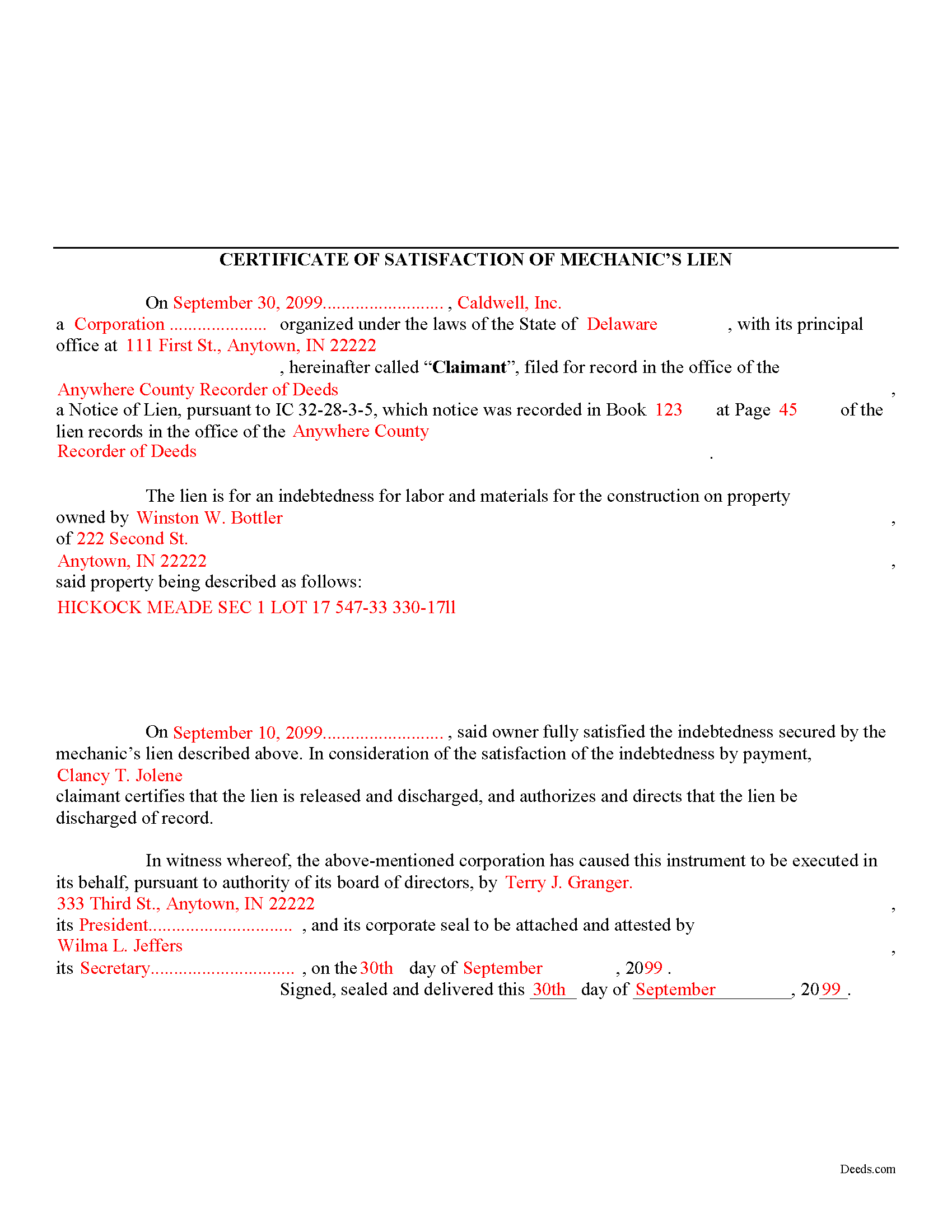
Greene County Completed Example of the Satisfaction of Mechanic Lien Document
Example of a properly completed form for reference.
All 3 documents above included • One-time purchase • No recurring fees
Immediate Download • Secure Checkout
Additional Indiana and Greene County documents included at no extra charge:
Where to Record Your Documents
Greene County Recorder
Bloomfield, Indiana 47424
Hours: 8:00 to 4:00 M-F
Phone: (812) 384-2020
Recording Tips for Greene County:
- Bring your driver's license or state-issued photo ID
- Ensure all signatures are in blue or black ink
- Make copies of your documents before recording - keep originals safe
- Recorded documents become public record - avoid including SSNs
- Recording fees may differ from what's posted online - verify current rates
Cities and Jurisdictions in Greene County
Properties in any of these areas use Greene County forms:
- Bloomfield
- Jasonville
- Koleen
- Linton
- Lyons
- Midland
- Newberry
- Owensburg
- Scotland
- Solsberry
- Switz City
- Worthington
Hours, fees, requirements, and more for Greene County
How do I get my forms?
Forms are available for immediate download after payment. The Greene County forms will be in your account ready to download to your computer. An account is created for you during checkout if you don't have one. Forms are NOT emailed.
Are these forms guaranteed to be recordable in Greene County?
Yes. Our form blanks are guaranteed to meet or exceed the applicable formatting requirements used for recording in Greene County, including margin requirements, font requirements, and other layout standards. This guarantee applies to formatting, not to the legal sufficiency of information entered by the user or the suitability of a form for a particular transaction.
Can I reuse these forms?
Yes. You can reuse the forms for your personal use. For example, if you have multiple properties in Greene County you only need to order once.
What do I need to use these forms?
The forms are PDFs that you fill out on your computer. The free Adobe Acrobat Reader is recommended, and most PDF apps also work. You do NOT enter your property information online - you download the blank forms and complete them privately on your own computer.
Are there any recurring fees?
No. This is a one-time purchase. Nothing to cancel, no memberships, no recurring fees.
How much does it cost to record in Greene County?
Recording fees in Greene County vary. Contact the recorder's office at (812) 384-2020 for current fees.
Questions answered? Let's get started!
A Certificate of Satisfaction of MECHANIC'S Lien is used to certify that a MECHANIC'S lien has been paid off in full and that the official who originally recorded the lien is instructed to strike or erase the lien from the record. While Indiana statute does not specifically provide for a form of satisfaction of a lien, this document will suffice to discharge any recorded liens.
Use the Certificate of Satisfaction of Lien when a lien has been satisfied in full or if the lien is no longer necessary for any other reason. The Satisfaction of Lien document includes the following information: 1) lien claimant's name; 2) details of the underlying lien including office where recorded, date of recording, and book and page number of recording index; 3) owner's name and address; 4) a legal property description; 5) date lien satisfied; 6) the contractor's name and title; and 7) witnesses name and date witnessed.
Record the Certificate in the office where the lien was originally filed. Following its filing, the lien will be discharged and released from the record.
This article is provided for informational purposes only and should not be relied upon as a substitute for advice from an attorney. Please consult with an Indiana attorney for any questions regarding discharging a mechanic's lien.
Important: Your property must be located in Greene County to use these forms. Documents should be recorded at the county recording office listed above.
This Satisfaction of Lien meets all recording requirements specific to Greene County.
Our Promise
The documents you receive here are guaranteed to meet or exceed the applicable Greene County recording format requirements. If there is a rejection caused by our formatting, we will correct the issue or refund your payment. This guarantee applies to document formatting only and does not extend to information entered by the user, the selection of the form, or the legal effect of the completed document.
Save Time and Money
Get your Greene County Satisfaction of Lien form done right the first time with Deeds.com Uniform Conveyancing Blanks. At Deeds.com, we understand that your time and money are valuable resources, and we don't want you to face a penalty fee or rejection imposed by a county recorder for submitting nonstandard documents. We constantly review and update our forms to meet rapidly changing state and county recording requirements for roughly 3,500 counties and local jurisdictions.
4.8 out of 5 - ( 4,841 Reviews )
CHARLES V. 5 out of 5 stars
Legit. Reasonable prices.
Thank you for your feedback. We really appreciate it. Have a great day!
Jay W. 5 out of 5 stars
your service is more than I expected easy to navigate, great info, easy to understand. other other sites every time you go to next page there is something to buy to get the info you want. Jay
Thank you!
Diana B. 5 out of 5 stars
Really can't say enough good things about these deed forms and the related material. Just having the formatting done saves possibly hours of work. County seems to love these forms also (they referred me to Deeds.com). All around great great great!
Thank you!
NATALIE A. 5 out of 5 stars
The form was very easy to use and the sample tool you had was very helpful. the only problem i had was saving the document and then trying to find it later. I finally was able to figure out how to save it. but i still cannot find the saved document on my computer. Luckily i printed it before i closed it and did not need to make any changes.
Thank you for your feedback. We really appreciate it. Have a great day!
Tracey P. 5 out of 5 stars
As always, amazing forms and information. A must have for anyone doing it themselves. Everything is available to make it happen but if you need a lot of hand holding you might want to look into a more full service option.
Thank you for your feedback. We really appreciate it. Have a great day!
Ernest E. 5 out of 5 stars
No problem whatsoever navigating the forms. I hope the filing is this easy.
Thanks, Ernest! We’re glad the forms were easy to navigate. Recording in Virginia Beach City is typically straightforward, but it’s always a good idea to confirm any local requirements with the clerk before filing.
John P. 4 out of 5 stars
Working with one document at a time every thing was great, but the program will not let multiple documents save independently. When I saved a document and created another document the changes I made on the second document were on the 1st document. No big deal if your printing, but if your saving to email later, its an issue.
Thank you for your feedback. We really appreciate it. Have a great day!
Brian T. 5 out of 5 stars
Great to find this makes for easy work when you need to secure your ownership of a property!!Thanks guys Brian the Mann
We appreciate your business and value your feedback. Thank you. Have a wonderful day!
Michael M. 5 out of 5 stars
Deeds.com had what I needed at the time that I needed it. Thank you very much.
We appreciate your business and value your feedback. Thank you. Have a wonderful day!
Alexia B. 5 out of 5 stars
Excellent service with rapid turn around time!
We appreciate your business and value your feedback. Thank you. Have a wonderful day!
Terrell W. 5 out of 5 stars
Was a little hard to find the form but once I did everything worked well
Thank you for your feedback. We really appreciate it. Have a great day!
Tom B. 4 out of 5 stars
I ended up loading the same file twice and was unable to delete one of them. I did send e request in to have one deleted and I did get a response back that only one file was processed. This was done in a timely manner but required more additional time. It would have been nice to be able to delete the file myself and finish the process at the same time. Other than this every thing did go very well. Thank you
Thank you for your feedback. We really appreciate it. Have a great day!
Terry S. 4 out of 5 stars
I was very happy with the document package that I purchased. It contained all of the necessary documents and a few extras I had not thought about. Perhaps if you provided a link to download all of the documents with one click, it would make it a little easier.
Thank you for your feedback. We really appreciate it. Have a great day!
Angela A. 5 out of 5 stars
The forms, instructions and example of the completed Interspousal Transfer Deed was very helpful. I was able to complete all necessary forms quickly and bring them to the County Recorder's Office for filing with no problems. It was a great relief, and I didn't even need to hire an attorney. Thank you!
We appreciate your business and value your feedback. Thank you. Have a wonderful day!
M. TIMOTHY P. 5 out of 5 stars
EXCELLENT service! Deed came back within minutes!
Thank you for your feedback. We really appreciate it. Have a great day!