Randolph County Personal Representative Deed for Distribution Form
Last validated October 7, 2026 by our Forms Development TeamFormatted for recording in Randolph County, for property anywhere in the county: rural and unincorporated areas as well as Farmland, Losantville, Lynn, Modoc, Parker City, Ridgeville, Saratoga, Union City and 1 more.
- 3 documents included
- Immediate PDF download
- Formatting guarantee
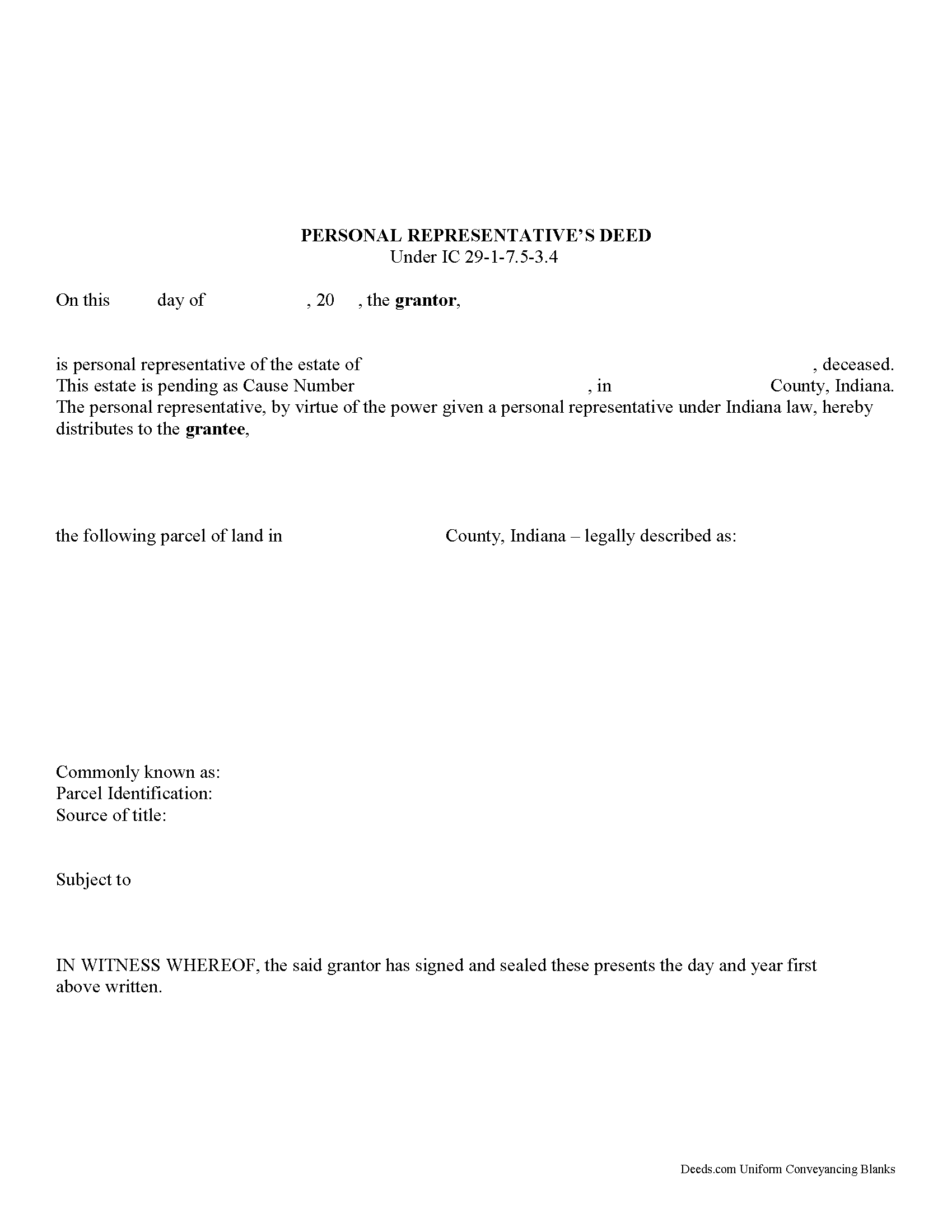
Randolph County Personal Representative Deed Form
Fill in the blank form formatted to comply with all recording and content requirements.
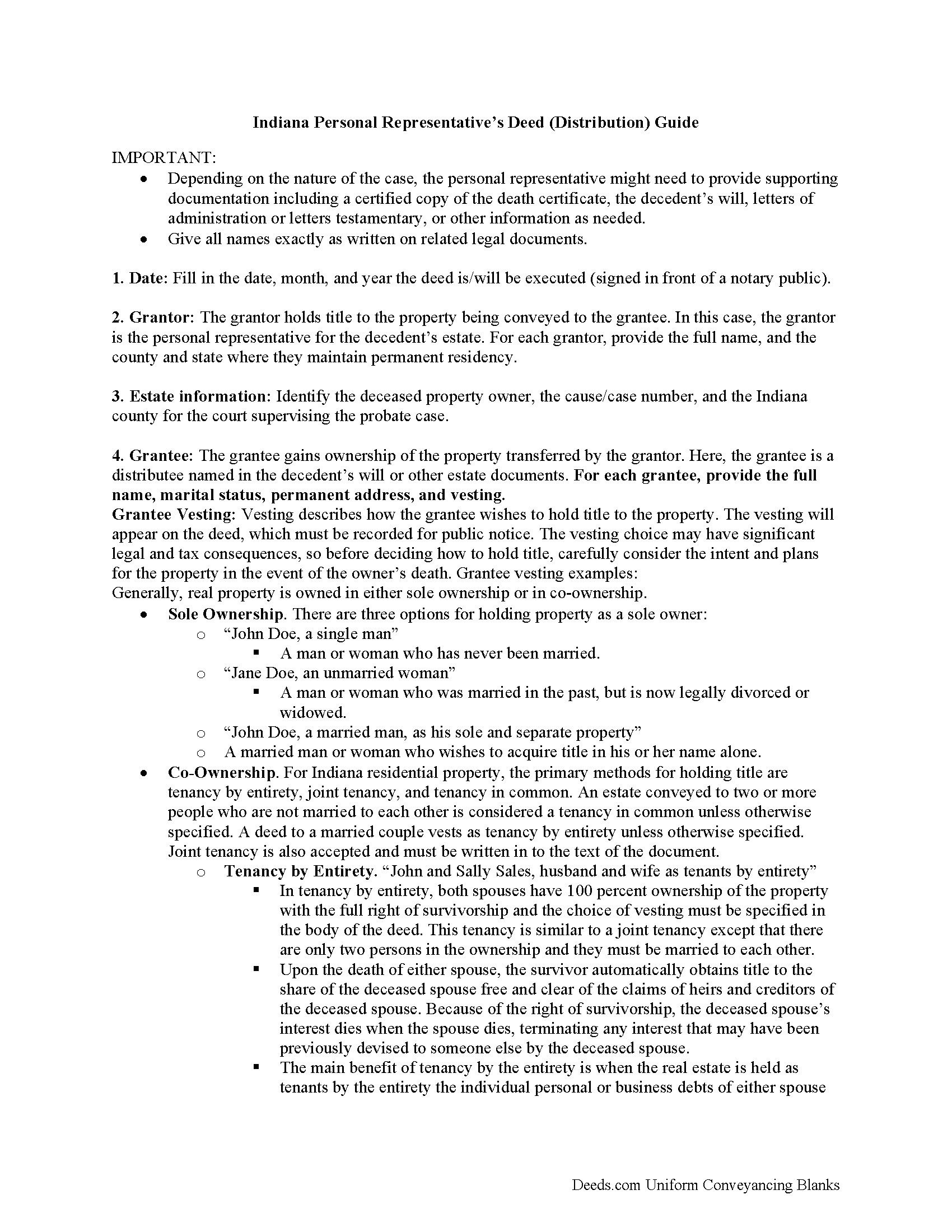
Randolph County Personal Representative Deed Guide
Line by line guide explaining every blank on the form.
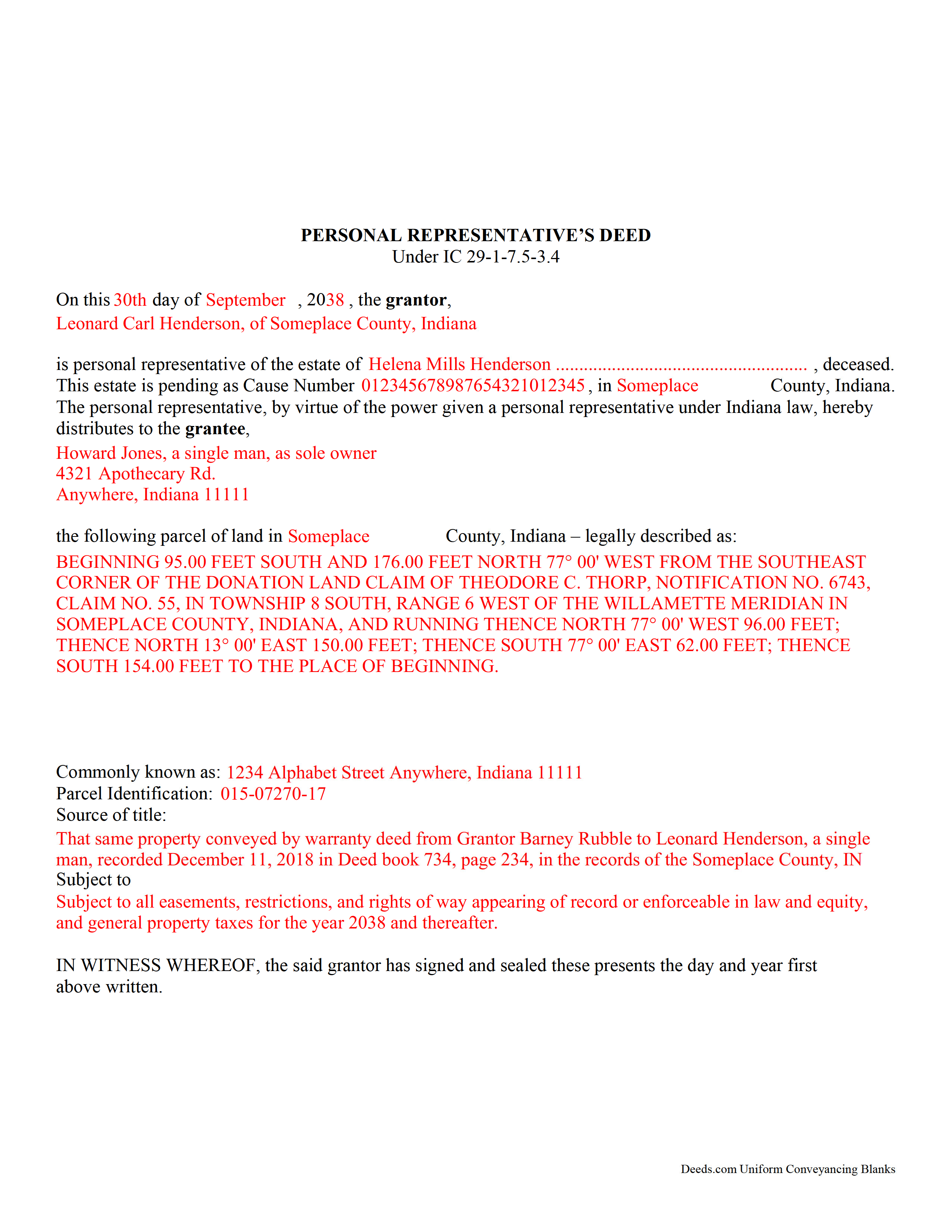
Randolph County Completed Example of the Personal Representative Deed Document
Example of a properly completed form for reference.
All 3 documents above included • One-time purchase • No recurring fees
Immediate Download • Secure Checkout
Additional Indiana and Randolph County documents included at no extra charge:
Where to Record Your Documents
Randolph County Recorder
Winchester, Indiana 47394
Hours: 8:00 to 4:00 Monday through Friday
Phone: (765) 584-7300
Recording Tips for Randolph County:
- Bring your driver's license or state-issued photo ID
- Ensure all signatures are in blue or black ink
- Both spouses typically need to sign if property is jointly owned
- Bring extra funds - fees can vary by document type and page count
- Check margin requirements - usually 1-2 inches at top
Cities and Jurisdictions in Randolph County
Properties in any of these areas use Randolph County forms:
- Farmland
- Losantville
- Lynn
- Modoc
- Parker City
- Ridgeville
- Saratoga
- Union City
- Winchester
Hours, fees, requirements, and more for Randolph County
How do I get my forms?
Forms are available for immediate download after payment. The Randolph County forms will be in your account ready to download to your computer. An account is created for you during checkout if you don't have one. Forms are NOT emailed.
Are these forms guaranteed to be recordable in Randolph County?
Yes. Our form blanks are guaranteed to meet or exceed the applicable formatting requirements used for recording in Randolph County, including margin requirements, font requirements, and other layout standards. This guarantee applies to formatting, not to the legal sufficiency of information entered by the user or the suitability of a form for a particular transaction.
Can I reuse these forms?
Yes. You can reuse the forms for your personal use. For example, if you have multiple properties in Randolph County you only need to order once.
What do I need to use these forms?
The forms are PDFs that you fill out on your computer. The free Adobe Acrobat Reader is recommended, and most PDF apps also work. You do NOT enter your property information online - you download the blank forms and complete them privately on your own computer.
Are there any recurring fees?
No. This is a one-time purchase. Nothing to cancel, no memberships, no recurring fees.
How much does it cost to record in Randolph County?
Recording fees in Randolph County vary. Contact the recorder's office at (765) 584-7300 for current fees.
Questions answered? Let's get started!
Use this form for authorized personal representatives to transfer a decedent's real estate to a devisee or heir as directed by the deceased property owner's will, or according to Indiana's laws of descent and distribution.
When we die, another person becomes responsible for managing the assets we leave behind. If we die testate (with a will), this person is called an executor. If we die intestate (without a will), or other specific situations occur, the court supervising the probate estate appoints an administrator. Once the executor or administrator is in place, Indiana laws identify this individual as a "personal representative." See IC 29-1-1-3(23) for the list of titles included under this role.
The judge supervising the case confirms the personal representative (PR) by issuing letters testamentary or letters of administration, as appropriate. Note that the PR must apply for the letters within five months of the decedent's death (IC 29-1-7-15.1(b)). Once the letters are in place, the PR gains access to the probate estate, defined as "property transferred at the death of a decedent under the decedent's will or under IC 29-1-2, in the case of a decedent dying intestate" IC 29-1-1-3(24).
One common task handled by the PR is transferring ownership of the decedent's real property. Indiana's statutes contain a form related to property distributed to a devisee or heir (IC 29-1-7.5-3.4). In addition to the statutory requirement to provide relevant facts of the probate case, personal representative's deeds must meet all state and local standards for format and content.
Note that personal representative's deeds to not include warranties of title, so it makes sense for distributees or potential purchasers to consider a title search for the property. This can reveal defects in the chain of title (ownership history), and may prevent potential issues in future transactions.
Depending on the circumstances, the PR might need to provide additional supporting documentation including a certified copy of the authorizing letter, death certificate, will, etc. Also, the transfer might require approval from the court or others with an interest in the estate or the property.
Navigating the complexities of a probate case can be overwhelming, but taking the time to ensure a valid transfer during active probate is much easier than untangling problems later on. Please contact an attorney or probate court officer with specific questions or for complex situations.
(Indiana Personal Representative Deed Package includes form, guidelines, and completed example)
Important: Your property must be located in Randolph County to use these forms. Documents should be recorded at the county recording office listed above.
This Personal Representative Deed for Distribution meets all recording requirements specific to Randolph County.
Our Promise
The documents you receive here are guaranteed to meet or exceed the applicable Randolph County recording format requirements. If there is a rejection caused by our formatting, we will correct the issue or refund your payment. This guarantee applies to document formatting only and does not extend to information entered by the user, the selection of the form, or the legal effect of the completed document.
Save Time and Money
Get your Randolph County Personal Representative Deed for Distribution form done right the first time with Deeds.com Uniform Conveyancing Blanks. At Deeds.com, we understand that your time and money are valuable resources, and we don't want you to face a penalty fee or rejection imposed by a county recorder for submitting nonstandard documents. We constantly review and update our forms to meet rapidly changing state and county recording requirements for roughly 3,500 counties and local jurisdictions.
4.8 out of 5 - ( 4,829 Reviews )
Daniel R. 4 out of 5 stars
Could have had Clerk's certification of mailing form after it is recorded. Not fatal, but I did have to resort to reading the statute as well.
Thank you!
Cheryl D. 5 out of 5 stars
How easy was this. I was pleasantly surprised by the speed and price. Saved me several days of snail mail :) thanks deeds.com!
We appreciate your business and value your feedback. Thank you. Have a wonderful day!
Courtney V. 3 out of 5 stars
I didn't have a chance to judge your services because I received a message saying that my requested title could not be searched. I will say, the website is easy to navigate. I'm not sure how many who use these services are laymen, but I would suggest adding a detailed explanation of each service. I had to Google the difference between each type of title search, but I might just be more uninformed than the average person, or I just didn't see it on your website
Thank you for your feedback. We really appreciate it. Have a great day!
Maryanne M. 5 out of 5 stars
Excellent service and actually better than expected. Plus if the information is not available you refund my money immediately. I will use this service again and again. Thanks
Thank you for your feedback. We really appreciate it. Have a great day!
Brian R. 2 out of 5 stars
A waste of my time
We do hope that you found something more suitable to your needs elsewhere Brian. Have a wonderful day.
William M. 5 out of 5 stars
I got what I needed and did exactly what I needed. All legal and no hassle. Thanks Deeds.com, you made the job much easier.
Thank you!
Gabriela C. 5 out of 5 stars
Easy
Thank you!
Christine H. 5 out of 5 stars
Easy to use. Customer service is very responsive!
Thank you!
Gary S. 5 out of 5 stars
Easy to use. Very helpful
Thank you!
Katherine Y. 5 out of 5 stars
It was easy to use the form. The notary said it contained the most recent language which is also helpful.
Thanks Katherine!
Anthony N. 3 out of 5 stars
The site was not easy to navigate. Maybe putting the different things offered at the heading instead of searching for it.
Thank you for your feedback. We really appreciate it. Have a great day!
Angela B. 5 out of 5 stars
The site made everything very easy to understand and access. I was able to get everything I needed and the cost was reasonable.
We appreciate your business and value your feedback. Thank you. Have a wonderful day!
sheila B. 5 out of 5 stars
awesome
Thank you!
Linda M. 5 out of 5 stars
The form I purchased along with the instructions and completed sample were easy to use. I downloaded them on my iPad. I had to also download the free adobe reader app from the App Store. I had no problem getting the beneficiary deed recorded at the recorder’s office. I am pleased with my purchase.
Thanks so much for the kind words, Linda! Glad the sample and instructions made the process smooth, and that tip about the Adobe Reader app for iPad is genuinely helpful for other customers too. Congrats on getting the deed recorded!
James H. 5 out of 5 stars
Very satisfied. Download was easy, completing the form was easy, got our signatures notarized and submitted it to the register of deeds. The only item was that the register of deeds did not immediately recognize the TOD deed form as the usual form they receive. After carefully reviewing all the information and wording on the deed she accepted it.
We appreciate your business and value your feedback. Thank you. Have a wonderful day!