Van Buren County Assignment of Real Estate Mortgage Form
Last validated October 21, 2026 by our Forms Development TeamFormatted for recording in Van Buren County, for property anywhere in the county: rural and unincorporated areas as well as Birmingham, Bonaparte, Cantril, Douds, Farmington, Keosauqua, Milton, Mount Sterling and 2 more.
- 6 documents included
- Immediate PDF download
- Formatting guarantee
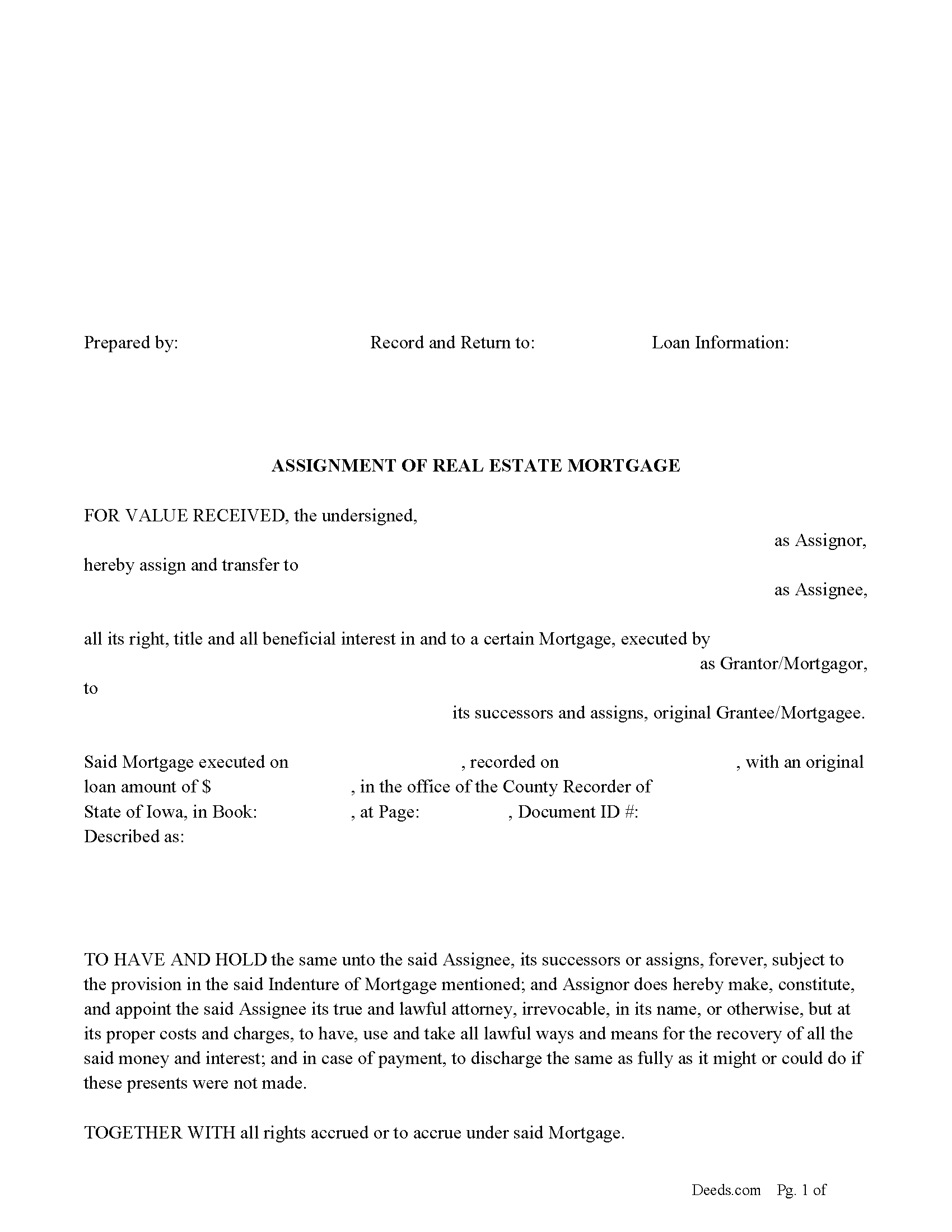
Van Buren County Assignment of Real Estate Mortgage Form
Fill in the blank form formatted to comply with all recording and content requirements.
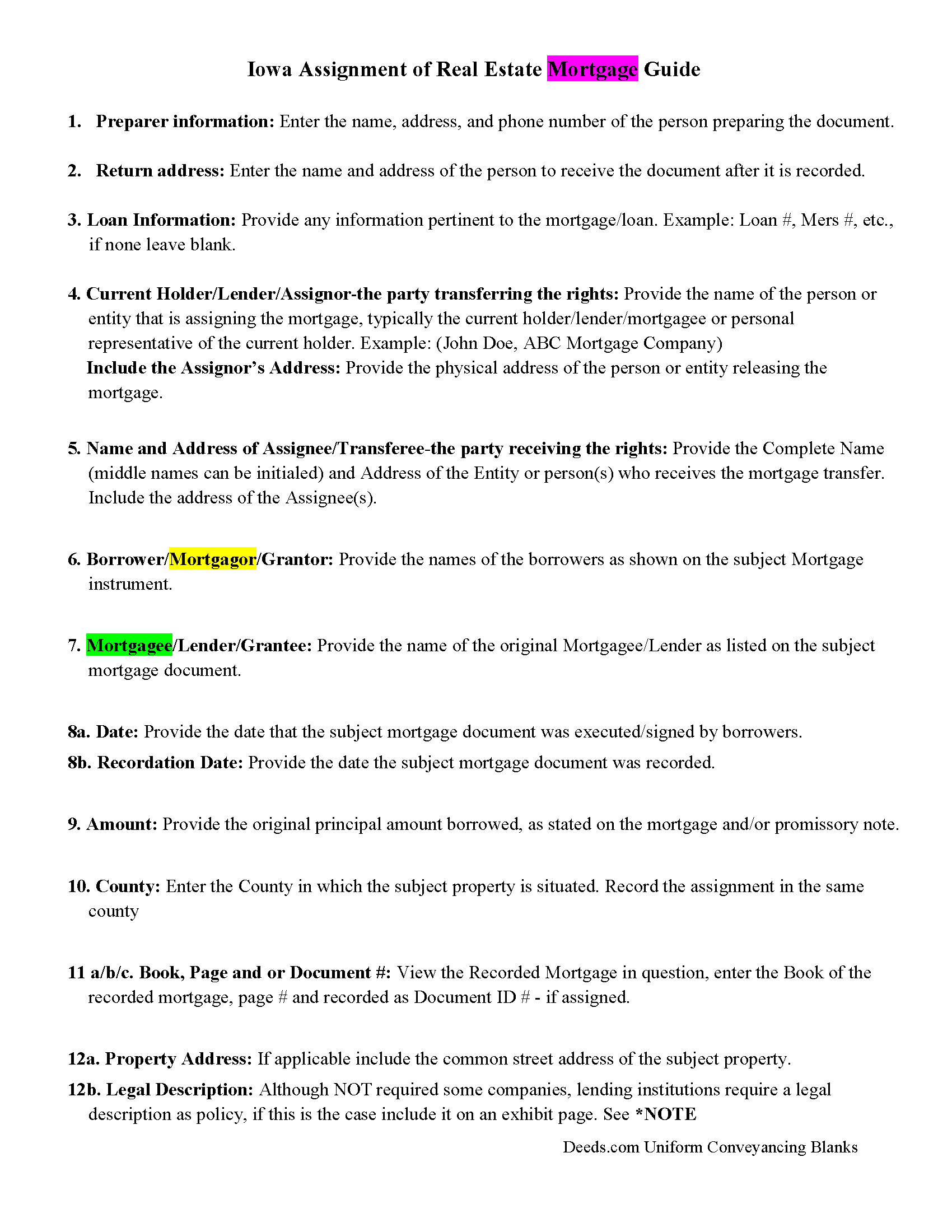
Van Buren County Assignment of Real Estate Mortgage Guidelines
Line by line guide explaining every blank on the form.
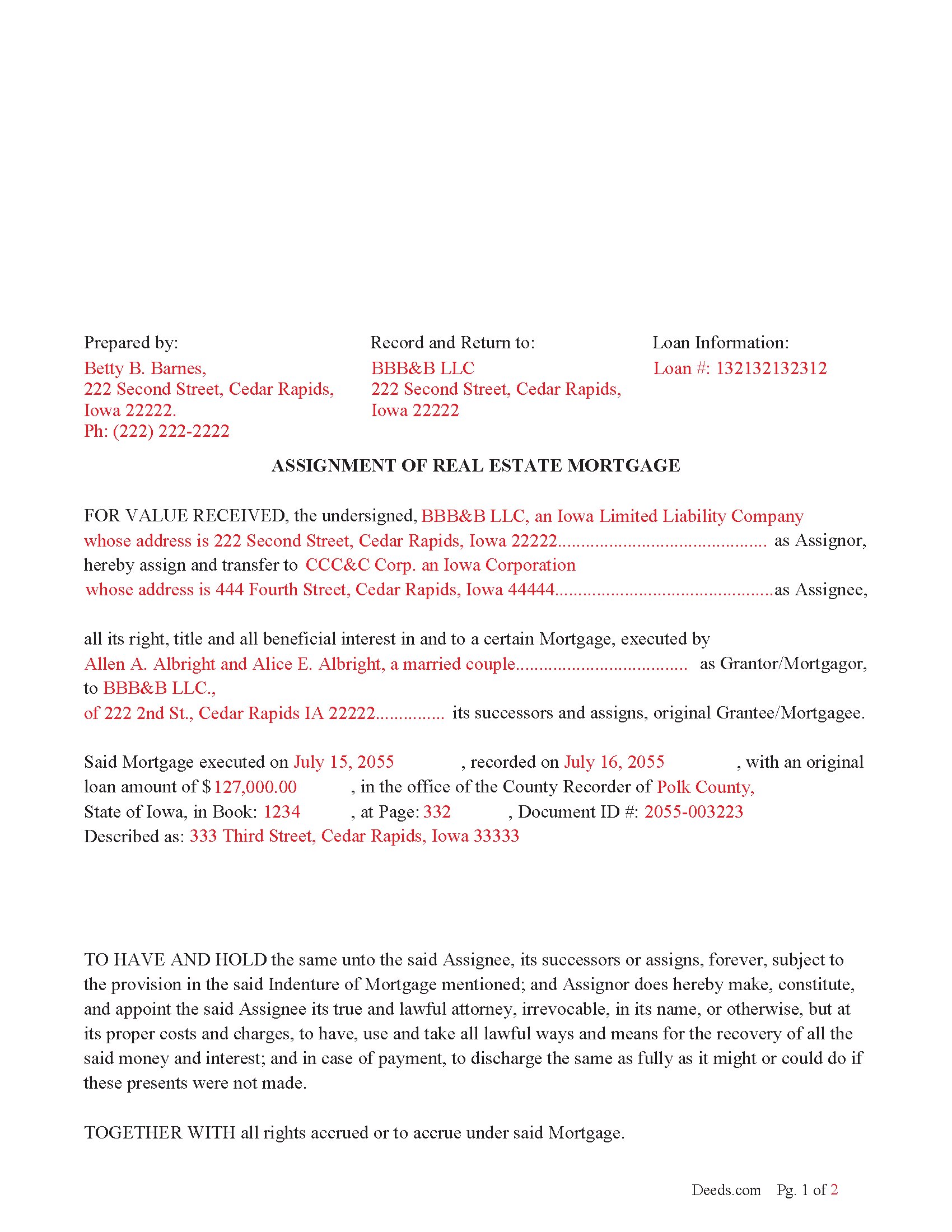
Van Buren County Completed Example of an Assignment of Real Estate Mortgage Document
Example of a properly completed form for reference.
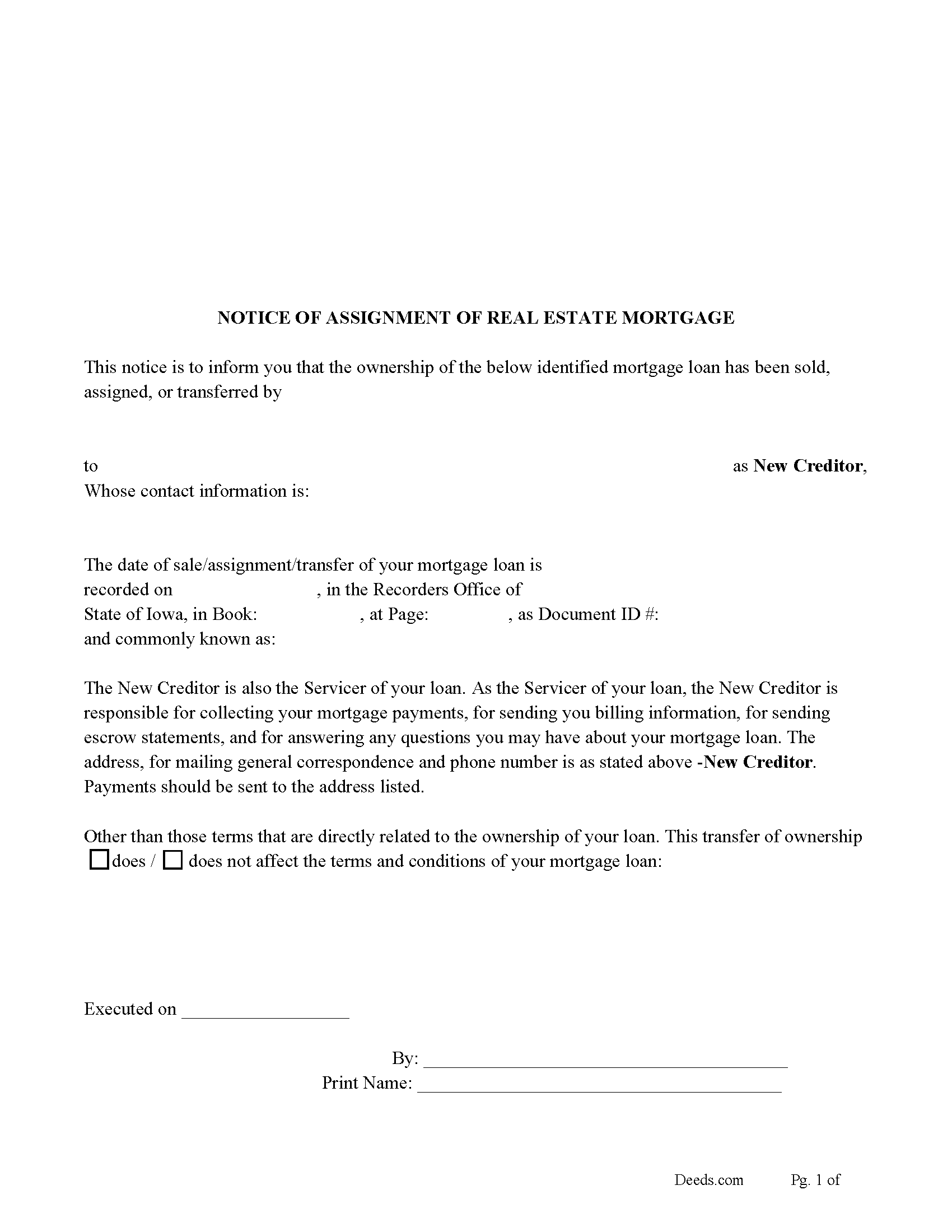
Van Buren County Notice of Assignment of Real Estate Mortgage Form
Fill in the blank form formatted to comply with all content requirements.
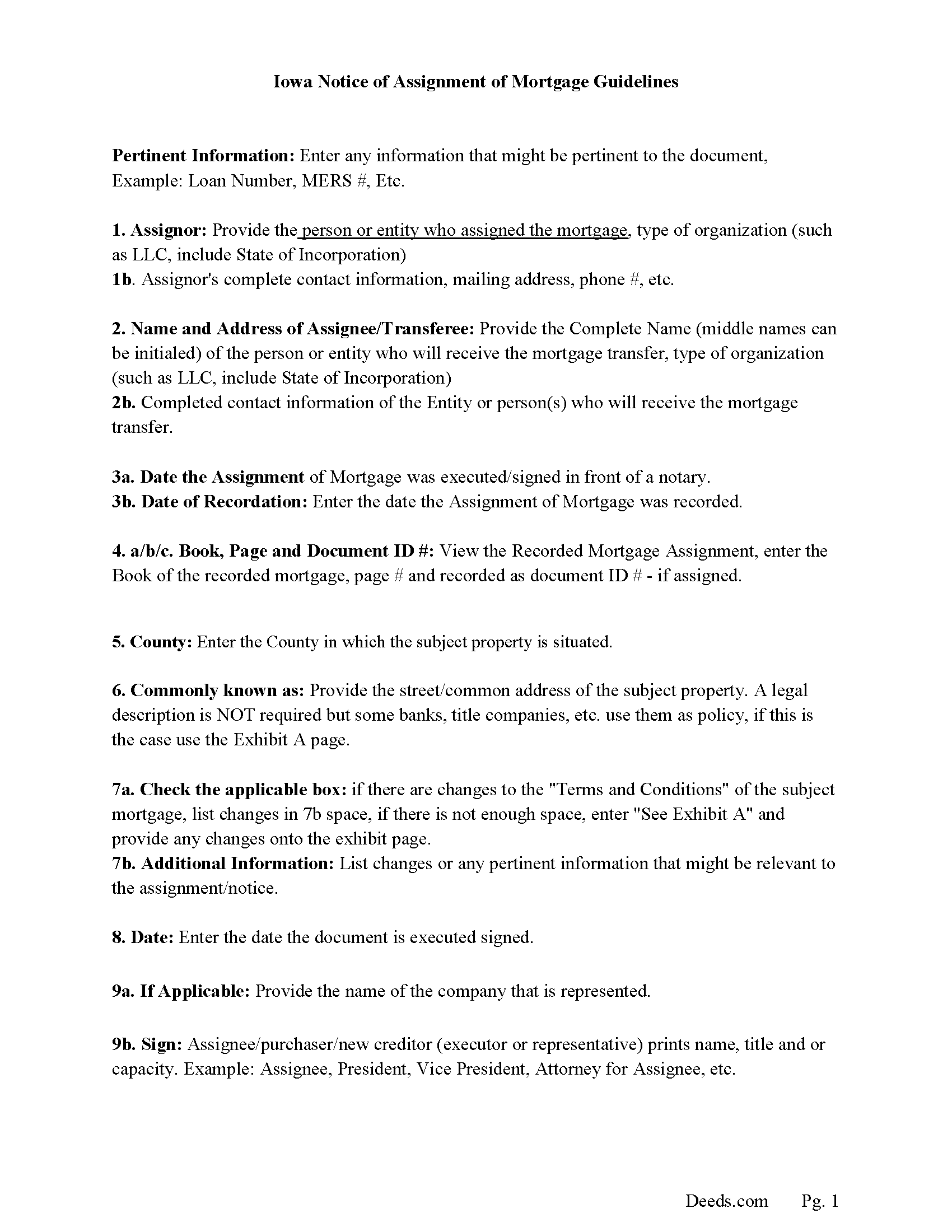
Van Buren County Notice of Assignment of Real Estate Mortgage Guidelines
Line by line guide explaining every blank on the form.
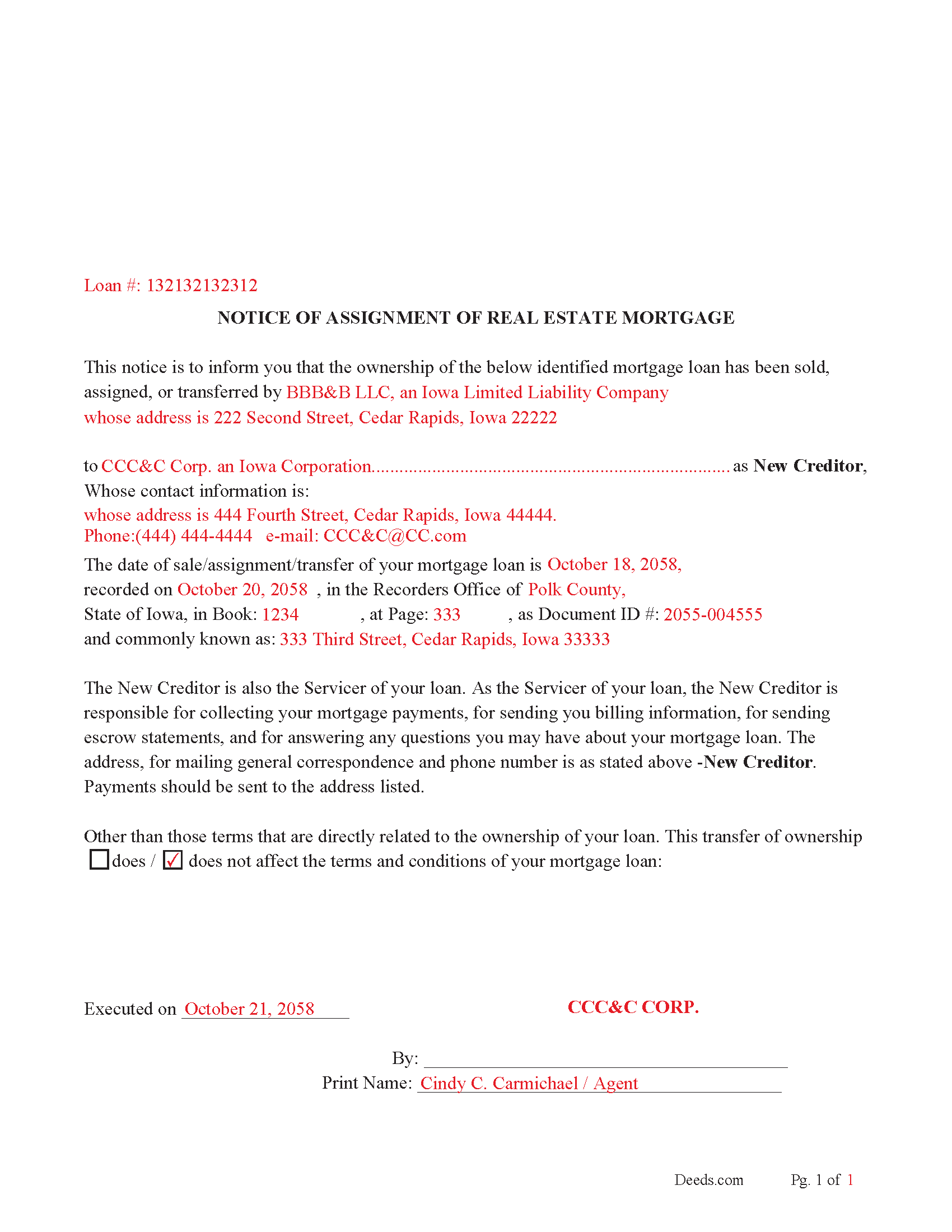
Van Buren County Notice of Assignment of Real Estate Mortgage-Completed Example
Example of a properly completed form for reference.
All 6 documents above included • One-time purchase • No recurring fees
Immediate Download • Secure Checkout
Additional Iowa and Van Buren County documents included at no extra charge:
Where to Record Your Documents
Van Buren County Recorder
Keosauqua, Iowa 52565
Hours: 8:00am to 4:30pm M-F
Phone: (319) 293-3240
Recording Tips for Van Buren County:
- Bring your driver's license or state-issued photo ID
- Ensure all signatures are in blue or black ink
- Make copies of your documents before recording - keep originals safe
- Recorded documents become public record - avoid including SSNs
- Recording fees may differ from what's posted online - verify current rates
Cities and Jurisdictions in Van Buren County
Properties in any of these areas use Van Buren County forms:
- Birmingham
- Bonaparte
- Cantril
- Douds
- Farmington
- Keosauqua
- Milton
- Mount Sterling
- Selma
- Stockport
Hours, fees, requirements, and more for Van Buren County
How do I get my forms?
Forms are available for immediate download after payment. The Van Buren County forms will be in your account ready to download to your computer. An account is created for you during checkout if you don't have one. Forms are NOT emailed.
Are these forms guaranteed to be recordable in Van Buren County?
Yes. Our form blanks are guaranteed to meet or exceed the applicable formatting requirements used for recording in Van Buren County, including margin requirements, font requirements, and other layout standards. This guarantee applies to formatting, not to the legal sufficiency of information entered by the user or the suitability of a form for a particular transaction.
Can I reuse these forms?
Yes. You can reuse the forms for your personal use. For example, if you have multiple properties in Van Buren County you only need to order once.
What do I need to use these forms?
The forms are PDFs that you fill out on your computer. The free Adobe Acrobat Reader is recommended, and most PDF apps also work. You do NOT enter your property information online - you download the blank forms and complete them privately on your own computer.
Are there any recurring fees?
No. This is a one-time purchase. Nothing to cancel, no memberships, no recurring fees.
How much does it cost to record in Van Buren County?
Recording fees in Van Buren County vary. Contact the recorder's office at (319) 293-3240 for current fees.
Questions answered? Let's get started!
Use this form to assign a previously recorded mortgage to another party/entity/assignee. This is typically done when a mortgage has been sold. By law and to avoid penalty a notice of assignment must forwarded to the current borrowers updating them on the changes in their mortgage status.
(Iowa Assignment of Mortgage Package includes form, guidelines, and completed example) For use in Iowa only
Important: Your property must be located in Van Buren County to use these forms. Documents should be recorded at the county recording office listed above.
This Assignment of Real Estate Mortgage meets all recording requirements specific to Van Buren County.
Our Promise
The documents you receive here are guaranteed to meet or exceed the applicable Van Buren County recording format requirements. If there is a rejection caused by our formatting, we will correct the issue or refund your payment. This guarantee applies to document formatting only and does not extend to information entered by the user, the selection of the form, or the legal effect of the completed document.
Save Time and Money
Get your Van Buren County Assignment of Real Estate Mortgage form done right the first time with Deeds.com Uniform Conveyancing Blanks. At Deeds.com, we understand that your time and money are valuable resources, and we don't want you to face a penalty fee or rejection imposed by a county recorder for submitting nonstandard documents. We constantly review and update our forms to meet rapidly changing state and county recording requirements for roughly 3,500 counties and local jurisdictions.
4.8 out of 5 - ( 4,845 Reviews )
Patrick A. 5 out of 5 stars
Real value. Excellent forms, guidance & samples. Included Homestead Exemption form & info are also valuable & greatly appreciated.
Thank you for your feedback. We really appreciate it. Have a great day!
Marvin C. 5 out of 5 stars
My client needed to provide a statutory Oklahoma Memorandum of Trust. I was able to provide her with the form quickly and inexpensively.
We appreciate your business and value your feedback. Thank you. Have a wonderful day!
Gerald C. 2 out of 5 stars
Pros, quick purchase and document availability including instructions and examples. Cons, For the cert. of trust, the form would not accept the length of our trust name with no way to get around. The pdf file printing did not meet the requirements for 2.5" top margin and .5" other margins as well as the 10pt font size as the form information was shrunk down even when normal printing.
Thank you for your feedback. We really appreciate it. Have a great day!
Frank S. 5 out of 5 stars
Pretty easy to register. Menu layout is too follow.
Thank you!
Margaret T. 5 out of 5 stars
Had a difficult time finding my download after purchase. Thankfully I had printed the form and had. However it was read only and I'm not experienced enough to be able to change that. So I went into my word program and typed in the form. I should be able to use it for my purpose. Just glad I was finally able to find it after hours of searching online. I'm in my 70's and not real computer intelligent which may have been part of the problem
Sorry to hear of your struggle Margaret, we will try harder to make our forms easier for everyone.
Tom B. 4 out of 5 stars
I ended up loading the same file twice and was unable to delete one of them. I did send e request in to have one deleted and I did get a response back that only one file was processed. This was done in a timely manner but required more additional time. It would have been nice to be able to delete the file myself and finish the process at the same time. Other than this every thing did go very well. Thank you
Thank you for your feedback. We really appreciate it. Have a great day!
Sharon H. 5 out of 5 stars
I was able to print the deed and follow the instructions and sample deed quite easily. Thank you
We appreciate your business and value your feedback. Thank you. Have a wonderful day!
Kevin E. 5 out of 5 stars
Great app works very well thank you very much
Thank you!
Anne H. 5 out of 5 stars
After some initial general confusion -- (we sold a small piece of land privately and therefore do not typically prepare such documentation (!)) -- we were able to purchase and download all forms from Deeds.com and understand how to complete it/them. The help is all there, we just needed to read and study it - the "Example" helped alot. We were able to complete the Document per your online form(s) and then take it to be signed/notarized - and take the completed paper document to the Registry -- and it is now all registered and we are All Set. Took the morning (only). THANK YOU. A wonderful tool!!
We appreciate your business and value your feedback. Thank you. Have a wonderful day!
PEGGY D. 5 out of 5 stars
Very easy to find what I needed. Really liked the instructions included with the forms and also the suggestion of other forms that I might need.
We appreciate your business and value your feedback. Thank you. Have a wonderful day!
Charles S. 4 out of 5 stars
It's useful to have forms specific to the County as well as the State. The examples are also helpful, but it would be even more helpful to see an example of a complete and successfully filed package. I will go the County Recorder's Office to see if I can find an example there.
Your insights are invaluable to us and help us strive for better service. Thank you for taking the time to share your thoughts.
Robert L. 1 out of 5 stars
I did not use your service. $19 to upload a document to our local tax accessor office is a bit high. I drove the document to the office myself.
Thank you for your feedback Robert. Glad to hear that you got your document recorded. Sorry to hear that your time, fuel, and wear on your vehicle are valued at less than $19. Have a wonderful day.
Donald W. 5 out of 5 stars
Well organized document preparation. Great way to save on legal fees
Thank you for your feedback. We really appreciate it. Have a great day!
Robert J D. 5 out of 5 stars
No feedback
Thank you for your feedback. We really appreciate it. Have a great day!
Betty B. 5 out of 5 stars
Thank you . I appreciate your assistance Once again thanks
Thank you!