Chautauqua County Quitclaim Deed (Individual Grantor) Form
Last validated November 9, 2026 by our Forms Development TeamFormatted for recording in Chautauqua County, for property anywhere in the county: rural and unincorporated areas as well as Cedar Vale, Chautauqua, Niotaze, Peru, Sedan.
- 3 documents included
- Immediate PDF download
- Formatting guarantee
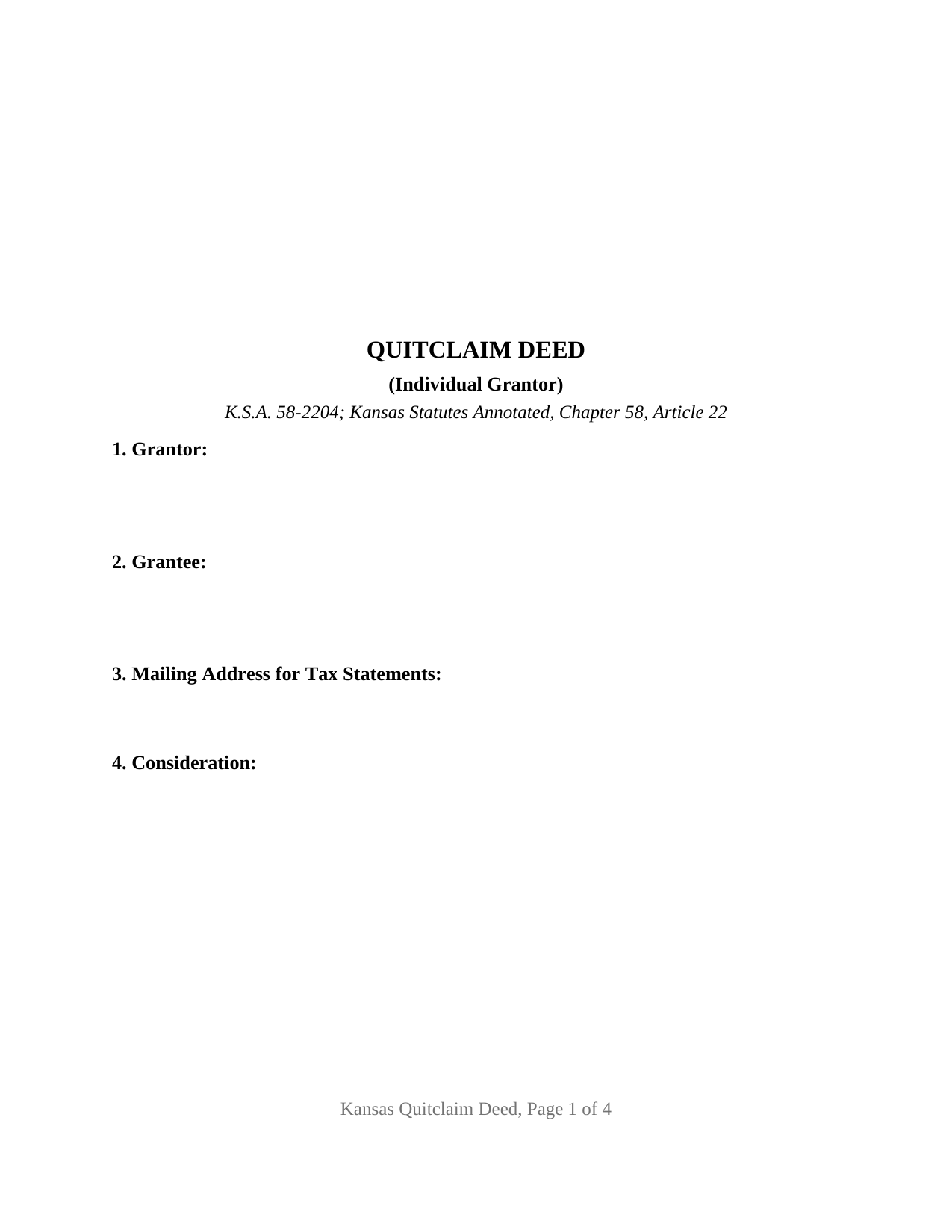
Chautauqua County Quitclaim Deed (Individual Grantor) Form
Fill in the blank Quitclaim Deed (Individual Grantor) form formatted to comply with all Kansas recording and content requirements.
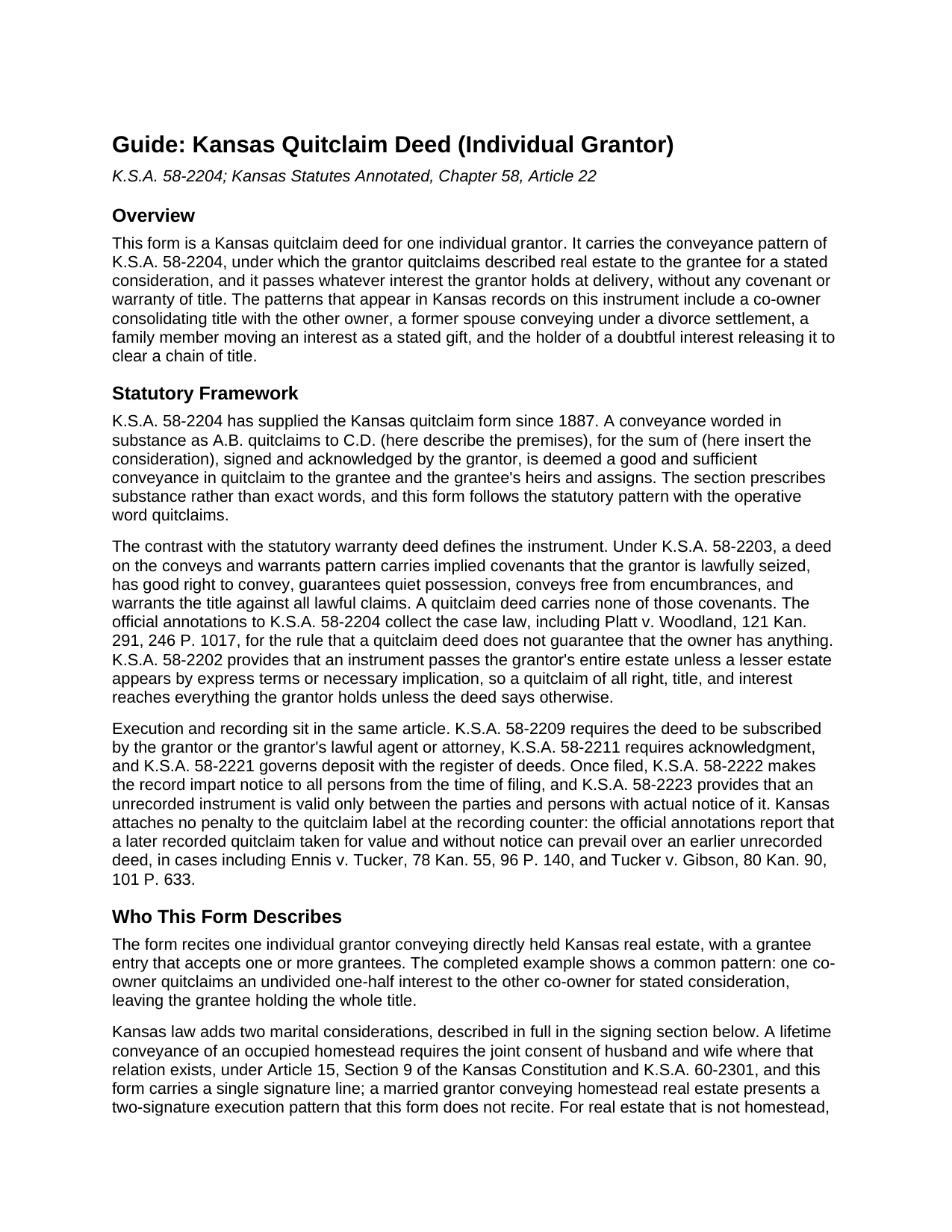
Chautauqua County Quitclaim Deed (Individual Grantor) Guide
Line by line guide explaining every blank on the Quitclaim Deed (Individual Grantor) form.
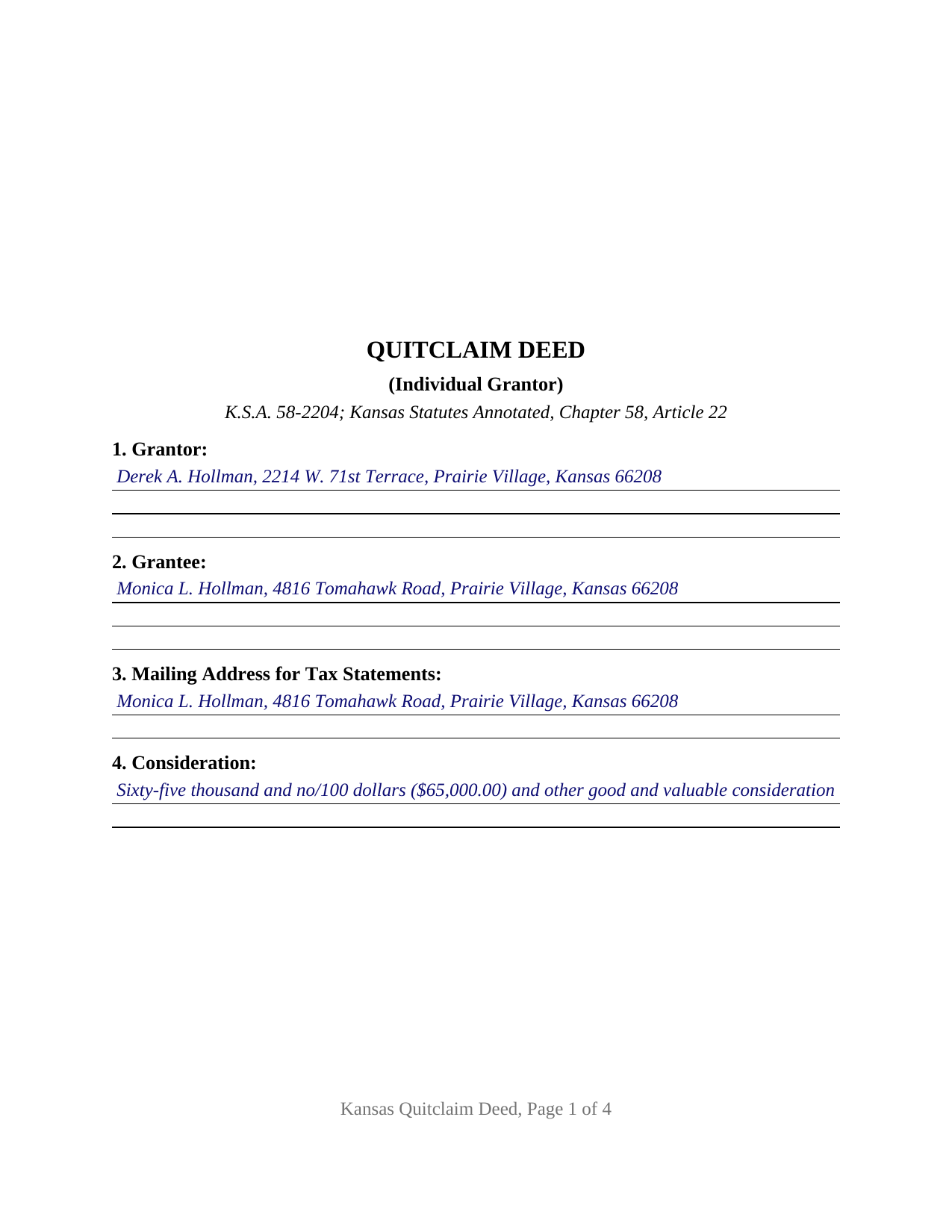
Chautauqua County Completed Example of the Quitclaim Deed (Individual Grantor) Document
Example of a properly completed Kansas Quitclaim Deed (Individual Grantor) document for reference.
All 3 documents above included • One-time purchase • No recurring fees
Immediate Download • Secure Checkout
Additional Kansas and Chautauqua County documents included at no extra charge:
Where to Record Your Documents
Chautauqua County Register of Deeds
Sedan, Kansas 67361
Hours: 8-12 & 1-4
Phone: (620) 725-5830
Recording Tips for Chautauqua County:
- Bring your driver's license or state-issued photo ID
- Ensure all signatures are in blue or black ink
- Check margin requirements - usually 1-2 inches at top
- Leave recording info boxes blank - the office fills these
- Make copies of your documents before recording - keep originals safe
Cities and Jurisdictions in Chautauqua County
Properties in any of these areas use Chautauqua County forms:
- Cedar Vale
- Chautauqua
- Niotaze
- Peru
- Sedan
Hours, fees, requirements, and more for Chautauqua County
How do I get my forms?
Forms are available for immediate download after payment. The Chautauqua County forms will be in your account ready to download to your computer. An account is created for you during checkout if you don't have one. Forms are NOT emailed.
Are these forms guaranteed to be recordable in Chautauqua County?
Yes. Our form blanks are guaranteed to meet or exceed the applicable formatting requirements used for recording in Chautauqua County, including margin requirements, font requirements, and other layout standards. This guarantee applies to formatting, not to the legal sufficiency of information entered by the user or the suitability of a form for a particular transaction.
Can I reuse these forms?
Yes. You can reuse the forms for your personal use. For example, if you have multiple properties in Chautauqua County you only need to order once.
What do I need to use these forms?
The forms are PDFs that you fill out on your computer. The free Adobe Acrobat Reader is recommended, and most PDF apps also work. You do NOT enter your property information online - you download the blank forms and complete them privately on your own computer.
Are there any recurring fees?
No. This is a one-time purchase. Nothing to cancel, no memberships, no recurring fees.
How much does it cost to record in Chautauqua County?
Recording fees in Chautauqua County vary. Contact the recorder's office at (620) 725-5830 for current fees.
Questions answered? Let's get started!
This fillable Kansas quitclaim deed is set up for one individual grantor: a single owner signs it, one acknowledgment certificate follows the signature, and the deed carries whatever interest that owner holds to the grantee, with no promises about what that interest is. The form follows K.S.A. 58-2204, the one-sentence statutory pattern Kansas has used since 1887, in which the grantor simply quitclaims the described real estate for the stated consideration. The instrument is also searched as a quit claim deed or a quick claim deed; Kansas law spells it quitclaim.
Interest, if any: what a Kansas quitclaim moves
A Kansas warranty deed built on the statutory words conveys and warrants carries implied covenants of seizin, right to convey, quiet possession, freedom from encumbrances, and warranty of title under K.S.A. 58-2203. A quitclaim deed carries none of them. It passes the grantor's right, title, and interest as of delivery, and the case law annotated under the quitclaim statute puts the point plainly: a quitclaim deed does not guarantee that the owner has anything. That trade is the instrument's purpose. Where a deed exists to release an interest rather than to promise one, the absence of covenants keeps the transaction clean, and the grantee measures the title by the county record rather than by the deed. The recording acts treat the instrument evenhandedly: under K.S.A. 58-2222 a recorded conveyance imparts notice from the time of filing, under K.S.A. 58-2223 an unrecorded one binds only the parties and persons with actual notice, and the Kansas annotations report recorded quitclaims taken for value prevailing over earlier unrecorded deeds.
One grantor, one signature, one certificate
The form recites exactly one individual grantor acting personally. Eleven numbered sections collect the parties, the mailing address for tax statements that K.S.A. 58-2221 contemplates, the consideration, the county and legal description, the source of title, an informational list of matters affecting title, the sales validation statement, and the operative conveyance. A single signature block carries a printed name line, matching the typed-name practice of K.S.A. 28-115(c), and the acknowledgment certificate follows the Kansas short form in K.A.R. 7-43-17, completed entirely by the notarial officer. The ownership patterns that present this configuration in the record include a co-owner conveying an undivided share to the other owner, a former spouse conveying under a divorce settlement, a relative passing an interest with the gift stated in the deed, and the holder of a doubtful interest releasing it to clear a chain of title. The form is not set up as a two-spouse homestead conveyance, which the Kansas Constitution makes a joint consent transaction, and it does not recite trustee, entity, or attorney-in-fact capacity; the guide describes those boundaries and the spousal consent rules in full.
The questionnaire at the recording counter
Kansas recording intake asks one question of every deed: where is the sales validation questionnaire? K.S.A. 79-1437c bars the register of deeds from recording a deed unless the Department of Revenue questionnaire accompanies it or an exemption under K.S.A. 79-1437e applies and is clearly stated on the deed itself, and the register cannot add that statement at the counter. Section 9 of this form carries the exemption statement with a blank for the exemption that applies; on a nonexempt transfer, the completed questionnaire simply travels with the deed, unrecorded and confidential by statute. Recording fees follow K.S.A. 28-115, published on county schedules at $21 for the first page and $17 for each additional page, and Kansas collects no deed transfer tax. The page itself is built for Kansas intake: letter size, a 3 inch first-page reserve for the recording stamp, 1 inch margins, and 12 point type, inside every figure the large-county format sheets publish.
What arrives with the purchase
The download delivers the fillable Kansas quitclaim deed form, a completed example showing a Johnson County transfer between co-owners, and a guide that walks each section of the form, the signing and notarization formalities, the homestead and spousal consent rules, and the recording process. The materials describe Kansas law in general terms and are not legal advice.
Important: Your property must be located in Chautauqua County to use these forms. Documents should be recorded at the county recording office listed above.
This Quitclaim Deed (Individual Grantor) meets all recording requirements specific to Chautauqua County.
Our Promise
The documents you receive here are guaranteed to meet or exceed the applicable Chautauqua County recording format requirements. If there is a rejection caused by our formatting, we will correct the issue or refund your payment. This guarantee applies to document formatting only and does not extend to information entered by the user, the selection of the form, or the legal effect of the completed document.
Save Time and Money
Get your Chautauqua County Quitclaim Deed (Individual Grantor) form done right the first time with Deeds.com Uniform Conveyancing Blanks. At Deeds.com, we understand that your time and money are valuable resources, and we don't want you to face a penalty fee or rejection imposed by a county recorder for submitting nonstandard documents. We constantly review and update our forms to meet rapidly changing state and county recording requirements for roughly 3,500 counties and local jurisdictions.
4.8 out of 5 - ( 4,862 Reviews )
Elverta B. 5 out of 5 stars
Very easy to complete Quitclaim Deed
We’re glad to hear things went well. Thank you for the review.
Debra G. 5 out of 5 stars
Nice, clear, well formatted documents. Good information provided.
Thank you for your kind words and for choosing us.
Ronald B. 5 out of 5 stars
Simple to use, download, fill-in and print.
We appreciate your business and value your feedback. Thank you. Have a wonderful day!
Steven H. 5 out of 5 stars
Great Product!!! Used the more commonly known websites before, but never again. It was easy, great examples to follow so that I was sure and confident that I completed the document correctly. Thank You!
Thank you for your feedback. We really appreciate it. Have a great day!
Denise G. 5 out of 5 stars
It would be helpful if an email was sent to notify you of any additional invoices needed, documents were accepted and/or recorded. It is not always convenient to check your website on a daily basis to determine the status of the requesting recordings.
Thank you for your feedback. We really appreciate it. Have a great day!
Lacee G. 5 out of 5 stars
Great real estate deed forms.
Thank you!
Rob F. 5 out of 5 stars
They are fantastic. I am a little technically challenged, but very helpful and respectful. Highly recommended. Thank you
We appreciate your business and value your feedback. Thank you. Have a wonderful day!
Kerrin S. 5 out of 5 stars
Wow, this was so easy & helpful. I didn't get it finished in time for recording, so I'm still waiting on that part, but the rest was simple and straight-forward. Thanks!
Thank you!
Karen C. 5 out of 5 stars
Very easy site to use and reasonably priced. My document was received by the county and filed within 1/2 hour.
Thank you for your feedback. We really appreciate it. Have a great day!
Lori A. 5 out of 5 stars
My county accessors office recommended this site. My Uncle passed away and did not leave a will and I needed to have his deed transferred into my name. I was able to do it using the sample Deeds.com provided. I used it as a guide to fill out the paperwork that I printed off of the Deeds.com site. I had no problem when I went to the county and turned in the paperwork and the clerk said everything looked great.
Thank you so much for taking the time to share your experience Lori. We are deeply sorry for your loss and understand how challenging managing affairs can be during such a difficult time. It's heartening to hear that our resources were helpful to you in transferring your uncle's deed into your name.
We strive to make complex processes more accessible and manageable, and your feedback affirms the value of our work. Knowing that the county assessor's office recommended us and that the clerk found everything in order with your paperwork is incredibly gratifying.
D F. 5 out of 5 stars
Find what i was looking for, and got the answers to my questions!! Thank you
Thank you!
Carl T. 5 out of 5 stars
Very simple to download and manage. very Impressed!
We appreciate your business and value your feedback. Thank you. Have a wonderful day!
Thomas D. 2 out of 5 stars
The documents themselves are fine and the information provided with them is helpful. I find the actual processing of the documents, however, to be difficult particularly once the document has been saved. First, I note that the box for the date only allows entry of the last 2 digits of the year. Unfortunately, my download only allows me to enter one of the 2 digits required. When I delete it repeatedly, it eventually allows both digits to be entered but puts them in extremely small text and in superscrypt. I have not found a solution to this problem and am not sure the deed can even be recorded with this problem. Another problem is that if you try to revise the document after you have saved it the curser goes to the end of the line after each key entry. This means that there basically is no way to efficiently save the document for reworking later since you will have to delete everything you have entered in the text box unless you only need to make a single keystroke change or are willing to replace the curser after each entry. Try that with a long property description! Please note that I am using a Mac to prepare my documents and perhaps this is part of an "incompatibility problem". However, I didn't see a disclaimer regarding Mac use and so would expect the documents to perform correctly. Overall, I give the program a "2 star" rating because I am experiencing significant difficulties in entering dates in the documents even before saving them and because saving your work for later revision appears to be basically unworkable.
Thank you for your feedback Thomas, we appreciate you being specific about the issues you encountered. Adobe and Mac have a fairly long history of issues working together.
Anne G. 5 out of 5 stars
I used deeds.com's services for the first time while the Stay at Home Order is in effect and found it to be very user friendly and seamless. I am very impressed.
Thank you Anne, glad we could help.
Jay W. 5 out of 5 stars
your service is more than I expected easy to navigate, great info, easy to understand. other other sites every time you go to next page there is something to buy to get the info you want. Jay
Thank you!