Chautauqua County Quitclaim Deed (Married Grantor with Non-Owner Spouse Joinder) Form
Last validated September 17, 2026 by our Forms Development TeamFormatted for recording in Chautauqua County, for property anywhere in the county: rural and unincorporated areas as well as Cedar Vale, Chautauqua, Niotaze, Peru, Sedan.
- 3 documents included
- Immediate PDF download
- Formatting guarantee
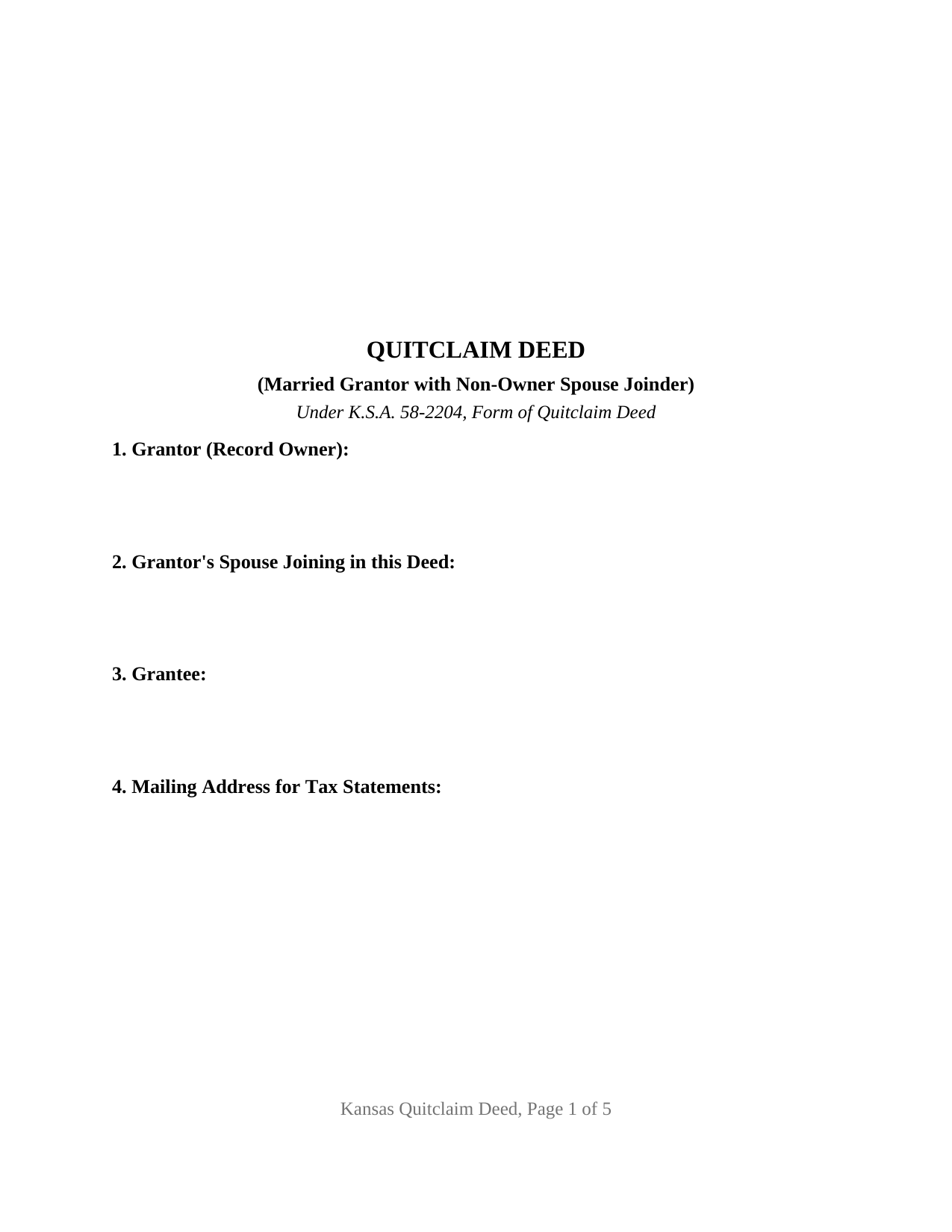
Chautauqua County Quitclaim Deed (Married Grantor with Non-Owner Spouse Joinder) Form
Fill in the blank Quitclaim Deed (Married Grantor with Non-Owner Spouse Joinder) form formatted to comply with all Kansas recording and content requirements.
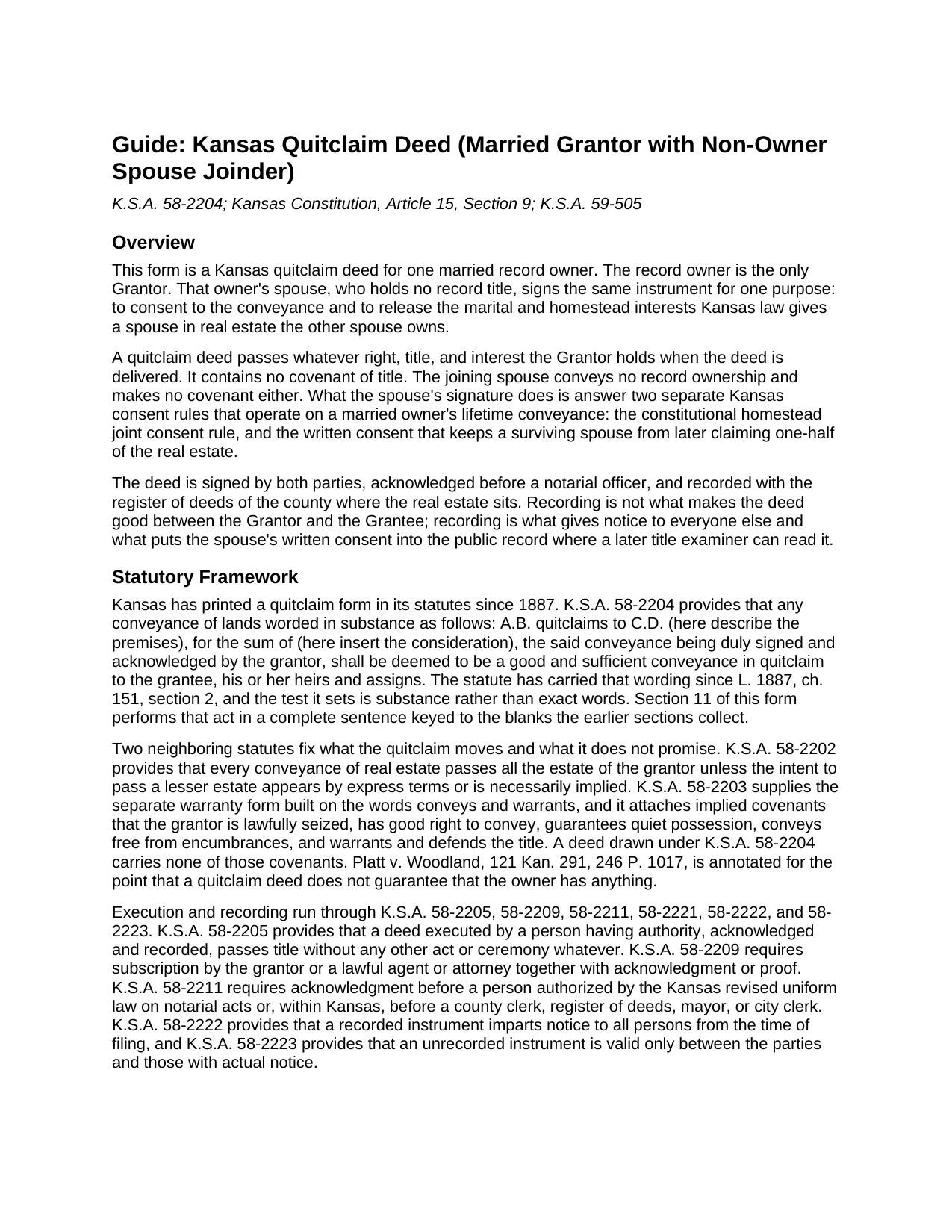
Chautauqua County Quitclaim Deed (Married Grantor with Non-Owner Spouse Joinder) Guide
Line by line guide explaining every blank on the Quitclaim Deed (Married Grantor with Non-Owner Spouse Joinder) form.
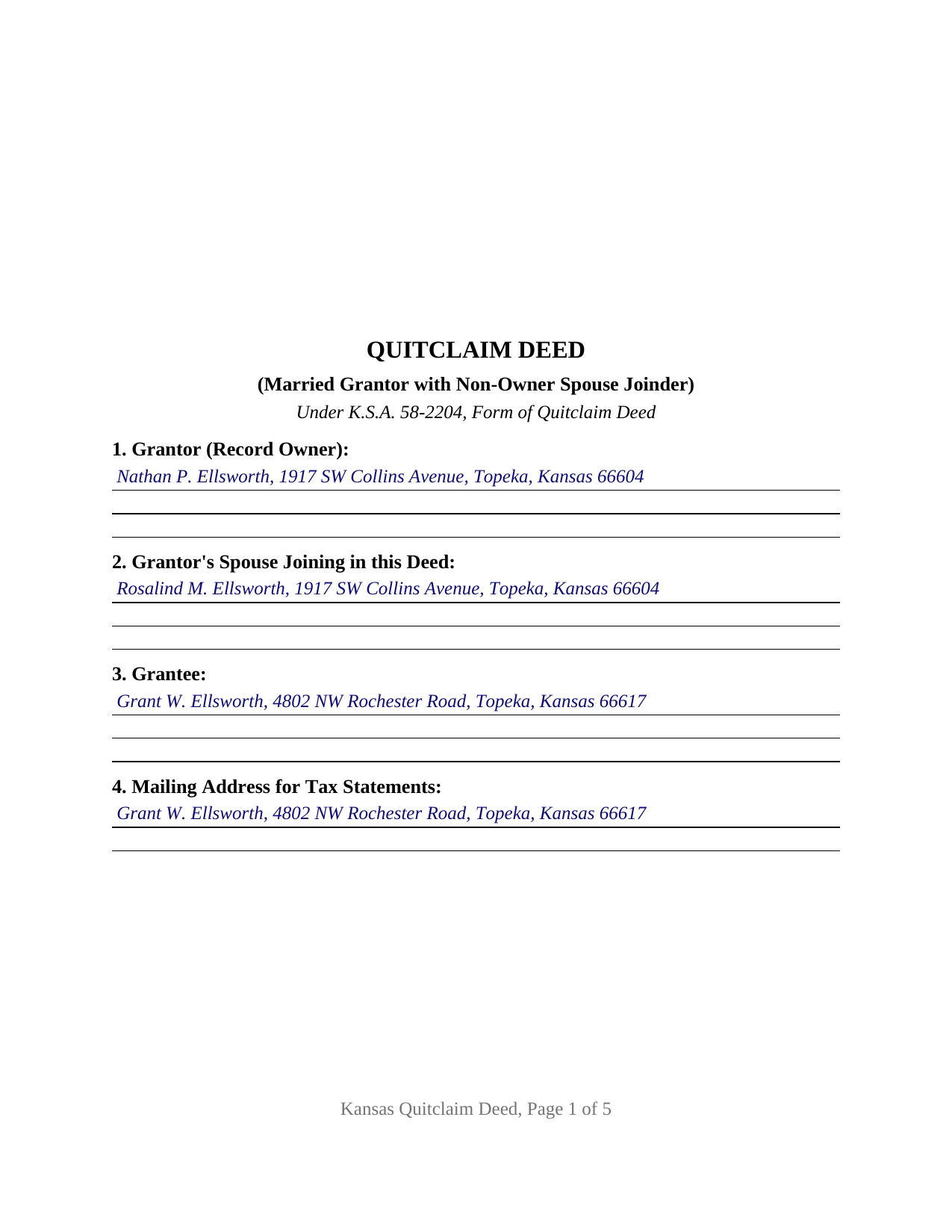
Chautauqua County Completed Example of the Quitclaim Deed (Married Grantor with Non-Owner Spouse Joinder) Document
Example of a properly completed Kansas Quitclaim Deed (Married Grantor with Non-Owner Spouse Joinder) document for reference.
All 3 documents above included • One-time purchase • No recurring fees
Immediate Download • Secure Checkout
Additional Kansas and Chautauqua County documents included at no extra charge:
Where to Record Your Documents
Chautauqua County Register of Deeds
Sedan, Kansas 67361
Hours: 8-12 & 1-4
Phone: (620) 725-5830
Recording Tips for Chautauqua County:
- Bring your driver's license or state-issued photo ID
- Ensure all signatures are in blue or black ink
- Ask if they accept credit cards - many offices are cash/check only
- Check that your notary's commission hasn't expired
- Documents must be on 8.5 x 11 inch white paper
Cities and Jurisdictions in Chautauqua County
Properties in any of these areas use Chautauqua County forms:
- Cedar Vale
- Chautauqua
- Niotaze
- Peru
- Sedan
Hours, fees, requirements, and more for Chautauqua County
How do I get my forms?
Forms are available for immediate download after payment. The Chautauqua County forms will be in your account ready to download to your computer. An account is created for you during checkout if you don't have one. Forms are NOT emailed.
Are these forms guaranteed to be recordable in Chautauqua County?
Yes. Our form blanks are guaranteed to meet or exceed the applicable formatting requirements used for recording in Chautauqua County, including margin requirements, font requirements, and other layout standards. This guarantee applies to formatting, not to the legal sufficiency of information entered by the user or the suitability of a form for a particular transaction.
Can I reuse these forms?
Yes. You can reuse the forms for your personal use. For example, if you have multiple properties in Chautauqua County you only need to order once.
What do I need to use these forms?
The forms are PDFs that you fill out on your computer. The free Adobe Acrobat Reader is recommended, and most PDF apps also work. You do NOT enter your property information online - you download the blank forms and complete them privately on your own computer.
Are there any recurring fees?
No. This is a one-time purchase. Nothing to cancel, no memberships, no recurring fees.
How much does it cost to record in Chautauqua County?
Recording fees in Chautauqua County vary. Contact the recorder's office at (620) 725-5830 for current fees.
Questions answered? Let's get started!
One name sits in the granting clause of this Kansas quitclaim deed, and two names sit at the signature lines. The record owner is the only Grantor. That owner's husband or wife, holding no record title, signs the same page under a section spelling out what that signature does and does not do: the spouse consents, releases a homestead interest, and conveys nothing. A Kansas quit claim deed or quick claim deed with spousal consent means this arrangement.
A consent that is not a conveyance
Two Kansas rules reach a married owner's lifetime deed, for different reasons. Section 9 of Article 15 of the Kansas Constitution, echoed in K.S.A. 60-2301, protects a homestead of 160 acres of farming land or one acre inside a town or city occupied as a residence by the owner's family, and forbids alienation of it without the joint consent of husband and wife. Occupancy, not the source of title, makes land homestead in Kansas. Separately, K.S.A. 59-505 hands a surviving spouse one-half of any real estate the deceased spouse held at any point during the marriage and disposed of without the survivor's written consent. Section 12 answers both grounds and stops there: the joining spouse gives the constitutional consent, consents in writing for purposes of K.S.A. 59-505, releases every homestead and marital interest to the Grantee, and takes on no covenant of title. The annotations to K.S.A. 60-2301 report U.S. Bank NA v. McConnell, 48 Kan. App. 2d 892, where a spouse who signed a mortgage without signing the underlying note voluntarily consented to alienation of homestead rights.
One grantor, one joining spouse, thirteen sections
The architecture follows from that split. Section 1 collects a single record owner and Section 2 the spouse who joins; the sections between gather the grantee, the address Kansas routes to the county tax rolls under K.S.A. 58-2221, the consideration, the legal description, the source of title, and the sales validation statement. Section 11 then performs the conveyance and Section 12 the consent. Two labeled signature blocks follow, one captioned for the record owner and one for the joining spouse who is not a record owner, each carrying a printed name line, the typed-name practice of K.S.A. 28-115(c). A Kansas short-form certificate from K.A.R. 7-43-17 follows each signature, so the two acknowledgments can be taken weeks apart in different counties. Ownership patterns presenting this shape include a vesting deed older than the marriage passed to a child of an earlier marriage, a tract received alone from a parent released to a sibling, and occupied land whose record title has never carried the spouse's name. The form describes one record owner joined by one non-owner spouse, both acting personally; it states no trustee, entity, or agency capacity, and a transaction in which every signer already holds record title follows a different layout.
Quitclaim, in the 1887 words
K.S.A. 58-2204 has read the same way since 1887: a conveyance worded in substance as A.B. quitclaims to C.D., describing the premises, for a stated sum, signed and acknowledged by the grantor, is a good and sufficient conveyance in quitclaim. Substance rather than exact phrasing is the test, and Section 11 satisfies it in one sentence keyed to the blanks above it. What travels is the Grantor's interest as it stands at delivery. Absent by design is every covenant K.S.A. 58-2203 attaches to conveys and warrants: seizin, freedom from encumbrances, quiet possession, and the duty to defend.
Across the counter at the register of deeds
Two intake items decide whether the deed goes on record. First the questionnaire: K.S.A. 79-1437c blocks recording of a title transfer unless a completed Kansas sales validation questionnaire travels with it, or a K.S.A. 79-1437e exemption is written onto the instrument by the parties, the register having no authority to add it. Section 10 holds that space. Second the fee, published on county schedules under K.S.A. 28-115 at twenty-one dollars for page one and seventeen for each page after, with no deed transfer tax in Kansas. K.S.A. 28-115(e) meets a cramped first page with an added sheet at an added fee, so page one here holds three inches open.
The purchase brings the fillable deed, a completed example set in Shawnee County where a Topeka owner conveys to his adult son while his wife joins to consent, and a guide covering all thirteen sections, both consent statutes, the notarization of each signature, and recording. The materials describe Kansas law in general terms and are not legal advice.
Important: Your property must be located in Chautauqua County to use these forms. Documents should be recorded at the county recording office listed above.
This Quitclaim Deed (Married Grantor with Non-Owner Spouse Joinder) meets all recording requirements specific to Chautauqua County.
Our Promise
The documents you receive here are guaranteed to meet or exceed the applicable Chautauqua County recording format requirements. If there is a rejection caused by our formatting, we will correct the issue or refund your payment. This guarantee applies to document formatting only and does not extend to information entered by the user, the selection of the form, or the legal effect of the completed document.
Save Time and Money
Get your Chautauqua County Quitclaim Deed (Married Grantor with Non-Owner Spouse Joinder) form done right the first time with Deeds.com Uniform Conveyancing Blanks. At Deeds.com, we understand that your time and money are valuable resources, and we don't want you to face a penalty fee or rejection imposed by a county recorder for submitting nonstandard documents. We constantly review and update our forms to meet rapidly changing state and county recording requirements for roughly 3,500 counties and local jurisdictions.
4.8 out of 5 - ( 4,836 Reviews )
SAMANTHA P. 5 out of 5 stars
Very easy very clear very informative of direct information stating the obvious and the underlining of both contexts. Right place for the right Tools to establish ,verify ,correct then guidance for not only myself, but for our legacy that should and will be live on to be know. Thank you deeds.com!
Thank you!
Bill M. 4 out of 5 stars
PROS: Quick communication. Completed the task expediently. CONS: Deciphering what was being referred to on the website when needing the proper classification wasn't clear. Had to delve through your unfamiliar territory. But managed. OVERALL: Got the job done swiftly and the end result was satisfactory. Will use again.
Thank you!
lindsey r. 5 out of 5 stars
easy to use
Thank you!
JOHN R. 5 out of 5 stars
This is an Outstanding Website for easy access in expediting my property investment needs. Thank you for this much needed online service.
Thank you!
Alexis B. 5 out of 5 stars
Highly Pleased- Strongly Recommend Deeds.com Long review... sorry:-) Originally I was very skeptical due to the enormous amount of the scams going on now days and the number of online sources that "claim" to provide you with deed forms for free or for a few. Nothing that you need and want done is free. There is always a cost. So luckily I came across deeds.com. This was the only site that appeared to be simple, to the point, and made no crazy promises. So before selecting this site, I did a little more checking around/price checking to ensure I am getting the best price for the product I needed. I even checked Staples and Amazon to find that they do indeed sell these forms but I do not think the products they provide are specific for my state and county. They claim their forms provided are for all states but my state is specific and I prefer to have forms provided by Deeds.com that is based on Indiana statute that Deed.com clearly identifies on each form. Deeds.com price of $20 seemed a little high at first but when I saw the products provided, the $20 cost is more than reasonable and fair. You not only get the deed form specific for my state and my specific "county" but also the other various/supplemental forms that may be required. Being familiar with my state and knowing how tedious and anal my state is on everything, I was pleasantly please to see the info and extra supplemental forms provided. For example, a person new to the State who recently had property deeded to them, would not necessarily know about the Homestead tax exemption provided if property is your primary residents, over 65 exemption etc. I would highly recommend this site for anyone needing these documents because Deeds.com has you covered on any and all forms/info you could ever need! A bonus is that there is one flat fee and not monthly cost that you have to worry about canceling later unless you superficially select a monthly package. I love the fact that Deeds.com is nothing fancy. There is not a bunch of elaborate graphics etc. They only provide what you need and what they provide is very accurate. Deeds.com has a customer for life.
Thank you so much Alexis. We appreciate you, have a fantastic day.
Shirley L. 5 out of 5 stars
I am very happy with the results of my service received from Deeds.com. I found exactly what I needed in short order. Thanks
Thank you for your feedback. We really appreciate it. Have a great day!
Dennis M. 5 out of 5 stars
Very quick and easy to use. Deeds.com saved me a lot of money!
Thank you!
Lisa M. 5 out of 5 stars
Excellent service!!
We appreciate your business and value your feedback. Thank you. Have a wonderful day!
MARISSA G. 5 out of 5 stars
I recomemed this webside
Thank you for your feedback. We really appreciate it. Have a great day!
Catherine P. 5 out of 5 stars
I got what I needed and you provided great templates.
Thank you!
Johnny A. 5 out of 5 stars
My complete name is Johnny Alicea Rodriguez And the DEED is on my half brother and mine name. Jimmy Dominguez and myself Thanks
Chris H. 5 out of 5 stars
Fast and Easy. Did not have to leave my office to get this done.
Thank you!
JOSE M. 5 out of 5 stars
Excellent Website.
Thank you!
patricia w. 5 out of 5 stars
Fast, easy download of forms needed. Thank you, Deeds.com
Thank you!
Pamela S. 5 out of 5 stars
Very good thanks.
Thank you!