Finney County Release of Assignment of Leases and Rents Form
Last validated November 4, 2026 by our Forms Development TeamFormatted for recording in Finney County, for property anywhere in the county: rural and unincorporated areas as well as Garden City, Holcomb, Pierceville.
- 3 documents included
- Immediate PDF download
- Formatting guarantee
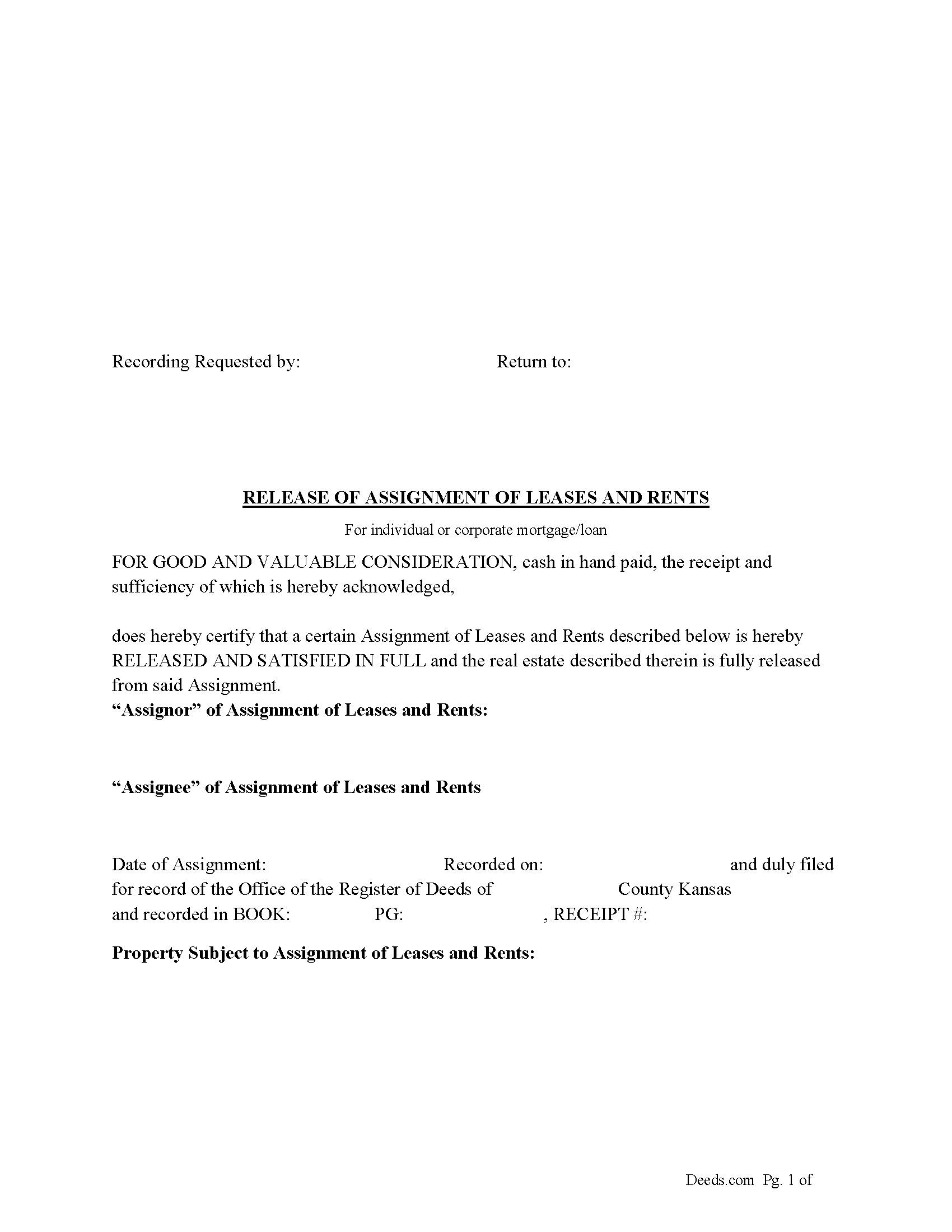
Finney County Release of Assignment of Leases and Rents Form
Fill in the blank form formatted to comply with all recording and content requirements.
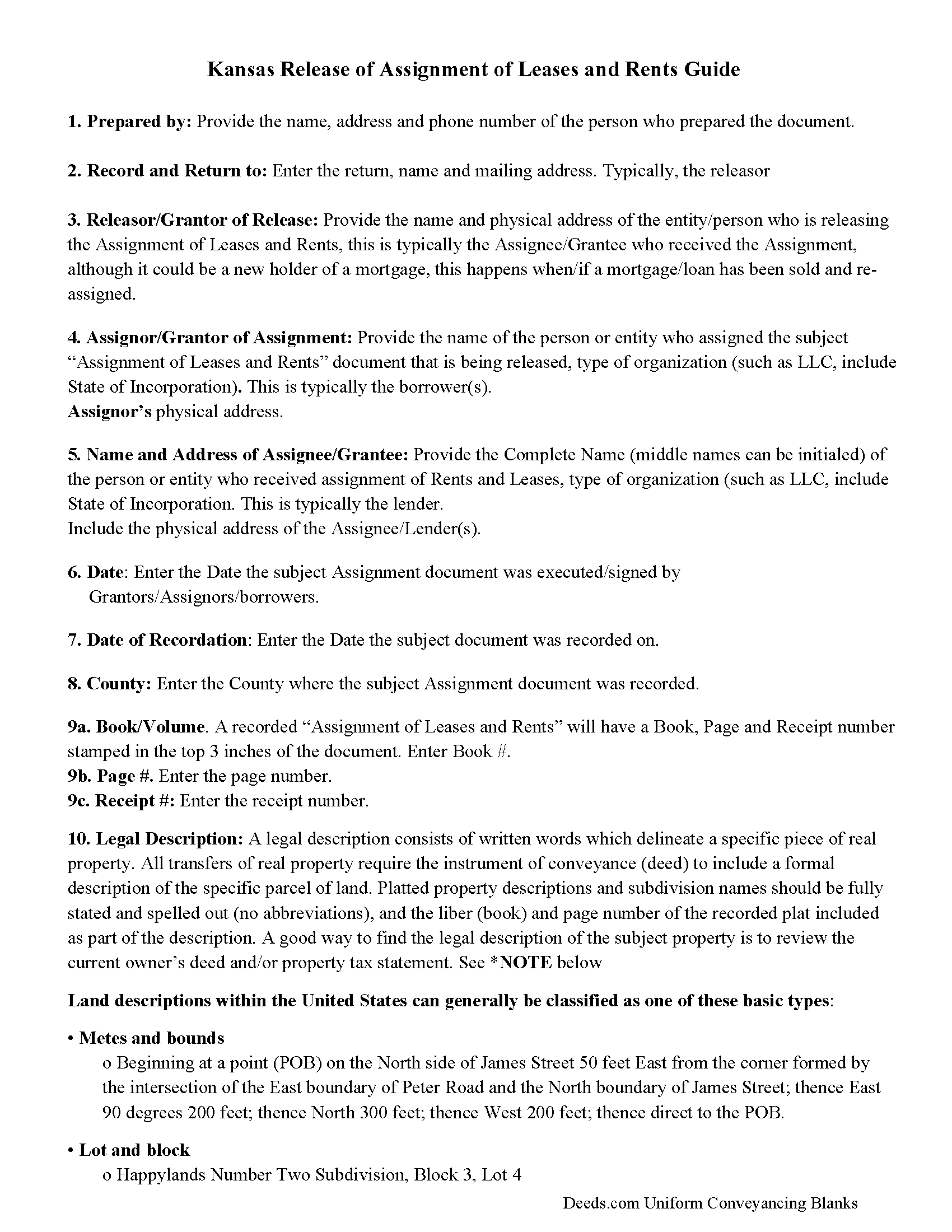
Finney County Release of Assignment of Leases and Rents Guide
Line by line guide explaining every blank on the Release of Assignment of Leases and Rents form.
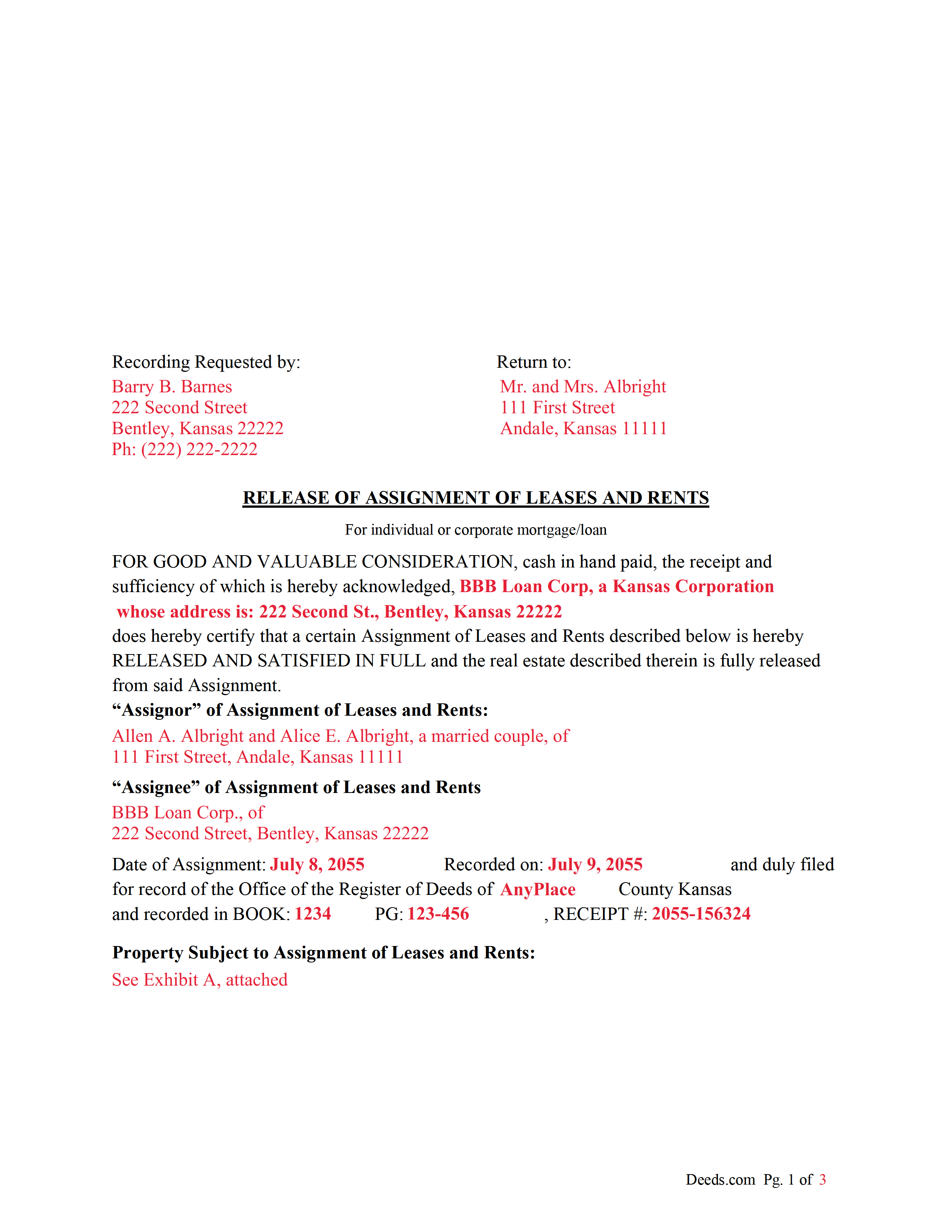
Finney County Completed Example of the Release Document
Example of a properly completed form for reference.
All 3 documents above included • One-time purchase • No recurring fees
Immediate Download • Secure Checkout
Additional Kansas and Finney County documents included at no extra charge:
Where to Record Your Documents
Finney County Register of Deeds
Garden City, Kansas 67846
Hours: 8:00am-5:00pm M-F
Phone: (620) 272-3520
Recording Tips for Finney County:
- Bring your driver's license or state-issued photo ID
- Ensure all signatures are in blue or black ink
- Check margin requirements - usually 1-2 inches at top
- Leave recording info boxes blank - the office fills these
- Make copies of your documents before recording - keep originals safe
Cities and Jurisdictions in Finney County
Properties in any of these areas use Finney County forms:
- Garden City
- Holcomb
- Pierceville
Hours, fees, requirements, and more for Finney County
How do I get my forms?
Forms are available for immediate download after payment. The Finney County forms will be in your account ready to download to your computer. An account is created for you during checkout if you don't have one. Forms are NOT emailed.
Are these forms guaranteed to be recordable in Finney County?
Yes. Our form blanks are guaranteed to meet or exceed the applicable formatting requirements used for recording in Finney County, including margin requirements, font requirements, and other layout standards. This guarantee applies to formatting, not to the legal sufficiency of information entered by the user or the suitability of a form for a particular transaction.
Can I reuse these forms?
Yes. You can reuse the forms for your personal use. For example, if you have multiple properties in Finney County you only need to order once.
What do I need to use these forms?
The forms are PDFs that you fill out on your computer. The free Adobe Acrobat Reader is recommended, and most PDF apps also work. You do NOT enter your property information online - you download the blank forms and complete them privately on your own computer.
Are there any recurring fees?
No. This is a one-time purchase. Nothing to cancel, no memberships, no recurring fees.
How much does it cost to record in Finney County?
Recording fees in Finney County vary. Contact the recorder's office at (620) 272-3520 for current fees.
Questions answered? Let's get started!
The "Release of Assignment of Leases and Rents" is a legal document used to relinquish the interest of the assignee in the rents and leases of a property, often when the associated loan or mortgage is fully paid off. In the context of Kansas real estate, the document would typically include:
Title: Clearly stated as "Release of Assignment of Leases and Rents" to indicate its purpose.
Introductory Clause: Identifying the document as a release to an earlier "Assignment of Leases and Rents," referencing the original document by date and possibly by the book and page number where it was recorded.
Identification of Parties: Names and addresses of the assignor (the current holder of the mortgage or beneficiary) and the assignee (the party to whom the rents and leases were originally assigned).
Description of Real Estate: Legal description of the property in question, which may include the street address, legal description used in public records, and any identifying parcel numbers.
Declaration of Satisfaction: A statement that the mortgage or obligation which prompted the assignment of rents and leases has been fully satisfied or paid in full.
Execution by Holder: Signature of the mortgage holder or their authorized representative, asserting that the condition for the assignment has been fulfilled.
Notarization: A notary public's acknowledgment that the holder signed the release, including the date and the notary's official seal.
State Statutes: The document might reference specific Kansas statutes that govern the release of mortgage and assignments, such as Kansas Statutes Annotated (K.S.A.) Section 58-2309 which requires that a mortgagee must promptly file a release of mortgage upon the satisfaction of the mortgage.
Filing Information: Instructions for filing the release with the appropriate county's Register of Deeds in Kansas to ensure that it becomes a part of the public record.
The actual format and content may vary depending on the specific requirements of the county in Kansas where the property is located, as well as any specific terms that were part of the original loan or mortgage agreement. It is important to consult with a legal professional to ensure that the release complies with all applicable laws and fulfills the necessary legal formalities.
(Kansas Release of Assignment of Leases and Rents Package includes form, guidelines, and completed example)
Important: Your property must be located in Finney County to use these forms. Documents should be recorded at the county recording office listed above.
This Release of Assignment of Leases and Rents meets all recording requirements specific to Finney County.
Our Promise
The documents you receive here are guaranteed to meet or exceed the applicable Finney County recording format requirements. If there is a rejection caused by our formatting, we will correct the issue or refund your payment. This guarantee applies to document formatting only and does not extend to information entered by the user, the selection of the form, or the legal effect of the completed document.
Save Time and Money
Get your Finney County Release of Assignment of Leases and Rents form done right the first time with Deeds.com Uniform Conveyancing Blanks. At Deeds.com, we understand that your time and money are valuable resources, and we don't want you to face a penalty fee or rejection imposed by a county recorder for submitting nonstandard documents. We constantly review and update our forms to meet rapidly changing state and county recording requirements for roughly 3,500 counties and local jurisdictions.
4.8 out of 5 - ( 4,853 Reviews )
Chanda B. 5 out of 5 stars
So easy to use!
Thank you!
Anthony L. 5 out of 5 stars
I recently needed an affidavit of death. The form and help tools made it easy to fill out and file. the Recorder accepted this form . Which made the experience painless and easy . All things considered..
We appreciate your business and value your feedback. Thank you. Have a wonderful day!
TERRY E. 5 out of 5 stars
Quick and eazy. Thankyou
Thank you for your kind words and for choosing us.
Tracey B. 5 out of 5 stars
Has no problems at all, everything was perfect. TB
Thanks Tracey, we appreciate your feedback.
Robert K. 5 out of 5 stars
This deed helped me a lot
Glad to hear that Robert. Have a great day!
ian a. 3 out of 5 stars
Your website advertising was somewhat deceptive regarding doing a quitclaim on a name change. "If you are transferring the property to yourself under your new name, all you have to do is update the deed from your former name to your current one." This made this sound easy. But when I downloaded the material for my state, expecting to find an example, there was no example of how to do a name change quitclaim deed! I therefore had to figure this out myself. You might have provided a warning about certain uses that were not covered in the material so that people know ahead of time that the use they needed to know about wasn't covered in the material.
Thank you for your feedback. We really appreciate it. Have a great day!
Todd J. 5 out of 5 stars
Super Easy!
Thank you!
Roderick S. 2 out of 5 stars
It all started out well, then I was abruptly told that I would have to submit the documents directly to the recording office. No explanation was offered and I wasted a lot of time on your website for nothing. Very disappointing, as the concept of e-recording is what is needed in 2026.
We reviewed your order and our support messages. The document uploaded for recording was a very low-quality scan that did not meet the county’s eRecording image requirements. Our staff asked that a clearer scan be uploaded, but the same image was submitted again.
Because the document could not be processed electronically, we advised recording it directly with the county recorder’s office.
E-recording systems require clear, legible document images that meet county standards. When those requirements cannot be met, recording directly with the recorder is often the fastest option.
Ralph S. 5 out of 5 stars
Excellent deed correction experience and guidance!!! Thank you! R. Scott.
We appreciate your business and value your feedback. Thank you. Have a wonderful day!
Meridith B. 5 out of 5 stars
Well, When I got the question right I got the answers right from Claim Deed. In the end it all worked out very, very good. I'm pleased with the deed and the price was very fair. Thank you for answering all my crazy questions. Now all we have to do is go to UPS and sign it. Thank, again.
Thank you!
Alan C. 3 out of 5 stars
I thought the instructions could have been a little better. I didn't know how to do this if the spouses are married but living in separate residences. Also I didn't understand the "Prior Instrument Reference". That should be explained better. Very sketchy instructions.
Thank you for your feedback. We really appreciate it. Have a great day!
Helen M. 1 out of 5 stars
The forms are very confusing when there is so much to download! Trying to keep track and make sure you have everything needed is terrible! I think I have everything but I was under the impression I would be filling it out online and with instructions... I am very disappointed to say the least!
Sorry to hear of your disappointment Helen. We have gone ahead and canceled your order and payment. We do hope that you are able to find something more suitable to your needs elsewhere. Have a wonderful day.
Jill S. 5 out of 5 stars
This was highly convenient and successful.
Glad to hear we could help Jill, thanks for the kind words!!
Barbara P. 5 out of 5 stars
Easy and fast!
We appreciate your business and value your feedback. Thank you. Have a wonderful day!
Susan S. 4 out of 5 stars
Great forms, easy to understand and use (the guide helped a lot). Recorded with no issues. Will be back when needed.
We appreciate your business and value your feedback. Thank you. Have a wonderful day!