Spencer County Contract for Deed and Promissory Note Form
Last validated October 26, 2026 by our Forms Development TeamFormatted for recording in Spencer County, for property anywhere in the county: rural and unincorporated areas as well as Mount Eden, Taylorsville.
- 7 documents included
- Immediate PDF download
- Formatting guarantee
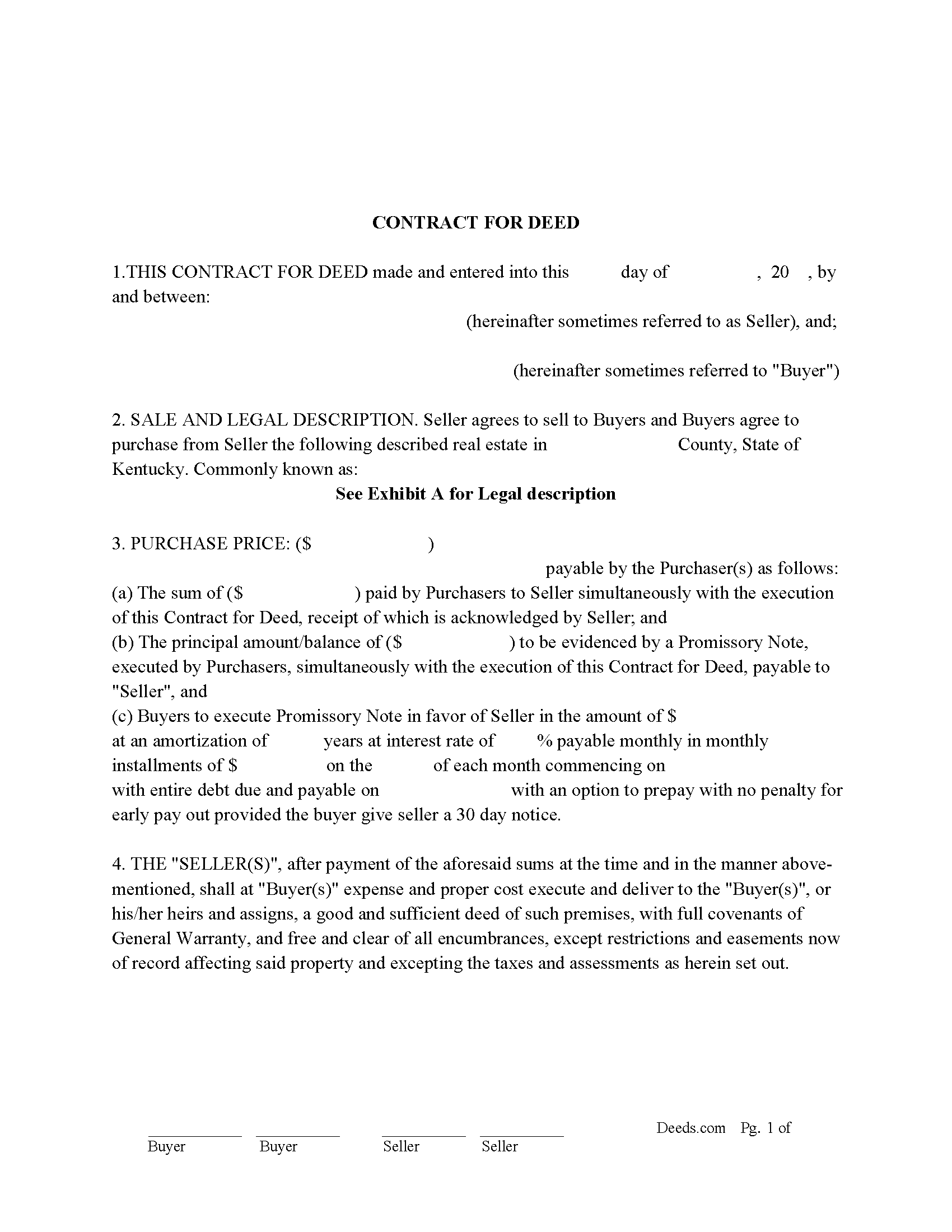
Spencer County Contract for Deed Form
Fill in the blank form formatted to comply with all recording and content requirements.
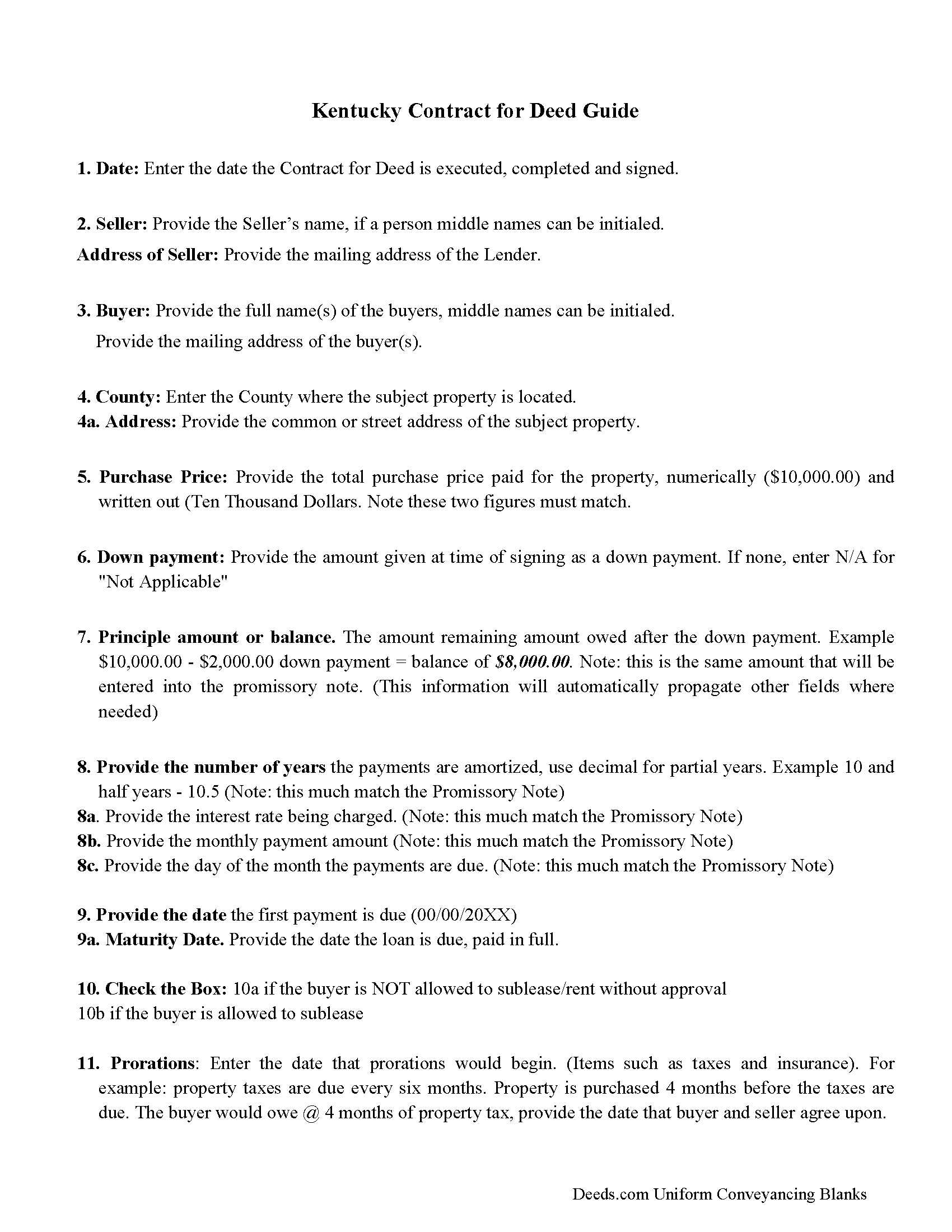
Spencer County Contract for Deed Guidelines
Line by line guide explaining every blank on the form.
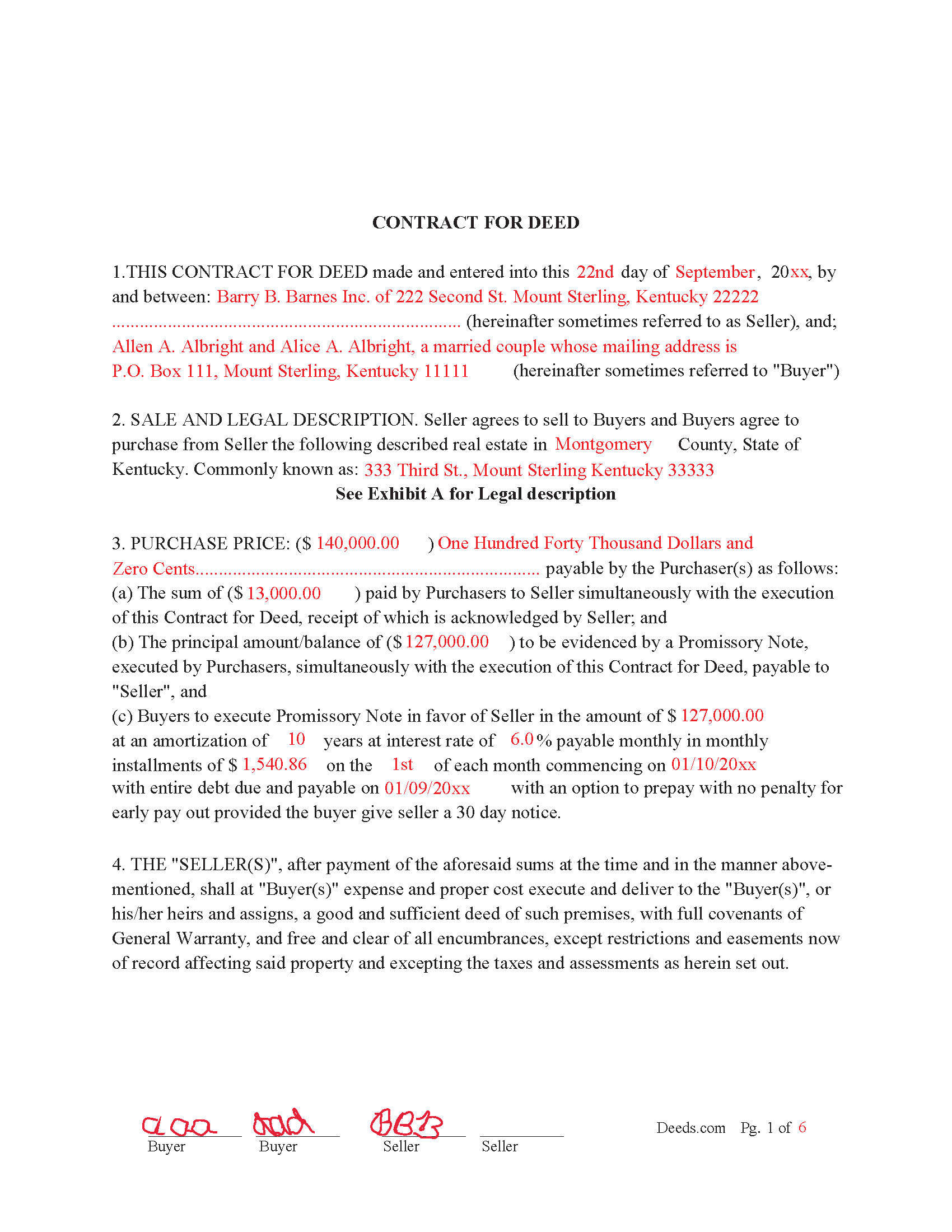
Spencer County Completed Example of the Contract for Deed
Example of a properly completed form for reference.
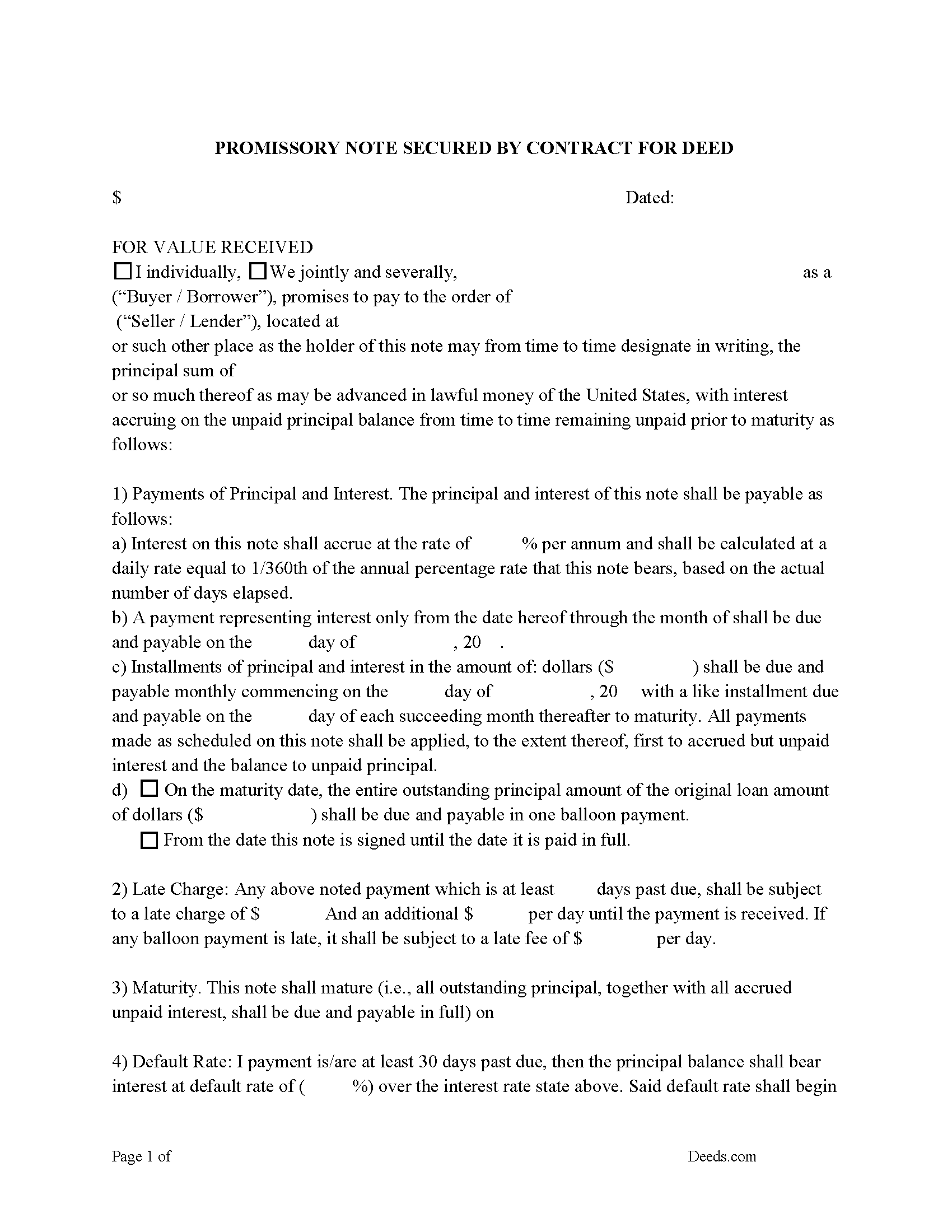
Spencer County Promissory Note Form
Note that is secured by the Contract for Deed. Can be used for traditional installments or balloon payment.
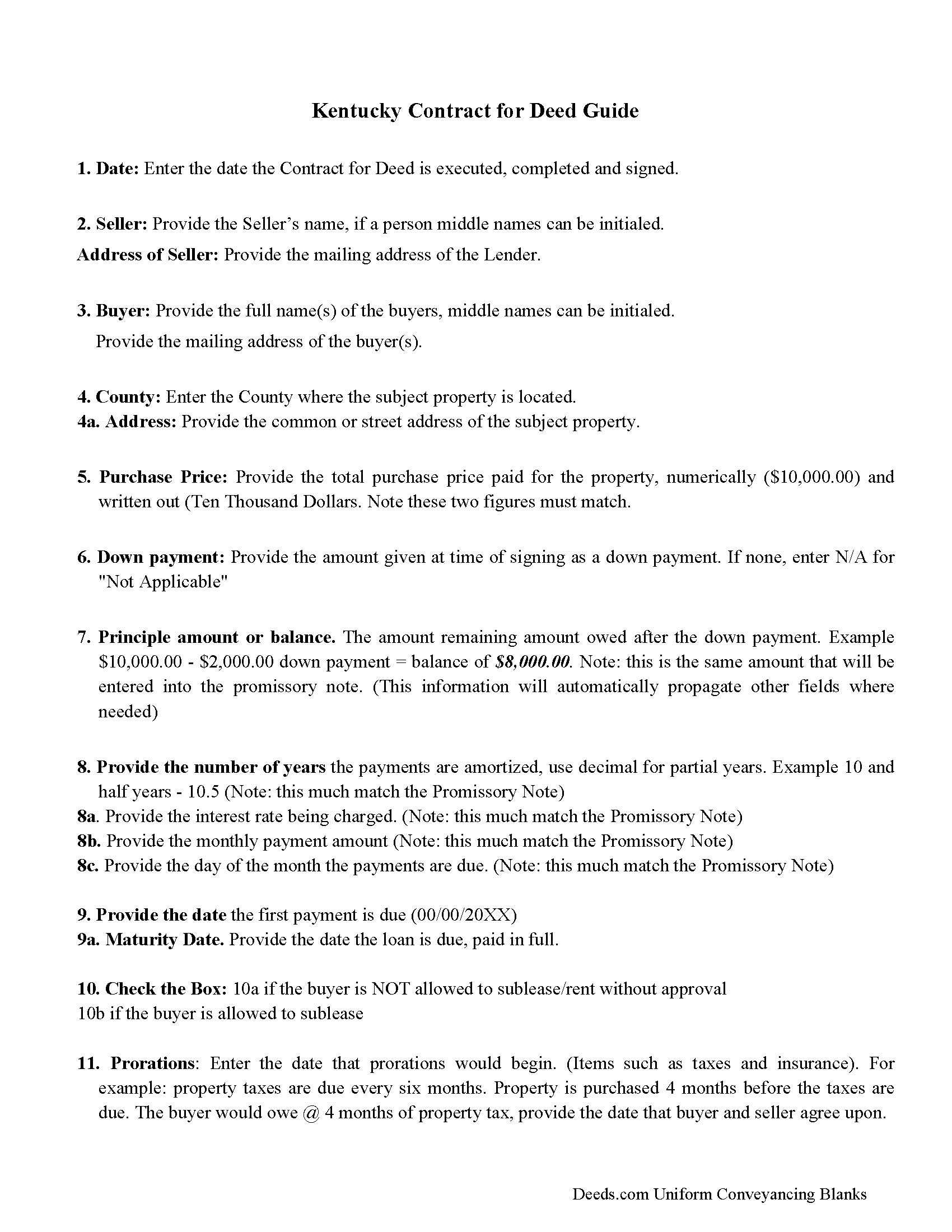
Spencer County Promissory Note Guidelines
Line by line guide explaining every blank on the form.
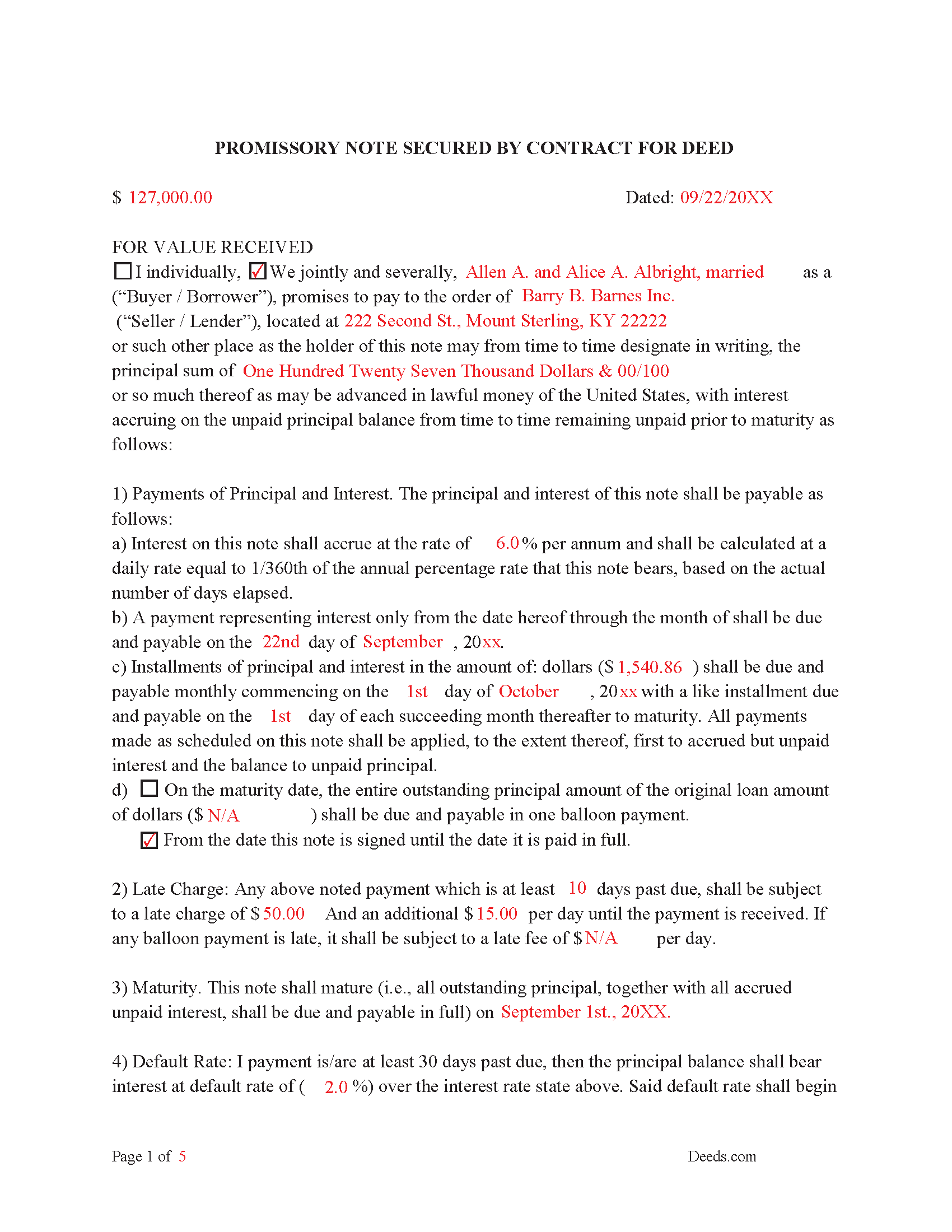
Spencer County Completed Example of the Promissory Note
Example of a properly completed form for reference.
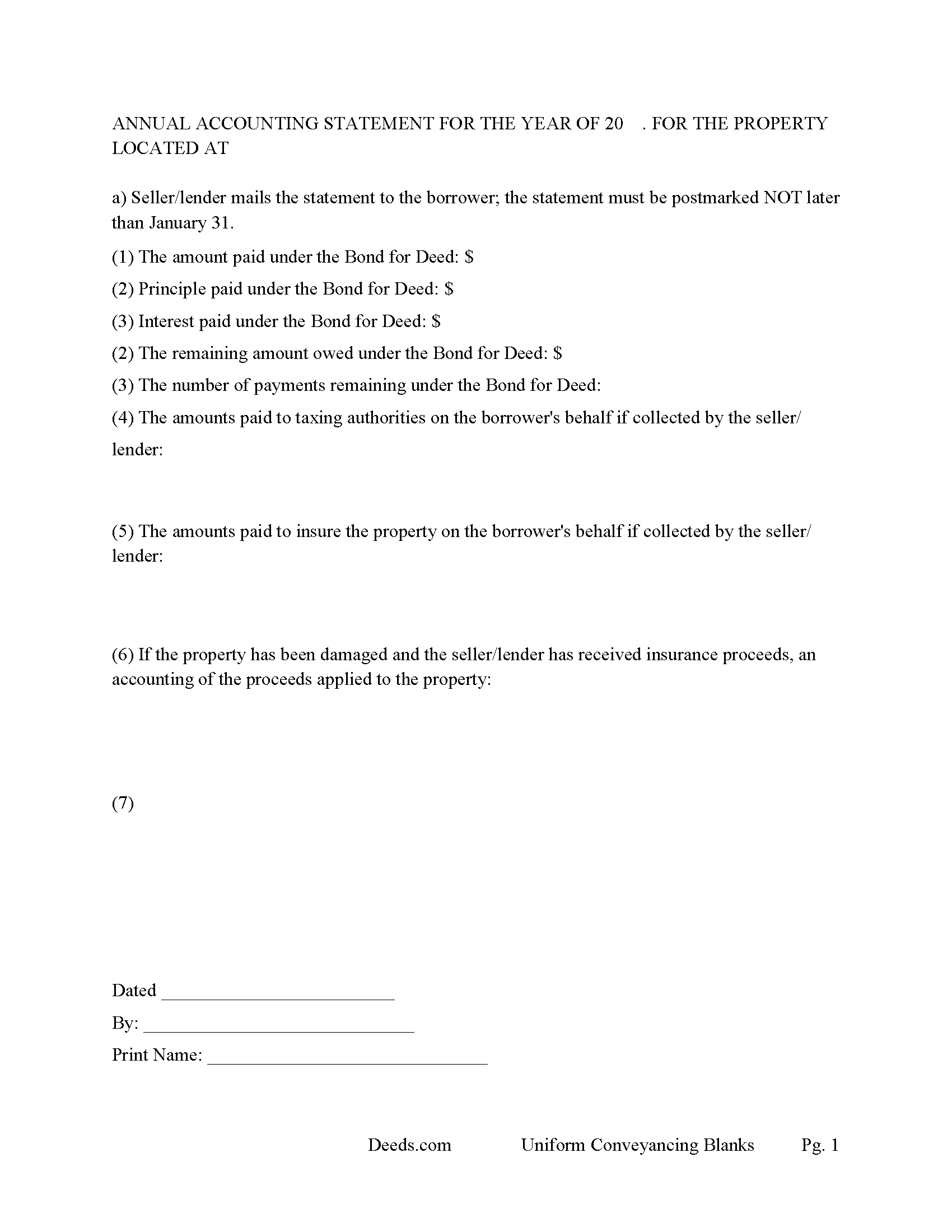
Spencer County Annual Accounting Statement Form
Fill in the blank Contract for Deed and Promissory Note form formatted to comply with all Kentucky recording and content requirements.
All 7 documents above included • One-time purchase • No recurring fees
Immediate Download • Secure Checkout
Additional Kentucky and Spencer County documents included at no extra charge:
Where to Record Your Documents
Spencer County Clerk
Taylorsville, Kentucky 40071
Hours: 8:00 to 4:30 Mon - Fri; Thu until 6:30
Phone: (502) 477-3215
Recording Tips for Spencer County:
- Bring your driver's license or state-issued photo ID
- Ensure all signatures are in blue or black ink
- Documents must be on 8.5 x 11 inch white paper
- Double-check legal descriptions match your existing deed
- Verify all names are spelled correctly before recording
Cities and Jurisdictions in Spencer County
Properties in any of these areas use Spencer County forms:
- Mount Eden
- Taylorsville
Hours, fees, requirements, and more for Spencer County
How do I get my forms?
Forms are available for immediate download after payment. The Spencer County forms will be in your account ready to download to your computer. An account is created for you during checkout if you don't have one. Forms are NOT emailed.
Are these forms guaranteed to be recordable in Spencer County?
Yes. Our form blanks are guaranteed to meet or exceed the applicable formatting requirements used for recording in Spencer County, including margin requirements, font requirements, and other layout standards. This guarantee applies to formatting, not to the legal sufficiency of information entered by the user or the suitability of a form for a particular transaction.
Can I reuse these forms?
Yes. You can reuse the forms for your personal use. For example, if you have multiple properties in Spencer County you only need to order once.
What do I need to use these forms?
The forms are PDFs that you fill out on your computer. The free Adobe Acrobat Reader is recommended, and most PDF apps also work. You do NOT enter your property information online - you download the blank forms and complete them privately on your own computer.
Are there any recurring fees?
No. This is a one-time purchase. Nothing to cancel, no memberships, no recurring fees.
How much does it cost to record in Spencer County?
Recording fees in Spencer County vary. Contact the recorder's office at (502) 477-3215 for current fees.
Questions answered? Let's get started!
Contract for Deed also known as a Land Contract
Included are Three forms:
(1) "Contract for Deed" evidenced by a Promissory Note and
(2) "Promissory Note" secured by a Contract for Deed.
(3) "Annual Accounting Statement"
This is considered a more secure method of owner financing than just a land contract because the promissory note is more elaborate and defining of late payments, defaults and penalties. Typically, a Contract for Deed is a recorded instrument, as where the promissory note is held onto by the Seller/Lender until the note is paid in full. These forms are governed by Kentucky law. A promissory note with strong default terms can be beneficial to the seller/lender.
The Contract for Deed form states that the consideration reflected is the fair market value for the property. The parties join this Contract for Deed for the sole purpose of certifying the consideration pursuant to Kentucky Revised Statutes Chapter 382. These forms offer the choice of typical installment payments or a balloon payment, which is common in land contracts, $XXX down, payments for 3-5 years with balance due of YYY.
(Kentucky Contract for Deed Package includes form, guidelines, and completed example) For use in Kentucky Only.
Important: Your property must be located in Spencer County to use these forms. Documents should be recorded at the county recording office listed above.
This Contract for Deed and Promissory Note meets all recording requirements specific to Spencer County.
Our Promise
The documents you receive here are guaranteed to meet or exceed the applicable Spencer County recording format requirements. If there is a rejection caused by our formatting, we will correct the issue or refund your payment. This guarantee applies to document formatting only and does not extend to information entered by the user, the selection of the form, or the legal effect of the completed document.
Save Time and Money
Get your Spencer County Contract for Deed and Promissory Note form done right the first time with Deeds.com Uniform Conveyancing Blanks. At Deeds.com, we understand that your time and money are valuable resources, and we don't want you to face a penalty fee or rejection imposed by a county recorder for submitting nonstandard documents. We constantly review and update our forms to meet rapidly changing state and county recording requirements for roughly 3,500 counties and local jurisdictions.
4.8 out of 5 - ( 4,837 Reviews )
Veronica T. 5 out of 5 stars
Great Service! Thank you
We appreciate your business and value your feedback. Thank you. Have a wonderful day!
RHONDA G. 4 out of 5 stars
Was driven to this site by the county website. It took a bit of work having to create an account, etc. The example was useful; however the example only showed both parties in the same county, nor did the instructions mention anything about differing counties. This caused an oversight on my part.
Your insights are invaluable to us and help us strive for better service. Thank you for taking the time to share your thoughts.
Tajsha N. 5 out of 5 stars
I would absolutely use this service again. It was very convenient and I was pleasantly surprised at how responsive the staff was letting me know updates to my recording package. Also, my documents recorded immediately. I did have trouble uploading my document in the beginning because I didn't realize it had to be a pdf file. Once I figured that out, it was immediately accepted. Great service!
We appreciate your business and value your feedback. Thank you. Have a wonderful day!
Madeleine W. 5 out of 5 stars
I was dubious at first that clicking on Deeds.com would lead to a phoney website to get personal info. I was very pleased that this is a legitimate & well-organized website with a large database of forms. Very easy to select forms, pay for them, & download them. No hassle, no pushing you to make additional purchases. Very straightforward & professional.
Thank you!
Terri A B. 5 out of 5 stars
The process was easy and cost was reasonable. My only suggestion is to allow user the ability to shorten the space between the county and state and the space after the month. I needed to draw a line at the courthouse before they would file it.
Your feedback is valuable to us and helps us improve. Thank you for sharing your thoughts!
james e. 5 out of 5 stars
Would be nice if these things downloaded with the type of document rather than a number
Thank you for your feedback. We really appreciate it. Have a great day!
Wanda B. 5 out of 5 stars
Great prompt and efficient service!
Thank you for your feedback. We really appreciate it. Have a great day!
Willie S. 5 out of 5 stars
So easy and fast. Since covid-19 is here, this option is perfect.
Thank you!
Bonnie M. 5 out of 5 stars
I received what I requested. Then I didn't need it after all.
Thank you for your feedback. We really appreciate it. Have a great day!
L B W. 4 out of 5 stars
Bottom line - it was certainly worth the $21 (+-?) I paid for the form and instructions, etc. Admittedly the form is a little inflexible in terms of editing for readability but I understand that offering greater flexibility would likely make theft more likely. So I'm happy with what I got. One suggestion - add more info about what's required in the "Source of Title" section.
Thank you for your feedback. We really appreciate it. Have a great day!
Paul A. 4 out of 5 stars
The website worked fast but the information was limited and the actual deed of trust was what i was looking for from the county --- the info was limited the website is fast and seemed accurate just limited the information I needed
Thank you!
David J. 5 out of 5 stars
Excellent documents, downloaded quick, completed and printed with no problems. Thank you
Thank you!
Norbert C. 5 out of 5 stars
Great resource and everything went smoothly except email was performed through autofill prompted by the system but the autofill added a letter that gave wrong email. I can still sign in with wrong email since the system recognizes it as mine even though it is wrong. May be my fault and not the system since I did not catch the discrepancy in time. I would suggest a field that allows a correction to any misinformation prior to signing out from the initial sign on. Still think it is a great resource if all documents are processed and accepted by the pwers to be. Thanks.
Thank you!
jonathan f. 5 out of 5 stars
I had a one time event. The website instructions were straightforward; the job was completed quickly; the cost was modest. I am completely satisfied and will not hesitate to use again.
We appreciate your business and value your feedback. Thank you. Have a wonderful day!
Alan C. 3 out of 5 stars
I thought the instructions could have been a little better. I didn't know how to do this if the spouses are married but living in separate residences. Also I didn't understand the "Prior Instrument Reference". That should be explained better. Very sketchy instructions.
Thank you for your feedback. We really appreciate it. Have a great day!